

Kaggle
AIA global data science community and platform for datasets, competitions, cloud notebooks, learning, and collaboration.
Kaggle
A global data science community and platform for datasets, competitions, cloud notebooks, learning, and collaboration.
About Kaggle
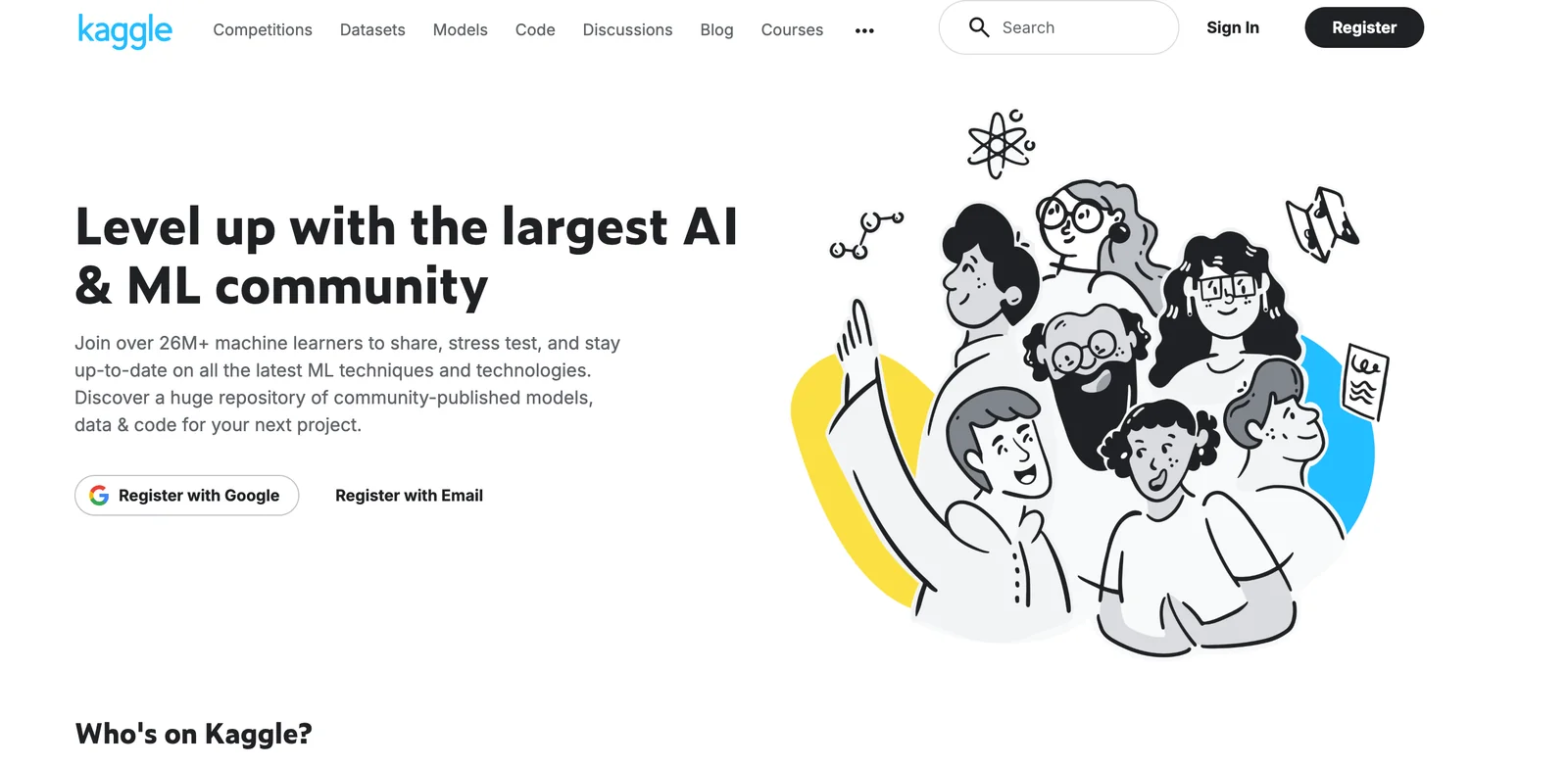
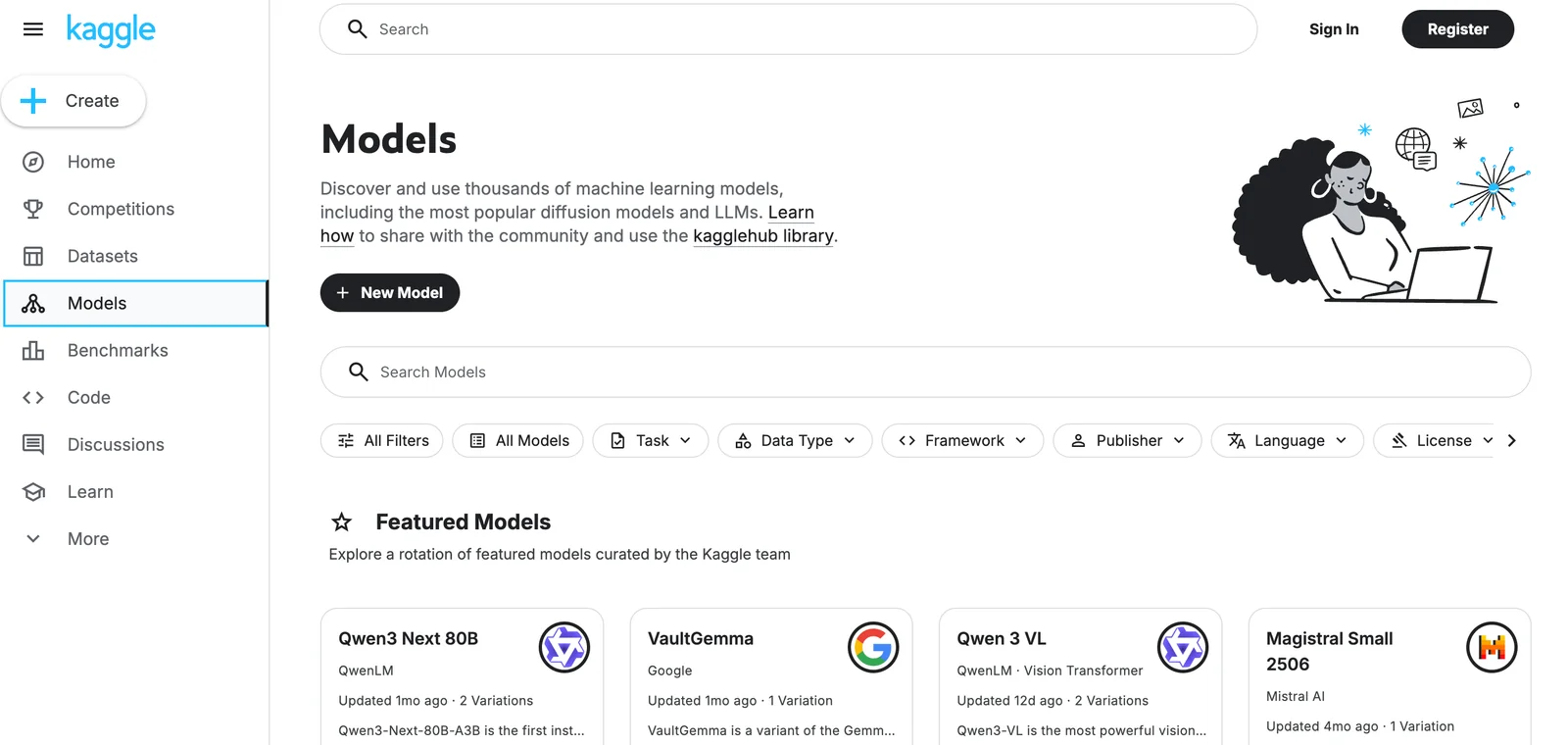
Kaggle is a community-driven platform that hosts datasets, machine learning competitions, interactive cloud notebooks, and learning resources for data scientists and researchers. Users can upload and share datasets, develop and run reproducible notebooks in a managed environment with CPUs/GPUs/TPUs, participate in prize or research competitions with public leaderboards, and collaborate via discussion forums and shared code. Kaggle uniquely combines searchable, versioned datasets, an integrated execution environment, and competition-driven benchmarking to accelerate model development, education, and open data research.
Screenshots
Key Features
Use Cases


Frequently asked questions about Kaggle
Is Kaggle free to use?
Yes, Kaggle is free to use. It provides a no-cost plan that includes access to a vast array of public datasets, participation in competitions, cloud-based notebooks with limited CPU/GPU/TPU usage, and engagement in community forums. You can start your data science journey without any financial commitment.
Key Points
- Free plan access to public datasets and competitions
- Cloud notebooks available with limited computational resources
- Active community forums for support and collaboration
Detailed Explanation
Kaggle is a popular platform for data scientists and machine learning enthusiasts. Its free plan allows users to explore and analyze numerous public datasets. You can participate in various competitions, which are excellent for enhancing your skills and gaining real-world experience.
Public Datasets
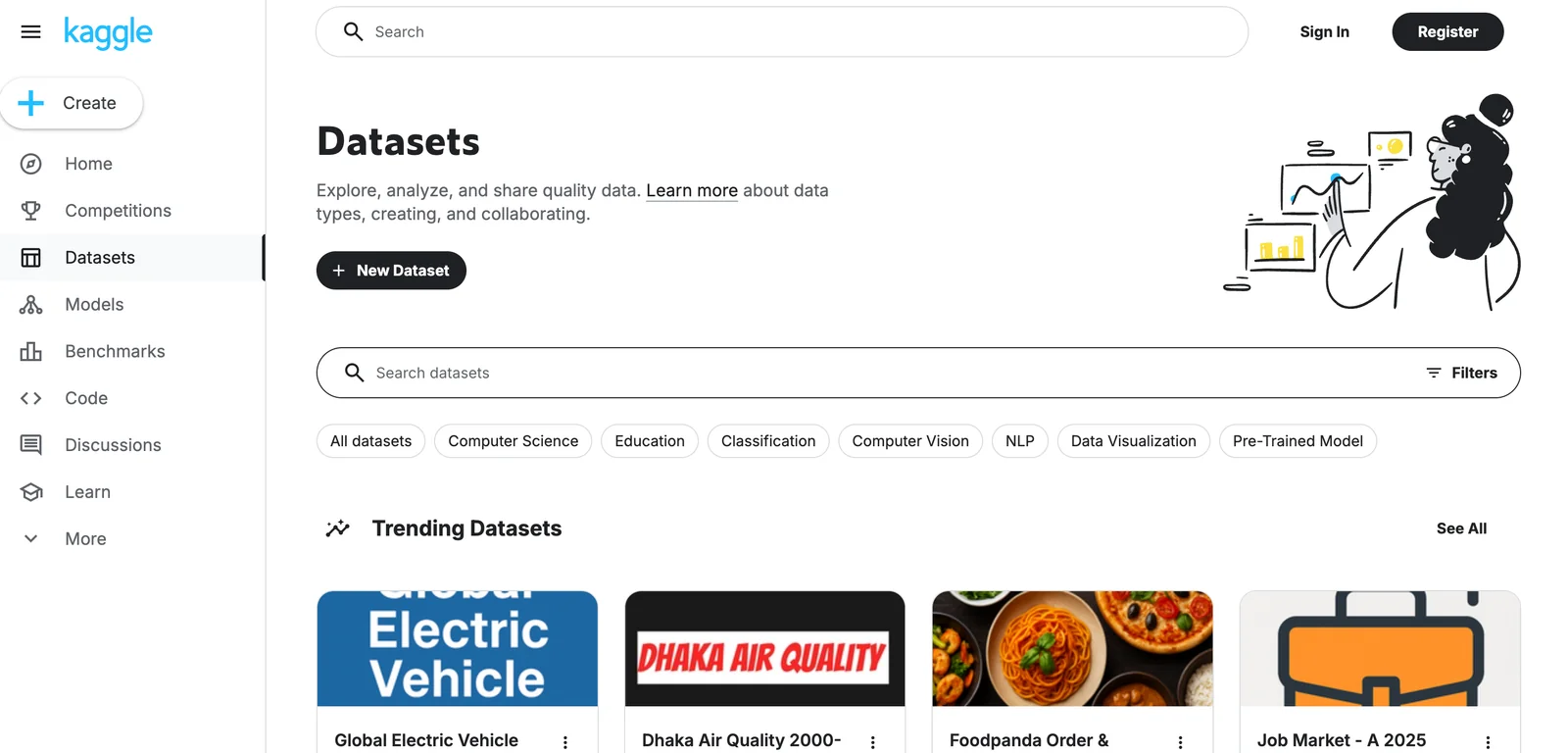
Kaggle hosts thousands of datasets across multiple domains, including finance, health, and social sciences. Users can easily search and filter datasets according to their interests. For example, you might find datasets related to COVID-19 or historical stock prices that can be used for analysis or modeling.
Competitions
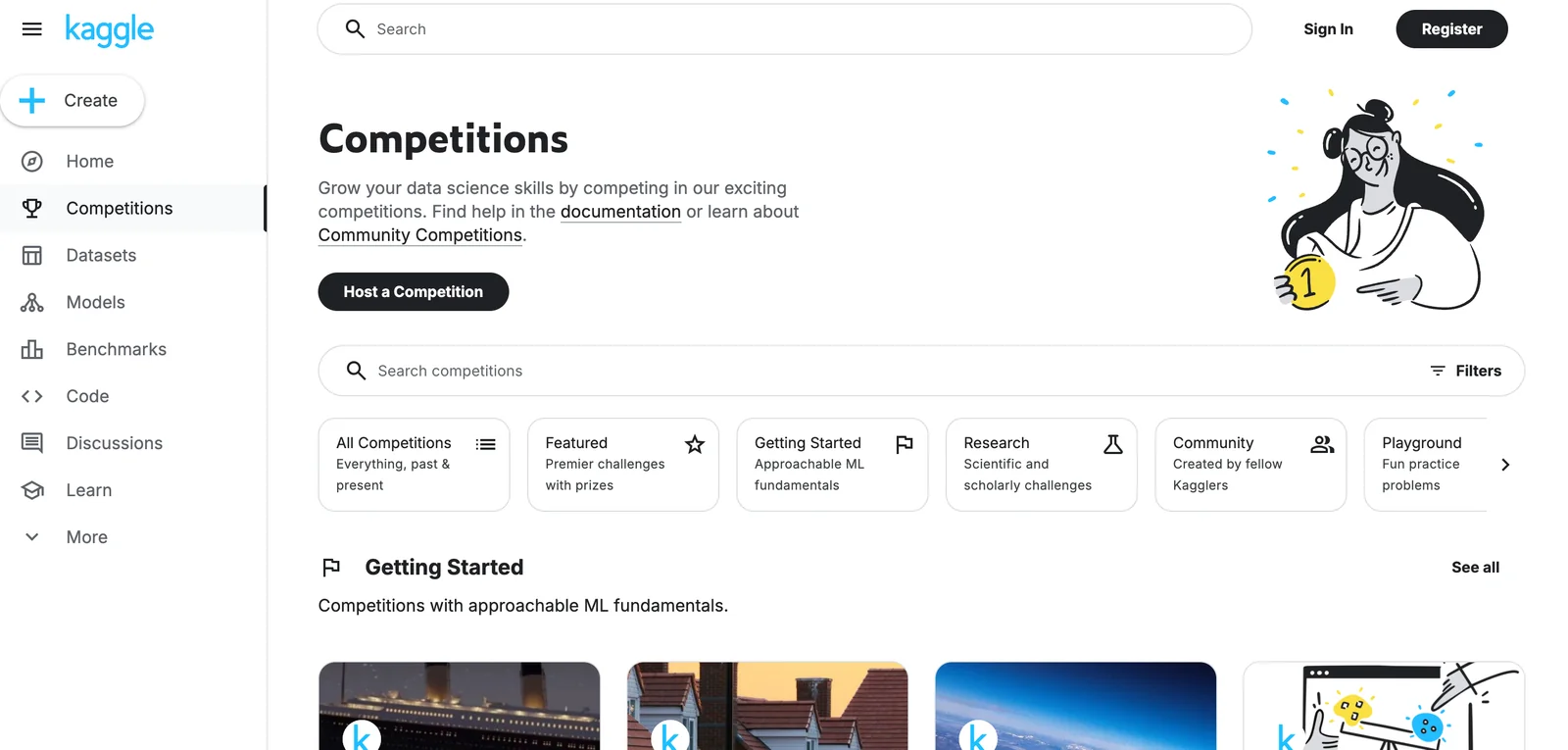
Kaggle competitions are a significant draw for users. They offer challenges where you can test your skills against others in the community. Many competitions provide prizes, including cash awards or job opportunities, making them an attractive option for aspiring data scientists.
Cloud Notebooks
Kaggle offers cloud-based notebooks, allowing users to write and execute code without the need for local resources. While the free plan has limitations on CPU, GPU, and TPU usage, it is sufficient for most beginner projects and small-scale analyses. You can run Jupyter-like notebooks directly in your browser, making them accessible from anywhere.
Community Forums
Kaggle's community forums are vibrant spaces where users can ask questions, share insights, and collaborate on projects. Engaging with the community can enhance your learning experience and provide support as you navigate data science challenges.
Best Practices / Tips
- Start with Tutorials: Utilize Kaggle's extensive tutorials to familiarize yourself with data science concepts and tools.
- Engage with the Community: Participate in forums and discussions to learn from others and gain exposure to different perspectives.
- Practice Regularly: Consistent practice in competitions or with datasets will sharpen your skills.
- Leverage Kernels: Explore and modify existing kernels (code notebooks) shared by the community to learn new techniques and approaches.
Additional Resources
What are the main features of Kaggle?
Kaggle offers powerful features including a vast dataset repository, managed competitions, cloud-based notebooks for coding, Kaggle Learn courses for skill enhancement, and active community forums for collaboration and discussion. These tools empower data scientists and machine learning practitioners to learn, compete, and innovate effectively.
Key Points
- Vast Dataset Repository: Access to diverse datasets
- Managed Competitions: Engage in data science challenges
- Cloud Notebooks: Code in a collaborative environment
- Kaggle Learn: Improve skills through structured courses
- Community Forums: Collaborate and discuss with peers
Detailed Explanation
Kaggle stands as a leading platform for data science and machine learning enthusiasts. Here’s a breakdown of its main features:
1. Vast Dataset Repository
Kaggle hosts thousands of datasets across various domains. Users can find data for machine learning, data analysis, and AI projects. For example, datasets like the Titanic survival data or COVID-19 tracking data are readily available. Users can easily search, filter, and download datasets for their projects.
2. Managed Competitions
Kaggle’s competitions allow users to test their skills against others. Companies post challenges, and participants can submit their models to win prizes and recognition. These competitions range from beginner to advanced levels, catering to all skill sets. For instance, the Kaggle Titanic competition is a popular starting point for newcomers.
3. Cloud Notebooks
Kaggle provides cloud-based Jupyter notebooks that allow users to write and execute code directly in their web browsers. This feature eliminates the need for local setup, making it easier to share work and collaborate with others. Notebooks can include visualizations and markdown for documentation, enhancing the presentation of results.
4. Kaggle Learn
Kaggle Learn offers free, hands-on courses covering essential data science topics. From Python basics to deep learning, these courses include interactive tutorials and practical exercises. This feature is particularly beneficial for those looking to build or upgrade their skills without any cost.
5. Community Forums
Kaggle’s community forums are vibrant spaces where users can ask questions, share knowledge, and connect with peers. Participants can discuss methodologies, share insights, or seek help on specific challenges. This collaborative environment fosters a sense of community and support among data enthusiasts.
Best Practices / Tips
- Explore Datasets Thoroughly: Before starting a project, spend time exploring available datasets. Look for datasets that best fit your objectives.
- Participate in Competitions: Join competitions to gain experience and learn from others. Even if you don't win, you can learn valuable lessons from the community.
- Utilize Cloud Notebooks: Take advantage of the cloud notebooks to save time on setup and focus on coding and analysis.
- Engage in Forums: Don’t hesitate to ask questions in the forums. The community is generally helpful and eager to assist.
Additional Resources
These resources can help you dive deeper into the features of Kaggle and maximize your learning and project potential.
How do I get started with Kaggle?
To get started with Kaggle, create a free account on their website, explore public datasets, and enroll in Kaggle Learn courses. Participate in competitions to practice your skills and connect with the data science community, enhancing your practical experience and knowledge.
Key Points
- Create a free Kaggle account to access resources.
- Explore public datasets for hands-on learning.
- Enroll in Kaggle Learn courses to build foundational skills.
Detailed Explanation
Kaggle is a platform that allows data enthusiasts and professionals to engage in data science projects through competitions, datasets, and community interaction. To begin your journey:
-
Create an Account: Visit Kaggle.com and sign up for a free account. You’ll need to provide an email address and create a password.
-
Explore Datasets: Once your account is set up, navigate to the Datasets section. Here, you can filter datasets by size, type, and the number of kernels (code notebooks) created. This is an excellent way to find data relevant to your interests. For example, you can explore the popular Titanic dataset to practice classification tasks.
-
Kaggle Learn Courses: Kaggle offers a series of short, hands-on courses on various data science topics. Start with beginner-friendly courses like "Python" and "Intro to Machine Learning" to build your foundation. Each course includes practical exercises that reinforce learning.
-
Join Competitions: Kaggle hosts competitions where you can apply your skills. Start with entry-level competitions such as the Titanic survival prediction challenge. These competitions provide datasets and a clear problem to solve, fostering a practical learning environment.
-
Engage with the Community: Kaggle has a vibrant community of data scientists. Participate in forums, discussions, and share your kernels (code notebooks) with the community to receive feedback and improve your skills.
Best Practices / Tips
- Start Small: Begin with beginner competitions to build confidence.
- Utilize Notebooks: Use Kaggle’s kernel feature to document your learning process and share with others.
- Collaborate: Join teams for competitions to learn from more experienced data scientists.
- Stay Updated: Follow Kaggle's announcements and community posts to discover new datasets, competitions, and features.
Additional Resources
How can I use the Kaggle API for my projects?
You can use the Kaggle API for your projects by installing the 'kaggle' Python package via pip. This powerful tool lets you download datasets, submit competition entries, and automate workflows, enhancing your data science projects significantly.
Key Points
- Installation: Install the Kaggle API package easily via pip.
- Functionality: Access datasets, competitions, and kernels programmatically.
- Authentication: Secure your API access with a Kaggle account API key.
Detailed Explanation
To integrate the Kaggle API into your projects, follow these steps:
-
Install the Kaggle API: Open your command line interface and run the command:
pip install kaggleThis command installs the latest version of the Kaggle API, enabling you to interact with Kaggle services directly from your Python scripts.
-
Authenticate Your Account:
- Go to your Kaggle account settings and find the "API" section.
- Click on "Create New API Token." This action downloads a file called
kaggle.json. - Move this file to the directory
~/.kaggle/on Linux and macOS orC:\Users\<YourUsername>\.kaggle\on Windows. Ensure that the permissions for this file are set to read-only for security.
-
Using the Kaggle API:
- Download Datasets: Use the command below to download datasets:
kaggle datasets download -d <dataset-name> - Submit Competition Entries: For competitions, you can submit your predictions using:
kaggle competitions submit -c <competition-name> -f <submission-file> - Automate Workflows: Create scripts that combine data downloading, preprocessing, and model training in a seamless workflow.
- Download Datasets: Use the command below to download datasets:
Best Practices / Tips
- Use Virtual Environments: To avoid package conflicts, consider using virtual environments like
venvorconda. - Check Dataset Metadata: Always review the dataset's metadata and description on Kaggle to understand its structure and licensing.
- Stay Updated: Regularly check for updates to the Kaggle API to ensure compatibility with new features or datasets.
Additional Resources
How does Kaggle compare to other data science platforms?
Kaggle is a leading data science platform that excels with its community-driven competitions, vast dataset repository, and free access to powerful cloud computing resources. This makes it an excellent choice for both beginners and experienced data scientists seeking collaboration, learning opportunities, and practical experience in real-world projects.
Key Points
- Community Engagement: Kaggle fosters a collaborative environment through competitions and forums.
- Extensive Datasets: Users can access thousands of datasets across various domains for diverse projects.
- Cloud Computing Resources: Kaggle provides free GPU and CPU resources, enabling efficient model training.
Detailed Explanation
Kaggle distinguishes itself from other data science platforms like DataCamp, Coursera, and Google Colab through its unique combination of features:
-
Community Engagement: Kaggle's competitions encourage users to participate in challenges where they can test their skills against others. This community-driven approach not only promotes learning but also allows users to build a portfolio showcasing their work. For instance, competitions like the Titanic Survival Prediction challenge help beginners gain hands-on experience with machine learning.
-
Extensive Datasets: With over 50,000 datasets available, Kaggle serves as a rich resource for data scientists. Users can search for datasets by category, such as finance, healthcare, or social science. This variety allows data scientists to explore different fields and improve their data wrangling skills. For example, the "House Prices: Advanced Regression Techniques" dataset is often used to practice regression modeling.
-
Cloud Computing Resources: Unlike many platforms that require a subscription for computational resources, Kaggle offers free access to powerful GPU and TPU instances. This feature is particularly beneficial for users who want to train large models without incurring costs. The integrated Jupyter notebooks allow for seamless coding and testing directly in the browser.
Best Practices / Tips
- Engage with the Community: Actively participate in forums and discussions to learn from experienced data scientists and get feedback on your work.
- Utilize Datasets Wisely: Explore various datasets to understand different data types and structures, which will enhance your adaptability in data handling.
- Take Advantage of Resources: Make full use of Kaggle's free cloud resources to experiment with complex models that you might not be able to run locally.
Additional Resources
Explore more AI Ai Models tools
Browse all Ai Models tools →- Soup CLI
- VibeVoice
- Laguna by Poolside
- Arena AI: The Official AI Ranking & LLM Leaderboard
- PromptLayer
- PHBench
Compare Kaggle: vs Soup CLI · vs VibeVoice · vs Laguna by Poolside · vs Arena AI: The Official AI Ranking & LLM Leaderboard