
MGX
AIA multi-agent autonomous developer platform that designs, codes, and ships full‑stack apps from natural-language 'vibe' prompts.
MGX
A multi-agent autonomous developer platform that designs, codes, and ships full‑stack apps from natural-language 'vibe' prompts.
About MGX
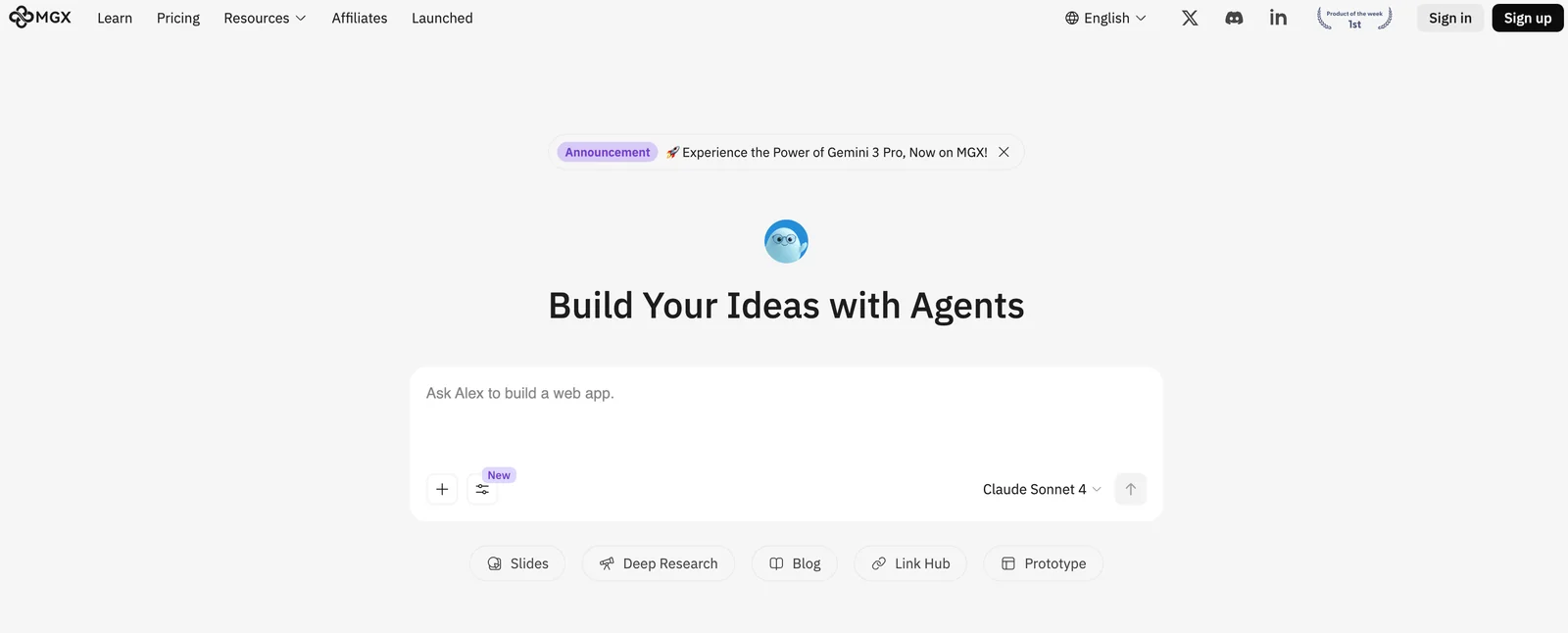
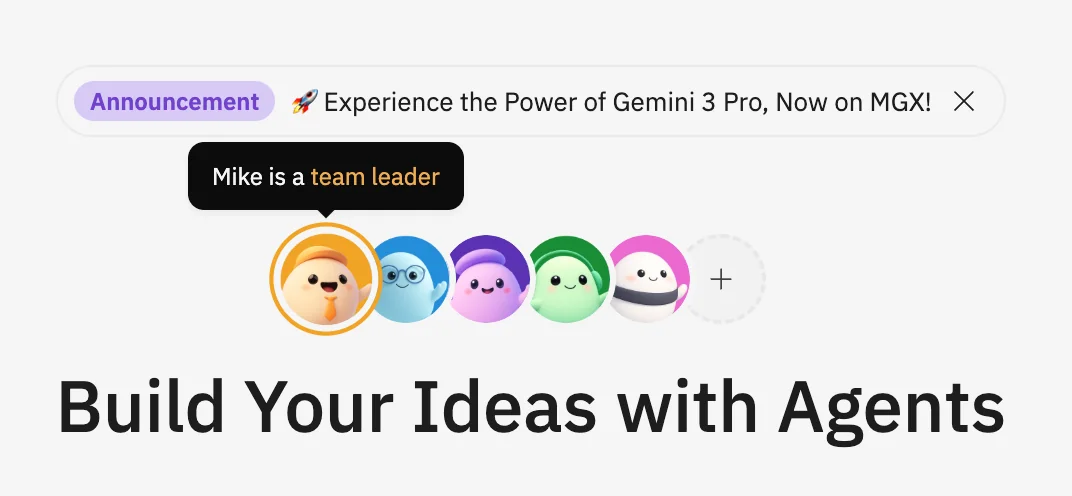
MGX (MetaGPT X) is a multi-agent platform that simulates a human software development team to design, build, and deploy applications using natural language. It coordinates specialized agents (design, frontend, backend, devops, testing, etc.) to translate a user’s vision or 'vibe' into UI, code, infrastructure, and deployments. MGX emphasizes end-to-end automation of the development lifecycle — from idea and prototyping through implementation, testing, and shipping — enabling rapid MVPs, iterative product development, and automated research or data analysis workflows.
Screenshots
Key Features
Use Cases



Frequently asked questions about MGX
What are the pricing options for MGX?
MGX offers a freemium pricing model, which includes a free tier providing 750,000 credits per day. For users requiring higher limits and premium features, paid subscription plans are available. Additionally, custom pricing options are offered for enterprises with specific needs.
Key Points
- Freemium Model: Includes a free tier with generous daily credits.
- Paid Subscriptions: Offers higher limits and advanced features.
- Custom Pricing: Tailored solutions for enterprise-level clients.
Detailed Explanation
MGX's pricing structure is designed to cater to various user needs, from individuals and small businesses to large enterprises.
-
Freemium Tier: The free tier is particularly attractive for users who wish to test the platform without any financial commitment. With 750,000 credits available each day, users can explore MGX’s features and functionalities thoroughly.
-
Paid Subscription Plans: For those who require more than the free tier offers, MGX has several paid subscription options. These plans increase the daily credit limit significantly and unlock additional premium features such as advanced analytics, priority support, and enhanced customization options. Pricing details for these subscriptions can vary based on the level of service and features included.
-
Enterprise Custom Pricing: Organizations with specific requirements can benefit from custom pricing arrangements. This ensures that enterprises have the resources they need without paying for unnecessary features. Enterprises can discuss their unique needs with MGX’s sales team to create a tailored solution.
Best Practices / Tips
- Evaluate Your Needs: Before choosing a plan, assess your daily usage and required features. The free tier is an excellent starting point for most users.
- Compare Plans: Review the differences between paid subscriptions to ensure you select the best option for your needs.
- Inquire About Discounts: Enterprises should ask about bulk purchase discounts or annual payment options that can reduce overall costs.
Additional Resources
- MGX Pricing Page - Official details on pricing tiers.
- MGX Features Overview - Comprehensive breakdown of functionalities across plans.
- MGX Support - Access to customer service for inquiries about custom enterprise solutions.
What key features does MGX provide for app development?
MGX offers key features for app development, including multi-agent teamwork, natural-language coding from vibe prompts, full-stack app generation, and automated project lifecycle management. These functionalities enhance collaboration, streamline coding processes, and simplify project management, making app development faster and more efficient.
Key Points
- Multi-Agent Teamwork: Encourages collaboration among various AI agents.
- Natural-Language Coding: Allows users to code using simple prompts.
- Full-Stack App Generation: Facilitates complete app creation from front-end to back-end.
- Automated Project Lifecycle Management: Streamlines the entire development process.
Detailed Explanation
MGX is designed to revolutionize app development through its innovative features:
-
Multi-Agent Teamwork: This feature enables several AI agents to collaborate on a project simultaneously. For example, while one agent develops the front-end interface, another can work on the back-end logic. This parallel processing significantly reduces development time.
-
Natural-Language Coding: Users can create code by simply describing what they want in plain language. For instance, a user could input “Create a login page with username and password fields,” and MGX would generate the corresponding code. This lowers the barrier for those without extensive coding experience.
-
Full-Stack App Generation: MGX provides tools to develop both the front-end and back-end of applications seamlessly. This means that developers can build complex applications without needing to switch between different platforms or tools.
-
Automated Project Lifecycle Management: With this feature, MGX handles various stages of project development, from planning and design to deployment and maintenance. This automation reduces the overhead of project management, allowing teams to focus on creativity and functionality.
Best Practices / Tips
- Utilize Multi-Agent Collaboration: Take advantage of the multi-agent feature by assigning specific tasks to each agent based on their strengths. This will enhance productivity and efficiency.
- Leverage Natural-Language Coding: When using natural-language coding, be as specific as possible in your prompts to receive the most accurate code. This reduces the need for revisions and accelerates the development process.
- Stay Updated: Regularly check for updates and new features in MGX to ensure you are leveraging the latest tools and capabilities for your projects.
Additional Resources
How can I start using MGX for my projects?
To start using MGX for your projects, visit their official website, sign up for a free account, and familiarize yourself with the intuitive interface. This platform empowers you to create applications easily using natural language prompts, making app development accessible to everyone.
Key Points
- Free Account Setup: Sign up for no cost to get started.
- User-Friendly Interface: Navigate the platform with ease.
- Natural Language Prompts: Create apps using simple text commands.
Detailed Explanation
To begin your journey with MGX, follow these simple steps:
- Visit the Official Website: Go to the MGX website at mgx.ai to access the platform.
- Create a Free Account: Click on the "Sign Up" button and fill in your details. MGX offers a free tier, allowing you to explore its features without any financial commitment.
- Explore the Dashboard: After signing in, take a tour of the user-friendly dashboard. Familiarize yourself with the layout, tools, and available templates.
- Use Natural Language Prompts: Start creating your first application by typing natural language commands. For example, you can input “Create a to-do list app” and MGX will generate a basic template for you.
- Customize Your App: Once your app is generated, you can tweak designs, add functionalities, and integrate features as needed.
MGX is ideal for both beginners and experienced developers looking to streamline the app creation process.
Best Practices / Tips
- Start Simple: Begin with basic projects to build your confidence and understanding of the platform.
- Utilize Templates: Leverage pre-existing templates offered by MGX to speed up your development process.
- Experiment with Features: Don’t hesitate to explore different functionalities, such as integrations with other services or advanced customization options.
- Seek Community Support: Join MGX forums or social media groups to exchange tips and get help from fellow users.
Additional Resources
- MGX Official Documentation: Comprehensive guides and tutorials.
- MGX Community Forum: Connect with other users and share experiences.
- MGX YouTube Channel: Visual guides and project showcases to inspire your work.
What are the technical requirements to use MGX?
MGX requires a stable internet connection and a modern web browser to operate efficiently on its cloud infrastructure. Additionally, users may need to refer to specific API integrations, which are thoroughly documented on the official MGX website.
Key Points
- Internet Connection: A reliable and fast internet connection is crucial.
- Web Browser: Use a modern browser like Chrome, Firefox, or Edge for optimal performance.
- API Integrations: Detailed documentation is available for specific API requirements.
Detailed Explanation
MGX is designed to function seamlessly on cloud infrastructure, making it accessible from anywhere with internet connectivity. Here are the core technical requirements:
-
Stable Internet Connection: A broadband connection is recommended to ensure smooth operation and fast data transfer rates. This is vital for real-time data processing and analytics features that MGX offers.
-
Modern Web Browser: To experience all functionalities, use an updated version of a popular web browser. Recommended browsers include:
- Google Chrome (latest version)
- Mozilla Firefox (latest version)
- Microsoft Edge (latest version)
Outdated browsers may not support certain features, leading to reduced performance or user experience.
-
API Integrations: MGX supports various API integrations, allowing users to connect with other software tools and platforms. For detailed instructions on how to set up these integrations, visit the official MGX documentation page.
For example, if you plan to integrate MGX with a CRM system, ensure you have the necessary API keys and credentials ready. This documentation often includes step-by-step guides and troubleshooting tips.
Best Practices / Tips
- Check Your Internet Speed: Use tools like Speedtest.net to verify your internet speed. Aim for at least 10 Mbps for optimal performance.
- Update Your Browser Regularly: Keep your browser up to date to avoid compatibility issues.
- Explore API Documentation: Familiarize yourself with the API documentation before starting integration to streamline the process and avoid common errors.
Additional Resources
How does MGX compare to other app development tools?
MGX differentiates itself from other app development tools by offering natural-language coding and multi-agent orchestration. These features enable rapid MVP creation and facilitate intuitive workflows, making it easier for developers and non-developers alike to create applications compared to traditional coding platforms.
Key Points
- Natural-Language Coding: Simplifies the coding process for users.
- Multi-Agent Orchestration: Enhances collaboration and workflow efficiency.
- Rapid MVP Creation: Accelerates the development cycle for startups.
Detailed Explanation
MGX is revolutionizing app development through its unique features. Natural-language coding allows users to write code in a way that feels conversational, making programming accessible even for those without extensive coding experience. This feature dramatically reduces the learning curve associated with traditional programming languages.
Multi-agent orchestration enables developers to design applications where multiple agents or components can work together seamlessly. For instance, in a collaborative project management tool, one agent could manage task assignments while another tracks deadlines. This orchestration leads to more efficient workflows, ensuring that various parts of an application can communicate and function harmoniously.
Developers can rapidly create Minimum Viable Products (MVPs) using MGX, allowing startups to test their ideas quickly and get feedback without investing significant resources upfront. This is particularly beneficial in today’s fast-paced market, where time-to-market can be critical for success.
Best Practices / Tips
- Leverage Natural-Language Features: Encourage team members, regardless of technical skill, to contribute by using MGX’s natural-language capabilities.
- Utilize Multi-Agent Workflows: Break complex applications into smaller, manageable components to enhance collaboration and streamline the development process.
- Iterate Quickly on MVPs: Focus on core features that address user needs, allowing for faster iterations based on real user feedback.
Additional Resources
Explore more AI Ai Agents tools
Browse all Ai Agents tools →Browse by use case: Automation & Productivity
Compare MGX: vs Apache Maka · vs Construct Computer · vs ShogunAI · vs fx