
Google Flow
AIAn experimental Google creative interface for AI filmmaking that orchestrates Veo 3, Gemini and Imagen to turn text ideas into cinematic scenes.
Google Flow
An experimental Google creative interface for AI filmmaking that orchestrates Veo 3, Gemini and Imagen to turn text ideas into cinematic scenes.
About Google Flow
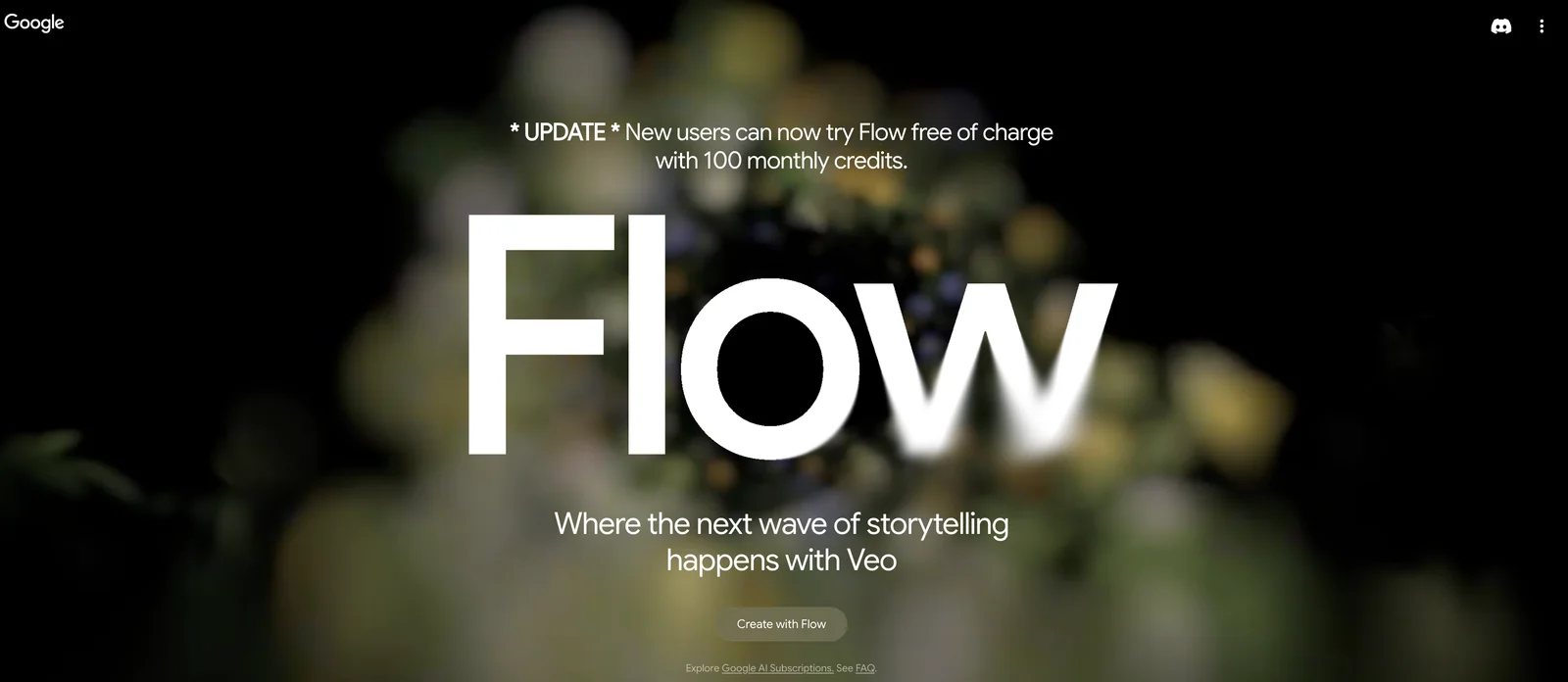
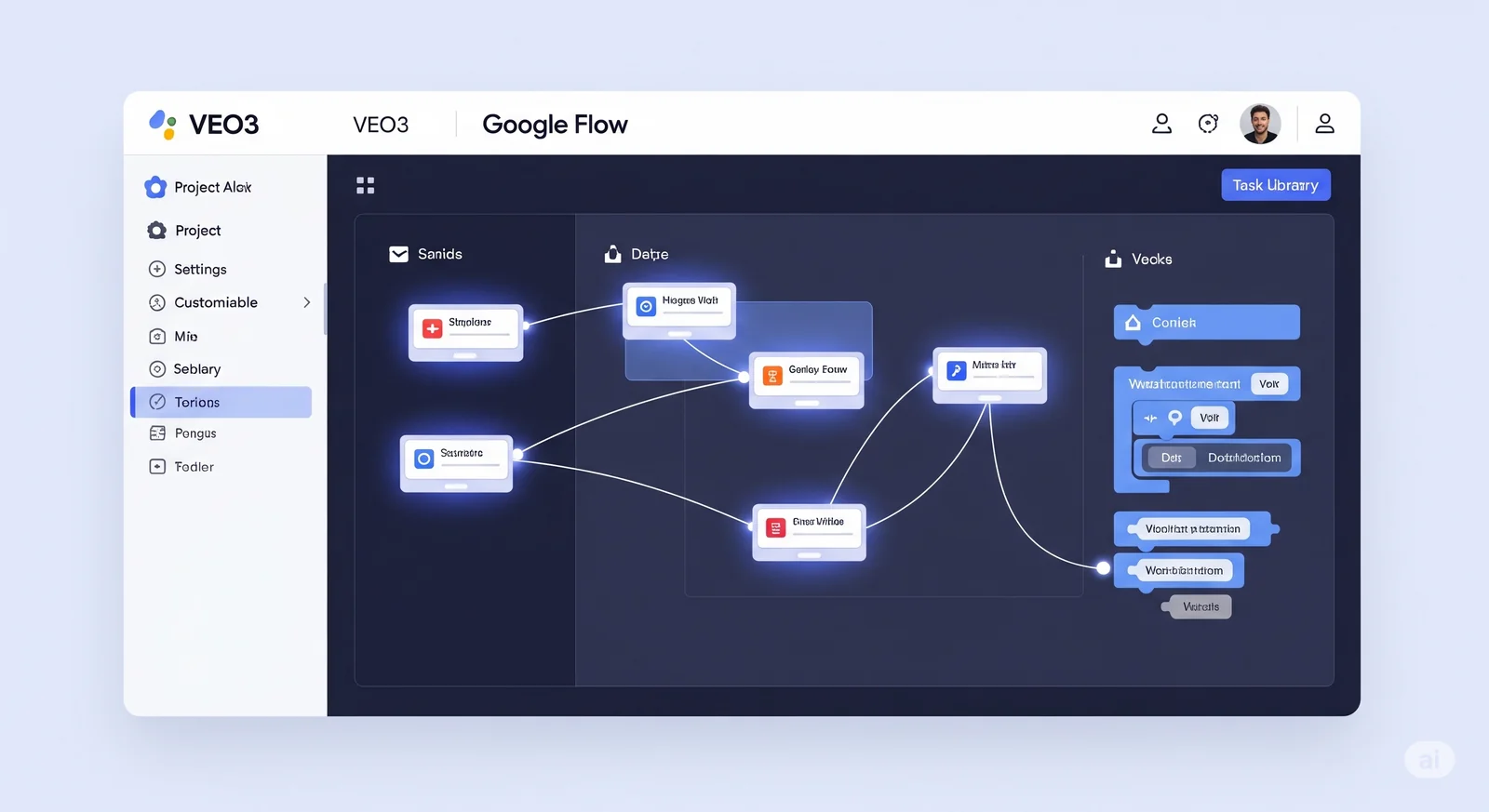
Flow is an experimental creative platform from Google Labs designed as an intuitive interface for AI-driven filmmaking. It connects advanced generative models — notably Veo 3 for text-to-video with native audio, Gemini for language understanding, and Imagen for text-to-image synthesis — so creators can describe ideas in everyday language and iterate into cinematic scenes. Flow exposes project-level management, a prompt-driven generation workflow, and multiple generation modes to let filmmakers prototype, edit, and compose scenes quickly without needing traditional production tooling. Its value lies in combining multimodal model outputs (video, dialogue, ambient sound, and imagery) into a single, user-facing creative pipeline that accelerates ideation and rapid iteration for storytellers.
Screenshots
Key Features
Use Cases



Frequently asked questions about Google Flow
What are the pricing options for Google Flow?
Google Flow offers various pricing options: a free version, Google AI Pro at $19.99/month, Google AI Ultra at $249.99/month, and complimentary access for qualifying Google Workspace plans. Custom pricing is available for enterprises looking for tailored solutions.
Key Points
- Free Version: Access to basic features without payment.
- Paid Plans: Google AI Pro and Google AI Ultra provide advanced features.
- Workspace Integration: Free access for qualifying Google Workspace users.
Detailed Explanation
Google Flow provides flexibility in pricing to accommodate different user needs.
-
Free Version: Ideal for individuals or small teams wanting to explore the platform without financial commitment. This version includes basic functionalities, making it a perfect starting point for newcomers.
-
Google AI Pro: Priced at $19.99/month, this plan is designed for users who require enhanced capabilities, such as advanced analytics and priority support. This option is suitable for small businesses aiming to leverage AI tools more effectively.
-
Google AI Ultra: At $249.99/month, this premium plan offers extensive features, including unlimited AI-generated content and advanced automation tools. It's tailored for larger organizations or teams with significant workflow automation needs.
-
Workspace Plans: Users with qualifying Google Workspace subscriptions can access Google Flow without additional charges. This integration is beneficial for businesses already using Google services, as it streamlines operations.
-
Custom Pricing for Enterprises: Larger organizations can inquire about customized pricing to suit their operational demands. This option allows enterprises to negotiate features and pricing based on their unique requirements.
Best Practices / Tips
- Evaluate Needs: Before choosing a plan, assess your team’s specific requirements to select the most cost-effective option.
- Utilize the Free Version: Start with the free version to familiarize yourself with Google Flow's capabilities before committing to a paid plan.
- Take Advantage of Workspace Integration: If you're already using Google Workspace, ensure you leverage the complimentary access to enhance your productivity without incurring additional costs.
Additional Resources
How do I start using Google Flow for AI filmmaking?
To start using Google Flow for AI filmmaking, visit the official Google Flow website, create an account, and select a pricing plan that fits your budget. After registering, you can utilize the prompt box to generate visual scenes based on your creative text ideas.
Key Points
- Sign up on the Google Flow website.
- Choose a suitable pricing plan.
- Use the prompt box for scene generation.
Detailed Explanation
Google Flow is a powerful AI tool designed for filmmakers, allowing users to create compelling visual content quickly. To begin, navigate to the Google Flow website and click on the "Sign Up" button. You will need to provide an email address and create a password.
Once your account is created, select from various pricing plans. Google Flow typically offers a free trial for new users, allowing you to explore its features without financial commitment. After the trial, monthly subscription options usually range from $10 to $50, depending on the level of features you require, such as additional scene generation or collaboration tools.
After signing in, you’ll find a user-friendly interface with a prompt box. Here, you can enter descriptive text or keywords related to the scenes you want to create. For example, if you type "a sunset over a mountain range," Google Flow will generate corresponding visuals using its AI algorithms.
Google Flow also supports collaborative features, making it an excellent choice for teams working on film projects. You can share your generated scenes with colleagues for feedback or further refinement.
Best Practices / Tips
- Start Simple: Begin with straightforward prompts to understand how the AI interprets your input. This helps refine your skills in crafting effective descriptions.
- Utilize Keywords: Incorporate relevant keywords that describe the mood, setting, and characters you want in your scenes. This enhances the quality of generated visuals.
- Experiment: Don’t hesitate to try different styles and themes. Google Flow’s AI responds well to various inputs, which can inspire unique creative directions.
- Review and Revise: Always review generated content and provide feedback to the AI for better results. The more you interact, the better the outputs will align with your vision.
Additional Resources
These resources provide further insights and tips on maximizing your experience with Google Flow for AI filmmaking.
What are the key features of Google Flow?
Google Flow features prompt-driven scene generation, seamless integration of video and audio, robust project management capabilities, multiple generation modes, and an intuitive workflow tailored for rapid creative prototyping. These tools enhance productivity and creativity for users in various multimedia projects.
Key Points
- Prompt-driven Scene Generation: Easily create scenes based on text prompts.
- Video and Audio Integration: Combine multimedia elements effortlessly.
- Robust Project Management: Keep track of tasks and progress efficiently.
Detailed Explanation
Google Flow is designed to streamline the creative process with several key features:
-
Prompt-driven Scene Generation: Users can generate scenes by simply entering text prompts. For example, a user can type “a sunset over a mountain range,” and Google Flow will automatically create a visually appealing scene that aligns with the description. This feature encourages creativity and saves time, allowing creators to focus on refining their ideas.
-
Seamless Integration of Video and Audio: One of the standout aspects of Google Flow is its ability to integrate video and audio seamlessly. Users can add background music or sound effects to their projects without needing separate software. This feature is especially valuable for content creators looking to enhance their videos or presentations with cohesive multimedia elements.
-
Robust Project Management Capabilities: Google Flow includes tools for effective project management, such as task tracking, collaborative features, and progress monitoring. This functionality ensures that teams can work together efficiently, keeping everyone aligned on project goals and deadlines. For instance, users can assign tasks to team members and monitor completion status within the platform.
-
Multiple Generation Modes: Google Flow offers various modes for scene generation, including templates and custom settings. This flexibility allows users to choose the best approach based on their project requirements. For example, users can select a template for quick projects or customize settings for more complex scenes.
-
Intuitive Workflow: The platform is designed with user experience in mind, featuring an intuitive interface that guides users through the creative process. This means even beginners can quickly adapt and start creating professional-quality content.
Best Practices / Tips
- Utilize Templates: Start with templates to speed up your workflow, especially for routine projects.
- Experiment with Prompts: Don’t hesitate to try different text prompts to explore creative possibilities.
- Collaborate Effectively: Leverage the project management tools for team collaboration, ensuring clear communication and task allocation.
Additional Resources
By leveraging these features, Google Flow positions itself as an essential tool for creators looking to enhance their multimedia production capabilities.
Is there an API for Google Flow and how can it be integrated?
Currently, Google Flow does not offer a public API for integration. Users can access its features directly through the web platform, which is designed specifically for filmmaking tasks without the need for third-party API access.
Key Points
- Google Flow lacks a public API for integration.
- Users can directly access features via the web platform.
- The platform is tailored specifically for filmmakers.
Detailed Explanation
Google Flow is a powerful tool aimed at enhancing the filmmaking process, allowing users to manage scripts, collaborate on projects, and streamline workflows. While many platforms offer APIs to allow developers to integrate functionalities into their own applications, Google Flow currently does not provide this feature.
As a filmmaker or a content creator, you can use Google Flow by logging into the web platform. Here, you can access features such as script writing, project management, and collaboration tools. Although an API could enhance flexibility, the existing web interface is designed to be user-friendly and efficient.
For example, if you want to collaborate with a team, you can share scripts directly through the platform without needing an API. This functionality supports real-time editing and feedback, which is crucial in a creative environment. Additionally, the platform is optimized for both individual and team projects, allowing users to assign tasks, set deadlines, and track project progress.
Best Practices / Tips
- Utilize Built-in Features: Maximize the use of Google Flow’s built-in collaboration tools to manage tasks effectively.
- Stay Updated: Regularly check for updates on Google Flow, as features and integrations may evolve over time.
- Feedback Mechanism: Provide feedback to Google on desired API features, as user demand can influence future development.
Additional Resources
- Google Flow Official Website
- Google Workspace Documentation
- Filmmaking Collaboration Tools Comparison
For filmmakers looking for integrations, consider exploring other tools that do offer APIs, such as Trello or Asana, which can complement your workflow with Google Flow.
How does Google Flow compare to other AI filmmaking tools?
Google Flow excels in the AI filmmaking landscape by integrating Veo 3, Gemini, and Imagen, providing a comprehensive solution for scene generation. Unlike other tools that specialize in one area, Flow combines multiple AI technologies, offering filmmakers a more cohesive and efficient production experience.
Key Points
- Integration of Advanced AI Tools: Combines Veo 3, Gemini, and Imagen.
- Holistic Filmmaking Approach: Covers all aspects of scene generation.
- User-Friendly Interface: Simplifies the filmmaking process for creators.
Detailed Explanation
Google Flow differentiates itself by merging three sophisticated AI technologies: Veo 3 for video editing, Gemini for script generation, and Imagen for visual effects. This integration allows users to streamline their workflow significantly. For instance, a filmmaker can generate high-quality scripts with Gemini, create scenes using Veo 3, and apply stunning visuals through Imagen—all within one platform.
Use Cases
- Independent Filmmakers: Can produce professional-grade films without extensive resources.
- Content Creators: YouTube and social media influencers can rapidly develop engaging videos.
- Marketing Teams: Can create promotional videos efficiently by utilizing AI-generated scripts and visuals.
In comparison, many other AI filmmaking tools, like Synthesia or Runway, often focus on singular functionalities—like editing or visual effects—leaving users to juggle multiple platforms. This can lead to inefficiencies and increased production time. Google Flow's all-in-one solution minimizes these issues, making it an attractive choice for various users.
Best Practices / Tips
- Familiarize Yourself with Each Tool: Spend time learning how Veo 3, Gemini, and Imagen work together for optimal results.
- Use Templates: Take advantage of any pre-built templates to speed up the creation process.
- Experiment with Features: Don’t hesitate to test different combinations of AI tools to discover the best workflow for your project.
Common Pitfalls to Avoid
- Overcomplicating Projects: Stick to simpler concepts when starting out to avoid overwhelm.
- Neglecting Updates: Regularly check for software updates to utilize the latest features and improvements.
Additional Resources
- Google Flow Official Documentation
- Comparative Review of AI Filmmaking Tools
- User Community and Support Forums
By embracing Google Flow’s integrated approach, filmmakers can enhance their creativity while significantly improving production efficiency.
Explore more AI Ai Models tools
Browse all Ai Models tools →Browse by use case: Video Generation
Compare Google Flow: vs Mouse-1 · vs Milliseconds.ai · vs SWE-2 · vs Desert Ant Labs