

Microsoft Bing Image Creator
AIFreeWeb-based, free generator that turns text prompts into images and short videos using DALL·E and Sora.
Microsoft Bing Image Creator
Web-based, free generator that turns text prompts into images and short videos using DALL·E and Sora.
About Microsoft Bing Image Creator
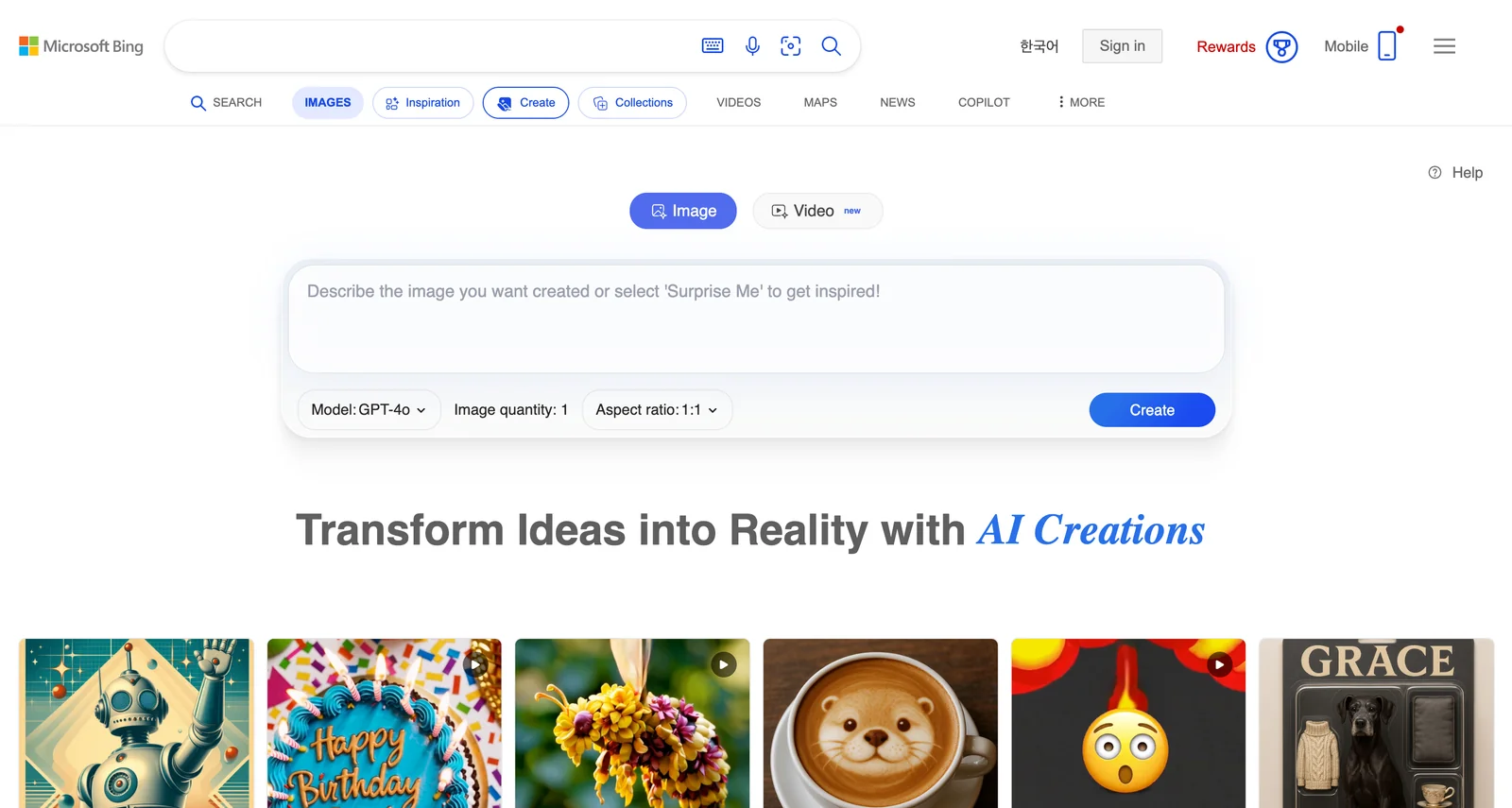
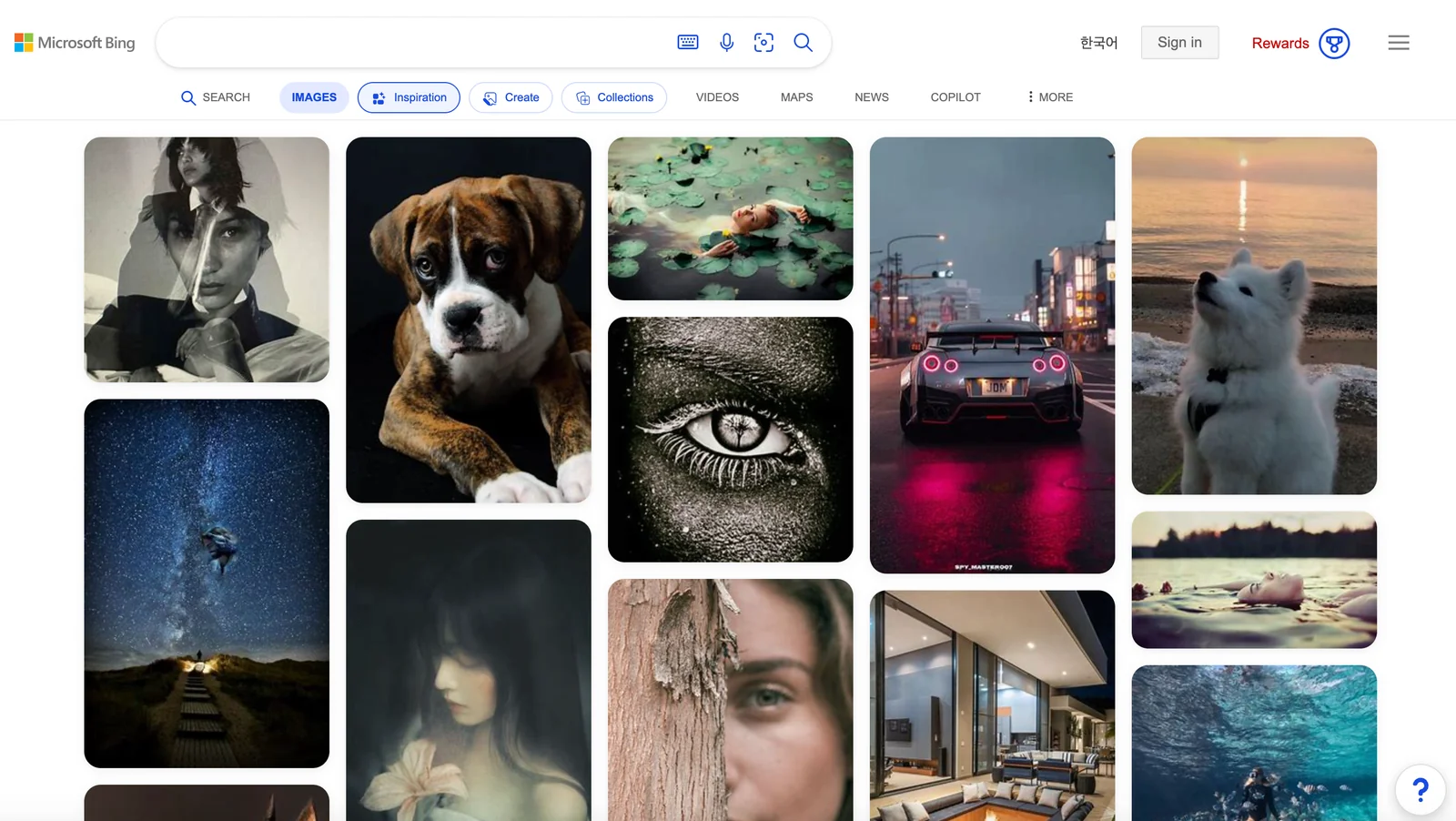
Bing Image Creator is a web-based tool from Microsoft that converts user text prompts into high-quality images and, via Bing Video Creator, short videos. The service is powered by OpenAI's DALL·E for image generation and Sora for video generation, enabling fast, prompt-driven visual creation. It is accessible through Bing's images/create page and is positioned for rapid ideation, content creation, and visual prototyping with minimal setup and a simple web interface.
Screenshots
Key Features
Use Cases



Frequently asked questions about Microsoft Bing Image Creator
Is Microsoft Bing Image Creator free to use?
Yes, Microsoft Bing Image Creator is completely free to use for anyone with a Microsoft Account. Users can generate images and videos without incurring any subscription fees, making it accessible for personal and professional creative projects.
Key Points
- Free Access: No subscription fees required.
- Microsoft Account: Necessary to use the service.
- Versatile Creation: Supports image and video generation.
Detailed Explanation
Microsoft Bing Image Creator allows users to create stunning visuals and videos without any cost, provided they have a Microsoft Account. This platform leverages advanced AI technology to generate images based on user prompts. For instance, you can input descriptive text, and the tool will create high-quality images that match your description.
How to Use Bing Image Creator:
- Sign Up or Log In: Create a Microsoft Account if you don't have one, or log in to your existing account.
- Navigate to the Tool: Visit the Bing Image Creator webpage.
- Input Your Prompt: Describe the image you want to create in the text box.
- Generate the Image: Click on the "Create" button and wait for the AI to generate your image.
- Download or Share: Once generated, you can download the image or share it directly on social media.
This tool is ideal for content creators, marketers, and anyone in need of custom visuals. You can create anything from illustrations and graphics to promotional images, enhancing your creative projects.
Best Practices / Tips
- Use Descriptive Prompts: The more detailed your input, the better the image quality. Include colors, styles, and subjects.
- Experiment with Variations: Try different prompts to explore various artistic styles and perspectives.
- Stay Updated: Keep an eye on updates or new features released by Microsoft to enhance your creative process.
Additional Resources
By understanding the functionalities and best practices of Microsoft Bing Image Creator, users can effectively utilize this free tool to enhance their visual content creation efforts.
What are the key features of Microsoft Bing Image Creator?
Bing Image Creator is an innovative tool that utilizes DALL·E and Sora technologies for text-to-image and text-to-video generation. It provides users with rapid output and offers multiple visual variations based on a single prompt, making it suitable for creative projects and content generation.
Key Points
- Text-to-Image Generation: Create stunning images from descriptive text prompts.
- Text-to-Video Features: Generate short video clips based on text inputs.
- Rapid Output: Receive quick results with multiple variations to choose from.
Detailed Explanation
Bing Image Creator is designed to transform user-inputted text into creative visuals. The tool leverages advanced AI algorithms from DALL·E and Sora, ensuring high-quality image and video outputs.
Text-to-Image Generation
This feature allows users to describe an image they envision, and Bing Image Creator will produce a corresponding picture. For example, if you input "a serene beach at sunset," the tool generates a variety of images capturing this scene. Users can refine their prompts for more specific results, such as adjusting colors, styles, or elements within the image.
Text-to-Video Features
In addition to static images, Bing Image Creator can generate short video clips based on text. For instance, typing "a cat playing with a ball" could yield a brief animated clip showcasing that scenario. This feature is particularly useful for content creators looking to enhance their social media posts or marketing materials.
Rapid Output and Variations
One of the standout aspects of Bing Image Creator is its speed. Users typically receive results within seconds, allowing for efficient creative processes. The ability to generate multiple variations from a single prompt enhances creativity, giving users various options to choose from.
Best Practices / Tips
- Be Descriptive: The more detailed your prompt, the better the output. Include aspects like colors, settings, and moods.
- Experiment with Variations: Don’t hesitate to try different wordings for your prompts to discover unique visual interpretations.
- Use Clear Language: Avoid ambiguous terms in your prompts to minimize confusion and enhance accuracy.
Additional Resources
By leveraging these features and following best practices, users can maximize the potential of Bing Image Creator for their creative needs.
How do I start using Bing Image Creator?
To start using Bing Image Creator, visit bing.com/images/create, log in with your Microsoft Account, and enter your desired text prompts. This tool generates high-quality images and videos based on AI-driven technology tailored to your specifications.
Key Points
- Access the Tool: Go to the Bing Image Creator website.
- Login Requirement: A Microsoft Account is necessary for full features.
- Text Prompts: Enter descriptive prompts to guide the image generation.
Detailed Explanation
Bing Image Creator utilizes advanced AI technology to generate images and videos from simple text prompts. Here’s how to begin:
-
Visit the Website: Go to bing.com/images/create. This is the dedicated page for Bing Image Creator.
-
Log In: If you don’t have a Microsoft Account, create one for free. This account allows you to save your creations and access additional features.
-
Enter Your Prompts: In the prompt box, describe the image or video you want. Be as specific as possible—include details like colors, styles, and subjects. For example, type "a serene sunset over a mountain range" to generate relevant visuals.
-
Generate Images: Click the "Create" button. The AI will process your request and present several image options based on your prompt. You can refine your prompts for better results.
-
Download or Share: Once you find an image you like, you can download it to your device or share it directly on social media platforms.
Best Practices / Tips
- Use Specific Descriptions: The more detailed your prompt, the better the results. For example, specify the mood, color palette, and any particular elements you want included.
- Experiment with Variations: Don’t hesitate to try different prompts or tweak existing ones to see a variety of outputs.
- Be Mindful of Copyright: While generating images for personal use is generally safe, always check the usage rights if you plan to use them commercially.
Additional Resources
- Bing Image Creator Official Page
- Microsoft Account Creation
- Bing Help Center for troubleshooting and FAQs.
Does Microsoft Bing Image Creator have an API for integration?
Currently, Microsoft Bing Image Creator does not provide an officially documented public API for integration. However, community-driven projects have developed reverse-engineered APIs that allow for programmatic use, although these come with limitations and potential reliability issues.
Key Points
- No official public API available
- Community-driven reverse-engineered APIs exist
- Limitations and risks associated with using unofficial APIs
Detailed Explanation
Microsoft Bing Image Creator is a tool developed by Microsoft for generating images using AI technology. As of now, it lacks a formal public API. This means that developers looking to integrate Bing Image Creator's capabilities into their applications or services cannot rely on Microsoft's official support or documentation.
Instead, some community members have reverse-engineered the Bing Image Creator, creating unofficial APIs that enable programmatic access to its features. These APIs can be useful for developers wanting to automate image creation or incorporate it into larger systems, but they come with significant caveats:
- Reliability: Since these APIs are not officially supported by Microsoft, there is no guarantee that they will work consistently or remain functional over time.
- Legal and Ethical Considerations: Using reverse-engineered APIs may violate Microsoft's terms of service, leading to potential legal ramifications.
- Maintenance: Community projects may lack regular updates and support, making them less reliable than an official API.
For developers who still wish to experiment with these community APIs, it’s essential to review the documentation provided by the community and understand the potential pitfalls.
Best Practices / Tips
- Research Thoroughly: Before using any reverse-engineered API, ensure you understand the risks and limitations involved.
- Test in a Controlled Environment: If possible, test your integration in a sandbox environment to avoid disrupting live applications.
- Monitor for Changes: Be aware that unofficial APIs may change without notice, requiring you to adapt your integration frequently.
Additional Resources
- Bing Image Creator Official Page
- Community Forums and Projects on GitHub
- Microsoft API Documentation for other available APIs
How does Bing Image Creator compare to other image generation tools?
Bing Image Creator stands out due to its seamless integration with the Microsoft ecosystem and quick image generation capabilities. However, it may not offer the same level of customization or advanced features as dedicated image generation tools like DALL-E or Midjourney, which are specifically designed for artists and designers.
Key Points
- Integration with Microsoft: Bing Image Creator works well within the Microsoft ecosystem, enhancing user experience.
- Speed of Output: It provides fast image generation, making it suitable for quick tasks.
- Feature Limitations: Lacks some advanced features found in specialized platforms.
Detailed Explanation
Bing Image Creator is integrated into various Microsoft applications, such as Bing Search and Microsoft Edge, making it easily accessible for users already within the Microsoft environment. This integration allows for a user-friendly experience, as users can generate images directly from search queries or while browsing the web.
Speed and Efficiency: One of the key advantages of Bing Image Creator is its ability to produce images quickly. Users can input simple prompts and receive images in seconds, which is particularly beneficial for those needing rapid visual content for blogs, social media, or presentations.
Comparison with Dedicated Tools: While Bing Image Creator excels in speed and accessibility, dedicated image generation tools like DALL-E, Midjourney, and Stable Diffusion offer more advanced features and customization options. For instance, these platforms allow users to manipulate images with greater precision, enabling them to create highly tailored visuals. Additionally, they often provide extensive style options and detailed prompts for more complex creations.
Best Practices / Tips
- Use Clear Prompts: To get the best results from Bing Image Creator, use specific and descriptive prompts. The more details you provide, the better the generated images will align with your vision.
- Explore Integration Features: Take advantage of Bing Image Creator’s integration with Microsoft tools for enhanced productivity, such as using it in conjunction with PowerPoint for presentations.
- Know Your Needs: If you require highly customized or artistic images, consider using dedicated image generation tools despite the longer processing time.
Additional Resources
By understanding the strengths and limitations of Bing Image Creator compared to other tools, users can select the right image generation platform that meets their specific needs effectively.
Explore more AI Ai Models tools
Browse all Ai Models tools →Browse by use case: Image Generation · Video Generation
Compare Microsoft Bing Image Creator: vs Mouse-1 · vs Milliseconds.ai · vs SWE-2 · vs Desert Ant Labs