

ConnectMachine
AIPersonal AI agent for natural-language contact management and private digital business cards.
ConnectMachine
Personal AI agent for natural-language contact management and private digital business cards.
About ConnectMachine
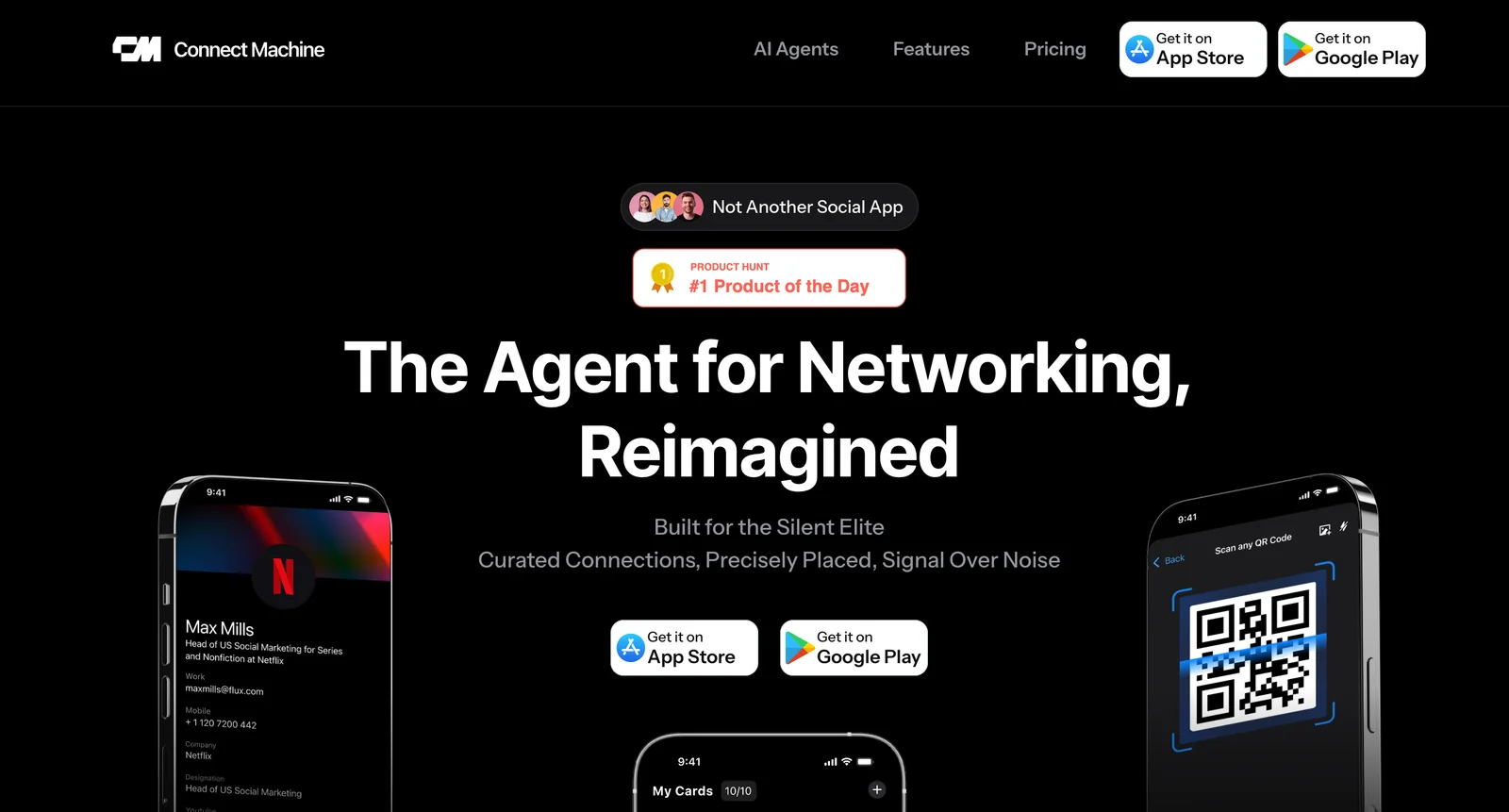
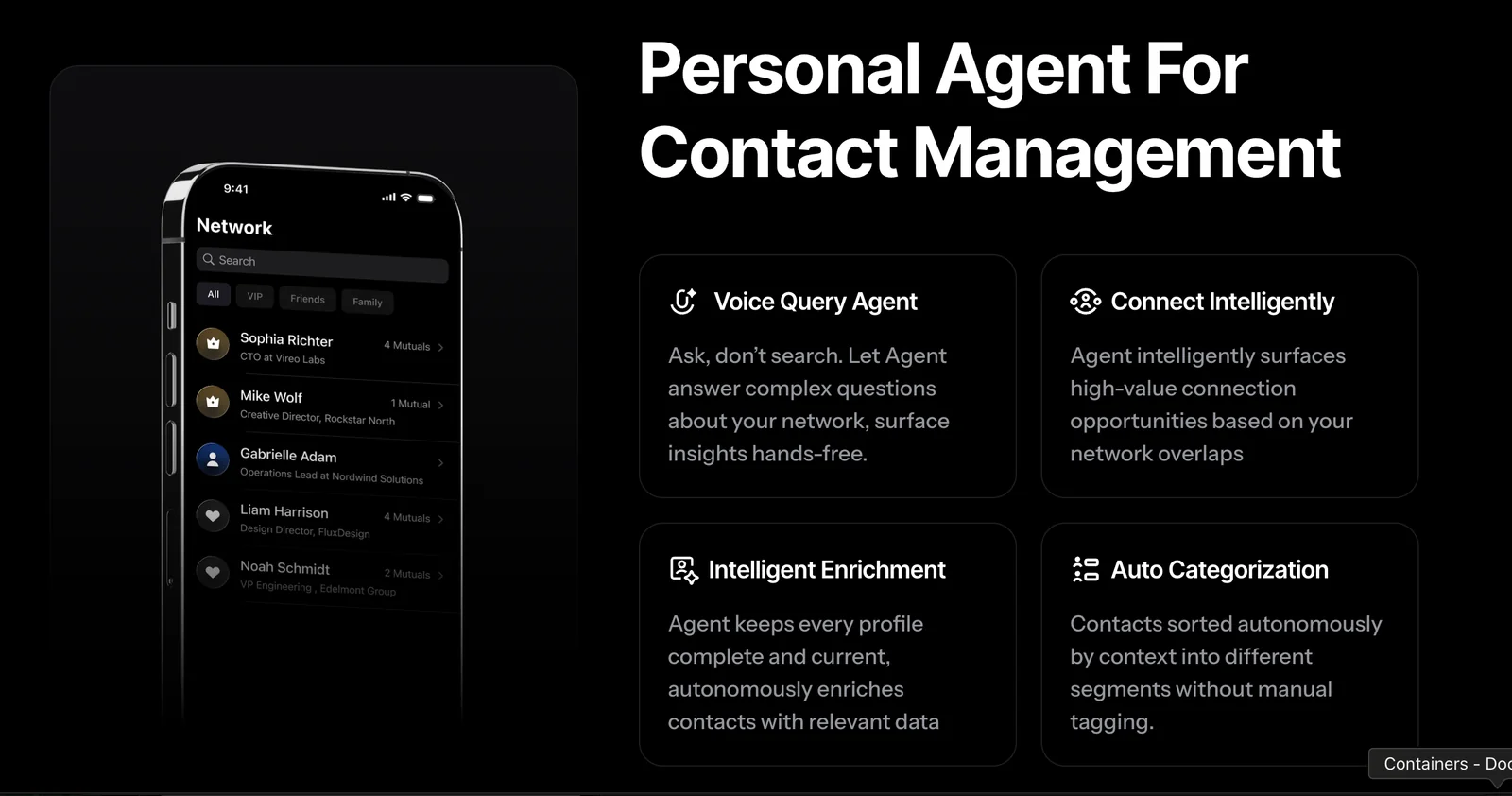
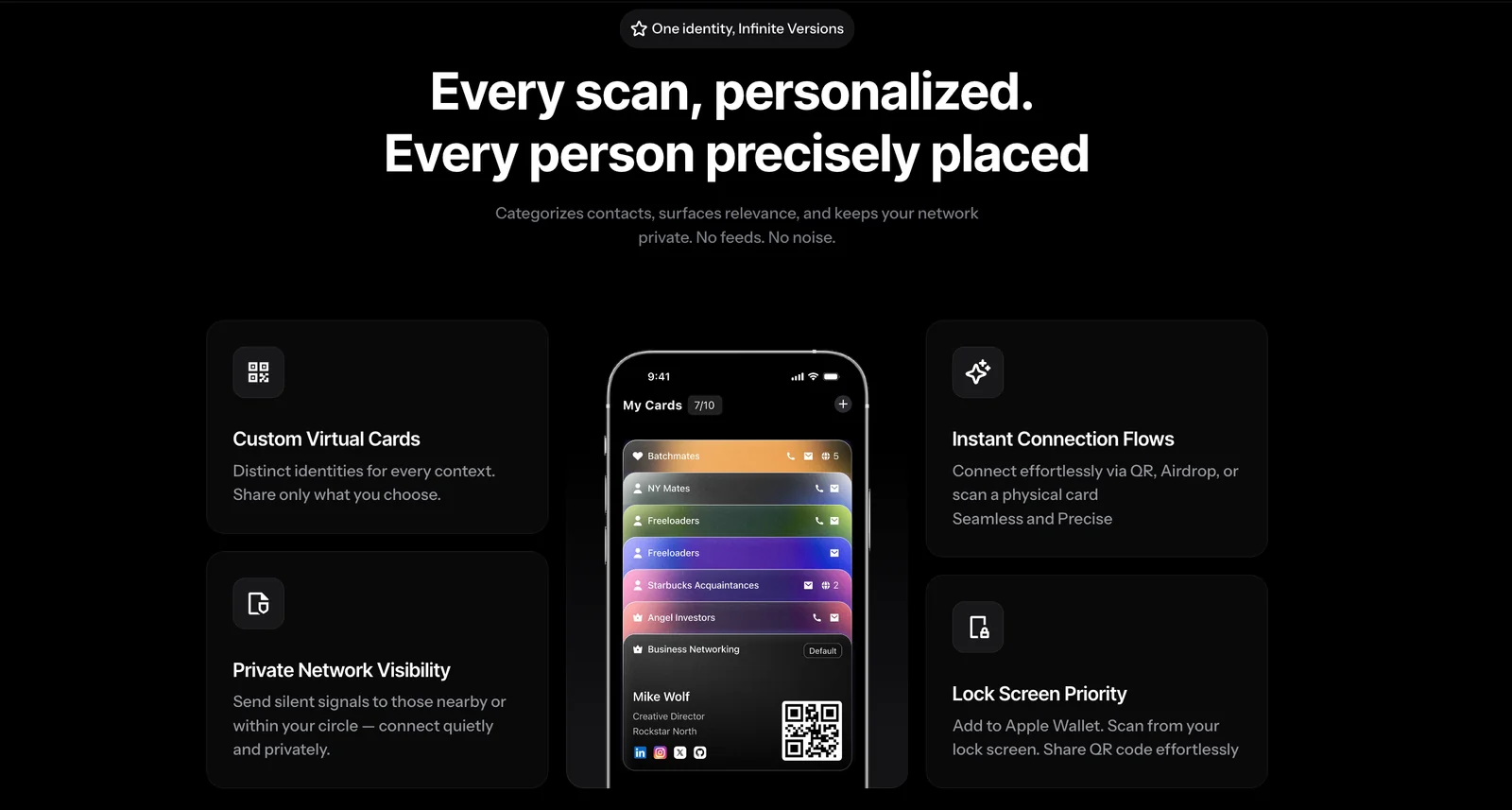
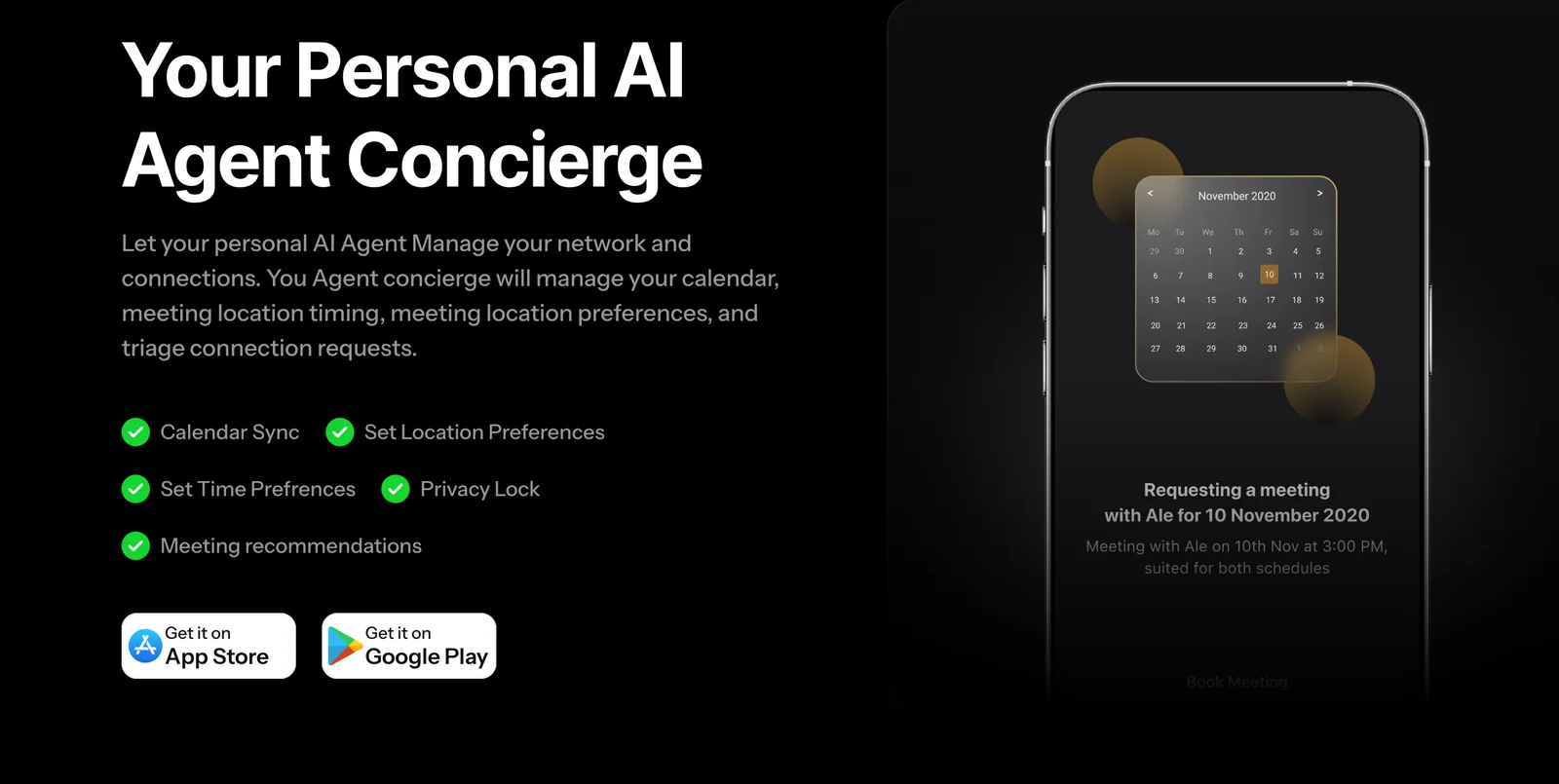
ConnectMachine is a personal AI agent designed to simplify contact management and create private digital business cards. Users can query their connections and broader network using natural language to find relevant contacts, surface relationship context, and connect precisely. The platform emphasizes effortless connection and privacy, enabling users to manage, share, and update digital business cards while using conversational queries to navigate their network.
Screenshots
Key Features
Use Cases



Frequently asked questions about ConnectMachine
What are the pricing options for ConnectMachine?
ConnectMachine offers three pricing tiers: a Free tier at $0, a Pro plan at $5.99 per month, and an Enterprise option with custom pricing. The Free tier includes basic contact management features, while the Pro plan provides advanced capabilities and higher usage limits tailored for growing businesses.
Key Points
- Free Tier: Basic functionality at no cost.
- Pro Plan: $5.99/month with advanced features.
- Enterprise Option: Custom pricing for larger needs.
Detailed Explanation
Free Tier
The Free tier is designed for individuals or small teams needing essential contact management. This plan includes features such as:
- Basic contact storage
- Simple data entry
- Limited storage capacity
It's ideal for users who want to explore the platform before committing financially.
Pro Plan
The Pro Plan, priced at $5.99 per month, unlocks a suite of advanced features:
- Increased storage capacity
- Enhanced data analytics
- Priority customer support
- Integration with third-party applications
This plan is suitable for small to medium-sized businesses that require more robust functionality and support.
Enterprise Option
For larger organizations, the Enterprise option provides custom pricing based on the specific needs of the business. This plan often includes:
- Tailored features and services
- Dedicated account management
- Custom integrations
Enterprise-level customers benefit from scalability and personalized support, ensuring the platform meets their unique requirements.
Best Practices / Tips
- Consider Your Needs: Evaluate your business size and needs before selecting a plan. The Free tier can help you get started, while the Pro or Enterprise options may be better for growing teams.
- Take Advantage of Trials: If available, utilize free trials of the Pro plan to assess its features before committing to a monthly payment.
- Monitor Usage: Keep track of your usage metrics regularly to determine if you need to upgrade from the Free to the Pro plan to avoid disruptions.
Additional Resources
By understanding ConnectMachine's pricing structure and features, users can make informed decisions that align with their business goals.
How can I create a private digital business card with ConnectMachine?
To create a private digital business card with ConnectMachine, sign up for the platform, go to the card creation section, and follow the prompts to enter your personal information. You can customize the design and share your card effortlessly with others.
Key Points
- User-Friendly Interface: ConnectMachine offers an intuitive design process.
- Customization Options: Personalize your card with various templates and features.
- Secure Sharing: Control who can access your digital business card.
Detailed Explanation
Creating a private digital business card with ConnectMachine is a straightforward process. Here’s a step-by-step guide:
-
Sign Up: Visit the ConnectMachine website and create an account by providing your email and setting a password. Confirm your email to activate your account.
-
Navigate to Card Creation: Once logged in, find the 'Create Card' section in the dashboard. This area is designed to guide you through the card creation process.
-
Input Your Information: Enter your details, including your name, job title, contact information, and social media links. ConnectMachine allows you to add custom fields, which can include your website or a personal tagline.
-
Choose a Template: Select from a variety of templates that suit your professional style. You can customize colors, fonts, and layouts to match your branding.
-
Preview and Edit: After entering your information, preview your card to make sure everything looks correct. Make any necessary adjustments before finalizing.
-
Share Your Card: Once satisfied, save your card. You can share it via a unique QR code or a direct link, making it easy for others to access your information.
Best Practices / Tips
- Keep It Concise: Limit the amount of text on your card to ensure clarity and readability.
- Update Regularly: Regularly update your card with new information, especially if you change jobs or contact details.
- Test Sharing Options: Before sharing your card widely, test the QR code or link to ensure it directs correctly to your business card.
Additional Resources
What features does ConnectMachine offer for contact management?
ConnectMachine offers a variety of features for contact management, including natural language contact search, private digital business cards, network query insights, and secure contact management. These functionalities empower users to efficiently organize, access, and leverage their professional networks for better business opportunities.
Key Points
- Natural Language Contact Search: Quickly find contacts using conversational queries.
- Private Digital Business Cards: Share your professional identity securely and conveniently.
- Network Query Insights: Gain valuable analytics on your connections and interactions.
Detailed Explanation
ConnectMachine enhances contact management through innovative features designed for modern professionals.
Natural Language Contact Search
The natural language contact search allows users to find contacts by simply typing or speaking their queries. For instance, you can search for “my marketing contacts in New York,” and ConnectMachine will return relevant contacts instantly. This feature eliminates the need for complex filtering, making it user-friendly and efficient.
Private Digital Business Cards
With private digital business cards, you can create and share your professional profile without the need for physical cards. This feature supports customizable templates, allowing you to include your contact details, social media links, and professional accomplishments. Sharing is secure via QR codes or direct links, ensuring that your data remains private.
Network Query Insights
ConnectMachine's network query insights provide users with analytics about their contacts. This feature helps you understand connection strengths, interaction frequency, and potential collaboration opportunities. For example, if you frequently engage with industry leaders, the insights can suggest ways to deepen those relationships or identify new contacts with similar interests.
Best Practices / Tips
- Utilize Natural Language Search: Familiarize yourself with how to phrase your queries to maximize search efficiency.
- Regularly Update Your Digital Business Card: Keep your information current to ensure your connections have the latest details.
- Analyze Network Insights: Periodically review your network insights to identify new opportunities and optimize your outreach strategy.
Additional Resources
Do I need technical skills to use ConnectMachine effectively?
No, you do not need technical skills to use ConnectMachine effectively. It is specifically designed to be user-friendly and accessible for everyone, including beginners. You can easily navigate its features and create digital business cards without requiring any prior technical expertise.
Key Points
- User-Friendly Interface: ConnectMachine features an intuitive design that simplifies navigation.
- No Technical Expertise Required: Beginners can utilize all functionalities without prior knowledge.
- Step-by-Step Guidance: The platform provides easy instructions for creating digital business cards.
Detailed Explanation
ConnectMachine is designed with non-technical users in mind. The platform's interface is straightforward, allowing you to access all its features without the need for coding or advanced technical skills. Here’s how you can effectively use ConnectMachine:
-
Creating Your Account: Start by signing up for an account, which only requires basic information like your name and email address.
-
Navigating the Dashboard: Once logged in, you’ll find a dashboard that organizes all functionalities in a clear manner. Sections include card design, template selection, and sharing options.
-
Designing Digital Business Cards: Choose from a variety of templates. You can customize colors, fonts, and layouts through simple drag-and-drop features.
-
Adding Information: Input your contact details, social media links, and any relevant business information. The platform guides you throughout this process, ensuring nothing is overlooked.
-
Preview and Share: Before finalizing your card, use the preview feature to see how it looks. You can easily share your card via social media or download it in various formats.
Best Practices / Tips
- Explore Templates: Spend time browsing through different design templates to find one that best represents your brand.
- Keep Information Concise: Limit the text on your digital business card to ensure clarity and ease of reading.
- Regular Updates: Update your card regularly to reflect any changes in your contact information or business details.
- Use Analytics Tools: If available, take advantage of any analytics features to track how often your card is viewed or shared.
Additional Resources
How does ConnectMachine compare to other contact management tools?
ConnectMachine surpasses traditional contact management tools by offering unique features like natural language querying and the ability to create private digital business cards. While many tools focus on simple contact storage, ConnectMachine integrates AI-driven insights to enhance networking and relationship management effectively.
Key Points
- Natural Language Querying: Allows users to search and manage contacts using everyday language.
- Private Digital Business Cards: Offers customizable digital cards that protect user privacy.
- AI-Driven Insights: Leverages artificial intelligence to provide actionable networking recommendations.
Detailed Explanation
ConnectMachine offers a revolutionary approach to contact management through its advanced features. With natural language querying, users can effortlessly find and manage their contacts as if they were holding a conversation. For instance, instead of sifting through lists, you can simply type “Show me my contacts in marketing,” and the software will retrieve relevant connections instantly.
Another standout feature is the private digital business card creation. This allows users to design their own digital cards that can be shared without exposing personal information, effectively maintaining privacy while networking. Users can customize these cards with their branding, social media links, and professional details, making a lasting impression during networking events.
Furthermore, ConnectMachine incorporates AI-driven insights that analyze user interactions and suggest potential networking opportunities. For example, if you frequently engage with certain contacts, the tool might recommend reaching out for collaboration based on shared interests or recent activities.
Best Practices / Tips
- Leverage Natural Language Queries: Take advantage of natural language features to streamline your contact searches and management.
- Customize Your Digital Business Card: Ensure your digital card reflects your personal brand and includes all relevant contact information.
- Utilize AI Insights: Regularly check the AI-driven recommendations to maximize networking potential and maintain valuable relationships.
Additional Resources
Explore more AI Ai Agents tools
Browse all Ai Agents tools →Browse by use case: Automation & Productivity
Compare ConnectMachine: vs Phoenix.vu · vs Dropstone · vs Apache Maka · vs Construct Computer