

PixAI
AIFreeWeb-based generator for creating high-quality anime-style art and character templates quickly and with minimal artistic skill.
PixAI
Web-based generator for creating high-quality anime-style art and character templates quickly and with minimal artistic skill.
About PixAI
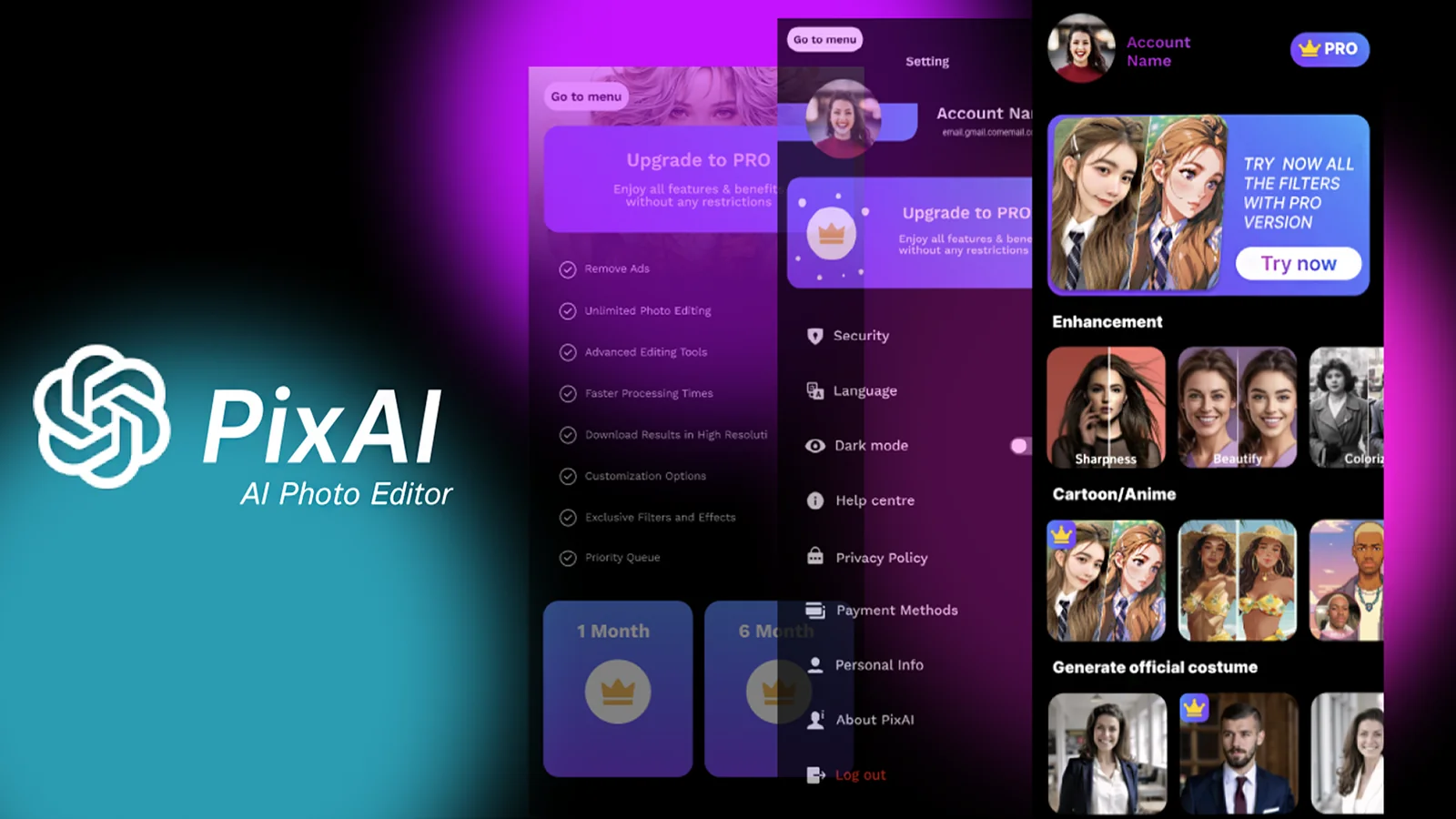
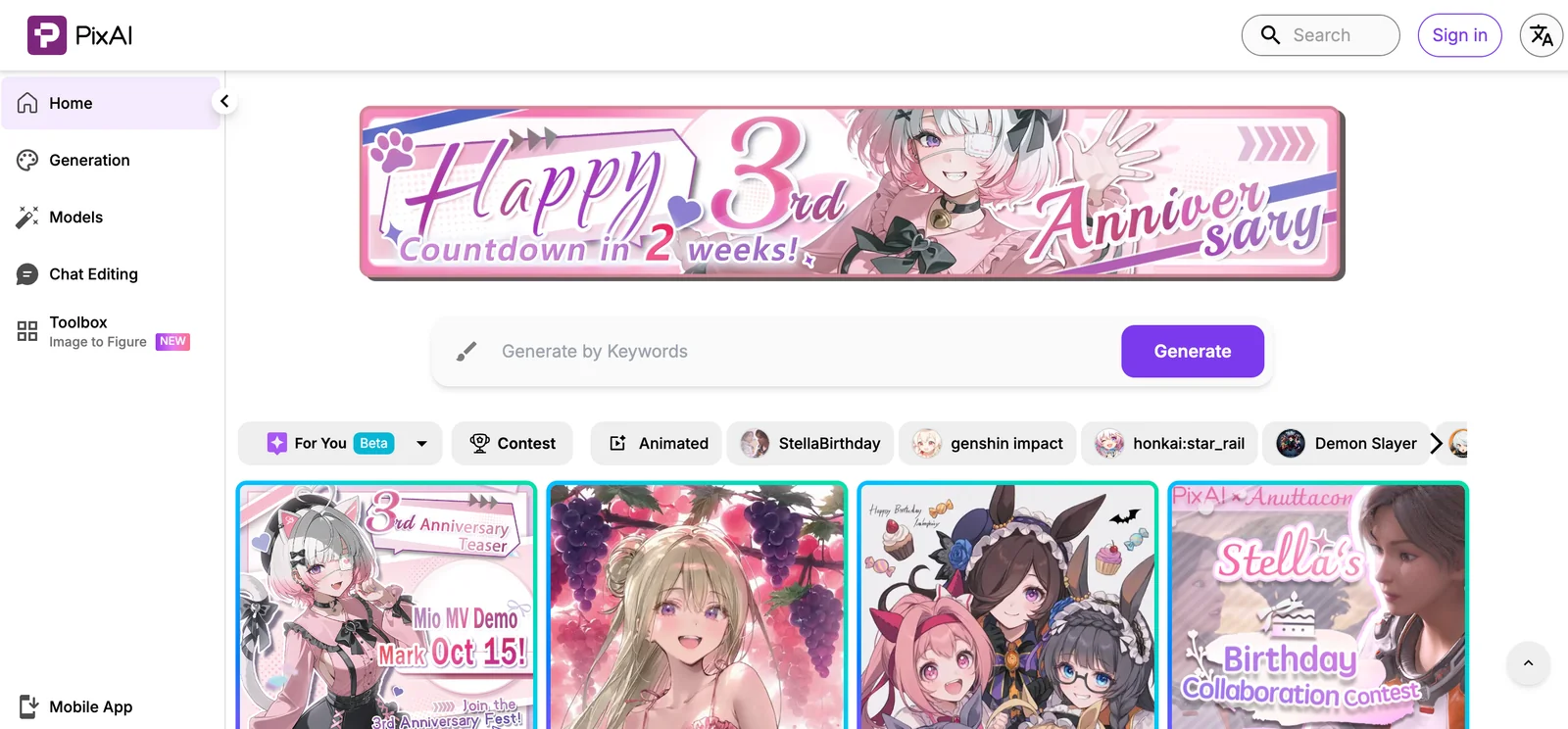
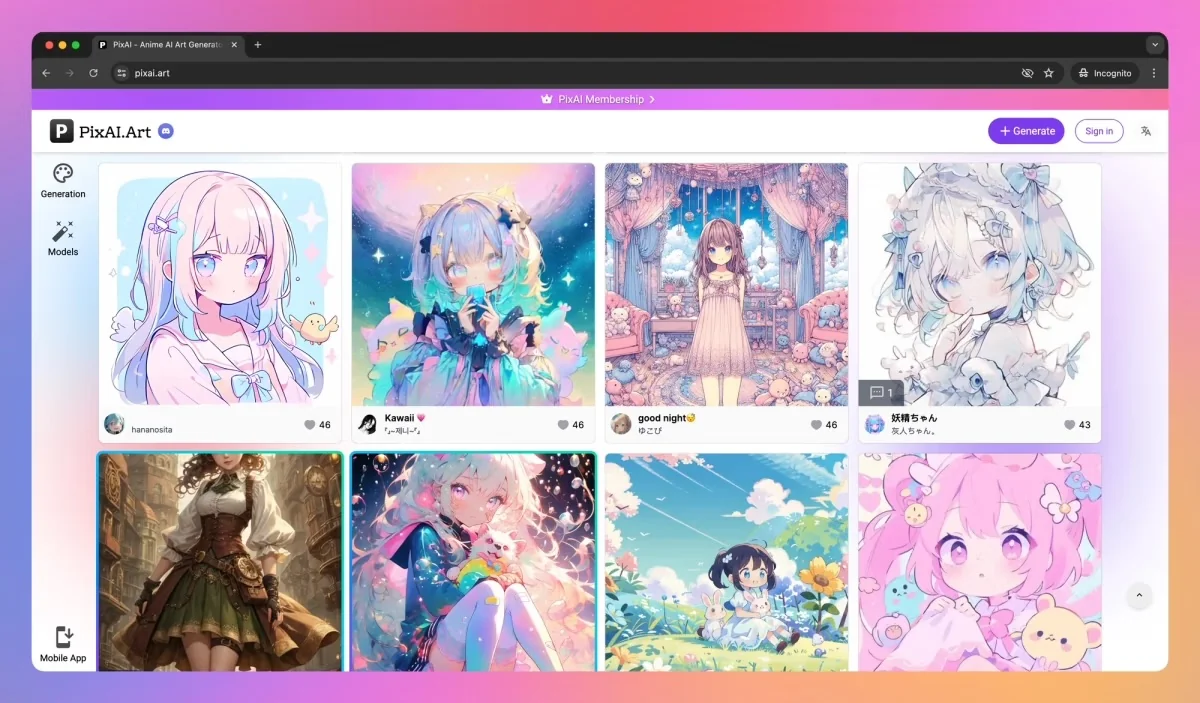
PixAI is an anime-focused AI art generator and toolkit that enables users to create high-quality anime-style images and characters from prompts and templates. It provides web-based generation tools, prebuilt character templates, and developer integration via an official JavaScript client. The PixAI ecosystem also includes related models and utilities (such as a Danbooru-style tagger on Hugging Face) and third-party iOS tools for super-resolution/upscaling, enabling workflows from generation to tagging and high-resolution refinement. PixAI emphasizes speed, usability, and accessibility for artists, hobbyists, and developers building anime-style visual content.
Screenshots
Key Features
Use Cases


Frequently asked questions about PixAI
Is PixAI free to use?
Yes, PixAI offers a free tier that allows users to access its core web-based anime image generation tools and character templates at no cost. This free version is perfect for beginners and casual users who want to explore the platform’s features without any financial commitment.
Key Points
- Free Tier Access: Users can utilize basic features without payment.
- Core Features: The free tier includes essential anime image generation tools and character templates.
- Upgrade Options: Users have the option to upgrade for advanced features and additional resources.
Detailed Explanation
PixAI's free tier is designed for users who want to experiment with anime image generation without financial barriers. It includes access to the platform's core functionalities, such as:
- Web-Based Tools: No downloads or installations are required; everything is accessible through a web browser.
- Character Templates: Users can create unique characters using pre-designed templates, making it easy to get started.
- Community Support: The free tier also allows access to community forums where users can share tips, showcase their creations, and get feedback.
While the free version is robust, users may find themselves wanting more advanced features as they become proficient. These features typically include higher resolution outputs, additional customization options, and priority support.
Best Practices / Tips
- Start With the Free Tier: If you're new to anime image generation, begin with the free tier to understand the platform's capabilities.
- Explore Tutorials: Use available tutorials and community resources to maximize your understanding of the tool’s features.
- Consider Upgrading: If you find yourself frequently using PixAI, evaluate the benefits of the paid versions that offer enhanced functionalities and better support.
Additional Resources
How do I start using PixAI for anime art generation?
To start using PixAI for anime art generation, visit the official website at pixai.art, sign up for a free account, and explore the user-friendly interface to create anime-style art using various prompts and templates designed for both beginners and experienced artists.
Key Points
- User-Friendly Interface: PixAI offers an intuitive design for easy navigation.
- Free Account Registration: Signing up is simple and gives you access to powerful tools.
- Diverse Templates and Prompts: Choose from a variety of options to inspire your creativity.
Detailed Explanation
PixAI is a cutting-edge platform that leverages artificial intelligence to help users generate stunning anime art effortlessly. Here’s how to get started:
- Visit the Website: Go to pixai.art to access the platform.
- Sign Up: Click on the "Sign Up" button. You will need to provide your email address and create a password. Alternatively, you can sign up using your social media accounts.
- Explore the Dashboard: Once registered, log in to your account. You’ll find a user-friendly dashboard with easy access to various features.
- Choose a Template or Prompt: PixAI offers a selection of templates and prompts to kickstart your project. You can select themes ranging from fantasy to sci-fi.
- Customize Your Art: Use the built-in tools to adjust styles, colors, and details. Experiment with different settings to create unique artworks.
- Save and Share: After creating your anime art, you can save it directly to your device. PixAI also allows you to share your creations on social media platforms for feedback and recognition.
Best Practices / Tips
- Experiment with Prompts: Don’t hesitate to try various prompts to discover new styles and themes.
- Leverage Community Features: Engage with the PixAI community for inspiration and tips.
- Stay Updated: Follow PixAI’s updates for new features, templates, and tutorials to enhance your art generation skills.
Additional Resources
- PixAI Official Documentation – Comprehensive guides on using features.
- PixAI Community Forum – Connect with other users for tips and inspiration.
- YouTube Tutorials – Visual guides for hands-on learning.
By following these steps and utilizing the resources available, you can effectively harness the power of PixAI to create captivating anime art.
What are the key features of PixAI?
PixAI is an advanced AI tool that specializes in prompt-based anime generation, featuring prebuilt character templates, super-resolution capabilities, and a JavaScript client for seamless integration. This makes PixAI an excellent choice for both casual creators and professional developers looking to enhance their anime art projects.
Key Points
- Prompt-Based Anime Generation: Create unique anime artworks quickly.
- Prebuilt Character Templates: Access a variety of customizable characters.
- Super-Resolution Tools: Enhance image quality for professional use.
- JavaScript Client: Easily integrate PixAI into web applications.
Detailed Explanation
PixAI stands out in the realm of AI art generators, particularly for anime enthusiasts. Its prompt-based anime generation allows users to input specific themes or styles, enabling the AI to generate tailored anime images. For instance, a user can prompt the tool with "futuristic samurai" and receive a range of unique artworks that fit this description.
The prebuilt character templates offer a significant advantage for users who may lack artistic skills or time. These templates can be modified to create distinctive characters, providing a strong foundation for further customization. Users can change hairstyles, outfits, and accessories, ensuring their characters have a personal touch.
Additionally, PixAI includes super-resolution tools that allow users to upscale their images without losing detail. This feature is particularly useful for artists who require high-resolution images for prints or digital displays. For example, a 720p image can be enhanced to 4K quality, making it suitable for professional portfolios.
The JavaScript client enables seamless integration of PixAI into existing web applications. Developers can utilize this feature to create custom platforms for anime generation, enhancing user engagement through interactive features. This can be particularly beneficial for gaming companies or educational platforms looking to incorporate art generation.
Best Practices / Tips
- Utilize Keywords: When creating anime artworks, use specific keywords in your prompts to achieve better results. For example, instead of just “girl,” specify “cyberpunk girl with purple hair.”
- Experiment with Templates: Don't hesitate to mix and match character templates to discover unique combinations. This can lead to more creative outcomes.
- Optimize Image Settings: Always adjust the resolution settings according to your end-use. Higher resolutions are essential for prints, while lower resolutions may suffice for digital displays.
- Stay Updated: Regularly check for updates or new features in PixAI, as the tool is continually evolving with AI advancements.
Additional Resources
How does PixAI compare to other anime art generators?
PixAI is an advanced anime art generator that excels in speed and usability, providing features like batch generation and high-resolution upscaling. Compared to other tools, PixAI offers a more efficient and user-friendly experience, making it a top choice for artists and creators.
Key Points
- Speed and Efficiency: PixAI generates images faster than most competitors.
- Batch Generation: Users can create multiple images simultaneously, saving time.
- High-Resolution Upscaling: PixAI enhances image quality without losing detail.
Detailed Explanation
PixAI distinguishes itself from other anime art generators through its impressive performance and unique features.
-
Speed and Efficiency: Users report that PixAI can generate high-quality anime art in just seconds. This rapid output is ideal for artists who need quick iterations or are working under tight deadlines. For instance, while some tools may take several minutes for a single image, PixAI streamlines this process, allowing for rapid feedback and adjustments.
-
Batch Generation: One of PixAI's standout features is its ability to perform batch generation. This means that artists can upload multiple prompts and receive a series of images at once. This feature is particularly beneficial for projects requiring numerous variations, such as character designs or scene illustrations, saving significant time compared to generating images one at a time.
-
High-Resolution Upscaling: PixAI offers high-resolution upscaling capabilities, ensuring that even the smallest details are preserved when images are enlarged. This feature is crucial for artists looking to print their work or use it in high-quality digital formats. Unlike other tools that may produce pixelated results upon resizing, PixAI maintains clarity and sharpness.
Best Practices / Tips
- Experiment with Prompts: To maximize the potential of PixAI, try varying your prompts. Different wordings can yield diverse artistic styles and interpretations.
- Utilize Batch Upload: Take advantage of the batch generation feature by preparing multiple prompts in advance. This can significantly accelerate your workflow, especially for larger projects.
- Explore Upscaling Options: Use the high-resolution upscaling feature not just for finished pieces, but also for drafts that you want to enhance before finalizing.
Additional Resources
Can I integrate PixAI into my web application?
Yes, PixAI can be seamlessly integrated into your web application using its JavaScript client SDK. This allows developers to leverage PixAI's powerful image generation capabilities for on-demand art creation, enhancing user engagement and providing a unique interactive experience.
Key Points
- Integration via JavaScript SDK: Easily connect PixAI to your web application.
- On-Demand Image Generation: Generate art in real-time based on user inputs.
- Enhances User Experience: Offers unique features that attract and retain users.
Detailed Explanation
Integrating PixAI into your web application is straightforward with the JavaScript client SDK. This SDK provides a robust framework for developers to connect to PixAI's image generation API, allowing for the creation of high-quality artwork on demand.
Step-by-Step Integration Process:
- Sign Up for Access: First, you need to create an account on the PixAI platform and obtain your API key.
- Install the SDK: Use npm or yarn to install the PixAI SDK in your project:
npm install pixai-sdk - Initialize the SDK: Import and initialize the PixAI client in your JavaScript code:
import PixAI from 'pixai-sdk'; const pixAI = new PixAI('YOUR_API_KEY'); - Create Art on Demand: Use the SDK methods to generate images. For example:
const artwork = await pixAI.createArt({ prompt: 'A futuristic cityscape' }); - Display the Generated Art: Use standard HTML/CSS to showcase the generated images on your web application.
Use Cases:
- E-commerce: Generate unique product images based on customer preferences.
- Social Media: Allow users to create personalized content for sharing.
- Educational Tools: Generate visual aids for learning materials.
Best Practices / Tips
- Optimize API Calls: Limit the frequency of requests to stay within usage limits and reduce costs.
- User Input Validation: Ensure user prompts are appropriately formatted to avoid errors in image generation.
- Testing: Thoroughly test the integration in various browsers and devices to ensure compatibility and performance.
Additional Resources
By following these guidelines, you can effectively integrate PixAI into your web application, providing users with an engaging and interactive art generation experience.
Explore more AI Ai Models tools
Browse all Ai Models tools →Browse by use case: Image Generation
- Soup CLI
- VibeVoice
- Laguna by Poolside
- Arena AI: The Official AI Ranking & LLM Leaderboard
- PromptLayer
- PHBench
Compare PixAI: vs Soup CLI · vs VibeVoice · vs Laguna by Poolside · vs Arena AI: The Official AI Ranking & LLM Leaderboard