

Grokipedia
AIOpen SourceFreeCommunity-driven knowledge platform that rewrites and summarizes Wikipedia content using Grok models for fact-focused, bias-aware articles.
Grokipedia
Community-driven knowledge platform that rewrites and summarizes Wikipedia content using Grok models for fact-focused, bias-aware articles.
About Grokipedia
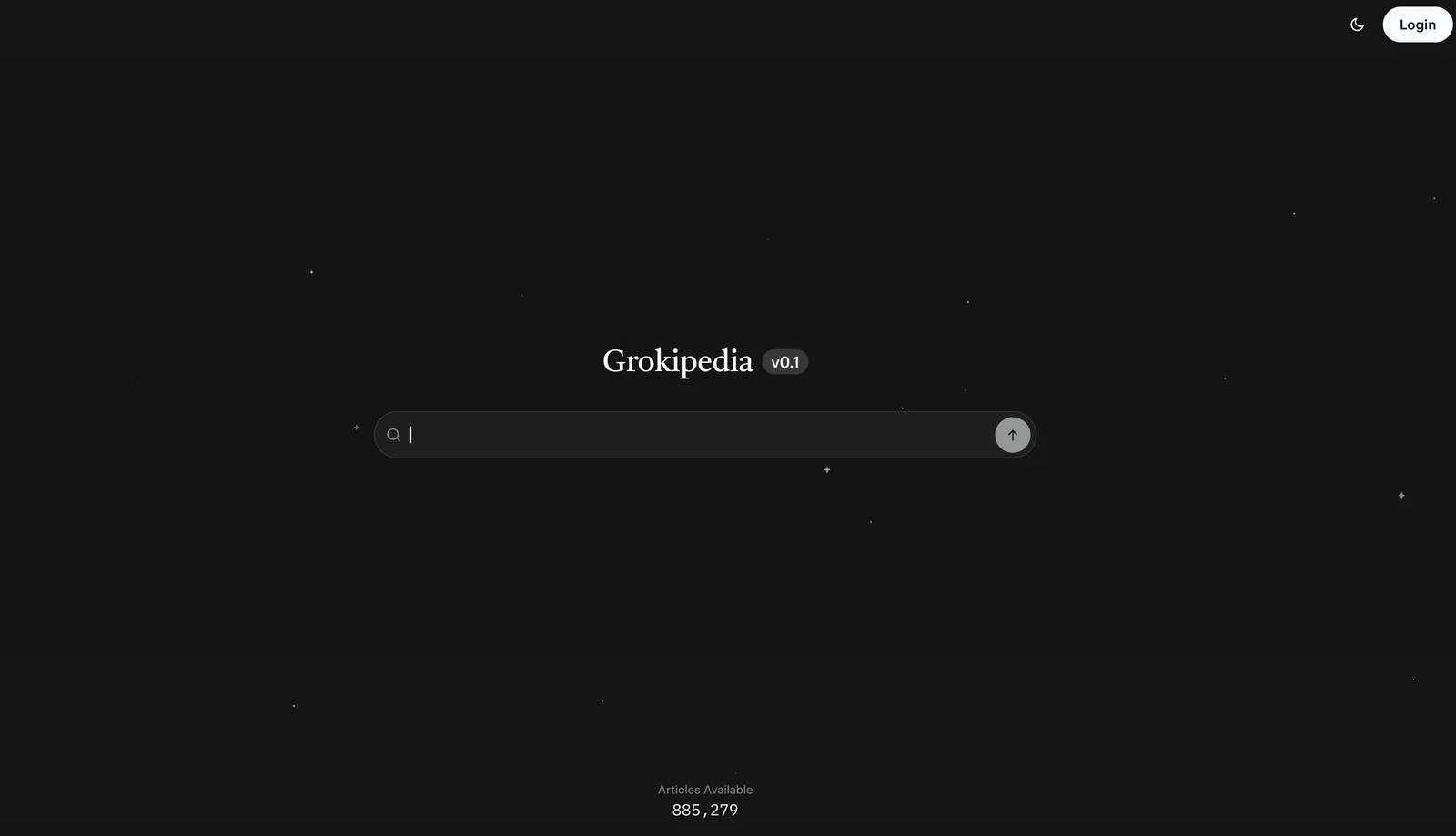
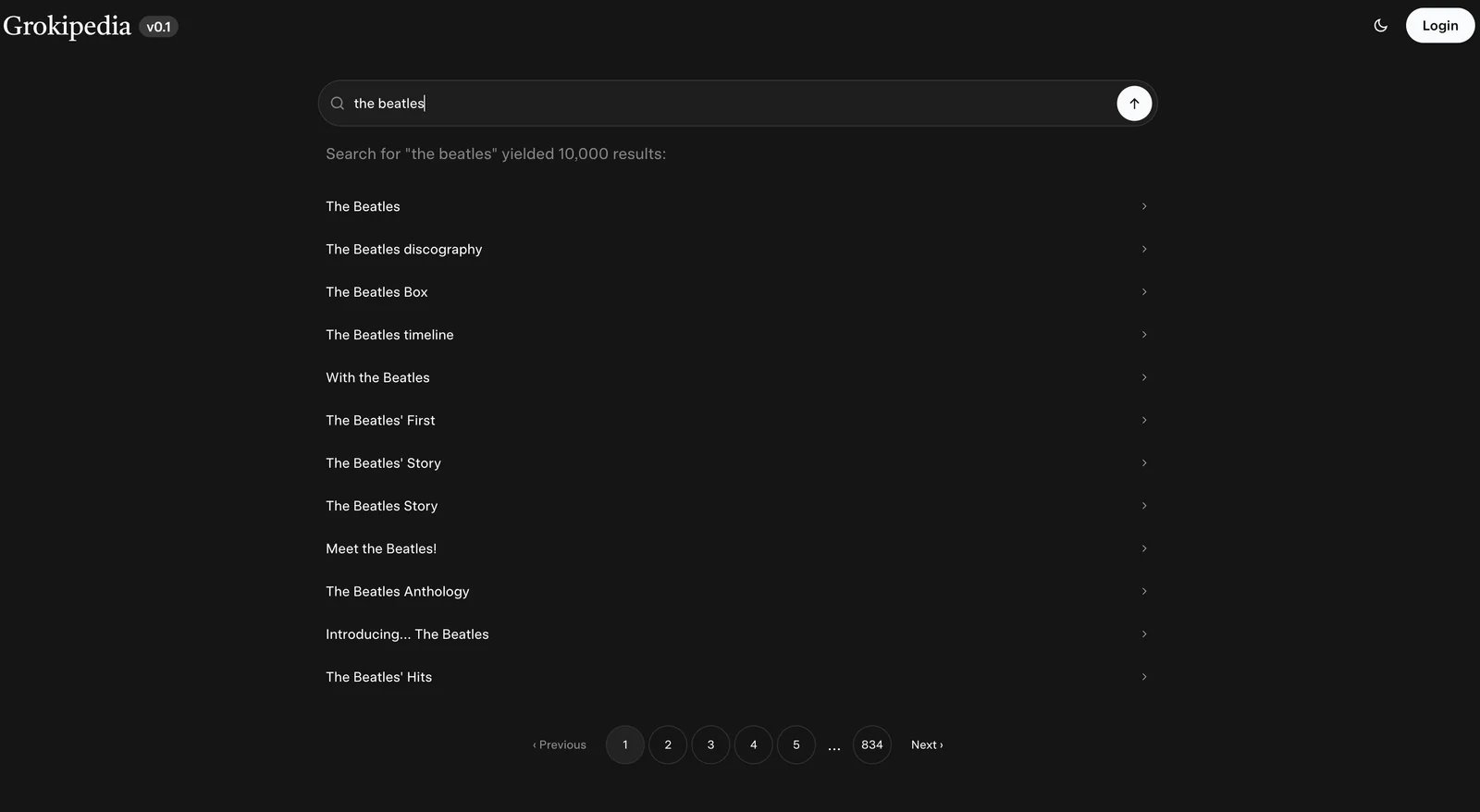
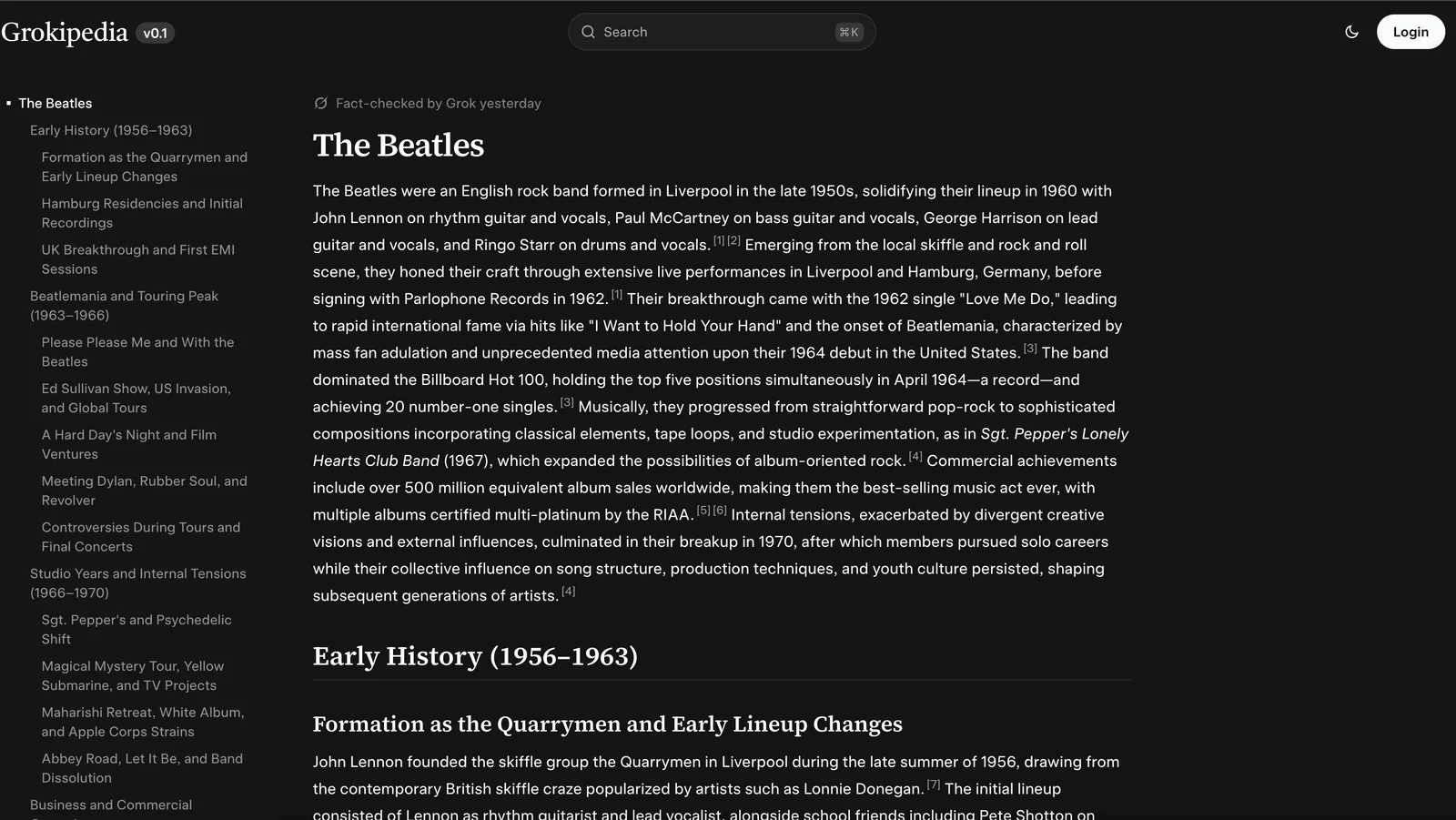
Grokipedia is a proof-of-concept, community-built knowledge platform designed as an alternative to traditional encyclopedias. It rewrites and condenses Wikipedia articles into fact-focused, bias-aware summaries by retrieving source content (e.g., via Firecrawl) and using Grok-family LLMs (accessed through OpenRouter/x-ai/grok-4-fast). The project includes a backend API (POST /api/grokify), a lightweight HTML/JS/CSS frontend that can be self-hosted, and an architecture intended to prioritize openness, impartiality, and verifiability under a “maximum truth” philosophy. Development was community-driven and the GitHub repositories indicate the project was pitched to XAI and later development was halted.
Screenshots
Key Features
Use Cases



Frequently asked questions about Grokipedia
Is Grokipedia free to use?
Yes, Grokipedia is completely free to use as an open-source knowledge platform. Users can access a vast array of information without encountering paywalls or usage limits, making it an ideal resource for anyone seeking reliable and diverse sources of knowledge.
Key Points
- Open-Source Access: Grokipedia is built on an open-source model, ensuring transparency and community collaboration.
- No Cost or Subscription: Users can freely navigate the platform without any financial commitment or subscription fees.
- Unlimited Usage: There are no restrictions on the number of searches or content access, promoting extensive exploration.
Detailed Explanation
Grokopedia stands out as a valuable resource for users looking for information across various domains without financial barriers. As an open-source platform, it encourages contributions from users, which enhances the quality and breadth of information available.
Features:
- User-Friendly Interface: Grokipedia is designed for ease of use, allowing users to quickly find and retrieve information.
- Community Contributions: Anyone can contribute to Grokipedia, making it a dynamic and continuously evolving knowledge base.
- Diverse Content: The platform covers a wide range of topics, from academic subjects to everyday knowledge, catering to a broad audience.
Use Cases:
- Students and Researchers: Ideal for sourcing academic material without incurring costs.
- Professionals: Useful for quick fact-checking or gathering insights in various fields.
- General Public: A great tool for anyone interested in learning new things or satisfying curiosity.
Best Practices / Tips
- Utilize Search Filters: To find specific information quickly, take advantage of Grokipedia's search filters.
- Contribute: If you have knowledge to share, consider contributing to Grokipedia to help improve the platform.
- Stay Updated: Follow the platform’s updates to learn about new features and content areas being added.
Additional Resources
What are the main features of Grokipedia?
Grokipedia is a powerful tool that provides fact-focused summarization of Wikipedia articles, a source retrieval pipeline, and a self-hostable frontend. These features aim to minimize bias and enhance trustworthiness, making it an essential resource for accurate information.
Key Points
- Fact-focused Summarization: Grokipedia distills complex Wikipedia articles into concise, easy-to-understand summaries.
- Source Retrieval Pipeline: The platform includes a robust system for retrieving and verifying sources, ensuring accurate information.
- Self-hostable Frontend: Users can deploy Grokipedia on their own servers, enhancing accessibility and customization.
Detailed Explanation
Grokipedia leverages advanced AI algorithms to analyze and summarize Wikipedia articles, allowing users to quickly grasp essential information without wading through lengthy texts.
-
Fact-focused Summarization: This feature reduces the cognitive load on users by providing key points and insights from articles. For instance, if you search for "climate change," Grokipedia will summarize the main causes, effects, and mitigation strategies, allowing for rapid information retrieval.
-
Source Retrieval Pipeline: Trustworthiness is critical in today's information landscape. Grokipedia's pipeline ensures that users can access verified sources related to the summarized content. When you click on a summarized point, Grokipedia will direct you to the relevant Wikipedia entry and other credible references, enhancing the reliability of the information.
-
Self-hostable Frontend: For organizations or individuals who prioritize data privacy and customization, Grokipedia’s self-hostable option allows users to run the tool on their own servers. This feature is particularly beneficial for educational institutions or research organizations that want to tailor the interface and functionalities to fit their specific needs.
Best Practices / Tips
- Utilize Summarization for Quick Learning: When researching a new topic, start with Grokipedia's summaries to get a foundational understanding before diving deeper.
- Verify Sources: Always check the cited sources provided in Grokipedia for additional context and validation of the information.
- Customize Your Deployment: If self-hosting, take advantage of Grokipedia's customizable frontend to align it with your branding and user needs.
Additional Resources
How do I get started with Grokipedia?
To get started with Grokipedia, visit the official website at Grokipedia.com. There, you can explore its community-driven platform and utilize the API for article summarization. Registration is quick and provides access to a wide array of collaborative resources and tools.
Key Points
- Access Grokipedia through its official website.
- Utilize the API for efficient article summarization.
- Join the community to enhance your experience and contribute.
Detailed Explanation
Grokipedia is designed to be an accessible platform for users looking to leverage community-driven knowledge. Here are the steps to get started:
- Visit the Website: Navigate to Grokipedia.com to explore the platform.
- Create an Account: Click on the "Sign Up" button to register. You’ll need to provide basic information like your email address and create a password. Registration is free.
- Explore Features: Once logged in, familiarize yourself with the available features, including article summarization tools, community forums, and collaborative spaces.
- Utilize the API: If you are a developer or interested in automation, check out the API documentation. The API allows you to integrate Grokipedia’s summarization capabilities into your applications, enhancing your projects with concise and informative summaries.
For example, if you’re working on a research project, you can use the summarization API to quickly generate overviews of lengthy articles, saving you time and improving productivity.
Best Practices / Tips
- Engage with the Community: Participate in forums and discussions to gain insights and improve your understanding of the platform.
- Regularly Check for Updates: Grokipedia may roll out new features or improvements; staying updated ensures you maximize the platform's potential.
- Test the API: Experiment with the API in a sandbox environment before deploying it in production to understand its capabilities and limitations.
- Read Documentation: Familiarize yourself with Grokipedia’s user guides and API documentation for a smoother experience.
Additional Resources
By following these steps and utilizing the resources available, you can effectively start using Grokipedia to enhance your projects and knowledge base.
Can I integrate Grokipedia's API into my application?
Yes, you can integrate Grokipedia's API into your application. Grokipedia offers a REST API that allows programmatic access to its summarization features. To use the API, you will need the necessary OpenRouter credentials for authentication.
Key Points
- REST API Access: Grokipedia provides a RESTful API for seamless integration.
- OpenRouter Credentials: Authentication is required using OpenRouter credentials.
- Summarization Features: The API includes advanced summarization capabilities for various applications.
Detailed Explanation
Integrating Grokipedia's API is straightforward. The first step is to obtain your OpenRouter credentials, which are necessary for authenticating your API requests. Once you have these credentials, you can access Grokipedia's powerful summarization features.
- Get OpenRouter Credentials: Sign up for an account on OpenRouter's platform. After registration, you will receive your unique API key.
- API Documentation: Familiarize yourself with the Grokipedia API documentation to understand the endpoints and request formats.
- Make API Requests: Use HTTP methods (GET, POST) to interact with the API. For example, to summarize text, you would send a POST request to the summarization endpoint, including your API key in the headers.
- Handle Responses: The API will return JSON responses with the summarized content, which you can easily parse and display in your application.
Use Cases: Developers can use the API for various applications, such as:
- Content Creation: Automatically generating summaries for articles or blog posts.
- Education Tools: Creating study aids by summarizing textbooks or lecture notes.
- News Aggregators: Summarizing multiple news articles into concise formats.
Best Practices / Tips
- Rate Limiting: Be aware of any rate limits set by Grokipedia to avoid disruptions in service.
- Error Handling: Implement robust error handling in your application to manage failed API requests or invalid responses gracefully.
- Caching Responses: To improve performance and reduce API calls, consider caching frequently requested summaries.
- Security: Keep your OpenRouter credentials secure and avoid hardcoding them in your application code.
Additional Resources
How does Grokipedia compare to other knowledge platforms?
Grokipedia distinguishes itself from other knowledge platforms by prioritizing bias-aware summarization and ensuring open-source accessibility. Unlike traditional encyclopedias, Grokipedia offers a collaborative environment that encourages diverse perspectives, making it a modern and inclusive alternative for users seeking reliable information.
Key Points
- Bias-Aware Summarization: Grokipedia employs algorithms that minimize bias in information presentation.
- Open-Source Accessibility: Users can freely access, contribute to, and modify content, promoting transparency.
- Collaborative Environment: Encourages diverse input, enhancing the richness of information available.
Detailed Explanation
Grokipedia's unique approach focuses on delivering information that is not only accurate but also free from bias. Traditional knowledge platforms often present information from a single viewpoint or authoritative source, which can lead to skewed narratives. Grokipedia addresses this by utilizing advanced summarization techniques that analyze multiple sources and perspectives, allowing users to understand various angles on a topic.
For example, when researching a historical event, Grokipedia aggregates insights from different cultures and narratives, ensuring a well-rounded understanding. This capability is especially beneficial for academic research, where diverse viewpoints are crucial for comprehensive analysis.
Additionally, Grokipedia's open-source model sets it apart from conventional encyclopedias. This means that anyone can contribute content, edit existing entries, and participate in discussions. The collaborative nature fosters a community of knowledge-sharing, making information more dynamic and up-to-date compared to static entries in traditional platforms.
Best Practices / Tips
- Engage Actively: Contribute your knowledge to Grokipedia to help enhance its content.
- Verify Sources: Always cross-check information from Grokipedia with credible sources for accuracy.
- Utilize Filters: Use Grokipedia’s filtering options to find the most relevant and well-supported articles.
Additional Resources
Explore more AI Ai Services tools
Browse all Ai Services tools →Compare Grokipedia: vs ai-engineering-from-scratch · vs Thanor · vs Hopscotch · vs ZergRouter