

DokBot
AIDokBot turns your PDFs and documents into an embeddable RAG support chatbot for your website in minutes, using your own API key or built-in credits.
DokBot
DokBot turns your PDFs and documents into an embeddable RAG support chatbot for your website in minutes, using your own API key or built-in credits.
About DokBot
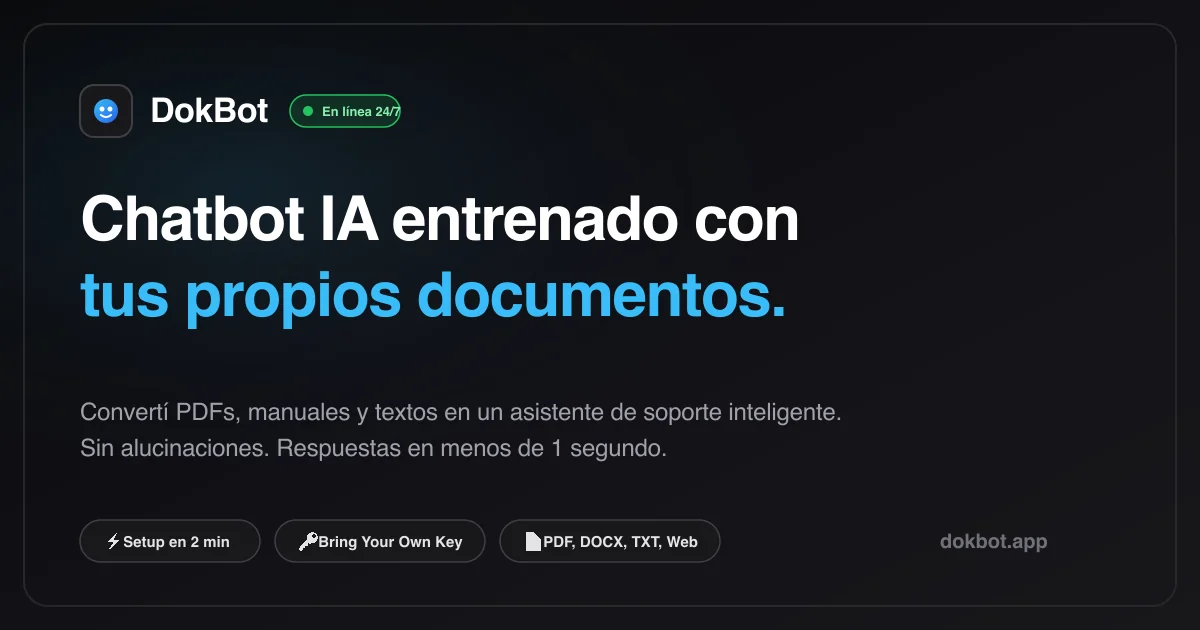
DokBot is a no-code platform for building customer-support chatbots grounded in your own documentation. You upload PDF, DOCX, XLSX, Markdown or TXT files into a knowledge base, DokBot processes and chunks them for retrieval-augmented generation, and you assign the knowledge base to a bot, choose the model and set its tone. A Live Preview lets you iterate on the prompt and check answer accuracy before installing the bot with a single script tag, and the widget is isolated via Shadow DOM so it never breaks the host site's CSS. It supports bring-your-own API keys for OpenAI, Anthropic, Google AI Studio, Groq, OpenRouter, CheaperInference and Ollama Cloud, or managed AI credits that run on DokBot's own provider key. When the bot cannot answer, it asks the visitor for an email and hands the conversation, with full context, to a human in the Conversations inbox.
Screenshots
Key Features
Use Cases



Frequently asked questions about DokBot
What is DokBot?
DokBot turns your PDFs and documents into an embeddable RAG support chatbot for your website in minutes, using your own API key or built-in credits.
How does DokBot work?
DokBot works by combining Multi-Format RAG Knowledge Bases: Native ingestion of PDF, DOCX, XLSX, MD and TXT files with automatic processing and chunking — no copy-pasting text., Bring Your Own API Key: Connect OpenAI, Anthropic, Google AI Studio, Groq, OpenRouter, CheaperInference or Ollama Cloud directly without a middleman., Managed AI Credits: Optionally buy monthly AI credits so DokBot runs the model on its own provider key and bots need no API key., Human Handoff: When the bot doesn't know an answer it collects the visitor's email and surfaces the full conversation in the Conversations inbox., Shadow DOM Embeddable Widget: Install with one script tag before , fully isolated so it never breaks your site's CSS. to help users with Website Customer Support: Answer common visitor questions 24/7 from product manuals and help docs., Documentation Assistant: Let users query long technical PDFs or guides conversationally instead of searching manually., Lead Capture from Unanswered Questions: Collect emails when the bot can't answer and follow up with full context., Low-Cost Support Automation: Small businesses run a support bot on free-tier or cheap model providers via BYOK., Multilingual SMB Support: Spanish-speaking businesses deploy a docs-grounded assistant on their site in minutes..
What are the main features of DokBot?
Key features include Multi-Format RAG Knowledge Bases: Native ingestion of PDF, DOCX, XLSX, MD and TXT files with automatic processing and chunking — no copy-pasting text., Bring Your Own API Key: Connect OpenAI, Anthropic, Google AI Studio, Groq, OpenRouter, CheaperInference or Ollama Cloud directly without a middleman., Managed AI Credits: Optionally buy monthly AI credits so DokBot runs the model on its own provider key and bots need no API key., Human Handoff: When the bot doesn't know an answer it collects the visitor's email and surfaces the full conversation in the Conversations inbox., Shadow DOM Embeddable Widget: Install with one script tag before , fully isolated so it never breaks your site's CSS..
Who is DokBot for?
DokBot is useful for anyone interested in Website Customer Support: Answer common visitor questions 24/7 from product manuals and help docs., Documentation Assistant: Let users query long technical PDFs or guides conversationally instead of searching manually., Lead Capture from Unanswered Questions: Collect emails when the bot can't answer and follow up with full context., Low-Cost Support Automation: Small businesses run a support bot on free-tier or cheap model providers via BYOK., Multilingual SMB Support: Spanish-speaking businesses deploy a docs-grounded assistant on their site in minutes..
How much does DokBot cost?
DokBot offers a free tier with paid plans for advanced features.
How do I get started with DokBot?
Visit https://www.dokbot.app/ to sign up and explore DokBot.
Explore more AI Ai Services tools
Browse all Ai Services tools →Browse by use case: Chatbots & Assistants · Automation & Productivity
Compare DokBot: vs ai-engineering-from-scratch · vs Thanor · vs Hopscotch · vs ZergRouter