

Reddit Summarizer
AIChrome extension that instantly summarizes Reddit threads, subreddits, or search results and provides a chat interface to dig deeper.
Reddit Summarizer
Chrome extension that instantly summarizes Reddit threads, subreddits, or search results and provides a chat interface to dig deeper.
About Reddit Summarizer
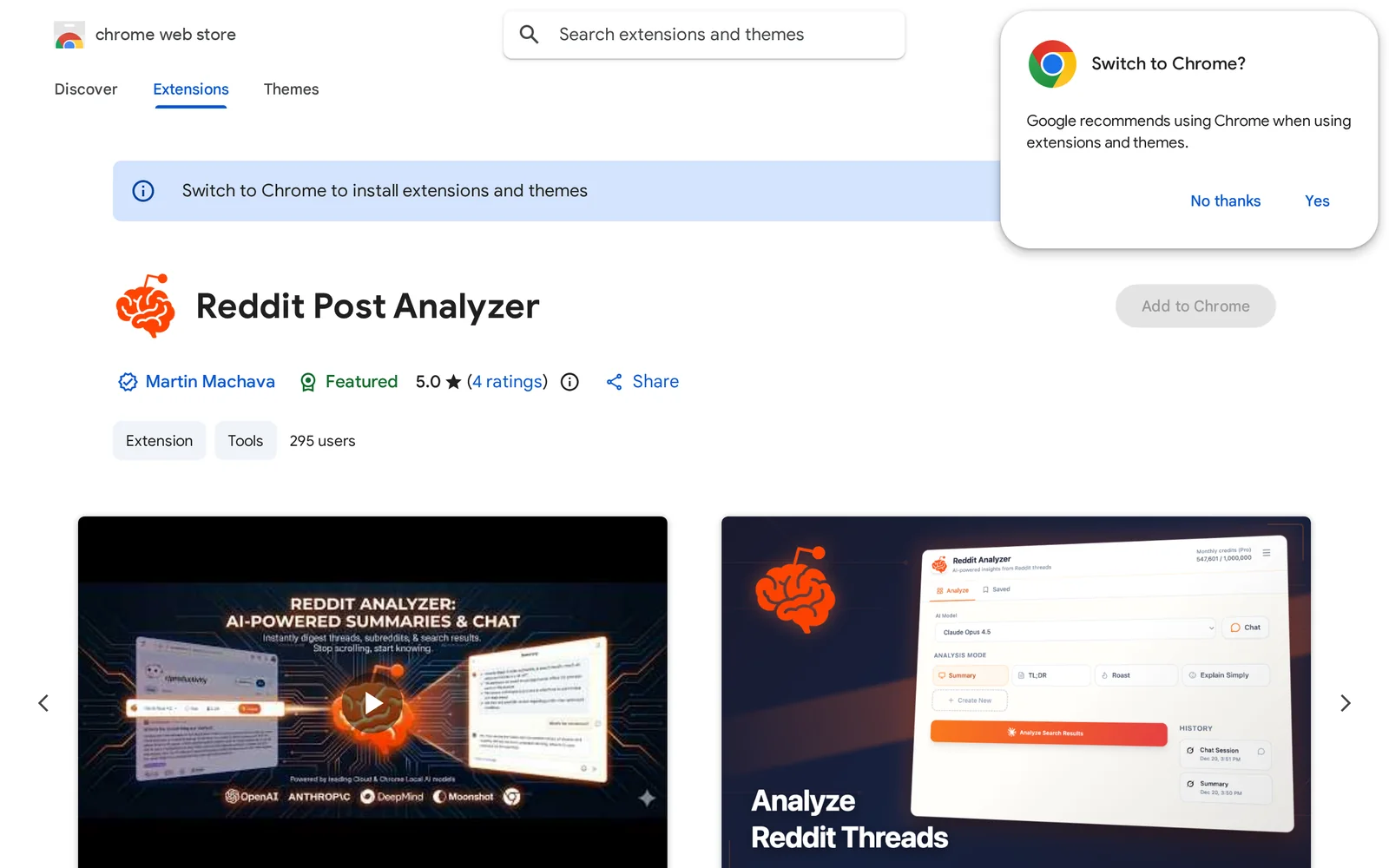
Reddit Summarizer (listed as Reddit Post Analyzer) is a Chrome extension that generates concise summaries of Reddit threads, entire subreddits, or search result pages and provides a conversational interface to explore content further. It integrates into the browser/Reddit UI to give instant, readable overviews of long discussions and aggregated subreddit content, helping users save time reading and quickly extract key points, opinions, and trends. The included chat capability lets users ask follow-up questions or request deeper analysis of comments and posts.
Screenshots
Key Features
Use Cases



Frequently asked questions about Reddit Summarizer
What is Reddit Summarizer?
Reddit Summarizer is a Chrome extension that instantly condenses Reddit threads, subreddits, or search results into concise summaries. It features a chat interface that allows users to engage further with the content, making it easier to find relevant information quickly.
Key Points
- Instant Summarization: Quickly summarizes lengthy Reddit discussions.
- User-Friendly Interface: Features an interactive chat for deeper exploration of topics.
- Supports Various Formats: Works with threads, subreddits, and search results.
Detailed Explanation
Reddit Summarizer is an innovative Chrome extension designed to enhance the user experience on Reddit. By breaking down complex discussions into digestible summaries, it saves users time and effort in sifting through extensive threads.
How It Works
- Installation: Download the Reddit Summarizer extension from the Chrome Web Store and add it to your browser.
- Usage: Navigate to any Reddit thread or subreddit. The extension will automatically generate a summary, highlighting key points and comments.
- Interactive Chat Interface: Users can click on the summary to open a chat interface, allowing them to ask questions or request more detailed information about specific parts of the discussion.
Use Cases
- Time-Saving: Ideal for users who want quick insights without reading through full threads.
- Research: Useful for researchers looking to gather opinions or data from Reddit discussions efficiently.
- Content Creation: Writers and marketers can utilize the summaries to identify trending topics and discussions for content ideas.
Best Practices / Tips
- Regularly Update the Extension: Ensure you're using the latest version for optimal performance and features.
- Explore Different Subreddits: Use the summarizer across various subreddits to gain diverse perspectives on topics.
- Engage with the Chat Interface: Don’t hesitate to ask specific questions in the chat for deeper insights.
Common Pitfalls to Avoid
- Over-reliance on Summaries: While summaries are helpful, always cross-reference important topics for accuracy.
- Ignoring User Comments: Engage with user comments for nuanced understanding that summaries might miss.
Additional Resources
- Reddit Summarizer Chrome Extension
- How to Effectively Use Reddit for Research
- Tips for Engaging with Reddit Communities
By utilizing Reddit Summarizer, users can streamline their Reddit experience, making it a valuable tool for anyone looking to navigate the vast sea of information on the platform.
How does Reddit Summarizer work?
Reddit Summarizer utilizes advanced AI algorithms to analyze Reddit threads, extracting key discussions and insights to present concise summaries. This tool significantly aids users in quickly grasping the essence of conversations, saving time while enhancing understanding of diverse topics.
Key Points
- AI-Driven Summarization: Utilizes natural language processing to distill information.
- User-Friendly Interface: Easily navigable for all users, regardless of tech-saviness.
- Customizable Settings: Allows users to adjust summary length and focus.
Detailed Explanation
Reddit Summarizer leverages state-of-the-art AI technology, specifically natural language processing (NLP), to sift through extensive Reddit threads. Here’s how it works:
-
Data Collection: The tool scans selected Reddit subreddits or threads, gathering relevant posts and comments. For example, if you input a popular thread about a recent event, Reddit Summarizer will aggregate all related discussions.
-
Data Processing: Using machine learning algorithms, the AI identifies key themes, sentiments, and crucial points from the conversation. This includes filtering out irrelevant comments and noise, which often clutter discussions.
-
Summary Generation: The AI composes a concise summary that highlights the main ideas and sentiments expressed in the thread. Users can expect summaries that cover various angles of the discussion, providing a well-rounded overview.
-
User Interaction: Users can customize their experience by choosing summary length or focusing on specific aspects, such as top comments or trending sentiments, ensuring they receive information tailored to their needs.
Best Practices / Tips
- Define Your Needs: Before using Reddit Summarizer, determine what specifics you want to extract, such as key opinions or statistics.
- Explore Multiple Threads: For comprehensive insights, consider summarizing multiple threads on the same topic.
- Adjust Settings: Experiment with different settings to fine-tune the summary length and focus, maximizing the relevance of the output.
- Stay Updated: Regularly check for updates or new features that may enhance functionality or improve accuracy.
Additional Resources
What are the main features of Reddit Summarizer?
Reddit Summarizer boasts several key features, including advanced AI-driven summarization, customizable summary lengths, and support for multiple subreddits. These capabilities make it easy for users to quickly digest content, enhancing their Reddit experience while saving time and effort.
Key Points
- AI-Driven Summarization: Utilizes machine learning to generate concise summaries.
- Customizable Summary Lengths: Allows users to choose how brief or detailed they want their summaries.
- Multi-Subreddit Support: Summarizes content from various subreddits simultaneously.
Detailed Explanation
Reddit Summarizer employs cutting-edge AI algorithms to analyze discussions and extract the most relevant points. This feature is particularly beneficial for users who want to stay updated on specific topics without sifting through extensive threads. By simply inputting the desired subreddit, users can receive a quick overview of the latest posts and comments.
AI-Driven Summarization
The heart of Reddit Summarizer is its AI-driven summarization, which scans and processes threads to deliver accurate, digestible content. For instance, if a user inputs a subreddit about technology, the summarizer will highlight the most discussed topics, key insights, and popular opinions, making it easier to grasp trends and sentiments.
Customizable Summary Lengths
Users have the flexibility to select summary lengths—ranging from ultra-brief bullet points to more detailed paragraphs. This adaptability ensures that whether a user is in a rush or seeking in-depth understanding, they can tailor the output to their needs. For instance, a quick summary might capture only the main points, while a more detailed version could include context and examples.
Multi-Subreddit Support
The tool also supports summarization across multiple subreddits, allowing users to track various interests simultaneously. For example, a user interested in both gaming and movies can input both subreddits and receive a combined summary, streamlining their information-gathering process.
Best Practices / Tips
- Be Specific: When using Reddit Summarizer, specify the subreddit and topic for the best results. For example, instead of just "movies," consider "movies released in 2023."
- Use Filters: Utilize any available filtering options to focus on specific types of posts, like top-rated or recent discussions.
- Check Context: Always cross-reference summarized content with original posts for full context, as summaries may omit subtle nuances.
Additional Resources
Who is Reddit Summarizer for?
Reddit Summarizer is designed for anyone seeking to streamline their information consumption from Reddit. This tool benefits researchers, content creators, marketers, and everyday users looking to quickly grasp discussions, trends, or key insights from Reddit threads without sifting through extensive posts.
Key Points
- Target Audience: Ideal for researchers, marketers, and casual users.
- Efficiency: Saves time by condensing lengthy discussions into concise summaries.
- Accessibility: Helps users stay updated on trends and discussions across various topics.
Detailed Explanation
Reddit Summarizer caters to a diverse audience, including:
-
Researchers and Academics: Those conducting studies often need to gather insights from numerous Reddit threads. The summarizer extracts essential points, saving time and enhancing research efficiency.
-
Content Creators and Marketers: Professionals creating content can utilize the summarizer to identify trending topics and user sentiment. By summarizing discussions, they can create relevant and engaging content for their target audience.
-
Casual Users: Individuals who want to stay informed on specific topics without spending hours reading can benefit greatly. The tool distills important information, allowing users to keep up with discussions that matter to them.
For example, a marketer may use Reddit Summarizer to quickly understand consumer opinions on a new product, while a student might summarize a thread on academic advice to grasp key recommendations.
Best Practices / Tips
- Use Specific Subreddits: When summarizing, focus on niche subreddits related to your interests for more relevant insights.
- Combine with Other Tools: Pair Reddit Summarizer with social media analytics tools to enhance your understanding of trends.
- Stay Updated: Regularly check back for updates on features or improvements to maximize the tool's effectiveness.
Additional Resources
- Reddit API Documentation: Learn more about Reddit's API for advanced usage.
- Social Media Marketing Resources: Explore how to leverage summarization tools in your marketing strategy.
- AI Tools for Content Creation: Discover more AI tools that complement your content creation efforts.
How much does Reddit Summarizer cost?
Reddit Summarizer provides a free tier that allows users basic summarization features. For those seeking enhanced capabilities, paid plans are available, typically ranging from $10 to $30 per month, depending on the level of advanced functionality chosen.
Key Points
- Free Tier: Basic features are accessible without charge.
- Paid Plans: Advanced features available for $10 to $30 per month.
- Functionality Levels: Different pricing tiers unlock varying capabilities.
Detailed Explanation
Reddit Summarizer is a powerful tool designed to condense lengthy Reddit discussions into concise summaries, making it easier for users to digest information quickly. The free version of Reddit Summarizer allows users to access essential features, which is ideal for casual users or those just getting started with the platform.
Paid Plans
For more advanced features, Reddit Summarizer offers paid subscription plans. These plans typically range from $10 to $30 per month. The exact pricing may vary based on promotional offers or updates to the service. Paid plans provide access to additional functionalities such as:
- Enhanced summarization accuracy
- Customizable summaries
- Integration with other tools or platforms
This tier is perfect for professionals, researchers, or avid Reddit users who need more detailed insights from discussions.
Best Practices / Tips
- Start with the Free Tier: If you're new to Reddit Summarizer, explore the free tier first to understand its features and see if it meets your needs before upgrading.
- Evaluate Your Needs: Assess the depth of summarization you require. If you often read long threads, investing in a paid plan may save you time.
- Check for Promotions: Occasionally, Reddit Summarizer may offer discounts or trial periods for their paid plans. Keep an eye on their website or subscribe to their newsletter for updates.
Additional Resources
By utilizing Reddit Summarizer, you can efficiently navigate the vast amount of information on Reddit, whether you opt for the free version or decide to upgrade for more comprehensive features.
How do I get started with Reddit Summarizer?
To get started with Reddit Summarizer, visit the Chrome Web Store at this link. Sign up for an account, install the extension, and begin summarizing Reddit threads for quick insights into discussions and comments.
Key Points
- Easy installation via Chrome Web Store.
- Summarizes Reddit threads for efficient reading.
- User-friendly interface for quick navigation.
Detailed Explanation
Reddit Summarizer is a Chrome extension designed to condense lengthy Reddit threads into concise summaries. To begin using it, follow these steps:
- Visit the Chrome Web Store: Open your Chrome browser and navigate to the Reddit Summarizer page.
- Install the Extension: Click on the "Add to Chrome" button. Confirm the installation by clicking "Add Extension" in the popup.
- Create an Account: After installation, open a Reddit page. You will be prompted to sign up for an account. Provide the necessary information to create your profile.
- Start Summarizing: Once logged in, navigate to any Reddit thread. Click on the Reddit Summarizer icon in your browser toolbar. The extension will generate a summary of the post and comments, highlighting key points and discussions.
This tool is particularly useful for users looking to quickly grasp conversations in large threads without reading every comment.
Best Practices / Tips
- Use Keywords: When searching for topics on Reddit, include specific keywords to get more accurate summaries.
- Limit Scope: Focus on summarizing threads with high engagement (many comments) for the best insights.
- Explore Settings: Customize your summary preferences in the extension's settings for tailored results.
- Avoid Over-Reliance: While summaries are helpful, occasionally read full threads to capture nuances and context.
Additional Resources
- Official Reddit Summarizer Documentation
- Reddit Help Center for more insights into navigating Reddit effectively.
- Chrome Web Store for exploring other useful extensions.
Explore more AI Ai Tools tools
Browse all Ai Tools tools →Browse by use case: Chatbots & Assistants
Compare Reddit Summarizer: vs Agents Never Sleep · vs Port Radar for macOS · vs SubtitleGenerator · vs Zero