

LongCat Video Avatar
AIGenerates ultra-realistic, audio-driven, lip-synced long avatar videos with stable identity, natural motion, multi-person support, and video continuation.
LongCat Video Avatar
Generates ultra-realistic, audio-driven, lip-synced long avatar videos with stable identity, natural motion, multi-person support, and video continuation.
About LongCat Video Avatar
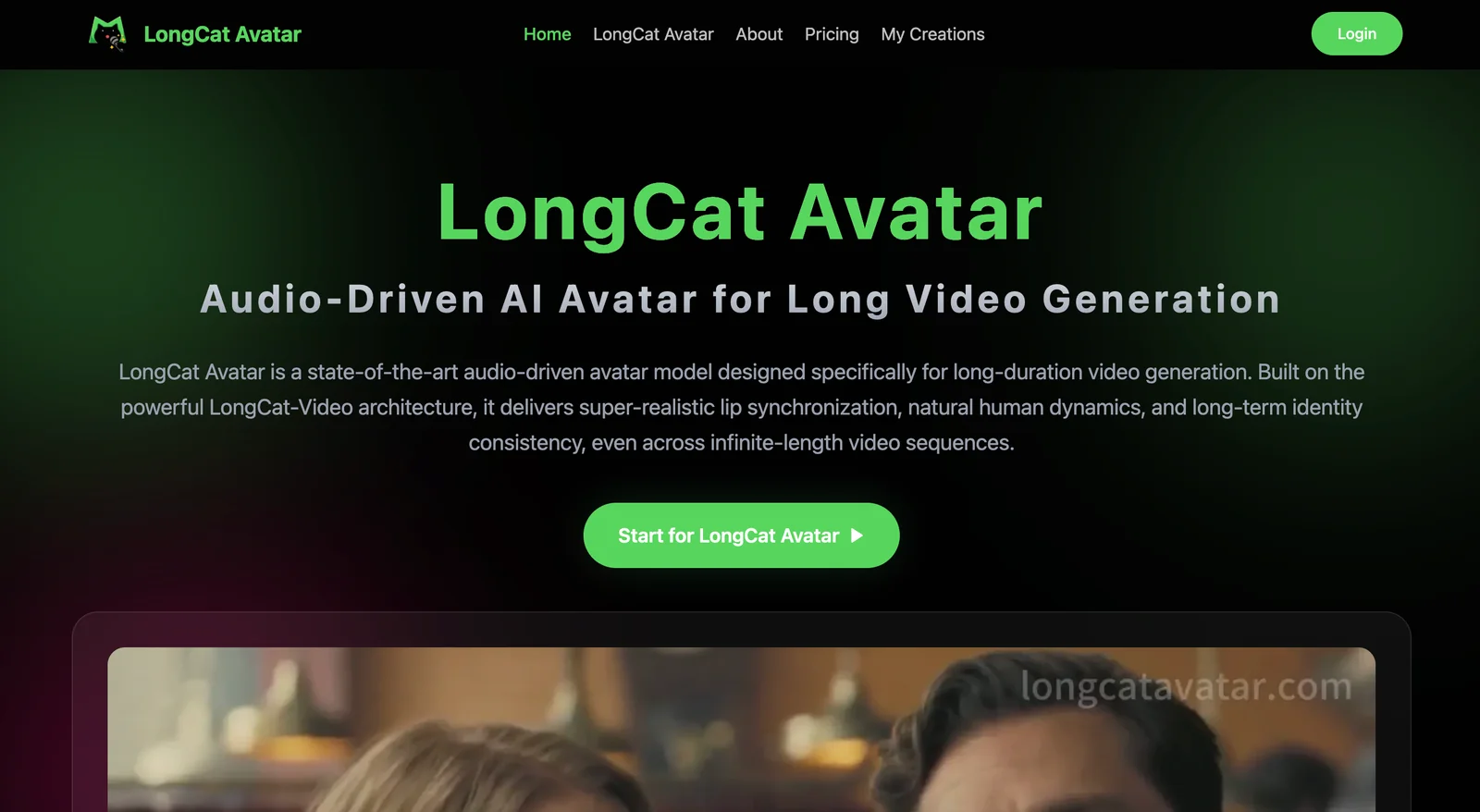
LongCat Avatar is an audio-driven video avatar generation tool that converts input audio into ultra-realistic, lip-synced video of one or more avatars. It focuses on preserving a stable identity across long sequences while producing natural head motion, expressions, and micro-movements for lifelike results. The platform supports multi-person outputs and can continue or extend existing videos while maintaining consistent appearance and motion characteristics, enabling seamless long-form avatar video creation.
Screenshots
Key Features
Use Cases


Frequently asked questions about LongCat Video Avatar
What is the pricing structure for LongCat Video Avatar?
LongCat Video Avatar utilizes a freemium pricing model, allowing users access to basic features for free. However, detailed pricing information is not publicly available. Interested users should reach out to LongCat Avatar directly for tailored pricing plans and trial opportunities.
Key Points
- LongCat Video Avatar offers a freemium model.
- Specific pricing details are not publicly disclosed.
- Users are encouraged to contact LongCat directly for customized plans.
Detailed Explanation
LongCat Video Avatar provides a flexible pricing structure that includes a freemium model, enabling users to explore essential features without any initial investment. This approach allows users to understand the platform's functionality before committing to a paid plan. While free access is available, users looking for advanced features must inquire about custom pricing options.
Pricing Tiers
- Freemium Access: Users can create basic video avatars without a subscription, making it ideal for those who want to try the service.
- Custom Pricing Plans: For businesses or individuals needing advanced features, LongCat offers tailored pricing. This customized approach ensures users only pay for the services they need.
- Trial Availability: Potential users can request a trial to assess the platform’s capabilities before making a financial commitment.
Best Practices / Tips
- Reach Out for Clarity: Since pricing is not publicly listed, contacting LongCat directly can provide insights into the best plan for your needs.
- Assess Your Needs: Before contacting, outline your specific requirements to ensure you get the most relevant information.
- Explore Free Features: Make the most of the freemium model by testing basic functionalities, which can help you decide if you need a paid plan.
Additional Resources
What are the key features of LongCat Video Avatar?
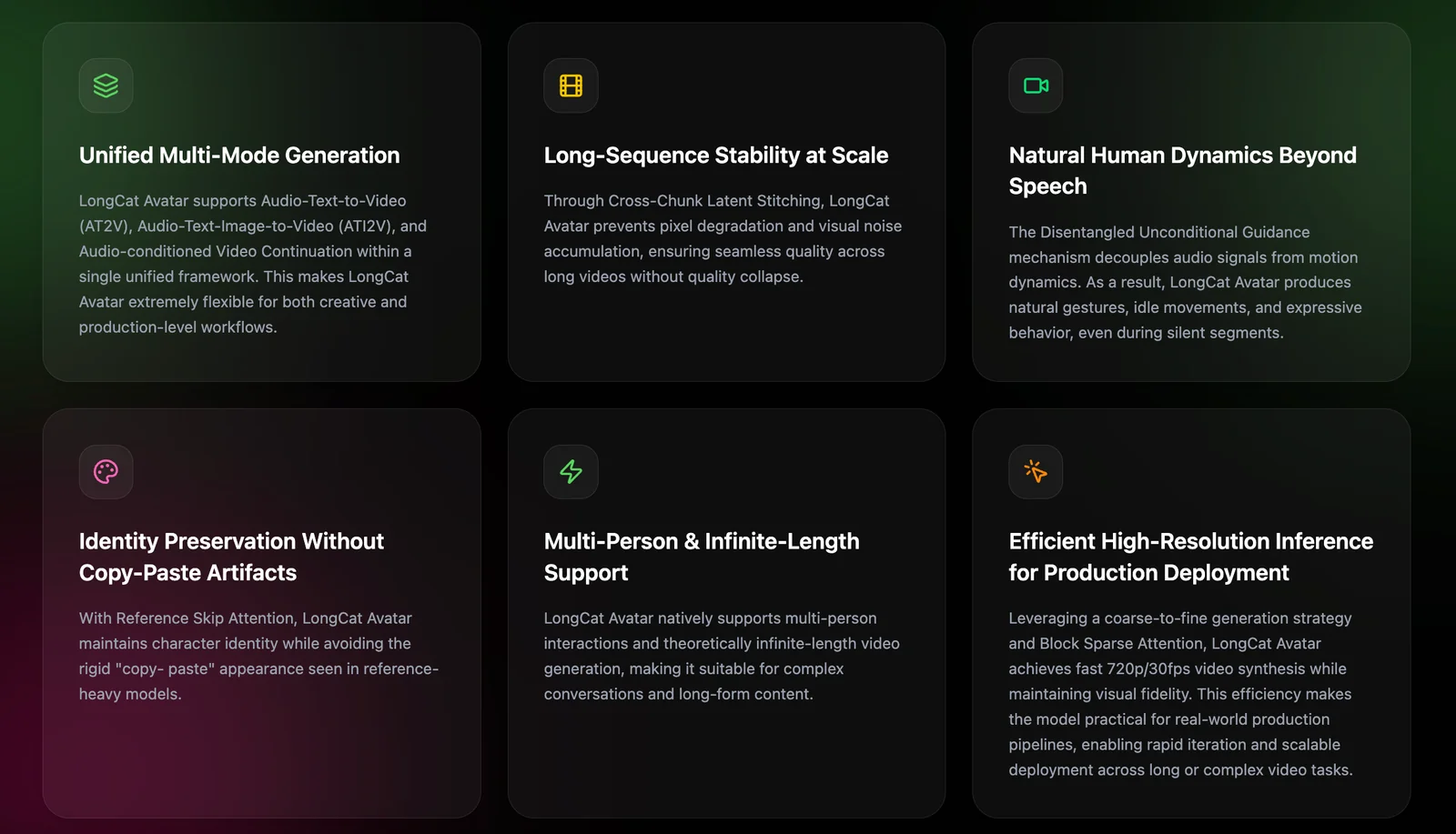
LongCat Video Avatar offers advanced features including audio-driven video generation, ultra-realistic lip-sync capabilities, stable identity preservation, natural motion and expressions, support for multiple characters, and seamless video continuation. These innovations make it a powerful tool for creating engaging and personalized video content.
Key Points
- Audio-Driven Video Generation: Automatically generates video content from audio inputs.
- Ultra-Realistic Lip-Sync: Matches lip movements with spoken words for authenticity.
- Multi-Person Support: Allows simultaneous representation of multiple avatars in a single video.
Detailed Explanation
LongCat Video Avatar stands out in the realm of AI video production with its unique features:
Audio-Driven Video Generation
This feature takes audio files—be it a voiceover, dialogue, or music—and transforms them into dynamic video content. Users can easily upload an audio track, and LongCat will generate a corresponding video, minimizing the time and effort needed for content creation.
Ultra-Realistic Lip-Sync
Lip-syncing is a critical aspect of video realism. LongCat employs sophisticated algorithms to ensure that avatars’ lip movements closely match the words being spoken. This feature is particularly useful for creators looking to produce content that requires a high level of engagement, such as educational videos or marketing presentations.
Stable Identity Preservation
LongCat ensures that avatars maintain a consistent appearance across various video segments. This stability in identity is crucial for brand representation and helps viewers connect with the avatar, enhancing viewer trust and engagement.
Natural Motion and Expression
The platform enables avatars to exhibit lifelike motions and facial expressions, making interactions feel more authentic. This capability is essential for applications in customer service, where a relatable avatar can significantly improve user experience.
Multi-Person Support
LongCat can create videos featuring multiple avatars simultaneously, allowing for more complex storytelling and interaction. This is ideal for collaborative projects, interviews, and group presentations, making it a versatile tool for diverse content creators.
Video Continuation Capabilities
Users can extend video content seamlessly, adding new segments without disrupting the flow or coherence of the video. This feature is beneficial for ongoing series or updates where viewers expect continuity.
Best Practices / Tips
- Experiment with Audio Length: Test different audio lengths to see which produces the most engaging results. Shorter segments often work better for social media.
- Utilize High-Quality Audio: Clear audio inputs lead to better lip-sync accuracy and overall video quality.
- Maintain Consistent Branding: Use the same avatar across different videos to strengthen brand identity and recognition.
- Preview Before Publishing: Always preview generated videos to ensure that the lip-sync and expressions align correctly with the audio.
Additional Resources
How do I get started with LongCat Video Avatar?
To get started with LongCat Video Avatar, visit their official website, create an account, and follow the onboarding instructions to access the tool. The website also offers detailed tutorials and resources specifically designed for beginners to help you master the platform quickly.
Key Points
- Create an account on the LongCat Video Avatar website.
- Follow onboarding instructions to set up your profile.
- Access tutorials and resources for beginners.
Detailed Explanation
-
Visit the Official Website: Start by navigating to LongCat Video Avatar's official website. Here, you'll find the necessary information and resources to begin your journey.
-
Account Registration: Click on the "Sign Up" button, typically located at the top right corner of the homepage. You'll need to provide basic information such as your email address and create a secure password. Make sure to verify your email address after registration to complete the process.
-
Onboarding Process: After logging in, you'll be guided through an onboarding process. This usually involves setting up your profile, selecting preferences, and familiarizing yourself with the dashboard. Follow the step-by-step instructions carefully to ensure a smooth experience.
-
Explore Tutorials: LongCat Video Avatar provides various tutorials and resources, accessible from the main menu or help section. These tutorials cover everything from basic features to advanced techniques, allowing you to create engaging video avatars efficiently.
-
Practice and Experiment: Once you're familiar with the interface, start experimenting with different features. Try creating simple avatars first and gradually move to more complex projects as you gain confidence.
Best Practices / Tips
- Utilize Tutorials: Always refer to the tutorials, especially if you're new to video avatar creation. They can save you time and help you avoid common mistakes.
- Stay Updated: Check for updates regularly as LongCat might introduce new features or improvements. Subscribe to their newsletter if available.
- Engage with the Community: Join forums or social media groups focused on LongCat Video Avatar to share experiences and seek help from other users.
Additional Resources
By following these steps, you'll be well on your way to creating impressive video avatars with LongCat.
Can LongCat Video Avatar integrate with other platforms?
LongCat Video Avatar does not explicitly list its compatibility with other platforms on its official website. For specific integration options, users should reach out to LongCat Avatar's support team to obtain detailed information regarding potential compatibility with various tools or APIs.
Key Points
- Lack of specified integrations on the official site.
- Direct inquiries to LongCat support are recommended.
- Potential for future updates or integrations.
Detailed Explanation
LongCat Video Avatar is a unique tool that allows users to create engaging video avatars. However, as of now, the official website does not provide explicit details regarding its compatibility with external platforms or APIs. This lack of information can be frustrating for users looking to integrate LongCat with other applications, such as social media platforms, video conferencing tools, or content management systems.
To explore integration possibilities, users are encouraged to contact LongCat's customer support team directly. They can provide insights into any existing partnerships or upcoming features that may allow for smoother integrations. It’s also beneficial to stay updated through LongCat’s official channels for future announcements regarding compatibility.
Use Cases
- Social Media Integration: Users may want to integrate LongCat avatars into platforms like Instagram or Facebook for enhanced engagement.
- Video Conferencing: Utilizing LongCat avatars in Zoom or Microsoft Teams could add a fun and personalized touch to video calls.
- Marketing Tools: Brands might seek to use video avatars in email marketing campaigns or online ads to create more dynamic content.
Best Practices / Tips
- Contact Support: Always reach out to LongCat support for clarity on integration capabilities.
- Stay Updated: Follow LongCat’s blog or social media for news on new features and integrations.
- Experiment: If possible, test using LongCat avatars on various platforms to discover any unofficial methods of integration.
Additional Resources
How does LongCat Video Avatar compare to other avatar generation tools?
LongCat Video Avatar excels in avatar generation with its ultra-realistic lip-syncing and smooth natural motion, especially for long-form video content. When compared to other avatar generation tools, its effectiveness may vary based on individual user needs, project complexity, and desired output quality.
Key Points
- Ultra-Realistic Lip-Syncing: LongCat offers advanced lip-sync technology that enhances viewer engagement.
- Natural Motion Features: Its avatar animations appear fluid and lifelike, suitable for dynamic storytelling.
- User-Centric Customization: LongCat allows extensive avatar customization, catering to diverse project requirements.
Detailed Explanation
LongCat Video Avatar differentiates itself in the crowded avatar generation market through several unique features.
Ultra-Realistic Lip-Syncing
LongCat's lip-sync technology is designed to closely match speech patterns, making avatars appear more realistic than many competitors. This is particularly beneficial for educational videos, marketing content, and storytelling where precise articulation enhances viewer engagement. For example, a digital marketing campaign using LongCat can create avatars that not only convey information but also connect emotionally with the audience through realistic expressions.
Natural Motion Features
The software's emphasis on natural motion ensures that avatars exhibit fluid movements that mimic human behavior. LongCat uses advanced algorithms that analyze body language and facial expressions, resulting in avatars that can react dynamically to spoken dialogue. This is especially important for long-form content, where maintaining viewer interest is paramount. For instance, animated tutorials or training videos can benefit significantly from this feature, making the content more relatable and engaging.
User-Centric Customization
LongCat provides a range of customization options, allowing users to create avatars that fit their brand identity or project needs. Users can adjust physical features, clothing, and even voice tones, enabling a personalized touch. This is crucial for businesses looking to maintain brand consistency across their visual content.
Best Practices / Tips
- Define Project Requirements: Before choosing an avatar tool, clearly outline your project's needs. Consider factors like style, length, and audience preference.
- Test Different Features: Utilize trial versions if available to explore the software's capabilities, especially lip-sync and motion features.
- Optimize for Viewership: Ensure that your avatars align with your target audience's interests and demographics for maximum engagement.
Additional Resources
- LongCat Video Avatar Official Site – Explore features, pricing, and user testimonials.
- Comparative Guide to Avatar Tools – A detailed comparison of various avatar generation tools.
Explore more AI Ai Models tools
Browse all Ai Models tools →Browse by use case: Video Generation
- Soup CLI
- VibeVoice
- Laguna by Poolside
- Arena AI: The Official AI Ranking & LLM Leaderboard
- PromptLayer
- PHBench
Compare LongCat Video Avatar: vs Soup CLI · vs VibeVoice · vs Laguna by Poolside · vs Arena AI: The Official AI Ranking & LLM Leaderboard