

Invideo
AIFeaturedOfficial MCPCloud video creation platform that uses generative models to create and edit AI videos, avatars, UGC ads, and platform-optimized content.
Invideo
Cloud video creation platform that uses generative models to create and edit AI videos, avatars, UGC ads, and platform-optimized content.
About Invideo
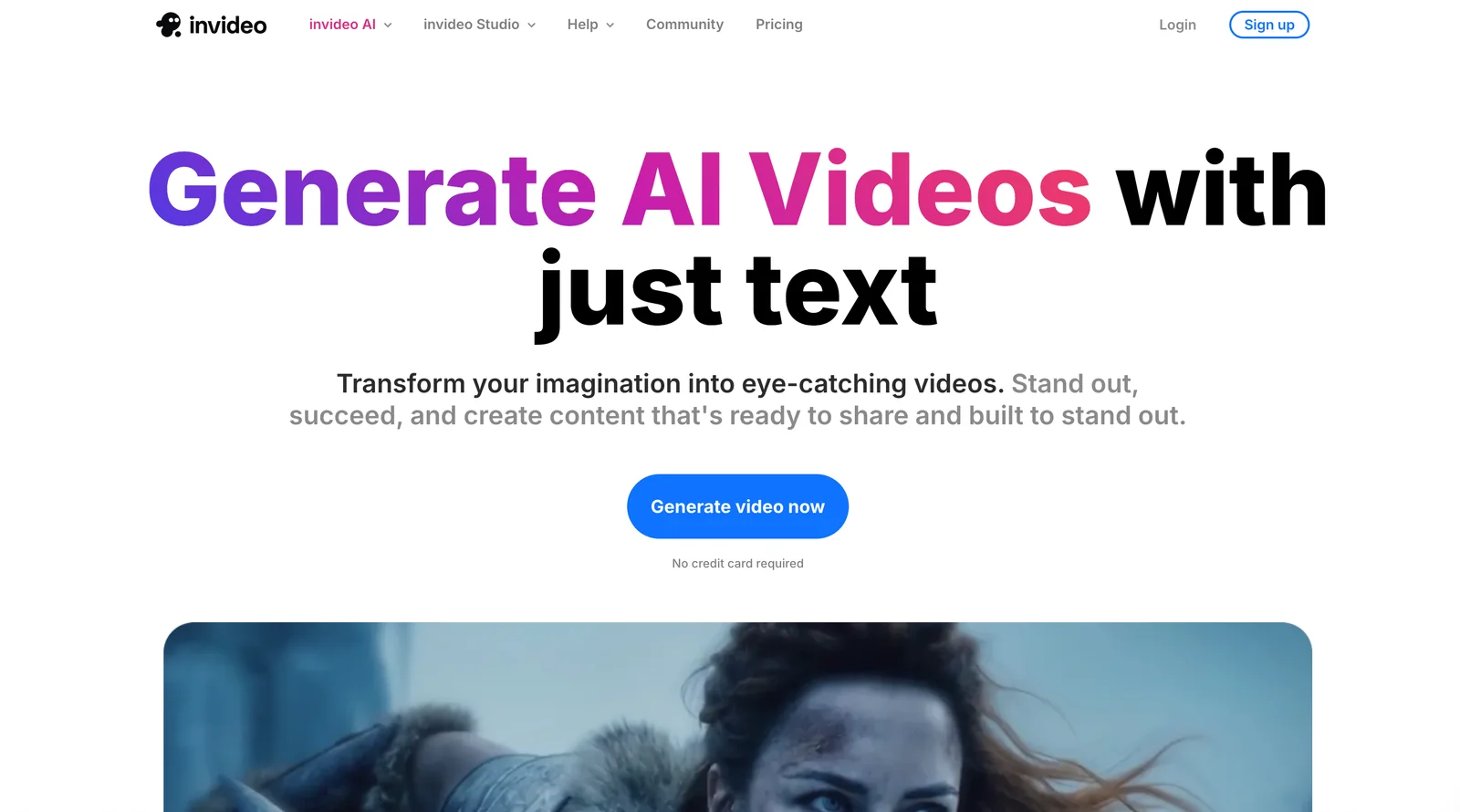
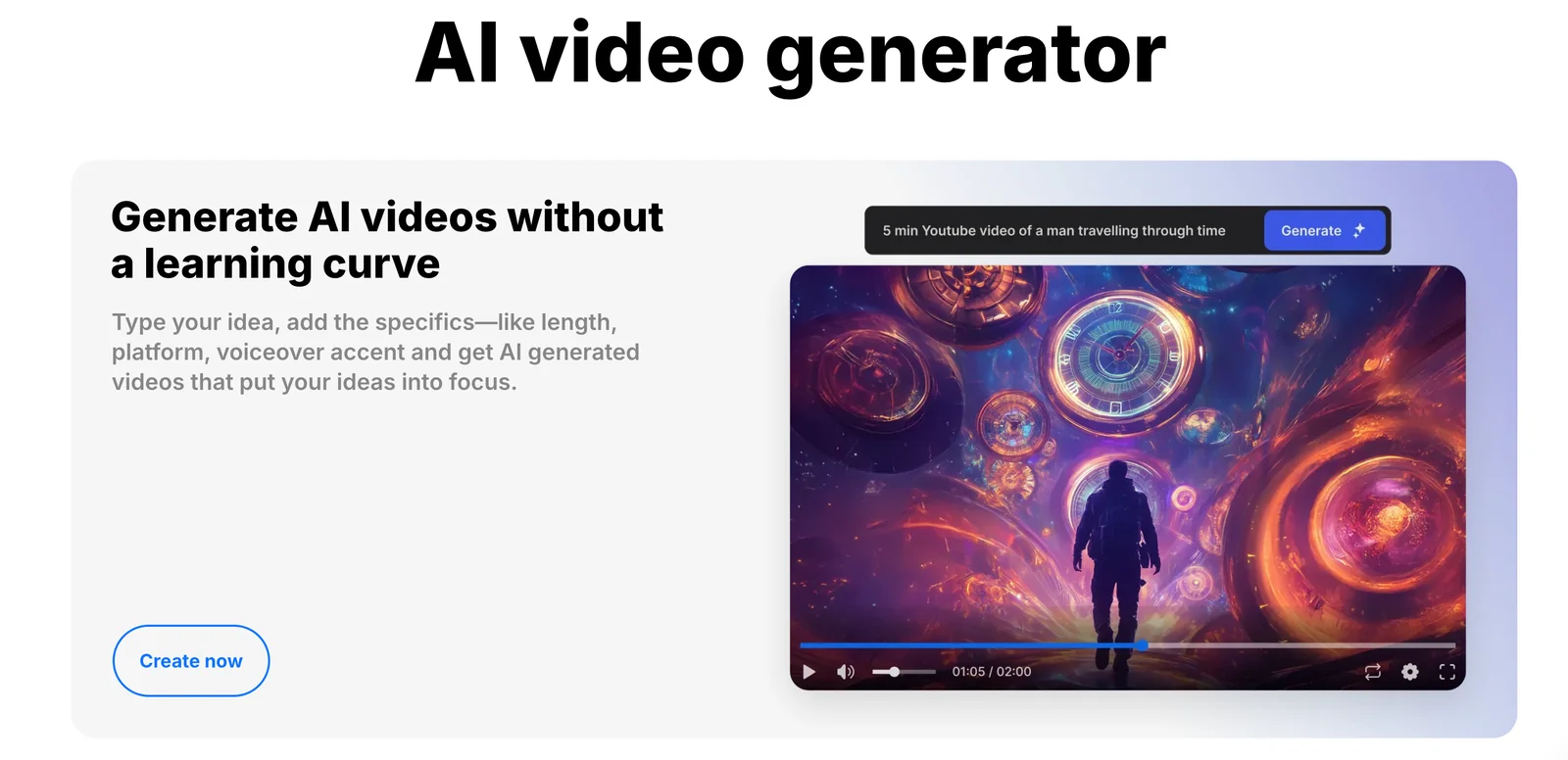
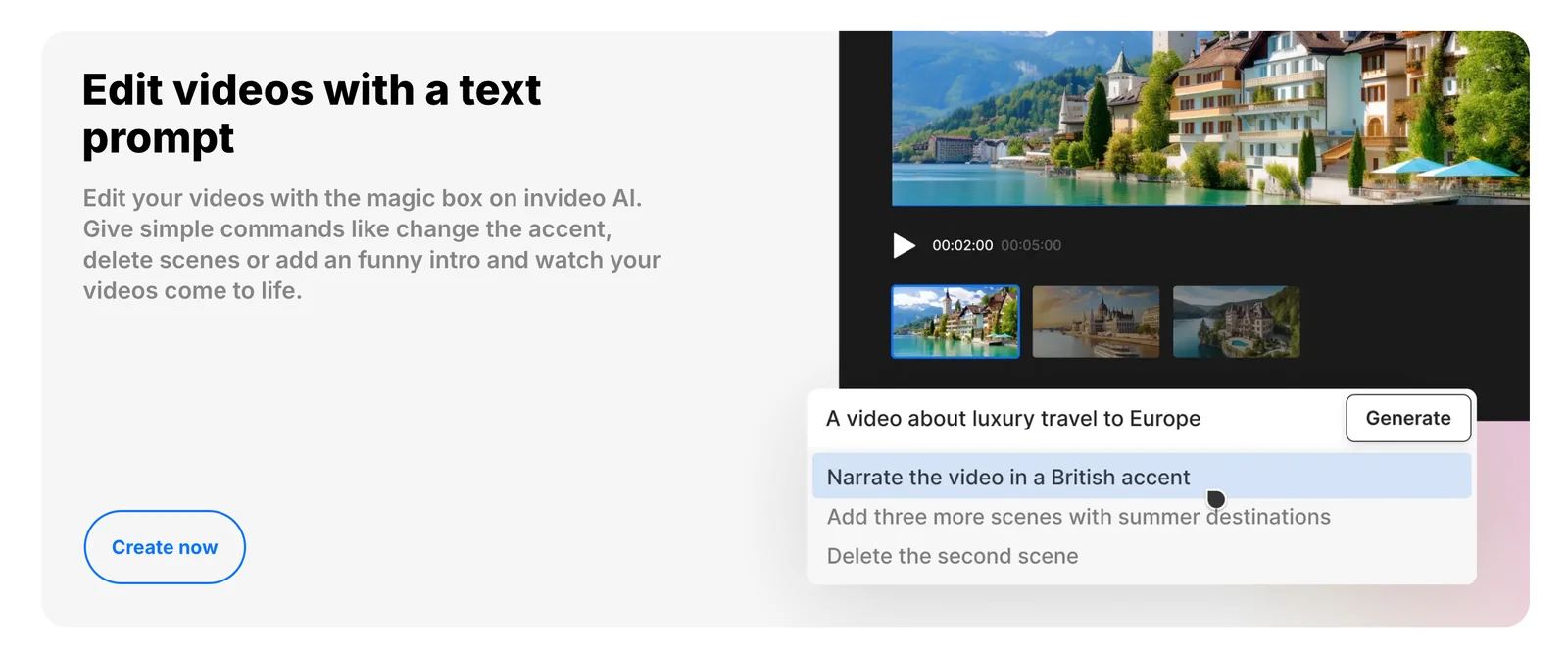
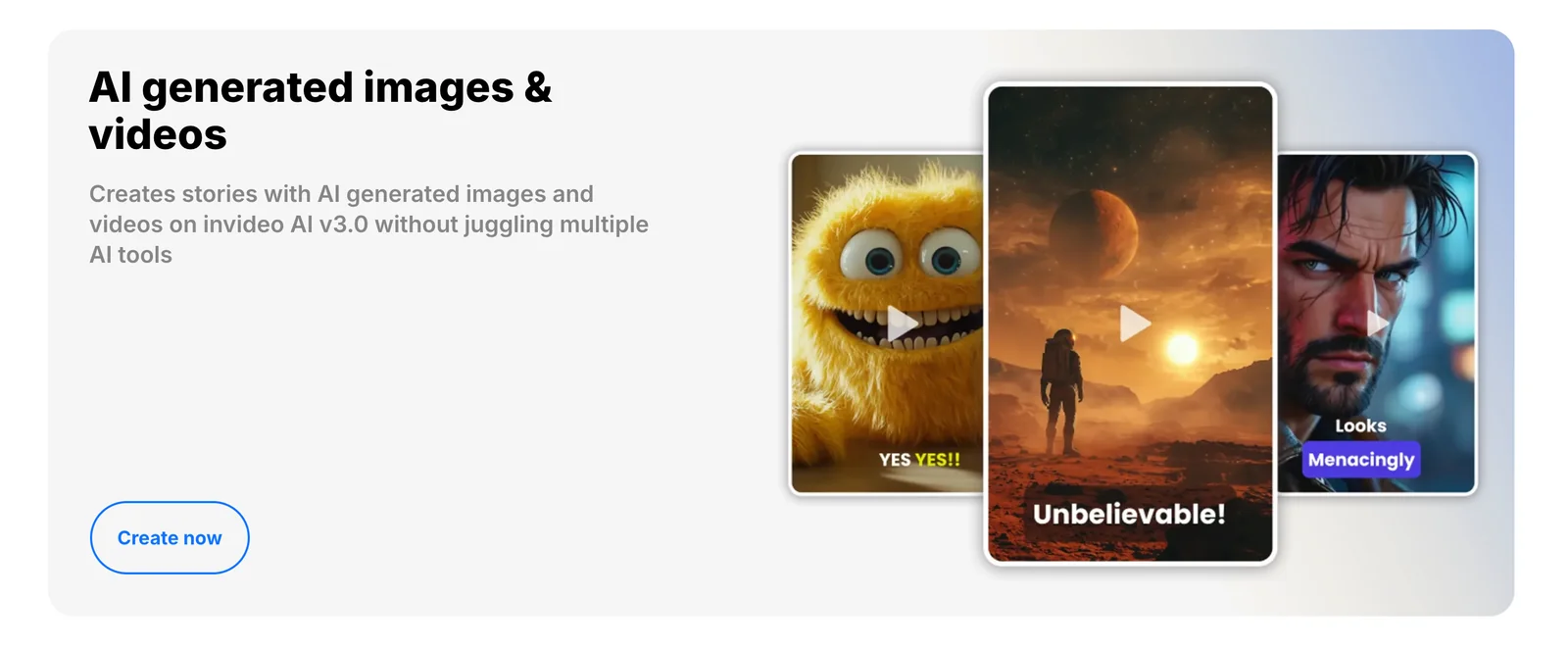
Invideo is a cloud-based video creation and editing platform that uses generative models and AI agents to turn ideas into finished videos. Built on models including GPT-4.1, image-generation models (gpt-image-1) and text-to-speech, the product can generate scripts, visuals, voiceovers, and assembled edits while providing AI Avatars and UGC-style ad production. Invideo applies moderation and content-strategy checks to maintain tone, safety, and brand alignment, and can optimize output for specific platforms and audiences. The value proposition is rapid, scalable professional-quality video production for creators and businesses without deep video-editing expertise.
Screenshots
Key Features
Use Cases
MCP Server
https://invideo.io/ai/mcp/https://mcp.invideo.io/sse💡 MCP (Model Context Protocol) enables AI assistants to securely interact with local and remote resources.



Frequently asked questions about Invideo
What are the pricing options for Invideo?
Invideo offers a freemium model with a free tier at $0/month, providing 10 video minutes per week. Paid plans start at $25/month for InVideo AI - Plus and go up to $60/month for InVideo AI - Max, which includes additional features and higher video quotas.
Key Points
- Freemium Model: Free tier at $0/month.
- Paid Plans: Start at $25/month for Plus.
- Features Vary: Max plan offers more capabilities.
Detailed Explanation
Invideo’s pricing structure is designed to cater to both casual users and professional content creators. The free tier allows users to produce 10 video minutes per week, making it an excellent choice for individuals trying out the platform or creating low-volume content.
-
InVideo AI - Plus ($25/month): This plan is geared towards more serious creators. It includes additional features such as HD video downloads, access to a broader library of templates, and enhanced editing tools. Ideal for small businesses or influencers, this plan allows for 30 video minutes per month.
-
InVideo AI - Max ($60/month): The Max plan is tailored for professional users and agencies. It offers unlimited video exports, premium support, and access to all features, including advanced editing tools and the ability to create 120 video minutes per month. This plan is perfect for those needing high-quality video production on a larger scale.
Use Cases
- Personal Projects: The free plan can be useful for individuals creating family videos or personal projects.
- Small Businesses: The Plus plan is suitable for small businesses looking to create marketing videos and social media content.
- Agencies: The Max plan is ideal for digital marketing agencies that require high-volume video production capabilities.
Best Practices / Tips
- Maximize Free Usage: If you're on the free plan, schedule your video production to utilize the 10 minutes per week effectively.
- Consider Upgrading: If you find yourself needing more features or minutes, evaluate the Plus or Max plans to see which suits your needs.
- Utilize Templates: Take advantage of InVideo's extensive template library to streamline your video creation process, especially if you are on the free plan.
Additional Resources
What features does Invideo offer for video creation?
Invideo offers a comprehensive suite of features for video creation, including AI video generation, avatar creation, user-generated content (UGC) ad creation, platform optimization, and integrated text-to-speech for voiceovers. It streamlines workflows from scriptwriting to final renders, allowing users to efficiently produce high-quality videos.
Key Points
- AI Video Generation: Automates video production.
- Avatar Creation: Personalizes content with unique avatars.
- UGC Ad Creation: Enhances marketing strategies with user-generated content.
Detailed Explanation
Invideo stands out in the crowded video creation landscape with its powerful features designed for both beginners and seasoned professionals.
AI Video Generation
The AI video generation tool allows users to create engaging videos quickly. By simply inputting key points or a script, Invideo's AI analyzes the text and automatically generates visuals, transitions, and effects that match the tone and message of the content. This feature significantly reduces the time spent on manual editing, making it ideal for businesses looking to produce videos at scale.
Avatar Creation
Invideo's avatar creation feature enables users to bring their stories to life with customizable avatars. Users can select from a variety of characters, adjusting facial expressions, outfits, and backgrounds to match the video's context. This personal touch can enhance viewer engagement, making it a valuable asset for marketing and educational content.
UGC Ad Creation
In an era where authenticity drives consumer engagement, Invideo's UGC ad creation tools allow brands to leverage content created by their customers. Users can easily compile and edit clips from user submissions, creating compelling advertisements that resonate with target audiences. This feature is particularly beneficial for social media marketing campaigns.
Integrated Text-to-Speech
The integrated text-to-speech functionality makes it simple to add voiceovers to videos without needing professional recording equipment. With multiple voice options and languages, users can ensure that their message is communicated clearly and effectively, making it easier to reach a global audience.
Best Practices / Tips
- Experiment with Templates: Invideo offers a range of templates tailored for various industries. Use these as starting points to save time and ensure professional quality.
- Optimize for SEO: When uploading videos, ensure titles and descriptions include relevant keywords to improve discoverability.
- Leverage Analytics: Utilize Invideo's analytics tools to track video performance and viewer engagement. Adjust content strategies based on data insights.
Additional Resources
How do I get started with Invideo?
To get started with InVideo, visit their official website, sign up for a free account, and explore its user-friendly features. You can create your first video by choosing from a variety of templates or utilizing AI-generated content within the intuitive cloud-based editor.
Key Points
- Sign up for a free account on the InVideo website.
- Explore various templates and AI tools for video creation.
- Utilize the cloud-based editor for seamless editing and collaboration.
Detailed Explanation
Starting with InVideo is a straightforward process that allows you to create professional-quality videos, even if you're a beginner. Here’s a step-by-step guide to help you get started:
-
Visit the InVideo Website: Navigate to InVideo's official site to access their platform.
-
Sign Up for a Free Account: Click on the “Sign Up” button, which allows you to create an account using your email, Google, or Facebook credentials. The free plan offers access to various features, making it ideal for beginners.
-
Explore Templates: Once logged in, you can browse through hundreds of pre-designed templates tailored for different niches, such as marketing, education, and social media. Choose a template that fits your project.
-
Use AI Tools: InVideo provides AI-driven features like text-to-video, allowing you to convert scripts into engaging video content effortlessly. This is particularly useful for content creators looking to save time.
-
Edit Your Video: Utilize the cloud-based editor, which offers drag-and-drop functionality, to customize your video. You can add text, images, music, and transitions to enhance your project.
-
Preview and Export: After finishing your edits, preview your video to ensure it meets your expectations. Finally, export your video in various formats, including HD options, suitable for different platforms.
Best Practices / Tips
- Start Simple: If you’re new to video editing, begin with basic templates and gradually explore more advanced features as you become comfortable with the platform.
- Leverage AI Features: Make the most of InVideo’s AI capabilities to streamline your workflow and enhance creativity.
- Regularly Save Your Work: Cloud-based editing means your work is auto-saved, but it’s good practice to manually save your progress frequently to avoid losing any changes.
Additional Resources
By following these steps and utilizing the resources available, you can effectively get started with InVideo and create stunning videos in no time.
Does Invideo provide API integration options?
Yes, InVideo provides comprehensive API integration options, including developer tools such as SDKs for seamless integration into web and mobile applications. Developers can leverage open-source packages available on their public GitHub for cross-platform support, making it easier to incorporate InVideo's functionality into their projects.
Key Points
- InVideo offers APIs and SDKs for integration.
- Open-source packages are available on GitHub.
- Cross-platform support facilitates wider application use.
Detailed Explanation
Invideo's API integration options allow developers to enhance their applications with powerful video creation and editing capabilities. The APIs enable access to various features such as video templates, media library management, and customization options directly from a developer's own application. By utilizing the SDKs, developers can seamlessly incorporate InVideo's functionality into both web and mobile platforms.
Use Cases
- Marketing Applications: Companies can integrate InVideo’s API to allow users to create promotional videos directly within their marketing software, enhancing user experience and engagement.
- E-Learning Platforms: Educational platforms can use InVideo APIs to enable instructors to create video content for courses, providing a richer learning experience.
- Social Media Tools: Apps designed for content creators can use the SDK to help users edit and produce videos quickly, streamlining social media management.
Step-by-Step Guidance
- Access InVideo’s Developer Portal: Start by visiting their official developer portal to understand the available APIs and documentation.
- Clone the GitHub Repository: Access the open-source packages on InVideo’s GitHub to retrieve the necessary libraries for your project.
- Integrate the SDK: Follow the documentation to integrate the SDK into your application, ensuring you adhere to authentication protocols.
- Test Functionality: Conduct thorough testing to ensure that all features work as expected and provide a seamless user experience.
Best Practices / Tips
- Read Documentation Thoroughly: Always start with the official API documentation to understand limitations and capabilities.
- Monitor API Usage: Be mindful of rate limits and usage quotas to avoid disruptions in service.
- Stay Updated: Follow InVideo’s updates on new features and versions to keep your integration optimized and secure.
Additional Resources
How does Invideo compare to other video creation tools?
Invideo excels among video creation tools due to its advanced AI features, seamless automation, and an intuitive user interface. It surpasses competitors by offering powerful avatar creation and social media optimization, making it ideal for marketers and content creators looking to enhance their online presence.
Key Points
- AI-Driven Features: Invideo utilizes artificial intelligence to streamline video creation, enabling users to produce professional-quality videos quickly.
- User-Friendly Interface: The platform is designed for ease of use, catering to both beginners and experienced users.
- Social Media Optimization: Invideo provides templates and tools specifically tailored for various social media platforms, enhancing engagement.
Detailed Explanation
Invideo differentiates itself through its AI-driven features, which include automated video editing and intelligent suggestion tools. For instance, users can input text or script, and Invideo will automatically create a video storyboard, making it easier for those with limited editing skills.
The user-friendly interface is another standout aspect. The drag-and-drop functionality allows users to easily add text, music, and images. Additionally, Invideo offers a vast library of customizable templates, which can be especially beneficial for brands looking to maintain a consistent visual identity across their campaigns.
Social media optimization is crucial in today’s content landscape. Invideo provides specific templates for platforms like Instagram, Facebook, and YouTube, allowing users to create videos formatted for each platform’s unique requirements. This feature helps in maximizing reach and engagement, ensuring content performs well across different channels.
Best Practices / Tips
- Leverage Templates: Use Invideo’s extensive library of templates to save time and maintain brand consistency.
- Utilize AI Features: Take full advantage of AI tools for script writing and video suggestions to enhance creativity and efficiency.
- Optimize for Each Platform: Tailor your videos for specific social media channels. Adjust aspect ratios and content styles to fit each platform’s audience.
Additional Resources
Explore more AI Mcps tools
Browse all Mcps tools →Browse by use case: Video Generation · Voice & Audio · Automation & Productivity
Compare Invideo: vs ai-memory · vs CrawlForge MCP · vs Popcraft · vs Pomerado