

GLM-4.6V
AIOpen SourceFreeMultimodal foundation model (106B) with 128K-token context, native function-calling, and a 9B Flash variant optimized for local deployment.
GLM-4.6V
Multimodal foundation model (106B) with 128K-token context, native function-calling, and a 9B Flash variant optimized for local deployment.
About GLM-4.6V
GLM-4.6V is a multimodal foundation model family released by zai-org (Z.ai) that combines large-scale language understanding with advanced visual and document perception. The flagship GLM-4.6V (≈106B) is designed for cloud and high-performance cluster inference and is trained with a 128K-token context window to handle extremely long, multi-document inputs. A lightweight GLM-4.6V-Flash (≈9–10B) variant is provided for low-latency, local deployment and supports multiple quantized formats (GGUF variants) to reduce memory and compute requirements. GLM-4.6V introduces native Function Calling / tool-calling capabilities and interleaved image-text content generation, enabling agents to retrieve tools, call APIs, and synthesize coherent mixed-media outputs from documents, images, tables, and charts.
Screenshots
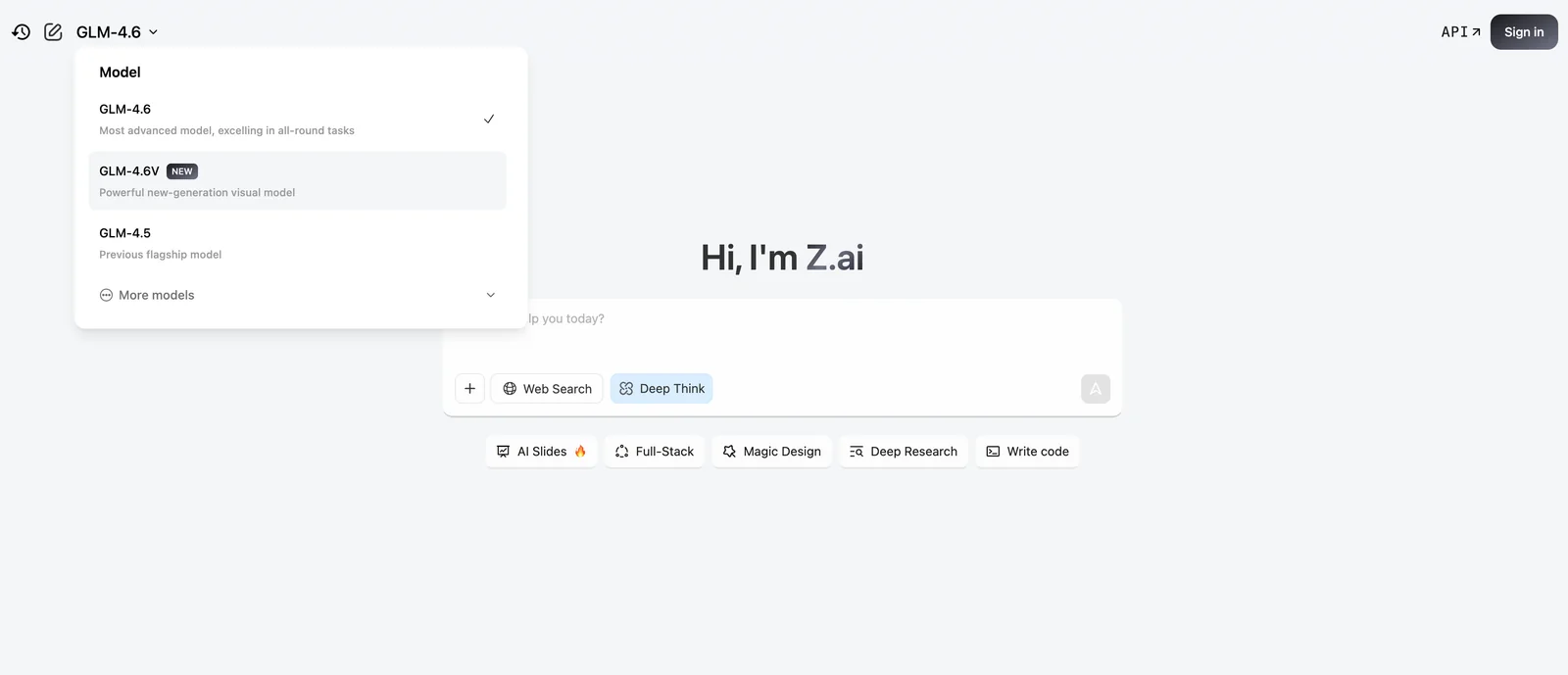
Key Features
Use Cases


Frequently asked questions about GLM-4.6V
How do I get started with GLM-4.6V?
To get started with GLM-4.6V, visit the official website at z.ai. You can choose to download the model weights for self-hosting or use the free web chat interface for immediate access, making it easy to experiment with its features and capabilities.
Key Points
- Download model weights for self-hosting.
- Use the free web chat interface for quick access.
- Explore documentation for deployment options and features.
Detailed Explanation
GLM-4.6V is a versatile AI model designed for various applications, including natural language processing and data analysis. Here’s how to get started:
- Visit the official website: Navigate to z.ai to access the resources you need.
- Choose your deployment method:
- Self-hosting: If you prefer full control, download the model weights. Ensure you have the necessary hardware and software prerequisites, such as Python, PyTorch, or TensorFlow.
- Web chat interface: For immediate use, opt for the free web chat interface. This option allows you to test the model's capabilities without any setup.
- Explore the documentation: Familiarize yourself with the user guides and API references available on the site. This documentation is crucial for understanding how to effectively implement and utilize the model.
Best Practices / Tips
- System Requirements: Before downloading, check the system requirements to avoid compatibility issues. A powerful GPU is recommended for optimal performance.
- Experiment with Examples: Utilize sample data and use cases provided in the documentation to understand the model's capabilities.
- Stay Updated: Regularly check for updates or new features on the official website, as AI tools evolve rapidly.
Additional Resources
- GLM-4.6V Documentation
- Community Forum for user support and shared experiences
- Tutorials and Guides for practical applications and advanced use cases
Is GLM-4.6V free to use and what are the pricing options?
Yes, GLM-4.6V is free to use. It provides open-source downloads, a free web chat interface, and offers paid API access for higher volume usage at $0.30 per 1M tokens for standard requests and $0.90 per 1M tokens for premium features.
Key Points
- Free access through open-source and web chat interface.
- Paid API access available for high-volume users.
- Pricing structure based on token usage.
Detailed Explanation
GLM-4.6V offers a range of options for users, making it accessible for both casual and professional usage.
-
Open-Source Downloads: Users can download the GLM-4.6V model directly from its official repository. This allows developers to run the model locally, offering flexibility and control over their environment.
-
Free Web Chat Interface: For those who prefer not to delve into code, GLM-4.6V provides a web-based chat interface. This user-friendly platform allows individuals to interact with the model without any installation or technical setup.
-
Paid API Access: For businesses or developers requiring high-volume transactions, GLM-4.6V offers an API with a tiered pricing structure. The standard API access costs $0.30 per 1 million tokens, while premium features are available at $0.90 per million tokens. This pricing model makes it scalable for different needs, whether small projects or large-scale applications.
Examples of Usage
- Small Businesses: A small business can utilize the free web chat interface for customer support, enhancing user experience without incurring costs.
- Developers: A software developer can download the model and integrate it into applications, allowing for custom features and deeper functionality.
- Large Enterprises: A large enterprise can leverage the API for data analysis or automated responses, benefiting from the high token limits and advanced capabilities.
Best Practices / Tips
- Start with Free Options: If you’re new to GLM-4.6V, begin with the free web chat or open-source version to understand its capabilities.
- Monitor Token Usage: If using the API, keep track of your token consumption to manage costs effectively.
- Explore Documentation: Familiarize yourself with the official documentation to maximize the tool's potential.
Additional Resources
What unique features does GLM-4.6V offer for multimodal tasks?
GLM-4.6V offers unique features for multimodal tasks, including a large-scale multimodal model with a 128K-token context, native function calling, and interleaved image-text generation. These features enhance its capabilities for complex document analysis, content creation, and seamless interaction between text and images.
Key Points
- 128K-Token Context: Supports extensive input data for in-depth analysis.
- Native Function Calling: Facilitates dynamic task execution within the model.
- Interleaved Image-Text Generation: Enables simultaneous processing of images and text for cohesive outputs.
Detailed Explanation
GLM-4.6V stands out in the realm of multimodal models due to its significant token capacity of 128,000 tokens. This feature allows users to input and analyze larger volumes of text and data, making it ideal for complex document analysis. For instance, researchers can input entire research papers or lengthy reports, enabling the model to extract insights and generate summaries efficiently.
The integration of native function calling allows GLM-4.6V to perform specific tasks without needing external scripts or tools. This feature is particularly beneficial for developers looking to implement AI functionalities directly into applications, streamlining processes such as data processing, content generation, and interactive user experiences.
Another groundbreaking aspect is its interleaved image-text generation capability. This means GLM-4.6V can generate text that corresponds directly to images and vice versa. For example, in content creation, marketers can automate the generation of social media posts that include relevant images alongside descriptive text, enhancing engagement and reducing manual effort.
Best Practices / Tips
- Experiment with Inputs: Utilize the 128K-token capacity to test various input combinations, including images and extensive text, to maximize the model's output quality.
- Leverage Function Calling: When integrating GLM-4.6V into applications, take advantage of native function calling to automate repetitive tasks and improve efficiency.
- Use Interleaved Generation: For projects involving both text and images, employ interleaved generation to create cohesive content, ensuring that visual and textual elements complement each other.
Additional Resources
Do I need technical skills to use GLM-4.6V effectively?
Yes, you can effectively use GLM-4.6V without extensive technical skills. Its user-friendly web chat interface allows beginners to engage easily, while advanced users can delve into local deployment options to customize their experience further.
Key Points
- User-friendly interface for beginners
- Advanced deployment options for experienced users
- No coding skills required for basic usage
Detailed Explanation
GLM-4.6V is designed to cater to users of all skill levels. For beginners, the web chat interface provides a straightforward way to interact with the tool. You can start typing your queries directly into the chat, and GLM-4.6V will respond in real-time, making it intuitive and easy to use.
For those with more technical expertise, GLM-4.6V offers local deployment options. This means you can install the model on your own hardware, allowing for greater customization and control. Advanced users can leverage this feature to optimize performance, integrate with other software, or even fine-tune the model to fit specific use cases.
Use Cases
- Beginners: A student can use the web chat to ask questions about a subject, receiving instant feedback and explanations.
- Advanced Users: A data analyst can deploy GLM-4.6V locally to analyze large datasets more efficiently, using custom scripts and integrations.
Best Practices / Tips
- Start Simple: If you're new, begin with the web chat interface to familiarize yourself with its capabilities.
- Explore Documentation: Take advantage of the official GLM-4.6V documentation to understand advanced features and deployment practices.
- Join Community Forums: Engage with user communities to learn tips and tricks from experienced users, which can enhance your skills and understanding of GLM-4.6V.
Additional Resources
By leveraging both the user-friendly interface and advanced deployment options, GLM-4.6V makes it accessible for anyone interested in utilizing AI tools effectively.
How does GLM-4.6V compare to other AI models in terms of performance?
GLM-4.6V outperforms many AI models through its impressive 128K-token context and advanced multimodal capabilities, making it adept at processing complex documents and generating nuanced content. Its optimized local deployment variant further enhances performance, especially for edge computing applications.
Key Points
- 128K-token Context: Enables handling of extensive documents seamlessly.
- Multimodal Capabilities: Processes and generates content across different formats, including text and images.
- Optimized Local Deployment: Enhances performance for edge use cases, reducing latency and resource consumption.
Detailed Explanation
GLM-4.6V is a cutting-edge AI model that revolutionizes content generation and document processing. Its 128K-token context allows it to analyze and synthesize vast amounts of information, making it ideal for tasks such as legal document analysis, academic research, and technical writing. Unlike many traditional models, which often struggle with context retention over long passages, GLM-4.6V maintains coherence and relevance, enabling the generation of high-quality content.
The model's multimodal capabilities set it apart from competitors. For instance, it can interpret visual data alongside textual inputs, facilitating applications in fields like marketing, where both images and text are crucial for effective communication. This versatility allows users to create comprehensive reports that integrate various data types seamlessly.
Additionally, GLM-4.6V's local deployment variant is tailored for edge computing scenarios. This means it can operate effectively on local devices with limited bandwidth, reducing latency significantly. In environments where real-time processing is critical, such as in autonomous vehicles or remote monitoring systems, this feature enhances overall system responsiveness and reliability.
Best Practices / Tips
- Leverage the 128K-token Context: Utilize GLM-4.6V for projects requiring deep analysis of large documents, ensuring you maximize its context capabilities.
- Explore Multimodal Features: Consider combining text and images in your projects to fully exploit the model’s multimodal strengths, enhancing user engagement and content richness.
- Optimize for Local Deployment: For applications in edge computing, test the local variant to ensure it meets performance requirements without overloading resources.
Additional Resources
Explore more AI Ai Models tools
Browse all Ai Models tools →- Soup CLI
- VibeVoice
- Laguna by Poolside
- Arena AI: The Official AI Ranking & LLM Leaderboard
- PromptLayer
- PHBench
Compare GLM-4.6V: vs Soup CLI · vs VibeVoice · vs Laguna by Poolside · vs Arena AI: The Official AI Ranking & LLM Leaderboard