
Browser Use Skills
AIOpen SourceOpen-source framework and hosted platform that lets AI agents automate web tasks using browser automation and LLM integrations.
Browser Use Skills
Open-source framework and hosted platform that lets AI agents automate web tasks using browser automation and LLM integrations.
About Browser Use Skills
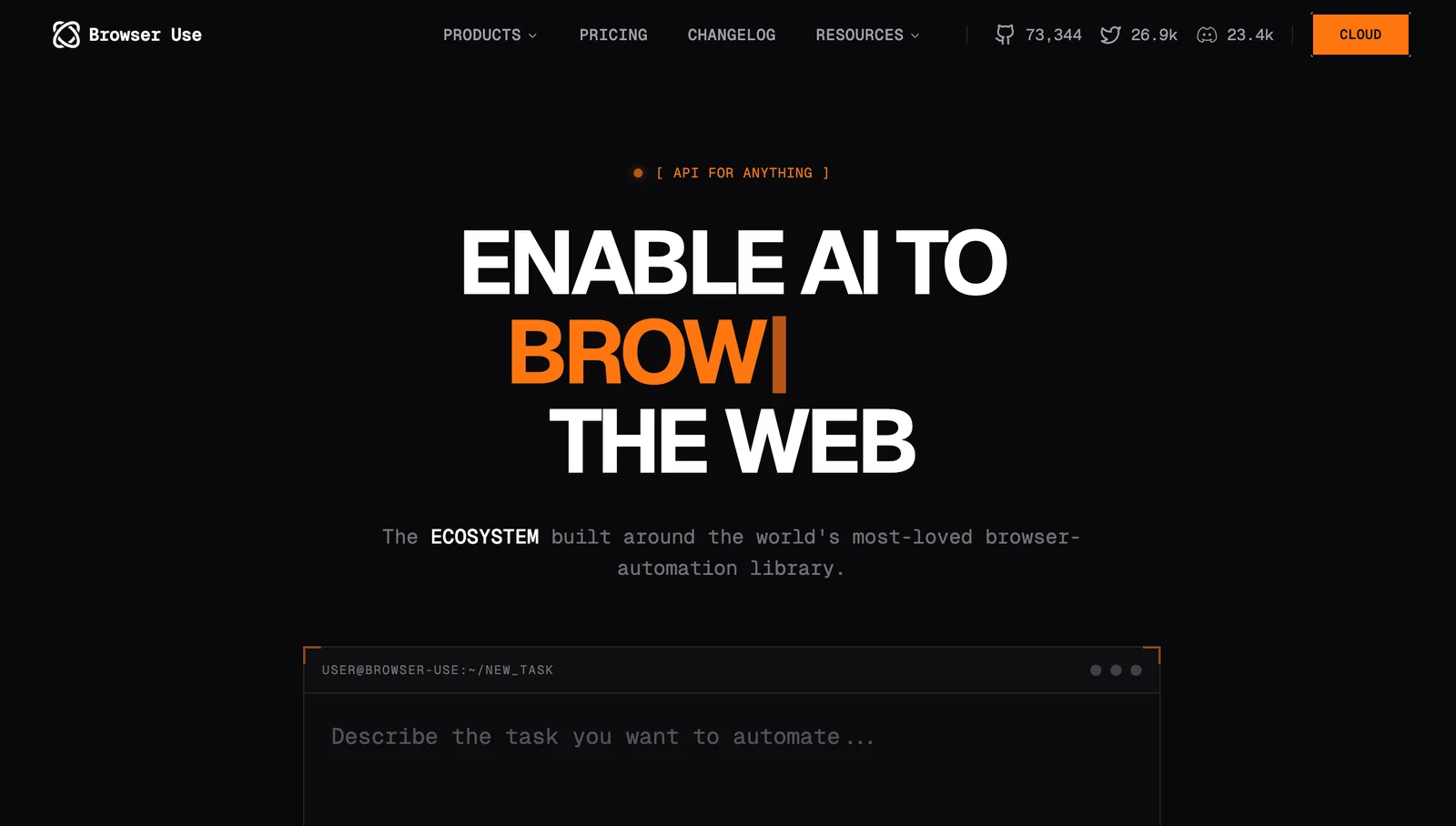
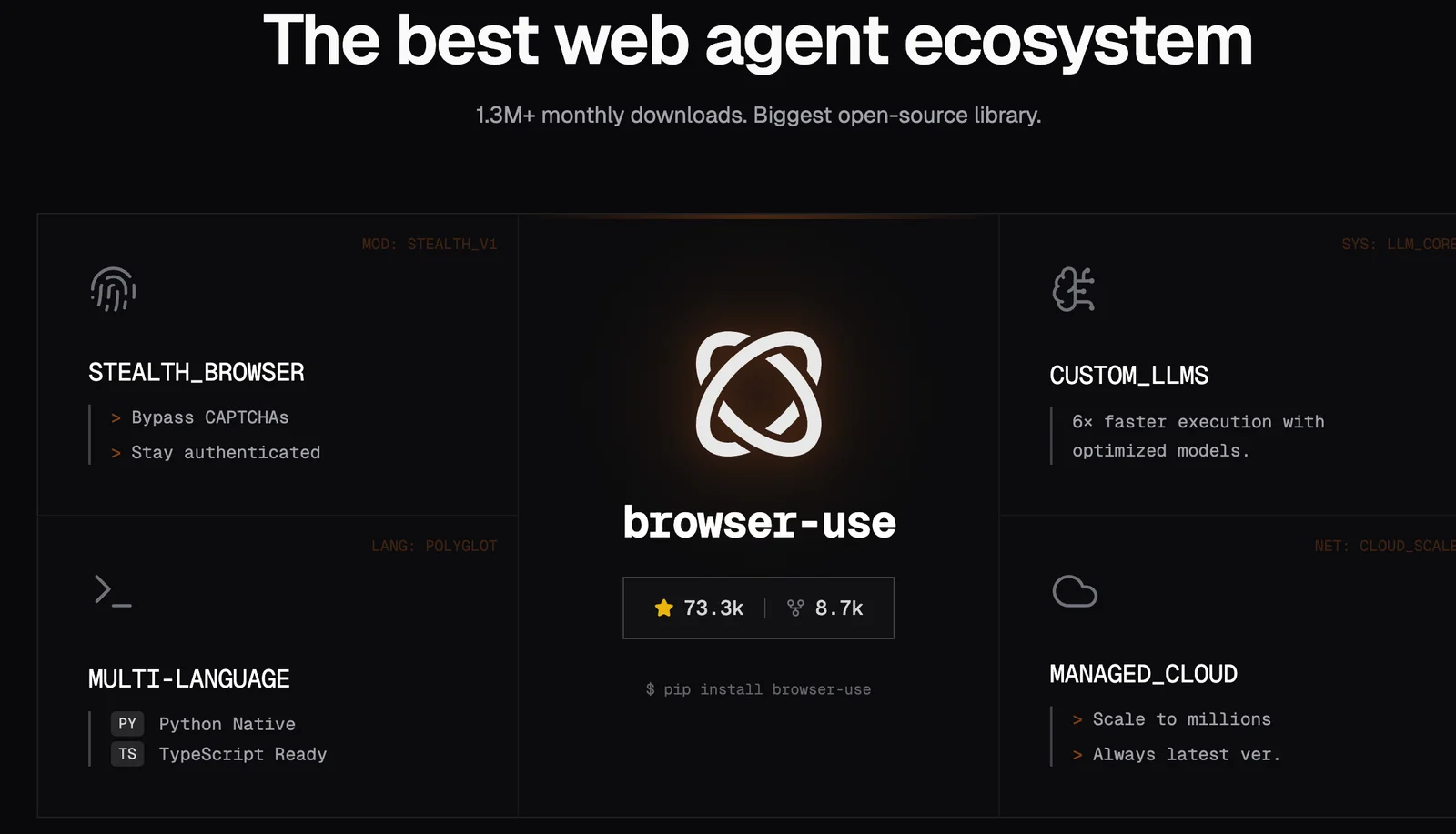
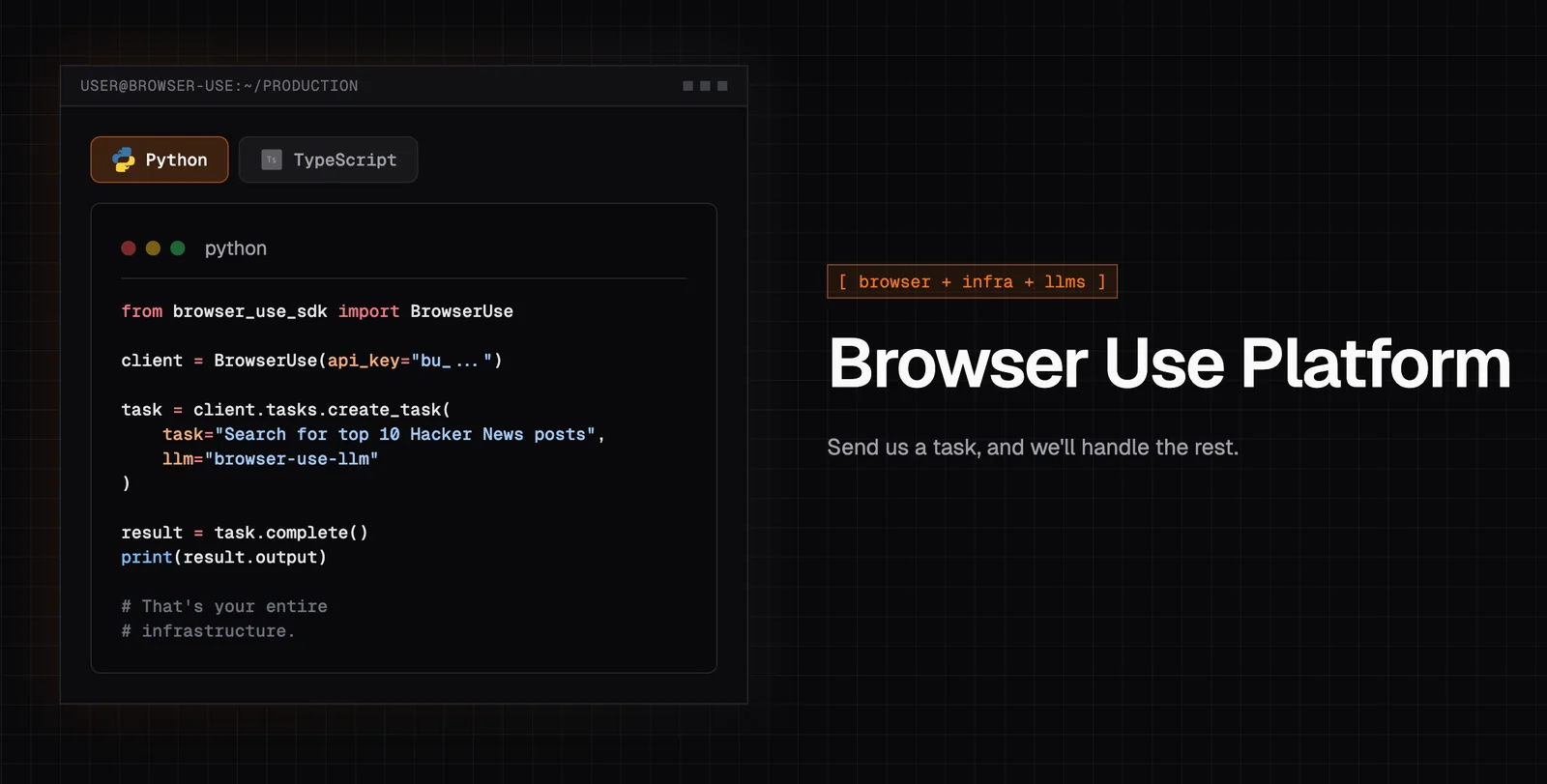
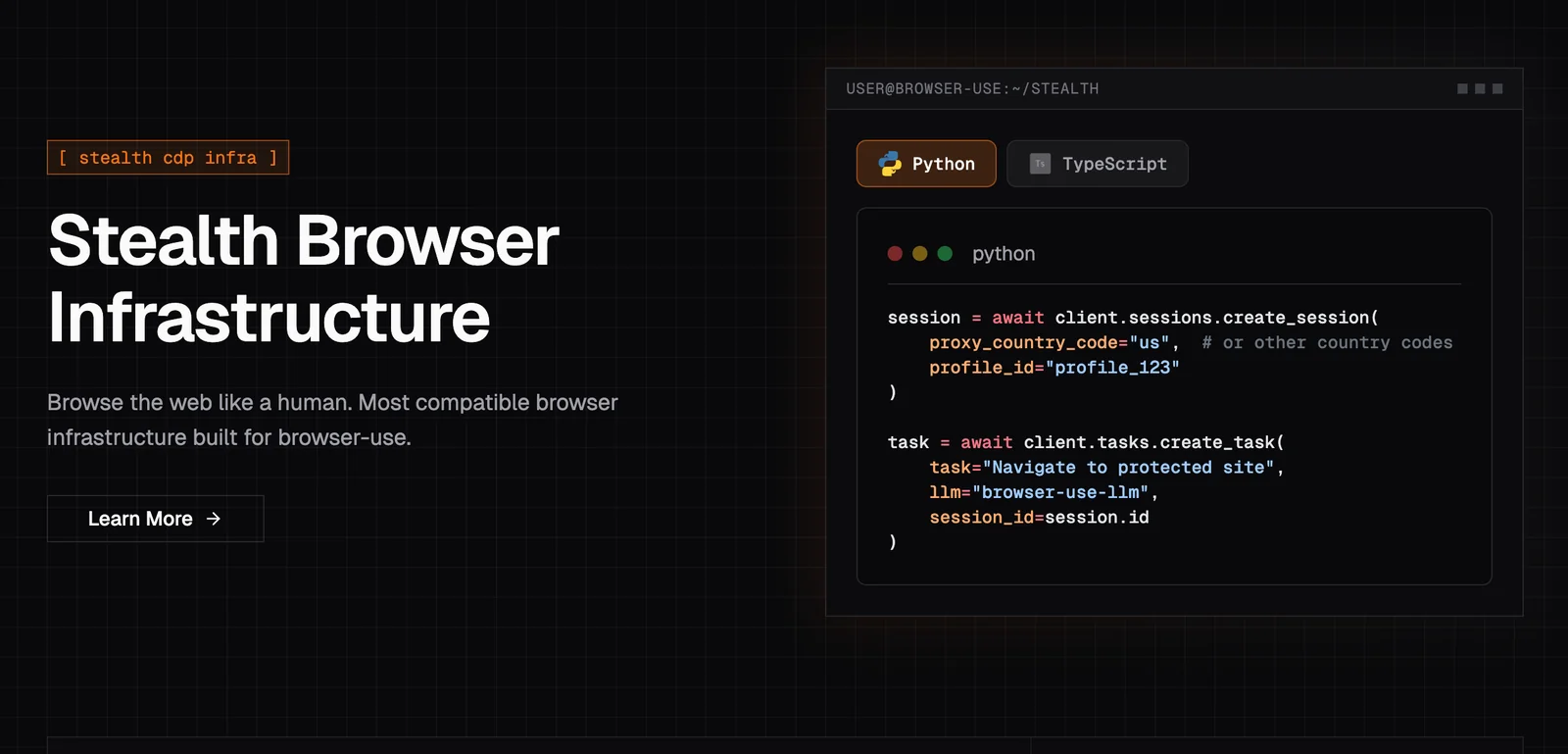
Browser Use is an open-source ecosystem and hosted service that enables AI-driven browser automation by exposing websites to programmable agents. It uses Playwright/Chromium-based browsers and integrates with multiple LLM providers (OpenAI, Google, ChatBrowserUse, Ollama, etc.) to let agents perform multi-step web tasks like scraping, form filling, and data extraction. The project provides SDKs (Python, Node), a Gradio-based Web UI, templates, and examples to accelerate development, along with a hosted cloud offering that supplies managed browsers, LLMs, data retention, and support. Unique values include MCP support for integration with MCP-compatible clients (e.g., Claude Desktop), scalable browser infrastructure with proxy rotation and stealth fingerprinting, and ready-to-run agent templates for quick deployment.
Screenshots
Key Features
Use Cases



Frequently asked questions about Browser Use Skills
What pricing options are available for Browser Use Skills?
Browser Use Skills features a FREEMIUM pricing model that includes three main options: Open-Source Self-Hosted for $0, a Hosted Cloud solution with custom pricing, and a Cloud API priced at $0.05 per step. This flexible pricing caters to various user needs, from developers to businesses.
Key Points
- Open-Source Self-Hosted: Free for users who want full control.
- Hosted Cloud: Custom pricing tailored to business requirements.
- Cloud API: Affordable option at $0.05 per step for developers.
Detailed Explanation
Browser Use Skills provides a comprehensive FREEMIUM pricing structure designed to meet diverse user needs:
-
Open-Source Self-Hosted: This option is entirely free and allows users to host the software on their own servers. Ideal for developers and organizations that prefer customization and control over their environment, this option eliminates hosting costs while providing full access to the software's capabilities.
-
Hosted Cloud: This service offers a scalable solution for businesses that want to leverage the power of Browser Use Skills without the hassle of maintaining infrastructure. The pricing for this option is custom, depending on usage, features, and support needed. Companies can inquire directly to get a tailored solution that fits their budget.
-
Cloud API: For developers looking to integrate Browser Use Skills into their applications, the Cloud API option is competitively priced at $0.05 per step. This allows for efficient budgeting based on usage, making it a cost-effective choice for startups and established businesses alike.
Best Practices / Tips
- Evaluate Your Needs: Assess whether the Open-Source Self-Hosted option meets your requirements or if you need the scalability of the Hosted Cloud.
- Budget Wisely: If using the Cloud API, estimate your usage to avoid unexpected costs. Keep track of steps to manage expenses effectively.
- Explore Custom Features: For businesses choosing the Hosted Cloud, consider discussing specific needs with the provider to unlock additional functionality that could enhance productivity.
Additional Resources
What are the key features of Browser Use Skills?
Browser Use Skills encompass powerful features such as LLM integration, Playwright-powered browser automation, a hosted cloud platform, and support for various LLM providers, all designed to enhance efficiency in web task automation and improve user experience.
Key Points
- LLM Integration: Seamlessly connects with large language models for enhanced functionality.
- Playwright-Powered Automation: Utilizes advanced automation capabilities for testing and web scraping.
- Hosted Cloud Platform: Offers scalability and accessibility for users.
Detailed Explanation
LLM Integration
Browser Use Skills incorporate Large Language Model (LLM) integration, which enhances decision-making and natural language processing capabilities. This allows users to automate complex tasks such as data extraction, form filling, and content generation. For example, a marketer can use an LLM to analyze website content and generate SEO-optimized text automatically.
Playwright-Powered Automation
The integration of Playwright, a modern automation library, enables users to perform browser automation tasks efficiently. This feature supports multiple browsers like Chrome, Firefox, and Safari, allowing for cross-browser testing and ensuring that web applications function correctly across platforms. For instance, developers can automate the testing of their applications, saving time and reducing errors.
Hosted Cloud Platform
With a hosted cloud platform, users can access their automated tasks from anywhere without needing local setup or maintenance. This feature is particularly beneficial for teams working remotely, as it allows for collaboration and sharing of automation scripts. Additionally, the cloud infrastructure ensures reliability and scalability, accommodating varying workloads.
Support for Multiple LLM Providers
Browser Use Skills support various LLM providers, giving users the flexibility to choose the best model for their specific needs. This flexibility empowers businesses to integrate the most suitable AI tools, enhancing their workflows and improving overall productivity.
Best Practices / Tips
- Choose the Right LLM: Evaluate different models based on your requirements to ensure optimal performance.
- Test Automation Scripts Thoroughly: Regularly run tests to catch potential issues early in the development cycle.
- Leverage Cloud Features: Take advantage of the collaborative features of the hosted platform to improve teamwork and efficiency.
Additional Resources
How do I get started using Browser Use Skills?
To get started using Browser Use Skills, visit the official website, select a suitable hosting option—self-hosting or cloud deployment—and follow the provided setup guides for a seamless installation experience.
Key Points
- Choose between self-hosting and cloud deployment.
- Follow the official setup guides for installation.
- Ensure your system meets the technical requirements.
Detailed Explanation
Browser Use Skills is designed to enhance productivity through effective web navigation and management. To begin, head to the official website of Browser Use Skills. Here, you will find two primary hosting options: self-hosting or cloud deployment.
-
Self-Hosting: This option involves downloading the software onto your own servers. Ensure that your hardware meets the system requirements, which typically include a minimum of 8GB RAM and a modern CPU. After downloading, follow the step-by-step setup guide to configure your environment correctly.
-
Cloud Deployment: If you prefer a hassle-free solution, cloud deployment might be ideal. This option allows you to utilize Browser Use Skills without managing hardware. Choose a cloud service provider listed on the official site, create an account, and follow the simple onboarding processes to get started.
Best Practices / Tips
- Check Compatibility: Before installation, verify that your operating system and browser versions are compatible with Browser Use Skills to avoid compatibility issues.
- Follow Documentation: Refer to the official documentation for detailed guidance and troubleshooting tips. This will help you navigate any potential setup challenges effectively.
- Join the Community: Engage with user forums or communities related to Browser Use Skills for additional insights and support. Networking with other users can provide valuable tips and tricks.
Additional Resources
What technical requirements are needed to self-host Browser Use Skills?
Self-hosting Browser Use Skills requires a server with Python installed, the Playwright library, and sufficient infrastructure management capabilities. Additionally, you need access to a Large Language Model (LLM) provider of your choice to enable advanced functionalities.
Key Points
- Server Requirements: A stable server environment is essential.
- Software Dependencies: Python and Playwright are crucial for functionality.
- LLM Access: Choose an LLM provider that meets your needs.
Detailed Explanation
To successfully self-host Browser Use Skills, follow these steps:
-
Server Setup:
- Choose a reliable server solution, such as AWS, Google Cloud, or DigitalOcean, with sufficient RAM and CPU. A minimum of 2 GB RAM is recommended for smooth operation.
- Install a compatible operating system, preferably Ubuntu or another Linux distribution.
-
Install Python:
- Ensure that Python 3.7 or later is installed on your server. You can check this by running
python3 --versionin your terminal. - Install Python using package managers like
apt(for Debian-based systems) orbrew(for macOS).
- Ensure that Python 3.7 or later is installed on your server. You can check this by running
-
Install Playwright:
- Use pip to install Playwright by executing the command:
pip install playwright. - After installation, run
playwright installto download necessary browser binaries.
- Use pip to install Playwright by executing the command:
-
Access to LLM:
- Choose an LLM provider like OpenAI, Hugging Face, or Cohere. Sign up and obtain API keys for integration.
- Ensure your server can make outbound requests to the LLM API.
-
Configuration:
- Set up environment variables for your LLM API keys to maintain security.
- Configure Playwright scripts to interact with the chosen LLM for enhanced capabilities.
By following these steps, you can create a robust environment for self-hosting Browser Use Skills, enabling custom automation and browser interactions.
Best Practices / Tips
- Monitor Server Performance: Regularly check server load and optimize resources as needed.
- Security Measures: Implement firewalls and secure API keys to protect your server and data.
- Documentation: Keep track of configurations and changes for easier troubleshooting.
- Regular Updates: Update Python, Playwright, and any libraries used to their latest versions to avoid security vulnerabilities.
Additional Resources
How does Browser Use Skills compare to other browser automation tools?
Browser Use Skills excels in browser automation by offering open-source flexibility and robust integration with large language models (LLMs). This unique combination allows for extensive customization, making it a superior choice compared to other automation tools that often lack these advanced features.
Key Points
- Open-Source Flexibility: Fully customizable and adaptable to user needs.
- LLM Integration: Enhanced capabilities for natural language processing.
- User-Friendly: Intuitive interface simplifies complex automation tasks.
Detailed Explanation
Browser Use Skills distinguishes itself in the crowded space of browser automation tools through its open-source nature. This flexibility allows developers to modify the tool according to specific project requirements, unlike proprietary tools which often come with limitations in functionality.
Open-Source Flexibility
Being open-source means that users can access the source code, enabling them to tweak and enhance features as needed. For instance, if a user wants to automate a unique web scraping task, they can modify the tool to better suit this purpose, creating scripts that reflect their exact requirements.
LLM Integration
The integration of large language models (LLMs) enhances Browser Use Skills by facilitating advanced natural language understanding. This means users can interact with the browser in a conversational manner. For example, instead of writing complex code for data extraction, users can simply instruct the tool to "find the latest articles about AI," and the LLM will interpret and execute the command efficiently.
User-Friendly Interface
Despite its powerful capabilities, Browser Use Skills remains user-friendly. Its intuitive interface allows both novice and experienced users to navigate the tool easily, making it accessible for a wider audience. Tutorials and community support further enhance the learning experience.
Best Practices / Tips
- Leverage Community Support: Utilize forums and online communities for troubleshooting and advice.
- Regular Updates: Keep the tool updated to benefit from new features and security improvements.
- Test Custom Scripts: Before deploying automation scripts in a production environment, run them in a safe testing environment to avoid errors.
Additional Resources
- Browser Use Skills Official Documentation
- GitHub Repository for Browser Use Skills
- Community Forum for Automation Tips
Explore these resources to maximize your use of Browser Use Skills and fully leverage its capabilities in your automation projects.
Explore more AI Ai Agents tools
Browse all Ai Agents tools →Browse by use case: Automation & Productivity
Compare Browser Use Skills: vs Phoenix.vu · vs Dropstone · vs Apache Maka · vs Construct Computer