
Mastra
AIOpen SourceFreeA TypeScript-first agent framework with workflows, memory, streaming, playground, evals, and tracing for building AI apps.
Mastra
A TypeScript-first agent framework with workflows, memory, streaming, playground, evals, and tracing for building AI apps.
About Mastra
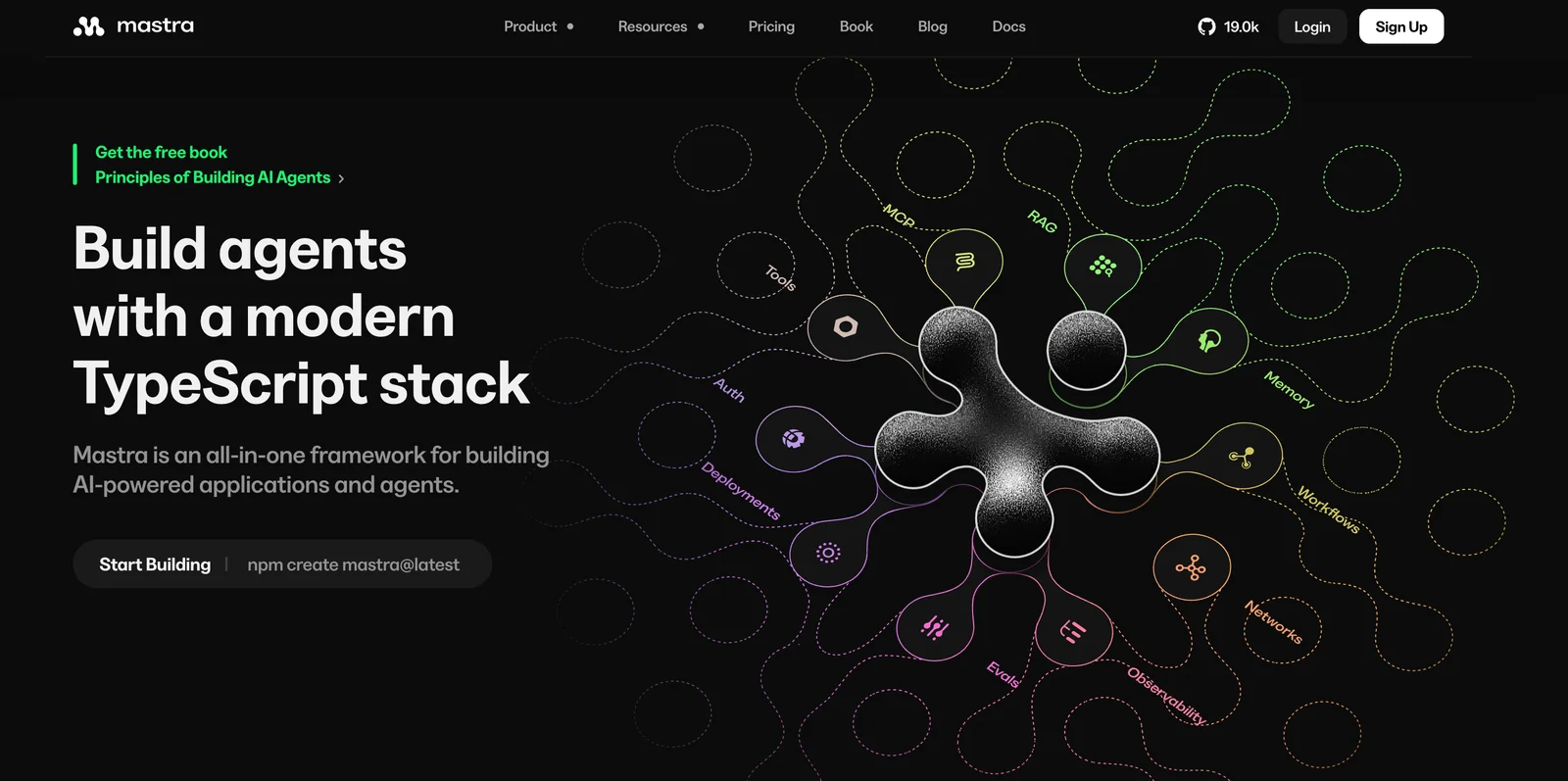
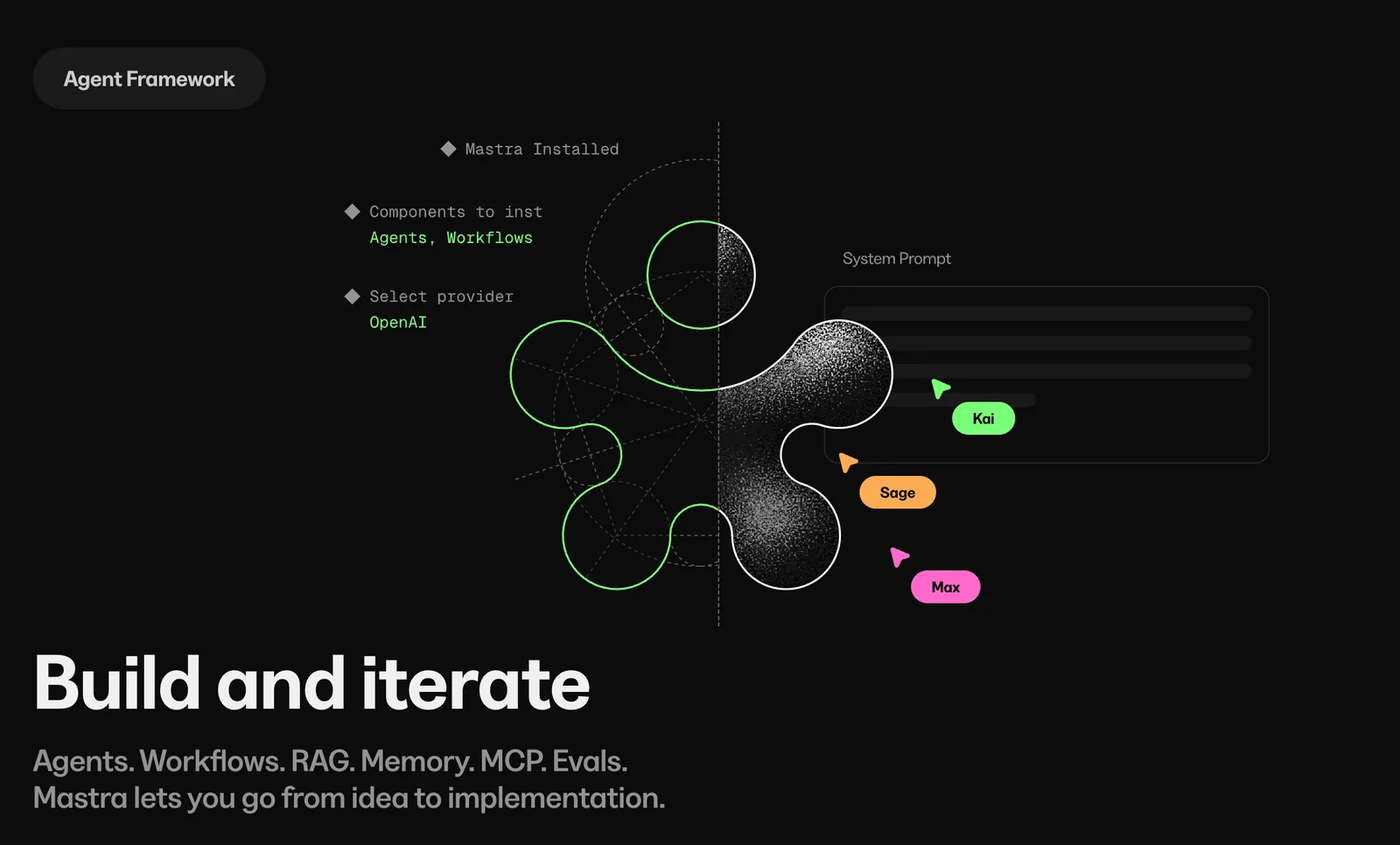
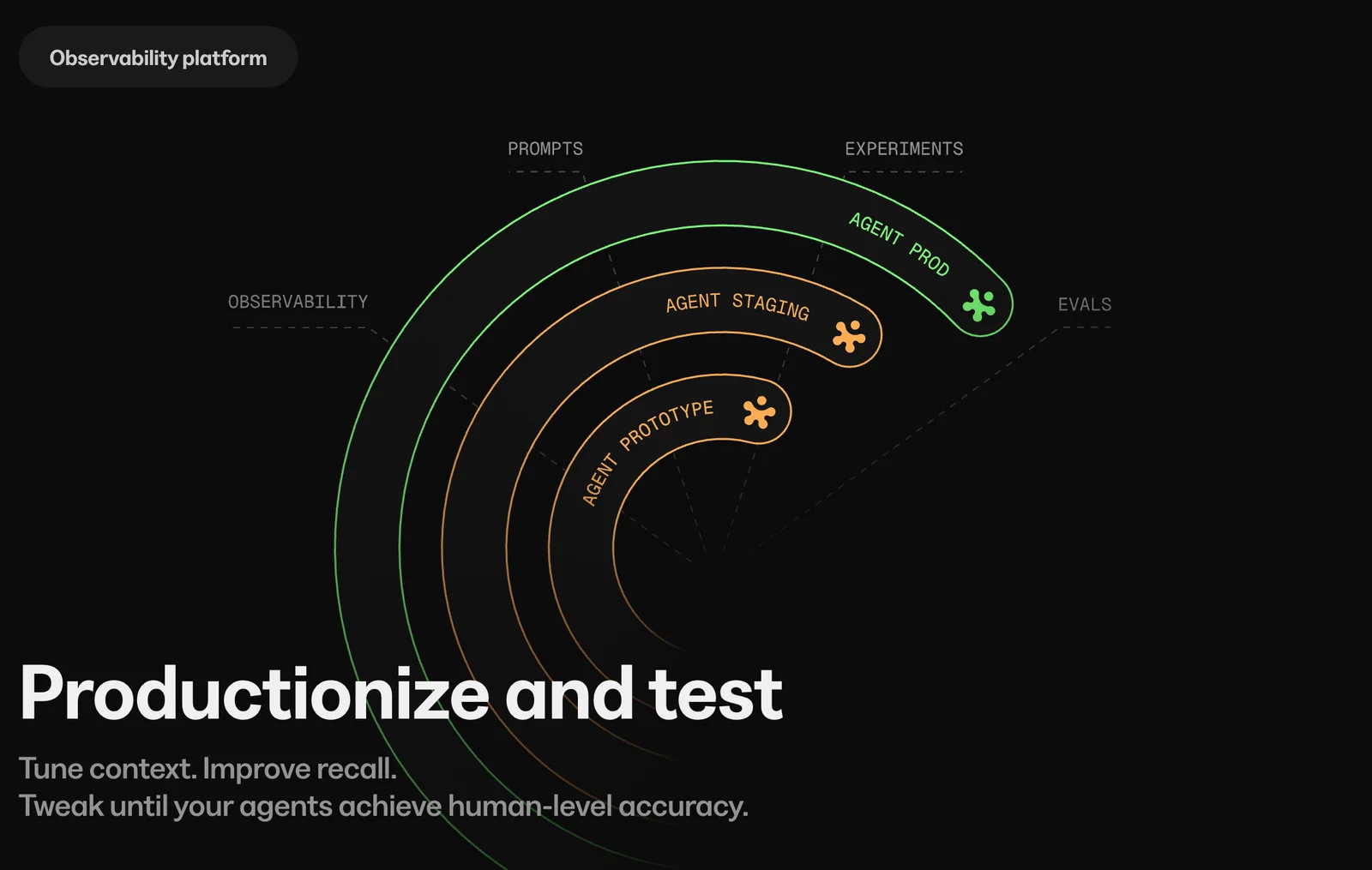
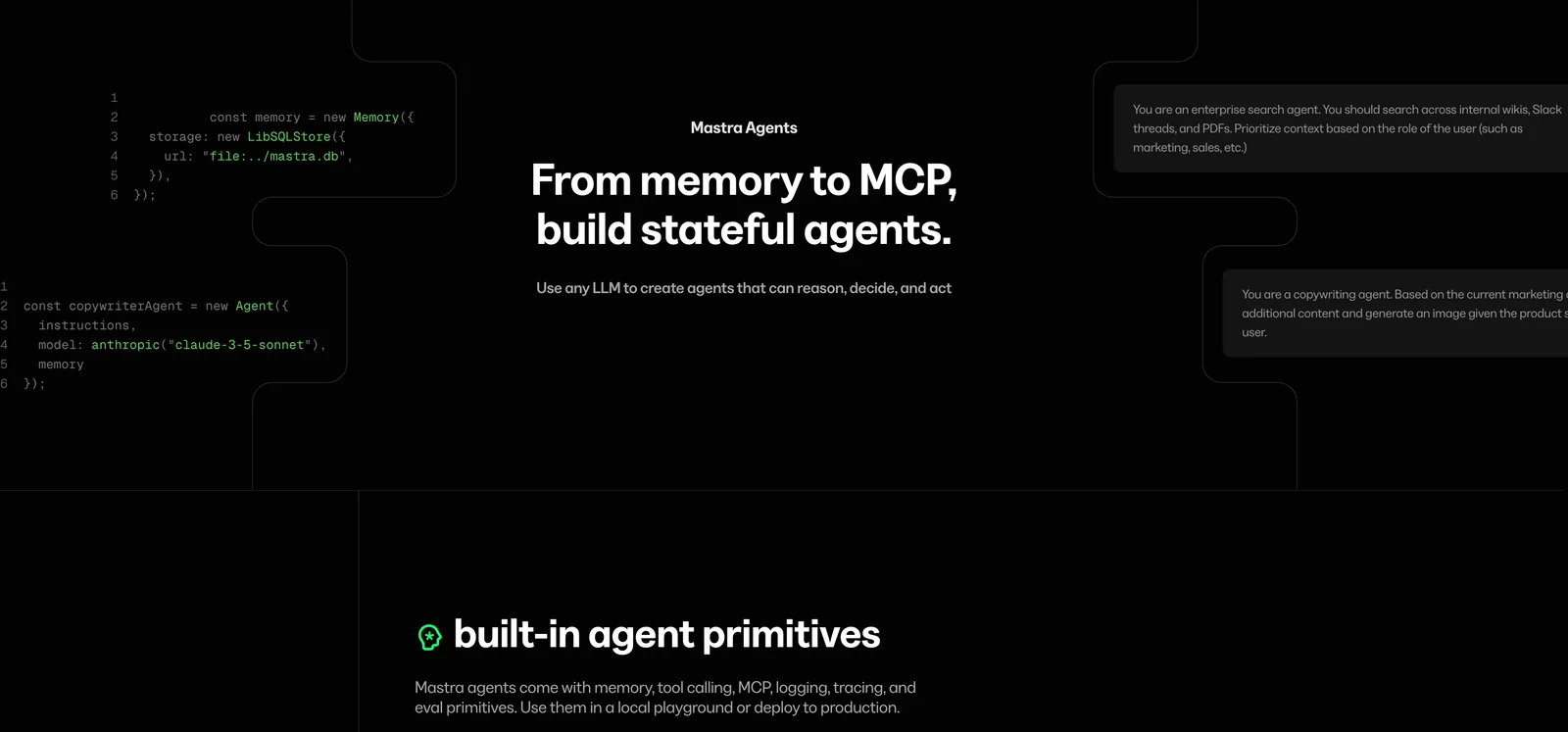
Mastra is a TypeScript-native framework for building AI-powered applications and autonomous agents. Purpose-built around established AI patterns, it provides a unified interface to work with large language models across many providers, integrated workflows, memory, streaming outputs, an interactive playground, evaluation tooling, and tracing. Mastra streamlines developing, testing, and deploying agent behaviors, tool integrations, and multi-step pipelines while offering templates and learning resources to accelerate development. The project is created by the team behind Gatsby and targets developers who prefer a modern TypeScript stack for production-grade AI applications.
Screenshots
Key Features
Use Cases



Frequently asked questions about Mastra
What are the pricing options available for Mastra?
Mastra provides a versatile pricing structure, including a free open-source framework and a paid Mastra Cloud/Platform option starting at $29 per month. For enterprises, custom pricing is available, featuring dedicated support and tailored integrations to meet specific business needs.
Key Points
- Free Open-Source Framework: Ideal for individual developers and small teams.
- Paid Cloud/Platform Option: Starts at $29/month for enhanced features.
- Custom Enterprise Solutions: Includes dedicated support and integrations.
Detailed Explanation
Mastra’s pricing options cater to a wide range of users, from individual developers to large enterprises. The free open-source framework allows users to explore and utilize Mastra's capabilities without any financial commitment. This is perfect for those who wish to experiment with the tool or develop smaller projects independently.
For users or teams requiring more robust features, the Mastra Cloud/Platform option is available starting at $29 per month. This subscription model provides users with enhanced functionalities, such as improved performance, scalability, and additional security features. It’s suitable for startups and medium-sized businesses that need more than the basic framework.
For larger organizations, Mastra offers custom enterprise solutions. These plans are tailored to meet specific business requirements, including dedicated support to ensure optimal use of the platform and integrations with existing systems. This option is crucial for enterprises looking to streamline processes or enhance productivity across teams.
Best Practices / Tips
- Evaluate Your Needs: Start with the free framework to assess whether Mastra meets your project requirements before upgrading to the paid plan.
- Consider Scalability: If you anticipate growth, opt for the paid plan early to avoid disruption later.
- Utilize Enterprise Features: If your business qualifies, leverage custom solutions to maximize efficiency and receive personalized support.
Additional Resources
These resources can help you better understand the pricing options and how to make the most of Mastra's features for your projects.
What key features differentiate Mastra from other AI frameworks?
Mastra differentiates itself from other AI frameworks through its unified model interface, built-in long-term memory, and advanced workflow orchestration. Additionally, it features an interactive playground for testing and evaluations, allowing users to measure agent performance effectively.
Key Points
- Unified Model Interface: Simplifies interaction with various AI models.
- Built-in Long-term Memory: Enhances contextual understanding and user engagement.
- First-class Workflow Orchestration: Streamlines complex processes for efficient AI integration.
Detailed Explanation
Mastra's unified model interface allows developers to interact seamlessly with multiple AI models, making it easier to switch between tasks or integrate diverse functionalities. This feature eliminates the need for complex coding, saving time and reducing errors.
The built-in long-term memory capability enables Mastra to remember previous interactions, which significantly enhances the contextual relevance of responses. For instance, in customer service applications, this feature can help create a more personalized experience by recalling past customer inquiries or preferences.
Workflow orchestration is another critical aspect where Mastra excels. It allows for the automation of complex workflows involving multiple AI agents, which can be crucial for businesses looking to streamline operations. For example, a marketing automation scenario could involve generating content, analyzing engagement metrics, and adjusting campaigns based on real-time feedback—all managed through Mastra’s orchestration capabilities.
Mastra also offers an interactive playground, a unique tool that allows users to test AI models in real-time. This feature is particularly useful for developers and data scientists who want to evaluate model performance before deployment. Users can simulate various scenarios and measure how well the agents respond, ensuring robust performance in real-world applications.
Best Practices / Tips
- Utilize the Playground: Regularly test your AI models in the interactive playground to refine their performance and address potential issues early.
- Leverage Long-term Memory: Integrate long-term memory features to enhance user interactions, particularly in applications requiring personalized responses.
- Optimize Workflows: Take full advantage of workflow orchestration to automate repetitive tasks, freeing up resources for more strategic initiatives.
Additional Resources
How can I get started with Mastra for building AI applications?
To get started with Mastra for building AI applications, visit the official website for comprehensive resources, templates, and documentation. Additionally, utilize the interactive playground for practical development and testing, allowing you to experiment and refine your AI solutions effectively.
Key Points
- Access official resources and documentation
- Utilize the interactive playground for hands-on experience
- Explore templates for efficient AI application development
Detailed Explanation
Mastra is an innovative platform designed for developers to create AI applications seamlessly. To begin, head to the Mastra official website, where you will find a wealth of resources tailored to various skill levels. Here’s a step-by-step guide to kickstart your journey:
-
Explore Documentation: The documentation section provides detailed guides on setting up your environment, understanding APIs, and deploying AI models. This is essential for grasping the foundational elements of Mastra.
-
Use the Interactive Playground: Engage with the interactive playground, which allows you to test and prototype your AI applications in real-time. This feature is invaluable for experimenting with different algorithms and datasets without extensive coding.
-
Leverage Templates: Mastra offers a variety of pre-built templates that simplify the development process. These templates can serve as a starting point for your projects, enabling you to focus on customization rather than building from scratch.
-
Join Community Forums: Participating in community forums can enhance your learning experience. You can ask questions, share insights, and collaborate with other developers who are also utilizing Mastra.
-
Continuous Learning: AI technology is constantly evolving. Keep yourself updated with the latest trends and releases from Mastra to ensure your applications remain cutting-edge.
Best Practices / Tips
- Start Small: Begin with simple projects to familiarize yourself with the Mastra interface and functionalities before tackling more complex applications.
- Version Control: Use version control systems like Git to manage your codebase efficiently and collaborate with others.
- Test Regularly: Utilize the playground frequently to test your applications and gather feedback, ensuring they are functioning as intended.
- Stay Organized: Keep your projects organized by categorizing templates and resources for easy access.
Additional Resources
By following these steps and utilizing the resources provided, you can effectively harness Mastra to create powerful AI applications tailored to your needs.
What are the technical requirements for using Mastra in my projects?
Mastra is a TypeScript-first framework, which means you need to set up a TypeScript environment to use it in your projects. Developers can install Mastra locally or access the open-source version through GitHub, ensuring compatibility and ease of integration.
Key Points
- TypeScript Environment Required
- Local Installation or GitHub Access
- Compatibility with Modern Web Technologies
Detailed Explanation
To effectively use Mastra in your projects, you must have a TypeScript environment configured. This involves installing Node.js, as it is required for managing packages and running scripts. TypeScript can be installed via npm, Node.js's package manager, using the command:
npm install -g typescript
Once TypeScript is set up, you can download Mastra. To install it locally, you can create a new project or integrate it into an existing one. Use the following command to install Mastra:
npm install mastra
If you prefer using the open-source version, you can access it on GitHub. Cloning the repository allows you to contribute to the project or customize it for your needs:
git clone https://github.com/yourusername/mastra.git
Mastra is designed to work seamlessly with modern web technologies, making it a versatile choice for web development. It supports various libraries and frameworks, enhancing its functionality and adaptability.
Best Practices / Tips
- Version Control: Always use version control systems like Git to manage your Mastra projects effectively.
- Documentation: Refer to the official Mastra documentation for the latest updates and best practices.
- Testing: Implement unit tests in your TypeScript environment to ensure your applications run smoothly and are bug-free.
- Stay Updated: Regularly check for updates to TypeScript and Mastra to leverage new features and improvements.
Additional Resources
Why should I choose Mastra over other AI development tools?
Mastra is an exceptional choice for AI development due to its open-source flexibility, a unified API that supports multiple models, and advanced functionalities like memory management and real-time streaming outputs. These features make it particularly well-suited for complex AI applications, setting it apart from other tools.
Key Points
- Open-Source Flexibility: Mastra allows developers to customize and extend the platform as needed.
- Unified API: Access multiple AI models through a single interface, simplifying integration.
- Advanced Features: Includes memory management and real-time streaming for enhanced performance.
Detailed Explanation
Mastra stands out in the crowded landscape of AI development tools for several reasons. First, its open-source flexibility enables developers to modify the source code to fit specific needs, promoting innovation and collaboration within the community. This openness allows for a broader range of applications, from natural language processing to image recognition.
The unified API provided by Mastra allows users to interact with various AI models without the hassle of managing multiple APIs. For instance, a developer could seamlessly switch from a text model to an image model within the same application, significantly reducing development time and complexity.
Additionally, Mastra's advanced features such as memory management enable applications to remember past interactions, making AI systems more context-aware and effective. Real-time streaming outputs further enhance user experience by allowing immediate responses, crucial for applications like chatbots or live data analysis.
Use Cases
- Chatbots: Utilize memory management to create conversational agents that understand context and user history.
- Data Analysis: Implement real-time streaming to provide instant insights from data feeds, ideal for financial applications.
- Multimodal Applications: Use the unified API to develop applications that require both text and image processing, such as social media platforms.
Best Practices / Tips
- Leverage Community Support: Engage with the Mastra community for tips, plugins, and shared experiences to enhance your projects.
- Focus on Scalability: Design your applications with scalability in mind, as Mastra’s architecture supports growing data and user bases.
- Monitor Performance: Regularly evaluate the performance of your models and make use of Mastra’s tools for optimization.
Additional Resources
By choosing Mastra, you are not just selecting a tool but investing in a robust platform that empowers you to create cutting-edge AI solutions efficiently and effectively.
Explore more AI Ai Agents tools
Browse all Ai Agents tools →Browse by use case: Automation & Productivity
Compare Mastra: vs Phoenix.vu · vs Dropstone · vs Apache Maka · vs Construct Computer