
Container Diet
AIAI-powered CLI that analyzes Docker images and Dockerfiles to provide context-aware, actionable optimization advice to slim images.
Container Diet
AI-powered CLI that analyzes Docker images and Dockerfiles to provide context-aware, actionable optimization advice to slim images.
About Container Diet
Container Diet is an AI-powered command-line tool that analyzes Docker images and Dockerfiles and returns context-aware, actionable optimization recommendations to reduce image size. The tool examines image contents and the associated Dockerfile to highlight inefficiencies, excess packages, and opportunities such as trimming dependencies or adopting multi-stage builds. Recommendations are presented as practical guidance developers can apply to shrink images, speed up builds, and reduce deployment and storage costs. Packaged as a lightweight, open-source CLI, Container Diet is intended to fit into developer workflows and CI processes to prevent image bloat.
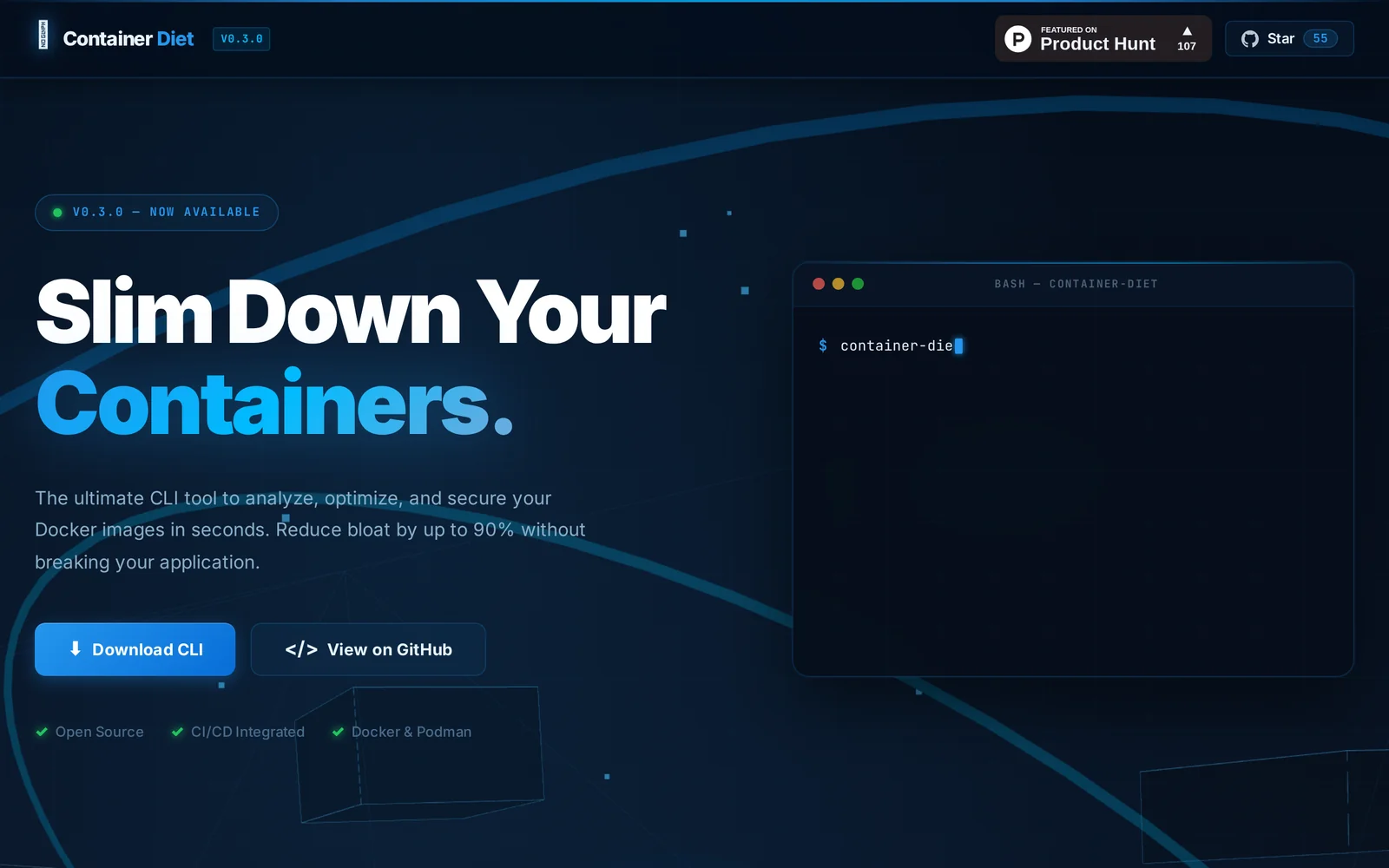
Screenshots
Key Features
Use Cases



Frequently asked questions about Container Diet
What is Container Diet?
Container Diet is an AI-powered command-line interface (CLI) tool that analyzes Docker images and Dockerfiles to offer context-aware, actionable optimization advice. Its primary aim is to help developers minimize image sizes, improve performance, and enhance deployment efficiency.
Key Points
- AI-driven analysis: Utilizes artificial intelligence to evaluate Docker components.
- Image optimization: Provides specific recommendations to reduce image size.
- Enhanced efficiency: Aids in faster deployments and resource management.
Detailed Explanation
Container Diet employs advanced AI algorithms to scrutinize Docker images and Dockerfiles, identifying areas for improvement. For instance, it can detect unused packages, suggest multi-stage builds, or recommend layer consolidation. This analysis results in lighter images, leading to reduced storage costs and faster deployment times.
Example Use Case
Imagine a scenario where a development team is deploying a microservices architecture. By using Container Diet, they can analyze their existing Docker images, which may be bloated with unnecessary dependencies. The tool offers actionable insights, such as removing redundant libraries or switching to more efficient base images. As a result, the team not only optimizes their images but also enhances the application's performance in production.
Best Practices / Tips
- Regular Analysis: Run Container Diet regularly during development cycles to maintain optimal image sizes.
- Integrate into CI/CD: Incorporate the tool into your Continuous Integration/Continuous Deployment (CI/CD) pipeline for ongoing optimization.
- Stay Informed: Keep up with the latest Docker best practices and updates to ensure maximum efficiency in your images.
Additional Resources
- Container Diet GitHub Repository - Access the tool and its documentation.
- Docker Official Documentation - Learn more about Docker image management and optimization techniques.
- Best Practices for Building Docker Images - Explore advanced strategies for Dockerfile optimization.
How does Container Diet work?
Container Diet works by utilizing advanced AI algorithms to help users efficiently manage their meal planning, portion control, and nutritional intake. By analyzing user preferences and dietary requirements, it creates personalized meal containers that simplify healthy eating habits and improve overall wellness.
Key Points
- Personalized Meal Planning: Tailors meals to individual dietary needs.
- Portion Control: Uses container sizes to regulate food intake.
- AI-Powered Insights: Analyzes eating patterns for better health outcomes.
Detailed Explanation
Container Diet is designed to make healthy eating accessible and manageable. The system begins by gathering data from users, including their dietary preferences, health goals, and any restrictions (e.g., allergies, intolerances). It then leverages AI technology to generate a customized meal plan.
-
Personalized Meal Planning: The AI assesses the nutritional needs of the user and suggests meals that align with their goals. For example, if someone aims to lose weight, the AI will create a meal plan that focuses on lower-calorie options while ensuring nutrient balance.
-
Portion Control: The Container Diet utilizes specific container sizes to help users visualize appropriate portions. Each container represents a food category—such as proteins, carbs, and vegetables—ensuring balanced meals without the need for constant measuring.
-
AI-Powered Insights: As users follow the meal plan, the AI monitors their eating habits and provides insights. For instance, it can identify trends, such as a preference for certain foods or patterns in snacking. This feedback helps users adjust their meal choices for improved health outcomes.
Best Practices / Tips
- Set Clear Goals: Define your dietary goals (weight loss, muscle gain, etc.) to guide the AI effectively.
- Engage Regularly: Update your preferences and feedback frequently to enhance meal recommendations.
- Don’t Skip Meals: Stick to the meal schedule suggested by the AI to maintain energy and avoid unhealthy snacking.
Additional Resources
What are the main features of Container Diet?
Container Diet offers key features such as personalized meal planning, AI-driven nutritional analysis, and user-friendly tracking to help individuals achieve their health goals. These capabilities make it easier for users to maintain a balanced diet tailored to their specific needs and preferences.
Key Points
- Personalized Meal Planning: Tailors meals based on individual dietary requirements.
- AI-Driven Nutritional Analysis: Utilizes artificial intelligence to analyze food choices.
- User-Friendly Tracking: Simplifies monitoring of food intake and nutritional goals.
Detailed Explanation
Container Diet stands out due to its innovative use of AI technology, which enhances the user experience significantly.
-
Personalized Meal Planning: This feature allows users to input their dietary preferences, restrictions, and health goals. The AI then generates a customized meal plan, suggesting recipes and portion sizes. For instance, if a user is vegetarian, the tool recommends protein-rich plant-based meals that meet their nutritional needs.
-
AI-Driven Nutritional Analysis: The platform employs advanced algorithms to analyze the nutritional content of meals. Users can log their food intake, and the AI provides real-time feedback on macronutrient balance, calorie count, and vitamin/mineral intake. This feature empowers users to make informed food choices that align with their health objectives.
-
User-Friendly Tracking: Container Diet includes an intuitive interface for tracking meals and snacks. Users can easily log their food entries through voice commands or manual input. The app also generates reports that visualize progress toward dietary goals, making it easy to stay motivated.
Best Practices / Tips
- Set Clear Goals: Before using Container Diet, define your health goals clearly, whether it’s weight loss, muscle gain, or maintaining a balanced diet.
- Regular Updates: Regularly update your dietary preferences to reflect any changes in your health status or lifestyle.
- Engage with Community Features: If available, participate in community features or forums within the app for support and motivation.
Additional Resources
Who is Container Diet for?
Container Diet is designed for individuals looking to streamline their daily AI workflows, including busy professionals, AI developers, and data scientists. It simplifies managing and deploying AI applications, making it an ideal solution for anyone seeking efficiency in their AI operations.
Key Points
- Target Audience: Professionals, developers, and data scientists.
- Workflow Efficiency: Simplifies day-to-day AI tasks.
- Application Versatility: Suitable for various AI projects.
Detailed Explanation
The Container Diet is tailored for users who need to optimize their AI workflows. This includes professionals in various sectors such as tech, healthcare, and finance who are looking to integrate AI solutions into their daily operations.
Who Can Benefit?
- Busy Professionals: Individuals balancing multiple tasks can utilize Container Diet to efficiently manage their AI-driven projects without extensive setup times.
- AI Developers: Developers can leverage Container Diet to rapidly deploy AI models, ensuring they can test and iterate quickly.
- Data Scientists: By using Container Diet, data scientists can streamline data processing and model training, allowing for faster insights and decision-making.
Use Cases
- Project Management: Container Diet helps in organizing AI workflows, ensuring that all components are in a consistent environment, reducing compatibility issues.
- Rapid Deployment: Users can quickly deploy AI models across different platforms without worrying about environment discrepancies.
- Collaboration: Teams can work more effectively by sharing containerized environments, ensuring everyone is on the same page.
Best Practices / Tips
- Regular Updates: Keep your Container Diet environment updated to ensure compatibility with the latest AI tools and libraries.
- Documentation: Maintain thorough documentation of your workflows to facilitate easier onboarding for new team members.
- Test Environments: Utilize separate containers for testing to avoid disruptions in your production environment.
Additional Resources
How much does Container Diet cost?
Container Diet is free to use, allowing individuals to access meal planning and portion control tools without any cost. This makes it an accessible solution for those seeking to manage their diet effectively while maintaining a budget.
Key Points
- Container Diet is completely free to use.
- Offers meal planning and portion control tools.
- Accessible for individuals on a budget.
Detailed Explanation
The Container Diet is designed to assist users in managing their dietary intake through a simple and effective system of portion control using color-coded containers. Each container represents a specific food group and portion size, making it easy to measure meals without complicated calculations.
How It Works:
- Color-Coded Containers: Different colors correspond to various food groups, such as vegetables, proteins, and carbs. For example, a green container typically holds vegetables, while a purple container is for fruits.
- Daily Caloric Needs: Users determine their daily caloric requirements based on their weight, activity level, and goals (weight loss, maintenance, or gain). The diet guides the number of containers to use daily based on these factors.
- Meal Planning: Users can create meal plans using the containers, ensuring they meet their nutritional needs while also staying within their caloric limits.
The Container Diet's free nature makes it particularly appealing to those looking for a cost-effective way to improve their eating habits without the need for subscriptions or purchases.
Best Practices / Tips
- Stay Consistent: To maximize the benefits of the Container Diet, stick with the portion sizes and meal plans regularly.
- Experiment with Recipes: Utilize the containers to try new recipes and maintain variety in your meals.
- Track Progress: Keep a food diary or use an app to monitor your intake and adjust container usage based on your results.
Common pitfalls to avoid include underestimating portion sizes or neglecting to include a variety of foods in your diet, which can lead to nutritional imbalances.
Additional Resources
How do I get started with Container Diet?
To get started with Container Diet, visit Container Diet's official website to sign up. Once registered, you can explore its features, customize your dietary preferences, and access various meal plans tailored to your nutritional goals.
Key Points
- Sign Up Process: Simple registration on the official website.
- Feature Exploration: Access a variety of meal plans and dietary options.
- User Community: Engage with other users for tips and support.
Detailed Explanation
Container Diet is a flexible meal-planning tool that helps individuals manage their dietary needs effectively. To begin, navigate to Container Diet's official website and follow these steps:
- Registration: Click on the sign-up button and fill out your personal details. This includes your name, email, and dietary preferences.
- Profile Setup: After registration, set up your profile by specifying your dietary goals, such as weight loss, muscle gain, or maintenance.
- Explore Features: Once your profile is complete, dive into the various meal plans available. Container Diet offers options that align with popular dietary trends, including low-carb, vegan, and paleo.
- Customization: Tailor your meal plans according to your preferences. You can adjust portion sizes, substitute ingredients, and even save your favorite recipes.
- Community Engagement: Join forums or discussion groups available on the platform to connect with other users. This can provide motivation, recipe ideas, and support.
Best Practices / Tips
- Set Clear Goals: Define what you want to achieve with Container Diet, whether it's weight management or improving your overall health.
- Utilize the Community: Don’t hesitate to ask questions or share experiences in the user forums. This can enhance your journey and provide new meal ideas.
- Stay Consistent: Regularly update your profile based on changing dietary needs or fitness goals to maximize the platform's benefits.
- Avoid Overcomplication: Stick to simple recipes and meal plans initially, gradually introducing more complexity as you become comfortable with the platform.
Additional Resources
By following these steps and utilizing the resources available, you can effectively start your journey with Container Diet and achieve your nutritional objectives.
Explore more AI Ai Tools tools
Browse all Ai Tools tools →Browse by use case: Automation & Productivity
Compare Container Diet: vs Agents Never Sleep · vs Port Radar for macOS · vs SubtitleGenerator · vs Zero