

Basedash
AIAI-native business intelligence platform delivering trusted answers, dashboards, and reporting workflows without heavy BI setup.
Basedash
AI-native business intelligence platform delivering trusted answers, dashboards, and reporting workflows without heavy BI setup.
About Basedash
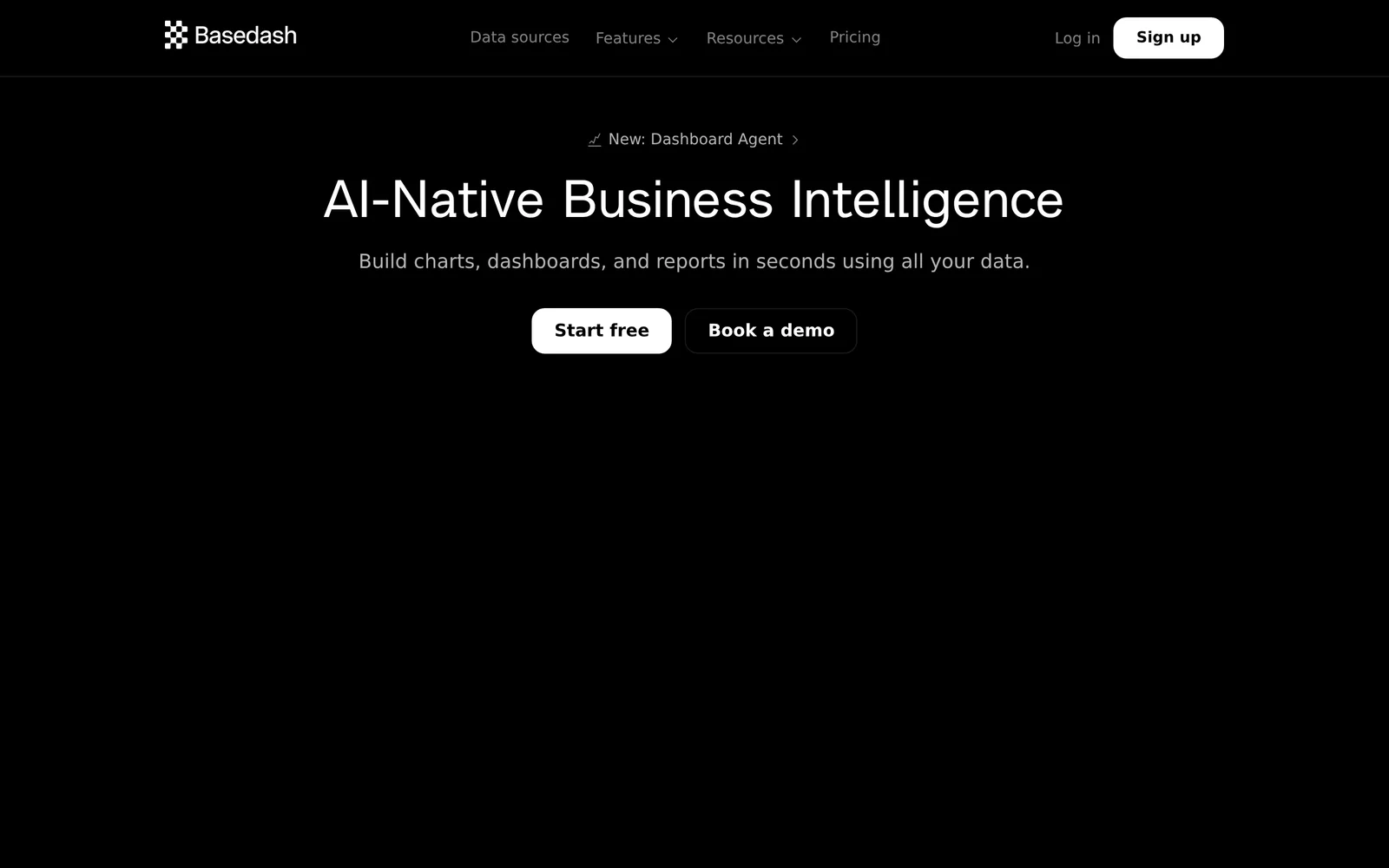
Basedash is an AI-native business intelligence platform designed to give teams fast, trusted answers and streamlined dashboards and reporting workflows without the complexity of traditional BI setup. It leverages natural-language and AI-driven interfaces to reduce manual dashboard engineering, enabling non-technical users to query data and generate reports. The platform focuses on trustworthy results and operational reporting workflows that integrate with team processes, lowering the barrier to insights and ongoing reporting maintenance.
Screenshots
Key Features
Use Cases


Frequently asked questions about Basedash
What is Basedash?
Basedash is an AI-native business intelligence platform designed for teams seeking reliable insights, intuitive dashboards, and efficient reporting workflows without the complexities of traditional BI setups. It streamlines data management, enabling users to make informed decisions quickly and effectively.
Key Points
- AI-Native Technology: Leverages artificial intelligence for data analysis.
- User-Friendly Interface: Simplifies dashboard creation and reporting.
- No Heavy Setup Required: Minimizes the technical barriers typically associated with BI tools.
Detailed Explanation
Basedash stands out in the crowded business intelligence landscape by offering an AI-native approach that enhances decision-making processes. Its core features include:
-
AI-Powered Insights: Basedash utilizes advanced algorithms to analyze data patterns, making it easier for teams to derive actionable insights from their datasets. For instance, sales teams can identify trends in customer behavior without needing a data scientist.
-
Intuitive Dashboards: Users can create custom dashboards effortlessly. The drag-and-drop interface allows teams to visualize data in a manner that suits their specific needs, whether for performance tracking or marketing metrics.
-
Streamlined Reporting Workflows: Basedash automates reporting tasks, reducing the time spent compiling data. This feature is particularly beneficial for managers who require regular updates on key performance indicators (KPIs) without extensive manual effort.
-
Integration Capabilities: The platform seamlessly integrates with existing data sources, such as databases and APIs, facilitating a smooth transition for organizations looking to enhance their BI capabilities. For example, teams can pull data from SQL databases or Google Sheets directly into their dashboards.
-
Collaboration Features: Basedash promotes teamwork by allowing multiple users to access and collaborate on the same dashboards and reports in real-time, fostering a data-driven culture within organizations.
Best Practices / Tips
- Start Small: Begin by integrating one data source and gradually expand your usage as your team becomes more comfortable with the platform.
- Utilize Templates: Take advantage of pre-built templates for common reporting needs to save time and ensure consistency across reports.
- Regular Training: Encourage team members to participate in training sessions or webinars to maximize the tool's potential and keep up with new features.
- Monitor Performance: Regularly evaluate the effectiveness of your dashboards and adjust as needed to ensure they continue to meet business goals.
Additional Resources
- Basedash Official Website – Explore features and sign up for a trial.
- User Documentation – Access detailed guides on using the platform.
- Community Forum – Engage with other users for tips and best practices.
How does Basedash work?
Basedash is an AI-powered platform designed to streamline day-to-day workflows by integrating various AI tools and functionalities. It enables users to automate tasks, manage data, and enhance productivity, making it easier to leverage AI technology without extensive technical knowledge.
Key Points
- AI Integration: Combines multiple AI capabilities to simplify workflows.
- User-Friendly Interface: Designed for ease of use, requiring minimal technical expertise.
- Automation Features: Automates repetitive tasks to save time and increase efficiency.
Detailed Explanation
Basedash operates by integrating several AI technologies, allowing users to automate various aspects of their daily tasks. For instance, it can connect to databases, process data, and generate insights quickly. Users can create custom workflows tailored to their specific needs, which can include data analysis, report generation, and even customer support management.
Use Cases
- Data Management: Users can pull data from different sources, analyze it, and visualize results without needing extensive programming skills.
- Customer Support Automation: By integrating AI chatbots, Basedash can help automate responses to common customer inquiries, improving response times.
- Reporting: Generate automated reports by pulling data from various databases, allowing teams to focus on analysis rather than data collection.
Best Practices / Tips
- Start Small: Begin with basic workflows to familiarize yourself with the platform's capabilities before scaling up.
- Utilize Templates: Basedash offers templates for common tasks. Use these to save time and ensure best practices.
- Regularly Update Workflows: As your business needs evolve, revisit and update your workflows to ensure they remain effective and relevant.
Additional Resources
What are the main features of Basedash?
Basedash offers various powerful features, including core AI capabilities, real-time collaboration tools, customizable dashboards, and seamless integration with popular databases. These functionalities empower users to streamline workflows, enhance productivity, and make data-driven decisions efficiently.
Key Points
- Core AI Capabilities: Advanced machine learning models for insightful data analysis.
- Real-Time Collaboration: Enables teams to work simultaneously on projects.
- Customizable Dashboards: Tailor data visualizations to specific needs.
Detailed Explanation
Basedash is a versatile platform designed for teams that require intuitive data management and analysis. Here are some of its standout features:
-
Core AI Capabilities: Basedash employs sophisticated AI algorithms that analyze data patterns, automate repetitive tasks, and provide predictive insights. This allows businesses to leverage data for informed decision-making. For instance, marketing teams can use AI to analyze customer behavior and tailor campaigns accordingly.
-
Real-Time Collaboration: With real-time collaboration tools, team members can work together on projects, share insights instantly, and communicate effectively within the platform. This feature is particularly useful for remote teams, allowing for a seamless workflow without the need for external communication tools.
-
Customizable Dashboards: Users can create dashboards that reflect their specific data needs. This customization can include different metrics, visual elements, and data sources, making it easy to track key performance indicators (KPIs) and project progress. For example, a sales team can design a dashboard that displays sales figures, conversion rates, and customer feedback all in one view.
-
Integration with Popular Databases: Basedash integrates smoothly with various databases and tools like Google Sheets, Airtable, and more, ensuring that users can pull and push data effortlessly. This eliminates the hassle of switching between platforms and enhances productivity.
Best Practices / Tips
- Utilize AI Features: Take full advantage of Basedash's AI capabilities by regularly reviewing suggested insights and automations.
- Customize Effectively: Spend time customizing dashboards to display only the most relevant information for your team’s needs.
- Engage in Real-Time Collaboration: Encourage team members to use the collaboration tools actively to keep projects on track and ensure everyone is aligned.
Additional Resources
Who is Basedash for?
Basedash is designed for individuals and teams seeking to streamline their day-to-day AI workflows. It caters to software developers, data analysts, product managers, and business owners who want to enhance productivity and automate repetitive tasks using AI tools efficiently.
Key Points
- Target Audience: Software developers, data analysts, product managers, and business owners.
- Workflow Automation: Simplifies AI task management and integration.
- Enhanced Productivity: Boosts efficiency in daily operations through automation.
Detailed Explanation
Basedash serves a diverse audience who rely on efficient workflows, particularly in tech-driven industries. Here’s how it benefits different user groups:
-
Software Developers: By integrating AI tools directly into their development environments, developers can automate testing and deployment processes, reducing time spent on manual tasks.
-
Data Analysts: Data professionals can leverage Basedash to streamline data collection and analysis. For instance, they can automate data entry from multiple sources, visualize trends, and generate reports effortlessly.
-
Product Managers: They can utilize Basedash to track project progress and team performance. By automating status updates and task assignments, product managers can focus on strategic planning instead of getting bogged down in administrative tasks.
-
Business Owners: Entrepreneurs benefit by automating customer interactions and operational tasks, allowing them to concentrate on scaling their business rather than managing day-to-day operations.
For example, a product manager might use Basedash to create automated reports that summarize team performance metrics, which can then be shared with stakeholders in real-time.
Best Practices / Tips
- Integrate Seamlessly: Make sure to integrate Basedash with existing tools you use, such as project management or CRM systems, to ensure a smooth workflow.
- Start Small: Begin by automating one or two specific tasks to understand how Basedash can best serve your needs before scaling up.
- Stay Updated: Keep an eye on the latest features and updates from Basedash to maximize the tool's capabilities and improve your workflows continuously.
Additional Resources
How much does Basedash cost?
Basedash offers a flexible pricing model designed for various users, with plans starting at $0 for individual use and scaling up based on features and team size. For detailed pricing options and specific features, visit the official Basedash website.
Key Points
- Free Tier: Basedash provides a free plan for individual users.
- Paid Plans: Pricing scales with team size and additional features.
- Custom Solutions: Enterprise options are available for larger organizations.
Detailed Explanation
Basedash is designed to cater to different user needs, offering a free tier that allows individual users to explore its features without any financial commitment. The pricing structure is user-friendly, making it accessible for startups and small teams.
- Free Plan: Ideal for solo developers or small projects, this plan includes basic features that allow users to test the platform's capabilities.
- Paid Plans: As teams grow, they can upgrade to paid tiers which start at competitive rates. These plans include enhanced features such as advanced analytics, enhanced collaboration tools, and priority support.
- Enterprise Solutions: For larger organizations, Basedash offers customizable solutions that can be tailored to specific business needs. Pricing for these plans typically involves direct consultation with the Basedash sales team to determine the best fit.
An example of how pricing might work is a startup with 5 team members opting for a mid-tier plan that costs approximately $29 per user per month, providing access to more sophisticated tools and support.
Best Practices / Tips
- Evaluate Your Needs: Before choosing a plan, assess your team's size and required features to avoid overpaying for unnecessary capabilities.
- Utilize the Free Plan: Take advantage of the free tier to understand how Basedash fits your needs before committing to a paid plan.
- Contact Sales for Custom Quotes: If your organization has specific requirements, reach out to the sales team for tailored pricing options that fit your budget and needs.
Additional Resources
How do I get started with Basedash?
To get started with Basedash, visit Basedash's official website. Sign up for an account, and explore the platform's features, including data management and dashboard creation, tailored to streamline your workflow and enhance productivity.
Key Points
- User-Friendly Interface: Basedash offers an intuitive interface for ease of navigation.
- Custom Dashboards: Create personalized dashboards to visualize your data effectively.
- Integration Capabilities: Seamlessly integrate with various data sources and tools.
Detailed Explanation
Basedash is designed to simplify how users interact with their data. To begin, follow these steps:
-
Sign Up: Visit Basedash and click on the "Sign Up" button. You can register using your email or through third-party services like Google.
-
Explore Features: Once registered, familiarize yourself with the dashboard. Basedash provides a guided tour that highlights key features, including:
- Data Connections: Link your existing databases, such as Postgres or MySQL, to pull in data effortlessly.
- Custom Dashboards: Utilize drag-and-drop functionality to create dashboards that suit your needs.
- Real-Time Updates: Enjoy real-time data updates, ensuring you have the latest information at your fingertips.
-
Utilize Templates: Basedash offers templates to help you get started quickly. Whether you're tracking sales metrics or project progress, these templates can be customized to fit your requirements.
-
Integrate with Tools: Connect Basedash with your favorite tools like Slack or Zapier for streamlined notifications and workflows.
Best Practices / Tips
- Start Small: Begin with a basic dashboard to understand how data visualization works before expanding to more complex setups.
- Regularly Update Data Sources: Ensure that your data connections are always updated to reflect the most accurate information.
- Engage with the Community: Join the Basedash community forums for tips and best practices from other users.
Additional Resources
- Basedash Documentation - Comprehensive guide on features and functionalities.
- Community Forum - Connect with other users for support and advice.
- Tutorial Videos - Visual guides on how to maximize your use of Basedash.
Explore more AI Ai Services tools
Browse all Ai Services tools →Browse by use case: Automation & Productivity
Compare Basedash: vs Velane · vs OpenComputer · vs Fluree AI · vs Freesolo Flash