

Civitai
AIOpen SourceFreeCommunity-driven marketplace for Stable Diffusion & Flux models to browse, share, rate, and download generative-art resources.
Civitai
Community-driven marketplace for Stable Diffusion & Flux models to browse, share, rate, and download generative-art resources.
About Civitai
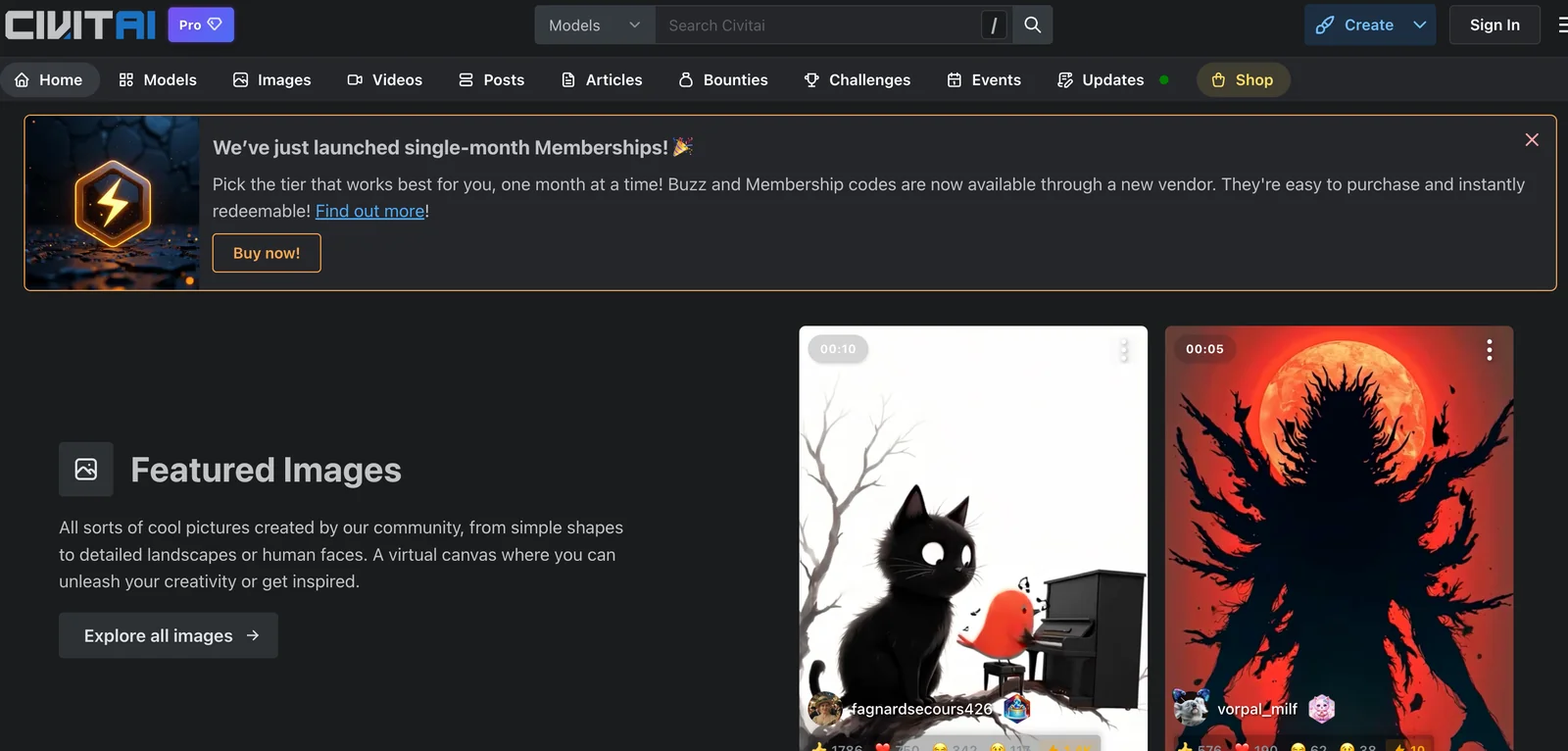
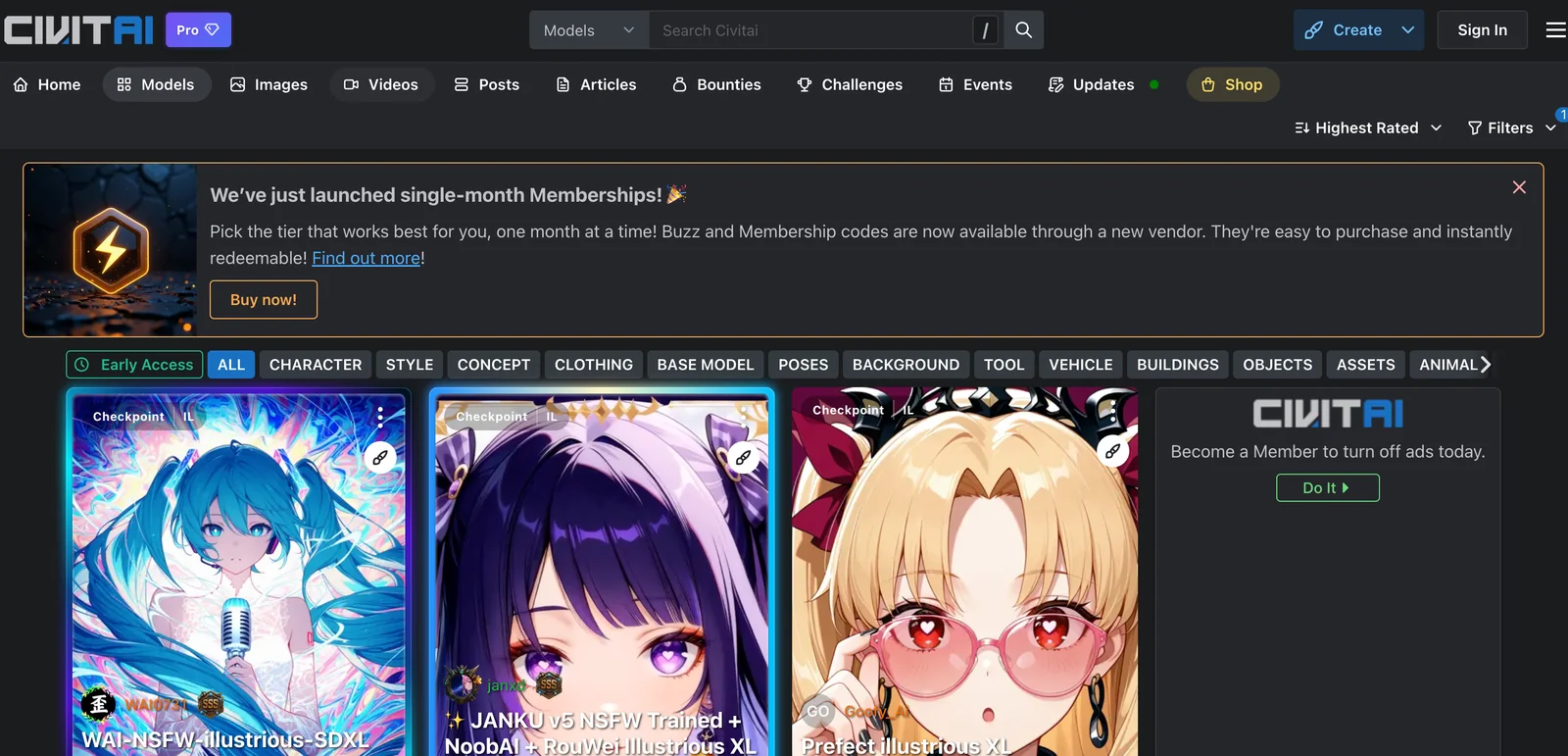
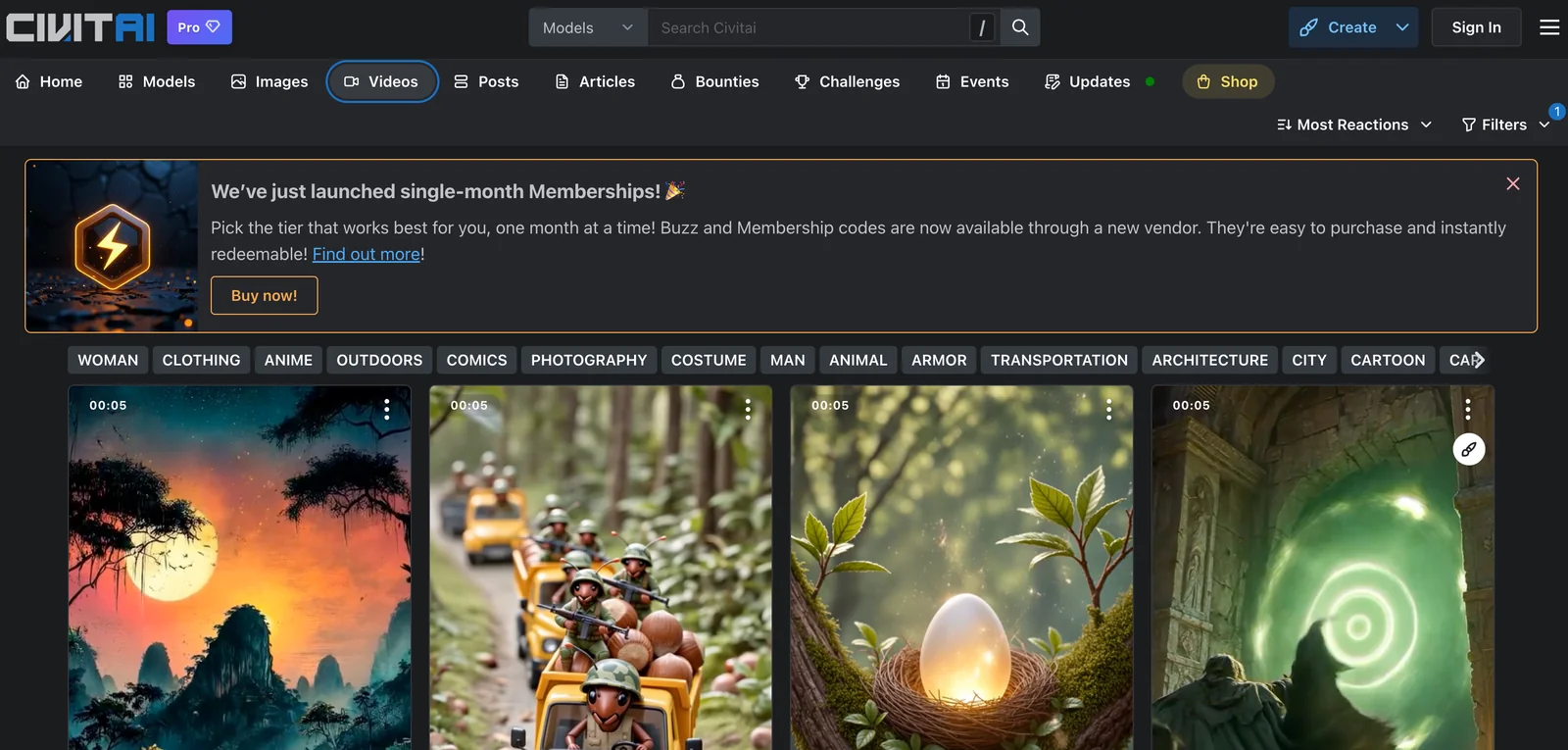
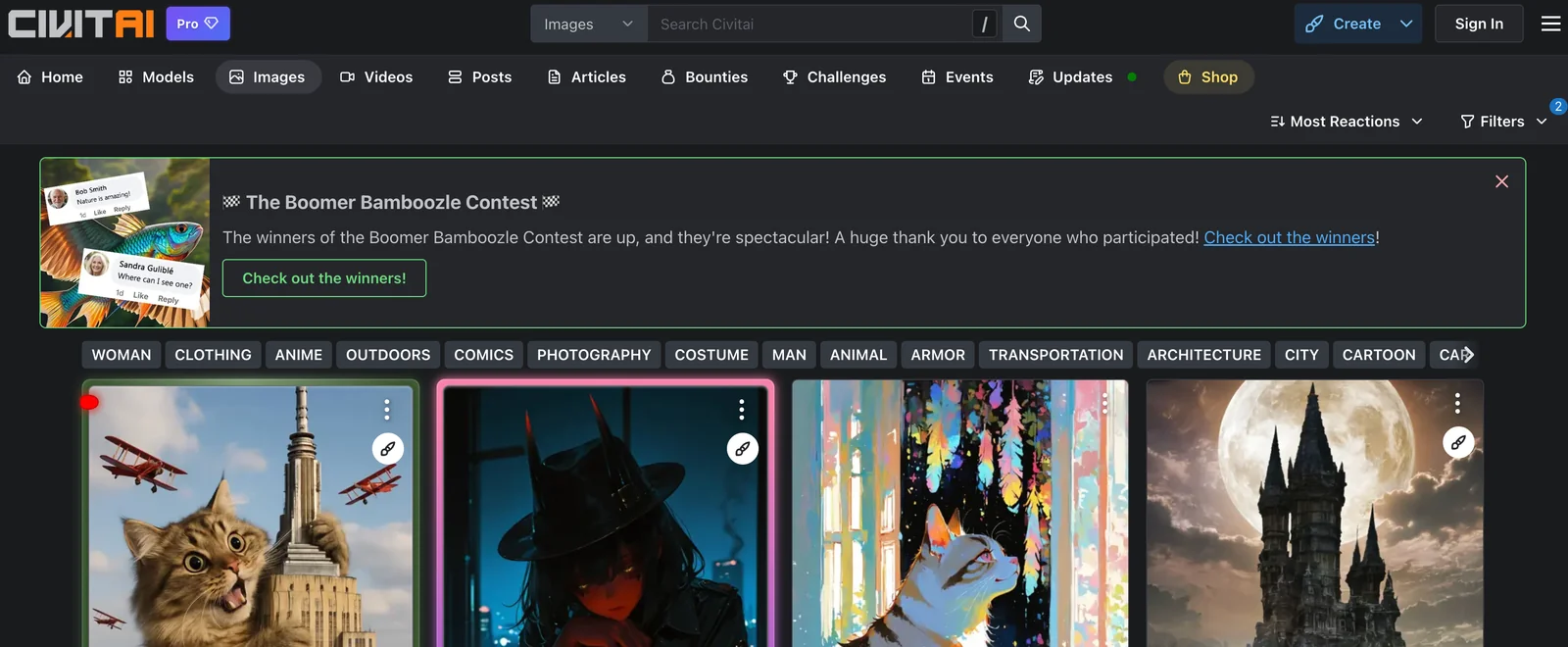
Civitai is a community marketplace and repository for open-source generative-art resources, focusing on Stable Diffusion and Flux models. It hosts thousands of user-contributed models, textual inversions, embeddings, LoRAs, checkpoints and related assets, plus ratings, comments and example images to help creators discover high-quality resources. The platform supports metadata linking (including SHA256 hashes) for reproducibility, provides API access and API keys for programmatic downloads, and integrates with community tools and extensions (for example Automatic1111 extensions and the Civitai Link websocket) to streamline installing and using models in local Stable Diffusion instances. Civitai’s value comes from centralizing model discovery, community validation, and tooling integrations to accelerate model reuse and reproducible generative workflows.
Screenshots
Key Features
Use Cases



Frequently asked questions about Civitai
Is Civitai free or paid?
Civitai offers a free tier that allows users to browse and download community-shared models and resources. For enhanced features and additional perks, paid memberships start at approximately $5 per month, providing a more extensive experience for users interested in AI tools and resources.
Key Points
- Free Tier: Basic access to community-shared models.
- Paid Memberships: Starting at $5/month for extra features.
- User Community: Active engagement and resource sharing.
Detailed Explanation
Civitai is designed to cater to both casual users and professionals in the AI domain. The free tier allows users to explore a variety of community-shared models and resources without any financial commitment. This is ideal for beginners looking to experiment with AI tools or for those who want to access basic functionalities.
For users seeking more advanced features, paid memberships are available, starting at approximately $5 per month. These memberships offer benefits such as:
- Exclusive Models: Access to premium models not available in the free tier.
- Enhanced Support: Priority customer support for troubleshooting and inquiries.
- Advanced Features: Tools and functionalities that enhance the user experience, such as customization options and faster download speeds.
Civitai's vibrant user community is another significant aspect. Members can share tips, model modifications, and tutorials, fostering an environment of collaborative learning and innovation. This engagement can be particularly beneficial for users looking to deepen their understanding of AI applications.
Best Practices / Tips
- Start with Free: If you're new to AI, begin with the free tier to familiarize yourself with the platform.
- Explore Community Models: Take advantage of community-shared resources to find innovative solutions and ideas.
- Evaluate Membership Benefits: Assess whether the additional perks of a paid membership align with your needs before subscribing.
Additional Resources
What are the main features of Civitai?
Civitai offers a robust model repository for Stable Diffusion models, community-driven ratings and comments, API access for developers, and integration tools that simplify workflows. These features collectively enhance user experience, making it easier to access, evaluate, and implement AI models efficiently.
Key Points
- Model Repository: Access a wide range of Stable Diffusion models.
- Community Engagement: Utilize ratings and comments for informed decisions.
- API Access: Integrate with existing systems and workflows seamlessly.
Detailed Explanation
Civitai serves as a comprehensive platform for users interested in Stable Diffusion models, catering to both developers and casual users. The model repository is a central feature, allowing users to browse, download, and implement various AI models designed for image generation and manipulation. This repository is continually updated, ensuring access to the latest advancements in AI technology.
Community Engagement
One of the standout features of Civitai is its community ratings and comments. Users can provide feedback on models, which helps others make informed choices based on real-world usage and experiences. This community-driven approach fosters a collaborative environment, where users can share tips and tricks, enhancing overall model performance and usability.
API Access
For developers, Civitai provides robust API access. This feature empowers users to integrate Civitai's capabilities into their own applications or workflows, promoting scalability and customization. With clear documentation and support, developers can easily connect their projects to the model repository, enabling innovative uses of AI technology.
Integration Tools
Civitai also includes tools for integrating with local workflows. Whether you're a graphic designer, software developer, or an AI researcher, these tools facilitate smooth integration into your existing processes. This capability streamlines the workflow, allowing users to focus more on creativity and less on technical hurdles.
Best Practices / Tips
- Explore Community Models: Take advantage of the community feedback to select high-performing models.
- Leverage API Documentation: Familiarize yourself with the API documentation for seamless integration.
- Participate in Discussions: Engage with the community to share experiences and improve your understanding of different models.
Additional Resources
How do I get started with Civitai?
To get started with Civitai, create a free account on their website, explore the wide selection of AI models, and download the ones that suit your project needs. This allows you to leverage advanced AI capabilities for various applications, including art generation and machine learning tasks.
Key Points
- Create a Free Account: Sign up easily on the Civitai website.
- Explore Models: Browse through numerous AI models available for download.
- Download for Projects: Select and download models tailored to your specific needs.
Detailed Explanation
To begin using Civitai, follow these steps:
-
Create Your Account: Visit the Civitai website and click on the "Sign Up" button. You can register using your email or social media accounts. This free account gives you access to the full range of models and community features.
-
Browse Available Models: Once logged in, navigate to the models section. You can filter models by categories such as "Art," "Text," and "Music." Each model page provides detailed descriptions, usage guidelines, and user ratings, helping you choose the right model for your project.
-
Download Models: After selecting a model, click the download button. Most models are available in various formats (e.g., .zip or .tar), and you may need specific software or tools to run them, which is usually specified in the download section.
Use Cases
- Art Generation: Use Civitai models to create unique digital artwork or illustrations for your projects.
- Text Analysis: Implement AI models for natural language processing tasks such as sentiment analysis or content generation.
- Game Development: Integrate AI into games for dynamic character development or procedural content generation.
Best Practices / Tips
- Choose Models Wisely: Always read reviews and check compatibility with your project requirements before downloading a model.
- Stay Updated: Regularly check the Civitai community and forums for updates on new models and features.
- Experiment and Iterate: Don't hesitate to try different models to find the best fit for your specific use case. Iteration can lead to better outcomes.
Additional Resources
- Civitai Documentation: Official guides and tutorials.
- Community Forum: Engage with other users to share experiences and tips.
- YouTube Tutorials: Watch video guides for practical demonstrations.
What API options does Civitai provide?
Civitai provides API access for programmatic downloads of models and resources, enabling seamless integration into automated workflows. Users can easily obtain an API key after creating an account, allowing them to leverage Civitai's capabilities in their applications.
Key Points
- API Access: Enables automated downloads of models and resources.
- Integration: Supports integration into various automated workflows.
- Account Creation: Users can obtain an API key upon registration.
Detailed Explanation
Civitai's API is designed for developers and organizations looking to enhance their applications with AI capabilities. The API allows users to automate the downloading of models and resources, which can significantly streamline processes and improve efficiency.
How to Obtain an API Key
- Create an Account: Visit the Civitai website and register for an account.
- Access the API Section: Once logged in, navigate to the API section of your dashboard.
- Generate Your API Key: Follow the prompts to generate your unique API key. This key is essential for authenticating your requests.
Use Cases
- Automated Workflows: Integrate the API into your existing systems for tasks like model training, evaluation, or deployment.
- Custom Applications: Build applications that require real-time access to AI models or data resources from Civitai.
- Data Analysis: Use the API to fetch models for advanced data analysis in various domains such as finance, healthcare, and marketing.
Best Practices / Tips
- Secure Your API Key: Treat your API key like a password. Do not expose it in public repositories or share it unnecessarily.
- Read Documentation: Familiarize yourself with Civitai's API documentation to understand the available endpoints and parameters.
- Limit Requests: Be mindful of rate limits to avoid throttling or temporary bans on your API access.
Additional Resources
- Civitai API Documentation
- Civitai User Guide
- Civitai Community Forum for support and best practices.
How does Civitai compare to other AI model marketplaces?
Civitai differentiates itself from other AI model marketplaces by emphasizing community engagement, featuring user ratings and comments, providing free access to models, and ensuring seamless integration with local Stable Diffusion instances. This combination creates a user-friendly environment for both AI developers and enthusiasts.
Key Points
- Community-Driven Approach: Users can rate and comment on models, fostering collaboration and feedback.
- Free Access: Many models are available at no cost, making AI technology more accessible.
- Local Integration: Easy integration with local Stable Diffusion setups enhances user experience.
Detailed Explanation
Civitai's unique community-driven model encourages users to actively participate in the evaluation of AI models. Unlike other marketplaces, which may prioritize commercial offerings, Civitai allows for user-generated content that enriches the marketplace. Users can rate models on a scale, leave detailed comments, and suggest improvements, creating a feedback loop that benefits developers and users alike.
For instance, a user can easily search for models based on popularity or newness, making it easier to find high-quality resources. The free access to models eliminates barriers to entry, allowing hobbyists, students, and professionals to experiment without financial constraints. This democratizes access to AI tools and fosters innovation within the community.
Additionally, Civitai's seamless integration with local Stable Diffusion instances means users can directly apply models in their projects without complex setups. This saves time and enhances productivity, especially for developers looking to implement AI solutions rapidly.
Best Practices / Tips
- Engage with the Community: Actively participate by rating and commenting on models. Your feedback helps improve the quality of available resources.
- Explore Free Models: Take advantage of the free models to experiment and understand their capabilities before investing in premium options.
- Check Compatibility: Ensure that the models you choose integrate smoothly with your local Stable Diffusion setup to minimize technical issues.
Additional Resources
By leveraging Civitai’s features, users can maximize their AI model experience while contributing to a vibrant community.
Explore more AI Ai Models tools
Browse all Ai Models tools →Browse by use case: Image Generation
Compare Civitai: vs Mouse-1 · vs Milliseconds.ai · vs SWE-2 · vs Desert Ant Labs