

Workato
AIOfficial MCPEnterprise integration and automation platform that unites apps, data, workflows, search and AI agents with low-code recipes and connectors.
Workato
Enterprise integration and automation platform that unites apps, data, workflows, search and AI agents with low-code recipes and connectors.
About Workato
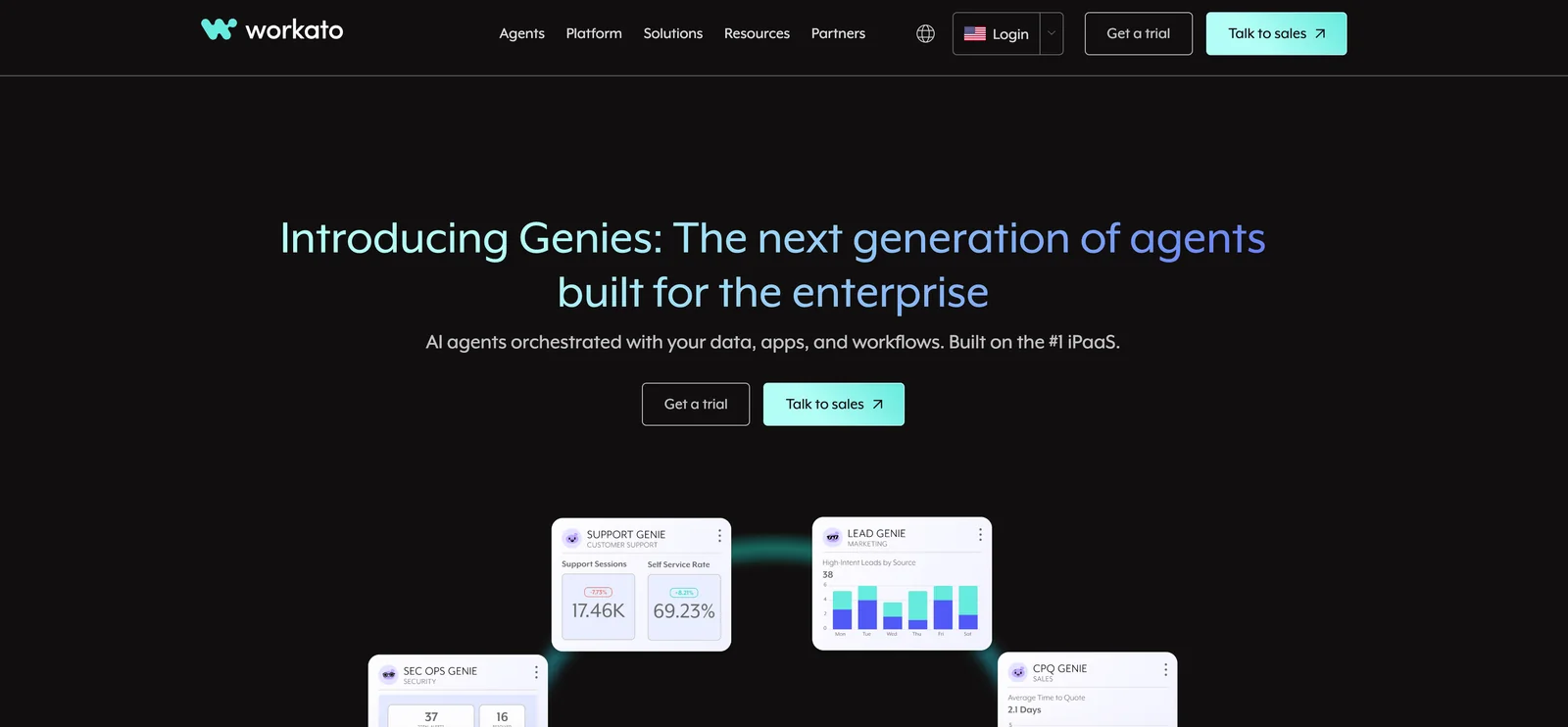
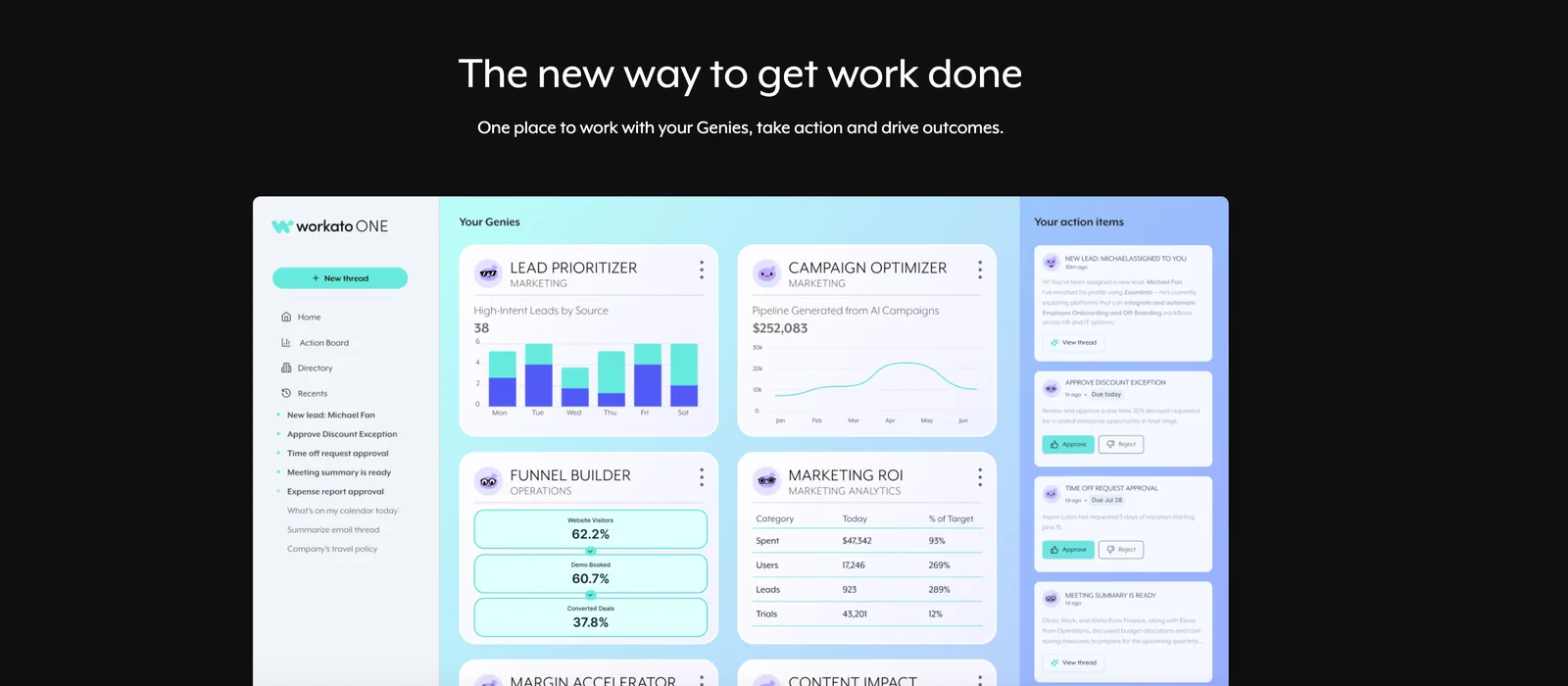
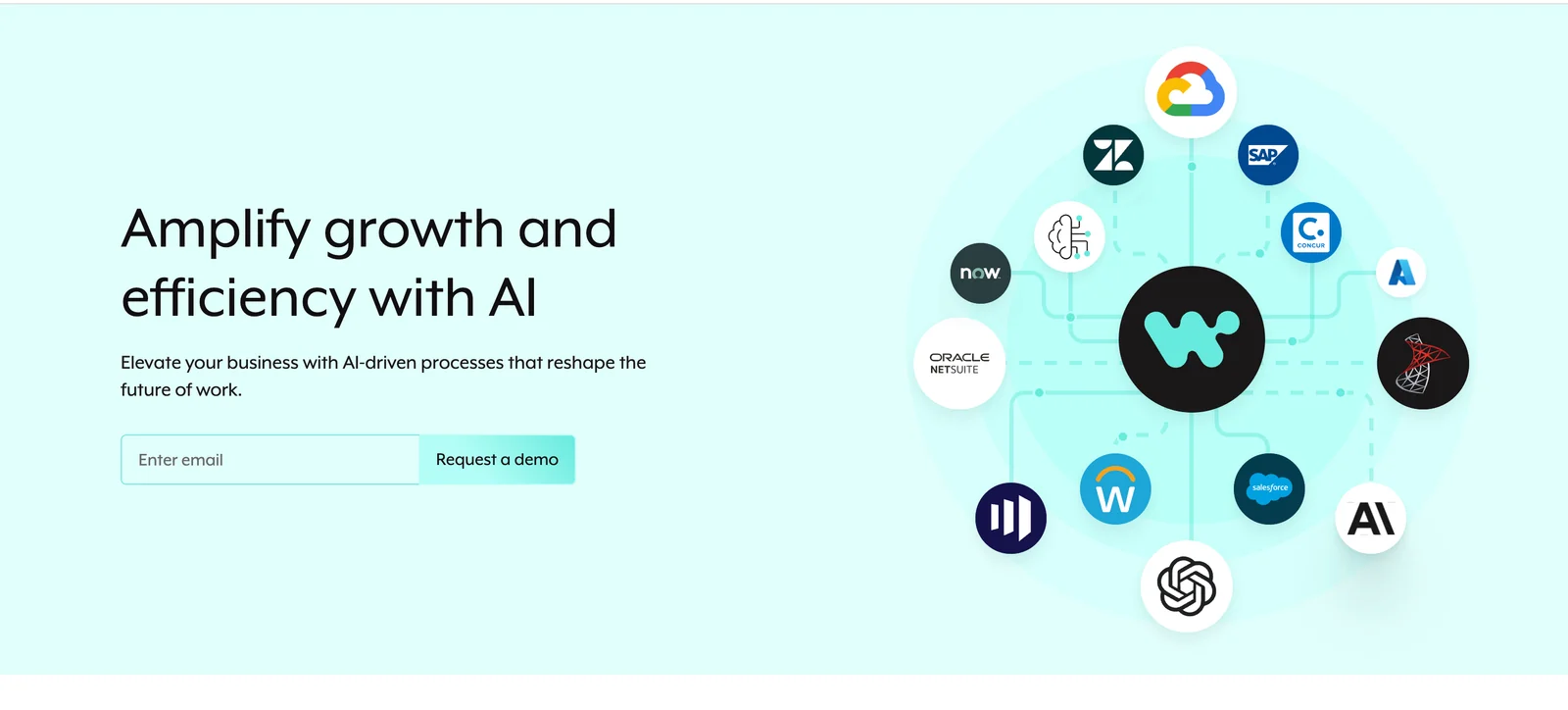
Workato is an enterprise integration-platform-as-a-service (iPaaS) that enables organizations to design, automate, and orchestrate cross-application workflows using a low-code/no-code interface. It provides a library of connectors, a connector SDK and HTTP connector for custom integrations, and a recipe-based builder of triggers and actions to automate business processes across cloud and on-prem systems. Workato emphasizes governance, security, and scalability for enterprise deployments, and integrates AI agents and search capabilities to extend automation with agentic workflows and conversational automation (Workbot). The platform supports turning automations into callable APIs, monitoring and analytics, and a hybrid runtime to connect on-premise systems securely.
Screenshots
Key Features
Use Cases
MCP Server
https://docs.workato.com/en/mcp.htmlhttps://app.workato.com/sse💡 MCP (Model Context Protocol) enables AI assistants to securely interact with local and remote resources.



Frequently asked questions about Workato
What is the pricing structure for Workato?
Workato's pricing begins at approximately $10,000 per year for the base workspace, with additional costs determined by task usage. Enterprise implementations typically range from $15,000 to over $120,000 annually, influenced by task volume and negotiated discounts.
Key Points
- Base Pricing: Starts at $10,000/year.
- Task Usage Costs: Additional charges based on usage.
- Enterprise Range: Typical costs between $15,000 to $120,000+/year.
Detailed Explanation
Workato offers a flexible pricing model primarily based on the number of tasks executed per month. The base rate of around $10,000 annually provides access to essential features and capabilities suitable for small to medium-sized businesses. However, as organizations scale and automate more processes, additional task usage fees can significantly increase costs.
For enterprises, costs can vary widely. For instance, companies processing thousands of tasks daily may find their annual fees approaching or exceeding $120,000. Pricing can also be influenced by negotiated contracts and discounts tailored to specific organizational needs.
Use Case Example
A company automating 50,000 tasks monthly might pay $15,000 for the base workspace plus an additional $20,000 for task usage, bringing the total to $35,000 for the year. In comparison, a larger enterprise handling 200,000 tasks might negotiate a package that reduces the per-task cost, resulting in a total closer to $100,000.
Best Practices / Tips
- Evaluate Your Needs: Assess the number of tasks your organization will run to determine the most cost-effective plan.
- Negotiate: Always negotiate pricing with Workato, especially for larger enterprises, to secure the best possible deal.
- Monitor Usage: Regularly track task execution to avoid unexpected costs. Consider integrating usage alerts for better budget management.
Additional Resources
How do I get started with Workato?
To get started with Workato, request a personalized demo through their sales team. This demo will showcase the platform's capabilities, helping you determine how it can meet your integration and automation needs effectively.
Key Points
- Request a Demo: Schedule a personalized demo with Workato’s sales team.
- Explore Use Cases: Understand real-world applications of the platform.
- Onboarding Resources: Utilize available training materials and documentation.
Detailed Explanation
To begin using Workato, follow these steps:
-
Contact Sales: Visit the Workato website and fill out a request form to schedule a personalized demo. This interactive session enables you to see the platform's features firsthand, tailored to your specific business needs.
-
Explore Integration Capabilities: During the demo, ask about various use cases relevant to your industry. Workato integrates with over 1,000 applications, including Salesforce, Slack, and QuickBooks, allowing you to automate workflows across different platforms seamlessly.
-
Utilize Onboarding Resources: After the demo, take advantage of Workato’s rich library of onboarding resources, including video tutorials, documentation, and community forums. These materials can help you quickly acclimate to the platform and start building your integrations.
-
Start Building Recipes: Once you're familiar with the platform, you can start creating 'recipes'—automated workflows that connect your apps and streamline processes. Workato's user-friendly interface allows users with no coding skills to build complex integrations visually.
Best Practices / Tips
- Define Clear Goals: Before getting started, clarify what you want to achieve through automation. This will help you focus on the most relevant features during your demo.
- Engage with the Community: Join the Workato community and forums to learn from others’ experiences, share insights, and get answers to your questions.
- Start Small: Begin with simple automations and gradually expand to more complex workflows as you become comfortable with the platform.
Additional Resources
What are the key features of Workato?
Workato is a leading integration and automation platform that features pre-built connectors, a low-code recipe builder, hybrid runtime for on-premises connectivity, API management, and robust security measures. These features make it particularly suitable for enterprises looking to streamline their workflows and enhance operational efficiency.
Key Points
- Pre-built Connectors: Integrate various applications seamlessly.
- Low-Code Recipe Builder: Create automation without extensive coding knowledge.
- Hybrid Runtime: Connect on-premises and cloud applications securely.
Detailed Explanation
Workato offers pre-built connectors for over a thousand applications, enabling users to connect popular platforms like Salesforce, Slack, and QuickBooks effortlessly. This extensive library allows businesses to automate workflows quickly without the need for extensive development.
With its low-code recipe builder, users can create automation recipes using a visual interface. This feature empowers non-technical users to design complex integrations and automations by dragging and dropping components, significantly reducing the time to implement solutions. For instance, a marketing team can automate lead data transfer from web forms to their CRM without relying on IT.
The hybrid runtime feature is crucial for enterprises that require connectivity between on-premises systems and cloud applications. This flexibility ensures secure data transfer while adhering to compliance regulations. Companies can run integrations on their local servers, minimizing latency and enhancing performance.
Additionally, Workato provides API management tools that allow organizations to build, deploy, and monitor APIs effectively. This capability is essential for businesses looking to create custom integrations and maintain control over their data flows.
Security is paramount with Workato, which includes features such as data encryption, user access controls, and compliance with industry standards like GDPR and HIPAA. These robust security measures ensure that sensitive data remains protected throughout the integration process.
Best Practices / Tips
- Start Small: Begin with simple automations to familiarize yourself with the interface and functionalities.
- Utilize Templates: Leverage Workato’s library of pre-built recipes and connectors to speed up implementation.
- Monitor Performance: Regularly check the performance of your workflows to identify bottlenecks or areas for improvement.
Additional Resources
How does Workato compare to other integration tools?
Workato is a leading integration tool that excels with its low-code recipe builder, a vast library of over 1,000 pre-built connectors, and robust hybrid integration capabilities. Unlike many competitors, it offers advanced automation features specifically designed to meet the complex requirements of enterprises.
Key Points
- Low-Code Recipe Builder: Simplifies the integration process.
- Extensive Library of Connectors: Over 1,000 pre-built integrations.
- Hybrid Integration Capabilities: Supports both cloud and on-premise applications.
Detailed Explanation
Workato’s low-code recipe builder allows users to create integrations with minimal coding knowledge. This feature is particularly beneficial for businesses that want to empower non-technical staff to manage their integrations without relying heavily on IT. The drag-and-drop interface makes it easy to design workflows, automate processes, and connect disparate applications seamlessly.
With over 1,000 connectors available, Workato supports a wide range of applications, including popular tools like Salesforce, Slack, and QuickBooks. This extensive library allows organizations to connect their existing systems effortlessly, facilitating data flow across platforms. Businesses can automate tasks, such as customer onboarding or inventory management, by using pre-built recipes or customizing them to fit specific needs.
Additionally, Workato's hybrid integration capabilities allow for a combination of cloud-based and on-premise applications. This flexibility is crucial for enterprises that have legacy systems in place while also utilizing modern cloud services. For example, a company can seamlessly integrate its on-premise ERP system with cloud-based CRM software, ensuring that all data is synchronized in real-time.
Best Practices / Tips
- Start with Pre-Built Recipes: Utilize Workato's extensive library of pre-built recipes to jumpstart your automation efforts.
- Test Integrations Thoroughly: Always test your integrations in a sandbox environment before deploying them in production.
- Monitor Performance: Regularly review the performance of your integrations to identify potential bottlenecks or areas for improvement.
Additional Resources
This comprehensive approach to integration makes Workato an attractive choice for businesses looking to enhance efficiency and streamline operations.
Does Workato offer an API for integration?
Yes, Workato offers robust API management capabilities, allowing users to transform recipes into callable API endpoints. This functionality simplifies the integration of automations with various applications or services, enhancing workflow efficiency and connectivity across platforms.
Key Points
- API Management Features: Workato allows users to create and manage APIs easily.
- Callable Endpoints: Recipes can be converted into API endpoints for seamless integration.
- Enhanced Automation: This integration capability boosts operational efficiency and cross-platform connectivity.
Detailed Explanation
Workato's API management features empower users to build, manage, and integrate APIs effortlessly. By allowing recipes—automated workflows created within Workato—to be transformed into callable API endpoints, businesses can connect their applications and services more effectively.
Example Use Case
For instance, a company using Workato can automate its customer relationship management (CRM) processes. By converting a recipe that updates customer information into an API endpoint, the company can enable other applications, such as its website or mobile app, to update customer details in real time.
Step-by-Step Guidance
- Create a Recipe: Start by designing a recipe in Workato that accomplishes a specific task, such as adding a new lead to your CRM.
- Convert to API Endpoint: Use the API management features to convert this recipe into a callable API endpoint.
- Integration: Other applications can then call this API endpoint to trigger the recipe, ensuring consistent data flow and improved workflow efficiency.
Best Practices / Tips
- Documentation: Always refer to Workato's official API documentation for detailed instructions on creating and managing your API endpoints.
- Testing: Utilize Workato's testing features to ensure that your API endpoints work as intended before deploying them in a production environment.
- Version Control: Keep track of changes to your recipes and API endpoints to avoid disruptions in your automated processes.
Additional Resources
- Workato API Documentation
- Integrating Workato with Other Applications
- Workato Community Forum for user discussions and support
Explore more AI Mcps tools
Browse all Mcps tools →Browse by use case: Automation & Productivity
Compare Workato: vs ai-memory · vs CrawlForge MCP · vs Popcraft · vs Pomerado