

WIX
AIOfficial MCPDrag-and-drop website builder with integrated hosting, templates, business apps and AI-powered site creation.
WIX
Drag-and-drop website builder with integrated hosting, templates, business apps and AI-powered site creation.
About WIX
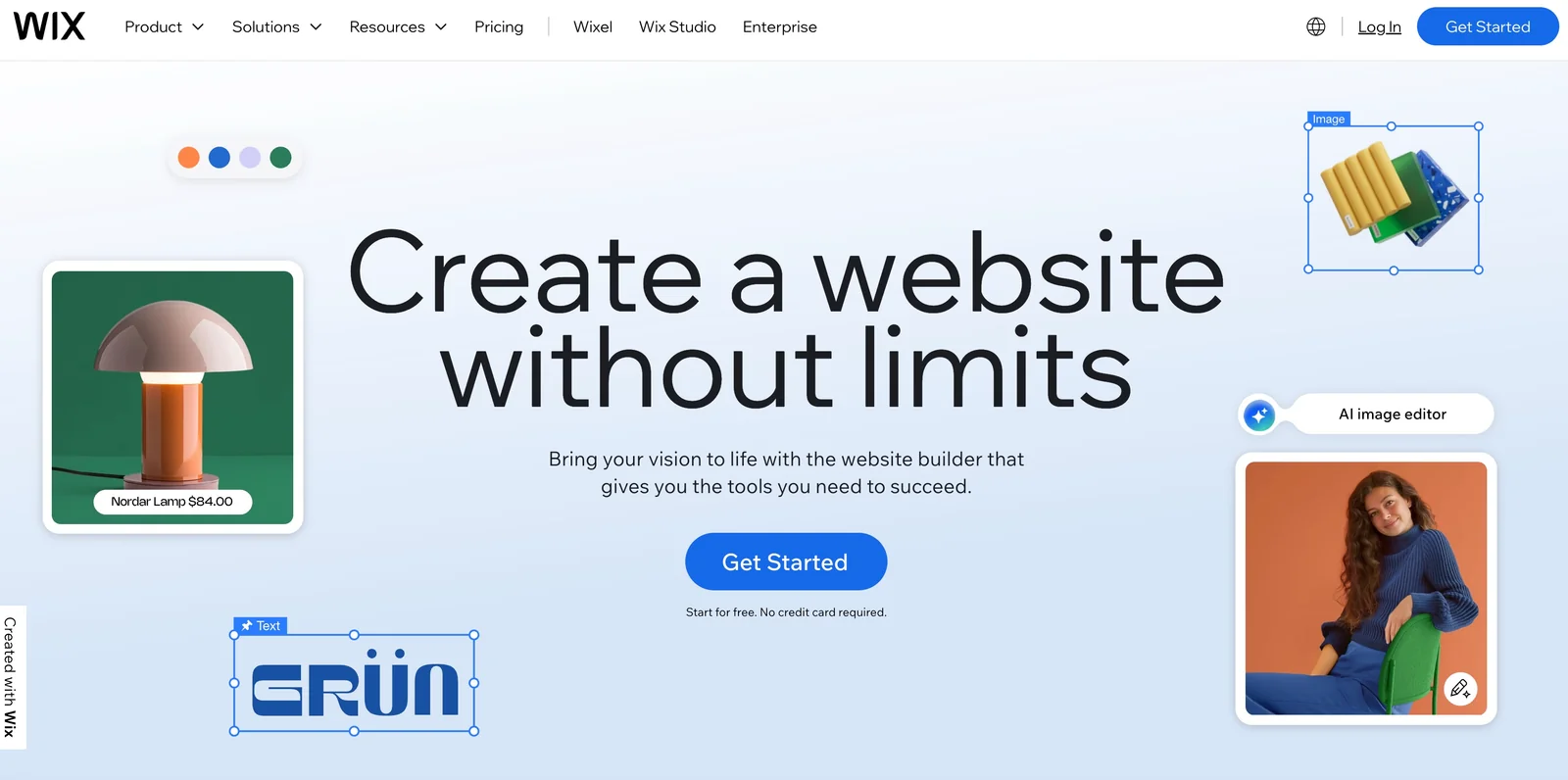
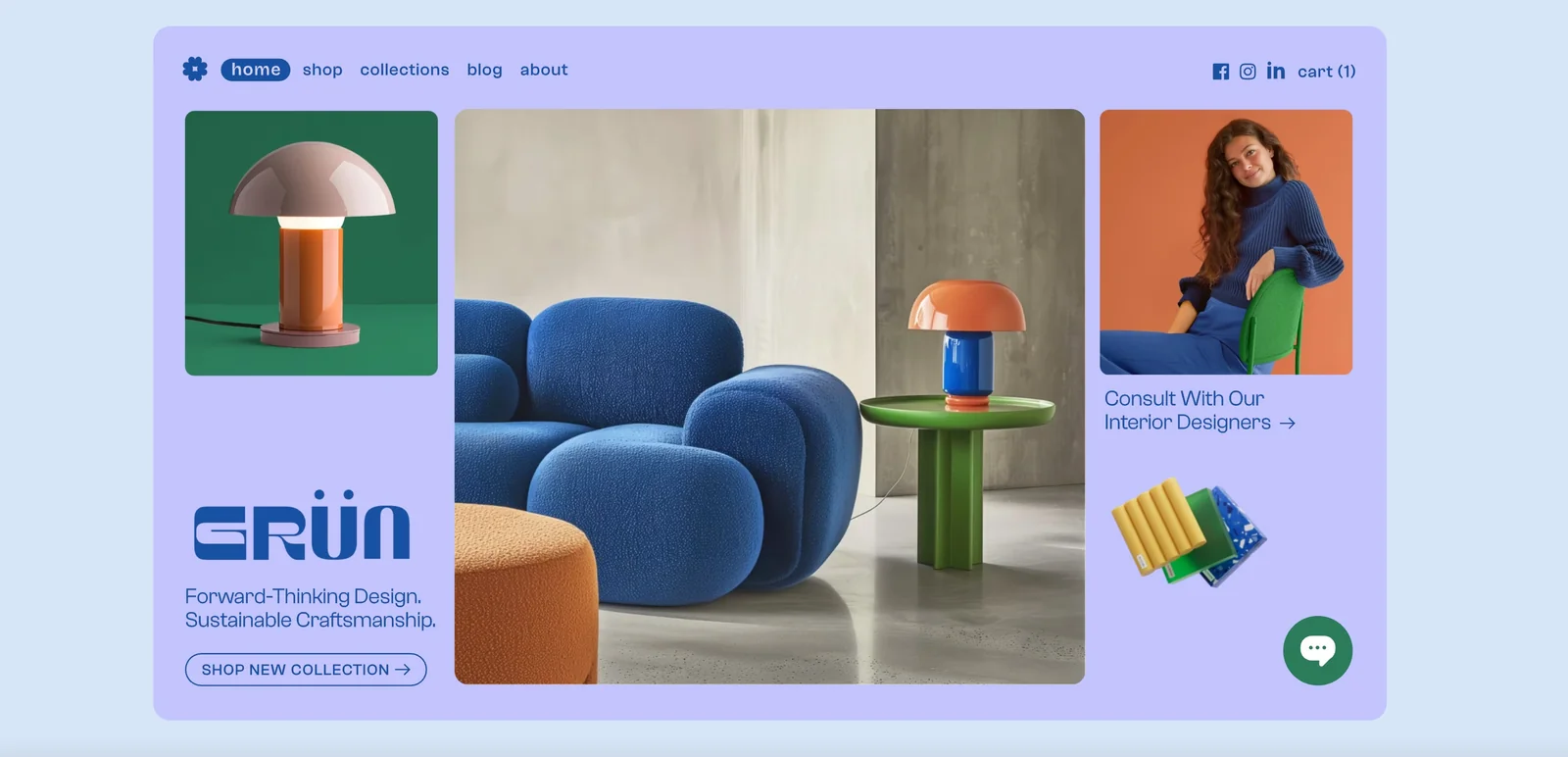
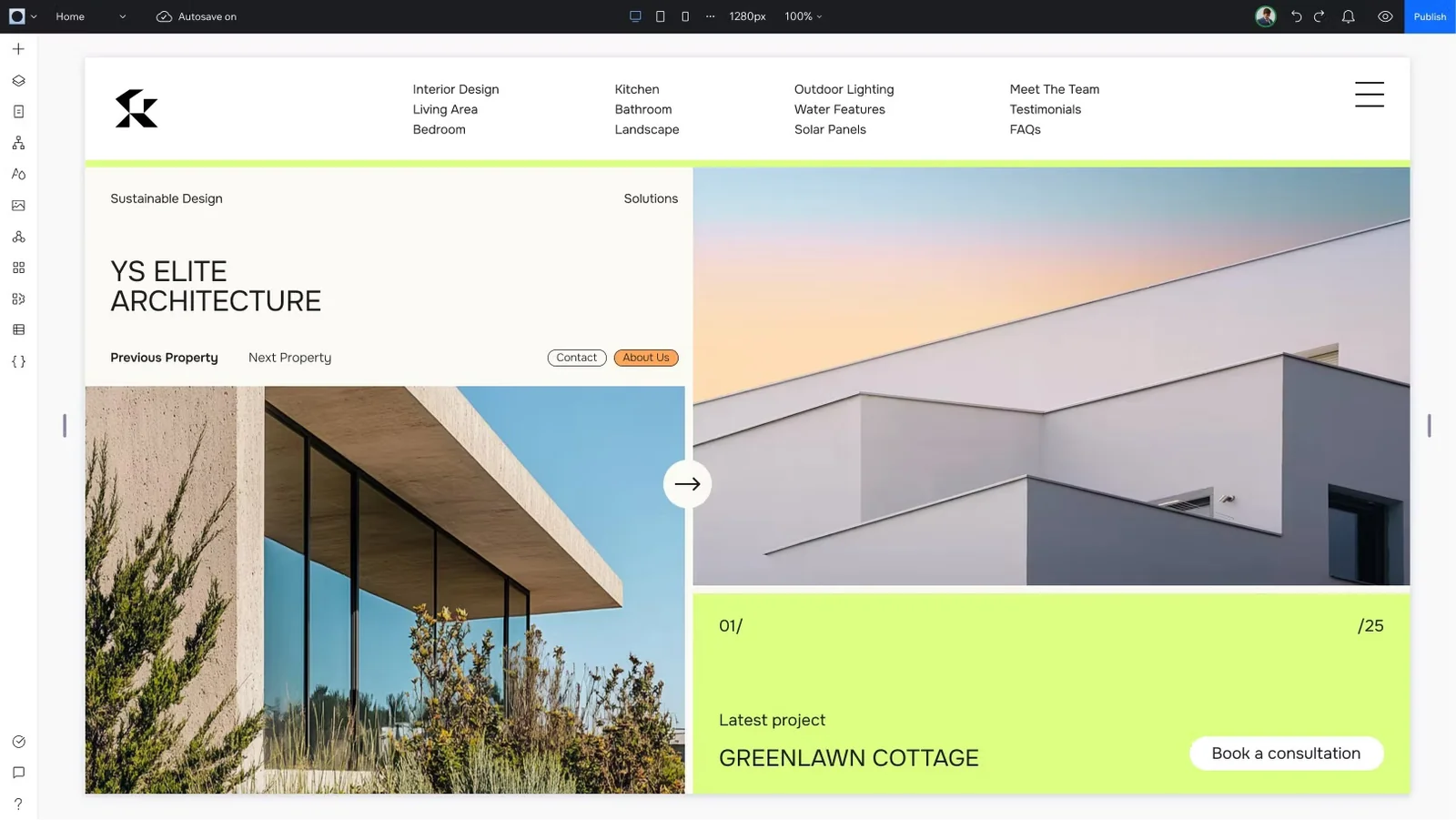
Wix is a cloud-based website building platform that enables individuals and businesses to create, host, and manage websites without coding. It combines a visual drag-and-drop editor, a large library of customizable templates, built-in hosting and domain management, and an app marketplace for e-commerce, bookings, marketing and more. Wix also provides AI-driven site generation (Wix ADI / conversational AI builder) that creates layouts, images and content from simple user prompts, and a developer platform (Velo) for adding custom code, APIs and backend logic. The platform is aimed at users from beginners to professional developers, offering turnkey business solutions alongside extensible developer tooling.
Screenshots
Key Features
Use Cases
MCP Server
https://www.wix.com/studio/developers/mcp-serverhttps://mcp.wix.com/ssehttps://mcp.wix.com/mcp💡 MCP (Model Context Protocol) enables AI assistants to securely interact with local and remote resources.



Frequently asked questions about WIX
What are the pricing options for WIX?
WIX offers a freemium model with various paid plans starting from $17 per month for personal websites. Paid options include more features and custom pricing for enterprise solutions. Users can access basic templates and functionality for free, making it a versatile option for different needs.
Key Points
- Freemium Model: Offers free basic features with optional upgrades.
- Pricing Tiers: Paid plans start at $17/month for personal sites.
- Enterprise Solutions: Custom pricing available for larger businesses.
Detailed Explanation
WIX’s pricing structure is designed to cater to a diverse audience, from individuals to large enterprises. The freemium model allows users to create websites at no cost, which includes access to essential features and a variety of templates. This is ideal for users just starting out or those needing a simple online presence.
Paid Plans
-
Personal Plans: Starting at $17/month, these plans include:
- Removal of WIX ads.
- Increased bandwidth and storage.
- Access to premium apps and features.
-
Business and eCommerce Plans: Prices range from $23 to $49/month, offering capabilities such as:
- Online payments.
- Advanced eCommerce features.
- Increased storage for product listings and digital goods.
-
Enterprise Solutions: Custom pricing is available for larger businesses, which typically includes tailored features, dedicated support, and enhanced security.
Examples of Use Cases
- Freelancers: Can use the free version to showcase portfolios.
- Small Businesses: May opt for personal plans to enhance online visibility.
- E-commerce Stores: Would benefit from business plans to sell products online seamlessly.
Best Practices / Tips
- Start with Free Plan: Test out WIX’s features before committing to a paid plan.
- Choose the Right Plan: Assess your needs (personal, business, or eCommerce) to select the most cost-effective option.
- Utilize Discounts: Look for promotions often available for annual subscriptions, which can save money.
Additional Resources
- WIX Pricing Overview
- WIX Help Center
- WIX Blog for tips on website creation and optimization.
How do I start using WIX to build my website?
To start using WIX to build your website, sign up for a free account, select a template that suits your needs, and utilize the intuitive drag-and-drop editor to customize your site. You can also leverage WIX's AI features for a quicker and more efficient site creation process.
Key Points
- Create a free WIX account
- Choose a suitable template
- Use the drag-and-drop editor and AI tools
Detailed Explanation
-
Create Your WIX Account: Visit the WIX website and click on "Get Started." You can easily sign up using your email address, Google account, or Facebook. After signing up, you’ll be guided through a brief questionnaire to tailor your experience.
-
Select a Template: WIX offers hundreds of templates categorized by industry, such as business, portfolio, online store, and blog. Browse through the options, preview them, and select a template that best aligns with your vision. You can always change the template later if needed.
-
Customize with the Drag-and-Drop Editor: Once you’ve chosen a template, access the WIX Editor. This user-friendly interface allows you to drag and drop elements like text boxes, images, buttons, and more onto your page. You can adjust the size, position, and style of these elements with ease.
-
Utilize AI Features: WIX provides AI-driven tools like WIX ADI (Artificial Design Intelligence) that can create a personalized website for you based on your answers to a few questions. This feature is especially beneficial for those who want to save time or lack design experience.
-
Add Functionalities: Enhance your site by adding apps from the WIX App Market. You can include features such as social media feeds, booking systems, payment processors, and more to create a fully functional website.
Best Practices / Tips
- Choose the Right Template: Ensure the template matches your brand identity and is mobile-responsive, as a significant amount of web traffic comes from mobile devices.
- Optimize for SEO: Use WIX’s SEO tools to optimize your site. Add relevant keywords to your URLs, meta descriptions, and image alt texts to improve visibility on search engines.
- Preview and Test: Always preview your site on both desktop and mobile views. Test all links and functionalities to ensure a seamless user experience.
Additional Resources
What are the key features of WIX?
WIX is a versatile website builder that offers key features such as a user-friendly drag-and-drop editor, AI-powered website generation, integrated hosting, robust ecommerce capabilities, and an extensive app marketplace for added functionality. These features cater to both beginners and experienced web developers.
Key Points
- Drag-and-Drop Editor: Intuitive design interface
- AI Website Generation: Automated site creation
- Ecommerce Capabilities: Online store functionality
- Integrated Hosting: Reliable performance without extra setup
- App Marketplace: Expandable features and tools
Detailed Explanation
WIX stands out as a leading website builder thanks to its comprehensive suite of features designed for ease of use and flexibility.
1. Drag-and-Drop Editor
The drag-and-drop editor allows users to easily customize their website layout without coding knowledge. Users can select elements like text boxes, images, and buttons, and place them exactly where they want on the page. This feature is ideal for small business owners, freelancers, and anyone looking to create an attractive site quickly.
2. AI Website Generation
WIX’s AI website generation tool, called Wix ADI (Artificial Design Intelligence), simplifies the website creation process. Users answer a few questions about their needs, and Wix ADI generates a fully functional website within minutes. This is perfect for users who want a quick setup without sacrificing quality.
3. Ecommerce Capabilities
WIX provides robust ecommerce functionalities, allowing users to create and manage online stores effortlessly. Users can add product listings, manage inventory, set up payment gateways, and track orders. With plans starting around $23 per month for ecommerce features, it’s a cost-effective solution for entrepreneurs.
4. Integrated Hosting
WIX includes integrated hosting with all plans, ensuring that users don't need to find a separate hosting provider. This feature enhances performance and reliability, with uptime guarantees and fast load times, which are crucial for maintaining visitor engagement.
5. App Marketplace
The app marketplace offers a variety of third-party applications that can enhance website functionality. Users can add features such as booking systems, live chat, email marketing tools, and more, allowing for a tailored user experience.
Best Practices / Tips
- Utilize Templates: Start with pre-designed templates to speed up the creation process. WIX offers over 500 templates tailored to different industries.
- Optimize for SEO: Use WIX’s SEO tools to edit meta tags, alt text, and URLs. This helps improve visibility in search engines.
- Mobile Optimization: Always check the mobile view of your site. WIX allows you to customize the mobile layout separately for optimal user experience.
- Regular Updates: Keep content fresh and update your site regularly to encourage return visitors and improve SEO rankings.
Additional Resources
How does WIX compare to other website builders?
WIX is a highly user-friendly website builder known for its robust drag-and-drop editor and AI assistance. Compared to competitors like Squarespace and Weebly, WIX provides greater flexibility for customization, though it may fall short in advanced design features and overall performance optimization for larger websites.
Key Points
- User-Friendliness: WIX's intuitive interface appeals to beginners.
- Customization Flexibility: Offers a wide range of templates and design options.
- Limitations: May lack advanced features for professional designers.
Detailed Explanation
WIX stands out as an accessible option for users without technical backgrounds. Its drag-and-drop editor enables users to create websites easily, making it ideal for small businesses, freelancers, and personal projects. With hundreds of templates available, WIX allows for considerable customization. Users can adjust layouts, colors, and fonts to match their branding.
In contrast, Squarespace is often praised for its sleek, modern design templates, which are ideal for artists and portfolios. However, it may restrict user flexibility in design customization compared to WIX. Weebly, on the other hand, is simpler but lacks the comprehensive features found in WIX, making it less suitable for those seeking a more dynamic online presence.
When considering performance, WIX has made strides in speed and reliability, but may not meet the needs of larger, content-heavy sites as efficiently as WordPress or Shopify. Users with advanced requirements, such as e-commerce capabilities or SEO features, might need to assess these factors carefully.
Best Practices / Tips
- Explore Templates: Take advantage of WIX's extensive template library to find a base that suits your style.
- Utilize AI Tools: WIX’s AI tools can help optimize your website for better performance, so don’t hesitate to use them.
- Plan for Growth: If you anticipate scaling your business, consider a platform that offers more advanced features down the line.
- Regular Updates: Keep your website updated with fresh content and design tweaks to maintain engagement and SEO rankings.
Additional Resources
Does WIX support API integrations?
Yes, WIX supports API integrations through its Velo developer platform. This feature allows users to incorporate custom JavaScript, connect with external APIs, and implement complex site logic, enhancing site functionality and user experience seamlessly.
Key Points
- Velo Developer Platform: A robust environment for building applications.
- Custom JavaScript Support: Enables personalized features and functionality.
- External API Connections: Facilitates integration with third-party services.
Detailed Explanation
WIX's Velo platform is designed to empower developers and advanced users to create dynamic websites with enhanced capabilities. For instance, by using custom JavaScript, you can manipulate data on your website in real-time, creating interactive elements like forms that validate user input immediately.
Integrating with external APIs allows you to pull in data from other services. For example, you can connect to a weather API to display real-time weather updates on your site, or utilize payment gateways like Stripe or PayPal for e-commerce functionalities. This flexibility makes WIX a powerful choice for businesses looking to customize their online presence.
Here’s a step-by-step guide on how to integrate an API with WIX:
- Create a Velo Project: Navigate to your WIX dashboard, select “Dev Mode,” and enable Velo.
- Set Up Backend Code: Use the backend code editor to write functions that call your desired API.
- Connect to the API: Use JavaScript's
fetchfunction to retrieve data from the API. - Display Data: Utilize WIX’s elements to show the fetched data on your website.
Best Practices / Tips
- Test Thoroughly: Always test your API integrations in a controlled environment before deploying them live.
- Rate Limits: Be aware of API rate limits to avoid service interruptions; implement caching strategies where possible.
- Error Handling: Implement robust error handling to manage failed API calls gracefully, ensuring a smooth user experience.
Additional Resources
By leveraging these tools and practices, you can maximize the potential of your WIX site through effective API integrations.
Explore more AI Mcps tools
Browse all Mcps tools →Browse by use case: Code Generation · Automation & Productivity
Compare WIX: vs ai-memory · vs CrawlForge MCP · vs Popcraft · vs Pomerado