

Webflow
AIOfficial MCPVisual, no-code website builder to design, build, and launch responsive custom websites with CMS and hosting.
Webflow
Visual, no-code website builder to design, build, and launch responsive custom websites with CMS and hosting.
About Webflow
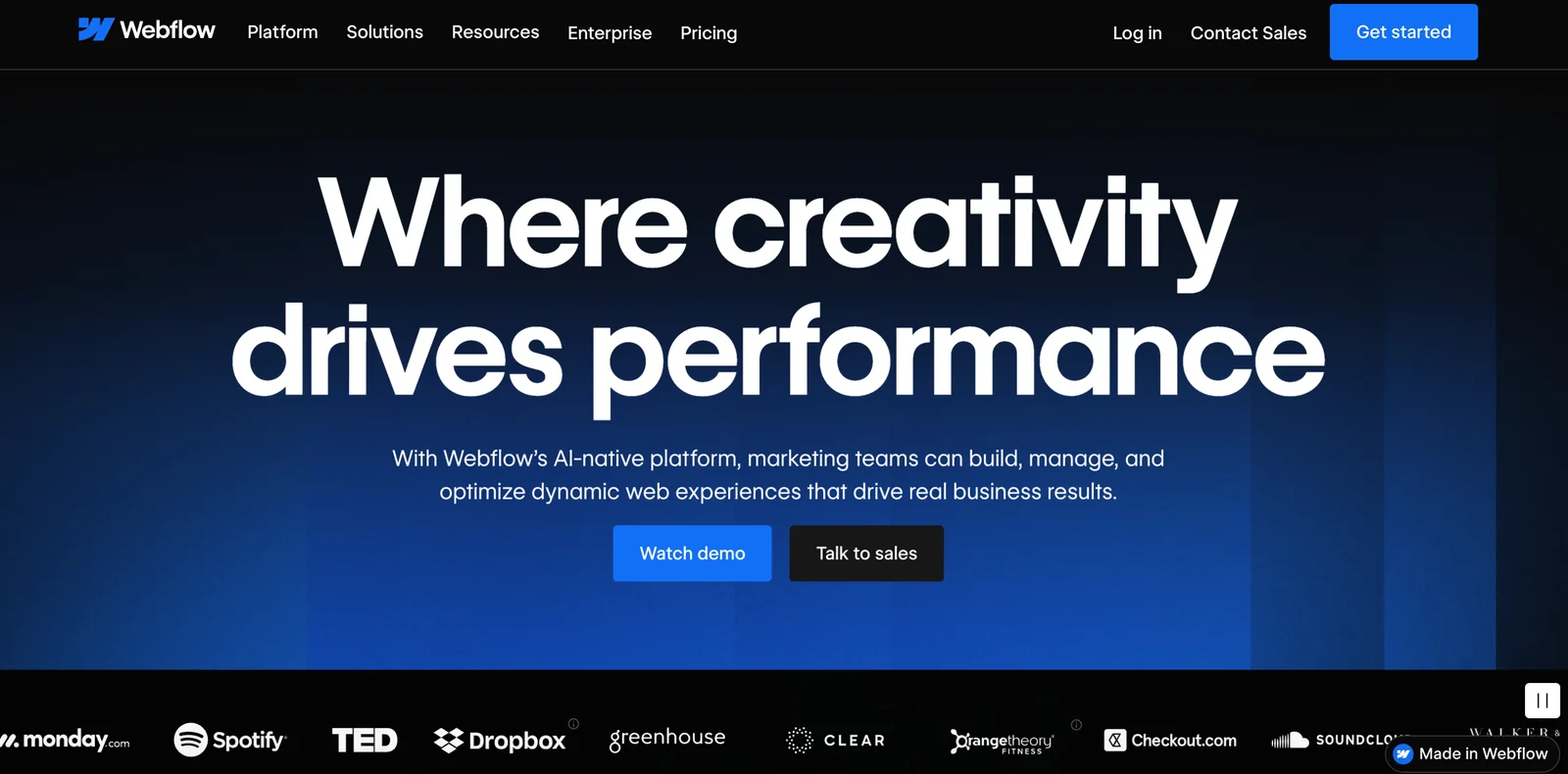
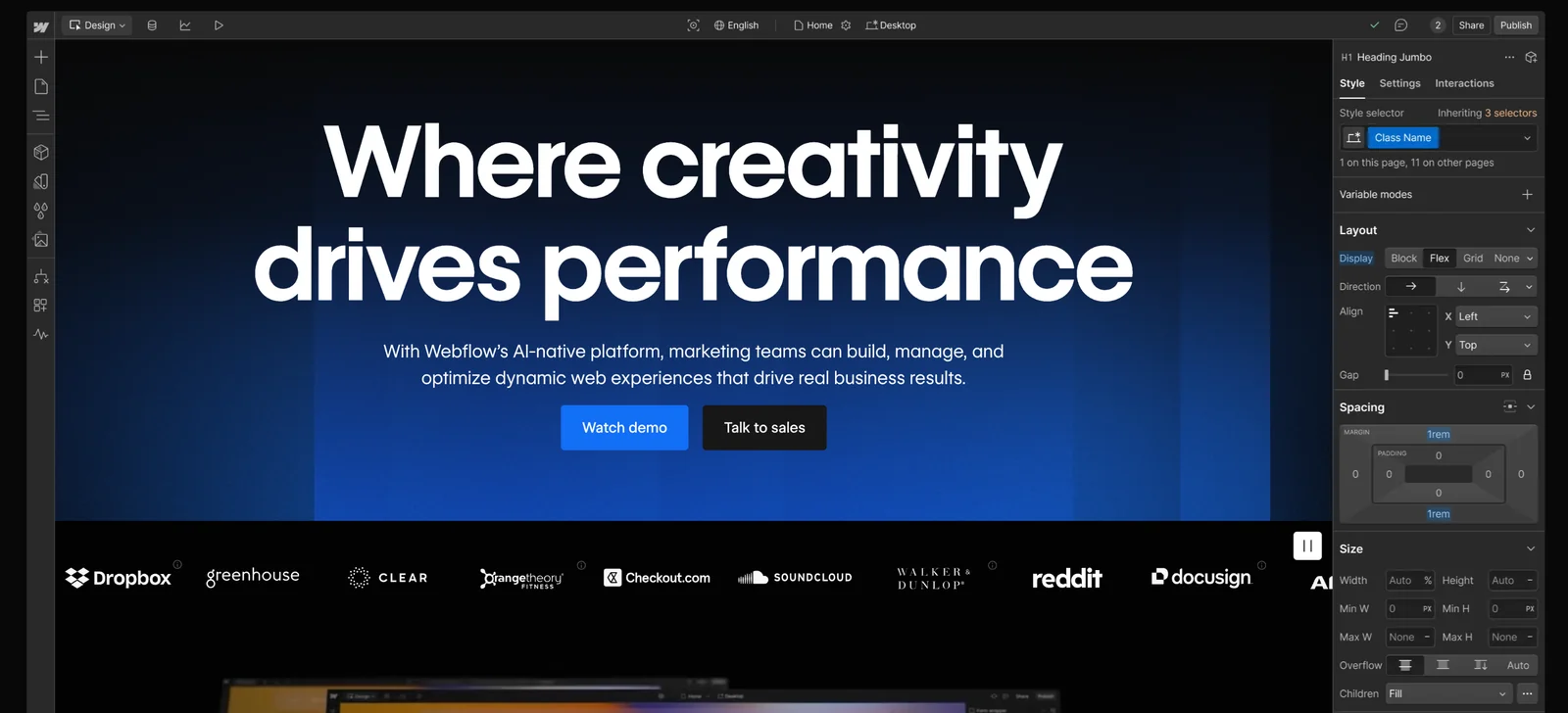
Webflow is a visual website builder and no-code development platform that lets designers and teams create fully custom, responsive websites without hand-coding. It combines a pixel-precise visual Designer with a flexible CMS, ecommerce capabilities, clean code export, and top-tier hosted delivery. Webflow also provides developer-facing tools—APIs, SDKs, and Designer Extensions—so teams can integrate data, extend the designer canvas, or build custom apps on top of Webflow projects. The platform emphasizes design control, performance, and a robust learning community (Webflow University) to accelerate production and handoff workflows.
Screenshots
Key Features
Use Cases
MCP Server
https://developers.webflow.com/data/docs/ai-toolshttps://mcp.webflow.com/sse💡 MCP (Model Context Protocol) enables AI assistants to securely interact with local and remote resources.



Frequently asked questions about Webflow
What is Webflow's pricing structure?
Webflow's pricing structure includes a freemium model with various paid plans starting from $14 per month for the Basic plan, escalating to custom pricing for Enterprise solutions. The free plan is ideal for learning and prototyping, offering limited features for users to explore the platform.
Key Points
- Freemium Model: A free plan available for basic use.
- Paid Plans: Ranging from $14/month (Basic) to custom pricing for Enterprise.
- Feature Variability: Different plans offer varying levels of features and functionalities.
Detailed Explanation
Webflow's pricing structure is designed to cater to a wide range of users, from beginners to large enterprises. Here’s a breakdown of their main offerings:
-
Free Plan: This plan allows users to explore Webflow's capabilities without any financial commitment. It's perfect for individuals wanting to learn web design or prototype ideas. However, users are limited to a certain number of projects and hosting features.
-
Paid Plans:
- Basic Plan ($14/month): Suitable for simple sites, this plan includes basic features such as hosting and custom domain support.
- CMS Plan ($23/month): Ideal for blogs or sites with dynamic content, the CMS plan offers advanced content management features.
- Business Plan ($39/month): This plan is designed for businesses needing more bandwidth and features, including enhanced SEO tools and integrations.
- Enterprise Plan: Custom pricing tailored for larger organizations with specific needs, such as advanced security and dedicated support.
Use Case Examples:
- A freelancer may start with the free plan to learn Webflow and transition to the Basic plan for client projects.
- A small business could opt for the CMS plan to manage their blog while scaling up to the Business plan as traffic grows.
Best Practices / Tips
- Start with the Free Plan: Utilize the free version to familiarize yourself with Webflow's interface before committing financially.
- Choose the Right Plan: Assess your project needs carefully to select a plan that will not only suit your current requirements but also allow for future growth.
- Utilize Discounts: Check for seasonal discounts or promotions, especially for annual subscriptions which can offer significant savings.
Additional Resources
- Webflow Pricing Page - Official pricing details and plan comparisons.
- Webflow University - A comprehensive resource for tutorials and learning materials.
- Webflow Blog - Insights, tips, and updates from the Webflow community.
How do I use Webflow to create a website?
To create a website using Webflow, sign up for a free account, choose a template or start from scratch, and utilize the visual editor to design your site. Leverage Webflow University for tutorials that guide you through its robust features and functionalities.
Key Points
- Sign Up: Create a free Webflow account.
- Design Options: Select a template or build from scratch.
- Learning Resources: Utilize Webflow University for tutorials.
Detailed Explanation
-
Sign Up: Begin by visiting Webflow's official site and signing up for a free account. This allows you to explore all basic features without any financial commitment. After registration, you can log in and access the dashboard.
-
Choose a Template or Start Fresh: Webflow offers a variety of responsive templates categorized by industry or design style. You can select a template that closely aligns with your vision or choose to start from a blank canvas. Starting from scratch gives you complete control over the design.
-
Utilize the Visual Editor: The Webflow visual editor is intuitive, allowing you to drag and drop elements like text boxes, images, and buttons onto your canvas. You can customize styles, animations, and interactions without any coding knowledge. Use the toolbar to adjust properties such as colors, fonts, and layouts.
-
Responsive Design: Webflow automatically creates responsive designs, ensuring your website looks great on all devices. Use the built-in viewports to preview how your site appears on desktops, tablets, and mobile devices.
-
Publish Your Site: Once you're satisfied with your design, click the "Publish" button to make your site live. You can host your website on Webflow’s platform or export the code and host it elsewhere.
-
Learning Resources: To enhance your skills, explore Webflow University. It offers a wealth of tutorials, courses, and community forums that cover everything from basic design principles to advanced interactions.
Best Practices / Tips
- Use Templates Wisely: While templates can save time, customize them to reflect your brand’s identity.
- SEO Optimization: Pay attention to SEO settings in Webflow. Add meta descriptions, alt text for images, and ensure your URLs are clean.
- Regular Updates: Keep your content fresh and regularly update your site to improve search rankings.
- Test Before Publishing: Always preview your site in multiple devices and browsers to ensure compatibility and functionality.
Additional Resources
What are the main features of Webflow?
Webflow is a powerful web design tool that features a visual drag-and-drop editor, a flexible CMS for dynamic content management, built-in hosting with a global Content Delivery Network (CDN), and comprehensive ecommerce capabilities for online stores. It empowers users to create responsive websites without needing extensive coding knowledge.
Key Points
- Visual Drag-and-Drop Editor: Intuitive design interface.
- Flexible CMS: Manage dynamic content effortlessly.
- Ecommerce Capabilities: Build and manage online stores.
Detailed Explanation
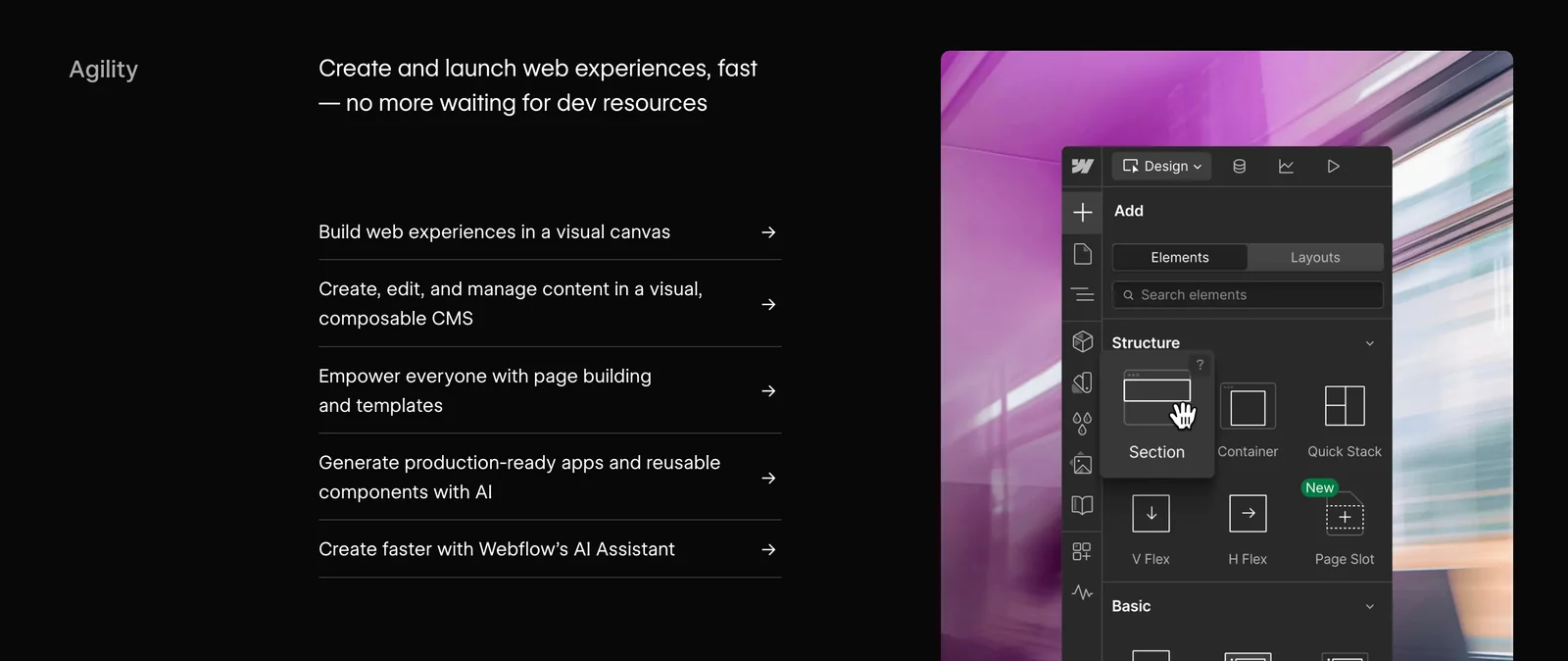
Webflow's visual drag-and-drop editor allows users to design websites visually, making it accessible even for those without coding experience. You can easily add and customize elements like text blocks, images, and forms with a simple interface. This feature helps streamline the web design process, reducing the time needed to create a professional-looking site.
The flexible CMS is another standout feature. It enables users to create collections for blog posts, portfolios, or product listings, ensuring dynamic content updates seamlessly. For example, a blog can automatically display new entries without manual adjustments. Users can customize fields to include images, text, and metadata, enhancing SEO performance.
Webflow also offers built-in hosting with a global CDN, ensuring that websites load quickly and reliably, regardless of user location. Hosting plans start at $12 per month, making it an affordable option for individuals and businesses alike. The platform includes SSL certification for security, essential for ecommerce sites.
Moreover, Webflow’s ecommerce capabilities allow users to design and manage online stores with ease. You can set up product pages, manage inventory, and process payments using popular gateways like Stripe and PayPal. This feature is ideal for small to medium-sized businesses looking to establish an online presence.
Best Practices / Tips
- Utilize Templates: Start with a template to save time on design.
- SEO Optimization: Use Webflow's built-in SEO tools to optimize meta tags, alt texts, and URLs.
- Responsive Design: Always preview your site on different devices to ensure it looks great on all screen sizes.
- Regular Updates: Keep content fresh to improve search rankings and engage visitors.
Additional Resources
- Webflow University: Comprehensive tutorials and guides.
- Webflow Pricing: Detailed breakdown of hosting and ecommerce plans.
- SEO Best Practices in Webflow: Tips for optimizing your site for search engines.
How does Webflow compare to other website builders?
Webflow differentiates itself from other website builders like WordPress and Wix through its unparalleled visual design flexibility and robust CMS capabilities. It empowers designers with complete control over their website's aesthetics and functionality, all without requiring extensive coding knowledge, making it a popular choice for creative professionals.
Key Points
- Design Flexibility: Offers a powerful visual editor for custom designs.
- CMS Capabilities: Advanced content management system for dynamic content.
- No Coding Required: Intuitive interface that minimizes the need for technical skills.
Detailed Explanation
Webflow is unique in its approach to web design and development. Unlike traditional website builders such as WordPress, which often rely on themes and plugins, Webflow combines a visual canvas with a customizable CMS. This means that designers can create highly personalized websites without being limited by pre-made templates.
-
Visual Design Flexibility: Webflow allows users to drag and drop elements to create responsive designs that look great on any device. The ability to adjust styles in real-time provides designers with the tools to experiment freely, unlike Wix, which can sometimes restrict creative expression due to its templated nature.
-
CMS Capabilities: Webflow's CMS is particularly powerful for dynamic content, allowing users to create custom collections for blogs, portfolios, and more. This feature is more advanced than what is typically found in Wix and offers greater control over how content is displayed and managed.
-
No Coding Required: While WordPress often requires users to have some coding knowledge for customizations, Webflow's interface is designed for ease of use. However, for those with coding skills, Webflow also allows for custom code integrations, offering the best of both worlds.
Webflow has a learning curve, but its powerful features make it worth the investment, especially for designers seeking a unique and tailored web experience.
Best Practices / Tips
- Start with Templates: Even though Webflow allows for complete customization, beginning with a template can save time and provide a solid foundation.
- Utilize Webflow University: Take advantage of Webflow's extensive tutorials and courses to master the platform quickly.
- Optimize for SEO: Use Webflow's built-in SEO tools to enhance visibility. Implement meta tags, alt text for images, and structured data for better indexing by search engines.
Additional Resources
Does Webflow provide API integration options?
Yes, Webflow provides comprehensive API integration options for developers, featuring a robust Data API, webhooks, and SDKs. These tools enable seamless connections with external services, allowing users to customize functionality and automate workflows efficiently.
Key Points
- Data API: Access and manipulate Webflow site data programmatically.
- Webhooks: Receive real-time updates about site events and changes.
- SDKs: Simplify integration processes with various programming languages.
Detailed Explanation
Webflow's API allows developers to interact with their website's data, create dynamic content, and automate tasks. Here’s how each component works:
-
Data API: With the Data API, developers can perform CRUD (Create, Read, Update, Delete) operations on Webflow items. For example, you can pull in blog posts from your Webflow site into a third-party application or update product details in real-time. The API supports JSON, making it easy to integrate with various programming languages.
-
Webhooks: Webhooks facilitate real-time communication between Webflow and external services. When specific events occur, like form submissions or site updates, Webflow can send HTTP POST requests to your specified URLs. This is particularly useful for triggering notifications or synchronizing data across platforms, such as sending a Slack message whenever a new form entry is recorded.
-
SDKs: Webflow offers SDKs for JavaScript and other languages, making it easier to interact with the API. These SDKs simplify authentication and API calls, allowing developers to focus on building features rather than handling the intricacies of API integration.
Use Cases
- E-commerce: Automate inventory updates by connecting your Webflow store with a third-party inventory management system.
- Marketing Automation: Use webhooks to integrate with services like Zapier, enabling automated email campaigns triggered by user actions on your website.
- Content Management: Pull data from Webflow to populate a mobile app or a custom dashboard, ensuring users always see the latest content.
Best Practices / Tips
- API Rate Limits: Be mindful of Webflow’s API rate limits to avoid service interruptions. Optimize your API calls by batching requests where possible.
- Error Handling: Implement robust error handling in your integrations to gracefully manage failed requests or timeouts.
- Documentation Review: Regularly check Webflow's API documentation for updates or changes that could affect your integrations.
Additional Resources
Explore more AI Mcps tools
Browse all Mcps tools →Browse by use case: Code Generation · Automation & Productivity
Compare Webflow: vs ai-memory · vs CrawlForge MCP · vs Popcraft · vs Pomerado