
TwelveLabs Marengo 3.0
AIMultimodal embedding model that creates holistic video/audio/text/image embeddings for semantic search and video understanding.
TwelveLabs Marengo 3.0
Multimodal embedding model that creates holistic video/audio/text/image embeddings for semantic search and video understanding.
About TwelveLabs Marengo 3.0
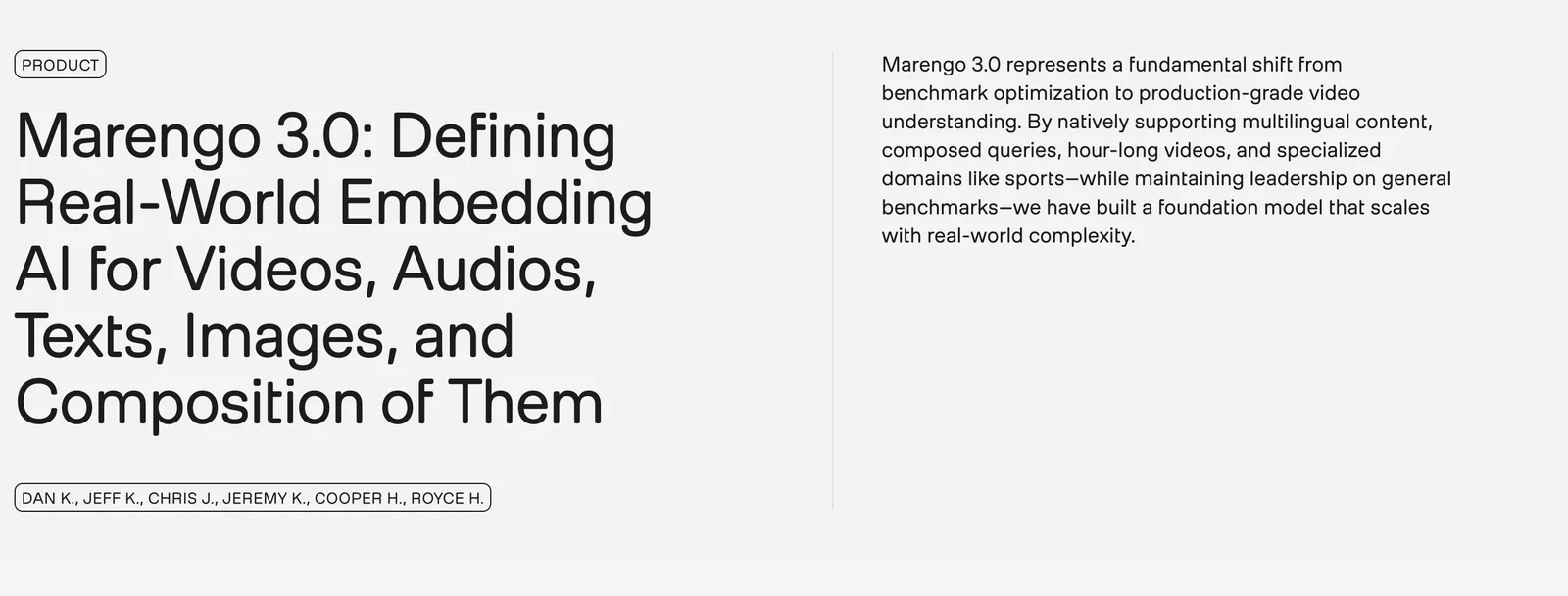
Marengo 3.0 is TwelveLabs' multimodal embedding model designed to analyze and encode visuals, audio, and text from videos into dense embeddings. It enables semantic video search, content indexing, and downstream tasks by producing high-quality, multimodal representations that capture scene, audio, and textual context. The model is accessible via TwelveLabs SDKs (Python and JavaScript) and is used in embedding pipelines (including asynchronous workflows on platforms like AWS Bedrock) to create searchable indexes, frame- and shot-level analyses, and transcript-linked embeddings. Its value lies in providing holistic, human-like video understanding that supports image- and natural-language queries for efficient retrieval and analysis.
Screenshots
Key Features
Use Cases



Frequently asked questions about TwelveLabs Marengo 3.0
What is the pricing structure for TwelveLabs Marengo 3.0?
TwelveLabs Marengo 3.0 features a flexible pricing structure that includes a Free plan, an Enterprise/API access option with custom pricing, a monthly service plan, and usage-based pricing available through Amazon Bedrock. For specific rates and tailored solutions, it's best to contact TwelveLabs directly.
Key Points
- Free Plan: Access basic features at no cost.
- Enterprise/API Access: Custom pricing for large-scale needs.
- Monthly Service Plan: Predictable billing for regular users.
- Usage-Based Pricing: Charges based on actual usage through Amazon Bedrock.
Detailed Explanation
TwelveLabs Marengo 3.0 offers multiple pricing tiers to accommodate various user needs:
-
Free Plan: Ideal for individuals or small projects, this plan provides essential functionalities without any cost. It's an excellent way to explore the platform's capabilities before committing financially.
-
Enterprise/API Access: This option is tailored for organizations requiring extensive features or integration capabilities. Pricing is customized based on specific needs, such as the volume of data processed or the complexity of API calls. Businesses should reach out to TwelveLabs for a personalized quote.
-
Monthly Service Plan: This plan offers users a straightforward monthly payment structure, making it easier for businesses to budget their expenses. It’s suitable for medium-sized organizations that benefit from consistent access to the platform's features.
-
Usage-Based Pricing: Available through Amazon Bedrock, this pricing model allows users to pay only for what they use. This is beneficial for those who may not require constant access but need flexibility during peak times. Users can expect variable costs depending on their consumption patterns.
Best Practices / Tips
- Evaluate Your Needs: Consider your usage patterns and requirements before selecting a plan. If your needs fluctuate, usage-based pricing may be more cost-effective.
- Utilize the Free Plan: Take advantage of the free plan to thoroughly assess the platform’s capabilities and ensure it aligns with your objectives.
- Contact Sales for Custom Plans: If you anticipate high usage or need specific features, don’t hesitate to reach out for a custom pricing plan that suits your business model.
Additional Resources
What key features does TwelveLabs Marengo 3.0 provide for video understanding?
TwelveLabs Marengo 3.0 provides advanced video understanding features through multimodal embedding that integrates video, audio, text, and images. Key capabilities include frame-level analysis, customizable embedding parameters, and software development kits (SDKs) for seamless integration, enabling enhanced semantic search and improved content discovery.
Key Points
- Multimodal Embedding: Combines video, audio, text, and images for comprehensive analysis.
- Frame-Level Analysis: Allows for detailed examination of video frames to extract meaningful data.
- Integration SDKs: Provides tools for developers to easily integrate Marengo 3.0 into existing workflows.
Detailed Explanation
TwelveLabs Marengo 3.0 stands out in the field of video understanding by utilizing multimodal embedding. This technology enables the system to analyze and correlate various types of media, such as video clips, audio tracks, textual information, and images, thereby creating a richer understanding of the content.
-
Multimodal Embedding: By combining multiple data types, users can perform semantic searches that yield more relevant results. For instance, a video search may return results that include related audio commentary or contextual images.
-
Frame-Level Analysis: This feature allows for the extraction of insights from individual frames within videos. For example, a security application could leverage frame-level analysis to detect specific actions or events, enhancing real-time monitoring capabilities.
-
Integration SDKs: The Marengo 3.0 SDKs enable developers to incorporate these advanced features into their applications. This means businesses can tailor the functionality to meet their specific needs, whether they are in media production, security, or marketing.
-
Configurable Embedding Parameters: Users can adjust embedding settings to optimize performance for specific use cases, such as enhancing accuracy in video search results or reducing processing time for real-time applications.
Best Practices / Tips
- Leverage SDKs: Make full use of Marengo 3.0’s SDKs to ensure seamless integration with your existing tech stack.
- Optimize Embedding Settings: Experiment with adjustable parameters to find the best settings for your specific application, which can improve performance and accuracy.
- Utilize Frame-Level Analysis: For applications requiring high precision, such as surveillance or sports analysis, prioritize frame-level analysis to capture essential details.
Additional Resources
How can I get started using TwelveLabs Marengo 3.0?
To start using TwelveLabs Marengo 3.0, sign up for the Free plan on the TwelveLabs platform. Then, explore the SDKs for Python and JavaScript to create indexes and perform embedding tasks efficiently. This allows you to harness the power of AI in your applications seamlessly.
Key Points
- Sign up for the Free plan on TwelveLabs.
- Access SDKs for Python and JavaScript.
- Begin creating indexes and embedding tasks.
Detailed Explanation
Getting started with TwelveLabs Marengo 3.0 is straightforward. First, visit the TwelveLabs website and create an account by selecting the Free plan. This plan provides access to essential features for users to explore the platform's capabilities without any financial commitment.
Once your account is set up, download the SDKs for either Python or JavaScript. These SDKs facilitate the integration of TwelveLabs features into your applications. For instance, in Python, you can easily create an index using just a few lines of code. Here's a simple example:
from twelve_labs import TwelveLabs

# Initialize the TwelveLabs client
client = TwelveLabs(api_key='YOUR_API_KEY')

# Create an index
index = client.create_index(name='my_index')
After creating your index, you can start performing embedding tasks. This process involves converting text or other data types into a numerical format that machine learning algorithms can understand. The TwelveLabs documentation provides comprehensive guides and code snippets to assist you along the way.
Best Practices / Tips
- Explore Tutorials: Take advantage of the tutorials offered on the TwelveLabs website to familiarize yourself with the features and functionalities.
- Utilize the Community: Join forums or community groups related to TwelveLabs. Engaging with other users can provide insights and solve common challenges.
- Test Features: Use the Free plan to test various features before deciding to upgrade. This allows you to understand which functionalities align best with your project's needs.
Additional Resources
Can TwelveLabs Marengo 3.0 integrate with AWS services?
Yes, TwelveLabs Marengo 3.0 seamlessly integrates with AWS services, particularly through Amazon Bedrock. This integration enables efficient cloud-based embedding generation and storage solutions, such as Amazon S3, enhancing data management and deployment capabilities for developers and businesses.
Key Points
- Seamless AWS Integration: Marengo 3.0 connects effortlessly with multiple AWS services.
- Amazon Bedrock Compatibility: Utilizes Amazon Bedrock for advanced AI model deployment.
- Storage Solutions: Leverages Amazon S3 for scalable data storage.
Detailed Explanation
TwelveLabs Marengo 3.0 provides robust integration with AWS, making it a powerful tool for developers looking to enhance their AI and machine learning capabilities. By connecting with Amazon Bedrock, Marengo 3.0 allows users to deploy AI models with ease, utilizing pre-trained models and the ability to customize them for specific applications.
Use Cases
- Media Processing: Businesses in the media sector can use Marengo 3.0 to generate embeddings for audio and video files stored in Amazon S3, improving searchability and content recommendations.
- Data Management: Companies can automate data workflows by integrating Marengo 3.0 with AWS Lambda functions, allowing for real-time processing of data stored in S3.
- Scalable Applications: Startups can build scalable applications using Marengo's embedding generation capabilities while relying on AWS for infrastructure, ensuring high availability and performance.
Step-by-Step Guidance
- Set Up AWS Account: Ensure you have an active AWS account with access to Amazon Bedrock and S3 services.
- Connect Marengo 3.0: Use the Marengo 3.0 interface to link your AWS services. Follow the provided API documentation for authentication and configuration.
- Deploy Your Models: Choose a model from Amazon Bedrock or upload your own. Configure parameters as per your project requirements.
- Utilize S3 for Storage: Store your generated embeddings in Amazon S3, organizing them in buckets for easy access and management.
Best Practices / Tips
- Monitor Costs: Regularly review your AWS usage to avoid unexpected charges, especially with S3 storage and data transfer fees.
- Optimize Data Storage: Use S3 lifecycle policies to manage data efficiently, archiving older embeddings or deleting unnecessary ones.
- Secure Data: Implement AWS IAM roles and policies to ensure that only authorized users can access your Marengo 3.0 and S3 resources.
Additional Resources
How does TwelveLabs Marengo 3.0 compare to alternative AI models for video analysis?
TwelveLabs Marengo 3.0 excels in comparison to alternative AI models for video analysis due to its advanced multimodal embedding capabilities. This technology enables comprehensive analysis across diverse media formats, significantly improving semantic search, video comprehension, and contextual understanding.
Key Points
- Multimodal Embedding: Integrates various media types.
- Enhanced Semantic Search: Improves accuracy in video content retrieval.
- Contextual Understanding: Provides deeper insights into video content.
Detailed Explanation
TwelveLabs Marengo 3.0 utilizes cutting-edge multimodal embedding technology, which allows it to analyze and integrate information from different types of media—such as audio, text, and video. This capability enables the model to create a unified representation of content, leading to superior understanding and interpretation.
For instance, while traditional models may focus solely on video frames, Marengo 3.0 also considers accompanying audio transcripts and metadata. This holistic approach allows it to recognize context more effectively, improving the accuracy of video searches. In practical applications, this means that users can find specific scenes or moments in videos based on nuanced queries, such as searching for "scenes with emotional dialogues."
Moreover, Marengo 3.0's performance is backed by advanced machine learning algorithms that continuously refine its capabilities through user interactions and feedback. This leads to a more adaptive system that evolves as it processes more data.
Best Practices / Tips
- Leverage Multimodal Capabilities: When using Marengo 3.0, ensure you provide diverse media inputs to maximize its analysis efficiency.
- Optimize Metadata: Enhance searchability by adding detailed metadata to video files, improving the model's ability to retrieve relevant content.
- Regularly Update Content: Keep your video libraries updated to leverage the latest advancements in AI and ensure ongoing accuracy in analysis.
Additional Resources
Explore more AI Ai Models tools
Browse all Ai Models tools →Browse by use case: Video Generation · Voice & Audio
Compare TwelveLabs Marengo 3.0: vs Mouse-1 · vs Milliseconds.ai · vs SWE-2 · vs Desert Ant Labs