

Tubeletter
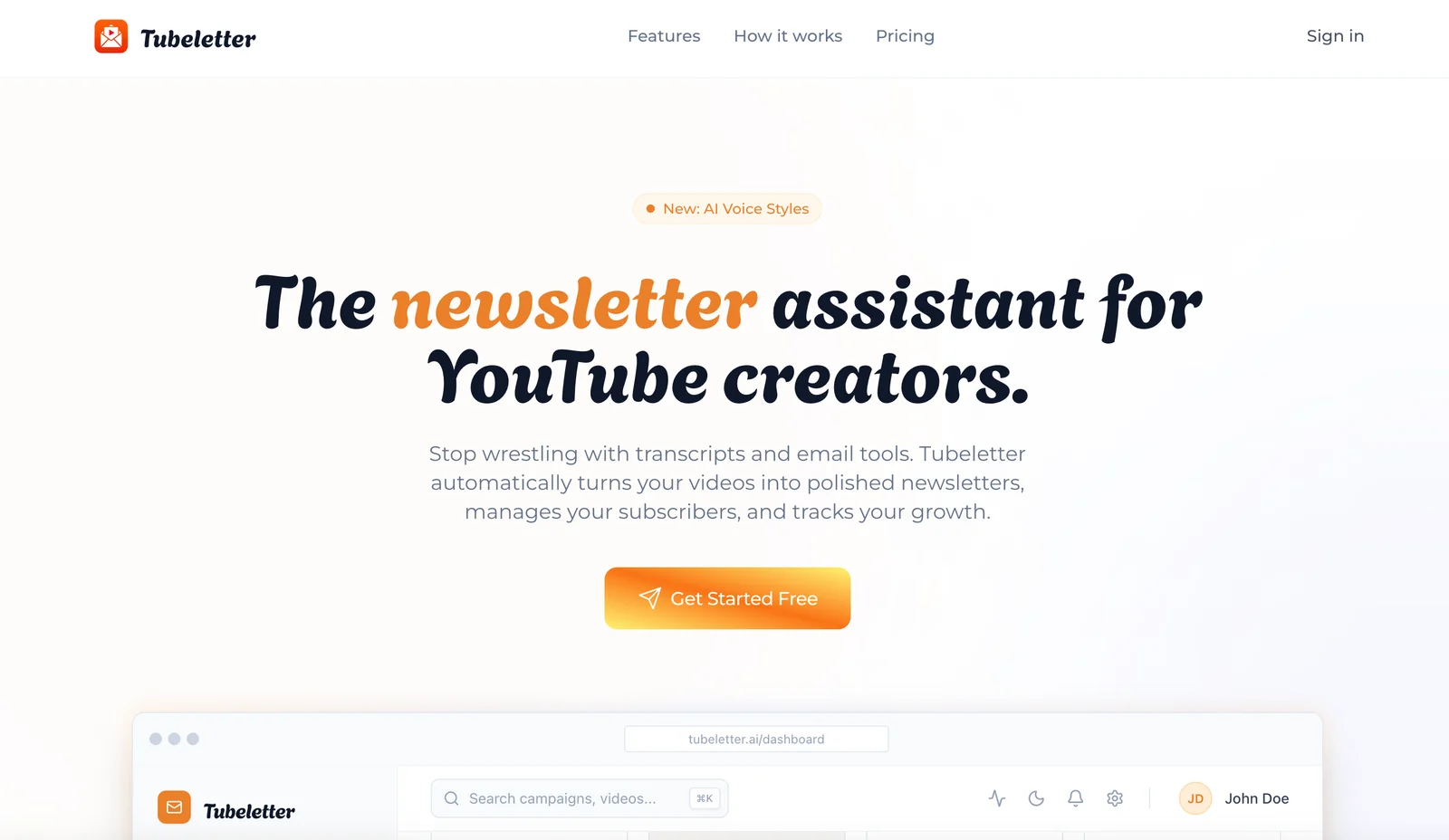
AIAutomatically converts YouTube videos into skimmable, AI-written newsletters and manages subscribers and delivery.
Tubeletter
Automatically converts YouTube videos into skimmable, AI-written newsletters and manages subscribers and delivery.
About Tubeletter
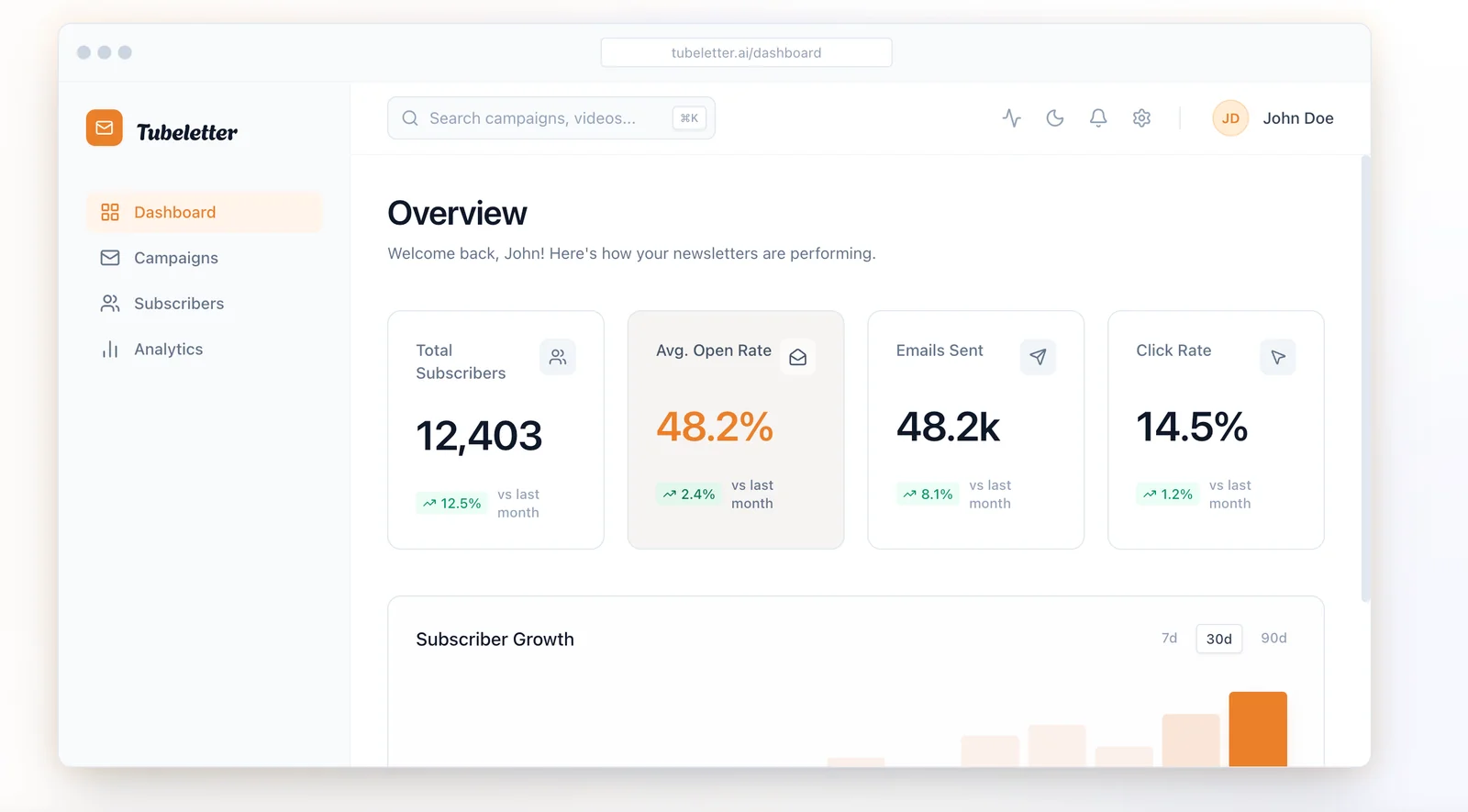
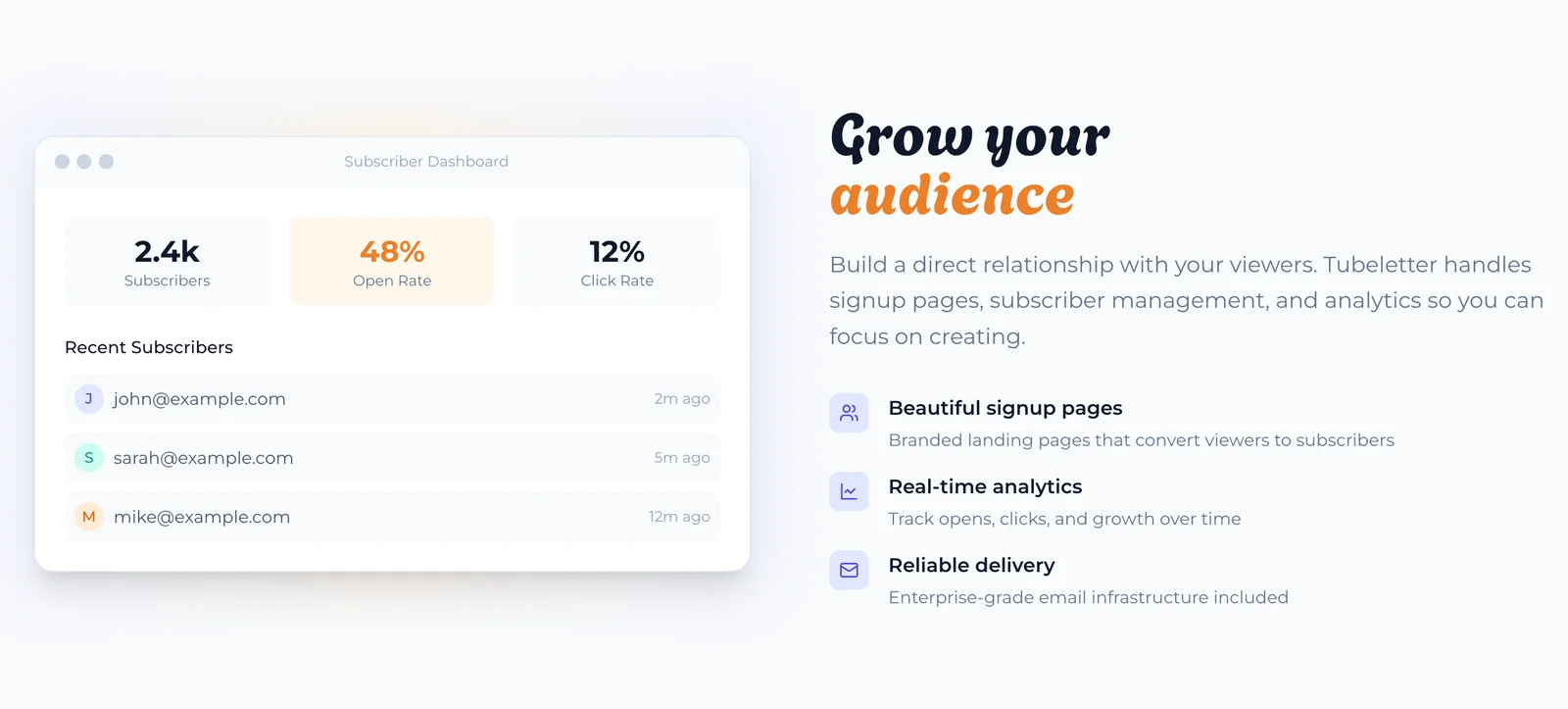
Tubeletter pulls content from YouTube channels, analyzes video transcripts and context, and generates clear, engaging newsletter issues automatically. It allows users to subscribe to creators or create newsletters for their own channels, manage subscriber lists, and monitor performance metrics. By transforming long-form video into concise, skimmable written summaries and delivered email issues, Tubeletter helps creators grow audience reach, improve engagement, and repurpose video content for email distribution.
Screenshots
Key Features
Use Cases



Frequently asked questions about Tubeletter
What features are included in Tubeletter's free plan?
Tubeletter's free plan offers a range of features including AI-written newsletters sourced from YouTube, basic tools for subscriber management, and an introductory tier to help users start their journey. This plan is perfect for individuals wanting to test the platform at no cost before committing to a paid subscription.
Key Points
- AI-Written Newsletters: Automatically generated content from YouTube.
- Basic Subscriber Management: Tools to manage and grow your audience.
- Getting Started Tier: An easy onboarding process for new users.
Detailed Explanation
Tubeletter's free plan is designed for users who want to leverage YouTube content without financial commitment. The AI-written newsletters feature curates relevant videos, summarizing key points and insights, which can be sent directly to subscribers. This automation saves time and ensures consistent communication.
The basic subscriber management tools allow users to easily track subscriber growth, manage existing subscribers, and view engagement metrics. This is crucial for understanding audience preferences and tailoring future content.
Additionally, the getting started tier provides resources and tutorials to help users navigate the platform. This includes guides on how to set up their first newsletter and tips on maximizing engagement with their audience.
Best Practices / Tips
- Engage with Your Audience: Utilize feedback from subscribers to improve newsletter content.
- Test Different Formats: Experiment with various newsletter layouts to see what resonates best.
- Monitor Analytics: Regularly check engagement metrics to refine your strategy and content.
Additional Resources
- Tubeletter Official Website for more information on plans and features.
- Tubeletter Support Documentation for in-depth guides and FAQs.
- YouTube Content Strategy Guide for optimizing video selection in newsletters.
How does Tubeletter automate video summarization?
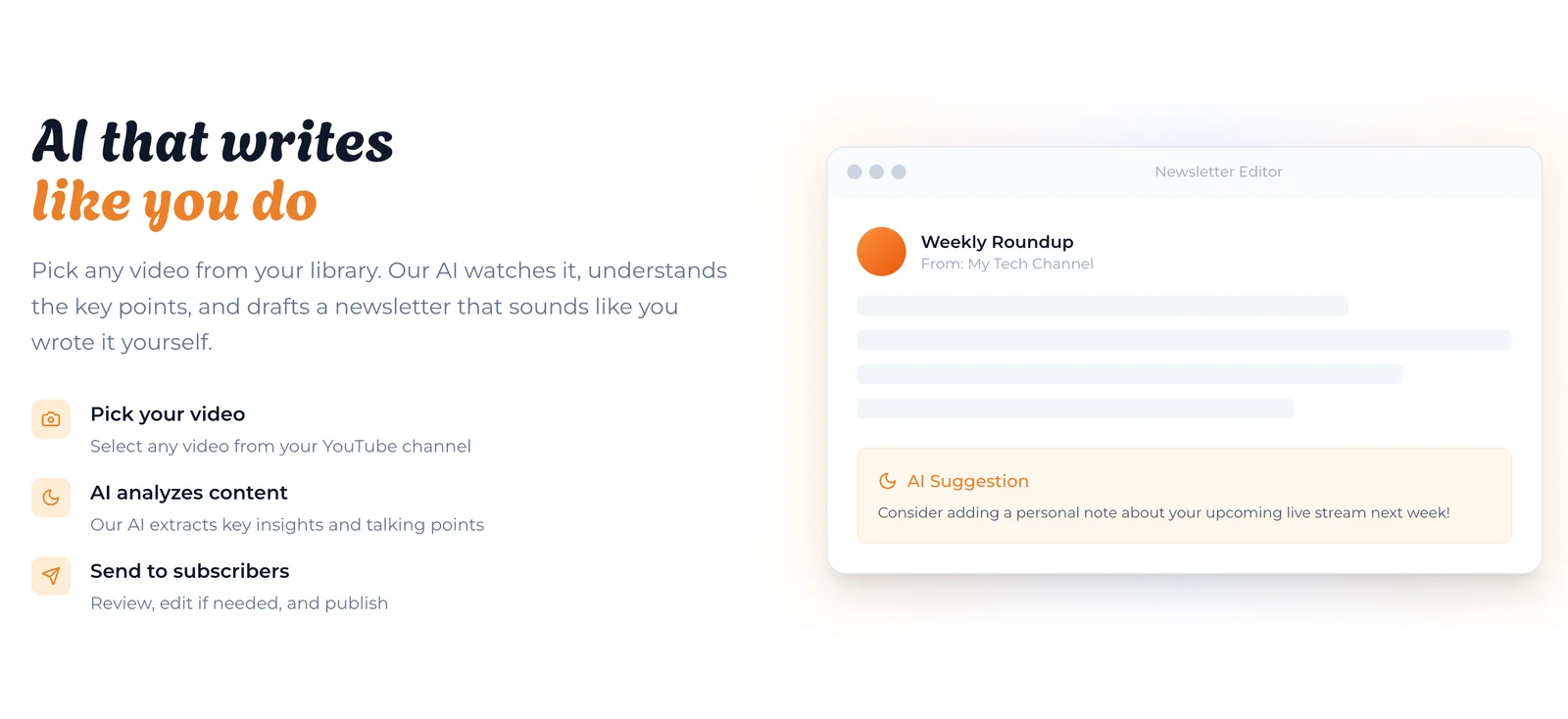
Tubeletter automates video summarization by leveraging advanced natural language processing (NLP) techniques to analyze YouTube videos. It extracts essential points and creates concise, skimmable newsletter summaries, enabling users to quickly understand the content without watching the entire video.
Key Points
- Natural Language Processing (NLP): Tubeletter employs NLP to understand and interpret video content.
- Concise Summaries: The platform generates short summaries that capture key insights.
- User-Friendly Format: Summaries are designed for easy reading in newsletter formats.
Detailed Explanation
Tubeletter's video summarization process begins with its sophisticated NLP algorithms that analyze spoken content in YouTube videos. The tool identifies critical elements, such as main ideas, supporting details, and significant quotes.
- Video Analysis: Tubeletter processes the audio track to convert speech into text using speech recognition technology.
- Key Point Extraction: Once transcribed, NLP techniques are applied to identify the most relevant segments of the video, filtering out filler content and focusing on valuable information.
- Summary Creation: After identifying key points, Tubeletter compiles them into a coherent summary that maintains the essence of the original content while reducing the length to a few concise paragraphs.
For example, if a video discusses the benefits of meditation, Tubeletter will summarize the main points, such as stress reduction and improved focus, allowing users to grasp the essence without watching the full video.
Best Practices / Tips
- Choose Relevant Videos: Select videos that are informative and relevant to your audience to maximize the value of the summaries.
- Engage with Summaries: Encourage users to interact with the summaries by including links to the original videos for deeper understanding.
- Update Regularly: Keep your content fresh by summarizing new videos frequently to maintain user interest and engagement.
Additional Resources
What are the technical requirements for integrating Tubeletter with my YouTube channel?
To integrate Tubeletter with your YouTube channel, you need a YouTube account and must grant the necessary permissions during the setup process. No advanced technical skills are required, making it accessible for all users looking to enhance their video marketing efforts.
Key Points
- YouTube Account: A valid YouTube account is essential.
- Permissions Required: Grant Tubeletter access to your channel data.
- No Technical Skills Needed: The integration process is user-friendly.
Detailed Explanation
Integrating Tubeletter with your YouTube channel is a straightforward process designed for users of all skill levels. Here’s a step-by-step guide to help you through the integration:
-
Create a YouTube Account: If you don’t already have a YouTube account, sign up at YouTube.com. Ensure your channel is set up with the content you want to promote with Tubeletter.
-
Access Tubeletter: Visit the Tubeletter website and sign up for an account. During the registration process, you will be prompted to link your YouTube channel.
-
Grant Permissions: Tubeletter will ask for permission to access your YouTube channel data, such as video analytics and subscriber information. This step is crucial as it allows Tubeletter to function correctly and provide tailored insights.
-
Complete the Setup: Follow the on-screen instructions to finalize the integration. You will receive a confirmation once the setup is complete.
-
Start Using Tubeletter: Once integrated, you can explore various features like automated video marketing, audience engagement tools, and analytics to enhance your channel's performance.
Best Practices / Tips
- Ensure Privacy Settings: Before granting permissions, review your YouTube privacy settings to understand what data is being shared.
- Regularly Update Permissions: Occasionally check and update permissions as needed to maintain security and functionality.
- Utilize Analytics: Take advantage of Tubeletter’s analytics features to track engagement and optimize your content strategy.
Additional Resources
By following these guidelines, you can seamlessly integrate Tubeletter with your YouTube channel and elevate your video marketing strategy.
Explore more AI Ai Services tools
Browse all Ai Services tools →Browse by use case: Automation & Productivity
Compare Tubeletter: vs Cadenya · vs OpenObserve · vs Experiential Labs · vs Dial