

Stripe
AIOfficial MCPA suite of APIs and no-code tools for online and in-person payment processing, payouts, and automated financial workflows.
Stripe
A suite of APIs and no-code tools for online and in-person payment processing, payouts, and automated financial workflows.
About Stripe
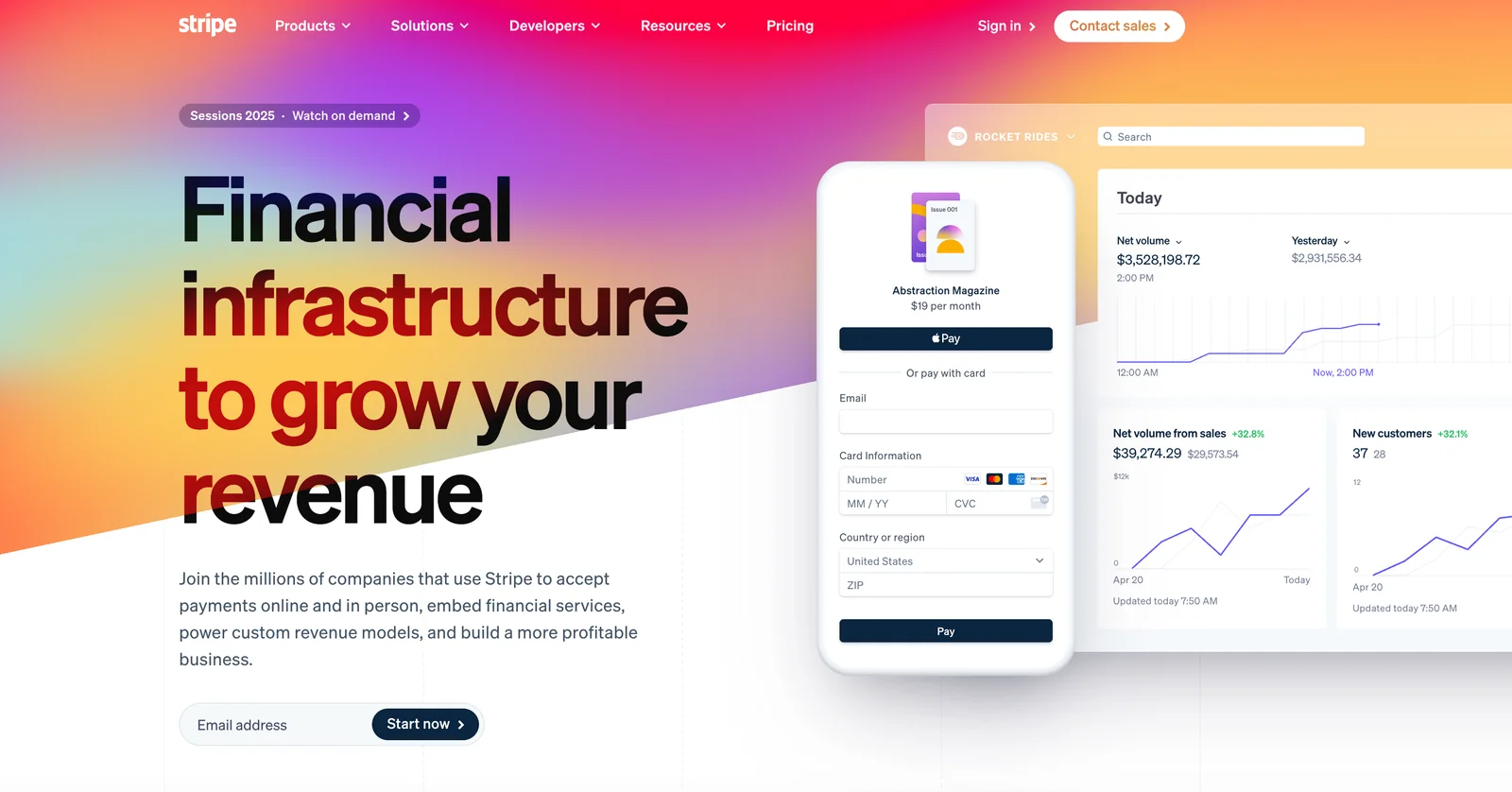
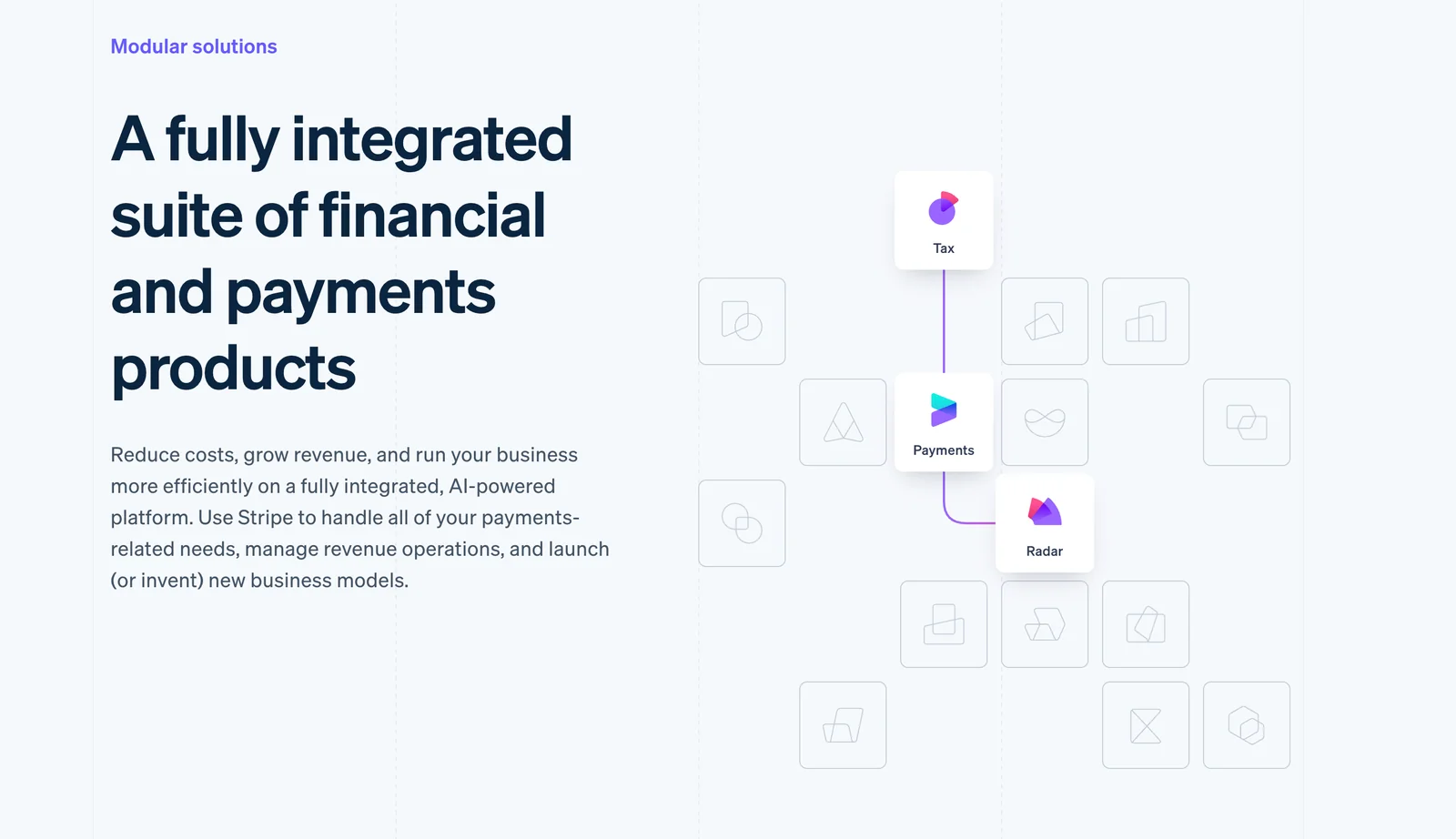
Stripe provides a comprehensive financial infrastructure that enables businesses to accept payments, send payouts, manage subscriptions, and automate financial operations. It offers developer-focused REST APIs and SDKs alongside no-code tools to integrate payment processing into web and mobile applications, support in-person commerce, and connect marketplaces. Stripe emphasizes scalability, developer ergonomics, and integrations with popular e-commerce platforms and frameworks to accelerate revenue growth and reduce the operational burden of payments and billing.
Screenshots
Key Features
Use Cases
MCP Server
https://docs.stripe.com/mcphttps://mcp.stripe.com💡 MCP (Model Context Protocol) enables AI assistants to securely interact with local and remote resources.



Frequently asked questions about Stripe
What are the pricing options for Stripe payment processing?
Stripe offers a flexible pay-as-you-go pricing model, charging approximately 2.9% + $0.30 per successful card payment in the United States. Additional fees apply for international transactions, currency conversions, and subscription management, with rates varying based on country and payment method chosen.
Key Points
- Transaction Fees: Standard rates for card payments.
- Additional Fees: Costs for bank payments, international transactions, and subscriptions.
- Country Variability: Pricing differs by country and payment type.
Detailed Explanation
Stripe’s pricing structure is designed to be straightforward, with the core fee being approximately 2.9% + $0.30 for each successful transaction processed in the US. This model supports a variety of payment methods, including credit cards, debit cards, and mobile wallets.
Transaction Fees
- Card Payments: As mentioned, the standard fee is 2.9% + $0.30 per transaction. This applies to most major credit and debit cards.
- International Cards: If you accept payments from international customers, an additional 1% fee may apply.
- Currency Conversion: A fee of 1% is charged for transactions that require currency conversion.
Additional Fees
- Bank Payments: ACH transfers typically cost $0.25 per transaction.
- Subscriptions: Stripe offers subscription billing features, which may incur additional costs depending on the services you utilize, such as invoicing or advanced reporting.
Country Variability
Stripe’s rates vary significantly based on the country of operation. For example, in the UK, the fees might be different, and in some countries, Stripe may offer lower rates for specific payment methods. Always consult the Stripe pricing page specific to your country for accurate details.
Best Practices / Tips
- Review Pricing by Country: Always check the regional Stripe pricing page as it can help you understand potential costs better.
- Estimate Costs Ahead of Time: Use Stripe’s fee calculator to estimate your monthly transaction costs based on your expected sales volume.
- Monitor for Changes: Transaction fees can change, so regularly check for updates from Stripe to stay informed.
Additional Resources
How do I integrate Stripe API into my website?
To integrate the Stripe API into your website, create a Stripe account, review the developer documentation, and utilize the available SDKs and RESTful APIs. This setup enables you to implement secure payment processing and manage transactions efficiently on your platform.
Key Points
- Create a Stripe Account: This is the first step to access Stripe's features.
- Developer Documentation: Thoroughly review to understand integration specifics.
- Utilize SDKs and RESTful APIs: These tools help streamline payment flows.
Detailed Explanation
Integrating the Stripe API involves several key steps:
-
Sign Up for a Stripe Account: Begin by visiting the Stripe website and creating an account. This will give you access to the dashboard and API keys needed for integration.
-
Access Developer Documentation: Stripe offers comprehensive developer documentation that covers everything from basic concepts to advanced implementations. Familiarize yourself with sections relevant to your integration needs, such as payment processing, subscriptions, and webhooks.
-
Choose Your Integration Method: Decide whether you want to use Stripe’s pre-built solutions like Checkout or Elements, or build a custom integration using their APIs. The pre-built solutions simplify the process and are optimized for conversions.
-
Install SDKs: Depending on your programming environment, you may need to install the Stripe SDK. For example, if you’re using JavaScript, you can include the Stripe.js library in your project. For server-side integration, install the relevant libraries (e.g., Node.js, Python, Ruby).
-
Set Up Payment Flows: Implement payment flows using the APIs. For instance, create a payment intent when a customer initiates a payment, and handle confirmation or error responses appropriately. Here is a basic example in JavaScript:
const stripe = require('stripe')('your_secret_key'); const paymentIntent = await stripe.paymentIntents.create({ amount: 2000, // amount in cents currency: 'usd', payment_method_types: ['card'], }); -
Test Your Integration: Use Stripe’s test mode to simulate transactions without real money. Ensure that all payment scenarios are functioning correctly before going live.
Best Practices / Tips
- Secure Your API Keys: Always keep your Stripe secret key confidential. Use environment variables to manage sensitive information.
- Implement Webhooks: Set up webhooks to receive real-time notifications about payment status changes, refunds, and subscription events.
- Monitor and Optimize: Use Stripe's dashboard to monitor transaction analytics and optimize your payment flow based on user behavior.
- Stay Updated: Regularly check Stripe’s release notes to stay informed about new features and changes.
Additional Resources
By following these steps and best practices, you can effectively integrate the Stripe API into your website and enhance your payment processing capabilities.
What features does Stripe offer for online payments?
Stripe offers a comprehensive suite of features for online payments, including robust payment processing APIs, user-friendly no-code checkout tools, automated subscription billing, advanced fraud detection, and insightful reporting dashboards for effective transaction management.
Key Points
- Payment Processing APIs: Seamless integration with various platforms.
- No-Code Checkout Tools: Quick setup for businesses without coding skills.
- Fraud Detection: Advanced security measures to protect transactions.
Detailed Explanation
Stripe’s payment processing APIs enable developers to integrate payment solutions effortlessly into websites and mobile apps. For businesses without technical expertise, Stripe provides no-code checkout options, allowing users to create customized payment forms quickly.
Payment Processing APIs
These APIs support various payment methods, including credit cards, digital wallets, and bank transfers. Stripe’s developers can use SDKs for different programming languages, ensuring a smooth integration process. For example, a small business can implement Stripe’s API to accept online payments within a few hours.
No-Code Checkout Tools
Stripe’s no-code tools allow users to set up payment systems without any programming knowledge. This feature is ideal for startups or small businesses wanting to launch quickly. Users can create a customizable checkout page that matches their brand’s aesthetics and can be integrated into their website with a simple copy-paste.
Subscription Billing Automation
Stripe automates recurring billing for subscription-based businesses, allowing them to manage customer subscriptions effortlessly. Users can set pricing tiers, trial periods, and billing cycles. For instance, a SaaS company can automate monthly billing, reducing administrative workload and improving cash flow.
Fraud Detection
Stripe's advanced fraud detection system utilizes machine learning algorithms to analyze transactions in real-time, minimizing the risk of fraudulent activities. Businesses benefit from features like 3D Secure authentication, which adds an extra layer of security during transactions.
Reporting Dashboards
Stripe's reporting dashboards provide businesses with actionable insights into their financial performance. Users can track metrics like revenue, refunds, and chargebacks, enabling data-driven decision-making. This feature helps businesses identify trends and optimize their payment strategies.
Best Practices / Tips
- Optimize for Mobile: Ensure your checkout process is mobile-friendly, as a significant portion of transactions occurs on mobile devices.
- Test Payment Flows: Regularly test your payment integration to ensure smooth transactions and troubleshoot any issues promptly.
- Monitor Analytics: Utilize Stripe’s reporting tools to keep an eye on transaction trends and adjust your strategies accordingly.
Additional Resources
What are the advantages and disadvantages of using Stripe?
Stripe offers numerous advantages, including extensive integrations, strong security measures, and scalability suitable for businesses of all sizes. However, users might encounter higher fees for certain payment methods compared to competitors, which can impact overall profitability for some businesses.
Key Points
- Wide Range of Integrations: Supports various platforms and programming languages.
- Robust Security Features: Compliance with PCI DSS and advanced fraud detection.
- Scalability: Suitable for startups to large enterprises with adaptable pricing.
Detailed Explanation
Stripe is a payment processing platform that stands out for its flexibility and developer-friendly approach.
Advantages:
-
Wide Range of Integrations: Stripe seamlessly integrates with platforms like Shopify, WooCommerce, and various CRMs, allowing businesses to streamline their payment processes. This ease of integration is particularly beneficial for tech-savvy companies looking to customize their payment solutions.
-
Robust Security Features: Stripe is PCI compliant and employs advanced encryption and fraud detection technologies. This ensures that sensitive customer data is protected, which is crucial for maintaining customer trust and reducing chargeback risks.
-
Scalability: Whether you're a small startup or a large enterprise, Stripe can scale with your business. Its pricing model is flexible, with options for pay-as-you-go plans, making it easy for companies to adjust as they grow.
Disadvantages:
-
Higher Fees: While Stripe is generally competitive, some users have found its fees, particularly for international transactions or specific payment methods like American Express, to be higher than those of competitors such as PayPal or Square. This can eat into profit margins, especially for smaller businesses.
-
Complexity for Non-Developers: Although Stripe is developer-centric, businesses without technical expertise might find it challenging to utilize all of its features effectively. This could lead to underutilization of the platform's capabilities.
-
Limited Availability in Some Regions: Despite its global reach, Stripe is not available in all countries, which can limit options for businesses operating internationally.
Best Practices / Tips
- Evaluate Total Costs: Always assess the total cost of using Stripe, including transaction fees, currency conversion fees, and chargeback fees. Consider how these could impact your overall budget.
- Utilize Security Features: Take advantage of Stripe's built-in security features, such as two-factor authentication and fraud detection tools, to enhance your transaction security.
- Consider Your Business Model: If you're a non-tech business, consider hiring a developer to help you fully implement Stripe's features. This can maximize the platform's potential and improve your payment process.
Additional Resources
Is there a free trial available for Stripe services?
Yes, Stripe offers a free sign-up option without any trial fees. Users only incur transaction fees when they begin processing payments, making it an ideal low-risk solution for startups and new businesses looking to integrate payment processing.
Key Points
- No upfront costs: Signup is free; only transaction fees apply.
- Flexible payment options: Pay-as-you-go model based on actual usage.
- User-friendly interface: Easy-to-use tools for developers and businesses.
Detailed Explanation
Stripe is a comprehensive payment processing platform that allows businesses to accept online payments. Upon signing up, users can access a suite of tools without any initial costs. The only fees incurred are transaction-based, meaning businesses pay 2.9% + 30¢ per successful card charge in the U.S. This model allows businesses to start small and scale as they grow.
For example, a startup may integrate Stripe into its website or app, allowing customers to make purchases. Until they make sales, they incur no costs. This structure helps businesses manage cash flow effectively, as they only pay when revenue is generated.
Additionally, Stripe provides a variety of resources, including extensive documentation and customer support, to help users navigate its features and maximize the platform's potential. The dashboard allows users to monitor transactions, handle refunds, and analyze data to improve their services.
Best Practices / Tips
- Take advantage of documentation: Familiarize yourself with Stripe’s extensive API documentation to leverage its full capabilities.
- Monitor transaction data: Regularly analyze transaction reports to understand customer behavior and optimize your payment strategy.
- Test the integration thoroughly: Before going live, ensure that the payment processing system works seamlessly to avoid any disruptions in service.
Additional Resources
Explore more AI Mcps tools
Browse all Mcps tools →Browse by use case: Automation & Productivity
Compare Stripe: vs ai-memory · vs CrawlForge MCP · vs Popcraft · vs Pomerado