

Sidemail MCP
AIOfficial MCPMCP server that connects LLMs to Sidemail to send and manage transactional and marketing emails via simple model commands.
Sidemail MCP
MCP server that connects LLMs to Sidemail to send and manage transactional and marketing emails via simple model commands.
About Sidemail MCP
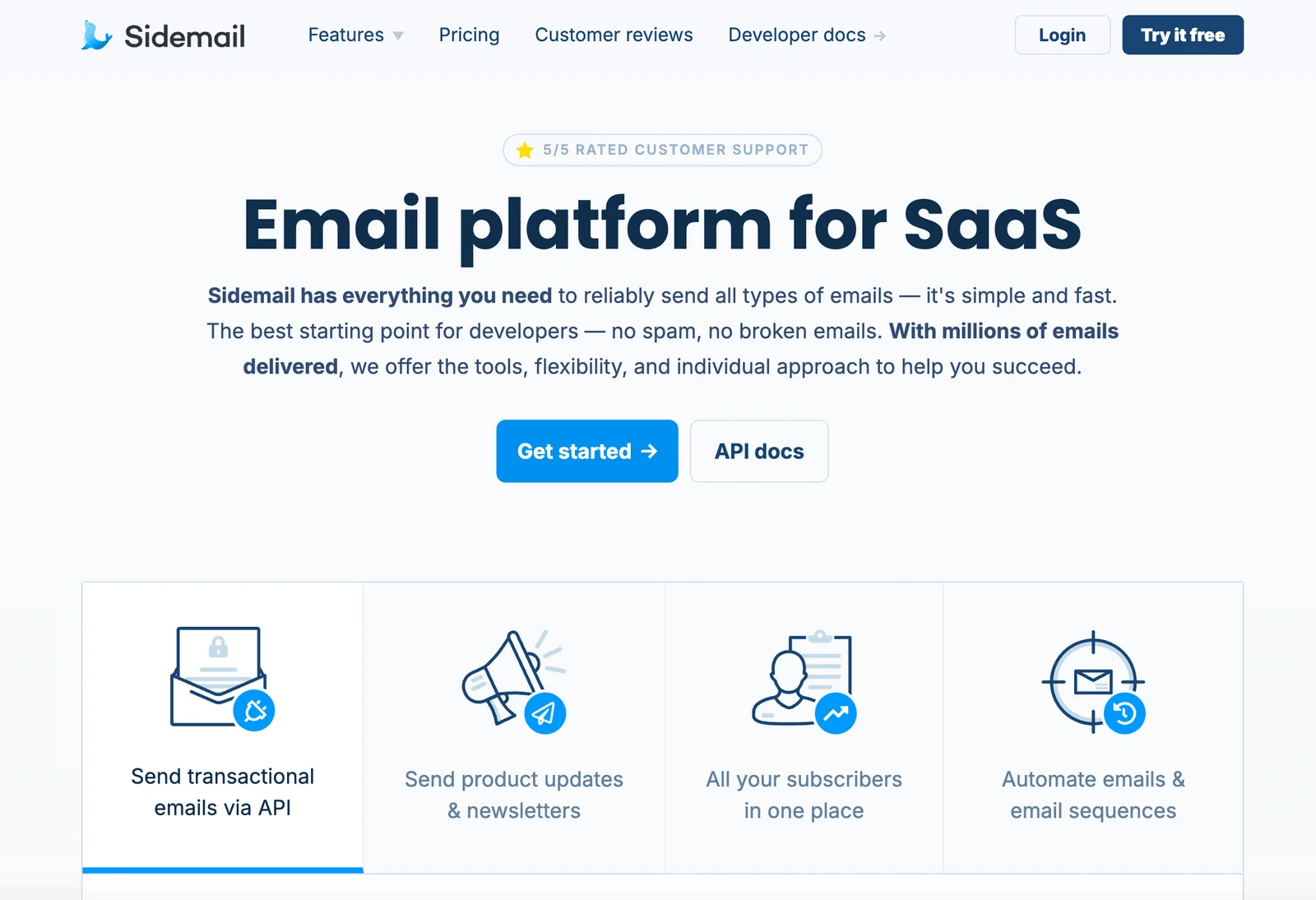
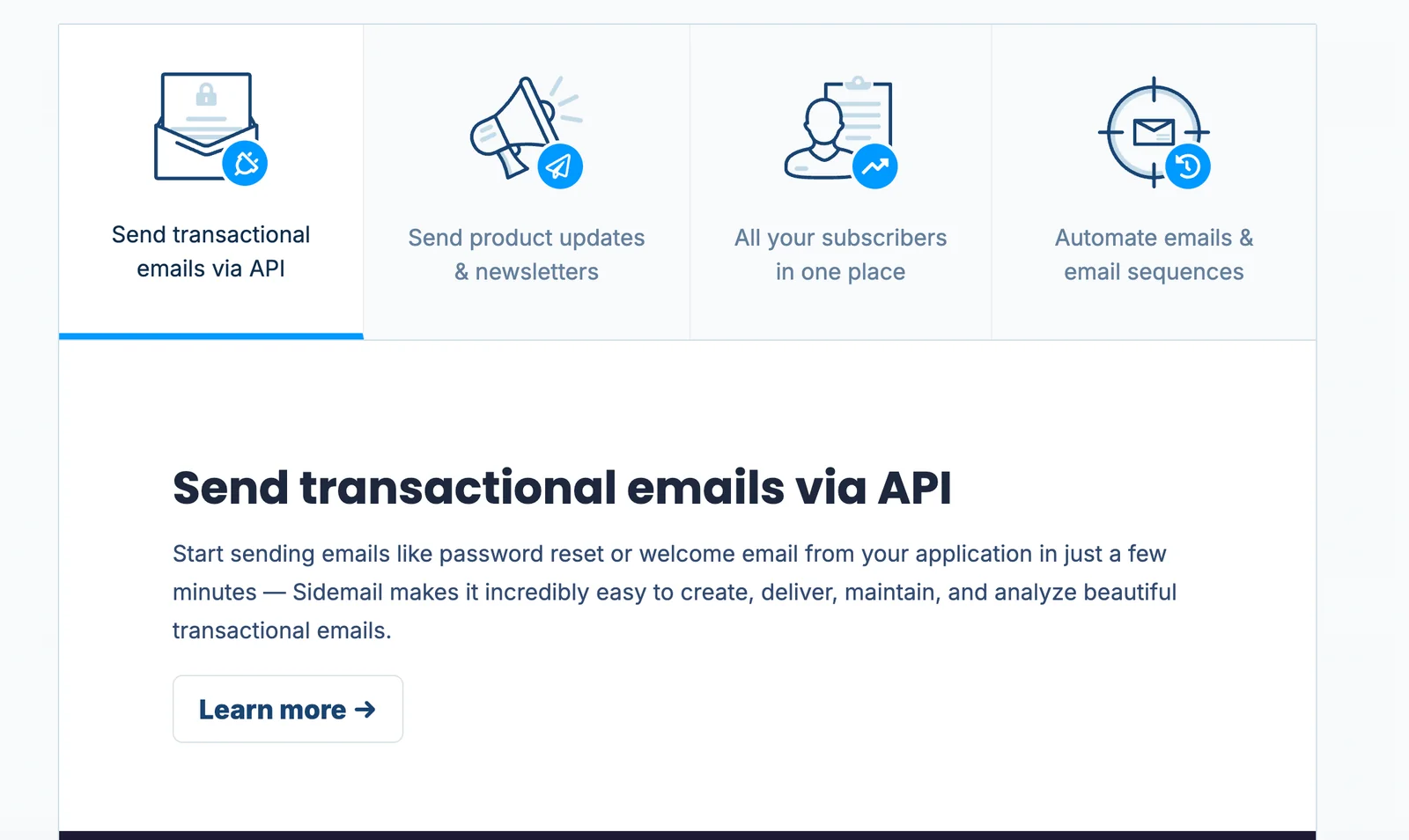
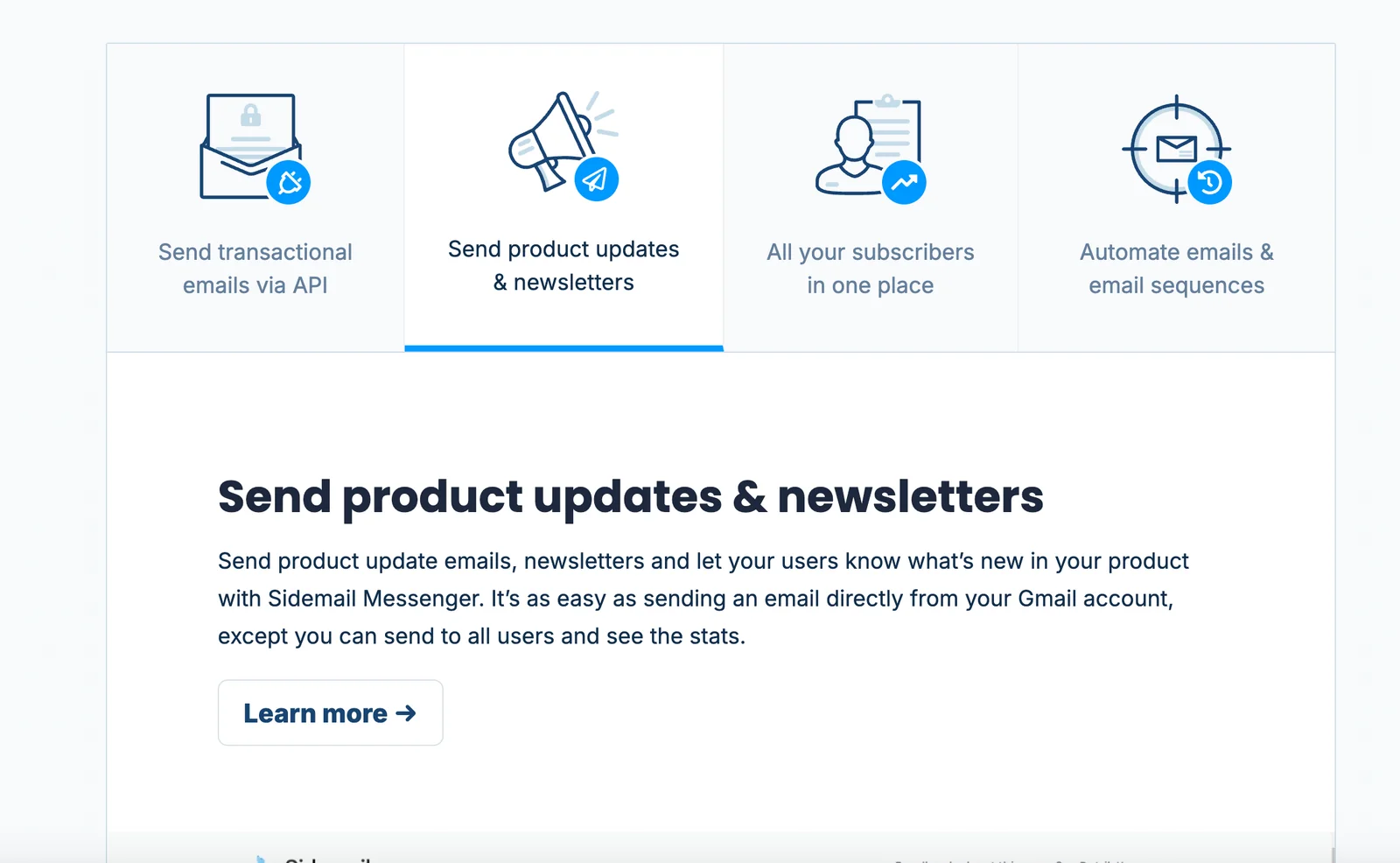
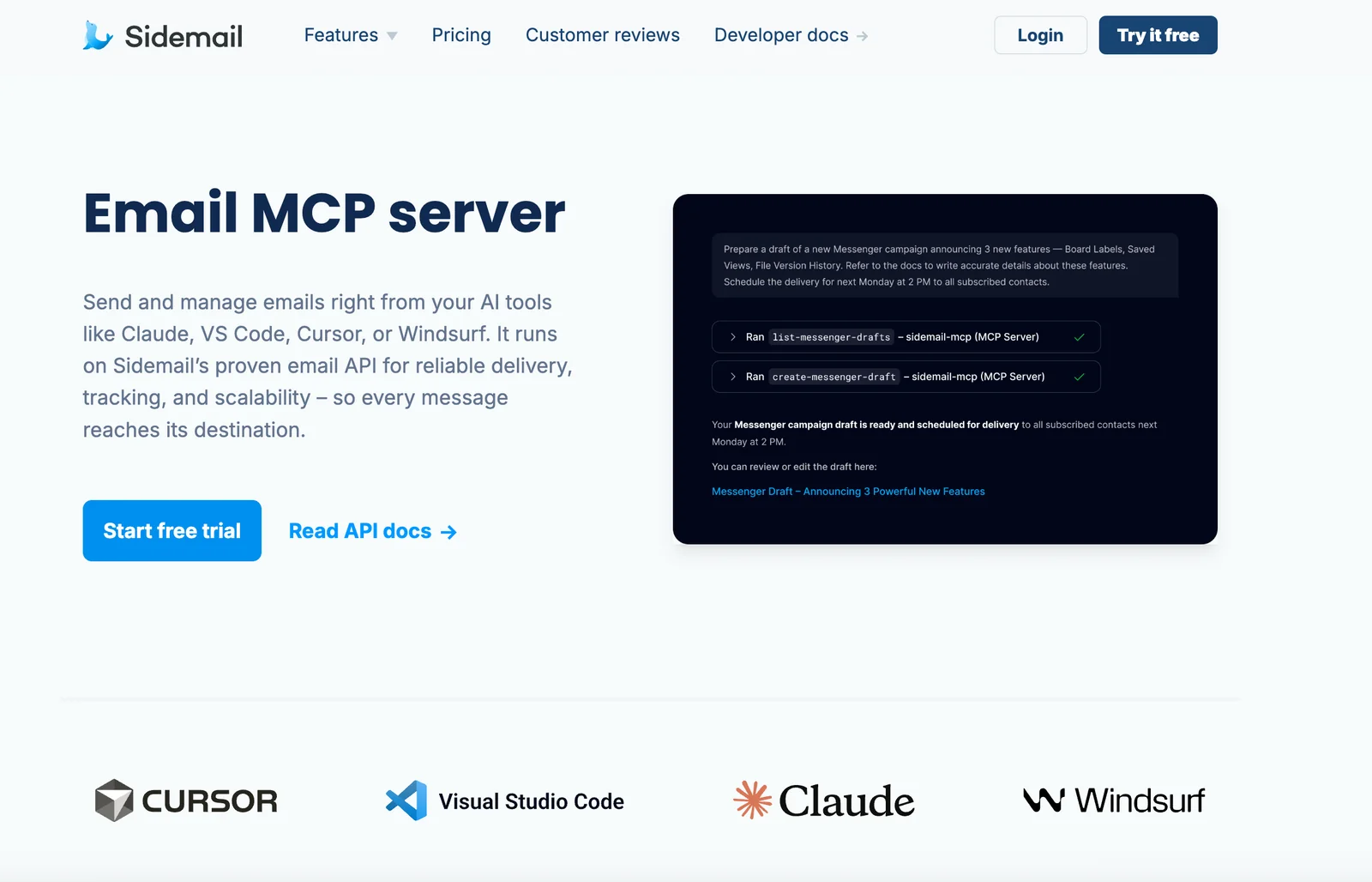
Sidemail MCP is an official Model Context Protocol (MCP) server that exposes Sidemail's email platform capabilities to large language models and AI agents. It enables programmatic access to transactional email sending, marketing/newsletter creation, contact management, and sending domain configuration through simple model commands. By bridging LLM outputs with Sidemail's delivery infrastructure and API, the MCP server allows AI tools to compose, schedule, and dispatch emails while leveraging Sidemail's deliverability and domain controls. The project is published on GitHub and is designed to be integrated into AI-driven workflows that require reliable, automated email delivery.
Screenshots
Key Features
Use Cases
MCP Server
https://sidemail.io/docs/mcp-server/💡 MCP (Model Context Protocol) enables AI assistants to securely interact with local and remote resources.



Frequently asked questions about Sidemail MCP
What are the pricing options for Sidemail MCP?
Sidemail MCP offers a single all-inclusive pricing plan at $19 per month, or $14 per month when billed annually. This plan encompasses all features, including transactional and marketing email capabilities, the MCP server, and automation tools for streamlined email management.
Key Points
- Affordable Pricing: $19/month or $14/month with annual billing.
- All-Inclusive Features: Covers both transactional and marketing emails.
- Automation Tools: Enhances email management efficiency.
Detailed Explanation
Sidemail MCP is designed for businesses looking for a comprehensive email solution. The $19 monthly plan includes everything you need for effective email marketing and transactional communications. By choosing the annual billing option, you save $5 each month, bringing your total to just $14 per month.
Features Included:
- Transactional Emails: Automatically send order confirmations, receipts, and other important messages.
- Marketing Emails: Create and manage campaigns to engage customers, promote products, and drive sales.
- MCP Server: Reliable hosting for all your email needs, ensuring high deliverability rates.
- Automation Tools: Set up triggers and workflows to automate common email tasks, saving time and improving customer engagement.
This all-in-one solution is ideal for small to medium-sized businesses looking to streamline their email processes without the hassle of multiple subscriptions.
Best Practices / Tips
- Utilize Automation: Take full advantage of the automation tools to minimize manual work and improve efficiency.
- Segment Your Audience: Use the platform’s capabilities to segment your email list for targeted marketing campaigns.
- Monitor Analytics: Regularly check your email performance metrics to refine your strategies and improve engagement rates.
Additional Resources
How does Sidemail MCP integrate with LLMs?
Sidemail MCP integrates with Large Language Models (LLMs) through the Model Context Protocol, allowing LLMs to create, preview, and send emails seamlessly without direct API integration. This approach streamlines the workflow for developers and enhances user experience by minimizing technical barriers.
Key Points
- Model Context Protocol: Facilitates seamless LLM integration.
- No Direct API Required: Simplifies the email management process.
- Enhanced User Experience: Streamlines workflows for developers and users alike.
Detailed Explanation
Sidemail MCP leverages the Model Context Protocol (MCP) to enable LLMs to interact with its email functionalities. This means that developers can implement LLMs in their applications without the complexity of integrating with multiple APIs. For instance, using Sidemail MCP, an LLM can generate an email draft based on user input, preview it, and send it—all in one seamless command.
Use Case Example
Imagine a customer support chatbot powered by an LLM. The chatbot can analyze user queries, compose response emails, and send them to customers, all while using Sidemail MCP. This automation not only improves response times but also enhances user satisfaction by providing timely information without requiring human intervention.
Step-by-Step Guidance
- Setup: Begin by configuring Sidemail MCP within your application environment.
- Integration: Utilize the Model Context Protocol to establish communication between the LLM and Sidemail MCP.
- Commands: Implement commands such as
create_email,preview_email, andsend_emaildirectly in your LLM’s workflow. - Testing: Ensure that the integration works as expected by testing various email scenarios.
Best Practices / Tips
- Optimize Commands: Use clear and concise commands to improve the accuracy of LLM responses.
- Monitor Performance: Regularly check the performance of email interactions to identify areas for improvement.
- User Feedback: Encourage user feedback to refine the email generation process and enhance the overall experience.
Additional Resources
How can I get started using Sidemail MCP?
To get started with Sidemail MCP, sign up on their official website and take advantage of their free trial option. After signing up, review the documentation to understand how to issue commands and effectively manage your email workflows.
Key Points
- Sign-Up Process: Navigate to the official Sidemail MCP website.
- Free Trial: Utilize the free trial to explore features.
- Documentation: Familiarize yourself with the available resources for effective use.
Detailed Explanation
Starting with Sidemail MCP is straightforward. First, visit the Sidemail MCP website and complete the sign-up form. Ensure you provide accurate information to avoid issues later. Once your account is created, take advantage of the free trial to explore all features without any financial commitment. This trial period typically lasts for 30 days, allowing you ample time to assess the tool’s capabilities.
After signing up, the next step is to delve into the comprehensive documentation provided by Sidemail. This resource includes guides on various commands and functionalities. For example, you can learn how to set up automated email responses, manage your inbox efficiently, and organize your email campaigns. Each section of the documentation is designed to enhance your understanding and help you utilize the platform effectively.
Best Practices / Tips
- Explore Features During Free Trial: Use this time to test all features, such as bulk email sending and analytics tools.
- Follow Tutorials: Engage with video tutorials available on their site or YouTube for visual guidance.
- Join Community Forums: Participate in community discussions to gain insights and best practices from other users.
Avoid common pitfalls such as skipping the documentation review or not fully utilizing the trial period. This can limit your understanding and maximize the benefits of Sidemail MCP.
Additional Resources
By following these steps and utilizing available resources, you'll be well-equipped to start using Sidemail MCP effectively.
What are the technical requirements for using Sidemail MCP?
Sidemail MCP requires API access for seamless integration with large language models (LLMs). Ensure your development environment supports either JavaScript or Python to facilitate implementation. For comprehensive guidance and setup instructions, consult the official Sidemail documentation.
Key Points
- API Access: Essential for integration with LLMs.
- Supported Languages: Compatible with JavaScript and Python.
- Documentation: Official resources provide in-depth setup guidance.
Detailed Explanation
To effectively utilize Sidemail MCP, you need to meet specific technical requirements. First, secure API access, which allows you to connect your application with Sidemail's services. This integration is crucial for leveraging the capabilities of LLMs, enabling advanced features such as automated email generation and personalized communication.
Next, ensure that your development environment is equipped to handle JavaScript or Python. These languages are commonly used for web applications and server-side scripting, making them ideal for implementing Sidemail MCP. If your team is more familiar with one language over the other, choose accordingly to streamline the development process.
For instance, if you're using Python, you can utilize popular libraries like requests for API calls, allowing you to send and receive data effortlessly. In contrast, if you're opting for JavaScript, frameworks like Node.js can assist in creating robust server applications that interact with the Sidemail API.
Lastly, it's crucial to regularly consult the official Sidemail documentation. This resource contains essential information regarding API endpoints, authentication methods, and example code snippets to facilitate your implementation. By following the guidelines provided, you can avoid common mistakes and ensure a successful integration.
Best Practices / Tips
- Testing Environment: Set up a testing environment to experiment with API calls before deploying to production.
- Error Handling: Implement robust error handling in your code to manage API response issues effectively.
- Rate Limiting Awareness: Be aware of any API rate limits to avoid service disruption.
- Version Control: Keep track of API versions and changes in the documentation to maintain compatibility.
Additional Resources
How does Sidemail MCP compare to other email marketing tools?
Sidemail MCP excels in email marketing by integrating large language models (LLMs) for automated email management, providing a user-friendly experience compared to other platforms that often require complicated setups. This makes it particularly suitable for businesses aiming to streamline their email workflows efficiently.
Key Points
- Seamless LLM Integration: Automates email responses and management.
- User-Friendly Interface: Reduces the learning curve for new users.
- Efficient Workflow Automation: Helps businesses save time and resources.
Detailed Explanation
Sidemail MCP distinguishes itself from traditional email marketing tools by incorporating advanced AI features, particularly LLMs, which facilitate the generation of personalized email content and responses without the need for complex configurations. Unlike competitors like Mailchimp or Constant Contact, which often require users to manually set up automation workflows, Sidemail MCP allows businesses to quickly implement automated processes that adapt to customer interactions.
For example, businesses can create tailored email campaigns based on customer behavior and preferences. With Sidemail’s intuitive dashboard, users can easily track engagement metrics and adjust their strategies in real-time. This capability not only enhances customer experience but also improves conversion rates.
Additionally, Sidemail MCP supports multi-channel marketing strategies, allowing users to integrate emails with social media and other platforms, ensuring a cohesive marketing approach. This holistic view helps businesses target their audience more effectively.
Best Practices / Tips
- Leverage Automation: Utilize Sidemail's automation features to send targeted emails based on customer activity, such as cart abandonment or browsing history.
- A/B Testing: Regularly test different email formats, subject lines, and content to identify what resonates best with your audience.
- Monitor Analytics: Keep an eye on engagement metrics provided by Sidemail to refine your email marketing strategies continuously.
Additional Resources
Explore more AI Mcps tools
Browse all Mcps tools →Browse by use case: Automation & Productivity
Compare Sidemail MCP: vs ai-memory · vs CrawlForge MCP · vs Popcraft · vs Pomerado