

Resend
AIOfficial MCPDeveloper-focused email delivery platform for sending transactional and marketing emails at scale with SDKs and examples.
Resend
Developer-focused email delivery platform for sending transactional and marketing emails at scale with SDKs and examples.
About Resend
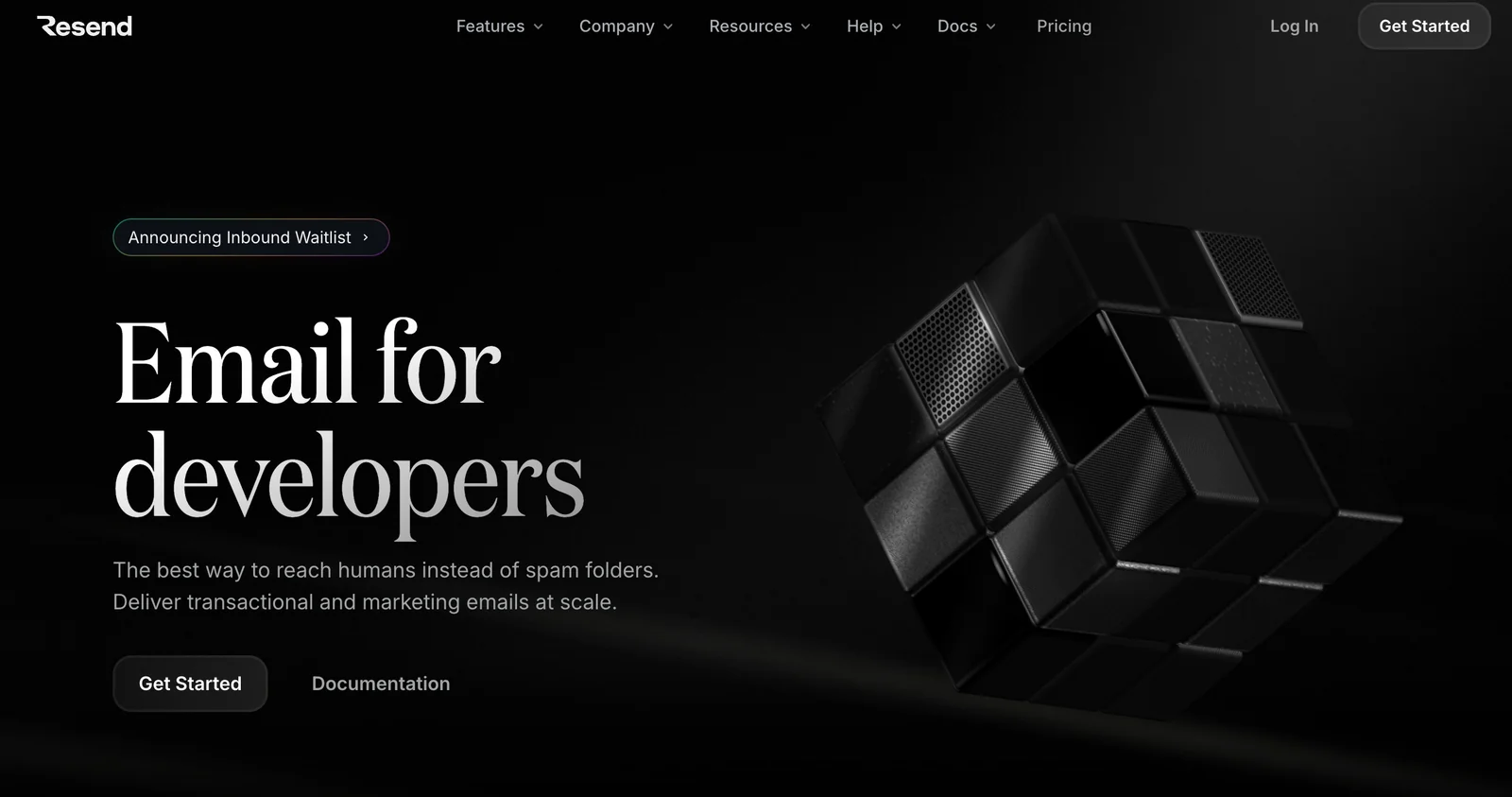
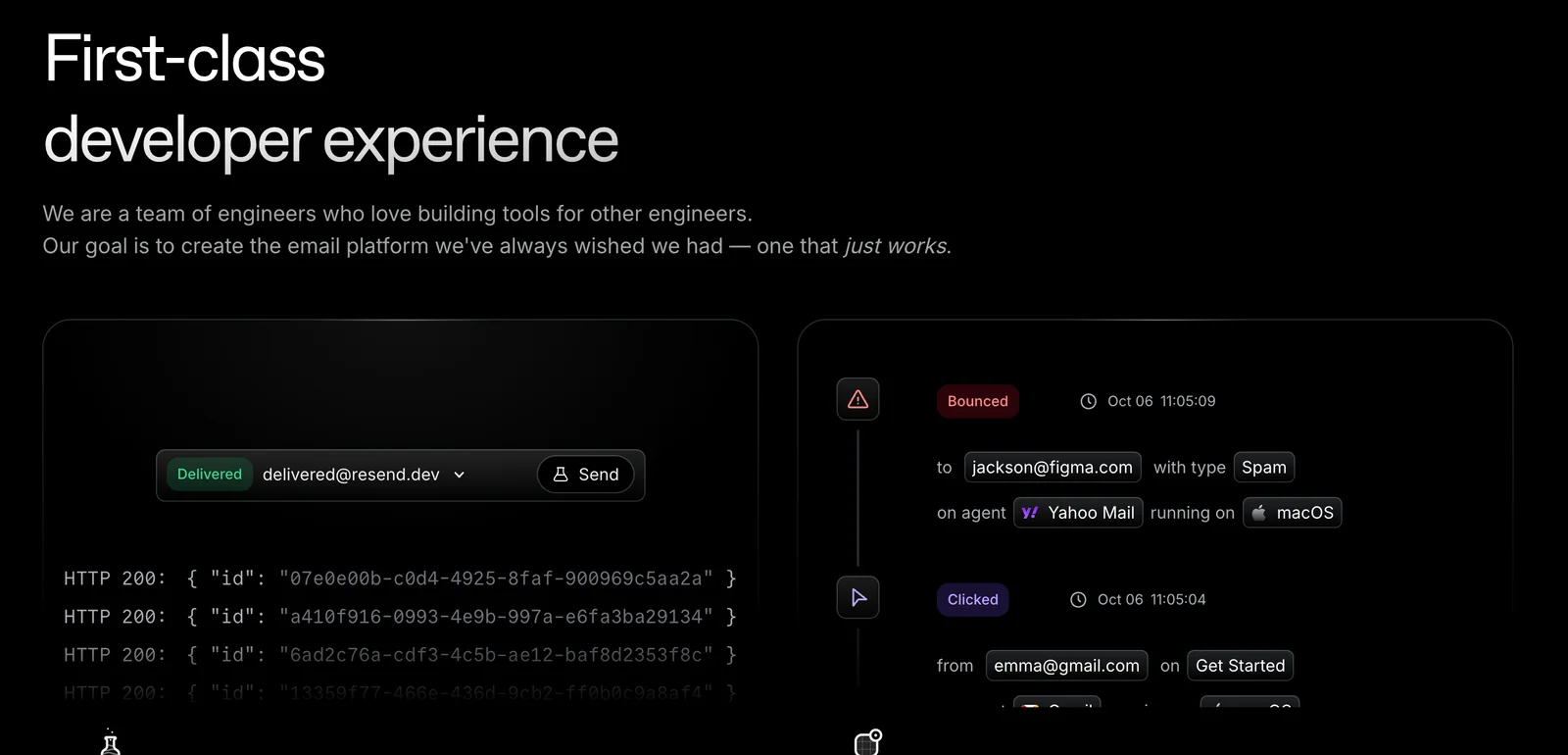
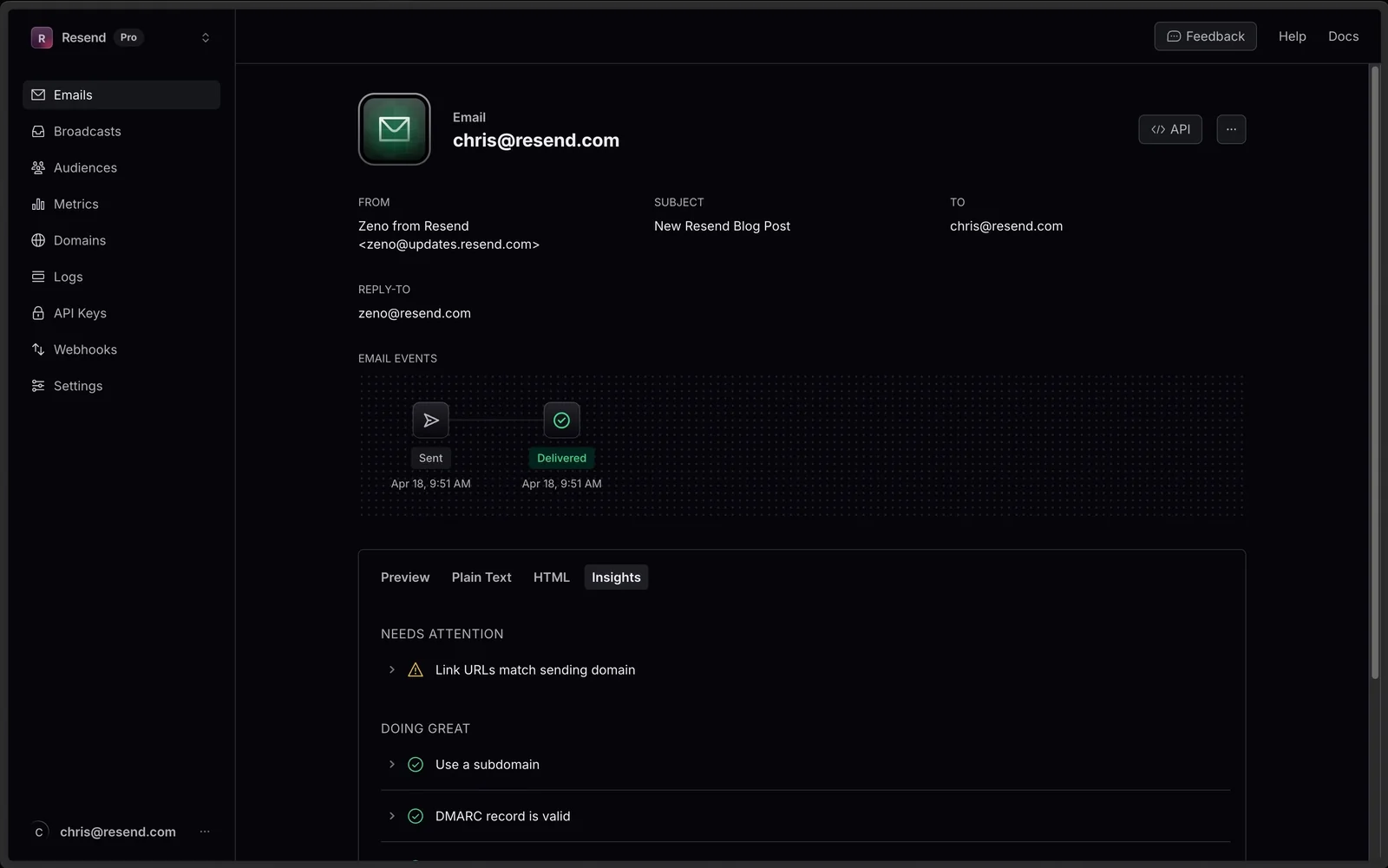
Resend is a developer-first email delivery service that helps teams send transactional and marketing emails with a focus on deliverability and ease of integration. It provides official SDKs, open-source examples, and libraries (including a React-based email library) so developers can build, render, and send emails from server and serverless environments. Resend emphasizes simple API usage, multi-language client libraries, and pre-built examples for frameworks like Next.js and Cloudflare Workers to accelerate integration and maintain high inbox placement.
Screenshots
Key Features
Use Cases
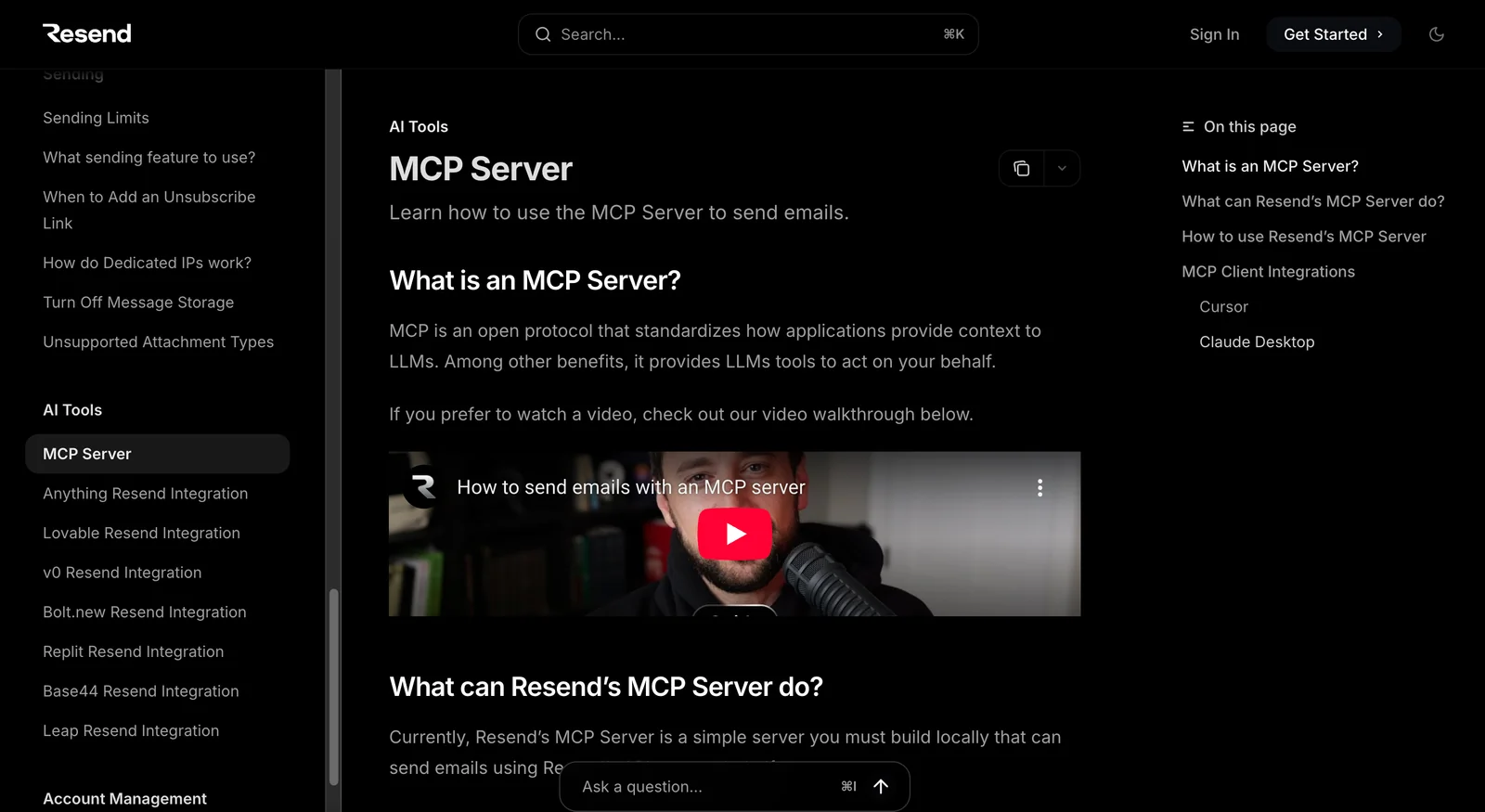
MCP Server
https://resend.com/docs/knowledge-base/mcp-server💡 MCP (Model Context Protocol) enables AI assistants to securely interact with local and remote resources.



Frequently asked questions about Resend
What are the pricing options for Resend?
Resend offers three primary pricing tiers: a free transactional plan allowing 3,000 emails per month, a Pro plan priced at $20 per month for 50,000 emails, and a Scale plan for $90 per month that includes 100,000 emails. Custom Enterprise options are also available to meet larger business needs.
Key Points
- Free Plan: 3,000 emails per month at no cost.
- Pro Plan: $20/month for 50,000 emails, ideal for small businesses.
- Scale Plan: $90/month for 100,000 emails, suited for growing enterprises.
Detailed Explanation
Resend's pricing structure is designed to cater to varying business needs, making it accessible for startups as well as larger enterprises.
-
Free Plan: This is perfect for individuals or small businesses just starting out. It allows users to send up to 3,000 transactional emails monthly without any cost, enabling them to test the platform's features without financial commitment.
-
Pro Plan: At $20 per month, this plan is ideal for small to medium-sized businesses that require more flexibility. With 50,000 emails included, businesses can engage with their customers more effectively, making it suitable for newsletters, marketing campaigns, and customer communications.
-
Scale Plan: For $90 per month, this plan accommodates businesses with higher email volume needs. The inclusion of 100,000 emails allows for extensive outreach, making it perfect for larger marketing strategies or automated systems that require a significant email sending capacity.
-
Enterprise Options: For organizations with unique requirements, Resend offers customizable pricing and plans tailored to specific business needs. This is particularly beneficial for large corporations or those with high-volume email marketing strategies.
Best Practices / Tips
- Evaluate Your Needs: Before selecting a plan, assess your email sending requirements based on your target audience and frequency of communication.
- Utilize the Free Plan: Start with the free plan to familiarize yourself with the platform's features. This can help you make informed decisions about upgrading.
- Monitor Usage: Track your email usage to avoid exceeding your plan limits, which can incur additional charges.
- Consider Scalability: If your business is experiencing growth, consider the Scale or Enterprise plans to ensure you can meet increasing email demands without disruption.
Additional Resources
How do I get started with using Resend?
To get started with Resend, sign up for a free account on their website. After registration, you can easily access their Software Development Kits (SDKs) and integration examples, enabling you to send transactional and marketing emails efficiently within minutes.
Key Points
- Free Account Setup: Quick registration process.
- Comprehensive SDKs: Access to various programming languages.
- Integration Examples: Ready-to-use guides for effective email sending.
Detailed Explanation
-
Create an Account: Begin by visiting Resend's official website. Click on the "Sign Up" button and fill out the required information. Resend offers a free tier, allowing you to explore their services without any financial commitment.
-
Explore SDKs: Once logged in, navigate to the SDK section. Resend provides SDKs for popular programming languages such as JavaScript, Python, and Ruby. These SDKs simplify the process of integrating email functionalities into your applications.
-
Utilize Integration Examples: Resend offers practical examples that demonstrate how to send both transactional and marketing emails. These examples include ready-to-go code snippets, which you can tailor to your specific needs. For instance, if you are building a user registration system, you can implement email verification easily using their guides.
-
Testing Your Setup: After integration, test your email functionalities. Send test emails to verify that everything is configured correctly. This step is crucial to ensure that your transactional emails, such as order confirmations or password resets, are delivered successfully.
Best Practices / Tips
- Utilize Templates: Take advantage of Resend’s email templates for consistent branding. Customize them to reflect your brand’s identity.
- Monitor Deliverability: Regularly check your email deliverability rates. Use analytics tools provided by Resend to track open rates and engagement.
- Stay Compliant: Ensure that your emails comply with regulations like GDPR and CAN-SPAM. Include unsubscribe options to maintain a good sender reputation.
Additional Resources
- Resend Documentation: Comprehensive guides and API references.
- Email Marketing Best Practices: Industry standards for effective email marketing.
- Getting Started with Transactional Emails: Insightful guide on setting up transactional emails.
What features does Resend offer for email delivery?
Resend offers a suite of features for email delivery, including official multilingual SDKs, seamless React email integration, scalable solutions for both transactional and marketing emails, and open-source tools for effortless integration. These features cater to diverse development needs, enhancing the email sending experience.
Key Points
- Multilingual SDKs: Supports global outreach.
- React Email Integration: Streamlines development for React applications.
- Scalable Delivery: Handles both transactional and marketing emails efficiently.
Detailed Explanation
Resend provides developers with a robust platform for efficient email delivery. The official multilingual SDKs are designed for easy integration in various programming languages, allowing businesses to reach a global audience without language barriers. This feature is essential for companies aiming to localize their communication.
The React email integration feature allows developers to implement email functionalities directly into React applications. This integration simplifies the process of creating dynamic and responsive email templates, which can significantly enhance user engagement and increase conversion rates.
Resend's scalable delivery system is tailored for both transactional emails (like password resets and order confirmations) and marketing emails (such as newsletters and promotional campaigns). This scalability ensures that businesses can grow without worrying about their email infrastructure, providing a reliable solution that adapts to increasing demands.
Additionally, Resend offers open-source tooling, enabling developers to customize and extend features according to their specific needs. This flexibility is particularly beneficial for tech-savvy teams looking to integrate email solutions into their existing workflows seamlessly.
Best Practices / Tips
- Utilize Multilingual SDKs: When targeting international markets, ensure that your email content is localized to resonate with diverse audiences.
- Test Email Templates: Use tools to preview and test your emails across different devices to ensure optimal display and performance.
- Monitor Analytics: Leverage built-in analytics to track email performance, helping refine strategies for higher engagement rates.
Additional Resources
How does Resend's API integration work?
Resend's API integration utilizes a straightforward key-based authentication method, allowing developers to efficiently send emails through REST endpoints. It offers comprehensive documentation and code examples across multiple programming languages, making it accessible for various development environments.
Key Points
- Key-Based Authentication: Secure and simple method for API access.
- REST Endpoints: Facilitates sending emails with standard HTTP requests.
- Extensive Documentation: Provides guides and code snippets for seamless integration.
Detailed Explanation
Resend's API is designed for developers looking to integrate email functionality into their applications. Here's how it works:
-
Authentication: Begin by obtaining your unique API key from the Resend dashboard. This key is essential for authenticating requests to the API. Ensure you keep this key secure and do not expose it in client-side code.
-
Making Requests: The API supports standard RESTful HTTP methods. To send an email, you will typically make a POST request to the designated endpoint (e.g.,
/send-email). The request body must include necessary fields such asto,subject, andbody, formatted as JSON.Example of a typical request:
{ "to": "recipient@example.com", "subject": "Hello from Resend", "body": "This is a test email sent via Resend's API." } -
Response Handling: After sending the request, you will receive a JSON response indicating the success or failure of the operation, along with any relevant error messages. This feedback is crucial for debugging and ensuring reliable email delivery.
-
Code Examples: Resend provides code snippets in various programming languages, including Python, Node.js, and Ruby. These examples help developers implement the API quickly and effectively.
Best Practices / Tips
- Use Environment Variables: Store your API key in environment variables instead of hardcoding it into your application to enhance security.
- Rate Limiting: Be aware of any rate limits imposed by Resend to avoid service interruptions. Review the documentation for specific limits.
- Test Thoroughly: Utilize sandbox environments for testing before deploying your email functionality to production. This helps catch any issues early.
Additional Resources
Utilizing Resend's API can significantly streamline your email sending processes, making it a valuable tool for developers looking for reliable email integration.
How does Resend compare to other email delivery platforms?
Resend stands out among email delivery platforms due to its competitive pricing, developer-centric features, and a strong emphasis on easy integration and scalability. It excels in both transactional and marketing emails, making it a versatile choice for businesses seeking a robust email delivery solution.
Key Points
- Competitive Pricing: Resend offers transparent pricing plans that cater to various budget levels.
- Developer-Focused Features: Comprehensive SDKs and APIs enhance ease of use and integration.
- Scalability: Designed to support both small startups and large enterprises for email needs.
Detailed Explanation
Resend positions itself uniquely in the email delivery space by prioritizing developer experience. Its competitive pricing structure is straightforward, often appealing to startups and small businesses looking to minimize costs while maintaining quality service. For example, Resend’s pricing tiers allow businesses to scale as their email volume increases, with no hidden fees.
In terms of developer-focused features, Resend provides extensive SDKs in multiple programming languages, facilitating seamless integration into existing applications. This is particularly beneficial for tech-savvy teams that require customization and flexibility. With easy-to-follow documentation, developers can quickly implement email functionalities, reducing the time to market for new features.
Resend also emphasizes scalability, making it ideal for both transactional and marketing emails. Whether sending a few hundred emails a month or scaling up to millions, Resend’s infrastructure supports high-volume sending without compromising deliverability rates. This is crucial for businesses that experience seasonal spikes in email traffic or rapid growth.
Best Practices / Tips
- Utilize SDKs: Make the most of Resend's SDKs to ensure quick integration and optimal performance.
- Monitor Engagement: Regularly check email engagement metrics to adjust strategies and improve deliverability.
- A/B Testing: Implement A/B testing for email campaigns to find the most effective subject lines and content.
Additional Resources
Explore more AI Mcps tools
Browse all Mcps tools →Compare Resend: vs ai-memory · vs CrawlForge MCP · vs Popcraft · vs Pomerado