

Railway
AIOfficial MCPInfrastructure platform to provision infrastructure, develop locally, and deploy applications to the cloud with one-click starters and templates.
Railway
Infrastructure platform to provision infrastructure, develop locally, and deploy applications to the cloud with one-click starters and templates.
About Railway
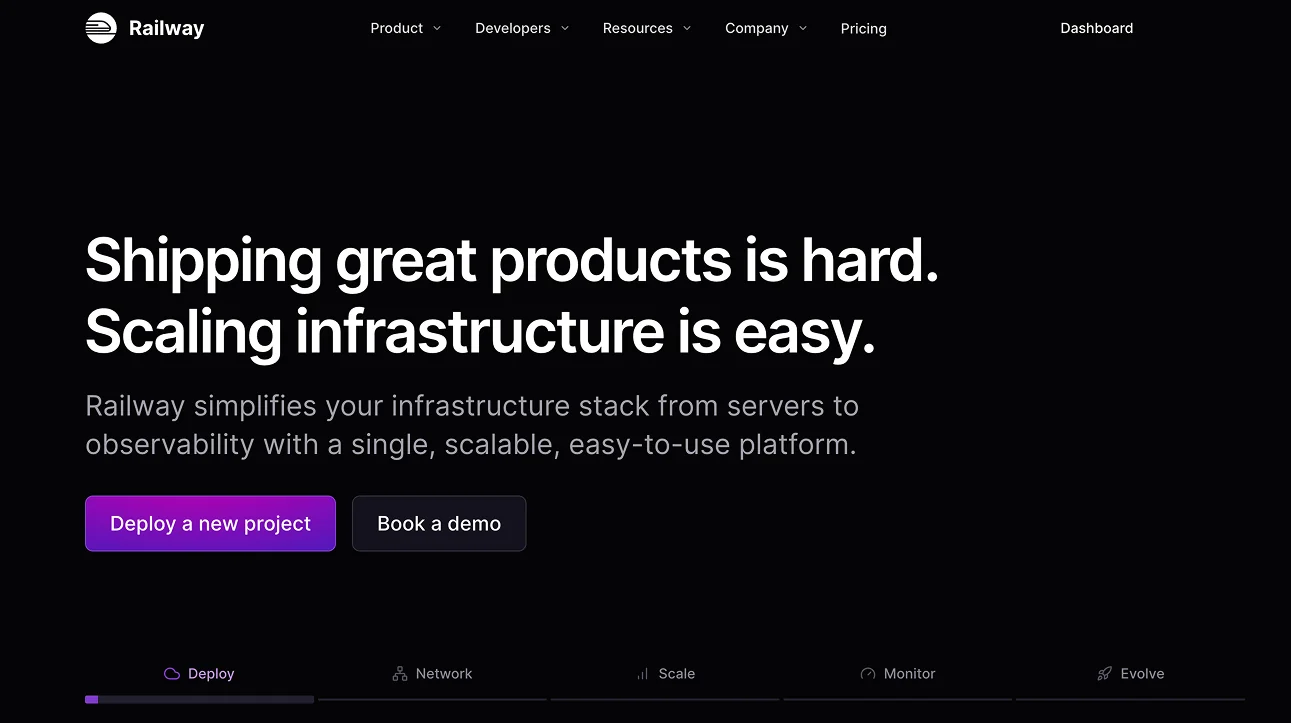
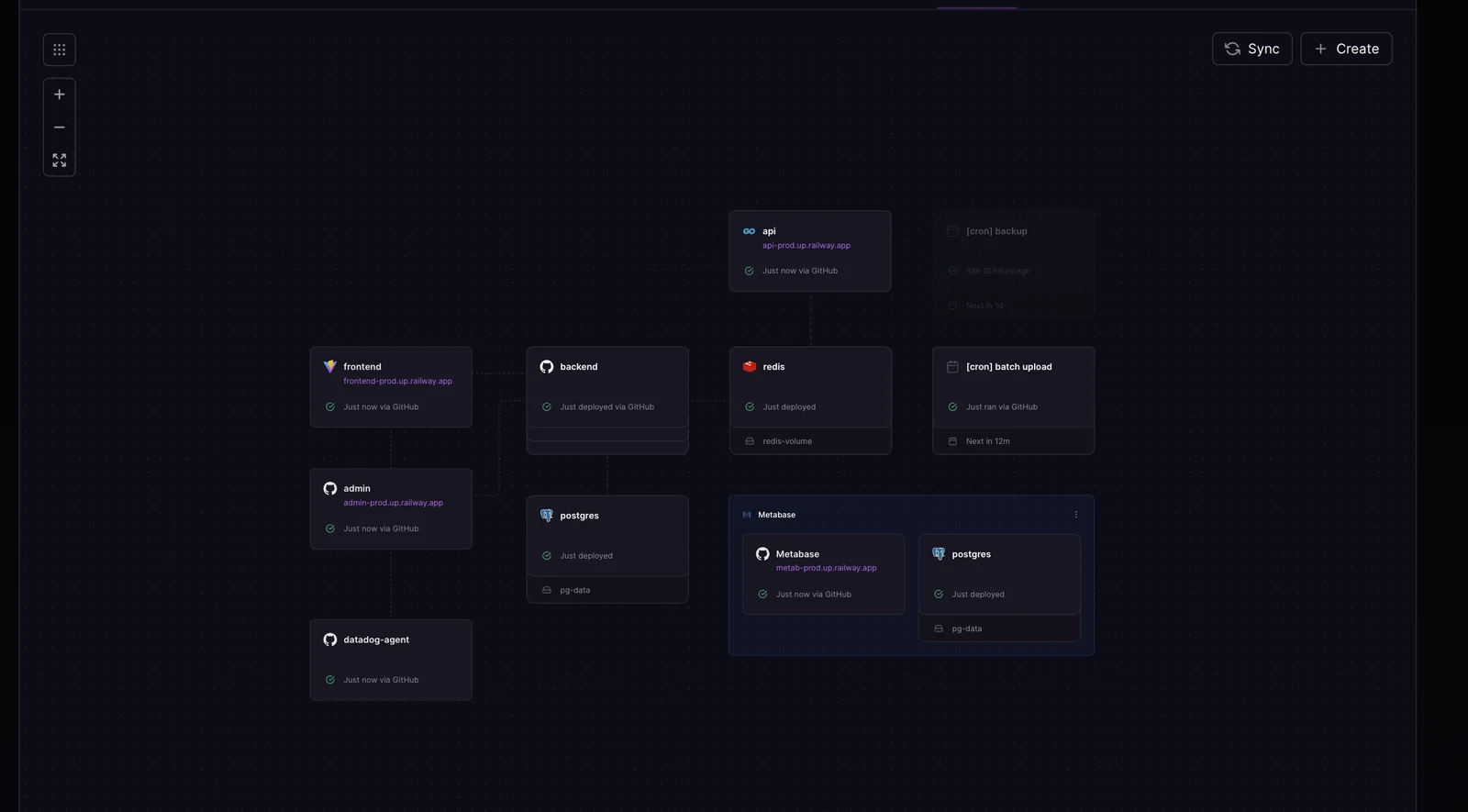
Railway is a cloud infrastructure platform that lets developers provision infrastructure, run and develop services locally, and deploy them to the cloud with minimal configuration. It provides a curated library of starters and templates that can be deployed in one click, a publishing flow for community templates, and a "Railway Button" to link GitHub repositories for instant cloning and deployment. Railway exposes configuration for environment variables, plugins, start commands, health checks and domain attachment, plus community-driven feedback and support channels (Discord and an open feedback board). The platform's value is in reducing operational overhead, accelerating prototyping, and streamlining the path from local development to production-ready cloud deployments.
Screenshots
Key Features
Use Cases
MCP Server
https://docs.railway.com/reference/mcp-serverhttps://docs.railway.com/reference/mcp-server💡 MCP (Model Context Protocol) enables AI assistants to securely interact with local and remote resources.



Frequently asked questions about Railway
What is Railway's pricing structure and free options?
Railway employs a freemium pricing model, featuring a 30-day free trial that includes a one-time $5 credit. Users can access a Free plan with 0.5 GB RAM and 1 vCPU per service. After the trial, the Hobby plan is available starting at $5 per month.
Key Points
- Freemium Model: Railway offers a combination of free and paid options.
- 30-Day Free Trial: Includes a one-time credit of $5 for new users.
- Affordable Pricing: The Hobby plan starts at just $5 monthly after the trial.
Detailed Explanation
Railway’s pricing structure is designed to cater to both beginners and experienced developers. The Freemium Model allows users to explore the platform without initial investment, making it an attractive option for startups and hobbyists.
Free Plan
- Specifications: The Free plan provides up to 0.5 GB RAM and 1 vCPU per service. This is ideal for small projects, personal applications, or learning purposes.
- Limitations: While the Free plan is beneficial, it comes with restrictions on usage and performance. Users may need to upgrade for larger applications or more demanding workloads.
30-Day Free Trial
- Trial Benefits: New users can enjoy a 30-day free trial that includes a $5 credit. This credit can be used towards any paid plan, allowing users to experiment with features before committing financially.
- Trial Usage: During the trial, users can access more resources than the Free plan, potentially testing out the platform’s capabilities with larger projects.
Paid Plans
- Hobby Plan: After the free trial, users can transition to the Hobby plan, which starts at $5 per month. This plan is suitable for small-scale production applications and offers increased resource limits compared to the Free plan.
- Scaling Up: For users needing more resources, Railway offers additional plans with various pricing tiers that cater to growing demands.
Best Practices / Tips
- Maximize Free Trial: Take full advantage of the 30-day trial by actively testing different features and configurations.
- Monitor Resource Usage: Keep track of your resource consumption during the Free plan to avoid unexpected limits when transitioning to a paid plan.
- Evaluate Needs: Assess your project requirements before committing to a paid plan. Consider whether the Hobby plan meets your needs or if you will need to upgrade to higher tiers.
Additional Resources
- Railway Pricing Documentation
- Getting Started with Railway
- Railway Community Forum for user discussions and tips.
How can I get started with Railway and deploy my first application?
To get started with Railway and deploy your first application, create an account on their website, choose from one-click starters or templates, and follow the guided setup for a hassle-free deployment experience. This allows you to launch applications quickly without dealing with complex configurations.
Key Points
- User-Friendly Interface: Railway offers an intuitive dashboard for easy navigation.
- One-Click Deployments: Utilize templates to expedite the deployment process.
- Integrated Tools: Access built-in databases and environment management seamlessly.
Detailed Explanation
Railway is a cloud platform that simplifies application deployment. To begin, visit the Railway website and sign up for a free account. After logging in, you will be greeted with a user-friendly dashboard.
-
Choose a Template: Railway provides various one-click starters for popular frameworks like Node.js, Python, and Ruby on Rails. Select a template that aligns with your project needs.
-
Set Up Your Project: Following your template selection, Railway will guide you through the setup process. You may need to connect your GitHub repository or manually upload your project files.
-
Configure Environment Variables: Railway allows you to manage environment variables directly through the dashboard. This makes it easy to secure sensitive information, like API keys.
-
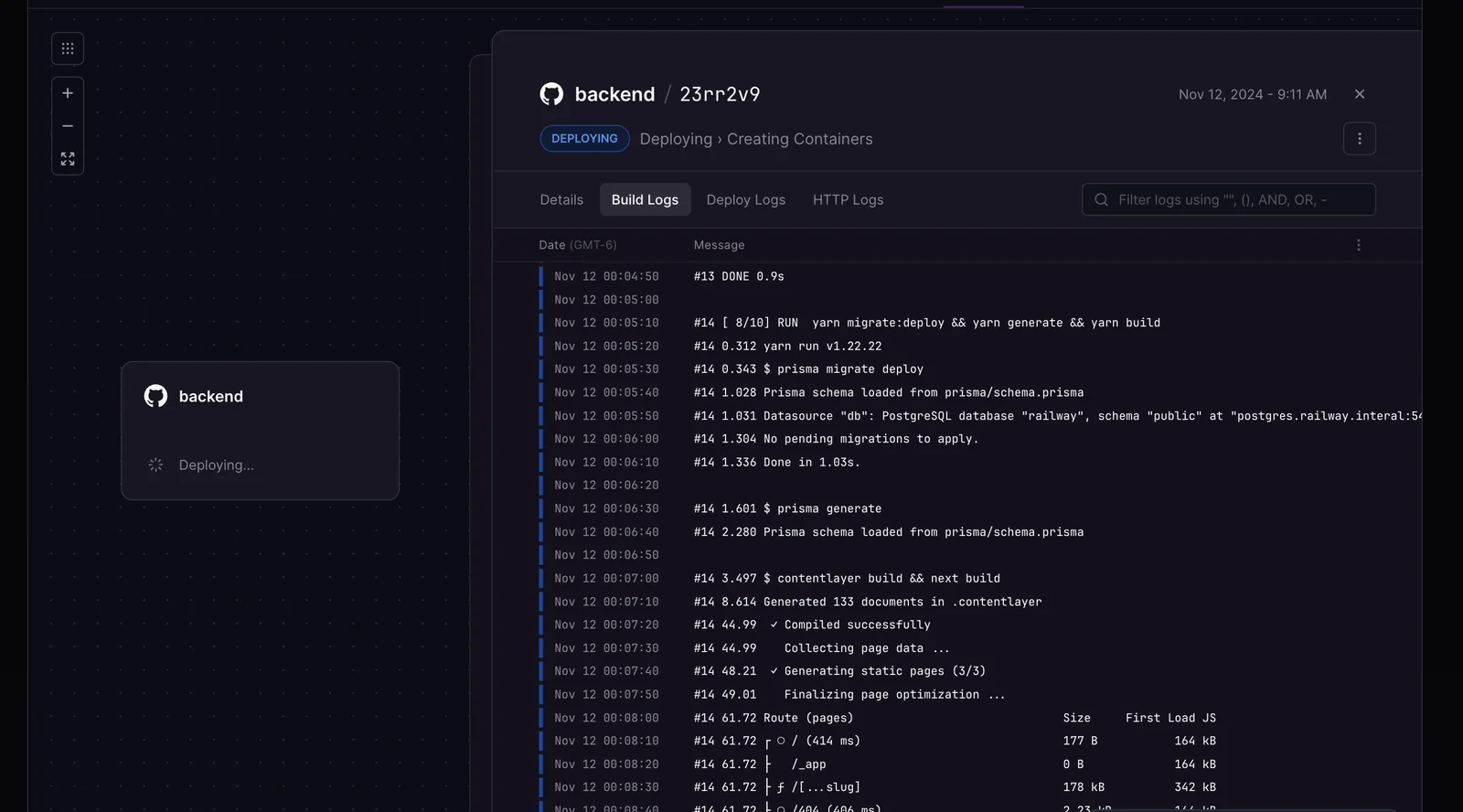
Deploy Your Application: With everything set up, click on the “Deploy” button. Railway will handle the build and deployment process. You can monitor the deployment status in real-time.
-
Access Your Application: Once deployed, your application will be accessible via a unique URL provided by Railway, enabling you to share it instantly.
Best Practices / Tips
- Utilize Documentation: Take advantage of Railway’s official documentation for comprehensive guidance on advanced features.
- Test Locally First: Before deploying, test your application locally to ensure it runs without issues.
- Monitor Performance: Use Railway’s built-in monitoring tools to keep track of your application’s performance and troubleshoot any issues promptly.
- Stay Within Free Tier Limits: Railway offers a generous free tier. Make sure to understand these limits to avoid unexpected charges.
Additional Resources
- Railway Getting Started Guide
- Railway Templates and Starters
- Railway Community Forum for support and networking.
What are the key features of Railway that set it apart from other platforms?
Railway stands out as a cloud development platform due to its one-click starters for effortless deployment, seamless GitHub Button integration for cloning projects, local development capabilities against cloud infrastructure, and a community-driven template system that fosters resource sharing among developers.
Key Points
- One-Click Starters: Simplified deployment process
- GitHub Button Integration: Effortless project cloning
- Local Development: Testing against cloud infrastructure
Detailed Explanation
Railway provides developers a streamlined experience with several key features:
-
One-Click Starters: This feature allows users to deploy applications quickly with predefined templates for various frameworks like Node.js, Python, and Ruby on Rails. For example, a user can launch a new project in seconds, reducing setup time significantly.
-
GitHub Button Integration: By integrating GitHub, Railway enables users to clone repositories with a single click. This eliminates the need for cumbersome setup processes and encourages collaboration. Developers can easily fork projects and contribute to open-source initiatives.
-
Local Development against Cloud Infrastructure: Railway allows developers to run their applications locally while connecting to cloud services. This feature is beneficial for testing and debugging, ensuring that changes can be previewed in real-time without deploying them to production, thus enhancing the development workflow.
-
Community Template System: Railway encourages a vibrant community where developers can share their templates. Users can find and use templates created by others, which can significantly speed up the development process by providing ready-to-use solutions for common scenarios.
Best Practices / Tips
- Utilize One-Click Starters: Always start with a one-click starter template that closely matches your project needs to save time and ensure best practices from the get-go.
- Engage with the Community: Explore and contribute to the community template system to leverage shared resources and enhance your own projects.
- Test Locally Before Deployment: Make the most of local development features to catch issues before they reach production, improving overall application quality.
Additional Resources
Does Railway provide an API for integration with other services?
Yes, Railway provides a robust API that facilitates seamless integration with other services. This API enables developers to deploy applications, manage authentication, and automate workflows, making it easier to connect with various applications and enhance productivity.
Key Points
- Deployment Options: The API supports various deployment methods.
- Authentication Management: Simplifies user authentication processes.
- Workflow Automation: Enhances productivity through automation of repetitive tasks.
Detailed Explanation
Railway's API is designed to empower developers by providing a versatile interface for interacting with the platform. Here are some key features:
-
Deployment Options: With Railway's API, you can automate the deployment of your applications. This means you can set up continuous integration and continuous deployment (CI/CD) pipelines that allow your code to be deployed to production environments automatically. For example, a developer might use the API to trigger a deployment every time code is pushed to the main branch of their repository.
-
Authentication Management: Railway’s API includes comprehensive authentication mechanisms, allowing developers to create and manage user accounts securely. This feature is essential for applications that require user login, ensuring that sensitive data remains protected. By utilizing OAuth2 or API keys, developers can easily manage access control for their applications.
-
Workflow Automation: Automating workflows can significantly enhance efficiency. The Railway API allows developers to create scripts that automate routine tasks, such as scaling services, monitoring application performance, or sending notifications when certain events occur. For instance, you can set up an automation that triggers a notification to your team whenever a build fails.
Best Practices / Tips
- Read the Documentation: Always refer to the official Railway API documentation for the most current information on endpoints, authentication methods, and rate limits.
- Use Version Control: When building applications that interact with the API, use version control systems like Git. This will help you track changes and collaborate effectively with your team.
- Test Thoroughly: Make sure to test your API integrations in a staging environment before deploying them to production. This helps catch issues early and ensures a smooth user experience.
Additional Resources
How does Railway compare to other cloud deployment platforms?
Railway distinguishes itself from other cloud deployment platforms like Heroku and AWS through its freemium model, user-friendly one-click deployments, and robust local development features. This combination makes Railway particularly well-suited for rapid prototyping and agile development environments.
Key Points
- Freemium Model: Offers a cost-effective way to start.
- Ease of Use: One-click deployments simplify the process.
- Local Development: Enables seamless integration and testing.
Detailed Explanation
Railway's freemium model allows developers to begin without incurring costs, making it an attractive option for startups and individual developers. Users can access essential features for free and scale up as their needs grow, unlike platforms like AWS, which may require upfront payment for services.
The ease of use through one-click deployments is a game changer for developers. Unlike Heroku, which has a more complex setup, Railway simplifies the deployment process, enabling developers to focus on coding rather than configuration. This feature is particularly beneficial for teams looking to streamline their workflows and reduce time-to-market.
Moreover, Railway's local development capabilities allow developers to run their applications in a local environment that mirrors production settings. This reduces the friction often experienced when transitioning from development to deployment. For example, you can run a full-stack application locally and deploy it to the cloud with minimal adjustment, ensuring reliability and consistency.
Best Practices / Tips
- Start with the Free Tier: Take advantage of Railway's free plan to test your projects before scaling.
- Utilize Local Development: Use local development features to catch bugs early and streamline collaboration among team members.
- Explore Integrations: Leverage Railway’s integrations with databases, APIs, and other tools to enhance your application's functionality without heavy lifting.
Additional Resources
Explore more AI Mcps tools
Browse all Mcps tools →Browse by use case: Automation & Productivity
Compare Railway: vs ai-memory · vs CrawlForge MCP · vs Popcraft · vs Pomerado