

QualGent
AIMobile-native AI QA agent that autonomously tests iOS and Android apps, mimicking human testers to find bugs and scale QA instantly.
QualGent
Mobile-native AI QA agent that autonomously tests iOS and Android apps, mimicking human testers to find bugs and scale QA instantly.
About QualGent
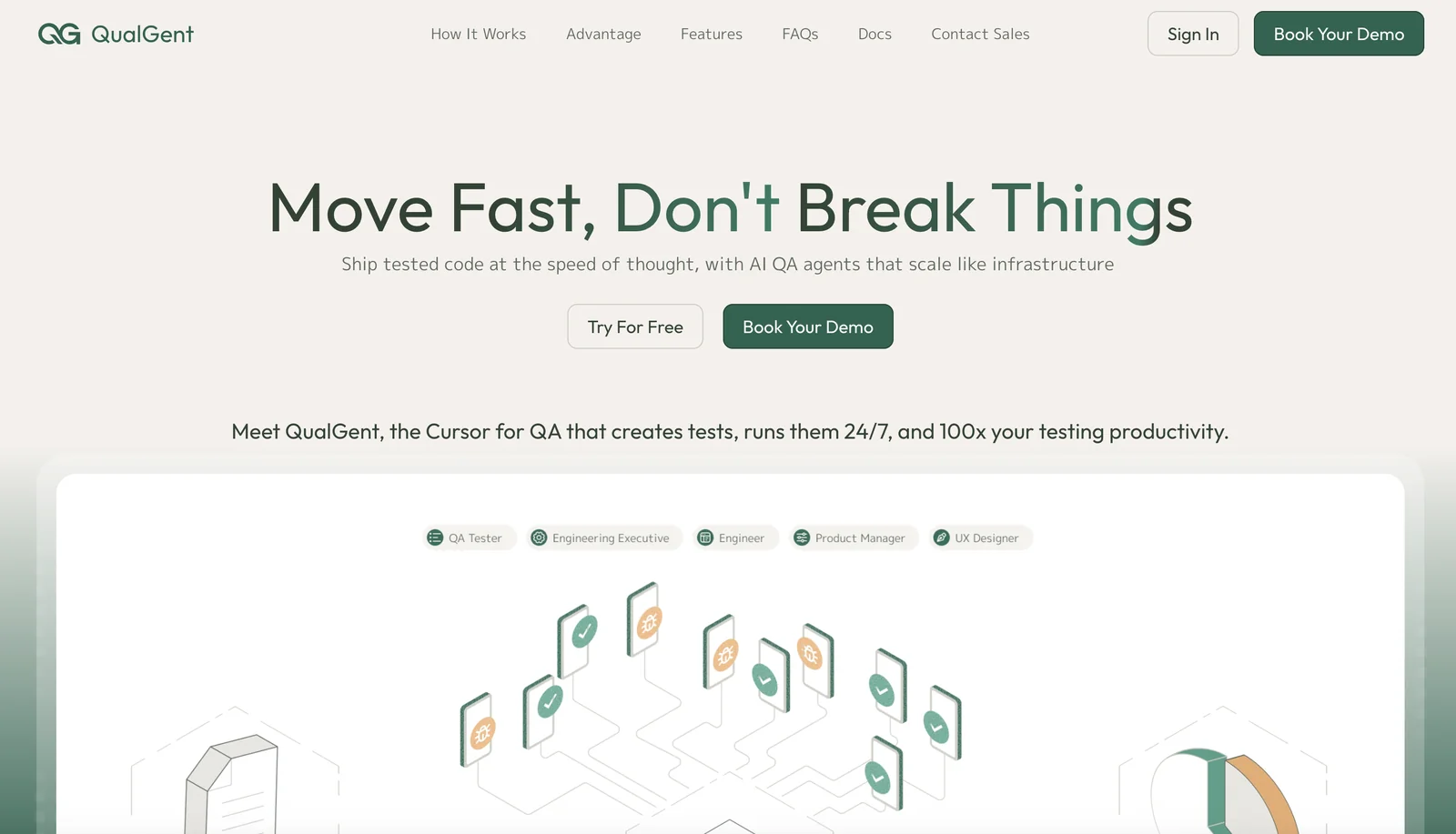
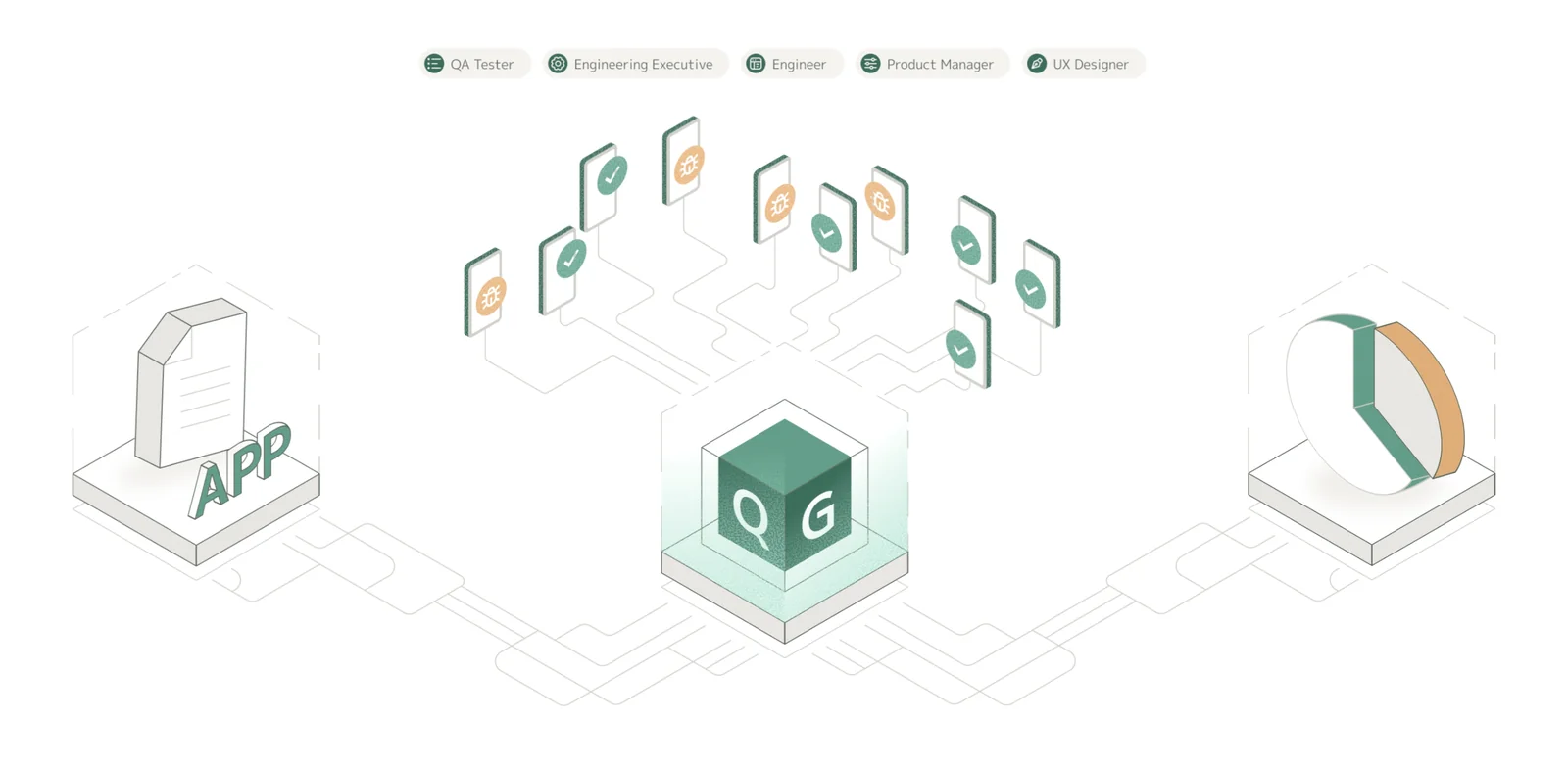
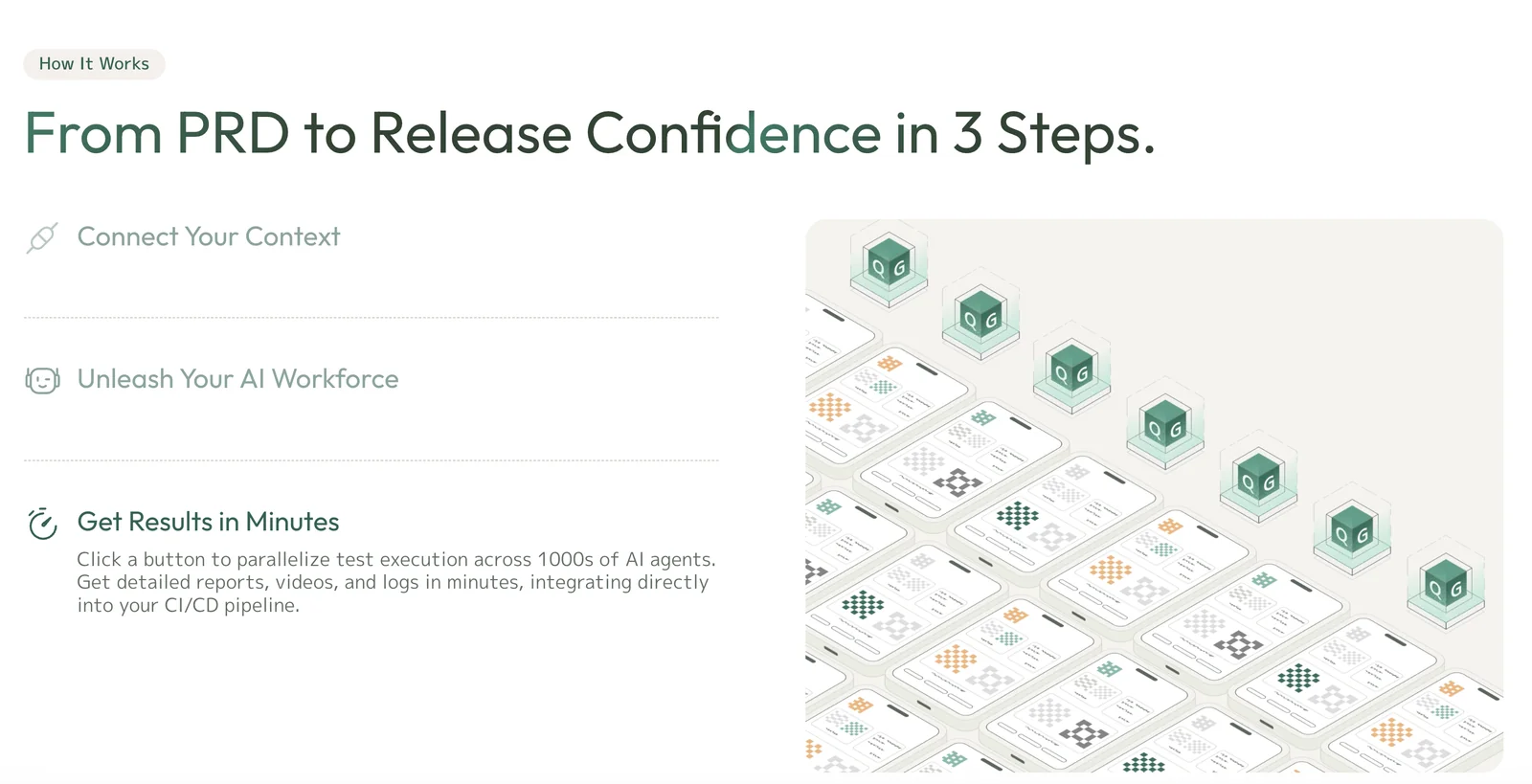
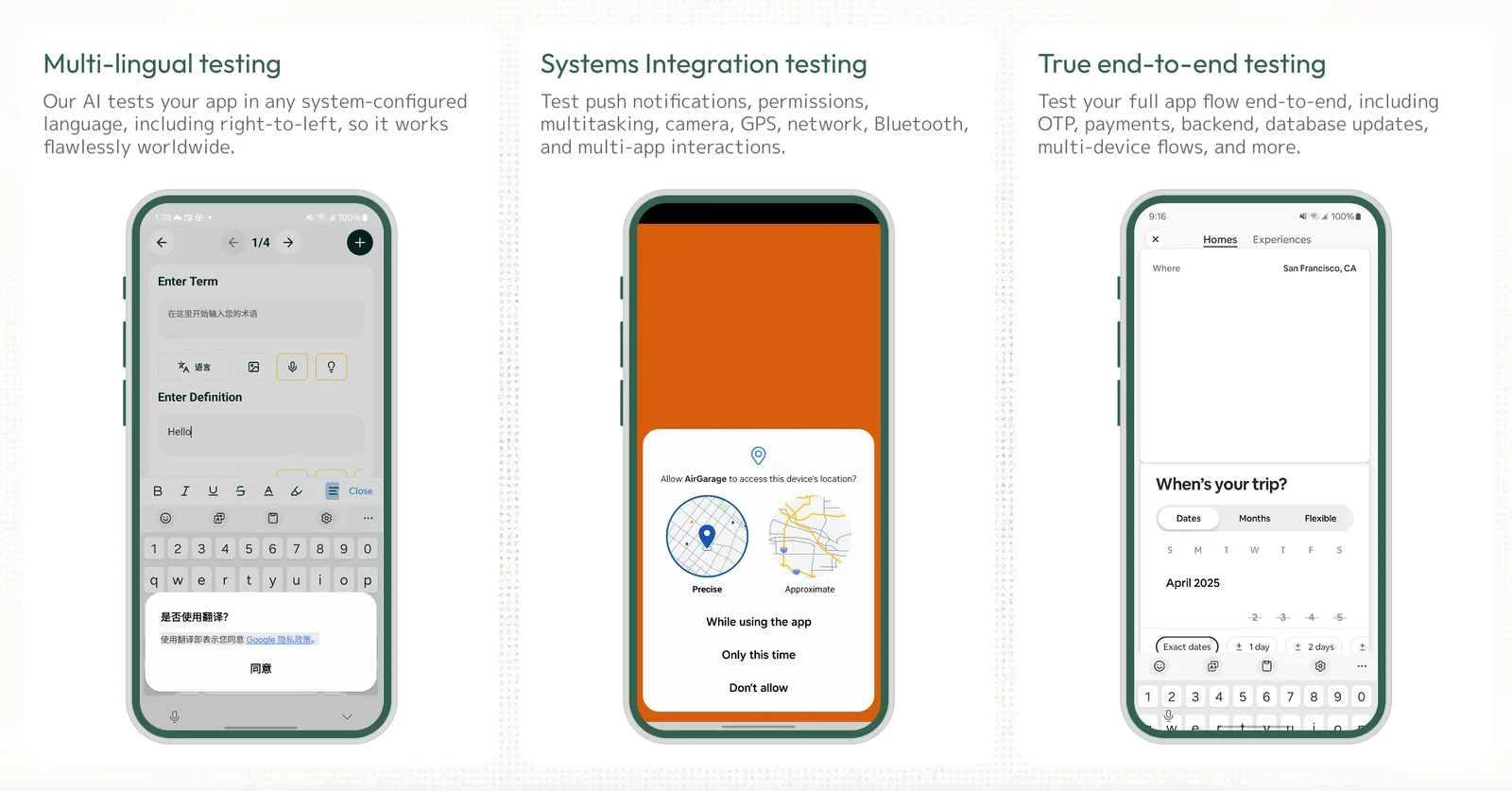
QualGent provides a mobile-native AI QA agent that automatically tests iOS and Android applications by mimicking real human testers. The agent understands app UI, explores flows, and detects bugs without manual test scripts, delivering results in minutes rather than weeks. QualGent runs continuously (24/7) and is designed to scale like infrastructure, allowing teams to provision from a single agent up to thousands instantly to increase coverage and speed releases. Its value is in reducing manual QA effort, accelerating feedback loops, and enabling high-frequency testing across many devices and configurations.
Screenshots
Key Features
Use Cases



Frequently asked questions about QualGent
What pricing options does QualGent offer for mobile app testing?
QualGent offers a flexible pricing model for mobile app testing, including a FREEMIUM option with 100 free credits, a pay-as-you-go plan for ongoing testing needs, and customized enterprise solutions tailored to the specific requirements of larger teams, ensuring scalability and cost-effectiveness.
Key Points
- FREEMIUM Model: Start with 100 free credits.
- Pay-as-You-Go: Flexible pricing for ongoing testing.
- Custom Solutions: Tailored pricing for enterprise teams.
Detailed Explanation
QualGent's pricing model is designed to meet the diverse needs of its users.
-
FREEMIUM Model: This allows new users to experience the platform without any initial investment. By signing up, users receive 100 free credits, which can be used for testing various mobile apps. This is ideal for individual developers or small teams who want to assess the tool's capabilities.
-
Pay-as-You-Go Plans: After utilizing the free credits, users can opt for a pay-as-you-go plan. This option is perfect for businesses that have fluctuating testing needs. Users can purchase additional credits as required, making it a flexible solution that adapts to different project demands and budgets.
-
Custom Enterprise Solutions: For larger organizations, QualGent offers tailored pricing and solutions. This might include dedicated support, advanced features, and more extensive testing capabilities. Enterprises often benefit from negotiating a pricing structure that aligns with their specific testing volume and project timelines.
Best Practices / Tips
- Maximize Free Credits: Start with the FREEMIUM model to gauge the effectiveness of QualGent for your specific needs.
- Track Your Usage: Keep an eye on how many credits you use to avoid unexpected costs when shifting to the pay-as-you-go model.
- Consider Custom Solutions Early: If you're part of a larger team, reach out to QualGent early in your project to discuss custom pricing options, which might save you money in the long run.
Additional Resources
How does QualGent's AI mimic human testers for mobile app QA?
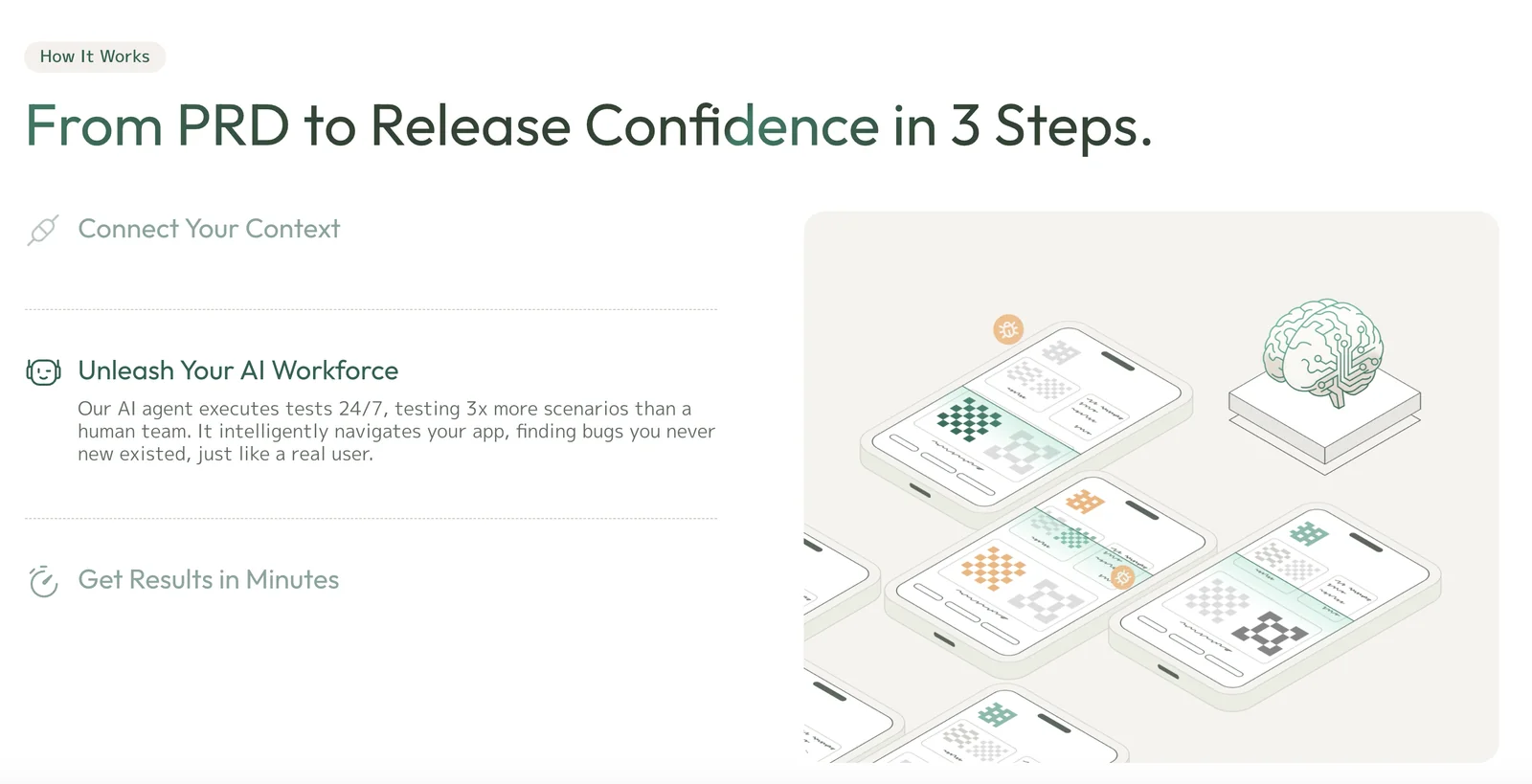
QualGent's AI mimics human testers by navigating mobile app user interfaces (UIs) and interacting with elements just like real users. This enables automated bug detection and user experience (UX) evaluation without requiring manual test scripts, streamlining the quality assurance (QA) process significantly.
Key Points
- Human-like Interaction: AI agents replicate human tester actions.
- Automated Bug Detection: Quickly identifies issues in app functionality.
- Efficient UX Evaluation: Assesses user experience without manual intervention.
Detailed Explanation
QualGent's AI technology utilizes advanced algorithms and machine learning techniques to simulate human behavior within mobile applications. By interacting with the app's UI, the AI performs tasks such as tapping buttons, scrolling, and entering text. This functionality allows the AI to detect bugs and performance issues that might not be readily visible during manual testing.
Example Use Case
For instance, if a user interface element is unresponsive or a particular feature fails under specific conditions, QualGent's AI can pinpoint these issues faster than manual testers. This is particularly beneficial for applications that undergo frequent updates or have complex features, ensuring that the app maintains a high standard of quality throughout its lifecycle.
Step-by-Step Process
- Setup: Integrate QualGent's AI into your CI/CD pipeline.
- Configuration: Configure the AI agents to navigate your app’s specific UI elements.
- Execution: Run the AI tests, allowing it to simulate user interactions.
- Analysis: Review the automated reports generated by the AI for bugs and UX issues.
- Iteration: Fix identified issues and retest to ensure resolution.
This automated approach not only speeds up the testing process but also reduces the cost associated with hiring human testers for repetitive tasks.
Best Practices / Tips
- Regular Updates: Continuously update AI configurations to adapt to new app features.
- Combine Testing Methods: Use both manual and automated testing for the best results.
- Monitor Performance: Regularly review AI testing outcomes to fine-tune its algorithms for accuracy.
- User Feedback: Incorporate real user feedback to enhance AI testing scenarios.
Additional Resources
How can I get started using QualGent for my mobile app testing?
To get started with QualGent for mobile app testing, visit their official website to sign up and receive 100 free testing credits. After signing up, you can create and execute automated tests for your iOS and Android applications seamlessly.
Key Points
- Easy Registration: Sign up and receive free credits.
- Cross-Platform Testing: Supports both iOS and Android.
- Automated Testing: Create efficient test cases quickly.
Detailed Explanation
QualGent simplifies mobile app testing by providing a user-friendly platform for creating automated tests. Here's how you can get started:
-
Sign Up: Go to the QualGent website and complete the registration process. You'll receive 100 free credits to kickstart your testing journey.
-
Create Your First Test: Use the intuitive dashboard to start creating automated tests. You can choose to test various functionalities of your app across both iOS and Android platforms. QualGent supports multiple languages and frameworks, allowing for versatile test case development.
-
Run Your Tests: Once your tests are set up, you can execute them directly from the platform. Monitor real-time results and obtain detailed reports that highlight any bugs or performance issues in your application.
-
Analyze Results: After running your tests, review the analytics provided by QualGent. This data will help you to refine your app further and enhance user experience.
For example, if you have a shopping app, you can automate tests for the payment process, navigation, and user registration to ensure everything works smoothly.
Best Practices / Tips
- Start Small: Begin with simple test cases to familiarize yourself with the platform. Gradually incorporate more complex scenarios as you gain confidence.
- Leverage Free Credits: Utilize the 100 free credits to test various features without incurring costs initially. This allows for experimentation and learning.
- Regular Updates: Keep your test cases updated with every app version release to ensure compatibility and performance.
- Collaborate with Your Team: Share test results and insights regularly with your development team to facilitate quick fixes and improvements.
Additional Resources
- QualGent Documentation - Comprehensive guides and tutorials.
- Mobile App Testing Best Practices - Insights on enhancing your testing strategy.
- Community Forum - Connect with other testers and share experiences.
What are the technical requirements for integrating QualGent with my existing CI/CD pipeline?
QualGent requires basic API access for seamless integration with your existing CI/CD pipeline. To ensure optimal testing coverage, your applications should be compatible with both iOS and Android platforms. Additionally, consider the versioning of tools and frameworks in use for a smoother integration process.
Key Points
- API Access: Basic API access is essential for integration.
- Platform Compatibility: Ensure applications are compatible with iOS and Android.
- Tool Compatibility: Check the versioning of your CI/CD tools and frameworks.
Detailed Explanation
Integrating QualGent into your CI/CD pipeline enhances automated testing and quality assurance processes. To start, ensure you have API access, which allows QualGent to communicate with your CI/CD tools effectively. Most modern CI/CD environments like Jenkins, CircleCI, or GitLab CI support API integrations.
Step-by-Step Integration
- Obtain API Keys: Register on the QualGent platform to obtain your unique API keys.
- Update CI/CD Pipeline Configuration: Modify your pipeline configuration files (like
.yamlor.json) to include the necessary QualGent commands for testing. - Set Up Environment Variables: Configure environment variables in your CI/CD tool to store sensitive information like API keys securely.
- Run Test Cases: After integration, run your test cases to validate that QualGent is functioning as expected. Monitor logs for any errors that may arise during the process.
By ensuring your applications are compatible with both iOS and Android, you can maximize testing coverage. This includes making sure that the frameworks and libraries used in your project support cross-platform functionality.
Best Practices / Tips
- Regular Updates: Keep your CI/CD tools and QualGent updated to leverage new features and security patches.
- Test Environment: Create a separate test environment to avoid impacting production while integrating QualGent.
- Documentation Review: Regularly review QualGent's documentation for any updates on API usage and integration best practices.
- Monitor Performance: After integration, monitor the performance of your CI/CD pipeline to ensure that the testing process is efficient and does not introduce delays.
Additional Resources
How does QualGent compare to traditional manual testing methods?
QualGent outperforms traditional manual testing methods by drastically reducing testing time, delivering rapid results, and providing continuous feedback. It allows teams to scale their testing efforts effectively without the need to increase headcount, making it a more efficient and cost-effective solution.
Key Points
- Speed and Efficiency: QualGent reduces testing time significantly.
- Continuous Feedback: It offers real-time insights and updates.
- Scalability: Allows teams to expand testing without hiring more staff.
Detailed Explanation
QualGent leverages advanced AI algorithms that automate the testing process, resulting in faster execution compared to traditional manual testing, which is often time-consuming and prone to human error. For instance, while manual testing can take days or weeks to complete a single test cycle, QualGent can perform the same tasks in a matter of hours.
Use Cases
- Regression Testing: When software updates are made, QualGent can quickly validate that existing functionalities have not been affected, ensuring continuous delivery.
- Load Testing: For applications expecting high traffic, QualGent can simulate thousands of users, providing insights into performance bottlenecks that manual testers might miss.
Step-by-Step Guidance
- Setup: Integrate QualGent with your existing CI/CD pipeline.
- Define Test Cases: Use the intuitive interface to outline what needs testing.
- Run Tests: Execute tests with a click, receiving immediate feedback.
- Analyze Results: Review detailed reports generated automatically, highlighting issues and areas for improvement.
Best Practices / Tips
- Start Small: Begin by automating less complex tests to familiarize your team with the tool.
- Regular Updates: Keep your testing scripts updated to adapt to new features or changes in the application.
- Combine with Manual Testing: Use QualGent for repetitive tasks while reserving manual testing for exploratory testing or user experience evaluation.
Additional Resources
Explore more AI Ai Agents tools
Browse all Ai Agents tools →Browse by use case: Automation & Productivity
Compare QualGent: vs Sai · vs Mycel · vs Proto-Mind · vs Ami