
Pylon
AIAI-native support platform for B2B companies combining ticketing, chat, knowledge base, AI support, and account intelligence.
Pylon
AI-native support platform for B2B companies combining ticketing, chat, knowledge base, AI support, and account intelligence.
About Pylon
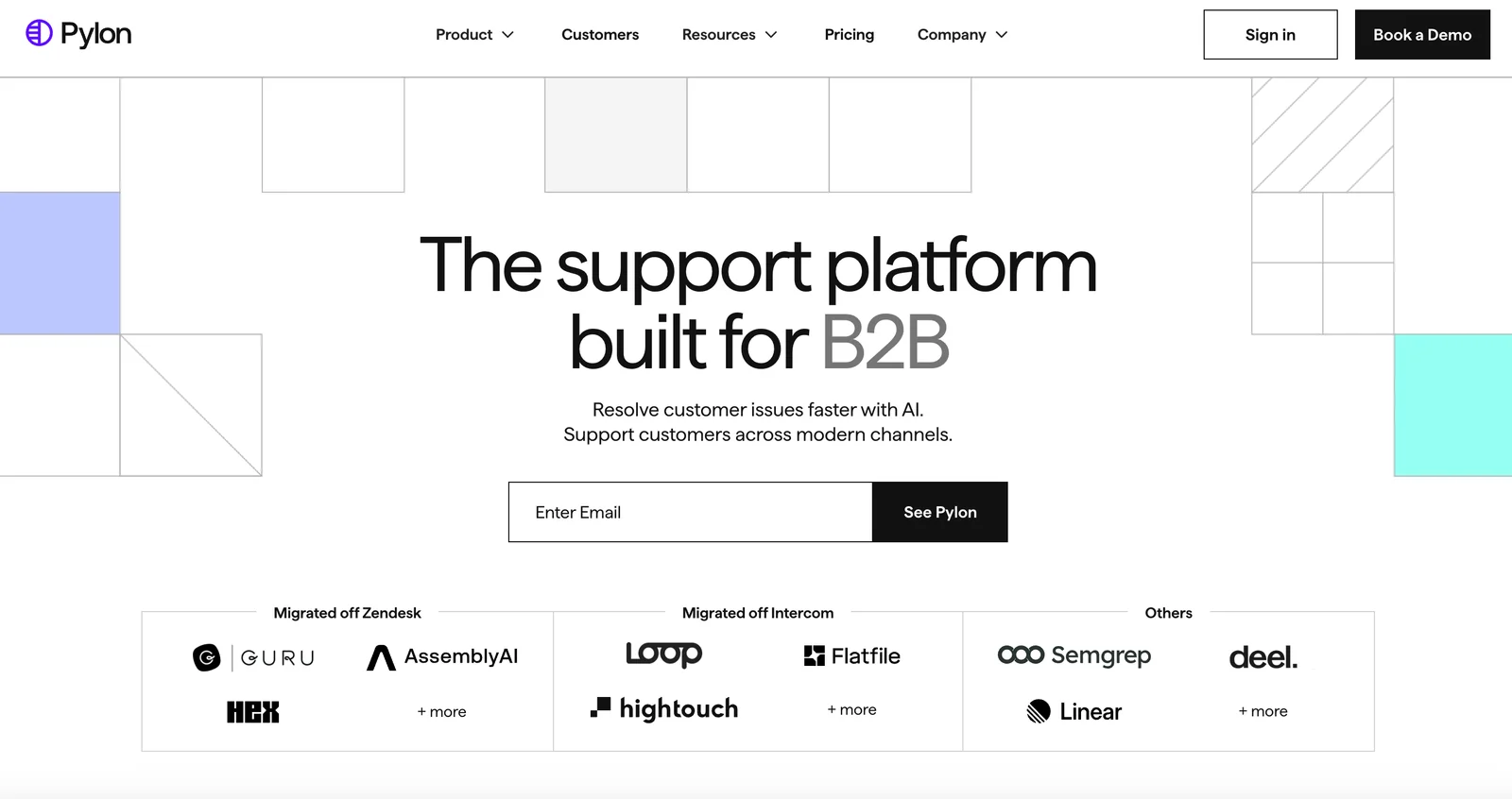
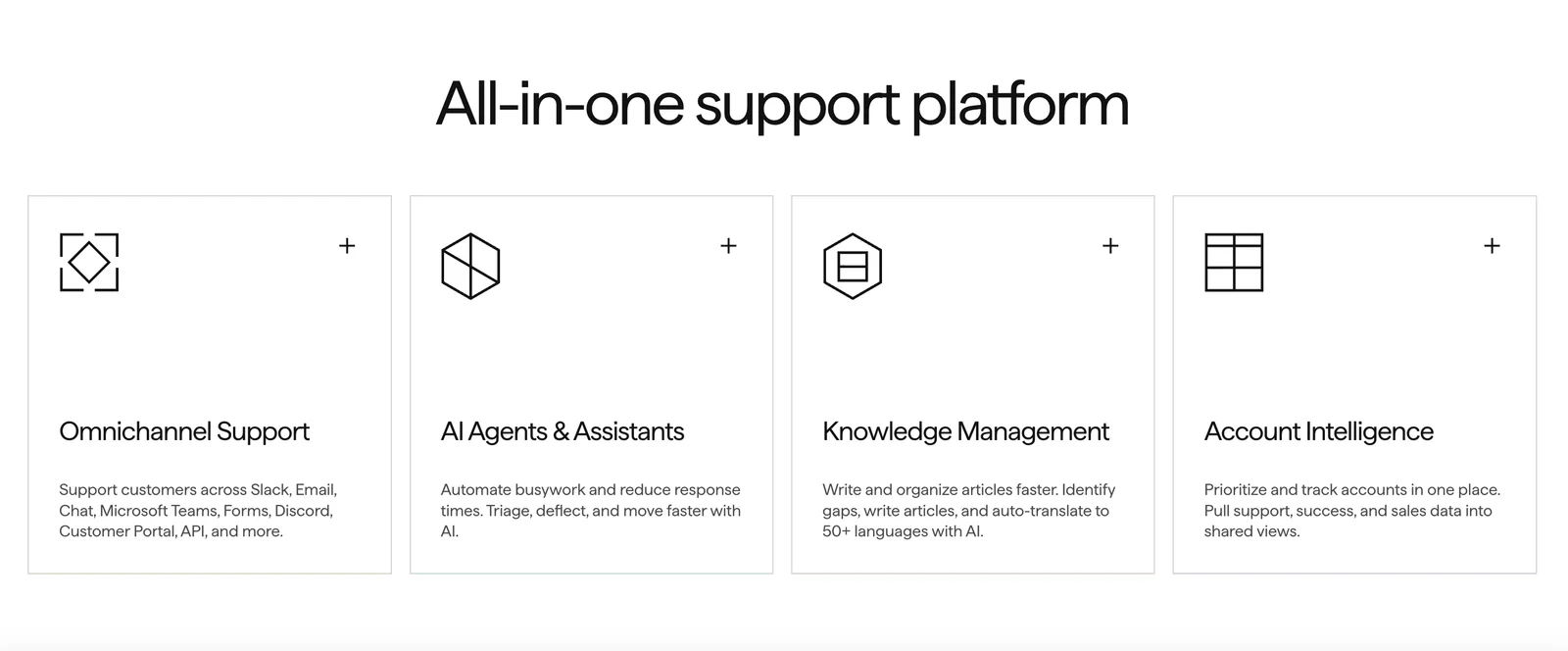
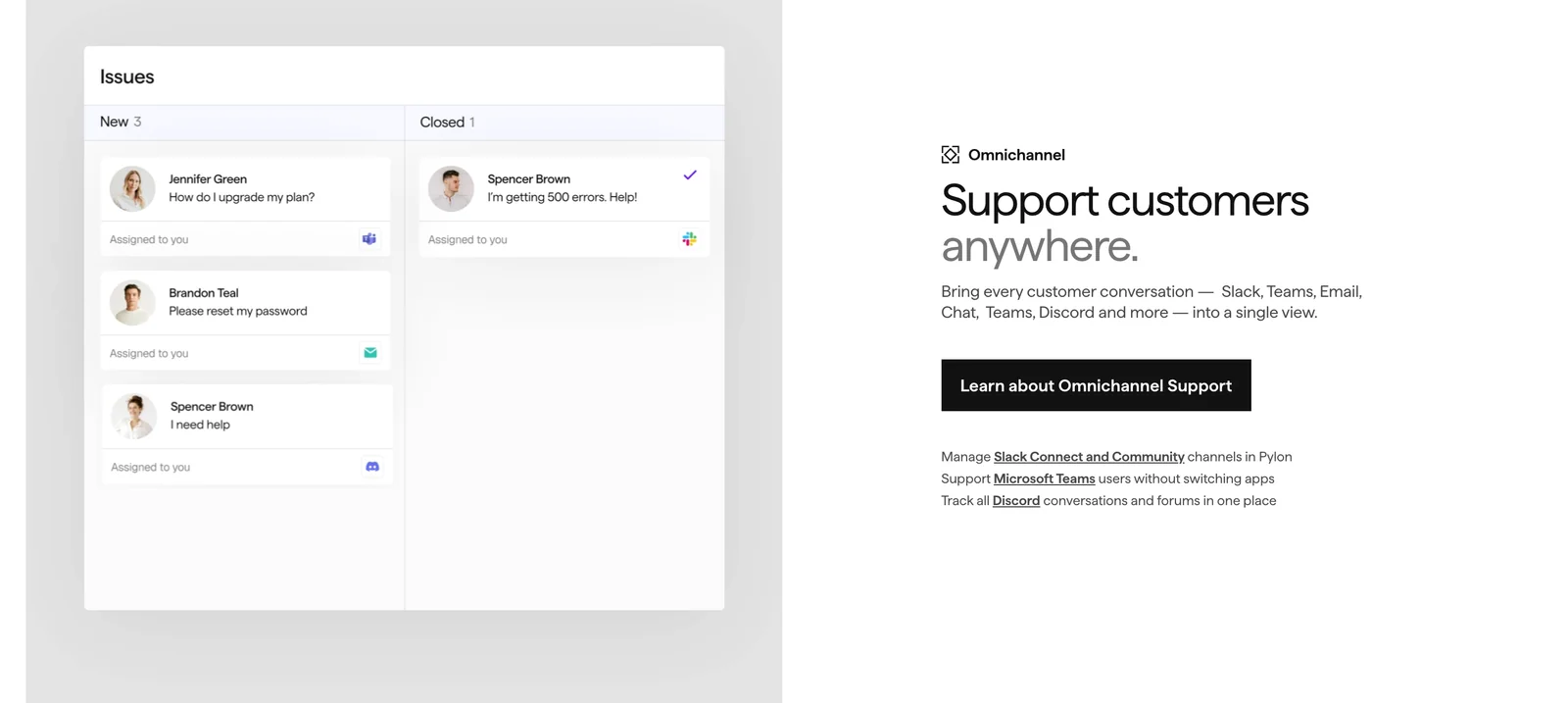
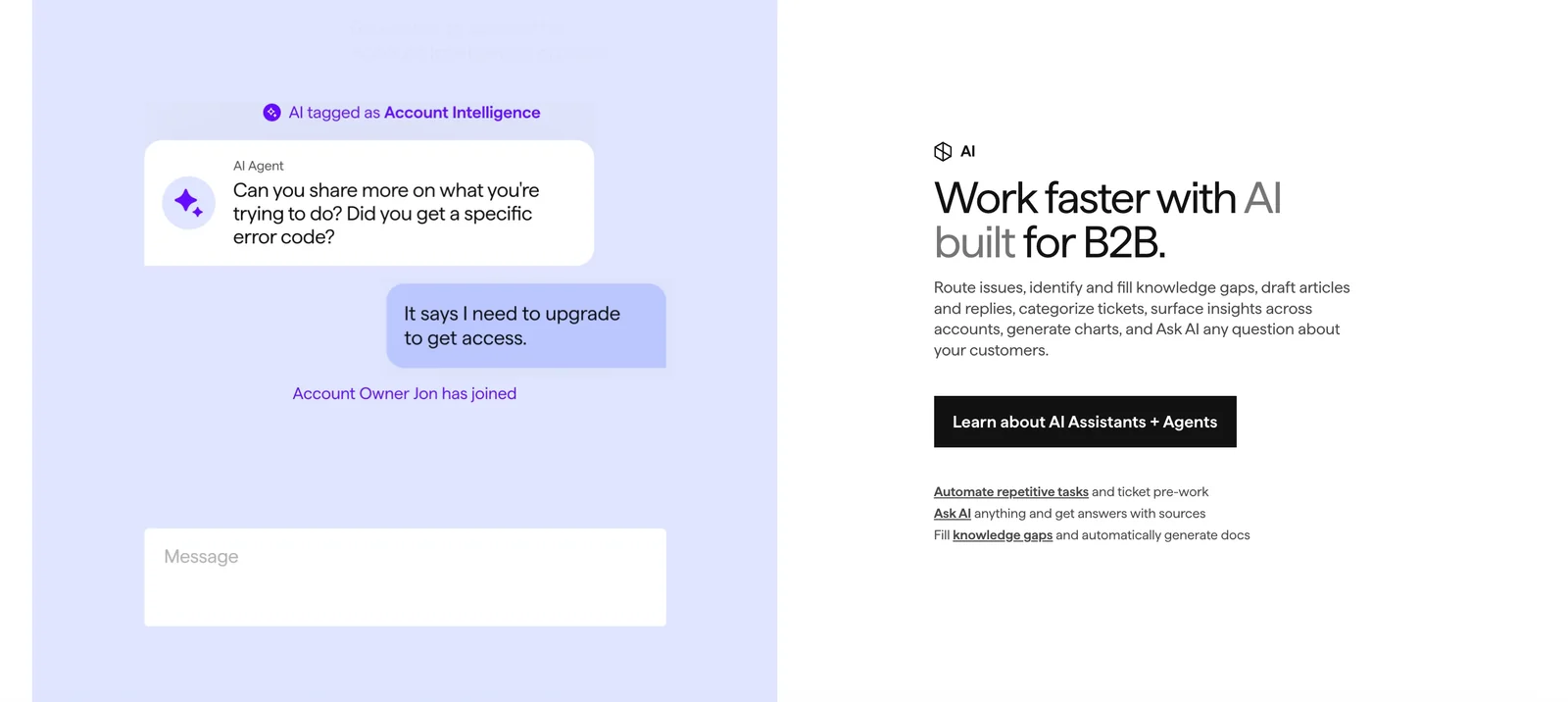
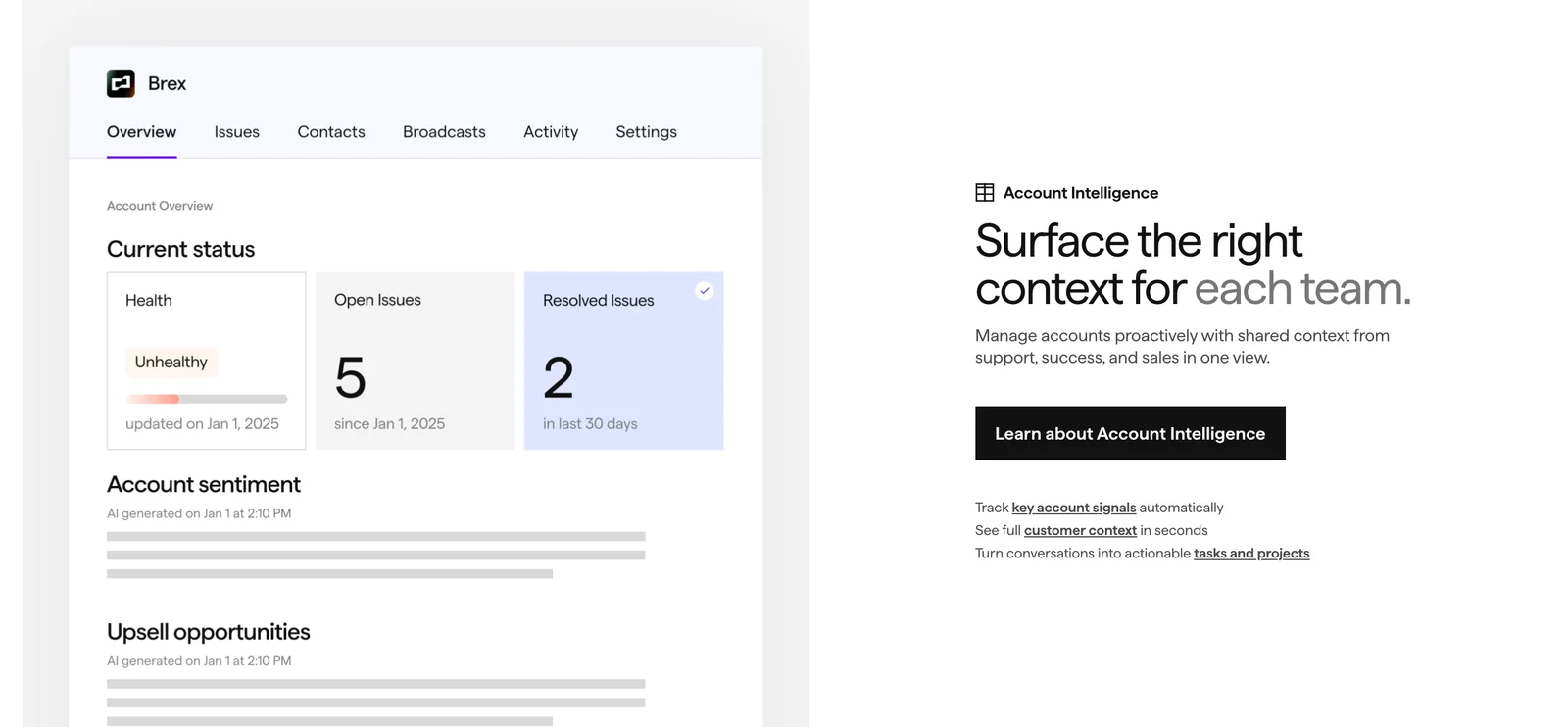
Pylon is an AI-native customer support platform built specifically for B2B companies and post-sales teams. It consolidates core support functions — ticketing, chat, knowledge base, AI-assisted responses, and account intelligence — into a single product to reduce context switching and streamline workflows. Pylon emphasizes account-aware support and post-sales workflows, positioning itself as a modern alternative to legacy support systems like Zendesk and Intercom for B2B use cases. Its AI capabilities aim to speed resolution, surface relevant account context, and augment support and customer-success teams.
Screenshots
Key Features
Use Cases



Frequently asked questions about Pylon
What are the pricing options for Pylon?
Pylon offers three pricing plans: Starter at $59 per seat per month, Professional at $89 per seat per month, and Enterprise at $139 per seat per month. Each plan comes with specific features tailored to different business needs, and annual contracts are generally required for all options.
Key Points
- Starter Plan: $59/seat/month, ideal for small teams.
- Professional Plan: $89/seat/month, designed for growing businesses.
- Enterprise Plan: $139/seat/month, targeted at large organizations with advanced needs.
Detailed Explanation
Pylon's pricing structure is designed to accommodate a variety of business sizes and requirements.
-
Starter Plan ($59/seat/month): This plan is perfect for startups or small teams just beginning to utilize project management tools. It includes essential features such as task tracking, basic reporting, and limited integrations. This budget-friendly option allows teams to manage projects effectively without overwhelming costs.
-
Professional Plan ($89/seat/month): Aimed at mid-sized companies, this plan offers additional functionalities including advanced reporting, integrations with other tools like CRM systems, and enhanced collaboration features. This plan provides a more robust set of tools for teams that have outgrown the Starter Plan.
-
Enterprise Plan ($139/seat/month): This plan is tailored for large organizations requiring extensive features such as custom integrations, dedicated account management, and advanced security protocols. It is suitable for businesses needing comprehensive management solutions across multiple departments.
All plans typically require annual contracts, which can lead to cost savings when compared to monthly payments. Pylon also offers discounts for larger teams or longer commitments, making it a flexible choice for scaling businesses.
Best Practices / Tips
- Evaluate Your Needs: Before selecting a plan, assess your team's size and feature requirements to choose the most cost-effective option.
- Consider Annual Contracts: Opting for annual billing can provide significant savings compared to monthly payments.
- Utilize Free Trials: If available, take advantage of free trials to test features before committing to a plan.
Additional Resources
By understanding these pricing options, businesses can select the plan that best aligns with their operational needs and budget.
How does Pylon's AI support enhance customer service?
Pylon's AI support enhances customer service by suggesting relevant replies and efficiently triaging tickets, which allows agents to respond promptly and effectively. This leads to higher first-contact resolution rates and significantly reduces the manual workload for customer service teams.
Key Points
- Automated Response Suggestions: AI generates potential replies based on previous interactions.
- Ticket Triage: Prioritizes customer inquiries based on urgency and complexity.
- Increased Efficiency: Reduces the time agents spend on routine inquiries.
Detailed Explanation
Pylon's AI technology integrates seamlessly with customer service platforms, providing features designed to streamline operations. Here’s how it works:
-
Automated Response Suggestions: Pylon's AI analyzes historical customer interactions and suggests tailored responses to common inquiries. For instance, if a customer frequently asks about product returns, the AI can generate a reply that includes return policies and steps.
-
Ticket Triage: The AI categorizes incoming tickets based on keywords and urgency. This means high-priority issues are escalated automatically, ensuring that critical problems receive immediate attention. This triaging capability not only speeds up response times but also improves customer satisfaction.
-
Increased Efficiency: By automating routine tasks, Pylon’s AI frees up agents to focus on more complex issues that require human judgment. This shift not only boosts productivity but can also lead to improved employee morale, as agents spend less time on repetitive tasks.
For example, a company using Pylon’s AI support might see first-contact resolution rates increase by up to 30%, significantly enhancing customer experience and operational efficiency.
Best Practices / Tips
- Train Your AI: Regularly update your AI with new data and scenarios to improve its response accuracy.
- Monitor Performance: Use analytics to track response times and resolution rates, adjusting your strategy based on the data.
- Encourage Human Oversight: While AI can handle many tasks, always have a system in place for human agents to review complex cases.
Additional Resources
What steps should I follow to get started with Pylon?
To get started with Pylon, sign up for a plan tailored to your business, configure your ticketing and chat settings, and integrate your existing tools. Leverage the knowledge base for in-depth guidance and support throughout the setup process.
Key Points
- Choose a suitable Pylon plan.
- Configure ticketing and chat options.
- Integrate with your existing tools.
Detailed Explanation
-
Choose a Suitable Pylon Plan: Begin by selecting a Pylon subscription plan that aligns with your business size and support needs. Pylon offers various tiers, from basic to advanced, each designed for different scales of operations and feature sets.
-
Configure Ticketing and Chat Options: After signing up, navigate to the admin dashboard to set up your ticketing system and chat functionalities. This includes customizing automated responses, setting up routing rules for incoming tickets, and defining chat availability hours.
-
Integrate with Existing Tools: Pylon allows seamless integration with numerous tools such as CRM systems, email services, and project management software. Utilize the integration options in the settings menu to connect these tools, which enhances workflow efficiency and customer service delivery.
-
Leverage the Knowledge Base: Pylon’s knowledge base is a valuable resource. It provides tutorials, FAQs, and troubleshooting articles that can assist you in maximizing the platform’s potential. For example, you can find step-by-step guides on customizing your chat widget and optimizing ticket management.
Best Practices / Tips
- Take Advantage of the Free Trial: If available, use a free trial to explore Pylon’s features without commitment. This helps you understand how it fits into your business processes.
- Regularly Update Configurations: As your business evolves, revisit your ticketing and chat configurations to ensure they meet current demands and customer expectations.
- Monitor Performance Metrics: Use Pylon’s analytics tools to track response times and customer satisfaction. Regular analysis can help you identify areas for improvement.
Additional Resources
Does Pylon integrate with other software tools?
Yes, Pylon integrates with a variety of software tools and external systems, enabling streamlined workflows and enhanced support capabilities. This flexibility allows organizations to optimize their processes by connecting Pylon with customer relationship management (CRM) systems, data sources, and other applications.
Key Points
- Wide Range of Integrations: Pylon supports numerous software tools for diverse needs.
- Enhanced Workflow: Seamless integration improves operational efficiency.
- Customizable Solutions: Users can tailor integrations to fit specific business requirements.
Detailed Explanation
Pylon’s integration capabilities are designed to accommodate a wide array of software tools, making it a versatile choice for businesses looking to enhance their operational workflows. Here are some common integrations that Pylon supports:
-
Customer Relationship Management (CRM) Systems: Pylon can connect to popular CRM platforms like Salesforce, HubSpot, and Zoho. This integration allows businesses to automatically sync customer data, track interactions, and manage support tickets effectively.
-
Data Sources: Pylon supports integration with various databases and data sources (such as SQL databases and Google Sheets), enabling users to leverage their existing data for analytics and reporting purposes. For instance, users can pull real-time data into Pylon to monitor performance metrics.
-
Project Management Tools: By integrating with project management software like Asana or Trello, Pylon allows teams to manage support requests alongside ongoing projects, ensuring that all tasks are aligned and prioritized effectively.
-
API Access: Pylon offers robust API access, allowing developers to create custom integrations tailored to specific business needs. This means organizations can connect Pylon with virtually any other tool they use, expanding its functionality.
Use Cases
- A tech support team may integrate Pylon with their CRM to track customer interactions and service requests, fostering a more personalized support experience.
- Marketing teams can pull data from Google Sheets into Pylon to generate reports on campaign performance without manual data entry.
Best Practices / Tips
- Identify Key Integrations: Before implementing Pylon, assess which integrations will provide the most value to your workflows.
- Leverage API Documentation: Utilize Pylon’s API documentation to create customized integrations that meet your specific needs.
- Test Integrations Thoroughly: Always test integrations in a staging environment to ensure functionality before going live.
Additional Resources
- Pylon Official Documentation
- Integration Guides
- Community Forums for user experiences and tips on maximizing integrations.
How does Pylon compare to other support platforms like Zendesk?
Pylon is tailored for B2B support, providing features like unified ticketing and AI-driven assistance. In contrast, platforms like Zendesk target a wider audience, offering more generic solutions. Pylon excels in account intelligence and post-sales workflows, ensuring a seamless experience for businesses focused on client retention.
Key Points
- Target Market: Pylon specializes in B2B support, while Zendesk serves diverse industries.
- Features: Pylon’s AI-driven assistance enhances ticket resolution, whereas Zendesk offers a broader range of tools.
- Workflow Focus: Pylon emphasizes post-sales workflows, improving customer satisfaction and retention.
Detailed Explanation
Pylon differentiates itself from platforms like Zendesk through its unique focus on B2B requirements.
1. Target Market
Pylon is specifically designed for businesses that require specialized support solutions. Its emphasis on B2B means it understands the complexities involved in business-client relationships, unlike Zendesk, which serves a variety of markets, including B2C. This focused approach allows Pylon to deliver tailored features that enhance the customer experience.
2. Features
One of Pylon's standout features is its AI-driven assistance. This technology not only streamlines ticket resolution but also offers predictive insights based on customer history and behavior. For instance, if a recurring issue is identified, Pylon can automatically suggest solutions to support agents, reducing response times. In contrast, Zendesk provides a plethora of features across various channels, which may not be as focused on specific business needs.
3. Workflow Focus
Pylon excels in managing post-sales workflows, ensuring that customer interactions after the sale are as seamless as those before. This focus on account intelligence means that Pylon can track client engagement and satisfaction, allowing businesses to make data-driven decisions. Zendesk, while versatile, may not provide the same depth in post-sales support, which is crucial for retaining B2B clients.
Best Practices / Tips
- Assess Your Needs: Evaluate whether your business requires specialized B2B support or if a general platform like Zendesk suffices.
- Utilize AI Features: Leverage Pylon’s AI-driven tools to enhance efficiency and improve ticket resolution times.
- Focus on Customer Feedback: Use insights gathered from Pylon’s account intelligence to refine your support strategies and improve customer retention.
Additional Resources
Explore more AI Ai Agents tools
Browse all Ai Agents tools →Browse by use case: Chatbots & Assistants · Automation & Productivity
Compare Pylon: vs Playad · vs Concierge by Juniors AI · vs Scout by Fini · vs Ruflo