linkgo
PostSyncer

PostSyncer

AI

Schedule and sync social media posts across multiple platforms with built-in AI content and media generation.

-(0 Reviews)
Paid
See pricing details

About PostSyncer

PostSyncer is a social media scheduling and management platform that lets users create, schedule, and synchronize posts across multiple social channels. It integrates AI-powered content creation and media generation using models such as Veo 3, Sora 2, and Nano Banana to produce captions, images, and video assets alongside scheduled posts. PostSyncer streamlines cross-platform publishing workflows, enabling bulk scheduling, synchronized posting, and promotion-driven workflows with coupon/discount support for paid subscriptions.

Screenshots
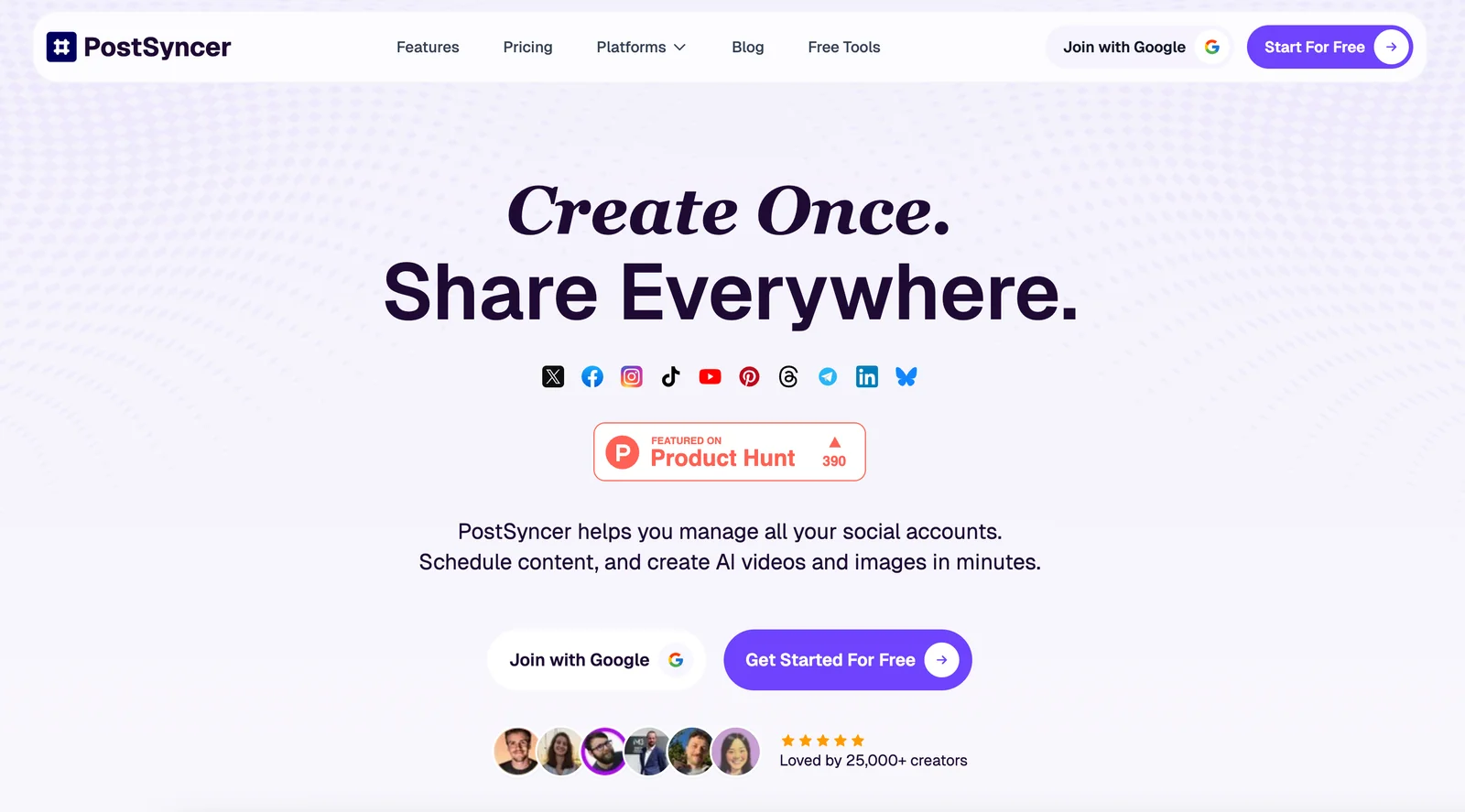
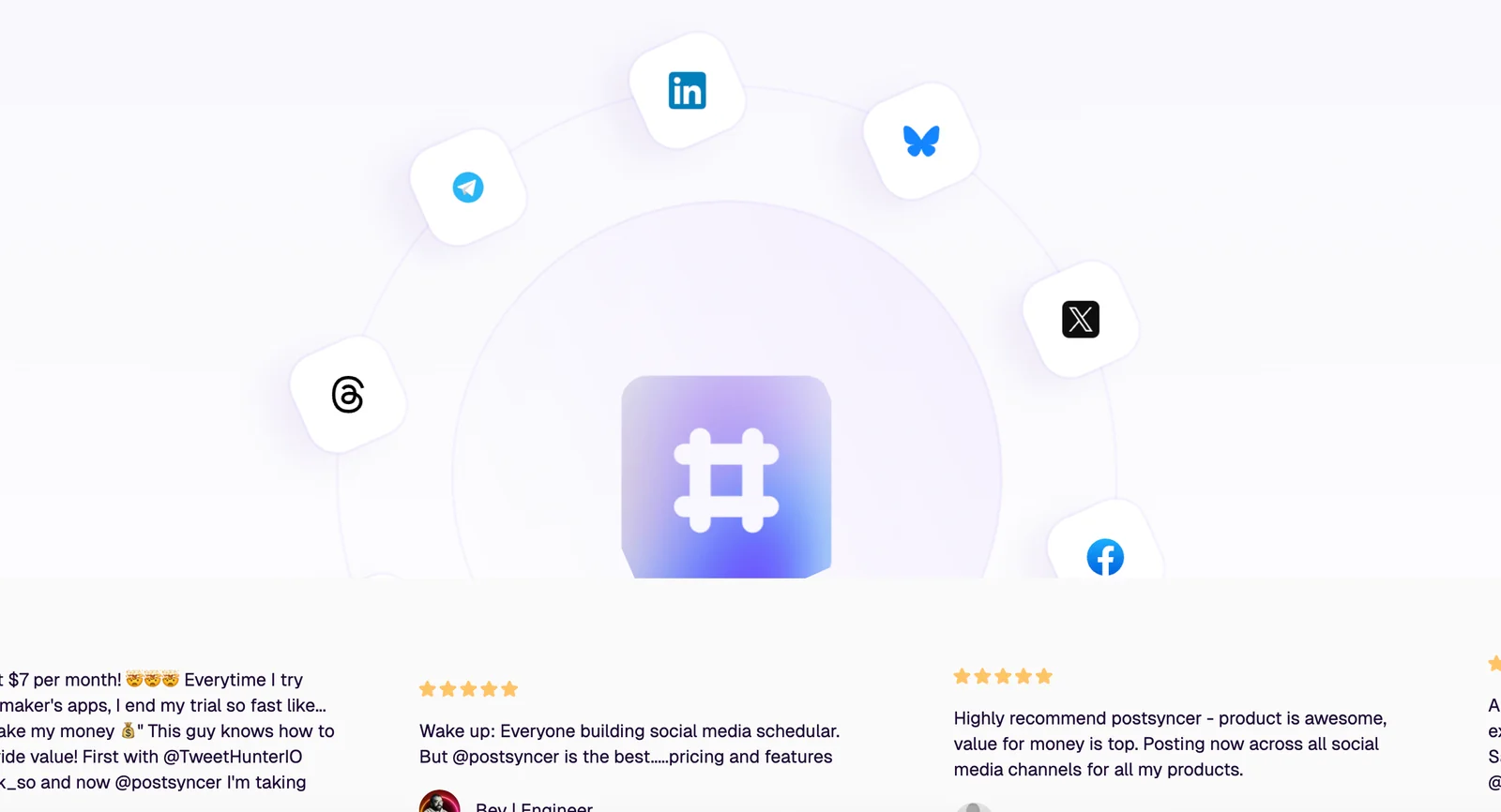
PostSyncer screenshot 1
+
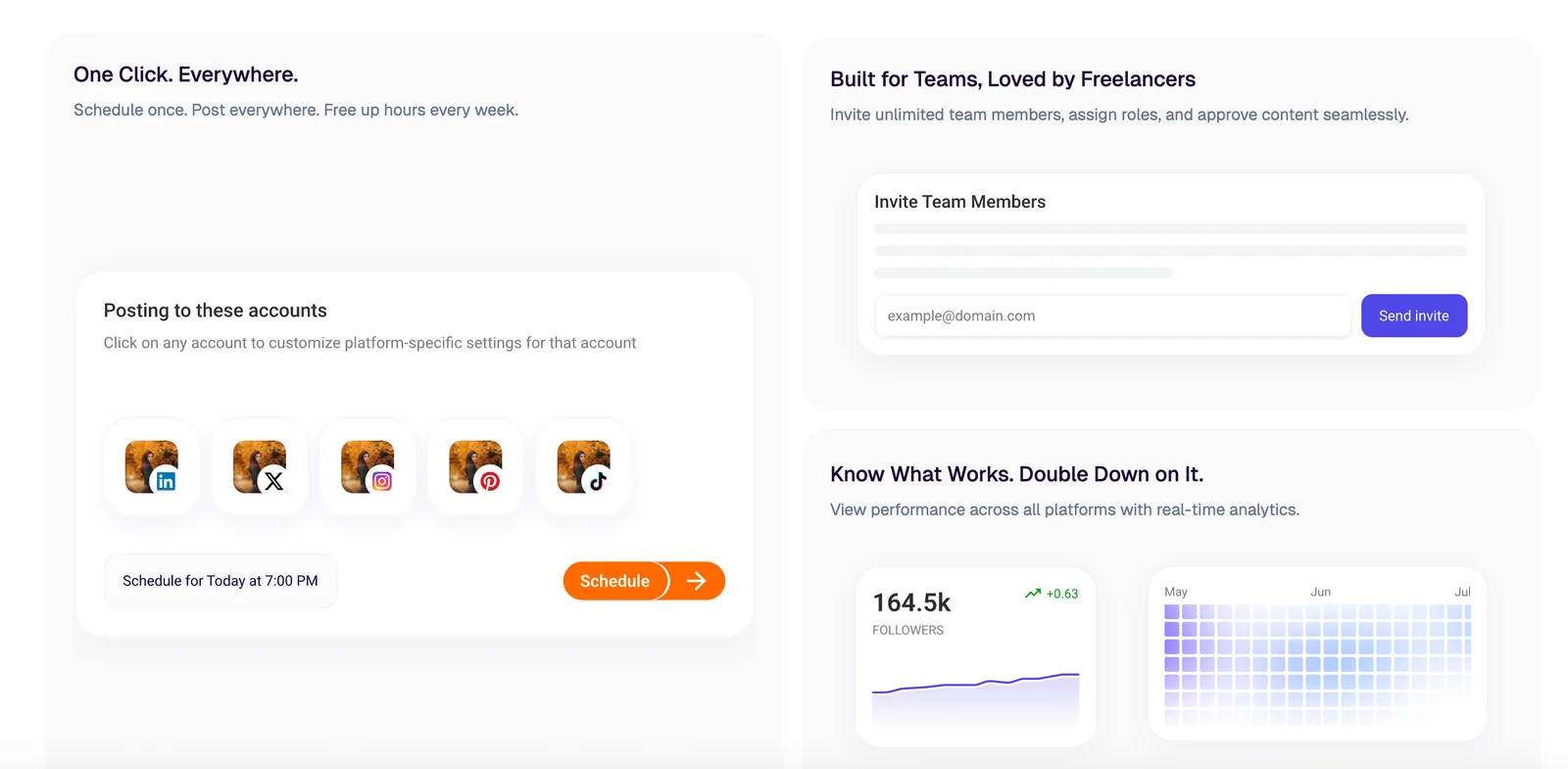
PostSyncer screenshot 2
+
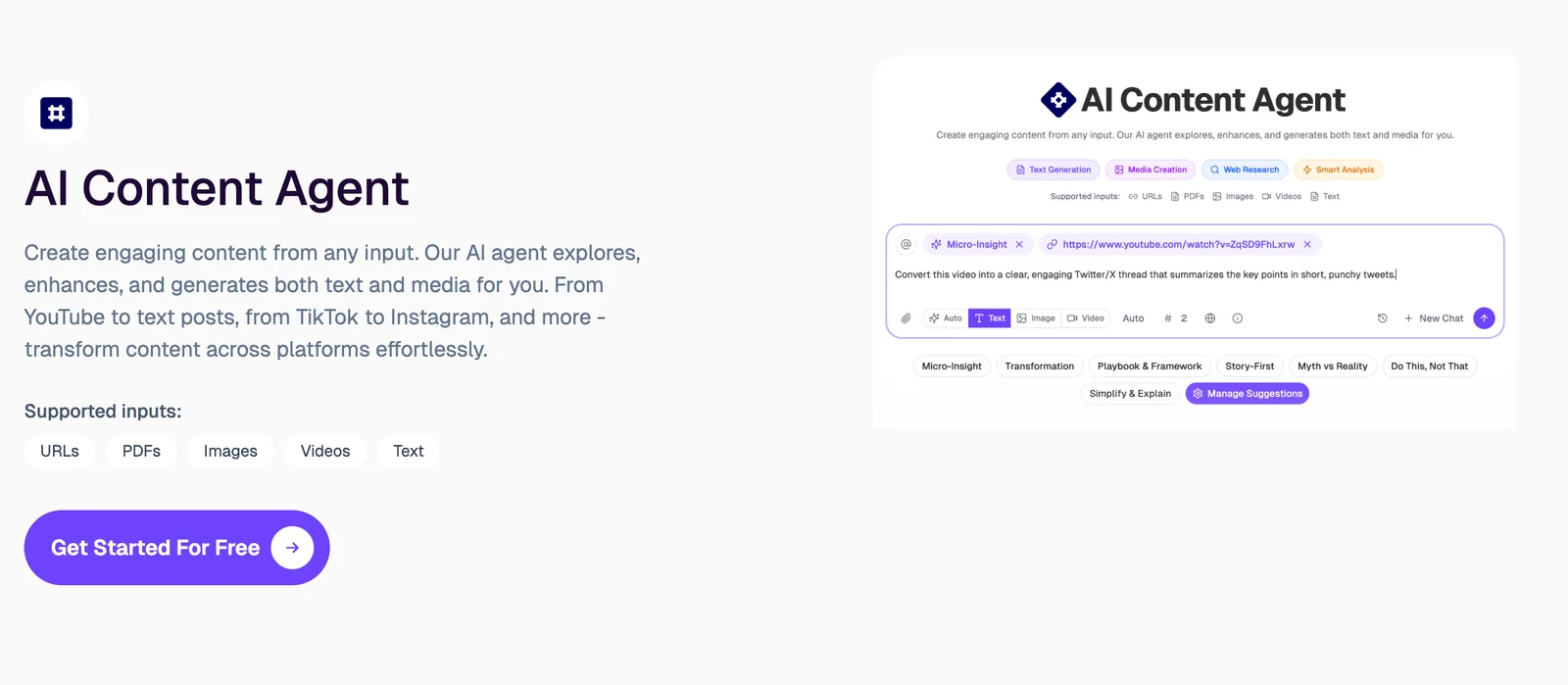
PostSyncer screenshot 3
+
PostSyncer screenshot 4
+

Key Features

Cross-Platform Scheduling: Create posts once and schedule synchronized publishing across multiple social networks to maintain consistent presence and timing.
AI Content Generation: Generate captions, post text, and creative prompts using integrated language/image/video models (noted integrations include Veo 3, Sora 2, Nano Banana) to accelerate content creation.
Image and Video Generation: Produce or enhance visual assets for posts with built-in image and video model support to reduce reliance on external design tools.
Bulk Import & Scheduling: Upload or import multiple posts and schedule them in batches to quickly populate campaigns and content calendars.
Synchronized Posting: Coordinate multi-channel campaigns by ensuring posts go live simultaneously or according to platform-specific schedules.
Promotional Coupon Support: Supports promotional pricing and coupon campaigns (examples include time-limited discount codes listed in third-party deal aggregators).
Schedule posts across multiple social media platforms
Sync and cross-post content between accounts/platforms
Manage multiple social accounts from a single interface
AI-powered content creation for text, images, and videos
Supports image and video models (noted: Veo 3, Sora 2, Nano Banana)
AI-generated captions and creative assets to accompany posts

Use Cases

Social Media Managers: Plan and execute cross-platform campaigns by scheduling synchronized posts and generating captions and visuals with built-in models.
Content Creators: Rapidly produce post-ready images and short videos using integrated media models, then schedule them across channels to save time.
Marketing Agencies: Manage multiple client accounts and bulk-schedule content across platforms while using AI to tailor captions and creative assets for each client.
E‑commerce Brands: Promote product launches and sales by scheduling coordinated posts across platforms and generating promotional copy and visuals.
Small Businesses: Maintain consistent posting frequency by queuing and syncing posts across platforms without managing each channel separately.
Campaign Promotion with Discounts: Run timed promotions and apply coupon-driven subscriptions (e.g., third-party deals offering percentage discounts for annual plans).
Plan and schedule a multi-platform social campaign
Automatically cross-post content to multiple social accounts
Generate images or videos for posts using integrated models
Create AI-assisted captions and post copy to increase engagement
Manage posting schedules for multiple clients or brands
Repurpose media assets across platforms with synchronized scheduling

Frequently asked questions about PostSyncer

How do I get started with PostSyncer for social media scheduling?

To get started with PostSyncer for social media scheduling, visit the official website and select a subscription plan that suits your needs. After registering, connect your social media accounts and utilize the user-friendly dashboard to begin scheduling and managing your posts efficiently.

Key Points

  • Choose the right subscription plan for your needs.
  • Connect various social media accounts effortlessly.
  • Use the intuitive dashboard for scheduling posts.

Detailed Explanation

Getting started with PostSyncer is straightforward. Follow these steps:

  1. Visit the Official Website: Start by navigating to PostSyncer’s website. Here, you can explore various features and pricing options.

  2. Select a Subscription Plan: PostSyncer offers multiple subscription plans catering to individual users, small businesses, and larger enterprises. Evaluate the features included in each plan to choose one that fits your budget and social media goals. Pricing typically starts around $15 per month for basic plans, with more advanced options available.

  3. Sign Up: Create an account by providing your email address and setting a password. You may also be prompted to verify your email to ensure security.

  4. Connect Your Social Media Accounts: Once registered, you can link your social media profiles, such as Facebook, Twitter, Instagram, and LinkedIn. This integration allows you to manage all your accounts from one dashboard.

  5. Navigate the Dashboard: Familiarize yourself with the intuitive dashboard. You can access various features such as post creation, scheduling, analytics, and content management.

  6. Schedule Posts: Use the scheduling feature to set specific dates and times for your posts. You can create a content calendar to maintain a consistent posting schedule, helping you engage your audience effectively.

Best Practices / Tips

  • Content Planning: Prepare a content calendar in advance. This helps you stay organized and ensures a consistent posting frequency.
  • Engagement: Monitor the analytics provided by PostSyncer to understand what type of content resonates with your audience. Adjust your strategy accordingly.
  • Avoid Over-Scheduling: While it’s tempting to load your calendar, make sure you're not overwhelming your audience. Quality over quantity is crucial.
  • Stay Updated: Regularly check for updates or new features within PostSyncer to maximize your social media management capabilities.

Additional Resources

What features does PostSyncer offer for social media management?

PostSyncer offers robust social media management features including cross-platform scheduling, AI content generation, bulk scheduling, and synchronized posting across multiple accounts. These tools are designed to simplify campaign management, enhance productivity, and improve engagement across various social media platforms.

Key Points

  • Cross-Platform Scheduling: Schedule posts for multiple networks at once.
  • AI Content Generation: Automatically create engaging content tailored to your audience.
  • Bulk Scheduling: Upload multiple posts simultaneously for efficient management.

Detailed Explanation

PostSyncer provides a suite of features that streamline social media management:

1. Cross-Platform Scheduling

With PostSyncer, you can schedule posts across various platforms like Facebook, Twitter, Instagram, and LinkedIn simultaneously. This feature allows you to maintain a consistent online presence without the hassle of logging into each account separately. For example, if you have a promotional event, you can schedule related posts across all platforms at once, increasing your campaign’s visibility.

2. AI Content Generation

PostSyncer leverages artificial intelligence to help you generate high-quality, compelling content. This tool analyzes your audience's preferences and engagement patterns to create posts that resonate with them. For instance, if your analytics show that your followers engage more with videos, PostSyncer can suggest video content ideas tailored to your brand.

3. Bulk Scheduling

The bulk scheduling feature is ideal for businesses with a high volume of content. You can upload multiple posts in one go, significantly saving time. This is particularly useful during holiday seasons or promotional campaigns where you need to share numerous updates quickly. Simply prepare your content in a spreadsheet format and upload it to PostSyncer, and the tool will handle the rest.

4. Synchronized Posting

PostSyncer's synchronized posting feature ensures that when you publish a post on one platform, it automatically posts to all selected networks simultaneously. This feature is perfect for timely announcements or promotions, ensuring your message reaches audiences across all platforms instantly.

Best Practices / Tips

  • Utilize Analytics: Regularly check engagement analytics provided by PostSyncer to refine your content strategy.
  • Test Content: Experiment with different types of posts (images, videos, links) to see which generates the most engagement.
  • Stay Updated: Keep abreast of social media trends to create relevant content that resonates with your audience.

Additional Resources

By utilizing PostSyncer's features effectively, you can enhance your social media management, engage your audience, and drive better results for your campaigns.

Is there a free trial available for PostSyncer?

PostSyncer does not offer a free trial; however, it has multiple paid plans starting at approximately $9 per month. This pricing structure enables users to access a range of features without committing to long-term contracts, making it easier to evaluate the tool's effectiveness.

Key Points

  • PostSyncer does not provide a free trial option.
  • Paid plans begin at around $9 per month, offering flexibility.
  • Users can explore features without long-term commitment.

Detailed Explanation

PostSyncer is a robust social media management tool designed to help users automate and optimize their posting strategies across various platforms. While many competitors offer free trials, PostSyncer opts for a straightforward pricing model that begins at approximately $9 per month. This allows users to test out the tool's capabilities while having access to its essential features.

Payment Plans

PostSyncer's pricing tiers are designed to cater to different user needs. The entry-level plan provides access to basic functionalities like post scheduling and analytics, which are crucial for small businesses and individual users. Higher-tier plans offer more advanced features such as enhanced analytics, integration with other marketing tools, and priority customer support.

Use Cases

Consider a small business looking to enhance its social media presence. With PostSyncer, they can begin with the basic plan to schedule posts efficiently without the risk of a lengthy commitment. As they grow and require more features, they can easily upgrade to a higher tier to access additional functionalities.

Best Practices / Tips

  • Start Small: If you're new to social media management, begin with the basic plan to familiarize yourself with the platform’s features.
  • Monitor Engagement: Use the analytics tools included in your plan to track engagement and optimize future posts based on performance.
  • Upgrade Wisely: As your needs evolve, evaluate which features you require before upgrading to ensure you get the best value for your investment.

Additional Resources

For more detailed insights into social media management tools, consider exploring articles and guides on best practices for maximizing engagement and automation.

Do I need technical skills to use PostSyncer effectively?

No, you don't need technical skills to use PostSyncer effectively. Its user-friendly interface is specifically designed for beginners, allowing anyone to easily navigate and manage social media posts without prior experience or technical knowledge.

Key Points

  • Intuitive design for effortless navigation
  • Comprehensive support and tutorials available
  • No coding or technical background necessary

Detailed Explanation

PostSyncer caters to users of all technical backgrounds by providing a straightforward and intuitive interface. This design minimizes the learning curve, making it accessible for beginners. Users can set up their accounts, connect various social media platforms, and schedule posts without needing to write any code or understand technical jargon.

For example, when you first log in, you’ll encounter a dashboard that displays all your social media accounts. The drag-and-drop functionality allows you to schedule posts easily by simply selecting the content you wish to share and dragging it to the desired date and time on the calendar. Additionally, PostSyncer offers step-by-step guides and video tutorials that walk you through the process of creating and scheduling posts, further enhancing the user experience for those who may need extra assistance.

Best Practices / Tips

  • Familiarize Yourself with the Dashboard: Take time to explore the features available on the dashboard. Understanding where everything is located will improve your efficiency.
  • Utilize Templates: PostSyncer provides templates for various types of posts. Using these can save time and ensure your content is visually appealing.
  • Schedule Regularly: Consistency is key in social media management. Plan your posts ahead of time to maintain an active online presence.
  • Monitor Analytics: Use the analytics features to track the performance of your posts. This data will help you refine your strategy over time.

Additional Resources

By following these guidelines, anyone can leverage PostSyncer effectively, regardless of their technical proficiency.

How does PostSyncer compare to other social media scheduling tools?

PostSyncer distinguishes itself from other social media scheduling tools through its advanced AI content generation features and efficient bulk scheduling capabilities. Users can create, customize, and manage multiple posts across various platforms seamlessly, which is a significant advantage not commonly found in many competing tools.

Key Points

  • AI Content Generation: Automates post creation, saving time and enhancing creativity.
  • Bulk Scheduling: Allows scheduling multiple posts in one go, maximizing efficiency.
  • Cross-Platform Management: Supports various social media platforms, ensuring consistent branding and messaging.

Detailed Explanation

PostSyncer leverages artificial intelligence to generate content that resonates with target audiences. This feature not only reduces the time spent on brainstorming and writing but also optimizes posts for engagement by analyzing trending topics and keywords. For instance, a user can input a few keywords related to their niche, and PostSyncer will generate several post variations, making it easier to select the most impactful one.

With its bulk scheduling capabilities, users can upload a CSV file containing multiple post details or use an intuitive interface to schedule numerous posts at once. This is particularly beneficial for brands managing extensive social media campaigns or for digital marketing agencies handling multiple clients. For example, a user can prepare a week’s worth of content in just a few minutes, freeing up time for strategic planning and community engagement.

Additionally, PostSyncer's cross-platform management tool allows users to handle posts for various social media channels, including Facebook, Twitter, Instagram, and LinkedIn, from a single dashboard. This unified approach ensures that businesses maintain a coherent message across all platforms, which is crucial for brand recognition.

Best Practices / Tips

  • Utilize AI Features: Regularly use the AI content generation tool to keep your posts fresh and engaging.
  • Schedule in Advance: Take advantage of bulk scheduling to plan your content calendar weeks or months ahead.
  • Analyze Engagement: Use PostSyncer’s analytics to assess which posts performed best and refine your strategy accordingly.
  • Stay Consistent: Maintain a consistent posting schedule to keep your audience engaged and informed.

Additional Resources

Explore more AI Ai Services tools

Browse all Ai Services tools →

Browse by use case: Automation & Productivity

Compare PostSyncer: vs ClinicFrame · vs Illume Labs · vs Velane · vs OpenComputer