

Playwright
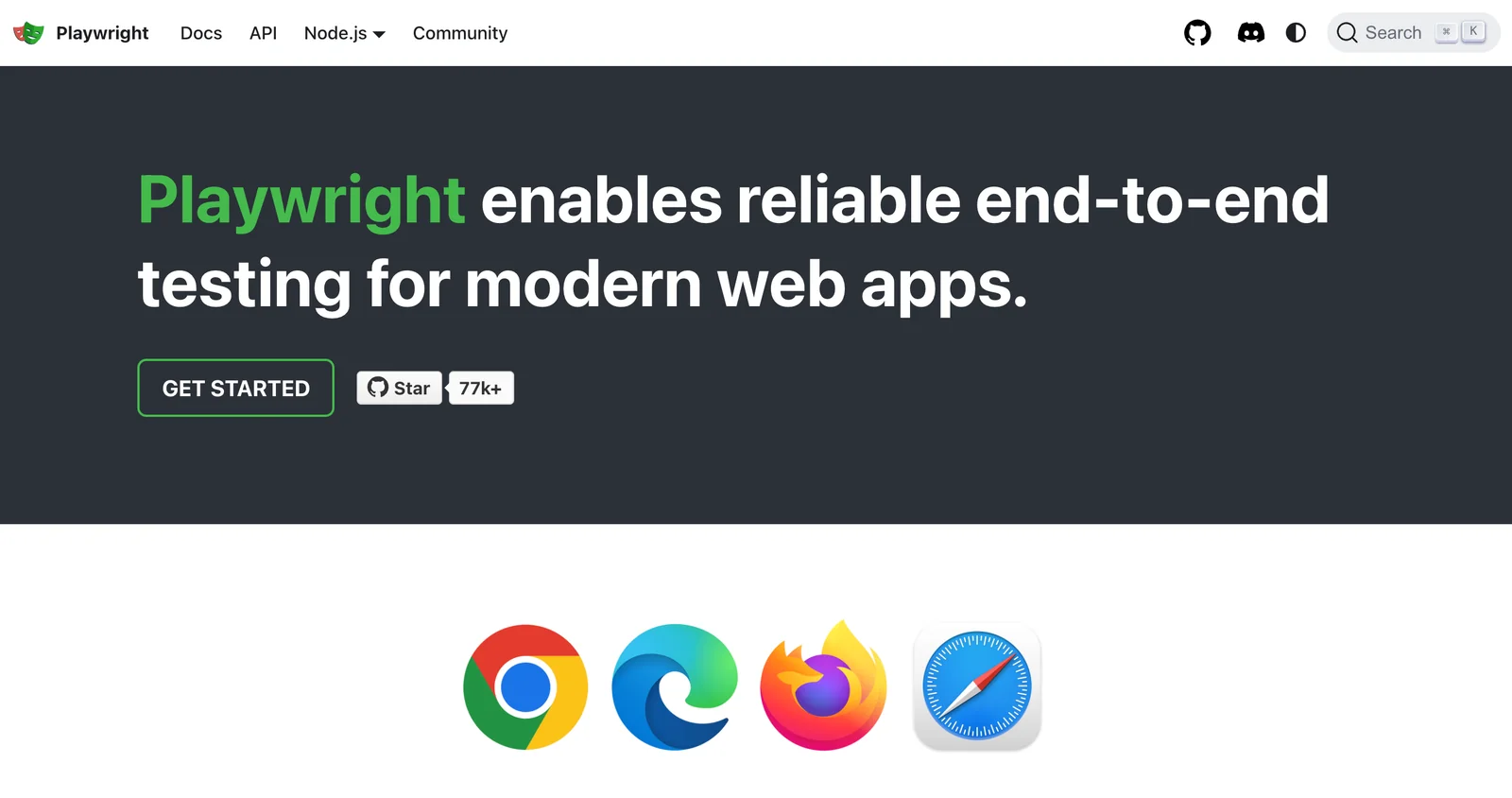
AIOpen SourceFreeOfficial MCPCross-browser end-to-end testing and browser automation framework for modern web apps using a single API for Chromium, Firefox and WebKit.
Playwright
Cross-browser end-to-end testing and browser automation framework for modern web apps using a single API for Chromium, Firefox and WebKit.
About Playwright
Playwright is an open-source framework for end-to-end web testing and browser automation that enables reliable, fast, and cross-browser automation across Chromium, Firefox and WebKit. It provides language bindings for JavaScript/TypeScript, Python, Java and .NET, a single consistent API surface, and capabilities such as auto-waiting, network interception, browser contexts for isolation, and tracing. Playwright is maintained by Microsoft on GitHub and is designed for modern web apps, CI integration, and scalable parallel test execution while remaining evergreen with up-to-date browser binaries.
Screenshots
Key Features
Use Cases
MCP Server
https://github.com/microsoft/playwright-mcp💡 MCP (Model Context Protocol) enables AI assistants to securely interact with local and remote resources.



Frequently asked questions about Playwright
Is Playwright free to use?
Yes, Playwright is completely free to use as it is an open-source framework licensed under the Apache-2.0 license. This means that users can run tests, access the source code, and modify it without incurring any licensing fees.
Key Points
- Open-source License: Playwright is licensed under Apache-2.0.
- No Licensing Fees: Users can utilize the tool without any costs.
- Community Support: A large community contributes to its development and support.
Detailed Explanation
Playwright is a powerful automation library developed by Microsoft that supports multiple browsers, including Chromium, Firefox, and WebKit. Being open-source, it allows developers to freely download, use, and modify the software without any associated costs. The Apache-2.0 license ensures that users have the freedom to utilize Playwright for both personal and commercial projects.
Key Features:
- Cross-Browser Testing: Playwright allows you to write tests across all major browsers, ensuring compatibility and performance.
- Automated Testing: With Playwright, you can automate end-to-end testing processes, making it easier to ensure software quality.
- Rich API: The library provides an extensive API, enabling developers to write sophisticated test scripts effortlessly.
For example, a web developer can use Playwright to automate testing for a web application. They can write scripts to simulate user interactions, validate UI components, and check for responsiveness across different browsers.
Best Practices / Tips
- Stay Updated: Regularly check for updates to Playwright to benefit from new features and bug fixes.
- Leverage Community Resources: Utilize forums, GitHub discussions, and other community resources for troubleshooting and best practices.
- Write Modular Tests: Create reusable test components to enhance maintainability and reduce redundancy in your test code.
Additional Resources
By leveraging Playwright's free and open-source capabilities, developers can enhance their testing strategies without incurring additional costs, making it a valuable tool in modern web development.
What are the key features of Playwright?
Playwright is a powerful open-source automation tool that supports cross-browser testing. It features multi-language bindings, auto-waiting capabilities, network interception, and advanced debugging tools, including image and video capture, making it ideal for enhancing web application testing efficiency and reliability.
Key Points
- Cross-Browser Automation: Test across multiple browsers seamlessly.
- Multi-Language Support: Compatible with JavaScript, Python, C#, and Java.
- Advanced Debugging Tools: Includes screenshots and video capture for testing insights.
Detailed Explanation
Playwright is a modern automation framework developed by Microsoft that allows developers and testers to automate web applications across different browsers such as Chromium, Firefox, and WebKit.
1. Cross-Browser Automation
Playwright enables users to write a single test that runs on all major browsers, ensuring consistent behavior across platforms. This is crucial for web applications that need to work flawlessly on Chrome, Firefox, Safari, and Edge.
2. Multi-Language Support
One of Playwright's standout features is its support for multiple programming languages. It allows developers to write scripts in JavaScript, Python, C#, and Java, making it accessible to a broader audience. This flexibility helps teams with varying skill sets to adopt automation quickly.
3. Auto-Waiting
Playwright's auto-waiting feature simplifies the testing process. It automatically waits for elements to be actionable before performing actions, significantly reducing the flakiness often associated with asynchronous web applications. This leads to more reliable test results.
4. Network Interception
With network interception capabilities, Playwright allows users to monitor and control network requests and responses. This is particularly useful for testing how applications handle various network conditions and simulating different server responses.
5. Advanced Debugging Tools
Playwright offers built-in debugging tools that enhance the testing experience. Users can capture screenshots and record videos of their tests, providing visual insights that help identify and resolve issues more quickly.
Best Practices / Tips
- Keep Tests Modular: Break down tests into smaller, reusable components to improve maintainability.
- Utilize Auto-Waiting: Rely on Playwright's auto-waiting feature to minimize timing issues and improve test reliability.
- Leverage Network Interception: Use network interception to mock API responses, allowing for better control over test scenarios.
- Document Tests: Maintain clear documentation of your tests to facilitate easier onboarding for new team members.
Additional Resources
By utilizing Playwright's robust features, teams can streamline their testing processes, ensuring high-quality web applications that perform consistently across all browsers.
How do I get started with Playwright?
To get started with Playwright, visit the official Playwright website, select your preferred programming language (JavaScript, Python, C#, or Java), and follow the installation and setup instructions in the documentation. This will guide you through creating your first automated tests efficiently.
Key Points
- Choose your programming language binding.
- Follow the official installation guide.
- Familiarize yourself with the Playwright API.
Detailed Explanation
Playwright is a powerful automation framework for web applications, enabling cross-browser testing and automation. To begin, follow these steps:
- Visit the Official Website: Go to Playwright's official site.
- Select Your Language: Playwright supports multiple languages. Choose from:
- JavaScript: Ideal for Node.js applications.
- Python: Great for Python developers.
- C#: Best for .NET applications.
- Java: Suitable for Java developers.
- Installation:
- JavaScript: Use
npm install playwrightin your terminal. - Python: Execute
pip install playwrightin your command line. - C# and Java: Follow the respective instructions in the documentation.
- JavaScript: Use
- Setup and Configuration: Once installed, set up your project structure. Create a test file and import Playwright.
Example Usage:
Here’s a simple example of a Playwright test in JavaScript:
const { chromium } = require('playwright');

(async () => {
  const browser = await chromium.launch();
  const context = await browser.newContext();
  const page = await context.newPage();
  await page.goto('https://example.com');
  await page.screenshot({ path: 'example.png' });
  await browser.close();
})();
Best Practices / Tips
- Read the Documentation: Familiarize yourself with the official Playwright documentation to understand the capabilities and features.
- Use Test Runners: Integrate Playwright with test runners like Jest or Mocha for better test management.
- Keep Dependencies Updated: Regularly update Playwright and its dependencies to leverage new features and improvements.
- Error Handling: Implement robust error handling to gracefully manage failures during test execution.
Additional Resources
By following these steps and utilizing the resources provided, you can effectively start using Playwright for your web automation needs.
What are the technical requirements for using Playwright?
Playwright requires a compatible operating system, including Linux, macOS, or Windows. Additionally, you must install the appropriate language bindings for JavaScript, Python, Java, or .NET to effectively utilize its features in your testing environment.
Key Points
- Supported Platforms: Playwright works on Linux, macOS, and Windows.
- Language Bindings: Install bindings for JavaScript, Python, Java, or .NET.
- Node.js Requirement: Node.js is necessary for JavaScript bindings.
Detailed Explanation
Playwright is an open-source automation library designed for browser testing across various platforms. It supports major operating systems: Linux, macOS, and Windows, ensuring flexibility for developers. To leverage Playwright's full capabilities, you must install the appropriate language bindings based on your preferred programming language:
-
JavaScript: Requires Node.js, version 12 or higher. You can install Playwright using npm:
npm install playwrightAfter installation, you can run your tests using Node.js.
-
Python: Ensure you have Python 3.7 or later installed. Use pip to install Playwright:
pip install playwrightAfter installing, you need to run the command to install the necessary browsers:
playwright install -
Java: Requires JDK 8 or higher. Add Playwright as a dependency in your Maven or Gradle projects to start using it.
-
.NET: You need .NET Core 3.1 or later. You can install Playwright using NuGet:
dotnet add package Microsoft.Playwright
Best Practices / Tips
- Check Version Compatibility: Ensure that your Node.js, Python, Java, or .NET versions align with Playwright's requirements.
- Browser Installation: After installing Playwright, remember to install the necessary browsers for testing by using the command
playwright install. - Use Virtual Environments: When working with Python or Node.js, consider using virtual environments to manage dependencies effectively and avoid conflicts.
Additional Resources
How does Playwright compare to Selenium?
Playwright is a modern testing framework that outperforms Selenium by providing faster execution, built-in auto-waiting features, and support for multiple browser engines through a single API. This makes it a versatile and efficient choice for end-to-end testing in web applications.
Key Points
- Faster Execution: Playwright executes tests more quickly than Selenium.
- Auto-Waiting Features: It includes automatic waiting capabilities to enhance reliability.
- Multi-Browser Support: Playwright supports multiple browser engines like Chromium, Firefox, and WebKit with a unified API.
Detailed Explanation
Playwright and Selenium are both popular frameworks used for automating web browsers, but they differ significantly in capabilities and performance.
-
Faster Execution: Playwright is designed for speed, utilizing modern browser features and capabilities. It launches browsers in a headless mode by default, which reduces the overhead associated with UI rendering. This can lead to execution speeds that are 2-3 times faster compared to Selenium.
-
Auto-Waiting Features: One of the standout features of Playwright is its built-in auto-waiting mechanism. Playwright automatically waits for elements to be ready before executing actions, reducing the flakiness often encountered in Selenium tests due to timing issues. For example, if you want to click a button, Playwright will wait until the button is visible and enabled.
-
Multi-Browser Support: Playwright supports multiple browser engines including Chromium, Firefox, and WebKit. This allows developers to test their applications across different environments using a single API. Unlike Selenium, which requires browser-specific drivers, Playwright abstracts this complexity, simplifying the setup process.
Best Practices / Tips
- Utilize Auto-Waiting: Leverage Playwright’s auto-waiting features to minimize flaky tests. Avoid using arbitrary wait times; instead, trust Playwright to manage timing.
- Parallel Testing: Take advantage of Playwright's ability to run tests in parallel, which can dramatically reduce the overall testing time.
- Organize Tests: Structure your tests logically, using page objects to keep your codebase clean and maintainable.
Additional Resources
Explore more AI Mcps tools
Browse all Mcps tools →Browse by use case: Automation & Productivity
Compare Playwright: vs ai-memory · vs CrawlForge MCP · vs Popcraft · vs Pomerado