

Paypal
AIOfficial MCPGlobal online payments platform for sending and receiving money, processing merchant payments, and integrating checkout across web and mobile.
Paypal
Global online payments platform for sending and receiving money, processing merchant payments, and integrating checkout across web and mobile.
About Paypal
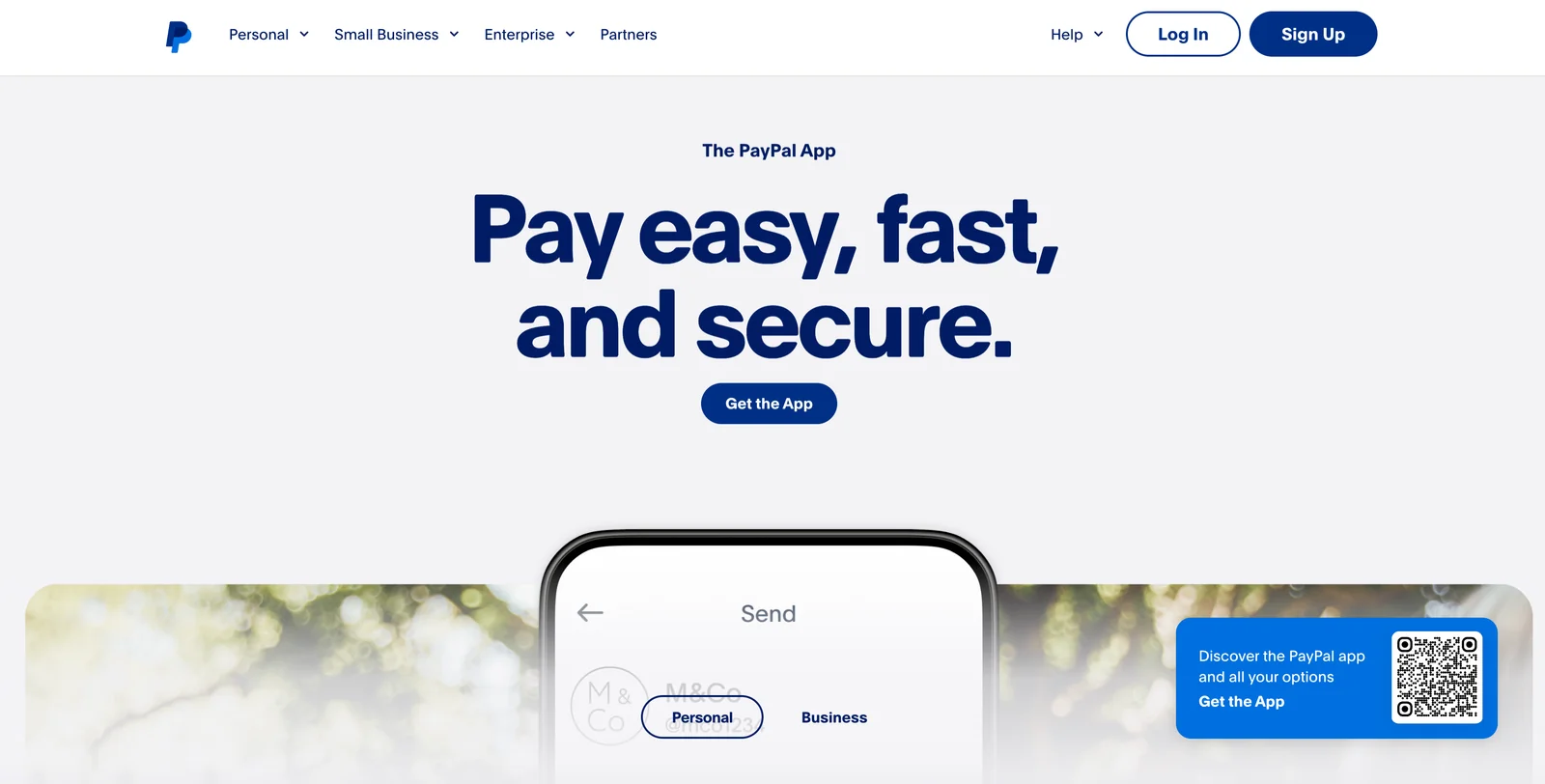
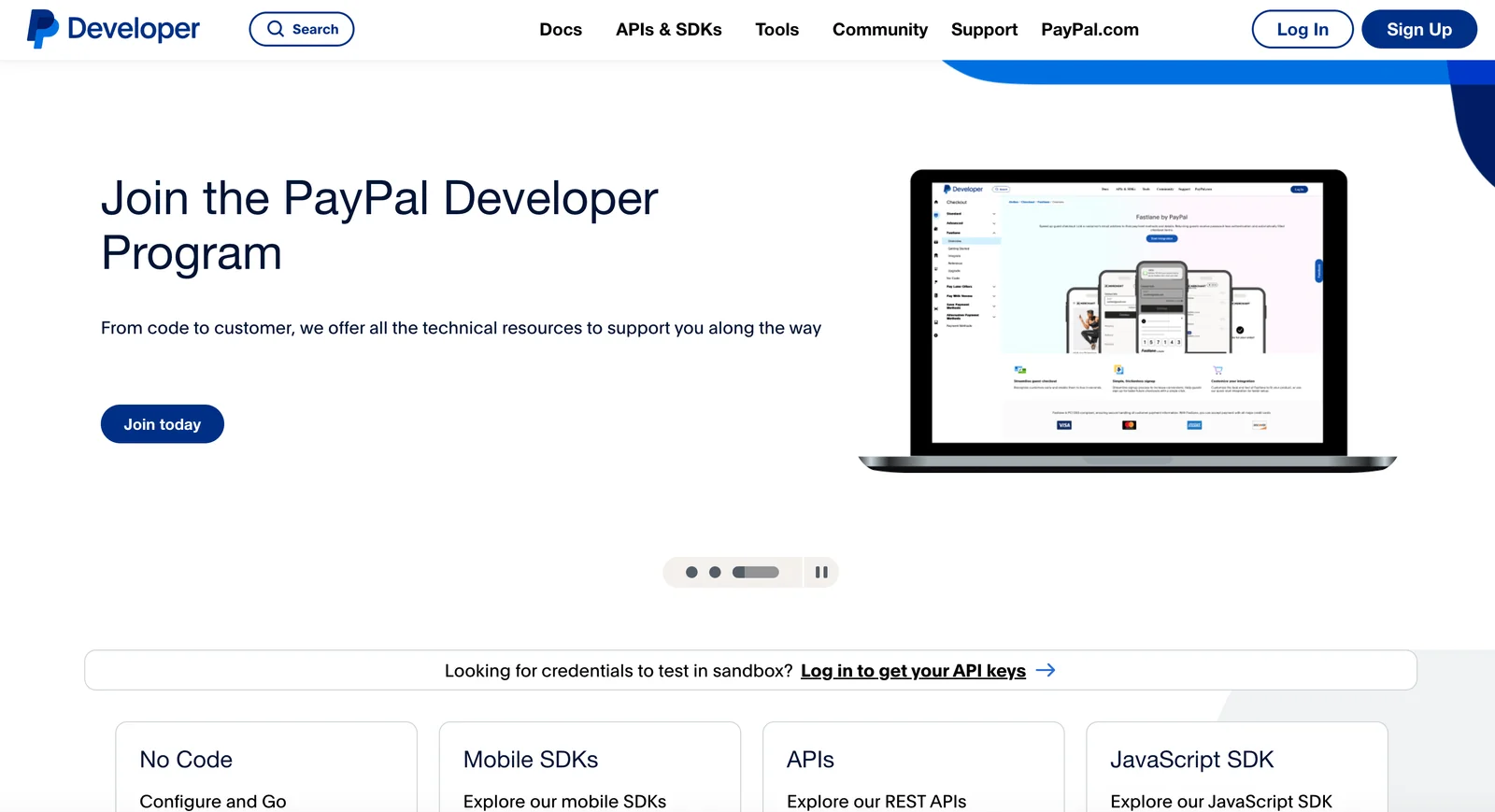
PayPal is a global payments platform that enables consumers and businesses to send and receive money, accept online and in-app payments, and manage merchant accounts. It provides developer-focused REST and GraphQL APIs, SDKs for web, iOS and Android, and prebuilt checkout integrations to embed payment flows. PayPal offers merchant tools for invoicing, subscriptions, payouts, and developer sandbox environments for testing, while providing fraud detection, buyer/seller protection and compliance services to reduce payment risk. Its value lies in broad global coverage, multiple payment methods and deep developer integrations that accelerate checkout and payment operations for merchants and platforms.
Screenshots
Key Features
Use Cases
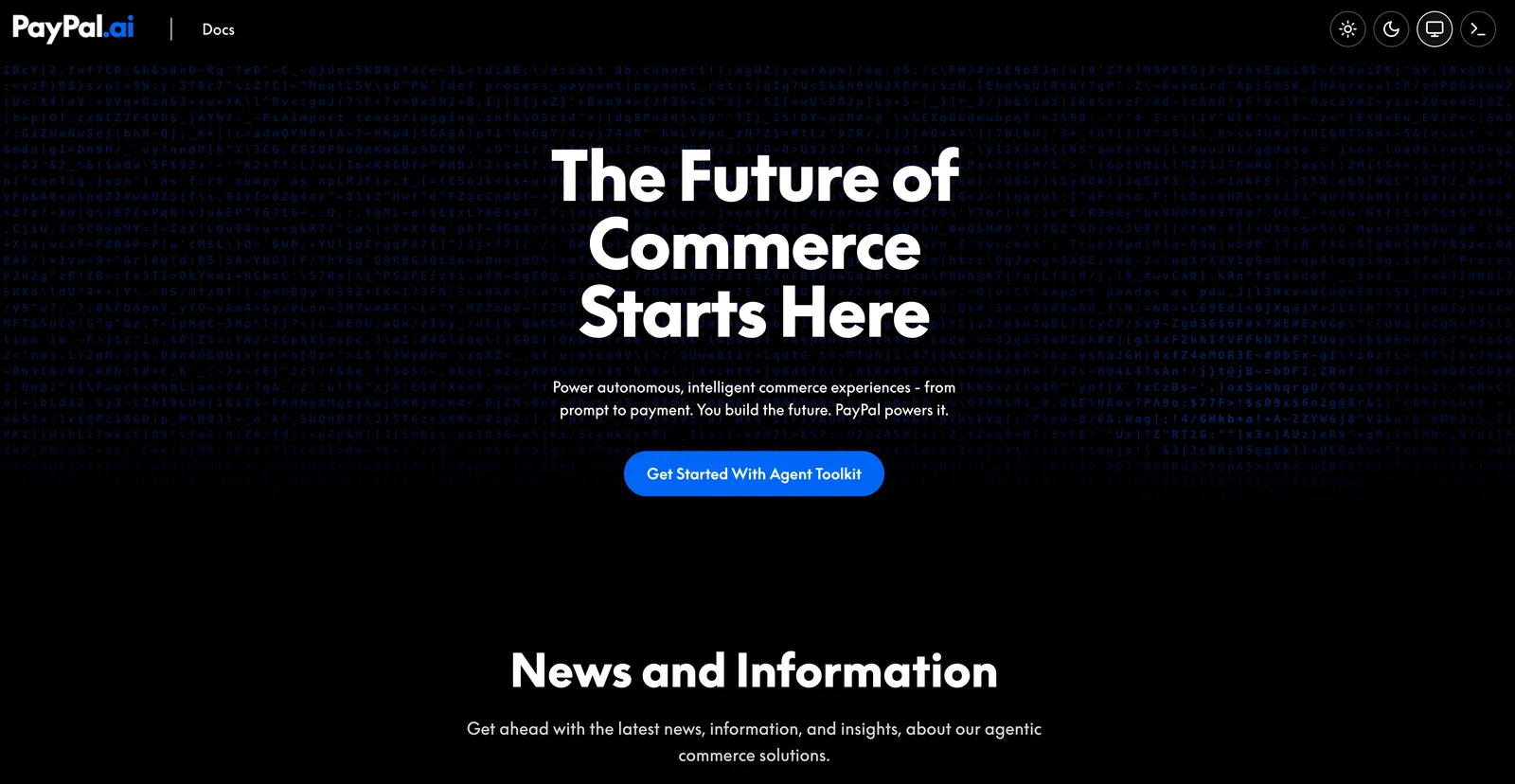
MCP Server
https://docs.paypal.ai/developer/tools/ai/mcp-quickstarthttps://mcp.sandbox.paypal.comhttps://mcp.paypal.com💡 MCP (Model Context Protocol) enables AI assistants to securely interact with local and remote resources.



Frequently asked questions about Paypal
Is PayPal free to use for personal transactions?
Yes, creating a personal PayPal account is free. However, transaction fees apply for certain payment methods, typically around 2.90% plus $0.30 for US card transactions. Always check for fees associated with specific transaction types to avoid surprises.
Key Points
- Creating a personal PayPal account incurs no fees.
- Transaction fees depend on payment methods used.
- Understanding fee structures can help manage costs.
Detailed Explanation
PayPal offers a free personal account that allows users to send and receive money, make purchases, and manage online transactions effortlessly. While signing up for the account itself is free, users should be aware of potential fees that can arise.
Transaction Fees
- Standard Payments: If you are using a credit or debit card to fund your transaction, expect to pay a fee of approximately 2.90% plus $0.30 for each payment received.
- Bank Transfers: If you link your bank account directly to your PayPal account, sending money to friends or family can often be done without incurring fees, provided that you use the "Friends and Family" option.
- Currency Conversion: If you are sending money in a different currency, PayPal may charge a currency conversion fee, which varies based on the transaction amount and currency.
Use Cases
- Online Shopping: PayPal is widely accepted by e-commerce sites. If you use a credit card, be prepared for transaction fees.
- Peer-to-Peer Payments: Sending money to friends or family can be fee-free if using a bank account.
- International Transactions: Be aware of additional fees for sending money across borders or in different currencies.
Best Practices / Tips
- Choose Payment Method Wisely: Use your linked bank account for fee-free transactions.
- Review PayPal's Fee Structure: Familiarize yourself with the fee schedule on PayPal's website to avoid unexpected charges.
- Consider Business Accounts for Frequent Transactions: If you’re regularly sending or receiving money, explore business accounts which may offer lower fees for higher volumes.
Additional Resources
By understanding the fee structure and choosing the right payment methods, you can maximize the benefits of using PayPal while minimizing costs.
What are the key features of PayPal for businesses?
PayPal provides essential features for businesses, including online and in-person payment acceptance, invoicing, and recurring billing, all backed by robust fraud protection. These tools are designed to meet diverse merchant needs, helping businesses streamline transactions, enhance customer experience, and ensure security.
Key Points
- Payment Acceptance: Supports both online and in-person transactions.
- Invoicing and Billing: Offers customizable invoicing and automatic recurring billing options.
- Fraud Protection: Includes advanced security measures to safeguard transactions.
Detailed Explanation
PayPal is a versatile payment platform that caters to a variety of business types, from small startups to large enterprises.
-
Payment Acceptance:
- Businesses can accept payments through multiple channels, including websites, mobile apps, and physical stores. PayPal supports credit and debit cards, bank transfers, and even PayPal Credit, allowing customers flexibility in payment methods.
- For online sales, merchants can integrate PayPal buttons on their e-commerce sites, making it easy for customers to complete purchases seamlessly.
-
Invoicing and Recurring Billing:
- PayPal's invoicing feature allows businesses to create and send professional invoices easily. Users can customize invoices with their branding, add items or services, and track payment status.
- Recurring billing is particularly beneficial for subscription-based services. Businesses can set up automatic payments, ensuring consistent revenue with minimal manual effort.
-
Fraud Protection:
- PayPal employs advanced fraud detection tools that analyze transactions for suspicious activity. They offer Seller Protection, which helps reimburse businesses for unauthorized transactions, ensuring peace of mind.
- Additionally, PayPal’s encryption technology secures sensitive data during transactions, enhancing customer trust.
Best Practices / Tips
- Optimize Payment Integration: Ensure that the PayPal payment option is easily accessible on your website. Consider using PayPal’s customizable buttons or plugins for popular e-commerce platforms like Shopify or WooCommerce.
- Utilize Invoicing Features: Take advantage of PayPal’s invoicing capabilities to streamline your billing process. Send reminders for unpaid invoices to improve cash flow.
- Stay Informed on Security Protocols: Regularly review PayPal’s best practices for security to protect your business and customers from potential fraud.
Additional Resources
Utilizing PayPal's comprehensive features can significantly enhance your business operations, ensuring secure and efficient payment processing.
How do I start using PayPal for online payments?
To start using PayPal for online payments, create a free account at PayPal.com, link your bank account or credit/debit card, and integrate PayPal Checkout on your website or app using their SDKs or plugins for seamless transactions.
Key Points
- Create a PayPal Account: Sign up for free at PayPal.com.
- Link Financial Accounts: Connect your bank account or credit/debit card.
- Integrate PayPal Checkout: Use SDKs or plugins to add payment options to your site.
Detailed Explanation
-
Create a PayPal Account
- Visit PayPal.com and click "Sign Up."
- Choose between a Personal or Business account based on your needs. A Business account offers additional features like invoicing and payment tracking.
- Fill in your personal details and verify your email address to activate your account.
-
Link Financial Accounts
- After creating your account, log in and navigate to "Wallet."
- Click "Link a bank" or "Link a card" and enter the required information.
- PayPal will verify your bank or card by making a small deposit, which you’ll need to confirm.
-
Integrate PayPal Checkout
- For websites, access the PayPal Developer site for the SDKs you need for integration.
- If using a content management system (CMS) like WordPress, look for PayPal plugins like WooCommerce or Easy Digital Downloads.
- Follow the integration guide provided by PayPal, which typically involves copying and pasting code snippets into your website.
Best Practices / Tips
- Optimize for Security: Always enable two-factor authentication on your PayPal account to enhance security.
- Test Payments: Use PayPal's Sandbox environment to test transactions without real money before going live.
- Monitor Transactions: Regularly check your PayPal account for transaction history and ensure everything is functioning correctly.
- Provide Clear Payment Options: Make sure your customers can easily find and use PayPal as a payment option on your site.
Additional Resources
What APIs does PayPal provide for integration?
PayPal provides a variety of APIs for integration, including REST APIs and GraphQL APIs, as well as SDKs for JavaScript, iOS, and Android. These tools enable developers to seamlessly integrate payment processing, subscription management, and various payment solutions into their applications.
Key Points
- REST APIs: Widely used for payment processing.
- GraphQL APIs: Offers flexible data retrieval.
- SDKs: Available for JavaScript, iOS, and Android.
Detailed Explanation
PayPal’s APIs are designed to cater to various business needs, facilitating easy integration for developers.
REST APIs
The REST API is the most common choice for developers because of its simplicity and wide adoption. It allows for operations like:
- Payment Processing: Initiate and manage transactions.
- Subscription Management: Set up recurring payments.
- Invoicing: Create and send invoices directly from your app.
Developers can access extensive documentation on how to implement these features, making it easier to build robust payment systems.
GraphQL APIs
GraphQL APIs offer a flexible alternative to REST, enabling developers to request specific data points rather than retrieving all data. This is particularly useful for applications requiring dynamic data fetching, leading to improved performance and reduced data usage.
SDKs for JavaScript, iOS, and Android
PayPal provides Software Development Kits (SDKs) that simplify integration:
- JavaScript SDK: Ideal for web applications, it supports features like PayPal buttons and smart payment solutions.
- iOS and Android SDKs: Tailored for mobile applications, allowing in-app payment processing with a seamless user experience.
Best Practices / Tips
- Start with the Sandbox: Use PayPal's Sandbox environment for testing integrations without real transactions.
- Stay Updated: Regularly check for updates in PayPal’s API versions to utilize the latest features and improvements.
- Security Measures: Implement strong security practices, including OAuth 2.0 for authentication and HTTPS for secure data transmission.
Additional Resources
By leveraging these APIs and following best practices, developers can create powerful, efficient payment solutions that enhance user experience and increase conversion rates.
How does PayPal compare to other payment platforms?
PayPal is a leading global payment platform known for its robust fraud protection and user-friendly interface. However, its transaction fees can be higher than alternatives like Stripe or Square, particularly for businesses with high sales volumes or international transactions.
Key Points
- Global Reach: PayPal operates in over 200 markets and supports 25 currencies.
- Fraud Protection: Offers extensive security features to protect users from unauthorized transactions.
- Fee Structure: Transaction fees can be higher compared to competitors, especially for certain transaction types.
Detailed Explanation
PayPal stands out in the payment processing landscape due to its extensive global reach, making it a preferred choice for businesses looking to operate internationally. Unlike some platforms, PayPal supports transactions in 25 currencies, allowing merchants to cater to a diverse customer base.
In terms of security, PayPal employs advanced fraud protection measures, including encryption and buyer/seller protection programs. This makes it a trusted option for both consumers and businesses, ensuring secure transactions and minimizing the risk of chargebacks.
However, businesses should be aware of PayPal's fee structure. Standard transaction fees typically range from 2.9% + $0.30 per transaction within the U.S. For international transactions, this fee can increase significantly. In contrast, platforms like Stripe offer more competitive rates, especially for high-volume merchants, and Square provides a flat rate with no monthly fees, which could be more economical for certain businesses.
Use Cases
- E-commerce Stores: PayPal is widely used in online retail, providing seamless payment integration for platforms like Shopify and WooCommerce.
- Freelancers and Service Providers: Many freelancers prefer PayPal for its ease of use and reliable payment processing.
- Nonprofits: Organizations can leverage PayPal's donation buttons to facilitate fundraising efforts easily.
Best Practices / Tips
- Compare Fees: Always compare transaction fees across platforms, especially if you expect high sales volumes.
- Use Advanced Features: Take advantage of PayPal’s advanced features, such as invoicing and subscription management, to optimize your business operations.
- Monitor Security Features: Regularly review your fraud protection settings to maximize security for your transactions.
Additional Resources
Explore more AI Mcps tools
Browse all Mcps tools →Compare Paypal: vs ai-memory · vs CrawlForge MCP · vs Popcraft · vs Pomerado