

Monday
AIOfficial MCPmonday.com Work OS — a customizable work platform to build workflows, manage projects, CRM, IT and gain visibility across work.
Monday
monday.com Work OS — a customizable work platform to build workflows, manage projects, CRM, IT and gain visibility across work.
About Monday
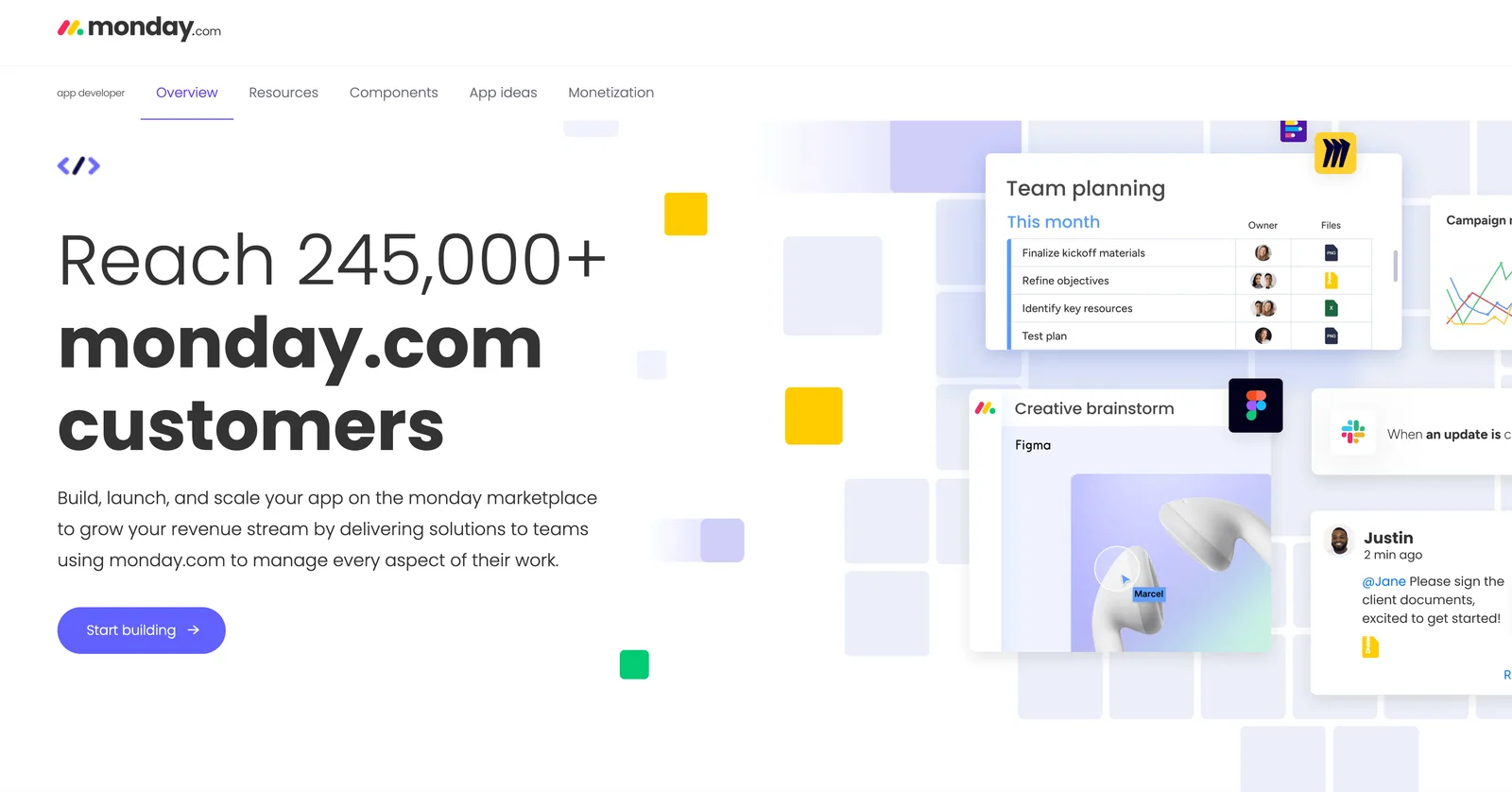
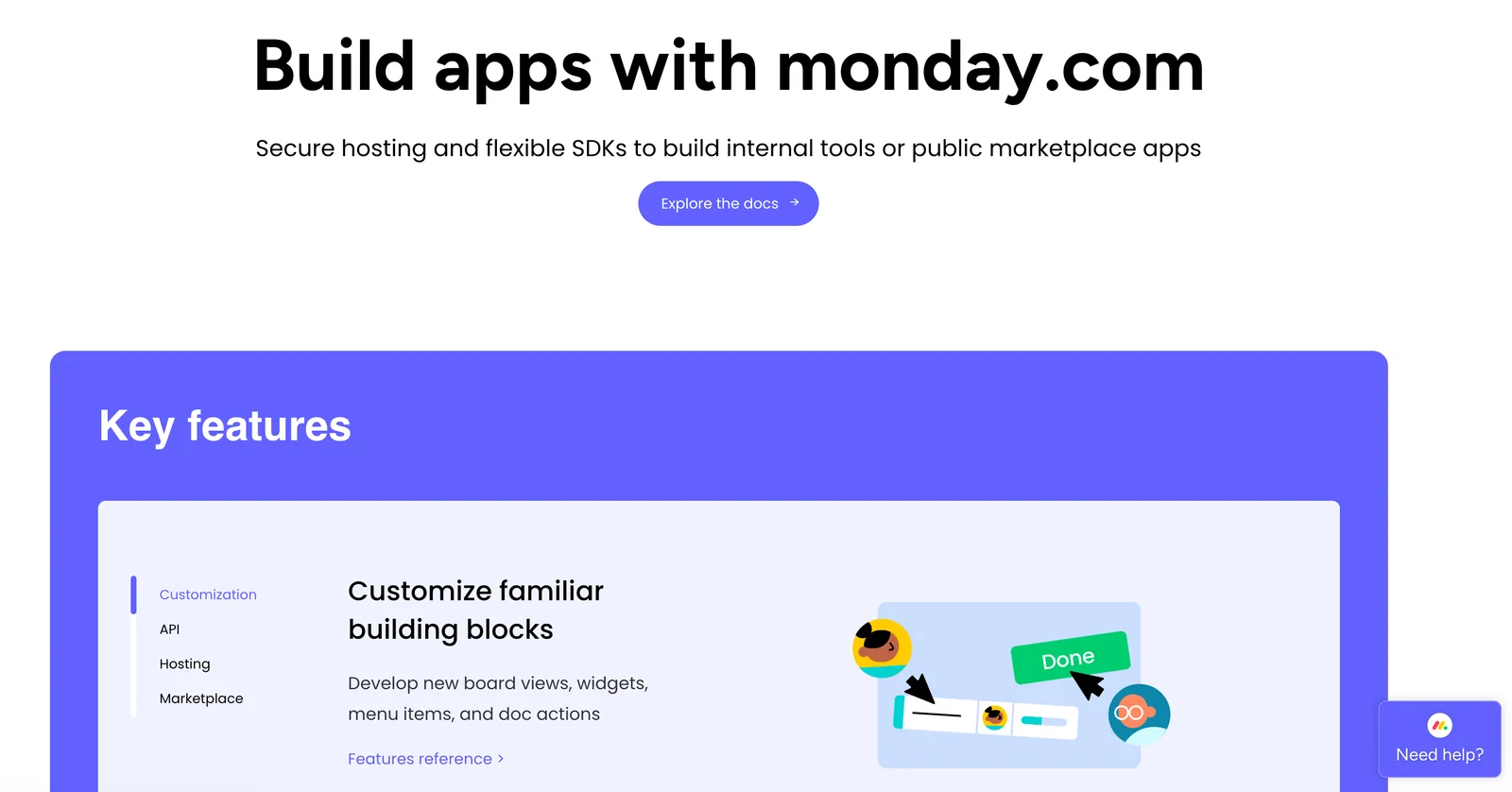
monday.com Work OS is an open, visual work platform that lets teams design, build and run any workflow or process. Users assemble customizable boards, views and apps to track work, automate repetitive tasks, unify data from other apps, and create dashboards that surface key metrics. The platform emphasizes low-code/no-code customization, an apps marketplace and built-in automations and integrations so organizations can centralize project management, CRM, ITSM, marketing planning and more while preserving visibility and control.
Screenshots

Key Features
Use Cases
MCP Server
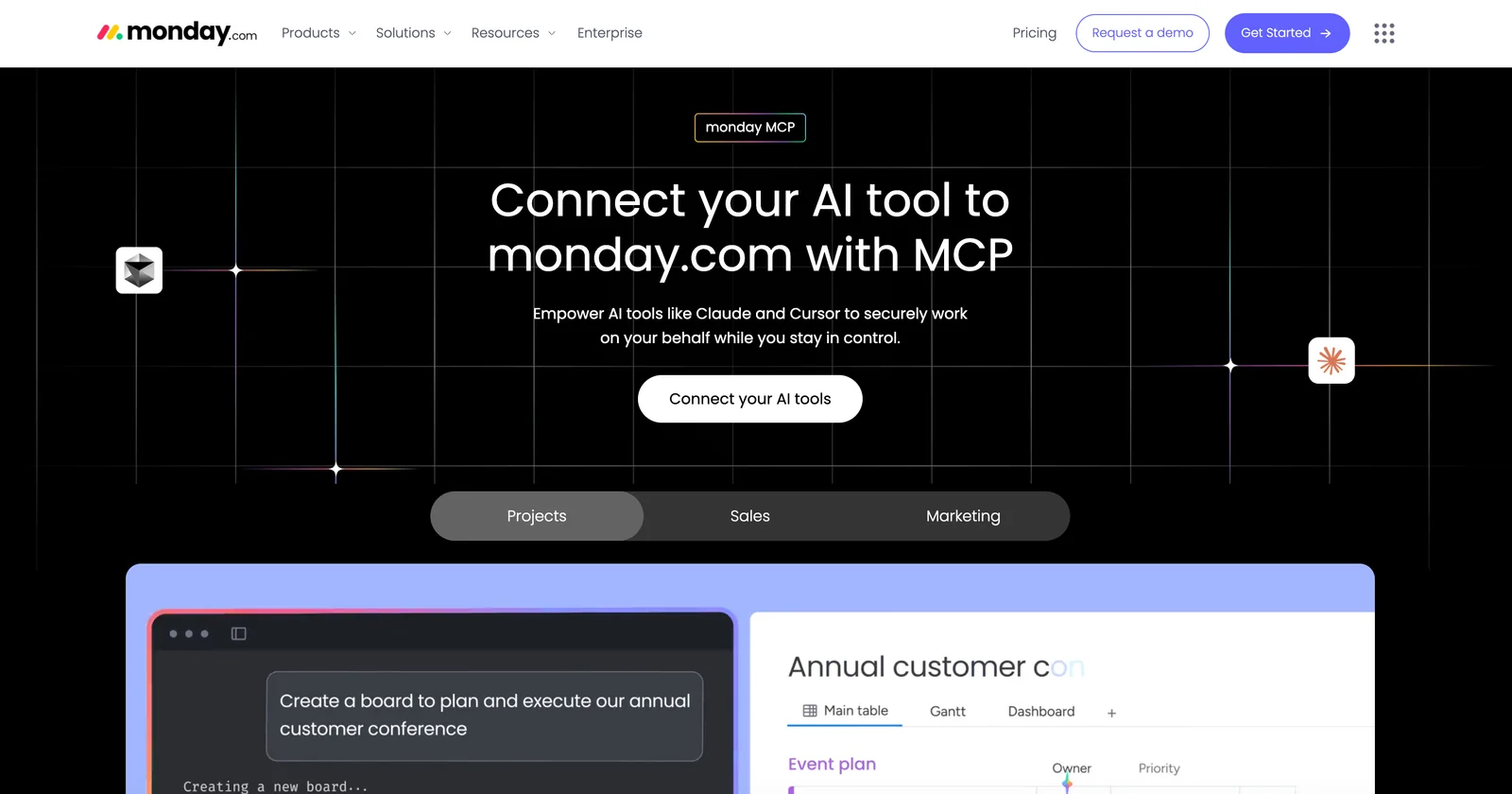
https://monday.com/w/mcphttps://mcp.monday.com/sse💡 MCP (Model Context Protocol) enables AI assistants to securely interact with local and remote resources.



Frequently asked questions about Monday
What are the pricing options for monday.com?
monday.com offers a freemium model with five pricing tiers: Free ($0/month), Basic ($9/seat/month), Standard ($12/seat/month), Pro ($19/seat/month), and Enterprise (custom pricing). Each tier unlocks a range of features and storage options tailored for different business needs.
Key Points
- Free Plan: Ideal for individuals or small teams.
- Basic Plan: Suitable for basic project management needs.
- Standard Plan: Best for teams needing advanced collaboration features.
- Pro Plan: Offers enhanced features for larger teams or complex projects.
- Enterprise Plan: Custom solutions for large organizations.
Detailed Explanation
monday.com provides a structured pricing model to cater to various user requirements.
-
Free Plan: This tier is perfect for individuals or small teams looking to manage simple projects without any cost. It allows users to create boards, add tasks, and collaborate with a limited number of features.
-
Basic Plan ($9/seat/month): This option is designed for small teams that need more structure in their project management. It includes features such as unlimited boards, over 200 templates, and the ability to integrate with other tools.
-
Standard Plan ($12/seat/month): Aimed at growing teams, this plan includes everything in the Basic plan, plus advanced collaboration features like timeline views, calendar views, and the ability to automate repetitive tasks, enhancing team efficiency.
-
Pro Plan ($19/seat/month): This tier is suitable for larger teams or those with complex project needs. It includes all Standard features, along with time tracking, chart views, and the ability to create private boards. This plan is ideal for project managers who require deeper insights and reporting capabilities.
-
Enterprise Plan: Tailored for large organizations, this plan offers custom pricing based on specific needs. It includes advanced security features, dedicated account management, and priority customer support.
Best Practices / Tips
- Evaluate Your Needs: Before choosing a plan, assess your team's size and project complexity.
- Utilize the Free Trial: Take advantage of the free plan to explore features before committing to a paid tier.
- Consider Future Growth: Choose a plan that not only meets your current needs but also allows for scalability as your team grows.
- Look for Discounts: monday.com often provides discounts for annual subscriptions, which can lead to significant savings.
Additional Resources
How to use monday.com for project management?
To use monday.com for project management, begin by creating customizable boards to effectively track tasks, set timelines, and visualize progress using different views such as Gantt, Kanban, or calendar. You can also utilize pre-built templates for quick setup, making project management more efficient.
Key Points
- Customizable Boards: Tailor your workflow with personal boards.
- Visual Progress Tracking: Use Gantt charts or Kanban views for clarity.
- Templates for Efficiency: Leverage built-in templates for quick project initiation.
Detailed Explanation
monday.com is a versatile project management tool designed to enhance team collaboration and productivity. To get started:
-
Create a Board: Choose between starting from scratch or using a template. A board serves as a visual hub for your project, where you can add various columns to represent different aspects of your tasks, such as status, priority, and due dates.
-
Add Tasks: Populate your board with tasks by creating items. Each task can be assigned to team members, given deadlines, and tracked for completion. For instance, if you're managing a marketing campaign, you could have tasks like "Design graphics," "Write blog posts," and "Schedule social media."
-
Set Timelines: Use the timeline or calendar view to set deadlines and visualize your project timeline. This helps in preventing bottlenecks and ensures that everyone is aware of their responsibilities.
-
Choose Your View: Depending on your team's preference, switch between views. The Gantt view is excellent for tracking project timelines and interdependencies, while the Kanban view is ideal for teams that prefer a visual workflow.
-
Integrate Tools: monday.com supports integration with various tools like Slack, Google Drive, and Trello, allowing you to centralize your workflow and communication.
Best Practices / Tips
- Utilize Automations: Automate repetitive tasks to save time. For instance, set up automated reminders for upcoming deadlines or status updates.
- Regular Updates: Encourage team members to update their tasks regularly to maintain transparency and accountability.
- Feedback Loop: Use the comments section on tasks for team discussions to foster collaboration and gather feedback.
Additional Resources
What are the key features of monday.com?
Key features of monday.com include customizable boards, various visualization options, an automations engine, seamless native integrations, and advanced reporting and dashboards that provide valuable project insights. These features make it an ideal tool for teams seeking to enhance collaboration and streamline workflows.
Key Points
- Customizable Boards: Tailor workflows to meet specific project needs.
- Visualization Views: Explore data through different formats like Kanban, Gantt, and calendar.
- Automations Engine: Automate repetitive tasks to improve efficiency.
Detailed Explanation
monday.com is a versatile work operating system designed to help teams manage projects and workflows effectively. Here’s a deeper look into its key features:
Customizable Boards
Users can create boards that mirror their unique project needs. This customization includes adding columns for statuses, due dates, and assignees. For instance, a marketing team can set up a board to track campaign progress, assign tasks, and update statuses in real-time.
Visualization Views
monday.com offers multiple visualization options, allowing teams to view their data in the format that suits them best. Common views include:
- Kanban View: Ideal for agile project management, letting teams move tasks across stages.
- Gantt View: Great for tracking project timelines and dependencies.
- Calendar View: Helps visualize deadlines and scheduling.
Automations Engine
The automations feature enables users to set up rules for repetitive tasks. For example, users can automate notifications when a task’s status changes or when a deadline approaches. This not only saves time but also reduces the risk of human error.
Native Integrations
monday.com seamlessly integrates with various tools like Slack, Google Drive, and Zoom, allowing teams to maintain their existing workflows without switching platforms. Such integrations enhance collaboration and streamline communication.
Advanced Reporting and Dashboards
The platform offers robust reporting tools that provide insights into project performance. Users can create custom dashboards to track key metrics, such as task completion rates and team workloads, ensuring data-driven decision-making.
Best Practices / Tips
- Leverage Templates: Use pre-built templates for common workflows to get started quickly.
- Regularly Update Boards: Ensure all team members keep boards updated to maintain transparency.
- Explore Automations: Regularly review and refine automations to enhance efficiency as projects evolve.
Additional Resources
By utilizing these features effectively, teams can improve productivity, foster better communication, and ultimately achieve project goals more efficiently.
How does the monday.com API work for integrations?
The monday.com API enables developers to build custom integrations and automations using GraphQL for efficient data querying. It incorporates OAuth for secure authentication, ensuring compatibility with various third-party tools and services, which enhances workflow efficiency.
Key Points
- GraphQL Support: Efficiently query and manipulate data.
- OAuth Authentication: Secure and reliable access control.
- Custom Integrations: Tailor functionalities to meet specific business needs.
Detailed Explanation
The monday.com API is designed to facilitate seamless integration with other applications. It uses GraphQL, a powerful query language that allows developers to request only the data they need. This reduces the amount of data transferred and can significantly improve performance. For instance, if you want to retrieve specific board items or users, you can tailor your queries to fetch only relevant fields, thus optimizing API calls.
Additionally, the API employs OAuth 2.0 for authentication, which enhances security by allowing users to authorize third-party applications without sharing their passwords. This method is particularly beneficial for businesses that require strict data security protocols. When integrating tools like Zapier or Integromat, OAuth ensures that your data remains protected while enabling smooth interactions between platforms.
Developers can create custom automations that trigger actions based on certain conditions. For example, you can set up an automation that automatically updates a board status when a related task is completed in another application. This can save time and reduce manual errors, ultimately improving team productivity.
Best Practices / Tips
- Understand GraphQL: Familiarize yourself with GraphQL syntax to maximize the API's capabilities.
- Secure OAuth Tokens: Always store OAuth tokens securely and refresh them periodically to maintain security integrity.
- Test Integrations: Use a sandbox environment to thoroughly test your integrations before deploying them in a live setting to avoid disruptions.
- Leverage Webhooks: Utilize webhooks for real-time data updates, ensuring that your integrations are responsive and timely.
Additional Resources
- monday.com API Documentation for detailed guides and examples.
- GraphQL Official Documentation to enhance your query-building skills.
- OAuth 2.0 Overview for a comprehensive understanding of authentication practices.
How does monday.com compare to other project management tools?
monday.com stands out among project management tools like Trello and Asana due to its highly customizable interface and robust automation features. While it offers extensive flexibility and integration options suitable for diverse workflows, users may find a steeper learning curve compared to simpler platforms.
Key Points
- Customization: monday.com allows users to tailor dashboards and workflows extensively.
- Automation Features: Strong automation capabilities help streamline repetitive tasks.
- Integration Options: Compatible with various tools, enhancing collaboration and productivity.
Detailed Explanation
monday.com provides a user-friendly yet powerful platform that caters to teams of all sizes. Its customizable interface lets users create boards that reflect their specific project needs. For example, teams can design workflows that align with their processes, whether they follow Agile, Kanban, or Waterfall methodologies.
In terms of automation, monday.com features tools that enable users to set up triggers and actions. For instance, you can automate notifications for task updates or reminders for deadlines, significantly reducing manual oversight. This is particularly advantageous for teams managing multiple projects simultaneously.
Integration capabilities are another highlight. monday.com seamlessly connects with tools like Slack, Google Drive, and Zoom, making it easier for teams to collaborate and share information without switching platforms. This integration enhances workflow efficiency and keeps everyone on the same page.
Best Practices / Tips
- Start with Templates: Utilize pre-built templates to get started quickly and customize them as needed.
- Leverage Automations: Take advantage of automation features to minimize repetitive tasks and improve efficiency.
- Training and Support: Invest time in training resources provided by monday.com to overcome the initial learning curve.
Additional Resources
Explore more AI Mcps tools
Browse all Mcps tools →Browse by use case: Automation & Productivity
Compare Monday: vs ai-memory · vs CrawlForge MCP · vs Popcraft · vs Pomerado