
MCPTotal
AIIntegrate Model Context Protocol tools into chat interfaces to turn conversations into actions in a secure, sandboxed, no-code environment.
MCPTotal
Integrate Model Context Protocol tools into chat interfaces to turn conversations into actions in a secure, sandboxed, no-code environment.
About MCPTotal
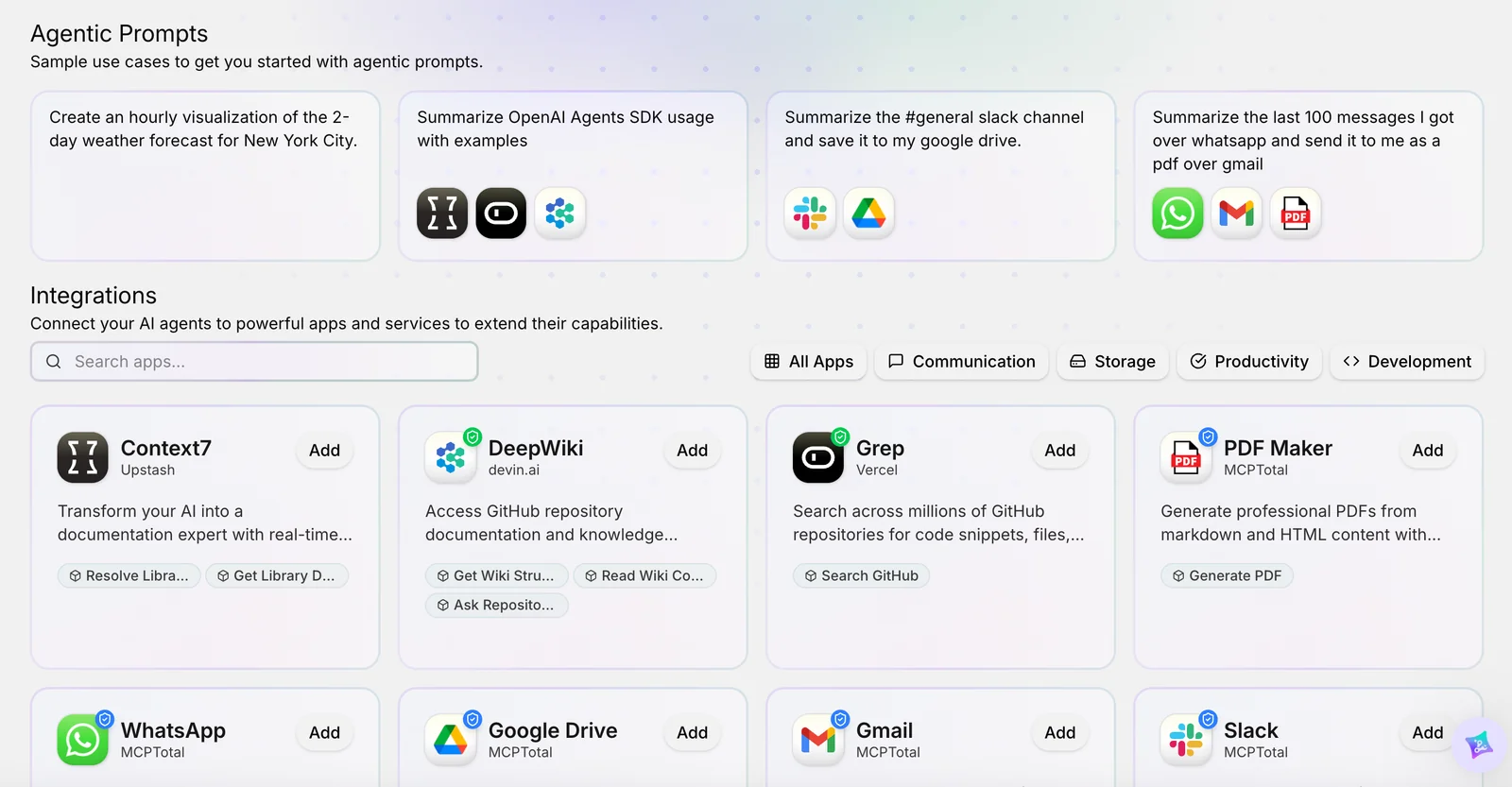
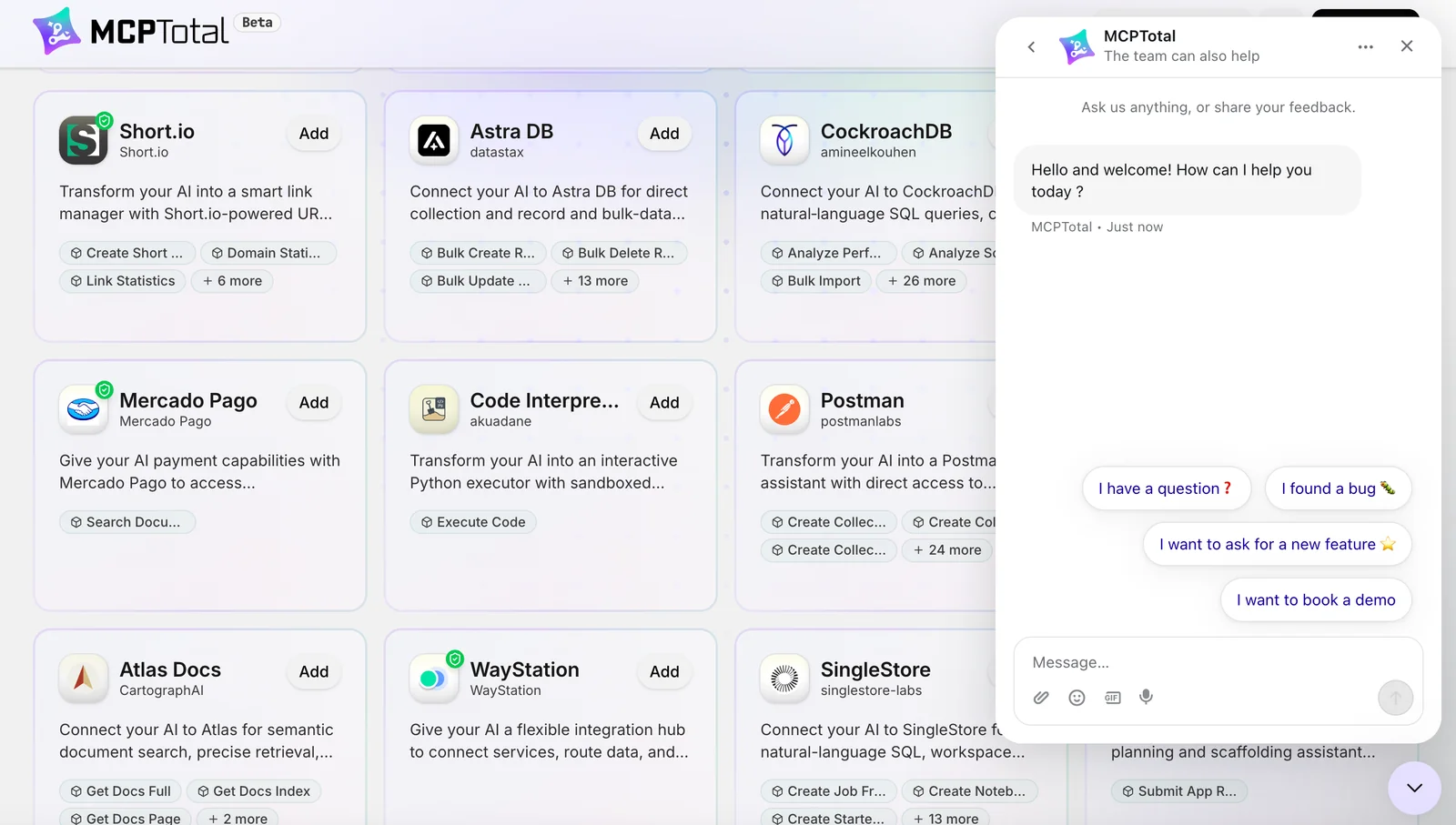
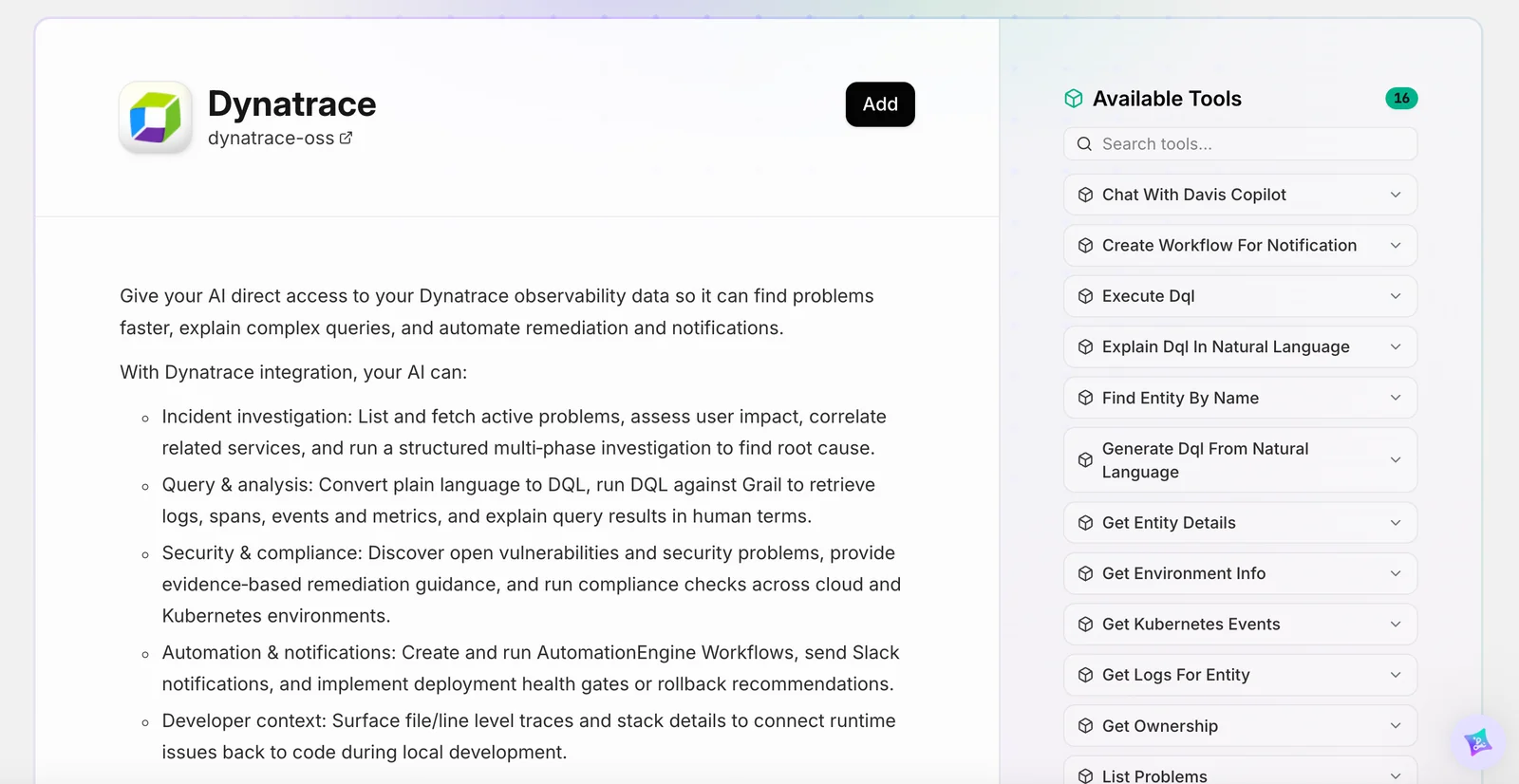
MCPTotal provides tools and extensions that integrate Model Context Protocol (MCP) servers with chat-based LLM interfaces, enabling LLMs to call external tools, fetch web content, and interact with third-party apps. It offers a Chrome extension and server tooling to surface MCP resources (connectors, prompts, tools) directly inside ChatGPT or other interfaces, letting users run actions like messaging, home automation, and web fetches from a conversation. The platform emphasizes security and production readiness by supporting firewalled, sandboxed deployments and workspace permissions, plus tooling for registering and managing MCP prompts and resources.
Screenshots

Key Features
Use Cases



Frequently asked questions about MCPTotal
What are the pricing options for MCPTotal?
MCPTotal provides a free tier with limited access to its features and tools, while offering paid options for enterprise capabilities. Exact pricing details for the paid plans are not publicly disclosed, so it is advisable to contact MCPTotal directly for the most accurate and specific pricing information.
Key Points
- MCPTotal offers a free tier with essential tools.
- Paid plans are available for enterprise-level features.
- Contacting MCPTotal is necessary for specific pricing details.
Detailed Explanation
MCPTotal stands out by providing users with a free version that allows access to basic functionalities. This tier is ideal for small businesses or individuals looking to explore the platform without financial commitment. However, for organizations seeking advanced features such as enhanced analytics, workflow automation, or dedicated customer support, paid plans are essential.
Though specific pricing tiers are not publicly listed, users can typically expect plans to vary based on the number of users, features included, and the level of support required. For instance, enterprise packages may include custom integrations, training sessions, and priority service, making them worth the investment for larger teams.
To discover the most suitable option, users should reach out to MCPTotal's sales team. This direct approach not only provides clarity on costs but also allows potential customers to discuss their unique needs and receive tailored recommendations.
Best Practices / Tips
- Evaluate Your Needs: Before contacting MCPTotal, identify which features are essential for your business. This will help you understand what plan suits you best.
- Utilize the Free Tier: Take full advantage of the free tier to familiarize yourself with the platform’s capabilities before committing to a paid plan.
- Inquire About Discounts: Ask about potential discounts for annual subscriptions or non-profit organizations, as many SaaS providers offer such incentives.
Additional Resources
How does MCPTotal's no-code integration feature work?
MCPTotal's no-code integration feature enables users to link third-party services to chat interfaces seamlessly. By utilizing prebuilt connectors, users can automate tasks and streamline actions directly within conversations, significantly boosting productivity and enhancing user experience without the need for programming knowledge.
Key Points
- User-Friendly Interface: No coding skills required.
- Prebuilt Connectors: Easily link various services.
- Automation: Streamline tasks within chat conversations.
Detailed Explanation
MCPTotal's no-code integration feature is designed for users of all technical backgrounds, allowing them to connect various third-party services to their chat interfaces effortlessly. This is achieved through the use of prebuilt connectors, which are essentially ready-to-use integrations that eliminate the need for custom coding.
How It Works
- Select a Connector: Users can browse through a library of prebuilt connectors that link popular services like Google Sheets, Slack, and CRM tools.
- Configure the Connection: Once a connector is selected, users simply follow the step-by-step prompts to set parameters. For instance, if connecting to Google Sheets, they can specify which data to pull or update based on chat interactions.
- Automate Tasks: After configuration, users can automate various tasks, such as sending reminders, updating records, or retrieving information directly within the chat interface. For example, a user could ask a chatbot, "What are my upcoming meetings?" and the bot would automatically fetch this data from the connected calendar service.
Use Cases
- Customer Support: Automate ticket creation by integrating with helpdesk software.
- Sales Automation: Update leads in a CRM directly from chat conversations.
- Data Retrieval: Pull analytics data from a dashboard using simple chat commands.
Best Practices / Tips
- Explore All Connectors: Familiarize yourself with available prebuilt connectors to maximize functionality.
- Test Integrations: Before deploying, test your integrations in a controlled environment to ensure they work seamlessly.
- Regular Updates: Keep your connections updated to ensure compatibility with any changes in third-party services.
Additional Resources
- MCPTotal Official Documentation
- Getting Started with No-Code Integrations
- Customer Support for Integration Issues
By leveraging MCPTotal’s no-code integration feature, users can significantly enhance their chat functionalities, making interactions more efficient and informative without any technical barriers.
How can I start using MCPTotal with ChatGPT?
To start using MCPTotal with ChatGPT, first install the Chrome extension from the Chrome Web Store. After installation, follow the setup instructions to integrate MCPTotal with ChatGPT, allowing you to effortlessly convert conversations into actionable tasks and streamline your workflow effectively.
Key Points
- Install the Chrome Extension: Download MCPTotal from the Chrome Web Store.
- Follow Setup Instructions: Complete the integration process with ChatGPT.
- Utilize Actionable Insights: Turn ChatGPT conversations into tasks seamlessly.
Detailed Explanation
-
Install the Chrome Extension:
- Visit the Chrome Web Store and search for "MCPTotal."
- Click on "Add to Chrome" to download and install the extension.
-
Follow Setup Instructions:
- After installation, an icon will appear in your Chrome toolbar.
- Click the icon to access the setup wizard.
- Sign in or create an account if prompted, and grant the necessary permissions for the extension to interact with ChatGPT.
-
Utilize Actionable Insights:
- Engage with ChatGPT as you normally would.
- Use MCPTotal to highlight important points or tasks in the conversation.
- The extension will allow you to save these insights, creating a to-do list or action items based on the dialogue.
Example Use Case:
If you’re using ChatGPT for project management, you might discuss deadlines and tasks. With MCPTotal, you can easily convert the discussed points into actionable items, ensuring nothing gets overlooked.
Best Practices / Tips
- Keep Your Chrome Updated: Ensure your browser is up-to-date for the best performance of the extension.
- Regularly Review Your Tasks: Utilize MCPTotal’s features to review your saved tasks regularly for better time management.
- Avoid Overcomplicating Conversations: Keep interactions with ChatGPT straightforward to maximize the efficiency of the action items generated.
Additional Resources
What technical requirements does MCPTotal have for API integration?
MCPTotal requires a server environment that supports Node.js and Docker for API integration. To implement API integrations effectively, ensure your setup is secure and sandboxed, meeting the necessary technical specifications for optimal performance and reliability.
Key Points
- Node.js Compatibility: Essential for running server-side applications.
- Docker Support: Facilitates easy deployment and scalability.
- Secure Environment: Necessary for maintaining data integrity and security.
Detailed Explanation
To successfully integrate APIs with MCPTotal, your environment must support specific technologies:
-
Node.js: This JavaScript runtime enables you to build scalable network applications. Ensure your server has an up-to-date version of Node.js installed. You can download it from Node.js Official Site.
-
Docker: Using Docker containers allows you to create a lightweight, portable, and self-sufficient environment for your applications. Install Docker from the Docker Official Site, and familiarize yourself with Docker commands to manage your containers effectively.
-
Sandboxed Setup: A sandboxed environment is crucial for protecting your applications from external threats. This setup prevents unauthorized access, ensuring that your API integrations operate smoothly without compromising sensitive data.
Example Use Case
For instance, if you are developing a data analytics tool using MCPTotal, you would set up a Node.js server to handle incoming API requests. Deploy this server in a Docker container to enable easy scaling and maintenance, all while ensuring it operates in a secure, sandboxed environment.
Best Practices / Tips
- Regular Updates: Keep Node.js and Docker updated to the latest stable versions to utilize new features and security patches.
- Environment Variables: Use environment variables to manage configurations securely, keeping sensitive information out of your codebase.
- Testing: Implement thorough testing in your sandboxed environment before deploying to production to catch potential issues early.
Additional Resources
Why choose MCPTotal over other AI model integration tools?
MCPTotal is an exceptional choice for AI model integration due to its secure, sandboxed environment, intuitive no-code integrations, and seamless connectivity to numerous third-party services directly from chat interfaces. This makes it suitable for enterprises and casual users alike, enhancing productivity and user experience.
Key Points
- Secure Sandboxed Environment: Ensures data protection and privacy.
- No-Code Integrations: Facilitates easy setup without technical expertise.
- Third-Party Service Connectivity: Enhances functionality through direct API connections.
Detailed Explanation
MCPTotal excels as an AI model integration tool by providing a secure, sandboxed environment that prioritizes user data protection and privacy. This feature is particularly beneficial for enterprises that handle sensitive information, as it mitigates risks associated with data breaches.
The platform's no-code integration capability allows users to effortlessly connect various AI models and services without requiring programming skills. This feature is a game-changer for businesses with limited technical resources, enabling teams to implement AI solutions quickly and efficiently.
Moreover, MCPTotal’s ability to connect directly to numerous third-party services from chat interfaces enhances its functionality. For instance, users can integrate tools like Slack, Google Sheets, or Salesforce, facilitating real-time data access and interaction. This functionality streamlines workflows, allowing teams to collaborate more effectively.
Use Case Example
A marketing team can utilize MCPTotal to integrate an AI-driven chatbot within their customer service platform. By connecting the bot with CRM software, they can automatically retrieve customer data during interactions, providing personalized responses and improving customer satisfaction.
Best Practices / Tips
- Evaluate Security Needs: Before integrating, assess your organization’s security requirements to leverage MCPTotal's sandbox features effectively.
- Utilize No-Code Features: Take advantage of the no-code integrations to enhance collaboration between teams without needing extensive technical training.
- Explore Third-Party Options: Regularly review available third-party services to maximize the tool's potential and adapt to evolving business needs.
Additional Resources
Explore more AI Mcps tools
Browse all Mcps tools →Browse by use case: Automation & Productivity
Compare MCPTotal: vs ai-memory · vs CrawlForge MCP · vs Popcraft · vs Pomerado