

MCP Market
AIOpen SourceA monorepo of Model Context Protocol servers and tooling that lets LLMs discover, install, and integrate external services via MCP.
MCP Market
A monorepo of Model Context Protocol servers and tooling that lets LLMs discover, install, and integrate external services via MCP.
About MCP Market
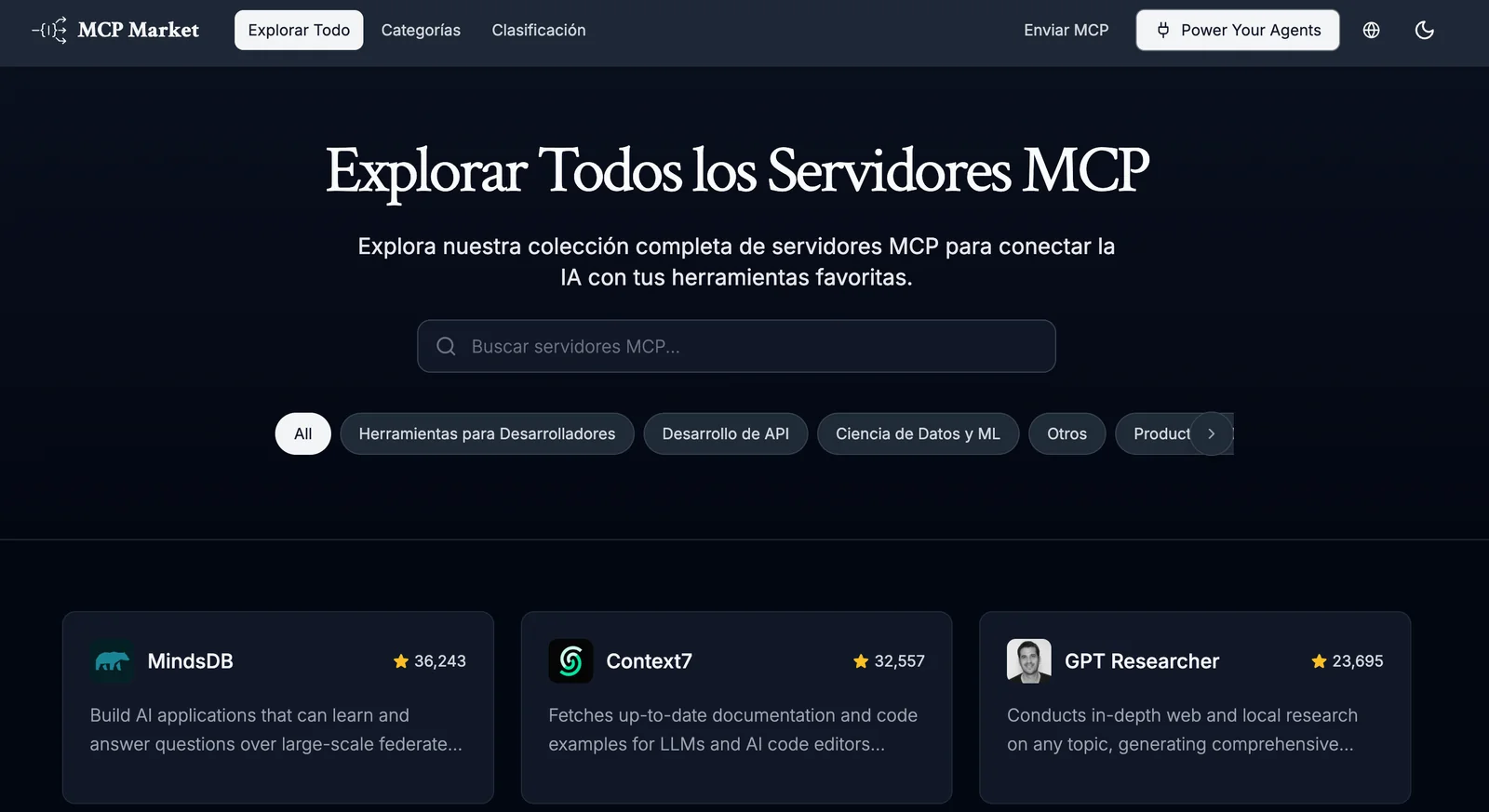
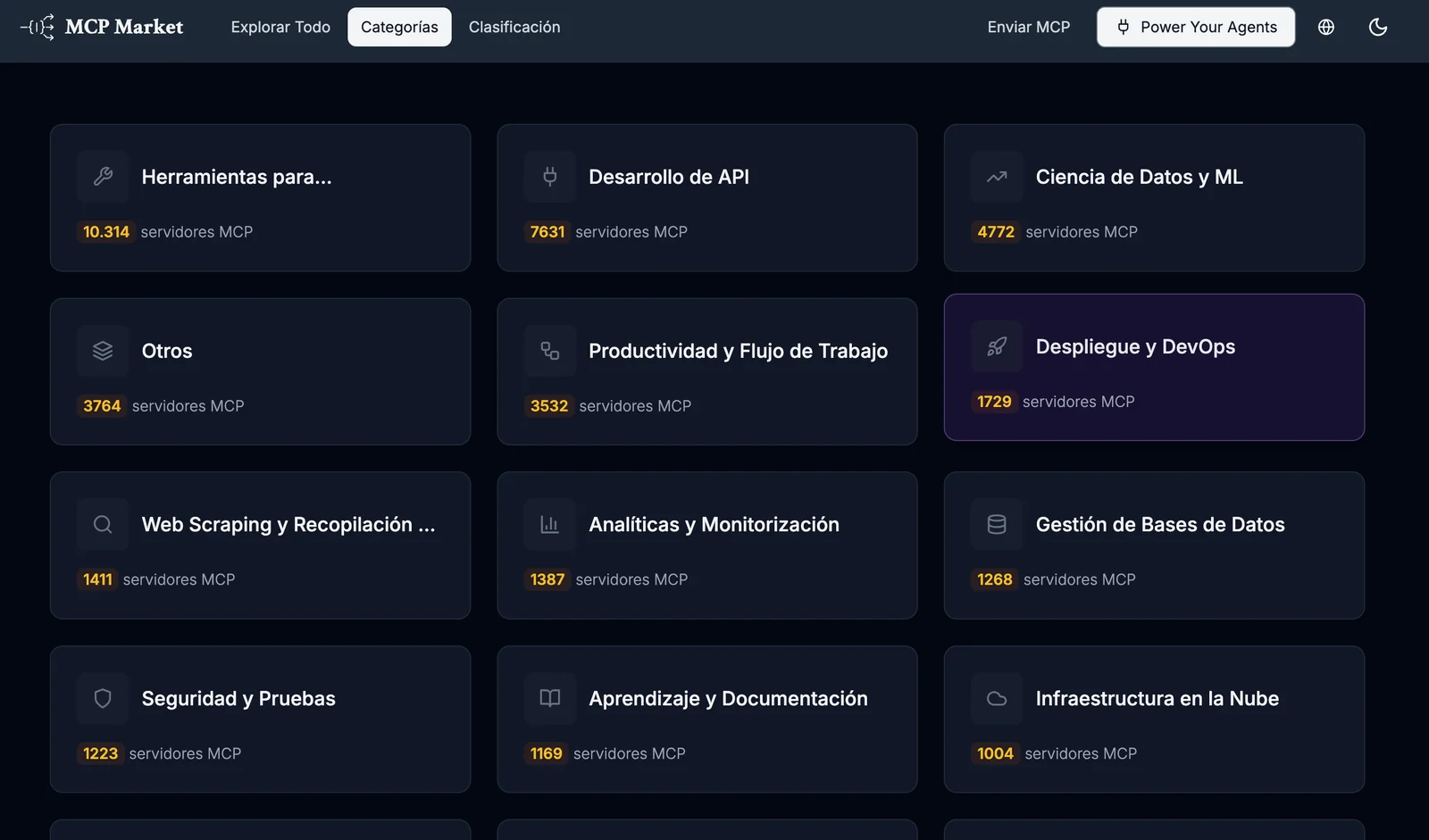
MCP Market is a collection of MCP (Model Context Protocol) servers and tooling packaged as a monorepo to help developers integrate LLMs with external APIs, databases, and services. It includes an "auto-install" MCP server with a CLI that enables natural-language-driven discovery and installation of other MCP servers, plus a library of specialized servers (e.g., Snowflake, Marketstack, TMDB, prediction markets). The project provides TypeScript type definitions, npm/pnpm install workflows, and standardized MCP schemas so LLM-based agents can call external tools via MCP-compatible interfaces. Its value lies in accelerating LLM integration by exposing external data sources as consistent MCP tools and enabling programmatic installation and management of those servers from within LLM-driven dialogues.
Screenshots
Key Features
Use Cases



Frequently asked questions about MCP Market
What pricing options are available for MCP Market?
MCP Market provides various pricing options, including a free Open Source tier, which costs $0, and premium servers and enterprise solutions with variable pricing. Users can utilize the full source code and receive community support at no cost, making it an accessible choice for many.
Key Points
- Free Open Source Option: Access to full source code and community support.
- Premium Pricing Tiers: Custom pricing for advanced server solutions and enterprise features.
- Community Engagement: Active user community for troubleshooting and support.
Detailed Explanation
MCP Market offers a flexible pricing structure designed to cater to different user needs. The Open Source tier allows individuals and organizations to access the complete source code without any cost, which is ideal for developers looking to customize their experience. This tier also includes community support, where users can interact, share insights, and help each other troubleshoot issues.
For businesses requiring more robust solutions, MCP Market provides premium servers and enterprise solutions. These options are priced variably based on specific requirements, such as server capacity, performance needs, and additional features. Organizations can reach out to the MCP Market sales team for tailored pricing that fits their operational needs.
Use Cases
- Startups: Ideal for startups that need to minimize costs while accessing powerful tools.
- Developers: Developers can leverage the Open Source version to build and test applications without upfront fees.
- Large Enterprises: Enterprises can opt for premium solutions to ensure scalability, security, and dedicated support.
Best Practices / Tips
- Evaluate Needs: Assess your technical requirements before choosing between the free and premium options to ensure you select the right tier.
- Engage with the Community: Utilize community forums and support channels to maximize the benefits of the Open Source tier.
- Stay Updated: Frequently check MCP Market for updates on pricing and new features that may enhance your experience.
Additional Resources
What are the key features of MCP Market?
MCP Market offers key features such as an auto-install CLI for executing natural language commands, a monorepo architecture for streamlined management, TypeScript support for enhanced development, and a library of MCP servers that seamlessly integrate various external APIs for robust functionality.
Key Points
- Auto-Install CLI: Simplifies command execution using natural language.
- Monorepo Architecture: Facilitates efficient management of multiple projects.
- TypeScript Support: Enhances code quality and developer experience.
Detailed Explanation
MCP Market is designed for developers looking for an efficient and user-friendly experience. The auto-install CLI allows users to run commands in natural language, making it accessible even for those with minimal technical expertise. This feature reduces the learning curve and speeds up the workflow.
The monorepo architecture means that multiple projects can be stored in a single repository, simplifying dependency management and collaboration among teams. This structure is particularly beneficial for large organizations that manage several projects simultaneously, as it allows for easier updates and consistent coding practices.
Additionally, MCP Market supports TypeScript, a powerful superset of JavaScript that adds static types. This support ensures better code quality through early error detection and improved maintainability. Developers can leverage TypeScript's features to create more robust applications, enhancing overall productivity.
Furthermore, MCP Market provides a comprehensive library of MCP servers. These servers integrate with various external APIs, ensuring that developers can build applications that connect to popular services and datasets easily. This functionality greatly expands the potential use cases for applications built on the MCP Market platform.
Best Practices / Tips
- Leverage the CLI: Familiarize yourself with the auto-install CLI to maximize productivity. Experiment with different natural language commands to find optimal workflows.
- Utilize Monorepo Advantages: When working within a monorepo, establish clear guidelines for project structure to prevent confusion and maintain consistency.
- Embrace TypeScript: Take advantage of TypeScript's features by incorporating it into your development process. This not only helps with code quality but also makes collaboration easier as team members can understand the codebase more quickly.
Additional Resources
How do I get started with MCP Market?
To get started with MCP Market, visit the MCP Market website to access the GitHub repository. Download the source code and follow the installation instructions using npm or pnpm for a quick setup of MCP servers, enabling you to start trading effectively.
Key Points
- Visit the official MCP Market website.
- Access the GitHub repository for the source code.
- Use npm or pnpm for quick installation of MCP servers.
Detailed Explanation
MCP Market is a decentralized platform that allows users to trade assets efficiently. To begin, navigate to the MCP Market website. Here, you'll find essential resources, including documentation and community forums.
-
Access the GitHub Repository: Once on the website, locate the link to the GitHub repository. This repository contains the source code, which is crucial for setting up your environment.
-
Download the Source Code: Click on the "Code" button and choose the download method you prefer (ZIP or Git clone).
-
Installation Using npm or pnpm:
- npm: If you have Node.js installed, open your terminal or command prompt and run
npm install mcp-marketto install the necessary packages. - pnpm: If you prefer pnpm, the command is
pnpm install mcp-market. This method is faster and uses less disk space.
- npm: If you have Node.js installed, open your terminal or command prompt and run
-
Configuration: After installation, follow the configuration guidelines provided in the repository's README file. This may include setting environment variables and modifying config files to suit your trading preferences.
-
Launch the Server: Finally, run the command
npm startorpnpm startto launch your MCP server. You can now start trading on the platform.
Best Practices / Tips
- Check System Requirements: Ensure your system meets the minimum requirements for running MCP Market effectively, including Node.js version compatibility.
- Stay Updated: Regularly check the GitHub repository for updates or patches to keep your server secure and efficient.
- Engage with the Community: Join forums or Discord channels related to MCP Market for troubleshooting, tips, and best practices from experienced users.
Additional Resources
What are the technical requirements for integrating with MCP Market?
MCP Market requires Node.js for installation and supports TypeScript to enhance the developer experience. For successful integration, refer to the official documentation, which provides specific API endpoints, authentication methods, and detailed integration guidelines.
Key Points
- Node.js Requirement: MCP Market operates on Node.js.
- TypeScript Support: Enhances coding efficiency and readability.
- Official Documentation: Essential for integration instructions and API details.
Detailed Explanation
To integrate with MCP Market, ensure your development environment is set up with Node.js (version 14.x or higher recommended). This JavaScript runtime is essential for executing server-side code, enabling smooth interaction with the MCP APIs.
Installation Steps:
- Install Node.js: Download and install from Node.js official site.
- Set Up Your Project:
- Create a new directory for your project.
- Initialize your project with
npm init -y.
- Install MCP SDK: Use the command
npm install mcp-sdkto integrate the MCP SDK into your project.
Once Node.js is installed and your project is set up, you can leverage TypeScript to improve your coding experience. TypeScript provides static typing, which helps catch errors early and improves code quality.
API Integration:
MCP Market exposes various APIs for different functionalities, including:
- Authentication: Use OAuth 2.0 for secure login.
- Data Retrieval: Access market data, user profiles, and transaction history.
- Order Management: Create, update, and manage orders through RESTful endpoints.
For detailed API specifications, refer to the MCP Market API documentation.
Best Practices / Tips
- Use Version Control: Implement Git to track changes and collaborate with others.
- Error Handling: Ensure robust error handling in your application to manage API failures gracefully.
- Stay Updated: Regularly check the official documentation for changes or updates to the API.
- Testing: Create unit tests for your integration to ensure stability and reliability.
Additional Resources
How does MCP Market compare to other MCP tools?
MCP Market distinguishes itself from other MCP tools through its open-source model, vibrant community support, and a vast library of free servers. Unlike many competitors, it offers a no-cost entry point, making it an ideal choice for developers seeking flexibility and affordability in their projects.
Key Points
- Open-source Model: Provides transparency and customization.
- Community Support: Active forums and user contributions enhance functionality.
- Free Access: No-cost entry levels the playing field for developers.
Detailed Explanation
MCP Market is an innovative platform that allows developers to access a wide range of resources without the financial burden typical of other MCP tools. Its open-source model means that users can view, modify, and improve the code, which fosters a collaborative environment. This model also enables quick updates and community-driven enhancements.
In terms of community support, MCP Market boasts an engaged user base that contributes to forums and documentation, sharing insights and troubleshooting tips. For example, users can easily find solutions to common issues or request new features, making the platform more user-friendly and adaptable.
Furthermore, MCP Market's extensive library of servers allows developers to select from various configurations tailored to different project needs. Unlike competitors who may charge high fees for server access, MCP Market provides numerous free options, facilitating experimentation and innovation without financial constraints.
Best Practices / Tips
- Engage with the Community: Join forums and discussions to gain insights and support from experienced users.
- Explore Server Options: Take advantage of the extensive free server library to find the best fit for your project needs.
- Contribute to the Project: If you have coding skills, consider contributing to the open-source codebase; this not only helps improve the tool but also enhances your own skills.
Additional Resources
Explore more AI Mcps tools
Browse all Mcps tools →Browse by use case: Automation & Productivity
Compare MCP Market: vs ai-memory · vs CrawlForge MCP · vs Popcraft · vs Pomerado