

Manifest
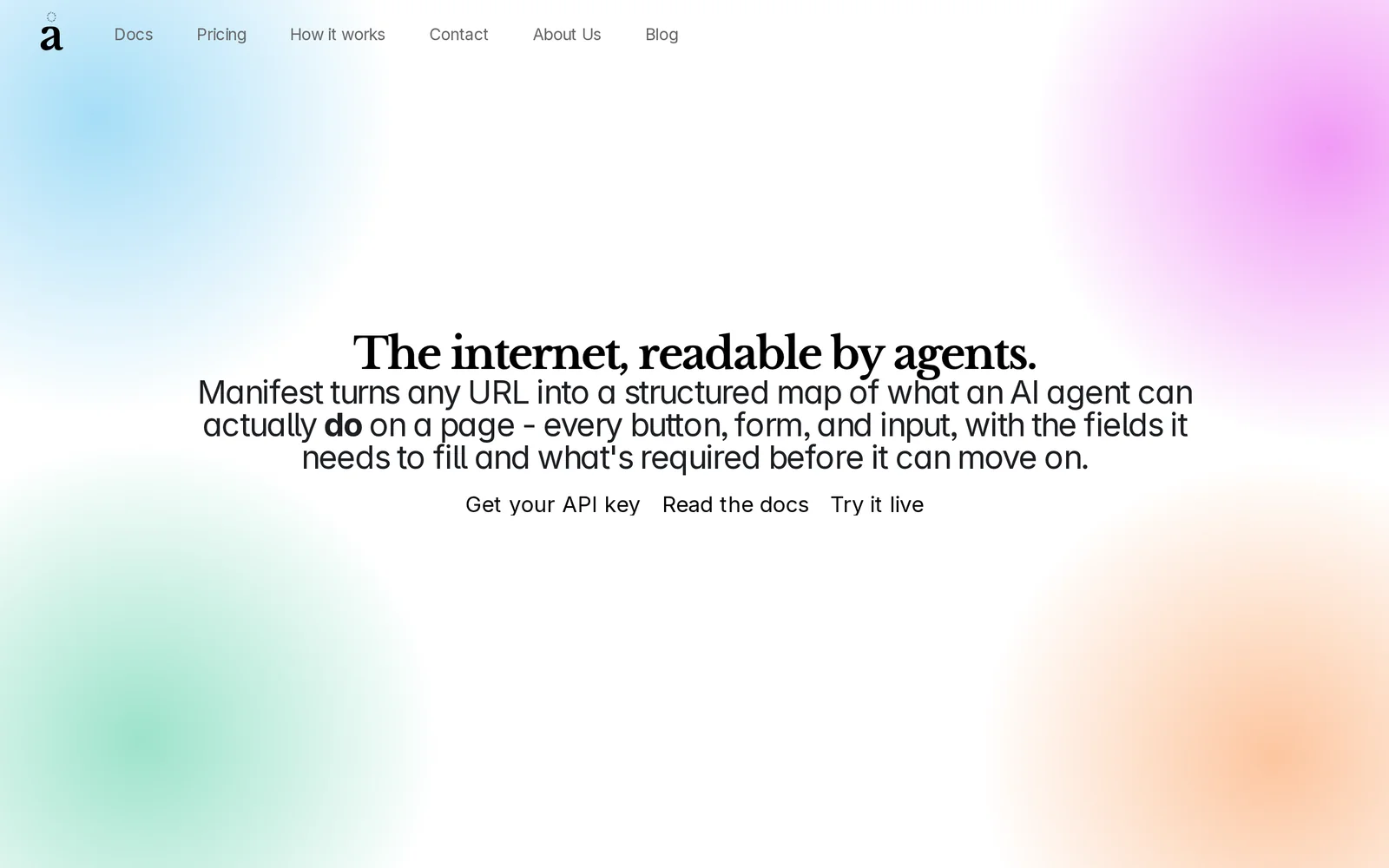
AIAPI that turns any webpage into a structured JSON action manifest — every button, form, and input an AI agent can use, with required fields spelled out.
Manifest
API that turns any webpage into a structured JSON action manifest — every button, form, and input an AI agent can use, with required fields spelled out.
About Manifest
Manifest by Omfang is a web-action API for AI agents: point it at any URL and it returns a clean JSON map of everything an agent can click, fill, and submit on that page, including the fields each action needs and what's required before it can proceed. Under the hood, Manifest visits the URL, reads the page's accessibility tree the way a screen reader would, and cross-references it against the live DOM for details accessibility trees miss — required flags, input types, placeholders, and disabled states. The result is a structured action manifest that survives redesigns and removes the need for hand-written selectors or screenshot-guessing. Developers call POST /manifest with a URL and get back the page state, an actions array (buttons, inputs, forms with descriptions), and navigation links — a stable action layer their agent can reason about and execute against.
Screenshots
Key Features
Use Cases


Frequently asked questions about Manifest
What is Manifest?
Manifest is an API that transforms any webpage into a structured JSON action manifest, detailing every button, form, and input that an AI agent can utilize. It specifies required fields, making it easier for developers to integrate and automate web interactions seamlessly.
Key Points
- Webpage to JSON Conversion: Manifest converts HTML elements into a structured format.
- AI Interaction: It enables AI agents to understand and interact with web interfaces.
- Required Fields Specification: Clearly defines input requirements for automated processes.
Detailed Explanation
Manifest plays a pivotal role in enhancing the interoperability between AI agents and web applications. By converting a webpage into a JSON action manifest, it simplifies the communication between AI systems and web interfaces. The structured format contains all the necessary elements, including buttons, forms, and inputs, which an AI agent can manipulate.
How Manifest Works:
- Extraction: When you send a request to the Manifest API with a URL, it fetches the webpage content.
- Analysis: The API analyzes the HTML structure, identifying interactive elements such as buttons and forms.
- Manifest Creation: It generates a JSON object that outlines each element's attributes, required fields, and possible actions.
Example Use Cases:
- Automated Testing: QA teams can use Manifest for automated testing of web applications by allowing AI to simulate user interactions based on the manifest.
- Robotic Process Automation (RPA): Businesses can streamline repetitive tasks by using AI agents to perform actions on web forms without manual intervention.
- Chatbot Integration: Developers can enhance chatbots with the ability to fill forms and click buttons on websites dynamically, improving user experience.
Best Practices / Tips
- Validate Your JSON: Always ensure the generated JSON is validated to prevent errors during automation processes.
- Optimize Your Webpages: Ensure that your web elements are clearly defined and accessible for better extraction by Manifest.
- Test Thoroughly: Use a variety of test scenarios to check how well the AI interacts with the manifest, adjusting as necessary.
Additional Resources
How does Manifest work?
Manifest works by creating a JSON manifest of actions from any webpage, utilizing techniques like Accessibility-Tree Grounding and DOM Cross-Referencing. This allows autonomous agents to effectively interact with web elements, automating tasks like form-filling and navigation without relying on fragile selectors.
Key Points
- URL-to-Action Manifest: Transforms web pages into machine-readable action lists.
- Accessibility-Tree Grounding: Ensures accurate interpretation of webpage elements for screen readers.
- Redesign-Resilient Selectors: Adapts to page changes without breaking functionality.
Detailed Explanation
Manifest employs several innovative techniques to enhance web automation:
-
URL-to-Action Manifest: By making a single POST call, Manifest generates a comprehensive JSON object that describes available buttons, forms, and inputs on a webpage. This object includes essential attributes like required flags, which inform the agent about which fields must be completed.
-
Accessibility-Tree Grounding: This feature reads and interprets the webpage in a manner consistent with screen readers, ensuring that labels and roles are derived from semantic HTML elements rather than relying on potentially inaccurate CSS selectors. This approach enhances both accessibility and automation reliability.
-
DOM Cross-Referencing: Manifest augments the accessibility tree by pulling live data from the DOM. This includes input types (such as text boxes and dropdowns), required fields, placeholders, and disabled states. This real-time data ensures that agents can accurately interact with the webpage.
-
Redesign-Resilient Selectors: Unlike traditional methods that depend on fixed CSS paths, Manifest re-derives actions dynamically for each request. This adaptability means that even if a webpage undergoes significant redesigns, the automation will continue to function seamlessly.
-
Structured Navigation Extraction: This feature captures the navigation links present on a page, allowing agents to plan multi-step workflows efficiently. This is particularly useful for orchestrating complex tasks across various sites and platforms.
Best Practices / Tips
- Utilize JSON Manifests Effectively: Ensure that your POST calls are structured correctly to maximize the information returned in the JSON manifest.
- Test Accessibility Features: Regularly test your implementation with screen readers to ensure that the accessibility tree correctly reflects the intended structure of your webpage.
- Monitor for Page Changes: Stay updated on any design changes to your website. Although Manifest is resilient, understanding the structure helps in troubleshooting issues that may arise.
- Leverage Multi-Site Workflows: Take advantage of Manifest's ability to orchestrate workflows across different sites. This can streamline operations for businesses that frequently interact with multiple platforms.
Additional Resources
What are the main features of Manifest?
Manifest offers several key features including a URL-to-Action Manifest, Accessibility-Tree Grounding, DOM Cross-Referencing, Redesign-Resilient Selectors, and Structured Navigation Extraction. These capabilities enhance web accessibility, streamline form interactions, and improve user experience in automated environments, making it easier for agents to interact with web pages effectively.
Key Points
- URL-to-Action Manifest: Transforms any webpage into a JSON manifest.
- Accessibility-Tree Grounding: Provides a semantic understanding of page elements.
- Redesign-Resilient Selectors: Adapts to changes in page design without manual updates.
Detailed Explanation
URL-to-Action Manifest
The URL-to-Action Manifest feature allows developers to convert any web page into a JSON manifest through a single POST call. This simplifies the process of creating interactive agents by automatically generating buttons, forms, and inputs with relevant descriptions and required flags. This feature is essential for developers looking to automate processes on various web platforms without extensive manual coding.
Accessibility-Tree Grounding
This feature enhances web accessibility by interpreting the page content as a screen reader would. It derives labels and roles from semantic signals instead of relying on CSS, which can often be misleading. This is crucial for ensuring that visually impaired users can navigate websites effectively, as it improves the accuracy of the content presented to them.
DOM Cross-Referencing
DOM Cross-Referencing augments the accessibility tree with real-time data from the live DOM. It captures input types, required fields, placeholders, and disabled states, providing a comprehensive view of the page's functionality. This is particularly useful for dynamic web applications where elements may change based on user interactions.
Redesign-Resilient Selectors
One of the standout features of Manifest is its ability to adapt to redesigns. It eliminates the need for hand-maintained CSS paths by re-deriving the action set with each request. This ensures that even if a webpage undergoes significant changes, the agent continues to function without disruption, saving developers time and resources.
Structured Navigation Extraction
Structured Navigation Extraction returns navigation links along with actions, enabling agents to plan multi-step flows across a website. This is especially beneficial for complex sites where users need to follow a series of steps to complete a task, enhancing the overall user experience.
Best Practices / Tips
- Regularly Update Features: Ensure that the Manifest is kept up-to-date with the latest web standards to maximize efficiency.
- Test Accessibility: Regularly test the accessibility features to ensure they meet required standards and provide a seamless experience for all users.
- Utilize JSON Outputs: Leverage the JSON outputs from the URL-to-Action Manifest to create detailed logs of user interactions, which can help in further optimizing the user journey.
Additional Resources
Who is Manifest for?
Manifest is designed for developers, businesses, and individuals who need efficient automation solutions. It streamlines tasks involving web interactions, such as executing agent commands at specific URLs, automating form submissions, orchestrating workflows across multiple sites, and conducting quality assurance audits.
Key Points
- Agent Web Task Execution: Streamline agent commands on specific URLs.
- Automation Without Brittle Scrapers: Ensure resilience against webpage redesigns.
- Multi-Site Workflow Orchestration: Manage complex workflows across various platforms.
Detailed Explanation
Manifest offers a powerful platform for automating web interactions through various key features:
-
Agent Web Task Execution: This feature allows users to provide an autonomous agent with a machine-readable list of tasks. For example, if an agent needs to scrape information from a website, users can specify actions like clicking buttons or retrieving text based on the URL structure.
-
Automation Without Brittle Scrapers: Traditional scrapers often fail when a website undergoes design changes. Manifest replaces fragile selectors with a robust action layer, enabling users to maintain automation without frequent updates. This is particularly useful for e-commerce sites where layout changes can disrupt data collection.
-
Form-Filling and Sign-Up Automation: Manifest simplifies form automation by allowing agents to identify required fields and input types. For instance, when signing up for a service, the agent can navigate fields, validate input formats, and submit forms seamlessly, saving time in repetitive tasks.
-
Multi-Site Workflow Orchestration: Businesses often need to manage tasks across different platforms, such as vendor portals and SaaS applications. Manifest enables the creation of comprehensive workflows that span these various sites, using a consistent action schema to ensure reliability.
-
QA and UI Auditing: Users can take snapshots of a webpage’s interactive elements, capturing them as structured data. This allows for easy comparisons across different releases, helping identify accessibility gaps or UI changes that could affect user experience.
Best Practices / Tips
- Start Small: Begin with simple tasks before scaling to more complex workflows. This helps in understanding how Manifest operates.
- Regular Updates: Keep your action schemas updated to adapt to any changes in the websites you interact with.
- Testing: Use QA features to audit your workflows frequently, ensuring they function correctly across different releases.
Additional Resources
How much does Manifest cost?
Manifest offers a free tier with essential features, while paid plans start at $10 per month for advanced functionalities. Users can choose from different pricing tiers based on their needs, including options for enhanced collaboration and integrations.
Key Points
- Free Tier: Basic features accessible without payment.
- Paid Plans: Start at $10 monthly with more advanced tools.
- Custom Solutions: Tailored pricing for larger teams or enterprises.
Detailed Explanation
Manifest provides a flexible pricing structure to accommodate various users, from individuals to large organizations. The free tier allows users to access basic functionalities, perfect for casual users or those wanting to test the platform.
-
Free Tier: This option enables users to create and manage simple projects without any financial commitment. It's a great way to familiarize oneself with Manifest’s capabilities, including task management and basic collaboration tools.
-
Paid Plans: For users looking for more advanced features, Manifest offers several paid plans. The basic plan starts at $10 per month, unlocking additional capabilities such as:
- Enhanced analytics and reporting tools.
- Advanced integrations with other software applications.
- Priority customer support.
-
Custom Solutions: Larger teams or enterprises can opt for custom pricing solutions. These plans are tailored depending on the organization's size, specific needs, and the level of support required. It’s advisable to contact the sales team for a personalized quote.
Best Practices / Tips
- Evaluate Your Needs: Before committing to a paid plan, assess your project management needs. The free tier may suffice for smaller projects.
- Utilize Free Trials: Take advantage of any trial offers on paid plans to explore features before making a financial commitment.
- Compare Plans: Review all features included in each paid plan to ensure you’re getting the best value for your investment.
- Monitor Usage: If you opt for a paid plan, keep an eye on your usage to avoid unnecessary costs. Adjust your plan according to your team's growth or changes in project demands.
Additional Resources
How do I get started with Manifest?
To get started with Manifest, visit Omfang.io to sign up for an account. Once registered, you can explore its features, access tutorials, and begin utilizing Manifest to streamline your processes and enhance productivity.
Key Points
- Sign Up: Create an account on Omfang.io.
- Explore Features: Familiarize yourself with the tools available.
- Utilize Resources: Access tutorials and guides for effective usage.
Detailed Explanation
Manifest is designed to help users manage their tasks and enhance productivity through AI-driven tools. To begin, follow these steps:
-
Visit the Website: Go to Omfang.io, where you can find comprehensive information about Manifest.
-
Create Your Account: Click on the “Sign Up” button. Fill out the required fields, including your email and password. You may also need to verify your email address.
-
Explore the Dashboard: After logging in, you will be greeted by the user-friendly dashboard. Familiarize yourself with the layout, and take note of essential tools such as task management, collaboration features, and AI assistance.
-
Access Tutorials: Navigate to the resources section for tutorials and guides that can help you understand how to maximize the use of Manifest. These tutorials are often interactive and provide step-by-step instructions.
-
Start Using Manifest: Begin by creating your first project or task. Utilize the templates available to streamline your work. Test various features, such as AI suggestions for task prioritization, to see how they can assist you.
Best Practices / Tips
- Utilize AI Features: Take advantage of Manifest's AI capabilities to optimize your workflow and task prioritization. Experiment with different settings to see what works best for your needs.
- Engage with the Community: Join forums or community groups related to Manifest. Engaging with other users can provide insights into best practices and innovative uses of the tool.
- Regular Updates: Keep your Manifest app updated to access the latest features and improvements. This ensures that you benefit from ongoing developments and enhancements.
- Set Clear Goals: Define your objectives before diving into the tool. Clear goals will help you utilize Manifest more effectively.
Additional Resources
- Manifest User Guide: An in-depth guide covering all aspects of using Manifest.
- Community Forum: Connect with other users to share experiences and tips.
- Blog on Productivity Tools: Explore articles on how to enhance productivity using Manifest and other tools.
Explore more AI Ai Services tools
Browse all Ai Services tools →Browse by use case: Automation & Productivity
Compare Manifest: vs BAND for Developers · vs NitroStack · vs GBrain · vs MentionBird