

Mailero
AIMinimalist email-first support ticketing SaaS that turns emails into tickets; EU-hosted and GDPR-compliant for solo founders and small teams.
Mailero
Minimalist email-first support ticketing SaaS that turns emails into tickets; EU-hosted and GDPR-compliant for solo founders and small teams.
About Mailero
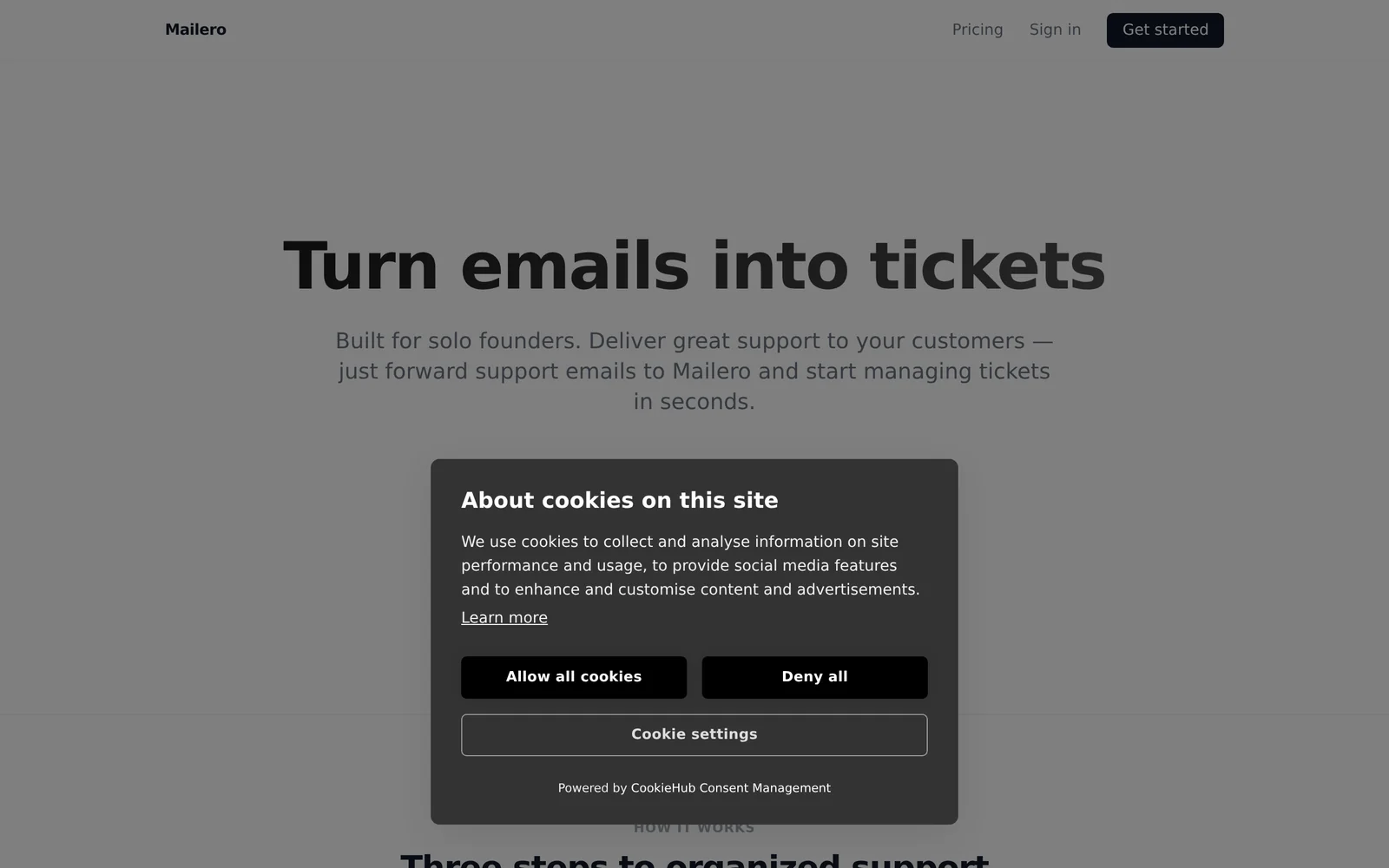
Mailero is a minimalist, email-first support ticketing SaaS that converts incoming emails into manageable support tickets and centralizes customer communication. It emphasizes a lightweight, uncluttered workflow designed for solo founders and small teams who want to keep using email while gaining ticketing and tracking capabilities. Mailero is hosted in the EU and built to support GDPR compliance, making it suitable for organizations with European data-residency and privacy requirements. The product focuses on simple setup and an email-centric approach rather than feature-heavy helpdesk platforms.
Screenshots
Key Features
Use Cases



Frequently asked questions about Mailero
What is Mailero?
Mailero is a minimalist, email-first support ticketing software as a service (SaaS) designed to convert emails into support tickets. It is based in the EU, ensuring GDPR compliance, making it ideal for solo founders and small teams seeking efficient customer support solutions.
Key Points
- Email-First Approach: Converts emails directly into support tickets.
- GDPR Compliance: EU-hosted, ensuring data protection and privacy.
- Ideal for Small Teams: Tailored for solo founders and small businesses.
Detailed Explanation
Mailero streamlines the customer support process by transforming incoming emails into tickets, allowing teams to manage customer inquiries more effectively. This is particularly useful for businesses with limited resources, as it minimizes the need for complex software setups.
Features:
- User-Friendly Interface: Mailero's minimalist design allows users to focus on resolving tickets without distractions, enhancing productivity.
- Automated Ticketing: As emails enter the system, Mailero automatically categorizes and prioritizes them based on predefined criteria, ensuring that urgent queries are addressed promptly.
- GDPR Compliance: By hosting data within the EU, Mailero adheres to strict GDPR regulations, providing users peace of mind regarding data security.
Use Cases:
- Solo Founders: Ideal for entrepreneurs who need a simple yet effective way to manage customer inquiries without the overhead of complex tools.
- Small Teams: Perfect for small businesses looking to enhance their support operations while keeping costs low.
Best Practices / Tips
- Leverage Templates: Create response templates for common inquiries to save time.
- Regularly Review Tickets: Analyze ticket trends to identify frequently asked questions and improve your services.
- Stay GDPR Compliant: Regularly update your privacy policy and ensure your data management practices are in line with EU regulations.
Additional Resources
- Mailero Official Site
- GDPR Compliance Guidelines
- [Customer Support Best Practices](https://www.help scout.com/blog/customer-support/)
How does Mailero work?
Mailero operates by leveraging advanced AI technologies to streamline various workflows, enabling users to automate email communications, schedule tasks, and optimize marketing campaigns. This powerful tool integrates seamlessly with existing systems, offering customizable features for personalized user experiences.
Key Points
- AI-Powered Automation: Mailero automates repetitive tasks, saving time and effort.
- Customizable Workflows: Users can tailor Mailero to fit their specific needs and preferences.
- Integration Capabilities: Mailero connects with various platforms, enhancing productivity and collaboration.
Detailed Explanation
Mailero is designed to simplify day-to-day workflows through its core AI capabilities. Here’s how it functions:
-
AI-Powered Automation: Mailero automates time-consuming tasks such as email responses, follow-ups, and data entry. For instance, if you receive frequent inquiries about product availability, Mailero can automatically respond with the relevant information, allowing your team to focus on strategic tasks.
-
Customizable Workflows: Users can build personalized workflows based on their specific needs. For example, you can create an automated email sequence for onboarding new clients, ensuring they receive all necessary information without manual intervention. This customization is crucial for businesses looking to enhance customer experience.
-
Integration Capabilities: Mailero works well with various CRM, project management, and marketing tools. This means you can use it in conjunction with platforms like Salesforce or HubSpot, making it easier to manage customer interactions and marketing campaigns from a single interface.
Best Practices / Tips
- Start with Templates: Use Mailero’s pre-built templates to quickly set up campaigns and workflows. This allows you to focus on content rather than design.
- Monitor Performance: Regularly check analytics within Mailero to assess the effectiveness of your automated emails or campaigns. Adjust strategies based on data-driven insights.
- Test Your Workflows: Before rolling out new automated processes, conduct tests to ensure everything functions as expected. This minimizes errors and enhances user experience.
Additional Resources
What are the main features of Mailero?
Mailero offers a variety of key features, primarily focusing on advanced AI capabilities, user-friendly interface, and automation tools. These features enable users to streamline their communication, enhance productivity, and leverage data-driven insights for improved decision-making.
Key Points
- Advanced AI Capabilities: Mailero leverages artificial intelligence to enhance email marketing efforts.
- User-Friendly Interface: The platform is designed for ease of use, catering to both beginners and advanced users.
- Automation Tools: Mailero includes automation features to optimize workflows and save time.
Detailed Explanation
Mailero stands out in the email marketing landscape by integrating sophisticated AI technologies that assist users in crafting personalized email campaigns. These AI features analyze user behavior and engagement, allowing for tailored content that resonates with specific audience segments.
For instance, Mailero's AI-driven analytics can predict the best times to send emails based on past engagement metrics, ensuring higher open rates. Additionally, the platform offers A/B testing capabilities, enabling users to experiment with different subject lines and content formats to determine what works best.
The user-friendly interface simplifies the process of setting up campaigns, making it accessible even to those without technical expertise. Users can easily navigate through the platform, create visually appealing emails using drag-and-drop tools, and manage their subscriber lists efficiently.
Automation is another critical feature within Mailero. Users can set up automated workflows that trigger specific actions based on user interactions, such as welcome emails for new subscribers or follow-up messages for those who clicked on a link. This not only saves time but also ensures consistent communication with the audience.
Best Practices / Tips
- Utilize AI Insights: Regularly review AI-generated reports to optimize your email content and sending times.
- Test Different Strategies: Conduct A/B tests to refine your email campaigns, using insights to improve engagement.
- Segment Your Audience: Use Mailero’s segmentation tools to target specific groups, enhancing personalization and relevance.
Additional Resources
Who is Mailero for?
Mailero is designed for individuals and businesses seeking to enhance their daily workflows through AI technology. Whether you're a marketer, entrepreneur, or content creator, Mailero streamlines tasks like email management, data analysis, and project coordination, making it a versatile tool for anyone looking to optimize efficiency.
Key Points
- Target Audience: Entrepreneurs, marketers, and content creators.
- Use Cases: Email automation, data handling, and project management.
- Benefits: Increased productivity, streamlined workflows, and enhanced collaboration.
Detailed Explanation
Mailero is an AI-powered tool that caters to a diverse audience, including small business owners, freelancers, and large enterprises. It excels in automating routine tasks, which allows users to focus on strategic activities rather than mundane operations.
Use Cases
-
Email Automation: Mailero automates email responses and scheduling, helping businesses maintain communication without manual oversight. For instance, a marketer can set automated campaigns that send personalized emails based on user engagement.
-
Data Analysis: Businesses can utilize Mailero to analyze customer data, providing insights that drive marketing strategies. For example, an entrepreneur can input sales data and receive actionable recommendations for product launches.
-
Project Management: Teams can use Mailero to coordinate tasks and deadlines effectively. By integrating with project management tools, it ensures everyone is on the same page, reducing miscommunication.
Best Practices / Tips
- Identify Repetitive Tasks: Start by identifying tasks that consume most of your time, such as scheduling or data entry, and automate them using Mailero.
- Customization: Take advantage of Mailero’s customization features to tailor responses and reports to your specific needs, improving user engagement.
- Regular Updates: Keep your Mailero application up-to-date to benefit from the latest features and security enhancements.
Additional Resources
How much does Mailero cost?
Mailero is a paid email marketing service with flexible pricing plans. The exact cost varies based on the features and subscription level you choose. For the most accurate and current pricing information, it's best to visit the official Mailero website.
Key Points
- Mailero offers multiple pricing tiers.
- Subscription costs depend on features and usage.
- Always check the official website for the latest updates.
Detailed Explanation
Mailero provides various subscription options tailored to different business needs. Common pricing tiers include:
-
Basic Plan: Ideal for startups, offering essential features at an affordable price. It typically includes basic email campaign tools, analytics, and limited customer support.
-
Pro Plan: Suitable for growing businesses, this plan includes advanced automation features, enhanced analytics, and priority support. Pricing often ranges from $29 to $99 per month, depending on the number of subscribers.
-
Enterprise Plan: Designed for large organizations, this plan includes custom pricing based on specific requirements. It offers extensive features like dedicated account management, advanced integrations, and customized solutions.
Mailero occasionally offers promotional discounts or free trials, allowing potential users to evaluate the service before committing.
Best Practices / Tips
-
Evaluate Your Needs: Before choosing a plan, assess your email marketing requirements, such as the size of your audience and the complexity of your campaigns.
-
Take Advantage of Trials: If available, use any free trial offers to explore Mailero's features and determine if they align with your business goals.
-
Stay Updated: Pricing may change, so regularly check the Mailero website or subscribe to their newsletter for updates on special offers and new features.
Additional Resources
How do I get started with Mailero?
To get started with Mailero, simply visit Mailero.com to sign up for an account. Once registered, you can explore its features and begin using this powerful email marketing tool to enhance your campaigns and engage your audience effectively.
Key Points
- Easy sign-up process
- Comprehensive features for email marketing
- User-friendly interface for beginners and experts
Detailed Explanation
Mailero is an intuitive email marketing platform that offers a range of features designed to simplify email campaigns. Here's how to get started:
-
Sign Up: Go to Mailero.com and click on the "Sign Up" button. You will need to provide your email address and create a password. For businesses, consider using a company email for better branding.
-
Explore Features: After signing up, take a moment to familiarize yourself with the dashboard. Mailero provides tools for designing emails, managing subscribers, and analyzing campaign performance. Key features include:
- Drag-and-Drop Email Builder: Create visually appealing emails without coding.
- Segmentation: Target specific audience segments for more effective marketing.
- Automated Campaigns: Set up automated workflows to engage users based on their behaviors.
-
Integration: Mailero also integrates with various platforms such as Shopify, WordPress, and CRM systems. Connecting your existing tools can help streamline your marketing efforts.
-
Launch Campaigns: Create your first email campaign by selecting a template or starting from scratch. Use the A/B testing feature to optimize subject lines and content for better performance.
-
Monitor Performance: Utilize Mailero’s analytics tools to track open rates, click-through rates, and conversions. This data is vital for refining your future campaigns.
Best Practices / Tips
- Use Clear CTAs: Make sure your emails have a clear call-to-action (CTA) that directs readers to your desired outcome.
- Segment Your Audience: Personalize your messaging based on subscriber behavior and demographics to increase engagement.
- Test Regularly: Use A/B testing for subject lines and email content to identify what resonates best with your audience.
- Maintain Compliance: Ensure your campaigns comply with regulations like GDPR and CAN-SPAM by providing unsubscribe options and respecting privacy.
Additional Resources
- Mailero Knowledge Base – Access detailed guides and tutorials.
- Email Marketing Best Practices – Learn effective strategies for successful email campaigns.
- Mailero Blog – Stay updated with the latest trends and tips in email marketing.
Explore more AI Ai Services tools
Browse all Ai Services tools →Compare Mailero: vs Cadenya · vs OpenObserve · vs Experiential Labs · vs Dial