

LTX-2
AIOpen SourceFreeDiT-based audio‑video foundation model delivering synchronized high-fidelity video and audio with production-ready pipelines and LoRA trainer.
LTX-2
DiT-based audio‑video foundation model delivering synchronized high-fidelity video and audio with production-ready pipelines and LoRA trainer.
About LTX-2
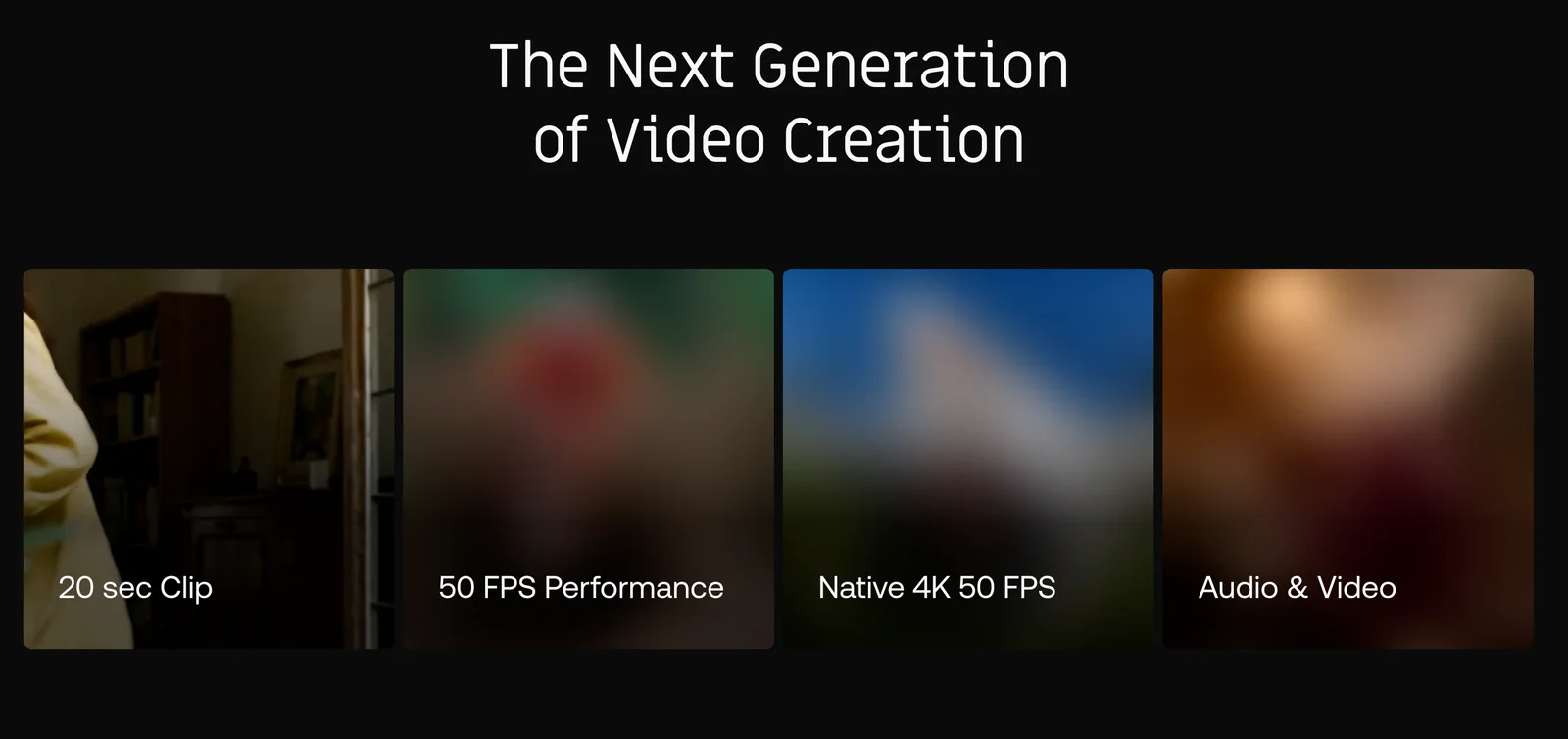
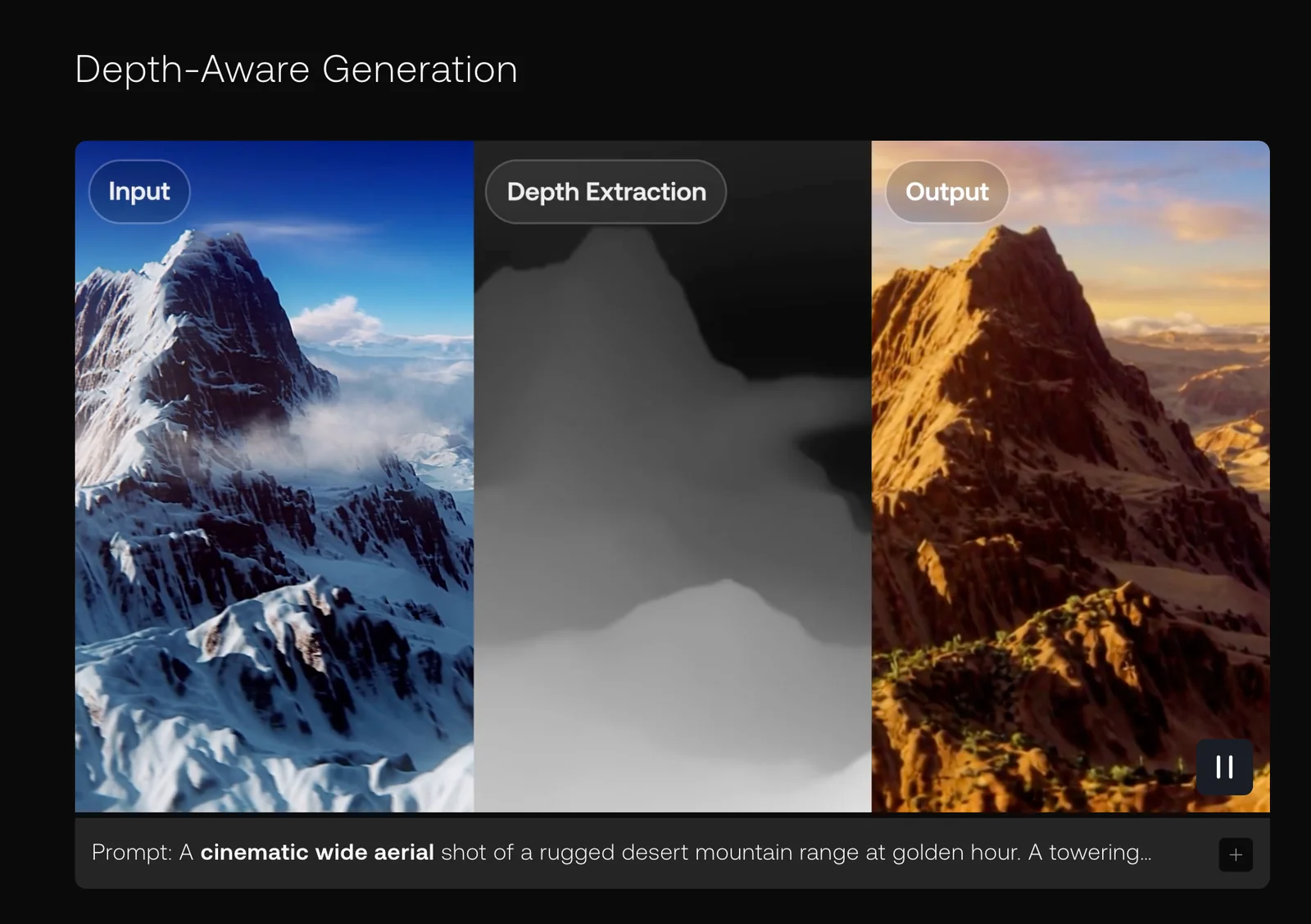
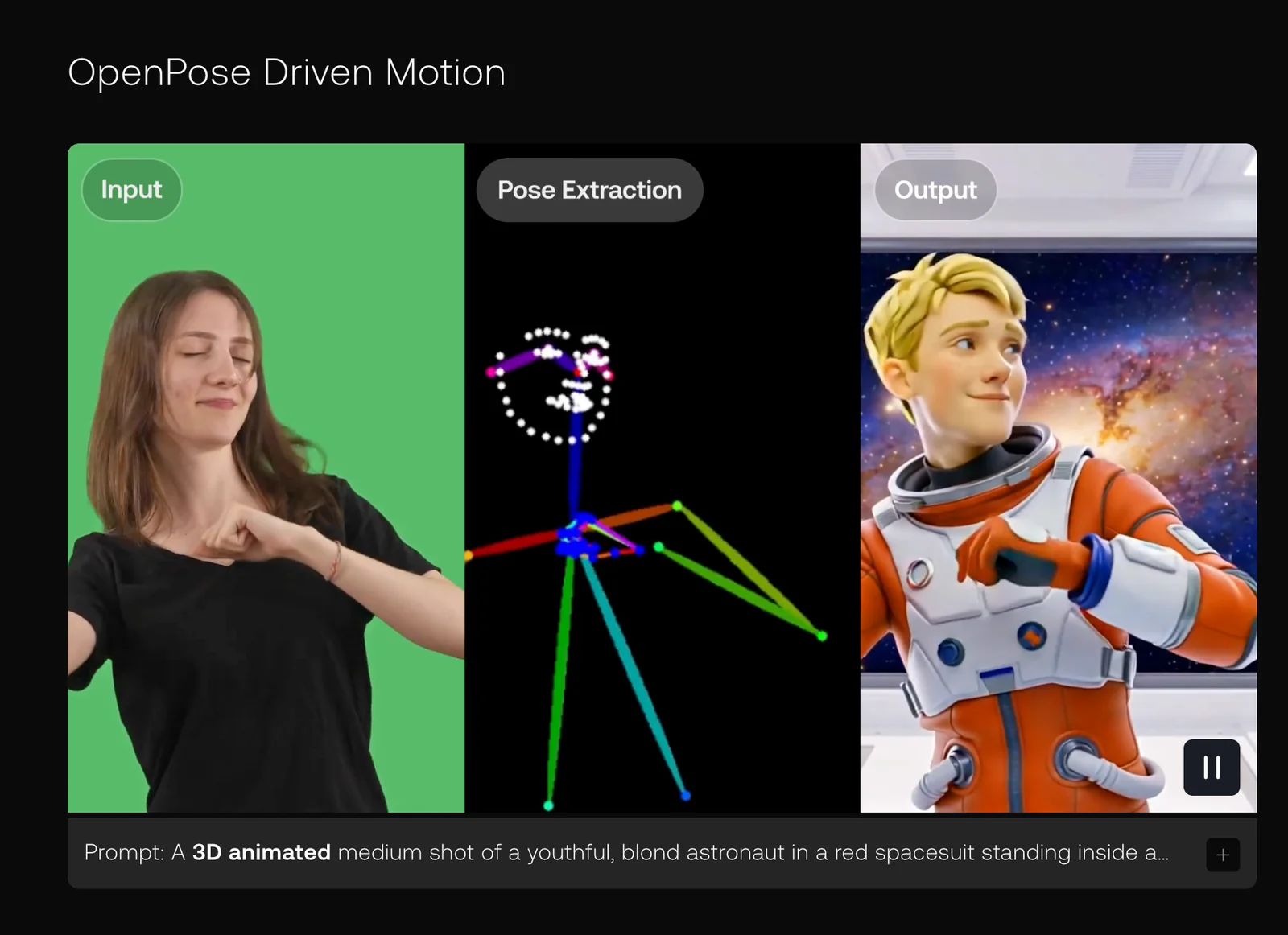
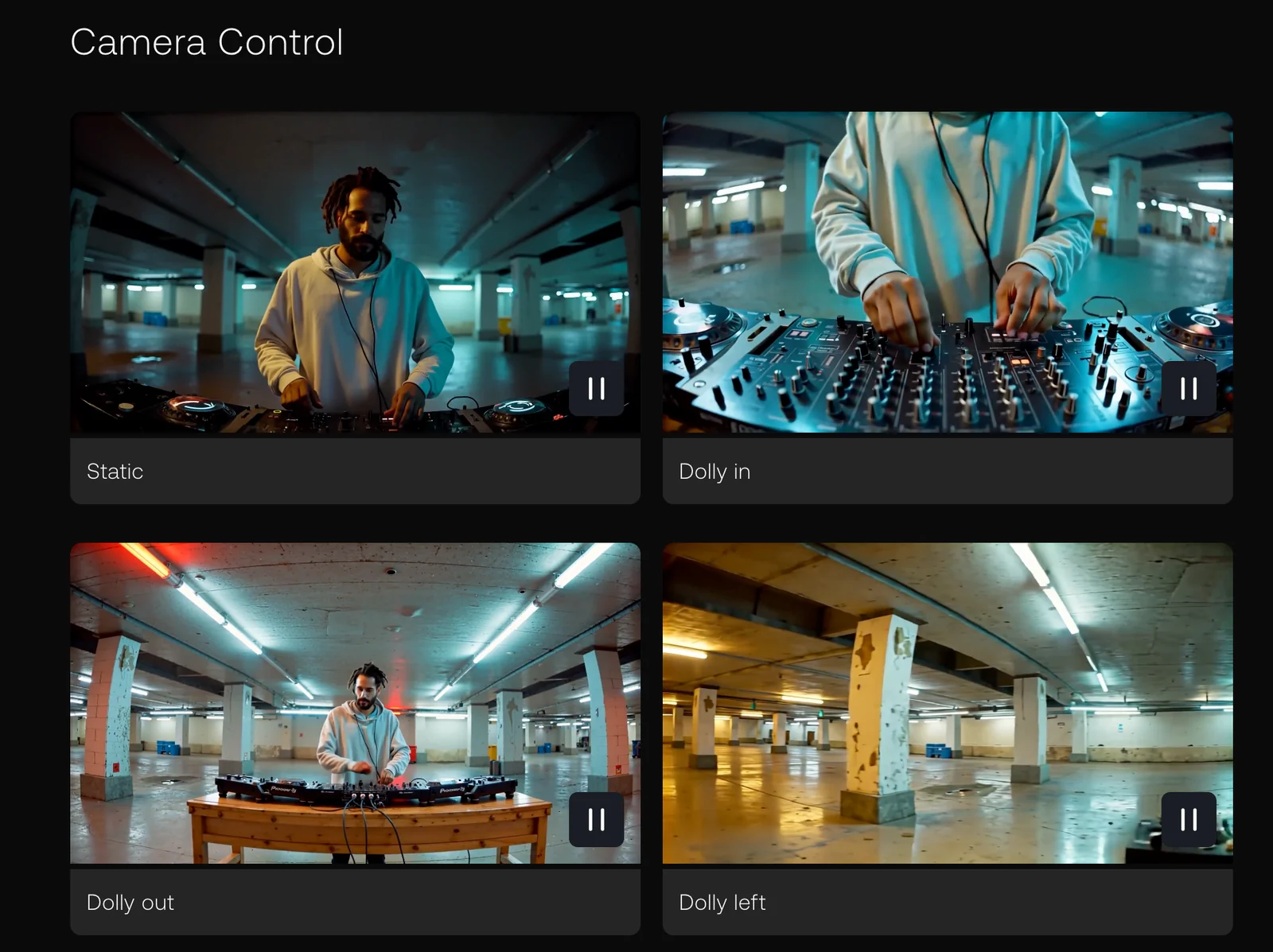
LTX-2 is a DiT-based audio‑video foundation model that generates synchronized audio and video in a single coherent process. It combines a video VAE, audio VAE and vocoder with transformer-based diffusion to produce high-fidelity outputs, multi-keyframe conditioning, and production-ready rendering pipelines. The project includes ltx-core (model & inference stack), ltx-pipelines (ready-to-run text→video, image→video, video→video and keyframe pipelines), and ltx-trainer (LoRA and full fine-tuning tools). Optimizations such as FP8 transformer support, gradient-estimation denoising, multi-stage (spatial + temporal) upscalers, and LoRA/IC‑LoRA training make it practical for research and production use cases that demand synchronized audiovisual outputs, long generations, and fine-grained creative control.
Screenshots

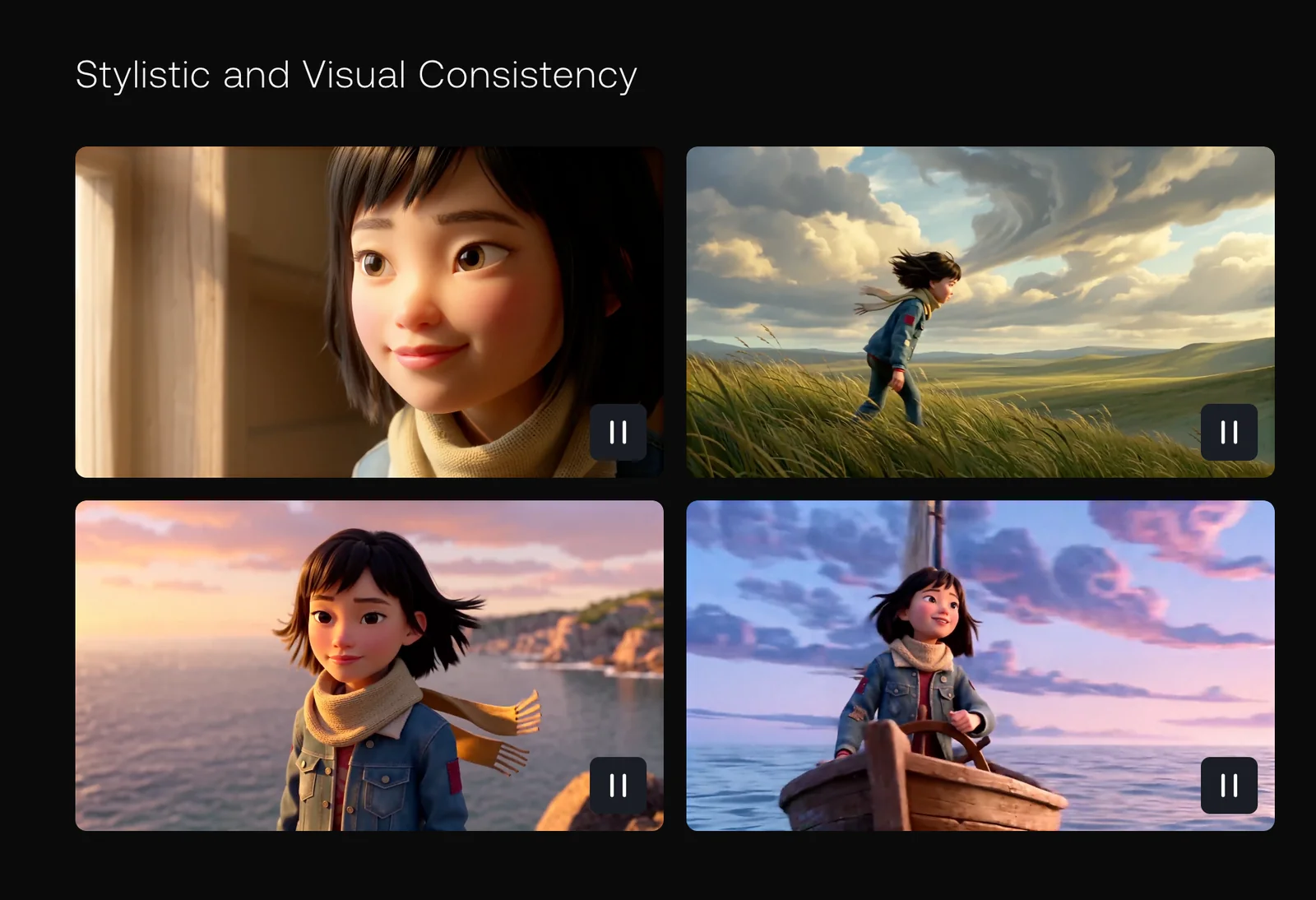
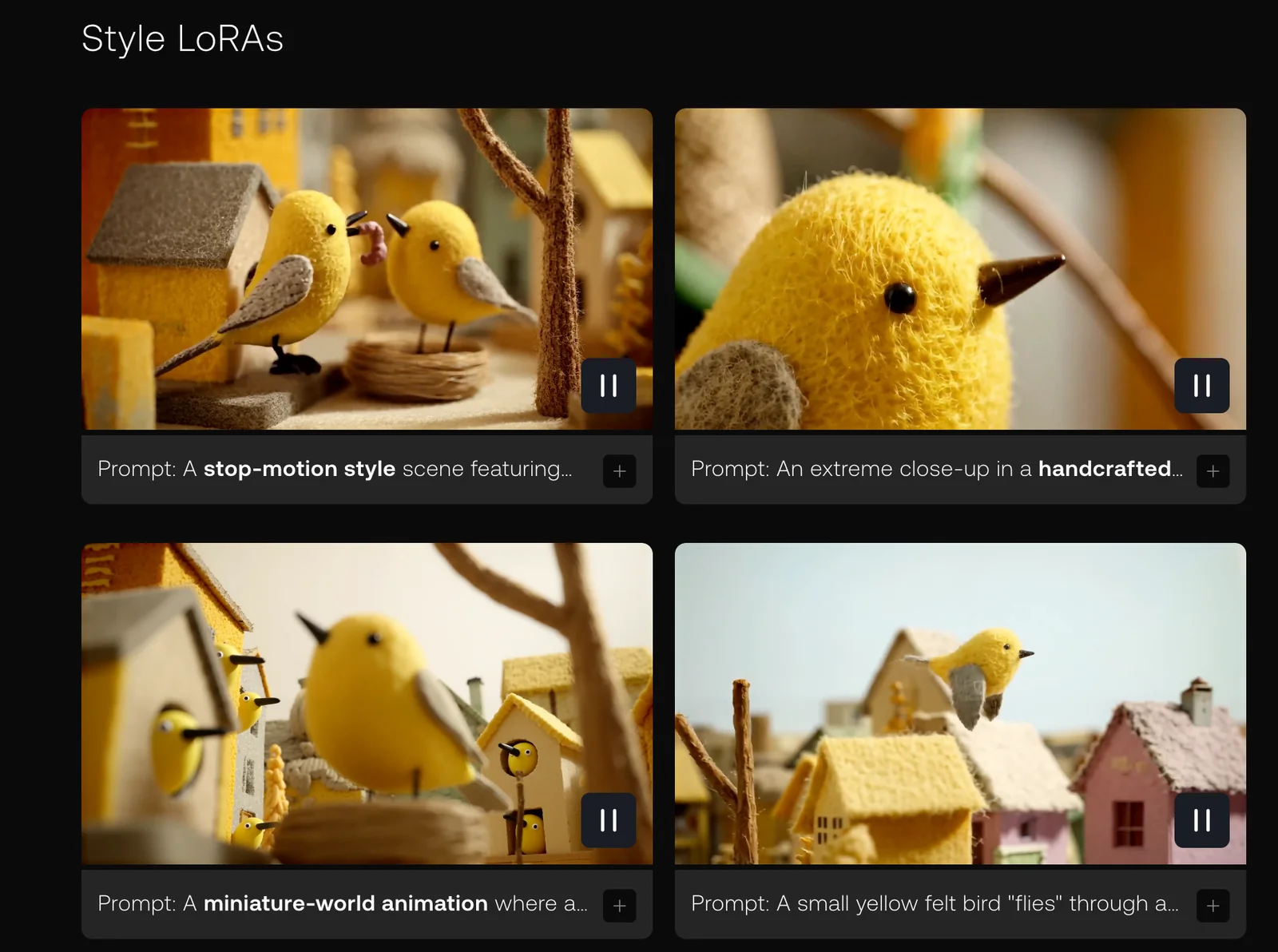
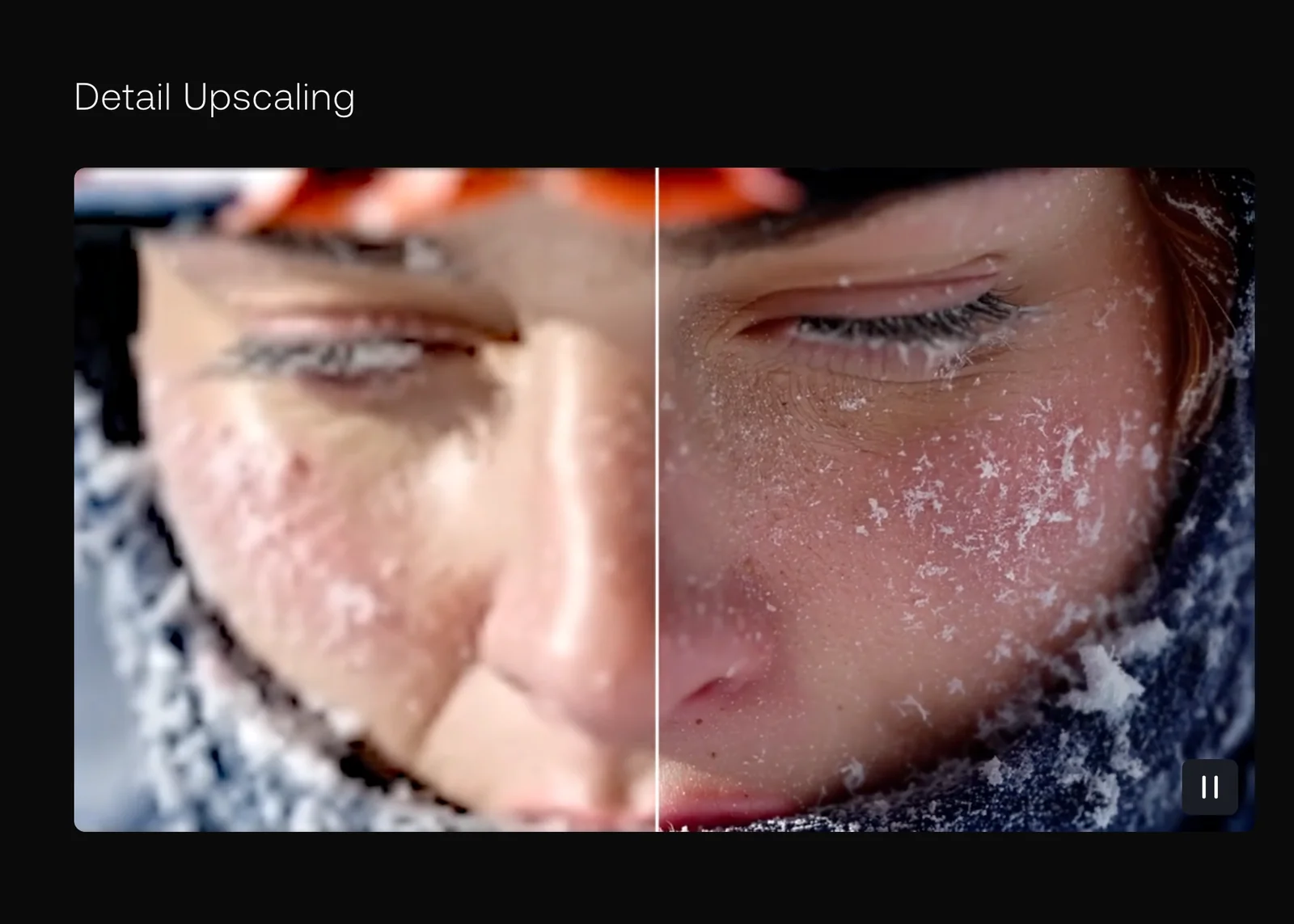
Key Features
Use Cases



Frequently asked questions about LTX-2
What pricing options are available for LTX-2?
LTX-2 offers a variety of pricing options, including a free open-source version, a forever free LTX Studio tier, and paid plans starting at $15 per month. These plans cater to different user needs by providing additional credits and advanced features for enhanced functionality.
Key Points
- Free Options: Open-source version and forever free tier.
- Paid Plans: Starting at $15/month for more features.
- Scalability: Options available for individual users and teams.
Detailed Explanation
LTX-2 provides a flexible pricing structure designed to accommodate users with varying needs.
-
Free Open-Source Version: This version is ideal for developers and tech enthusiasts who want to explore LTX-2’s core functionalities without any financial commitment. It allows users to contribute to the community and customize the software as needed.
-
Forever Free LTX Studio Tier: This tier is perfect for small projects or individual users who require basic functionalities without the need for extensive resources. Users can access essential features, making it a great starting point for those new to LTX-2.
-
Paid Plans: Starting at $15/month, the paid plans offer greater access to resources, more credits, and advanced features that support larger projects or team collaborations. As users grow, they can easily upgrade to higher tiers for additional benefits, such as increased storage and priority support.
-
Enterprise Solutions: For organizations that need custom solutions, LTX-2 also provides enterprise packages that are tailored to specific business requirements. Pricing for these packages varies based on the organization's size and needs.
Best Practices / Tips
- Evaluate Needs: Consider your project size and requirements before choosing a plan. Start with the free options to gauge whether you need advanced features.
- Compare Plans: Review the differences between the tiers to ensure you pick the one that aligns with your needs. The additional credits can significantly enhance productivity.
- Stay Updated: Regularly check for updates on pricing and features to take advantage of new offerings or discounts.
Additional Resources
- LTX-2 Official Pricing Page
- LTX-2 Documentation
- Community Forum for user experiences and shared tips.
What unique features does LTX-2 provide compared to other AI models?
LTX-2 stands out from other AI models by providing synchronized audio-video generation through its innovative DiT-based architecture, along with production-ready pipelines and advanced fine-tuning tools such as LoRA and IC-LoRA, making it highly adaptable for various applications.
Key Points
- Synchronized Audio-Video Generation: LTX-2 integrates audio and video seamlessly.
- DiT-Based Architecture: This architecture enhances the model's efficiency and output quality.
- Advanced Fine-Tuning Tools: Features like LoRA and IC-LoRA allow for customizable applications.
Detailed Explanation
LTX-2's unique features are primarily centered around its advanced technology and user-friendly capabilities.
-
Synchronized Audio-Video Generation: Unlike many AI models that generate audio and video separately, LTX-2 can produce both simultaneously. This feature is crucial for applications such as video production, gaming, and virtual reality, where coordinated audio and visuals are essential for user experience.
-
DiT-Based Architecture: The DiT (Diffusion Transformer) architecture enables LTX-2 to process and generate high-quality multimedia content efficiently. This architecture leverages the strengths of diffusion models and transformers, resulting in faster processing times and improved output fidelity. For instance, LTX-2 can render realistic animations and soundscapes for interactive media projects more effectively than traditional models.
-
Advanced Fine-Tuning Tools: LTX-2 includes tools like LoRA (Low-Rank Adaptation) and IC-LoRA (Incremental Low-Rank Adaptation), which allow developers to fine-tune the model extensively for specific tasks or industries. This adaptability means users can customize LTX-2 for unique applications, whether in education, marketing, or entertainment, leading to better performance and relevance.
Best Practices / Tips
- Experiment with Fine-Tuning: Utilize LoRA and IC-LoRA for tailored outputs. Test different settings to see what works best for your specific use case.
- Leverage Synchronized Outputs: For projects requiring audio and video, always utilize the synchronized generation feature to maintain quality and coherence.
- Stay Updated: Regularly check for updates and improvements in LTX-2's architecture and features. Engaging with the community can provide insights into best practices and innovative use cases.
Additional Resources
How can I start using LTX-2 for my projects?
To start using LTX-2 for your projects, visit the official LTX-2 website to access its open-source code. Alternatively, you can sign up for the free tier on LTX Studio, which is ideal for personal projects and experimentation.
Key Points
- Access open-source code on the official LTX-2 website.
- Sign up for a free tier on LTX Studio for personal projects.
- Explore community resources and support for enhanced learning.
Detailed Explanation
LTX-2 is a powerful tool for developers looking to enhance their projects with AI capabilities. To begin, head to the official LTX-2 website where you can download the open-source code. This code is available for various platforms, allowing you to integrate LTX-2 into your existing projects seamlessly.
Once you have the code, consider signing up for the LTX Studio free tier. This tier provides a user-friendly interface and essential tools tailored for personal projects. The registration process is straightforward, requiring just an email address and basic information.
After setting up your account, explore the extensive documentation available on the website. This documentation includes tutorials, API references, and best practices, making it easier to implement LTX-2 into your applications. You can also find example projects that demonstrate its capabilities, helping you to visualize its potential in your work.
Best Practices / Tips
- Start Simple: Begin with small projects to familiarize yourself with LTX-2's features before tackling more complex integrations.
- Utilize Community Support: Engage with LTX-2's community forums and online groups. These platforms are valuable for troubleshooting and sharing insights.
- Stay Updated: Regularly check the official website for updates, new features, and enhancements. Keeping your version up to date ensures you benefit from the latest improvements.
Additional Resources
By following these steps and utilizing the available resources, you can effectively start using LTX-2 in your projects and leverage its capabilities to your advantage.
What are the technical requirements for integrating LTX-2 into my applications?
LTX-2 requires a compatible environment with Python 3.6 or higher, and supports integration with popular frameworks like PyTorch and Hugging Face. Ensure you have the necessary libraries installed and a suitable hardware setup for optimal performance.
Key Points
- Python Compatibility: Requires Python 3.6 or higher.
- Framework Integration: Compatible with PyTorch and Hugging Face.
- Hardware Requirements: Adequate hardware for efficient processing.
Detailed Explanation
Integrating LTX-2 into your applications involves meeting specific technical requirements to ensure smooth functionality.
-
Python Environment: LTX-2 is built to work with Python 3.6 or newer versions. It’s essential to set up a virtual environment using tools like
venvorcondato avoid conflicts with other packages.Example command to create a virtual environment in Python:
python -m venv ltx2-env source ltx2-env/bin/activate # On Windows, use ltx2-env\Scripts\activate -
Framework Support: The integration of LTX-2 is optimized for use with PyTorch and Hugging Face. If you plan to utilize these platforms, ensure that you have the latest versions installed. This allows for seamless API access and the deployment of machine learning models.
Installation commands:
pip install torch pip install transformers -
Hardware Requirements: For efficient processing, a machine with at least 8GB of RAM and a modern GPU (such as NVIDIA GTX 1060 or better) is recommended. This is particularly important for tasks involving large datasets or complex neural network training.
Best Practices / Tips
- Environment Management: Regularly update your Python packages to avoid compatibility issues. Use
pip list --outdatedto check for updates. - Resource Monitoring: Monitor your system's CPU and memory usage during model training to prevent crashes.
- Documentation: Refer to the official LTX-2 documentation for detailed instructions on installation and troubleshooting.
Additional Resources
How does LTX-2 compare to other audio-video generation tools?
LTX-2 distinguishes itself from other audio-video generation tools by offering high-fidelity outputs and production-ready features, including synchronized generation and advanced fine-tuning capabilities. This positions LTX-2 as a superior choice for professionals seeking quality and precision in multimedia content creation.
Key Points
- High-Fidelity Outputs: LTX-2 delivers superior audio and video quality.
- Production-Ready Features: It includes tools necessary for immediate deployment.
- Advanced Fine-Tuning: Users can adjust parameters for customized results.
Detailed Explanation
LTX-2’s high-fidelity outputs ensure that both audio and video quality meet professional standards. This tool excels in producing realistic sounds and visually appealing graphics, making it ideal for industries such as film, gaming, and advertising. Unlike many competitors, LTX-2 offers synchronized generation, meaning audio and video are perfectly aligned from the outset, which reduces the need for extensive post-production adjustments.
For instance, while tools like Tool A may require users to manually sync audio tracks with video, LTX-2 automates this process, saving time and enhancing workflow efficiency. Additionally, its advanced fine-tuning capabilities allow users to adjust elements like pitch, tone, and visual aesthetics, facilitating personalized content creation that resonates with target audiences.
Use cases for LTX-2 include creating promotional videos, educational content, and artistic projects. In scenarios where precision is vital—such as producing a training video for corporate environments—LTX-2's features provide a significant edge over other tools.
Best Practices / Tips
- Experiment with Settings: Take advantage of LTX-2’s fine-tuning features to discover what works best for your specific project.
- Utilize Synchronized Generation: Always opt for the synchronized generation feature to minimize editing time.
- Stay Updated: Regularly check for updates and new features, as LTX-2 evolves to meet user needs.
Additional Resources
Explore more AI Ai Models tools
Browse all Ai Models tools →Browse by use case: Video Generation · Voice & Audio
Compare LTX-2: vs Mouse-1 · vs Milliseconds.ai · vs SWE-2 · vs Desert Ant Labs