

Llama 4
AIOpen SourceFreeLlama 4 is Meta's multimodal mixture-of-experts foundation model series (Scout & Maverick) optimized for efficient, high-performance text and image understanding.
Llama 4
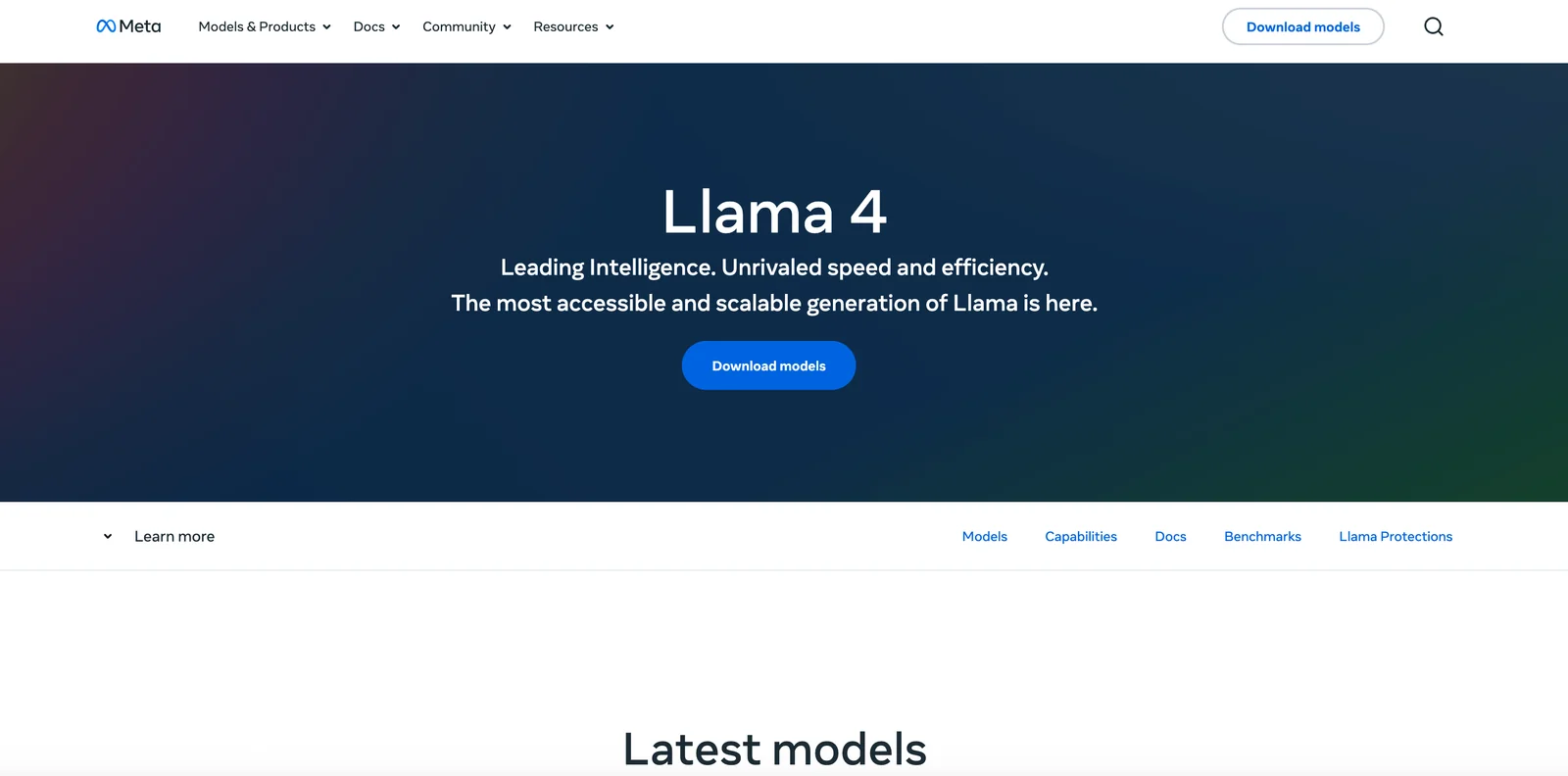
Llama 4 is Meta's multimodal mixture-of-experts foundation model series (Scout & Maverick) optimized for efficient, high-performance text and image understanding.
About Llama 4
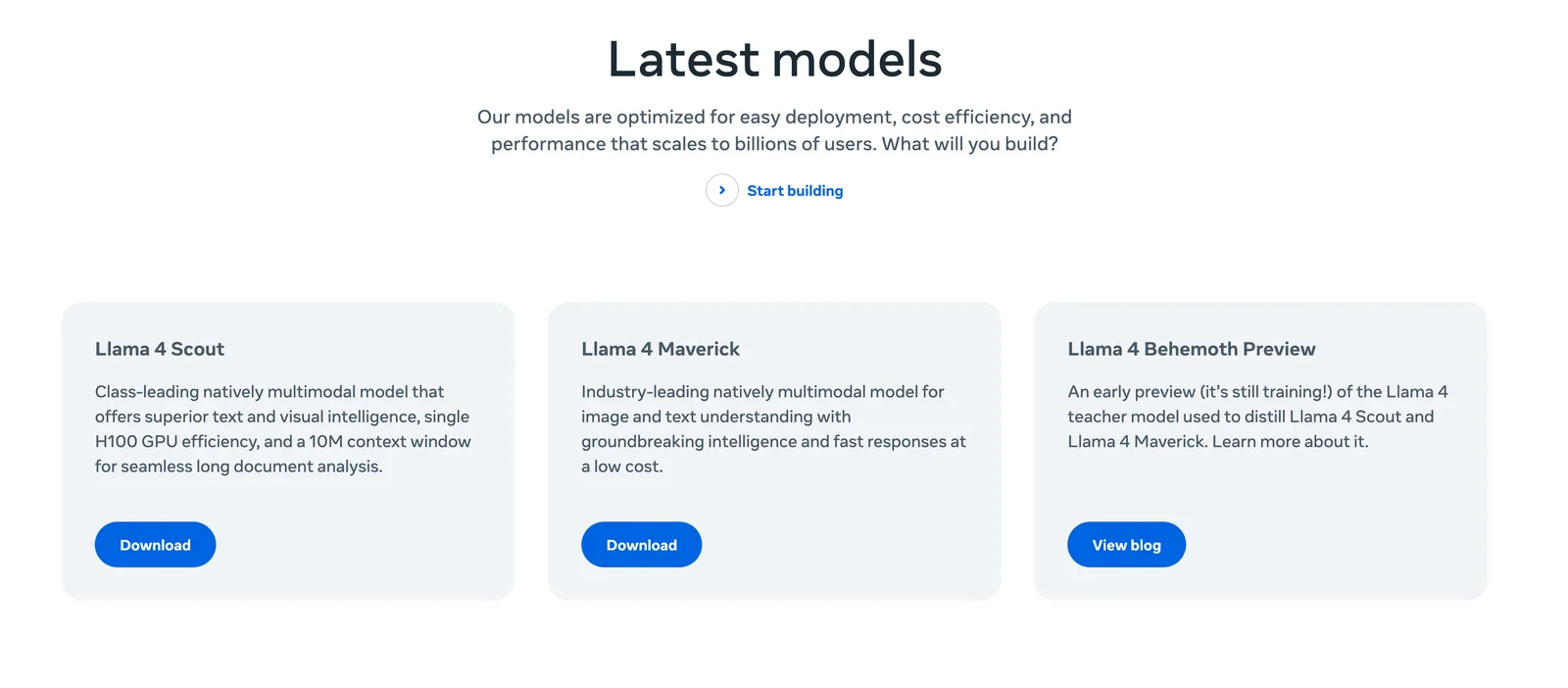
Llama 4 is a family of foundation models from Meta that provide native multimodality (text + images) using an auto-regressive, mixture-of-experts (MoE) architecture with early-fusion for vision. The release includes two efficient 17B-parameter base models — Llama 4 Scout (17B, 16 experts) and Llama 4 Maverick (17B, 128 experts) — which deliver effective large-capacity behavior (reported effective capacities such as 109B and 402B) while keeping inference compute and cost lower than dense alternatives. Llama 4 is offered in pretrained and instruction-tuned variants: pretrained models are adaptable for generation tasks, while instruction-tuned models are optimized for assistant-like chat, visual reasoning, captioning, and image question-answering. The distribution includes model weights, training and inference code, and fine-tuning utilities under Meta's licensing, and the models are intended for both commercial and research use with deployment requiring multi-GPU setups or supported cloud/providers.
Screenshots

Key Features
Use Cases



Frequently asked questions about Llama 4
Is Llama 4 free to use?
Yes, Llama 4 is free to use under Meta's Community License. This license provides access to model weights, checkpoints, and fine-tuning utilities, but users should be aware that there may be specific usage restrictions in place.
Key Points
- Llama 4 is freely accessible under Meta's Community License.
- Users can access model weights and fine-tuning tools.
- There are potential usage restrictions to consider.
Detailed Explanation
Llama 4, developed by Meta, is an advanced AI language model that allows developers, researchers, and enthusiasts to explore its capabilities without incurring costs. Under the Community License, users can download and use the model, along with its accompanying resources such as model weights and checkpoints. This openness fosters innovation and collaboration within the AI community.
However, it’s essential to understand that while the model is free, there may be specific conditions regarding its use. For example, you might be restricted from using Llama 4 for commercial purposes unless you obtain separate permissions. Additionally, adhering to ethical guidelines and responsible AI usage is crucial to maintain community standards.
Llama 4 is particularly useful for various applications, including natural language processing tasks, chatbots, content generation, and more. Developers can fine-tune the model to better suit their specific needs, making it a versatile tool in the AI toolkit.
Best Practices / Tips
- Check the License: Always review the latest version of the Meta Community License to ensure compliance with usage restrictions and guidelines.
- Explore Community Forums: Engage with other users and developers in community forums to share insights, tips, and best practices for using Llama 4 effectively.
- Experiment with Fine-Tuning: Take advantage of the fine-tuning tools available to customize Llama 4 for your specific applications, which can greatly enhance performance and relevancy.
Additional Resources
- Meta's Community License - Official documentation for the license details.
- Llama 4 GitHub Repository - Access the model weights and checkpoints.
- AI Ethics Guidelines - Guidelines for responsible AI usage.
What are the key features of Llama 4?
Llama 4 boasts a mixture-of-experts architecture for optimized performance, native multimodality enabling concurrent text and image processing, and instruction-tuned variants that enhance its conversational abilities. These features make Llama 4 an advanced AI tool suitable for diverse applications, from chatbots to creative content generation.
Key Points
- Mixture-of-Experts Architecture: Enhances efficiency by activating only relevant model components.
- Native Multimodality: Processes both text and images seamlessly, catering to varied input types.
- Instruction-Tuned Variants: Improves user interaction through better understanding and responding capabilities.
Detailed Explanation
Llama 4's mixture-of-experts architecture is a significant innovation. This design allows the model to leverage a subset of its neural network for each task, resulting in faster processing and reduced computational costs. By activating only the most suitable experts, Llama 4 ensures that resources are allocated efficiently, enhancing overall performance without sacrificing quality. For instance, this architecture can be particularly beneficial in applications requiring real-time responses, such as customer support chatbots.
The native multimodality feature is another standout aspect of Llama 4. Unlike traditional models that handle either text or images separately, Llama 4 can interpret and generate content across both formats simultaneously. This capability opens up new possibilities in creative fields, such as generating text-based descriptions for images or creating infographics that combine both elements. Use cases include digital marketing campaigns where visual and textual content must be integrated effectively.
Furthermore, Llama 4 includes instruction-tuned variants designed to enhance conversational interactions. These models are trained on diverse datasets that include instructional prompts, enabling them to better understand user intent and provide more relevant, context-aware responses. This is particularly useful in applications like voice assistants and interactive storytelling, where nuanced conversation flows are essential for user engagement.
Best Practices / Tips
- Experiment with Different Use Cases: Test Llama 4 in various scenarios to discover its strengths in specific applications, such as creative writing or technical support.
- Utilize Multimodal Capabilities: Leverage the native multimodality feature to create richer content by combining images and text, making your output more engaging.
- Fine-tune Instruction Models: If possible, customize the instruction-tuned variants for your specific domain to enhance how the model understands and responds to user queries.
Additional Resources
How do I get started with Llama 4?
To get started with Llama 4, visit the official GitHub repository, download the model weights and scripts, and carefully follow the setup instructions in the documentation. This process includes deployment and fine-tuning to tailor the model to your specific needs.
Key Points
- Access Llama 4 through the official GitHub repository.
- Download the necessary model weights and scripts.
- Follow the detailed setup instructions for deployment and fine-tuning.
Detailed Explanation
Llama 4, developed by Meta, is a state-of-the-art language model that can be utilized for various applications, including text generation, summarization, and conversational agents. Here’s how to get started:
-
Visit the Official Repository: Go to the Llama 4 GitHub page to access the latest version of the model and its documentation.
-
Download Model Weights and Scripts: On the repository, you’ll find the model weights and necessary scripts. Make sure to download the appropriate files that match your intended use case.
-
System Requirements: Ensure your system meets the hardware requirements. Llama 4 typically requires a powerful GPU for efficient processing, such as NVIDIA RTX or A100 series cards.
-
Follow Setup Instructions: The documentation provides step-by-step instructions for installation. This includes setting up Python dependencies and configuring your environment for optimal performance.
-
Fine-Tuning: Once deployed, you can fine-tune Llama 4 on your specific dataset. This process involves adjusting model parameters to enhance performance in your targeted applications.
-
Run Samples: After setup, test the model with sample prompts to understand its capabilities better.
Best Practices / Tips
- Use Virtual Environments: To avoid dependency issues, always set up Llama 4 in a virtual environment using tools like
venvorconda. - Regularly Check for Updates: Llama 4 is frequently updated. Regularly check the GitHub page for improvements or bug fixes.
- Experiment with Hyperparameters: Fine-tuning can significantly impact output quality. Experiment with different hyperparameters to find the best setup for your needs.
Additional Resources
- Llama 4 GitHub Repository - Official documentation and source code.
- Llama 4 Documentation - Comprehensive setup and usage instructions.
- Fine-Tuning Guide - Detailed instructions on how to fine-tune the model.
What are the technical requirements for using Llama 4?
Llama 4 requires substantial GPU resources for optimal performance, especially when using bf16 precision. For full functionality, a minimum of four high-performance GPUs is recommended, along with adequate RAM and storage to handle model complexities and data inputs effectively.
Key Points
- Minimum of 4 high-performance GPUs required.
- Support for bf16 precision enhances performance.
- Adequate RAM and storage are essential for effective deployment.
Detailed Explanation
Using Llama 4 effectively necessitates a robust hardware setup. The model is designed to leverage advanced GPU capabilities, particularly for tasks requiring bf16 precision, which allows for faster computations and reduced memory usage compared to traditional floating-point formats.
Hardware Requirements
- GPUs: At least 4 high-performance GPUs, such as NVIDIA A100 or V100, are recommended. These GPUs should support bf16 to maximize the model's efficiency.
- RAM: A minimum of 64 GB of RAM is advisable to manage the data throughput and ensure smooth operation during deployments.
- Storage: SSD storage is preferred, with at least 1 TB of space to accommodate the model files, datasets, and any necessary caching.
Example Use Cases
- Research and Development: Deploying Llama 4 in academic settings for deep learning research.
- Enterprise Applications: Utilizing the model for large-scale data analysis or natural language processing tasks in business environments.
Best Practices / Tips
- Consider Cloud Solutions: If local deployment is challenging, consider cloud platforms that offer GPU resources on demand. Services like AWS, Google Cloud, or Azure provide scalable solutions suitable for Llama 4.
- Optimize GPU Utilization: Use tools like NVIDIA's Nsight Systems or similar software to monitor GPU performance and optimize resource allocation.
- Stay Updated: Regularly check the Llama 4 documentation for updates or changes in hardware recommendations and model optimizations.
Additional Resources
How does Llama 4 compare to other AI models?
Llama 4 outshines many traditional AI models by utilizing a mixture-of-experts architecture, which enhances performance efficiency, and its multimodal capabilities, allowing it to process both text and images effectively. This makes it ideal for complex tasks that require a deeper understanding of diverse data types.
Key Points
- Mixture-of-Experts Architecture: Boosts efficiency and performance.
- Multimodal Capabilities: Enables processing of both text and images.
- Enhanced Understanding: Better suited for complex tasks compared to traditional models.
Detailed Explanation
Llama 4 stands out in the crowded field of AI models. The mixture-of-experts architecture allows it to activate different subsets of its model based on the input, leading to more efficient processing. This contrasts with traditional models, which often utilize a single pathway for all tasks, resulting in slower performance and less adaptability.
Additionally, Llama 4's multimodal capabilities empower it to handle both text and images seamlessly. For instance, it can analyze an image and generate a descriptive caption, making it particularly useful in fields like content creation, marketing, and educational technology. This capability provides a significant edge over single-modality models that are restricted to either text or image processing.
Moreover, Llama 4's enhanced understanding of context and semantics allows it to perform better in complex tasks. For example, it can interpret queries that require contextual knowledge, such as understanding a narrative in a story while simultaneously analyzing related images.
Best Practices / Tips
- Utilize Multiple Modalities: When deploying Llama 4, leverage its multimodal capabilities by integrating both text and image inputs for richer outputs.
- Optimize for Specific Tasks: Tailor the model's configurations to focus on particular tasks, such as content generation or image recognition, to maximize efficiency.
- Monitor Performance: Regularly evaluate the model’s performance metrics to identify areas for improvement and ensure optimal functioning.
Additional Resources
Explore more AI Ai Models tools
Browse all Ai Models tools →Compare Llama 4: vs Milliseconds.ai · vs SWE-2 · vs Desert Ant Labs · vs Hy4 preview