
Kling AI 3.0
AIGenerative media platform offering APIs and SDKs for text-to-video, image generation, virtual try-on, avatars, and video effects.
Kling AI 3.0
Generative media platform offering APIs and SDKs for text-to-video, image generation, virtual try-on, avatars, and video effects.
About Kling AI 3.0
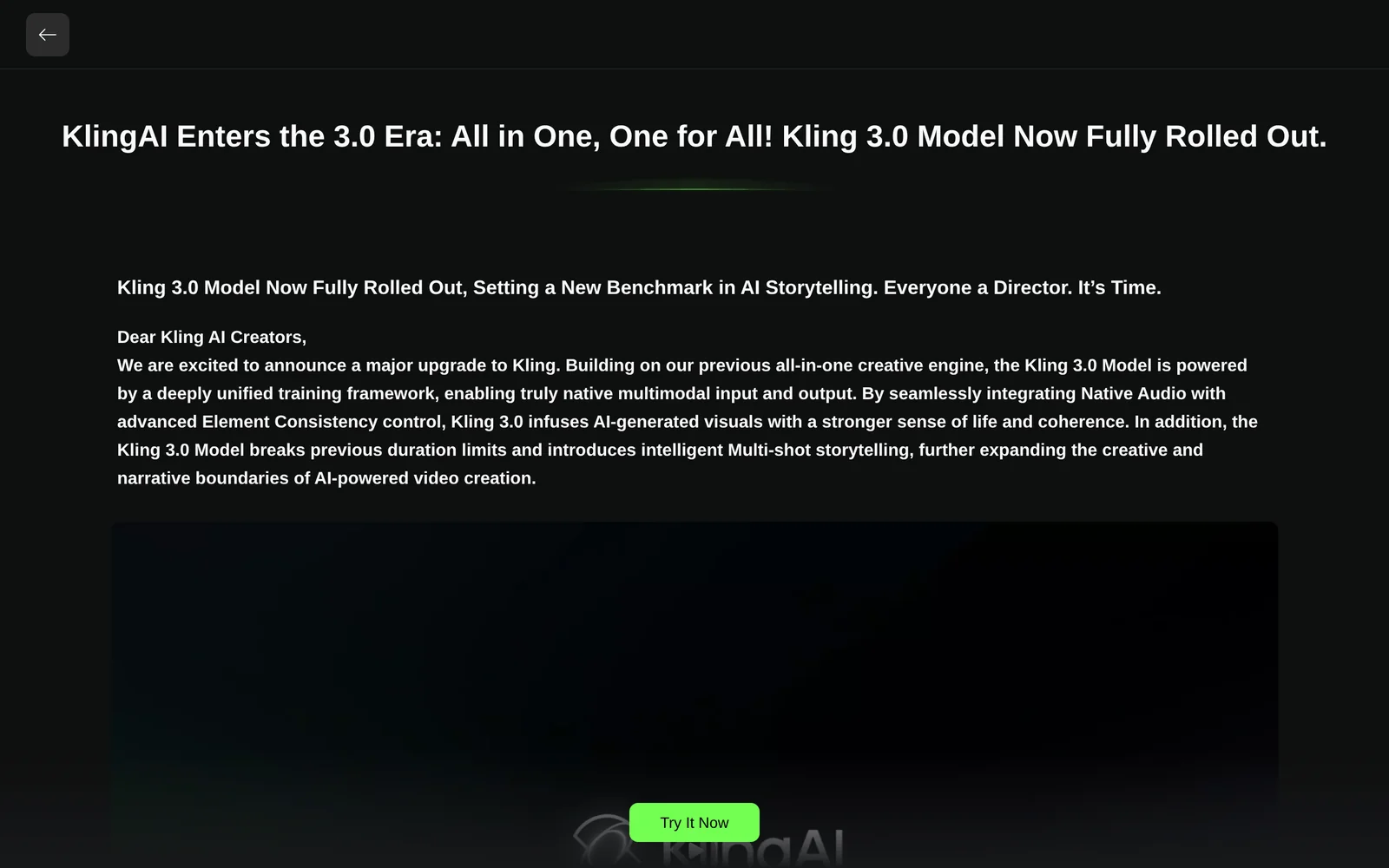
Kling AI is a developer-focused generative media platform that provides cloud APIs, SDKs, and CLI tools to create videos, images, avatars, lip-sync, and virtual try-on experiences. It supports text-to-video, image-to-video, video extension, camera control and motion transfer, plus a Kolors virtual try-on API that composites garments onto person photos. Kling exposes asynchronous task-based endpoints (task_id + polling/webhooks), multiple model versions, and integrations via official SDKs and community wrappers for Python, Node, ComfyUI, Griptape and MCP servers. The platform is optimized for programmatic workflows, batch generation, and embedding into creative pipelines via preflight validation and payload tooling.
Screenshots
Key Features
Use Cases


Frequently asked questions about Kling AI 3.0
What is Kling AI 3.0?
Kling AI 3.0 is a cutting-edge generative media platform that provides robust APIs and SDKs for creating text-to-video content, generating images, enabling virtual try-ons, designing avatars, and applying video effects. This innovative tool empowers developers and businesses to enhance their media production capabilities.
Key Points
- Versatile Media Creation: Supports text-to-video, image generation, and more.
- Integration Ready: Offers APIs and SDKs for seamless integration into existing applications.
- User Engagement: Enhances user experience with virtual try-ons and interactive avatars.
Detailed Explanation
Kling AI 3.0 stands out in the generative media landscape by offering a suite of tools that cater to various creative and business needs.
-
Text-to-Video: Users can transform written content into engaging video formats, ideal for marketing, education, and entertainment. For instance, a blog post can be converted into a dynamic video summarizing key points, making it more accessible and engaging for audiences.
-
Image Generation: The platform allows for the creation of unique images based on user-defined parameters. Businesses can use this feature for branding, social media content, or product visuals without the need for extensive graphic design resources.
-
Virtual Try-Ons: Retailers can enhance their e-commerce offerings by allowing customers to virtually try on clothing or accessories. This technology reduces return rates and improves customer satisfaction by providing a more interactive shopping experience.
-
Avatars and Video Effects: Kling AI also enables the creation of personalized avatars and the application of advanced video effects, which can be utilized in gaming, virtual events, and personalized marketing campaigns.
Best Practices / Tips
- API Integration: When integrating Kling AI’s APIs into your workflow, ensure thorough testing to optimize performance and user experience. Pay attention to response times and error handling.
- Content Strategy: Leverage the text-to-video feature by developing a content calendar that aligns with your marketing goals. This can help in maintaining consistency and engagement.
- User Feedback: Collect feedback from users after implementing virtual try-on features to continually refine and enhance the experience.
Additional Resources
By utilizing Kling AI 3.0, businesses can stay ahead in media production, engaging customers with innovative and interactive content.
How does Kling AI 3.0 work?
Kling AI 3.0 operates by integrating advanced AI technologies to streamline daily workflows, enabling users to automate tasks, enhance productivity, and leverage data-driven insights. This platform supports various applications, making it a versatile tool for businesses and individuals looking to optimize their efficiency.
Key Points
- Integration of AI Technologies: Combines various AI capabilities for task automation.
- User-Friendly Interface: Designed for ease of use, catering to both technical and non-technical users.
- Versatile Applications: Suitable for multiple industries, enhancing workflow across diverse scenarios.
Detailed Explanation
Kling AI 3.0 is built upon a robust framework that blends machine learning, natural language processing, and data analytics. Here’s how it works:
-
Task Automation: Kling AI automates repetitive tasks such as data entry, report generation, and customer support inquiries. For example, businesses can use Kling AI to automatically respond to frequently asked questions, freeing up human resources for more complex queries.
-
Natural Language Understanding: The platform utilizes natural language processing (NLP) to interpret and respond to user inputs in a conversational manner. This feature is particularly useful in chatbots and virtual assistants, allowing them to provide accurate answers based on user intent.
-
Data Insights: With built-in analytics, Kling AI helps users analyze trends and patterns within their data. For instance, a marketing team can leverage these insights to adjust campaigns based on customer behavior analytics, thereby improving engagement and conversion rates.
-
Customization: Users can tailor Kling AI to meet specific needs by integrating it with existing systems like CRM or ERP solutions. This flexibility allows businesses to maximize their investment in the platform.
Best Practices / Tips
- Start Small: Begin by automating simple processes before scaling up to more complex workflows. This allows for easier troubleshooting and adjustments.
- Utilize Training Resources: Take advantage of available tutorials and documentation to fully understand the functionalities of Kling AI 3.0.
- Monitor Performance: Regularly assess the performance of automated tasks to ensure they meet desired outcomes and make necessary adjustments.
- Engage Stakeholders: Involve team members in the implementation process to gather feedback and suggestions, which can enhance user adoption and satisfaction.
Additional Resources
By leveraging Kling AI 3.0, users can significantly enhance their workflow efficiency, making it a valuable addition to any organization.
What are the main features of Kling AI 3.0?
Kling AI 3.0 offers robust features such as advanced natural language processing, machine learning capabilities, and seamless integration with various platforms. These functionalities empower businesses to enhance customer interactions, automate workflows, and analyze data effectively, making it a versatile tool for optimizing operations and user experiences.
Key Points
- Advanced Natural Language Processing (NLP): Enhances understanding and interaction.
- Machine Learning Capabilities: Automates processes and improves over time.
- Seamless Platform Integration: Works with various tools and systems.
Detailed Explanation
Kling AI 3.0 is designed to provide a comprehensive suite of features that cater to diverse business needs.
Advanced Natural Language Processing (NLP)
Kling AI’s NLP capabilities allow it to understand and generate human language effectively. This feature is crucial for businesses that rely on customer service chatbots, as it enables these bots to interact naturally with users. For instance, using Kling AI, a customer could inquire about product details, and the AI would provide instant, accurate responses.
Machine Learning Capabilities
The machine learning functionality in Kling AI 3.0 allows the system to learn from interactions and improve its responses over time. This is particularly useful in data-rich environments, where the AI can analyze previous conversations to identify patterns and enhance future interactions. For example, if a user frequently asks about specific product features, Kling AI will prioritize those in future queries.
Seamless Platform Integration
Kling AI 3.0 can integrate smoothly with various platforms, including CRM systems, e-commerce platforms, and social media channels. This interoperability ensures that businesses can streamline their operations without significant overhaul of existing systems. For instance, integrating Kling AI with a CRM can automate customer follow-ups, making the process more efficient.
Best Practices / Tips
- Leverage NLP for Customer Engagement: Use the NLP features to create more engaging chatbots that can handle complex queries.
- Train the Machine Learning Models: Regularly update the data used to train Kling AI to ensure it learns from the latest interactions.
- Integrate with Existing Tools: Take advantage of the seamless integration capabilities to enhance your current workflows without disrupting your operations.
Additional Resources
Who is Kling AI 3.0 for?
Kling AI 3.0 is designed for a wide range of users, including businesses, content creators, and tech enthusiasts looking to streamline their daily AI workflows. It’s particularly beneficial for those wanting to enhance productivity, automate tasks, and leverage AI for data analysis or content generation.
Key Points
- Target Audience: Businesses, freelancers, and developers.
- Functionality: Automates workflows and enhances productivity.
- Use Cases: Data analysis, content creation, and task automation.
Detailed Explanation
Kling AI 3.0 caters to various users by offering tools that simplify complex AI processes.
-
For Businesses: Companies can utilize Kling AI to improve efficiency by automating repetitive tasks, such as data entry and customer support. This allows employees to focus on strategic initiatives, ultimately boosting productivity and reducing operational costs.
-
For Content Creators: Writers, marketers, and social media managers can harness Kling AI to generate high-quality content quickly. The platform provides templates and suggestions that can enhance creativity, making it easier to produce engaging articles, social media posts, and marketing materials.
-
For Developers: Tech enthusiasts and developers can integrate Kling AI into their applications to provide advanced functionalities like natural language processing and machine learning capabilities. This versatility allows for the development of innovative solutions tailored to specific business needs.
Best Practices / Tips
- Identify Your Needs: Before using Kling AI 3.0, clearly define your goals. Understanding what tasks you want to automate or enhance will help you leverage the tool effectively.
- Experiment with Features: Take advantage of all features offered by Kling AI, including workflow automation and content generation. Experimentation can lead to discovering new ways to optimize your processes.
- Monitor Results: Regularly assess the impact of Kling AI on your productivity. Use analytics to measure improvements, and adjust your strategies accordingly to maximize benefits.
Additional Resources
How much does Kling AI 3.0 cost?
Kling AI 3.0 offers a free tier for basic use, while paid plans start at $19 per month for advanced features, including enhanced capabilities and support. Pricing may vary based on specific needs and usage levels, making it accessible for both individuals and businesses.
Key Points
- Free Tier: Access to basic features without cost.
- Paid Plans: Starting at $19 per month for advanced functionality.
- Customization: Plans can be tailored based on user requirements.
Detailed Explanation
Kling AI 3.0 provides a flexible pricing structure that caters to various user needs. The free tier is ideal for individuals or small teams who want to explore the platform without financial commitment. This tier includes essential features, enabling users to test the AI's capabilities effectively.
For users or businesses requiring more sophisticated tools, paid plans begin at $19 per month. This plan includes advanced features such as priority support, increased usage limits, and additional integrations. Higher-tier plans are also available, which may include custom pricing based on usage or specific enterprise needs.
For example, a content creator using the free tier can generate basic AI text, but upgrading to a paid plan allows for more complex tasks, such as generating SEO-optimized content or utilizing API access for automation.
Best Practices / Tips
- Evaluate Your Needs: Before selecting a plan, assess your individual or business needs to choose the most cost-effective option.
- Leverage the Free Tier: Start with the free tier to understand the platform's features and limitations without any financial risk.
- Monitor Usage: If you opt for a paid plan, keep track of your usage to avoid unexpected charges and maximize the value of the subscription.
Additional Resources
How do I get started with Kling AI 3.0?
To get started with Kling AI 3.0, visit Kling AI's sign-up page where you can create an account and explore its features. After signing up, you can begin leveraging its capabilities for your projects.
Key Points
- User-friendly sign-up process.
- Comprehensive features for various AI applications.
- Tutorials and resources available for new users.
Detailed Explanation
Kling AI 3.0 is a powerful AI tool designed for diverse applications, from natural language processing to data analysis. To start using Kling AI 3.0, follow these steps:
-
Sign Up: Go to the sign-up page and fill out the registration form. You'll need to provide an email address and create a password.
-
Account Verification: After signing up, check your email for a verification link. Click on it to confirm your account, which is essential to access all features.
-
Explore Features: Once logged in, navigate through the dashboard to familiarize yourself with the different tools and functionalities. Kling AI 3.0 offers capabilities such as text generation, sentiment analysis, and data visualization.
-
Utilize Tutorials: Take advantage of the tutorials available on the platform. These guides will help you understand how to effectively use the AI tools, catering to both beginners and advanced users.
-
Implement AI Solutions: Start integrating Kling AI 3.0 into your projects. Whether you’re improving customer service through chatbots or analyzing data trends, the AI can enhance your workflow significantly.
Best Practices / Tips
- Start Small: If you’re new to AI, begin with simple projects to understand how Kling AI 3.0 functions before scaling up.
- Utilize Community Forums: Engage with other users in the Kling community to share experiences and solutions to common issues.
- Regular Updates: Keep an eye on updates and new features released by Kling AI to take full advantage of the tool’s capabilities.
- Feedback Loop: Experiment with the outputs and refine your inputs based on the AI's responses to improve accuracy and relevance.
Additional Resources
- Kling AI Documentation
- Kling AI Community Forum
- Kling AI Blog for tips and case studies on successful AI implementations.
Explore more AI Ai Services tools
Browse all Ai Services tools →Browse by use case: Image Generation · Video Generation
Compare Kling AI 3.0: vs BAND for Developers · vs NitroStack · vs GBrain · vs MentionBird