

Kimi
AIAn open-source trillion-parameter Mixture-of-Experts (MoE) model for coding assistance, intelligent agents, and automated workflows.
Kimi
An open-source trillion-parameter Mixture-of-Experts (MoE) model for coding assistance, intelligent agents, and automated workflows.
About Kimi
Kimi K2 is an open-source, trillion-parameter Mixture-of-Experts (MoE) model designed to power advanced coding assistance, autonomous agents, and workflow automation. The MoE architecture allows the model to scale capacity by activating specialized expert subnetworks per request, delivering high capability while controlling inference cost. Kimi positions itself as a developer-focused model by providing accessible code, models, and integration points so teams can fine-tune, deploy, and embed K2 into developer tools, agent orchestrators, and automation pipelines. Its primary value is combining large-scale model capacity with an open-source development model to accelerate building code-centric AI applications and intelligent agent systems.
Screenshots
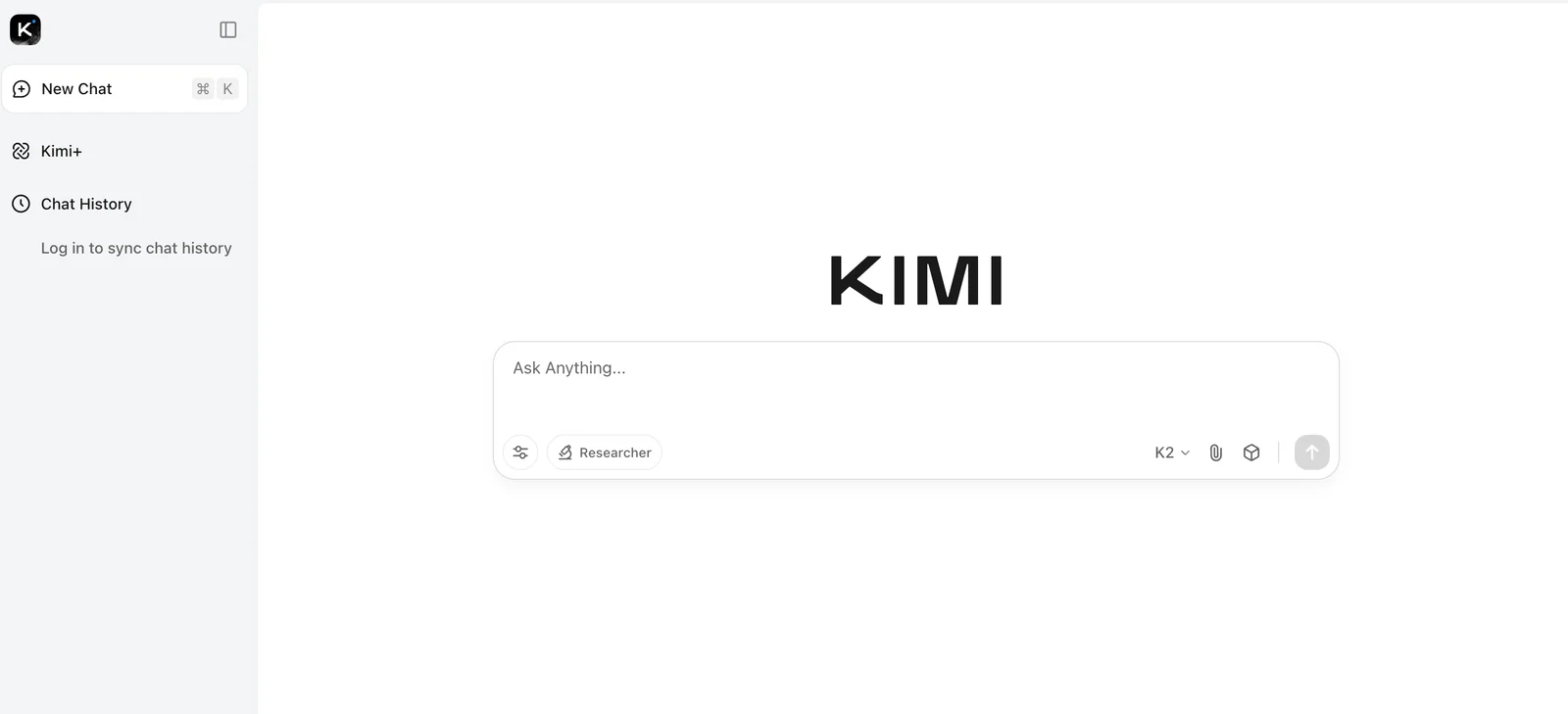


Key Features
Use Cases



Frequently asked questions about Kimi
What are the free and paid options for Kimi?
Kimi offers a free tier ideal for casual users with limited features. Paid plans range from ¥5.2/month for students, $9 to $19/month for Essentials, and up to $49/month for Professional users. Custom pricing is available for enterprise solutions. For more details, visit the official Kimi website.
Key Points
- Free Tier: Limited features suitable for casual use.
- Paid Plans: Various pricing options cater to students, professionals, and enterprises.
- Custom Solutions: Tailored packages available for larger organizations.
Detailed Explanation
Kimi’s pricing structure is designed to accommodate a wide range of users, from students to enterprise clients. The free tier allows users to explore basic functionalities without any financial commitment, making it perfect for individuals who want to test the platform before upgrading.
Paid Plans Breakdown:
- Student Plan: Starting at ¥5.2/month, this plan is specifically designed for students, providing them access to essential features at an affordable rate.
- Essentials Plans: Costing between $9 to $19/month, these plans offer enhanced functionalities tailored for individuals and small businesses needing more advanced tools.
- Professional Plan: For $49/month, professionals can access the full suite of Kimi’s features, suitable for high-demand users and teams.
- Enterprise Solutions: Custom pricing is available for larger organizations requiring specific features, support, and scalability options, ensuring businesses can tailor Kimi to their needs.
Each plan is designed to cater to different levels of usage, ensuring that users only pay for what they need. Kimi's flexible pricing allows users to upgrade or downgrade their plans as necessary based on their evolving requirements.
Best Practices / Tips
- Start with the Free Tier: If you’re new to Kimi, begin with the free tier to familiarize yourself with the features and interface.
- Evaluate Your Needs: Assess your usage requirements to choose the most cost-effective plan. Consider the number of users and features needed.
- Watch for Promotions: Keep an eye on the official Kimi website for any promotional offers or discounts that could save you money.
- Check for Student Discounts: If you’re a student, always verify eligibility for the reduced student pricing to maximize savings.
Additional Resources
By understanding Kimi’s pricing model, users can make informed decisions that best suit their needs, whether they are casual users or part of a large enterprise.
What are the key features of Kimi?
Kimi features a cutting-edge trillion-parameter Mixture-of-Experts architecture designed for coding assistance, intelligent agent support, and workflow automation. It also allows file uploads and offers varied context windows tailored to different applications, enhancing user experience and functionality.
Key Points
- Trillion-Parameter Architecture: Leverages advanced AI for superior performance.
- Intelligent Agent Support: Provides assistance across various tasks and queries.
- Flexible Context Windows: Adapts to diverse applications and user needs.
Detailed Explanation
Kimi integrates a trillion-parameter Mixture-of-Experts architecture, which enables it to process information more efficiently than traditional models. This architecture allows Kimi to dynamically select the most relevant experts based on the task at hand, resulting in faster and more accurate responses.
Use Cases
- Coding Assistance: Developers can upload code files and receive intelligent suggestions, bug fixes, and optimizations tailored to their specific programming language and context.
- Workflow Automation: Kimi can automate repetitive tasks in software development, project management, and data processing, significantly reducing manual effort and increasing productivity.
- Intelligent Agents: Businesses can deploy Kimi as a virtual assistant to engage with customers, answer inquiries, and provide support, enhancing customer service capabilities.
Best Practices / Tips
- Utilize File Uploads: Take advantage of Kimi's file upload feature to streamline coding tasks and receive immediate insights.
- Customize Context Windows: Experiment with different context settings to find the optimal configuration for your specific application or workflow.
- Regular Updates: Stay updated with Kimi’s enhancements and features to leverage its full potential, as the platform is frequently improved with new capabilities.
Additional Resources
- Kimi Official Documentation - Explore the complete guide and tutorials.
- Case Studies - Learn how businesses have successfully implemented Kimi.
- Community Forum - Join discussions with other users to share tips and best practices.
How do I get started with Kimi?
To get started with Kimi, visit the official website and choose a suitable pricing tier. For free access, utilize one of the hosted chat front-ends. If you need advanced features, consider upgrading to a paid plan that fits your needs.
Key Points
- Choose between free and paid plans.
- Access hosted chat front-ends for free.
- Explore advanced features with a paid subscription.
Detailed Explanation
Starting with Kimi is straightforward. First, navigate to the Kimi official website. Here, you can explore various subscription tiers designed to meet different user needs:
-
Free Tier: This plan is perfect for beginners or casual users wanting to test Kimi's capabilities. You can access hosted chat front-ends, which allow you to interact with Kimi without any financial commitment. This tier typically includes basic functionalities, ideal for personal or low-volume use.
-
Paid Plans: If you require more robust features—such as enhanced customization, advanced analytics, or priority support—consider the paid tiers. Pricing may vary based on the features you select, so review the options carefully. Common features of paid plans include:
- Custom integrations with your existing applications.
- Advanced user management tools.
- Increased usage limits and data storage.
Once you select a plan, create an account by providing your email address and setting a password. After verification, you can start using Kimi immediately.
Best Practices / Tips
- Experiment with the Free Tier: Before committing to a paid plan, take full advantage of the free tier. Familiarize yourself with Kimi’s interface and capabilities.
- Understand Your Needs: Identify which features are essential for your use. This assessment will help you choose the right paid plan without overspending.
- Check for Promotions: Occasionally, Kimi may offer promotional discounts for first-time users. Keep an eye on the website for any limited-time offers.
Additional Resources
- Kimi Documentation - Comprehensive user guides and FAQs.
- Kimi Community Forum - Engage with other users and share tips.
- Pricing Plans - Detailed breakdown of subscription options.
How can I integrate Kimi into my application?
Kimi can be integrated into your application using its SDKs and inference code, which facilitate seamless integration across various environments such as Integrated Development Environments (IDEs) and Continuous Integration/Continuous Deployment (CI/CD) systems. For detailed guidance, visit the official Kimi website for comprehensive documentation and integration resources.
Key Points
- SDK Availability: Kimi offers SDKs for different programming languages.
- Integration Flexibility: Supports various environments including IDEs and CI/CD pipelines.
- Documentation: Comprehensive guides are available on the official website.
Detailed Explanation
Integrating Kimi into your application is straightforward, thanks to the well-structured SDKs and inference code provided. Here’s a step-by-step process:
-
Choose the Right SDK: Kimi offers SDKs in multiple programming languages such as Python, Java, and JavaScript. Depending on your application’s tech stack, select the appropriate SDK for your needs.
-
Installation:
- For example, to install the Kimi SDK in Python, you would typically run:
pip install kimi-sdk - Check the installation instructions in the documentation for your chosen SDK.
- For example, to install the Kimi SDK in Python, you would typically run:
-
Configuration:
- After installation, configure the SDK following the guidelines in the documentation. This may involve setting up API keys and defining environment variables to ensure secure access to Kimi's services.
-
Implement Inference Code: Use the provided inference code snippets to make requests to Kimi’s APIs. For instance, you can integrate a model inference call as follows:
from kimi import KimiClient client = KimiClient(api_key='YOUR_API_KEY') response = client.predict(data) -
Testing: Once integrated, conduct thorough testing within your IDE or CI/CD pipeline to ensure that the Kimi functionalities work as expected.
-
Deployment: After testing, deploy your application. Kimi’s SDK will ensure that your application can leverage its capabilities in production environments.
Best Practices / Tips
- Read the Documentation: Always refer to the official documentation for the latest updates and detailed examples.
- Use Version Control: When integrating, manage your code with version control systems like Git to track changes and facilitate collaboration.
- Monitor Performance: After deployment, monitor the performance of Kimi's services to ensure they meet your application’s needs.
- Optimize API Calls: Minimize the number of API calls by caching results when possible, reducing latency and improving performance.
Additional Resources
How does Kimi compare to other coding assistance tools?
Kimi outperforms other coding assistance tools with its groundbreaking trillion-parameter MoE architecture, ensuring unmatched efficiency and specialized task management. Additionally, Kimi offers flexible pricing and open-source options, making it an adaptable choice for developers across various skill levels and project requirements.
Key Points
- Advanced Architecture: Kimi utilizes a trillion-parameter MoE architecture for superior performance.
- Flexible Pricing: Offers various pricing tiers and open-source alternatives.
- Specialized Task Handling: Excels in context-specific coding assistance.
Detailed Explanation
Kimi's innovative trillion-parameter MoE (Mixture of Experts) architecture allows it to dynamically allocate resources, making it highly efficient in processing coding tasks. Unlike traditional models with fixed parameters, Kimi's architecture enables it to select from a vast pool of specialized algorithms, thereby enhancing its ability to handle complex tasks with high precision.
For instance, a developer working on a machine learning project can leverage Kimi's specialized algorithms for data preprocessing, model selection, and performance tuning. This targeted assistance not only accelerates the coding process but also improves the quality of the final output.
Furthermore, Kimi’s flexible pricing structure appeals to a broader audience. It offers various tiers, including a free version, making it accessible for students and hobbyists. The open-source option allows developers to customize the tool to fit their specific needs, fostering a community-driven approach to coding assistance.
Best Practices / Tips
- Utilize the Open-Source Features: Explore Kimi’s open-source tools to tailor functionalities according to your project needs.
- Test the Pricing Options: Start with the free tier to assess how Kimi fits your workflow before committing to a paid plan.
- Leverage Specialized Features: Take advantage of Kimi's algorithms for specific tasks by focusing on your project's unique requirements.
Additional Resources
Explore more AI Ai Models tools
Browse all Ai Models tools →Browse by use case: Code Generation · Automation & Productivity
Compare Kimi: vs SWE-2 · vs Desert Ant Labs · vs Hy4 preview · vs Soup CLI