

Inference Engine by GMI Cloud
AIA scalable, GPU-optimized inference serving solution and cloud platform for deploying high-performance AI models.
Inference Engine by GMI Cloud
A scalable, GPU-optimized inference serving solution and cloud platform for deploying high-performance AI models.
About Inference Engine by GMI Cloud
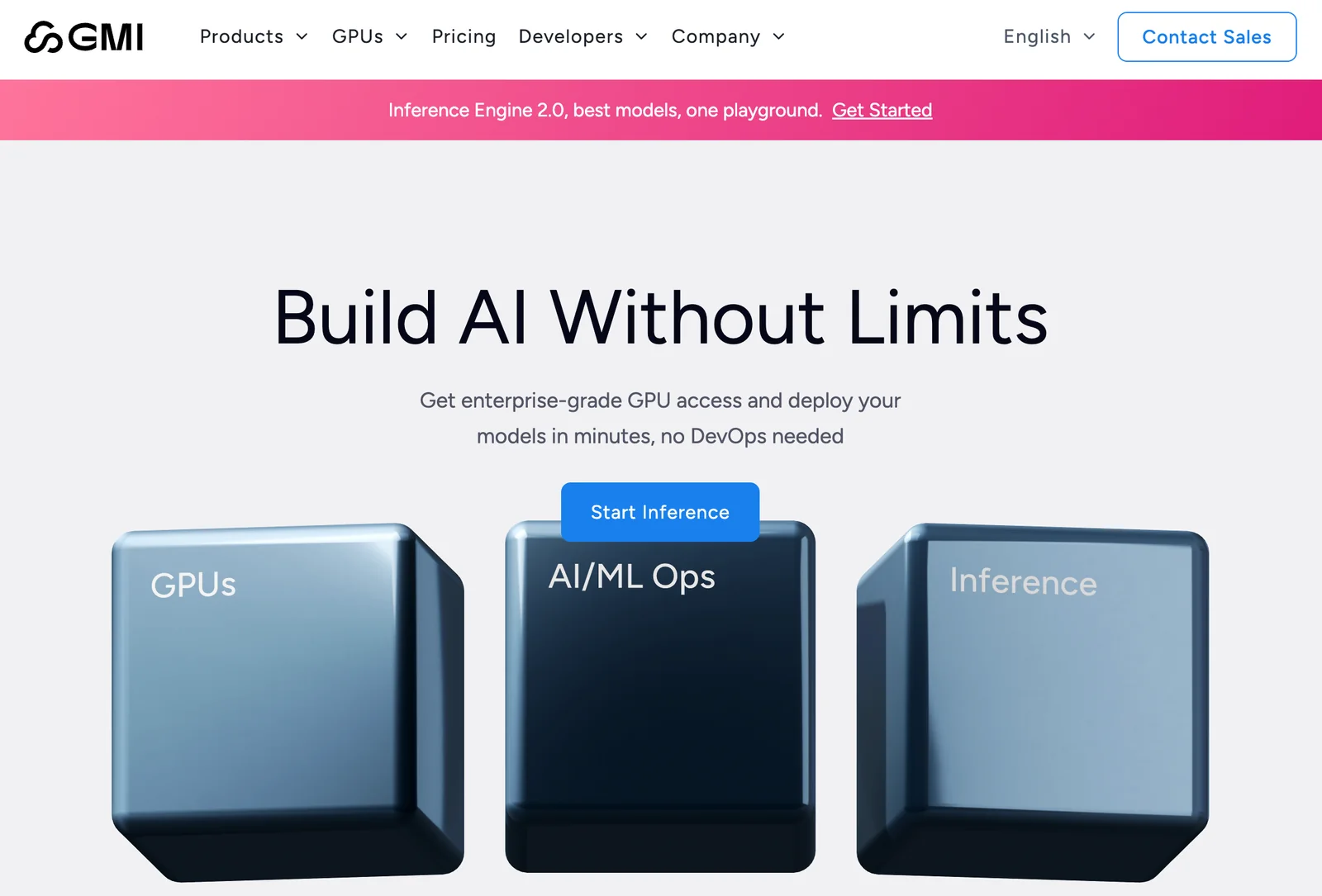
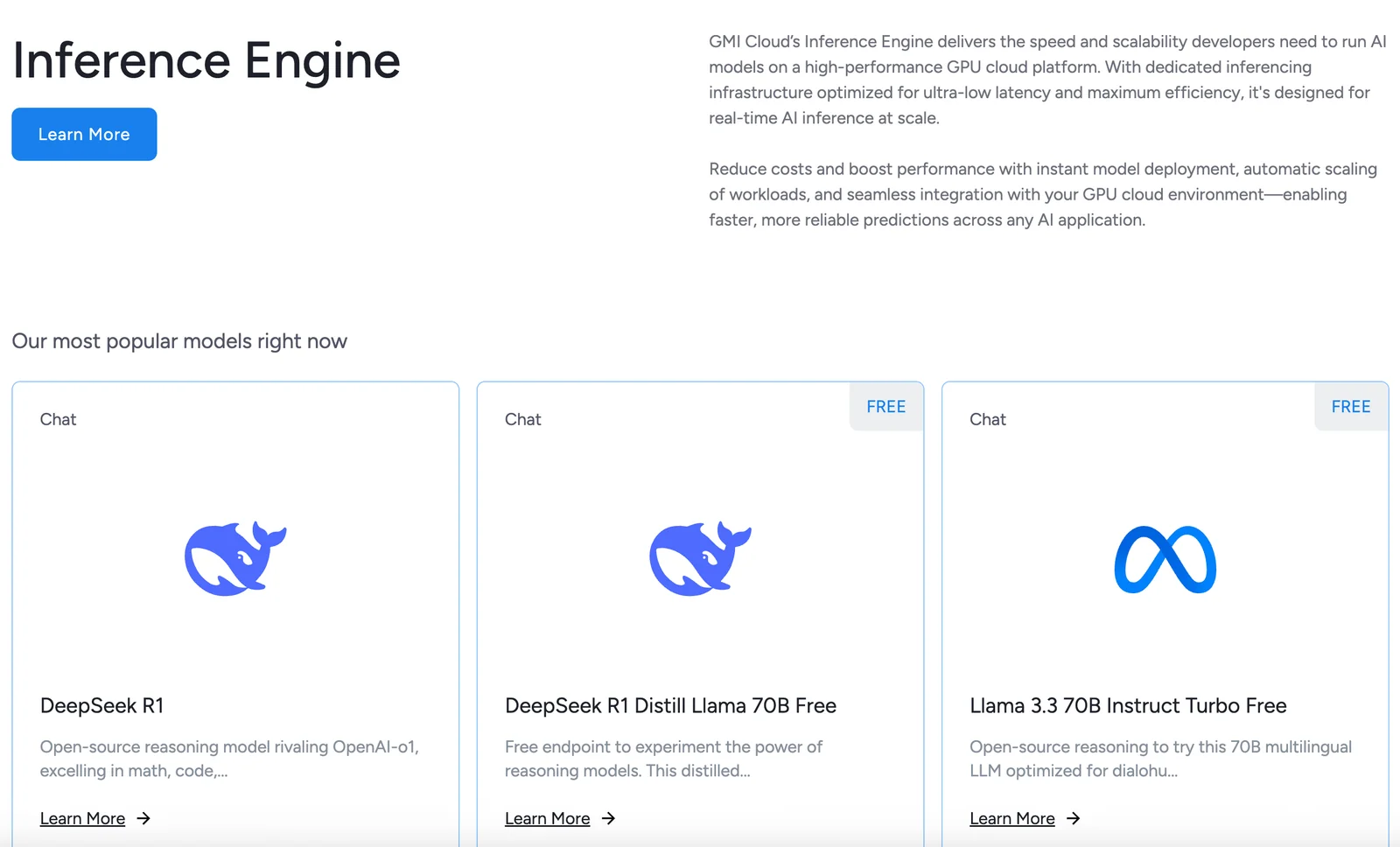
Inference Engine by GMI Cloud is a GPU cloud and inference-serving solution for deploying, scaling, and operating machine learning models. It combines high-performance GPU infrastructure with orchestration and SDK tooling to provide low-latency, datacenter-scale model serving. The platform targets both real-time and batch inference workloads and integrates with Kubernetes-native deployment patterns and developer SDKs to streamline MLOps and production deployment.
Screenshots
Key Features
Use Cases


Frequently asked questions about Inference Engine by GMI Cloud
What are the pricing options for Inference Engine by GMI Cloud?
GMI Cloud offers multiple pricing options for its Inference Engine, including a Free Tier with limited tokens, a flexible pay-per-token model for individual usage, and customizable pricing plans for enterprises. For the most accurate and detailed pricing information, you can visit their official website.
Key Points
- Free Tier: Access to basic features with limited tokens.
- Pay-Per-Token: Flexible pricing based on usage.
- Enterprise Options: Customized solutions for larger organizations.
Detailed Explanation
GMI Cloud's Inference Engine pricing is designed to cater to a variety of users, from hobbyists to large enterprises.
-
Free Tier: This option allows users to explore the Inference Engine's capabilities without any financial commitment. The Free Tier typically includes a set number of tokens each month, suitable for testing and small-scale projects. For example, users may receive 1,000 tokens per month, allowing them to run numerous requests without charge.
-
Pay-Per-Token Model: For users who exceed the limitations of the Free Tier, GMI Cloud provides a pay-per-token pricing structure. This model is particularly beneficial for developers and businesses who need flexibility. Users only pay for the tokens they consume, making it cost-effective for varying workloads. Pricing may start at $0.01 per token, depending on the volume purchased.
-
Enterprise Custom Options: Larger organizations often require tailored solutions to meet their specific needs. GMI Cloud offers custom pricing plans that include volume discounts, dedicated support, and additional features like enhanced security or compliance certifications. Interested enterprises should contact GMI Cloud's sales team for a personalized quote.
Best Practices / Tips
- Evaluate Your Needs: Before selecting a pricing tier, assess your project's scale and token usage. The Free Tier is great for testing but may not suffice for production workloads.
- Monitor Usage: Regularly track your token consumption, especially if using the pay-per-token model, to avoid unexpected charges.
- Contact Sales for Custom Solutions: If your usage requirements are significant, reach out to GMI Cloud’s sales team to discuss enterprise options that can provide better value.
Additional Resources
How can I start using the Inference Engine for my AI models?
To start using the Inference Engine for your AI models, sign up on the GMI Cloud platform, select your desired pricing tier, and follow the setup guide. This will help you deploy your AI models efficiently utilizing the provided SDKs and APIs tailored for optimal performance.
Key Points
- Registration: Create an account on GMI Cloud.
- Pricing Tiers: Choose a suitable plan based on your needs.
- Setup Guide: Follow the detailed instructions for deployment.
Detailed Explanation
To effectively utilize the Inference Engine, begin by registering on the GMI Cloud platform. After your account is created, you'll need to select a pricing tier that fits your project’s scale. GMI offers various plans, from free trials for small projects to enterprise-level subscriptions for larger implementations.
Once you have subscribed, access the setup guide available in the GMI documentation. This guide provides step-by-step instructions to install the necessary SDKs and APIs. The Inference Engine is designed to work seamlessly with popular programming languages like Python and Java, allowing for easy integration into your existing workflows.
For example, if your project involves image recognition, the SDK will help you implement pre-trained models quickly, enabling you to focus on developing unique features rather than starting from scratch.
Best Practices / Tips
- Choose the Right Tier: Assess your usage needs carefully to avoid overpaying for unused resources.
- Follow Documentation: Thoroughly read the setup guide and API documentation; this will save you time and prevent errors.
- Utilize Support: Don’t hesitate to reach out to GMI’s customer support for assistance if you encounter any issues during setup.
- Test Your Models: After deployment, conduct extensive testing on your AI models to ensure they perform as expected.
Additional Resources
What features does the Inference Engine offer for model deployment?
The Inference Engine offers advanced features for model deployment, including GPU-optimized infrastructure for enhanced performance, Kubernetes-native orchestration for scalable management, and multi-workload support. Additionally, it provides robust tools for model management and versioning, ensuring seamless and efficient deployment of AI models across various environments.
Key Points
- GPU-Optimized Infrastructure: Enhances performance for AI workloads.
- Kubernetes-Native Orchestration: Facilitates scalable and efficient management.
- Multi-Workload Support: Allows simultaneous deployment of various models.
Detailed Explanation
The Inference Engine is designed to streamline the deployment of AI models, making it an essential tool for developers and enterprises looking to leverage machine learning effectively. Here’s a breakdown of its core features:
1. GPU-Optimized Infrastructure
This feature accelerates the processing speed of AI models by utilizing Graphics Processing Units (GPUs) instead of traditional CPUs. GPUs can handle parallel processing tasks more efficiently, making them ideal for deep learning applications. For instance, deploying a neural network model can see performance improvements of up to 10x with optimized GPU usage.
2. Kubernetes-Native Orchestration
Integrating with Kubernetes allows for automated deployment, scaling, and management of containerized applications. This orchestration simplifies the complex processes involved in deploying AI models, enabling developers to focus on building rather than managing infrastructure. For example, a business can automatically scale its AI services during peak times without manual intervention.
3. Multi-Workload Support
The Inference Engine supports the simultaneous deployment of different models, which is crucial for organizations that need to run multiple AI applications concurrently. This feature helps in resource optimization and reduces operational costs, as enterprises can better utilize their infrastructure.
4. Model Management and Versioning Tools
The platform includes tools for managing different versions of AI models, ensuring that teams can track changes, revert to previous versions if necessary, and maintain a clear history of model updates. This feature is particularly beneficial in regulated industries where compliance and audit trails are essential.
Best Practices / Tips
- Optimize GPU Usage: Ensure your models are designed to leverage GPU capabilities fully for maximum efficiency.
- Utilize Kubernetes Features: Familiarize yourself with Kubernetes features like auto-scaling and load balancing to enhance your deployment strategy.
- Maintain Version Control: Regularly update and manage model versions to avoid conflicts and maintain model integrity.
Additional Resources
Does the Inference Engine support integration with CI/CD pipelines?
Yes, the Inference Engine supports integration with CI/CD pipelines, enabling automatic model deployments and rollbacks. It is specifically designed for MLOps, facilitating smooth operations within Kubernetes-based environments, thereby enhancing productivity and reducing deployment risks.
Key Points
- Seamless Integration: Works effectively within Kubernetes-based CI/CD frameworks.
- Automation of Deployments: Facilitates continuous integration and continuous deployment of machine learning models.
- Rollback Capabilities: Allows for quick recovery in case of deployment failures.
Detailed Explanation
The Inference Engine is a robust tool that simplifies the deployment process of machine learning models by integrating seamlessly with CI/CD pipelines. By leveraging Kubernetes, it automates the deployment of models, which minimizes the time and effort required for updates and rollbacks.
Key Features:
-
Automated Deployments: The engine automates the deployment of ML models, allowing teams to focus on model development rather than the intricacies of deployment. This is particularly beneficial in fast-paced environments where updates need to be pushed frequently.
-
Rollback Functionality: In case a model deployment does not perform as expected, the Inference Engine allows for quick rollbacks to previous versions. This ensures minimal disruption to services and maintains system reliability.
-
Kubernetes Compatibility: The Inference Engine is designed to work specifically with Kubernetes, which is the leading container orchestration platform. This compatibility ensures that teams can take advantage of Kubernetes' scaling and management capabilities.
Use Cases:
- Real-Time Predictions: Companies deploying real-time ML applications can use the Inference Engine to ensure that their models are always up to date.
- A/B Testing: Teams can deploy multiple versions of models concurrently, allowing for effective A/B testing to determine which model performs better in production.
Best Practices / Tips
- Version Control: Implement version control for your models to facilitate easy rollbacks and track changes.
- Monitoring: Continuously monitor model performance post-deployment to identify any issues early.
- Testing: Always test your models in a staging environment before deploying them to production to minimize risks.
Additional Resources
How does Inference Engine compare to alternative AI inference solutions?
The Inference Engine excels compared to alternative AI inference solutions thanks to its GPU-optimized architecture, which enhances performance for low-latency and batch workloads. Its flexible pricing models cater to both enterprises and individual developers, making it a versatile choice in the AI landscape.
Key Points
- GPU-Optimized Architecture: Delivers high performance for demanding AI tasks.
- Low-Latency and Batch Support: Ideal for real-time applications and processing large datasets.
- Flexible Pricing Models: Accommodates various budgets, making it accessible for all users.
Detailed Explanation
The Inference Engine is designed to maximize the efficiency of AI workloads with its cutting-edge GPU-optimized architecture. This feature allows it to handle complex computations at high speeds, significantly reducing the time required for inference tasks. For instance, in a real-time image recognition application, the Inference Engine can process images in milliseconds, ensuring a seamless user experience.
In addition to its performance capabilities, the Inference Engine supports both low-latency and batch workloads. This means it can effectively manage tasks requiring immediate responses, such as in autonomous vehicle systems, while also efficiently processing large volumes of data in batch mode, which is beneficial for tasks like training machine learning models or analyzing extensive datasets.
Another standout feature is its flexible pricing models. The Inference Engine offers various pricing tiers that cater to startups, individual developers, and large enterprises. This flexibility allows organizations to choose a plan that fits their specific needs and budget, making advanced AI capabilities accessible to a wider audience.
Best Practices / Tips
- Evaluate Your Workload Needs: Choose between low-latency and batch processing based on your application's requirements for optimal performance.
- Consider Cost-Effectiveness: Review the pricing models to select the most suitable option that aligns with your usage patterns.
- Leverage Community Support: Engage with user communities or forums for tips and best practices on maximizing the Inference Engine's capabilities.
Additional Resources
Explore more AI Ai Tools tools
Browse all Ai Tools tools →Compare Inference Engine by GMI Cloud: vs Decode · vs LibreChat · vs AppGrowthKit · vs Humanizer