

Hugging Face
AIOfficial MCPA community-driven platform for discovering, sharing, hosting, and deploying open-source machine learning models and datasets.
Hugging Face
A community-driven platform for discovering, sharing, hosting, and deploying open-source machine learning models and datasets.
About Hugging Face
Hugging Face is a community-centered platform and ecosystem that enables researchers, engineers, and organizations to share, discover, and deploy machine learning models, datasets, and demos. It combines a centralized Hub for model and dataset hosting, open-source libraries (like Transformers, Datasets, Tokenizers), hosting and inference APIs, and Spaces for running interactive demos. The platform emphasizes collaboration, reproducibility, and open science by providing git-style versioning, in-browser widgets, team/organization features, and tools to evaluate and visualize model performance.
Screenshots
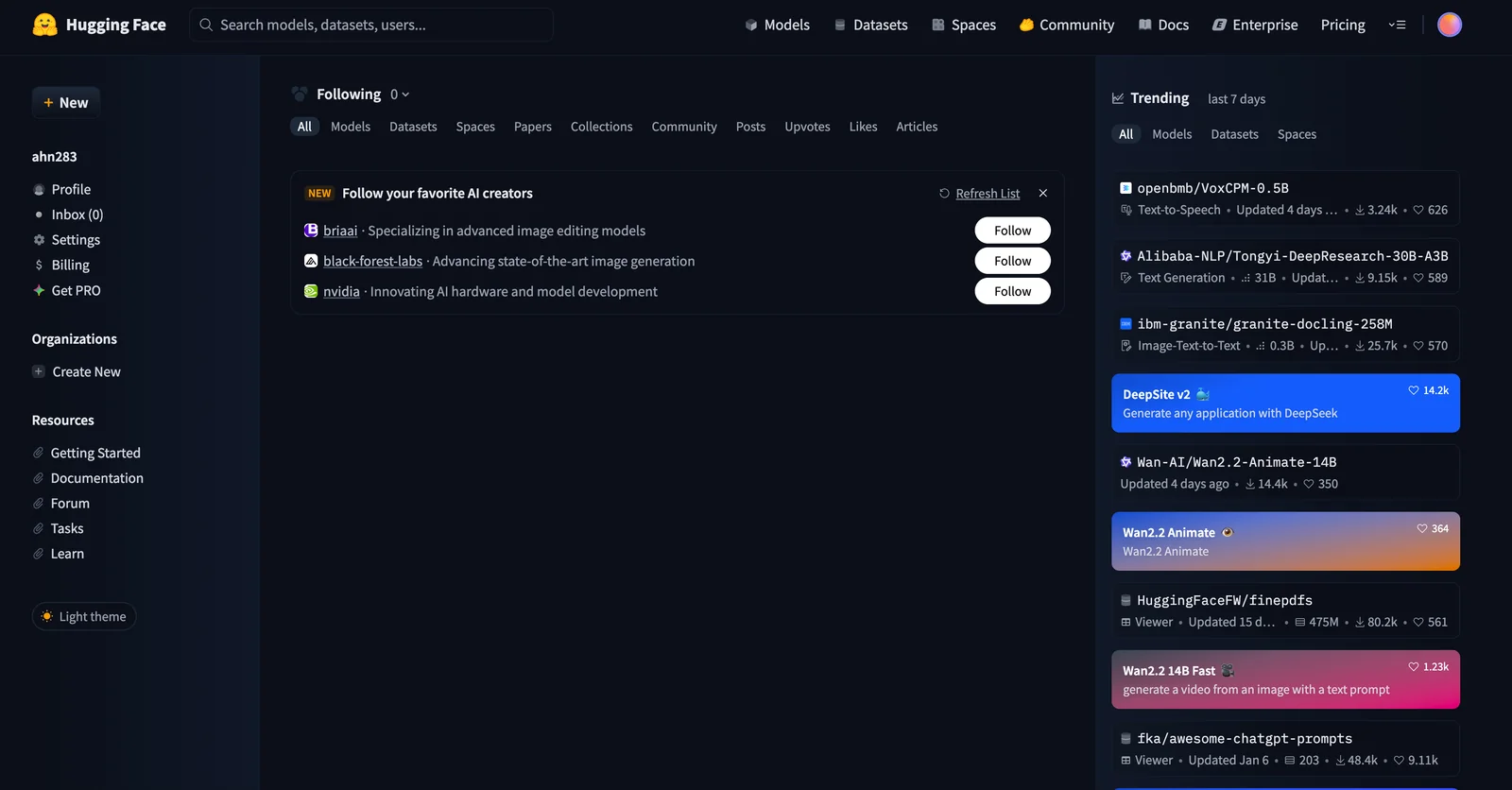
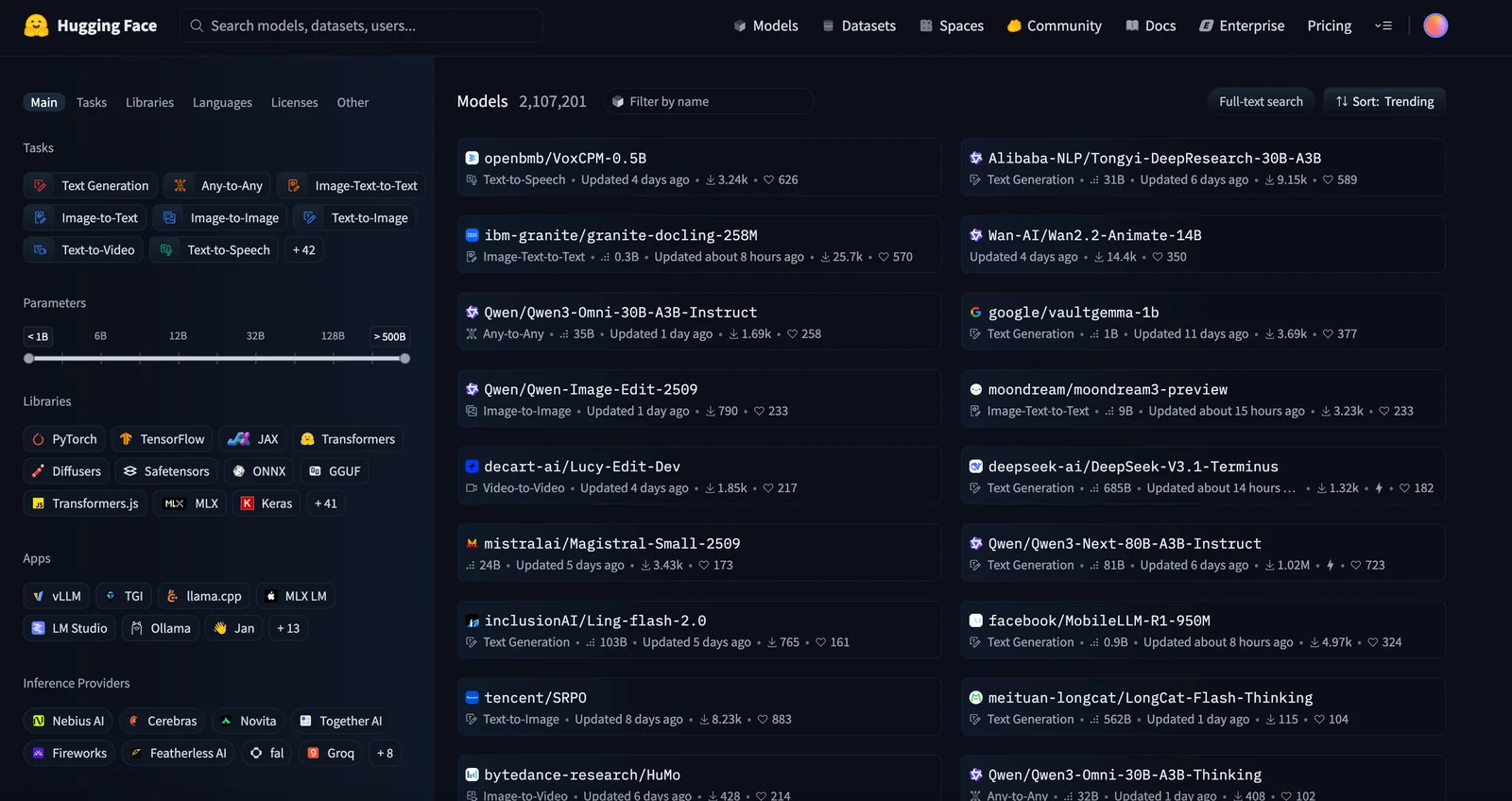
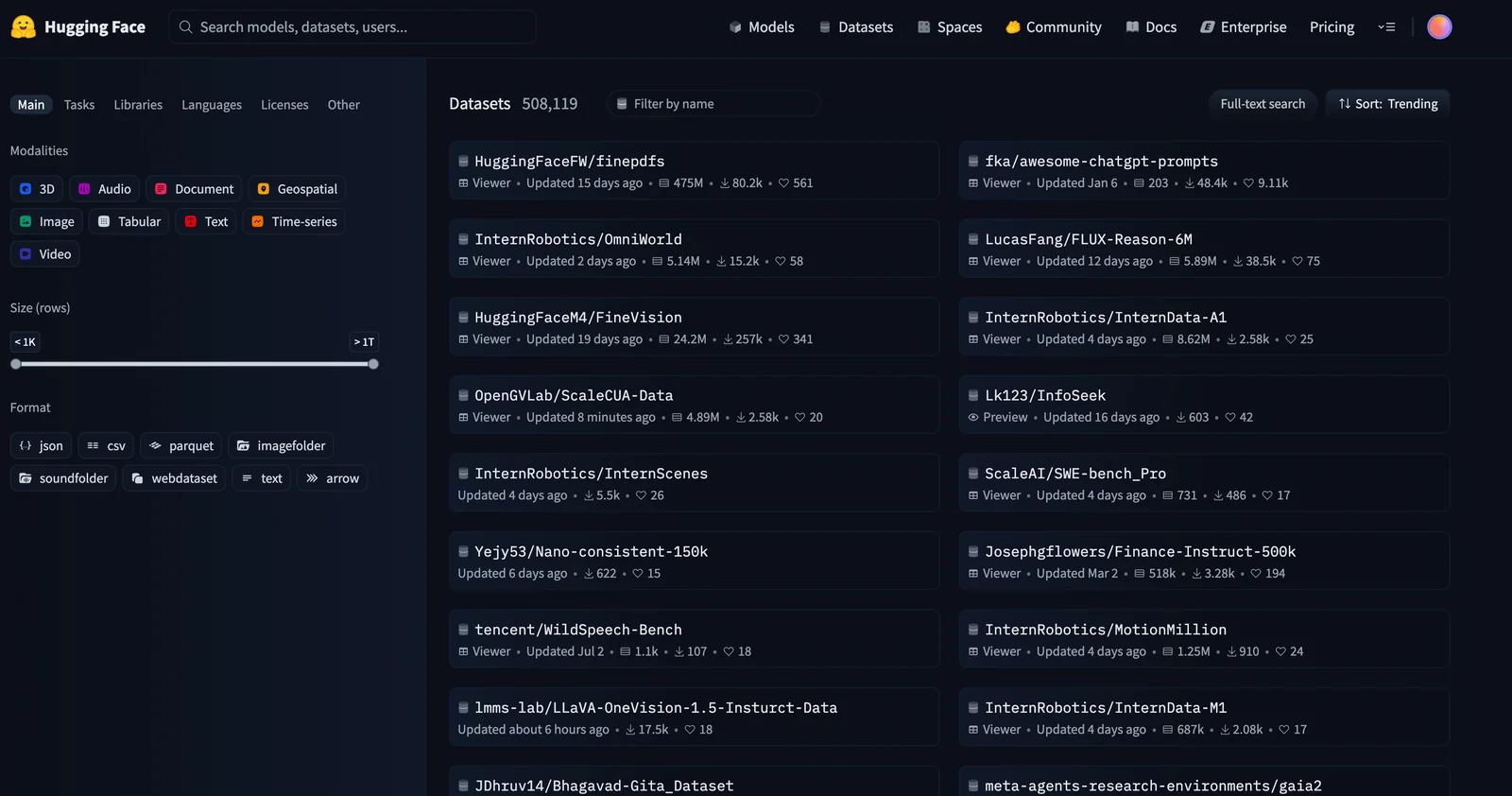
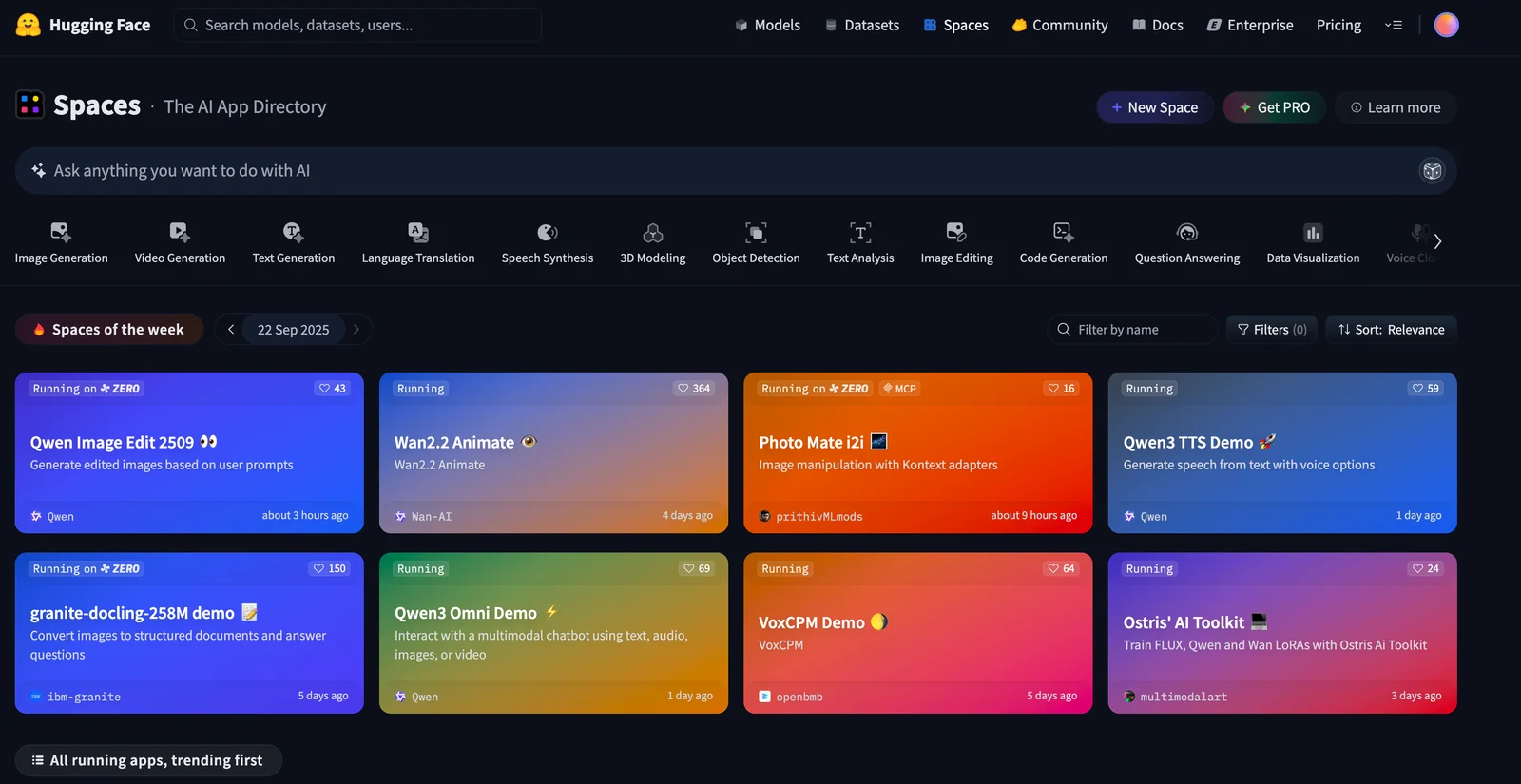
Key Features
Use Cases
MCP Server
https://huggingface.co/mcphttps://huggingface.co/mcp💡 MCP (Model Context Protocol) enables AI assistants to securely interact with local and remote resources.



Frequently asked questions about Hugging Face
What are the pricing options for Hugging Face?
Hugging Face offers a freemium pricing model that includes a Free tier at $0/month, a Pro tier at $9/month, and customizable pricing for Team and Enterprise plans. Each tier provides varying features and usage limits to cater to different users' needs.
Key Points
- Free Tier: $0/month with basic features.
- Pro Tier: $9/month with advanced features.
- Team and Enterprise Plans: Custom pricing for larger organizations.
Detailed Explanation
Hugging Face's pricing structure is designed to accommodate a wide range of users, from individual developers to large enterprises. Here’s a breakdown:
-
Free Tier:
- Ideal for hobbyists or those just starting with AI.
- Includes access to essential features like the Hugging Face Model Hub, which hosts thousands of pre-trained models.
-
Pro Tier:
- Priced at $9/month, this tier is suited for professionals needing additional capabilities.
- Features include increased usage limits, priority support, and access to advanced tools like AutoNLP and AutoML.
-
Team and Enterprise Plans:
- These are custom-priced options designed for organizations that need scalability and advanced collaboration features.
- Typically include dedicated support, enhanced security, and integration options tailored to business needs.
This tiered approach enables users to choose a plan that aligns with their specific goals, whether for personal experiments or large-scale deployments.
Best Practices / Tips
- Evaluate Your Needs: Before selecting a tier, assess your requirements. If you’re an individual developer, start with the Free tier and upgrade as necessary.
- Take Advantage of Free Trials: If available, consider testing the Pro features before committing to a monthly fee.
- Monitor Usage: Keep track of your usage limits, especially if you’re on the Free or Pro tier, to avoid unexpected charges.
Additional Resources
- Hugging Face Pricing Page - For the latest updates on plans and features.
- Hugging Face Documentation - Comprehensive guides on using various tools and models.
- Community Forums - Engage with other users for tips and support.
How do I get started with Hugging Face?
To get started with Hugging Face, create a free account on their website, browse the Model Hub for pretrained models, and utilize the Inference API to integrate AI models into your applications seamlessly. This platform is ideal for developers looking to implement machine learning solutions efficiently.
Key Points
- Create a Free Account: Sign up for access to all features.
- Explore the Model Hub: Find a variety of pretrained models for different tasks.
- Use the Inference API: Easily integrate models into your applications.
Detailed Explanation
-
Creating an Account:
- Visit Hugging Face.
- Click on the "Sign Up" button and fill out the required information.
- Confirm your email address to activate your account.
-
Exploring the Model Hub:
- Once logged in, navigate to the Model Hub where you can search for models by task (e.g., text classification, translation, summarization).
- You can filter models based on popularity, licenses, and languages.
- Each model has documentation detailing its usage, training data, and performance metrics.
-
Using the Inference API:
- After selecting a model, you can test its functionality directly on the platform.
- For integration, follow the provided API documentation which includes code snippets in Python and JavaScript.
- The API allows you to submit input data and retrieve predictions, making it easy to implement AI capabilities in your applications.
Best Practices / Tips
- Start Simple: Begin with tutorials on basic tasks to familiarize yourself with the platform.
- Utilize Community Resources: Engage with the Hugging Face community forums and GitHub repositories for support and ideas.
- Experiment with Fine-Tuning: If you have specific data, consider fine-tuning a pretrained model to improve accuracy for your application.
- Monitor API Usage: Be aware of the API usage limits and pricing, especially if you are utilizing it heavily in production.
Additional Resources
What features does Hugging Face provide for developers?
Hugging Face offers developers a suite of powerful features, including a centralized Model Hub for easy access to various machine learning models, hosted datasets for training purposes, Spaces for deploying applications, and an Inference API for seamless integration into existing workflows.
Key Points
- Centralized Model Hub: Access thousands of pre-trained models.
- Hosted Datasets: Utilize a wide array of datasets for training and testing.
- Spaces: Deploy and share applications effortlessly.
Detailed Explanation
Hugging Face is a leading platform in the AI and machine learning community, providing developers with a comprehensive toolkit.
1. Centralized Model Hub
The Model Hub is a repository that hosts thousands of pre-trained models for various applications, including natural language processing (NLP), computer vision, and more. Developers can easily search, download, and integrate these models into their applications. For instance, models like BERT and GPT-3 can be accessed directly through simple API calls, reducing development time significantly.
2. Hosted Datasets
Hugging Face also offers hosted datasets, allowing developers to train their models without the hassle of data management. These datasets cover a range of domains, including text, images, and audio. For example, the Common Crawl dataset can be used for training large NLP models, while image datasets support computer vision tasks.
3. Spaces for Deploying Applications
Spaces is an innovative feature that enables developers to create and share their applications quickly. It provides a user-friendly interface to deploy models as web apps, making it easier for non-technical stakeholders to access AI solutions. Developers can showcase their models with interactive demos, enhancing user engagement.
4. Inference API
The Inference API allows developers to integrate machine learning models directly into their applications without the need for complex infrastructure. This API supports real-time predictions, making it suitable for applications like chatbots, recommendation systems, and content generation tools. Developers can easily call the API with just a few lines of code.
Best Practices / Tips
- Optimize Model Selection: Choose the right model from the Model Hub based on your specific use case, whether it’s for sentiment analysis or object detection.
- Utilize Datasets Effectively: Assess the quality and relevance of hosted datasets to ensure they meet your training needs.
- Leverage Spaces for Prototyping: Use Spaces for rapid prototyping, allowing you to test ideas before full deployment.
- Monitor API Usage: Keep an eye on your Inference API usage to manage costs effectively, as extensive use may incur additional charges.
Additional Resources
How does Hugging Face compare to other machine learning platforms?
Hugging Face distinguishes itself from other machine learning platforms like TensorFlow Hub through its community-driven approach, a vast repository of pre-trained models and datasets, and user-friendly APIs. This combination makes it particularly accessible for both beginners and experienced developers in the AI space.
Key Points
- Community-Driven Development: Hugging Face thrives on contributions from its expansive user community.
- Model and Dataset Repository: Access thousands of pre-trained models and datasets effortlessly.
- User-Friendly APIs: Simplifies implementation with intuitive interfaces for developers.
Detailed Explanation
Hugging Face has become a pivotal player in the machine learning ecosystem, primarily due to its strong emphasis on collaboration and community engagement. The platform hosts the Transformers library, which provides a comprehensive suite of pre-trained models for natural language processing (NLP), computer vision, and beyond. Users can easily integrate these models into their applications with minimal setup.
In contrast, platforms like TensorFlow Hub focus more on traditional machine learning frameworks, often requiring more extensive coding knowledge. Hugging Face's straightforward APIs enable developers to leverage powerful models like BERT, GPT, and T5 with just a few lines of code. For instance, loading a model for text classification can be done in under five minutes:
from transformers import pipeline

classifier = pipeline('sentiment-analysis')
result = classifier("I love using Hugging Face!")
print(result)
Furthermore, Hugging Face maintains an extensive Model Hub, which currently lists over 50,000 models contributed by users worldwide, allowing for easy sharing and reuse. This vast resource significantly reduces the time and effort needed for model training and fine-tuning, making it particularly beneficial for startups and researchers looking to innovate quickly.
Best Practices / Tips
- Explore Pre-trained Models: Always start with pre-trained models for common tasks to save time.
- Engage with the Community: Utilize forums and discussions on the Hugging Face website to troubleshoot and share insights.
- Optimize API Usage: Familiarize yourself with the API documentation to maximize efficiency and avoid common errors, such as misconfiguration of model parameters.
Additional Resources
In summary, Hugging Face's unique offerings, combined with its community-driven ethos, position it as a formidable competitor to other machine learning platforms, providing tools that democratize access to cutting-edge AI technologies.
What is the API integration process for Hugging Face models?
To integrate Hugging Face models via API, utilize the Inference API, which allows you to call hosted models using REST requests. Detailed guidelines for setup, usage, and examples are available in the official documentation on the Hugging Face website.
Key Points
- Inference API: Central tool for accessing Hugging Face models.
- REST Requests: Standard method for model interaction.
- Documentation: Comprehensive guides available online.
Detailed Explanation
Integrating Hugging Face models through the Inference API is a straightforward process. Here’s a step-by-step approach to get you started:
-
Obtain API Key: First, sign up for a Hugging Face account and obtain your API key from the settings page.
-
Select a Model: Browse the Hugging Face Model Hub to choose a model that fits your needs (e.g., text generation, sentiment analysis, etc.).
-
Make a REST Call:
- Use the following endpoint format:
https://api-inference.huggingface.co/models/{model_name}. - Replace
{model_name}with the specific model’s name.
- Use the following endpoint format:
-
Send JSON Payload: Construct your HTTP POST request. For example:
{
    "inputs": "Your input text here"
}
You can use tools like
curl, Postman, or any programming language with HTTP capabilities (e.g., Python, JavaScript). -
Handle the Response: The API will return a JSON response containing the model's predictions. Ensure your code handles potential errors, such as rate limiting or invalid input.
Example in Python:
Here’s a simple Python example using the requests library:
import requests

API_URL = "https://api-inference.huggingface.co/models/{model_name}"
headers = {"Authorization": "Bearer YOUR_API_KEY"}

def query(payload):
    response = requests.post(API_URL, headers=headers, json=payload)
    return response.json()

data = query({"inputs": "Hello, how are you?"})
print(data)
Best Practices / Tips
- Rate Limiting: Be aware of the API's rate limits to avoid request failures. Check Hugging Face's documentation for details.
- Choose the Right Model: Select models based on your specific use case, as different models have varying capabilities and performance.
- CORS Issues: If integrating into a web app, handle Cross-Origin Resource Sharing (CORS) properly to avoid issues when making requests from the browser.
- Optimize Inputs: Preprocess your input data to improve response quality and reduce token usage, especially for models that have input size limitations.
Additional Resources
Explore more AI Mcps tools
Browse all Mcps tools →Compare Hugging Face: vs ai-memory · vs CrawlForge MCP · vs Popcraft · vs Pomerado