

HubSpot
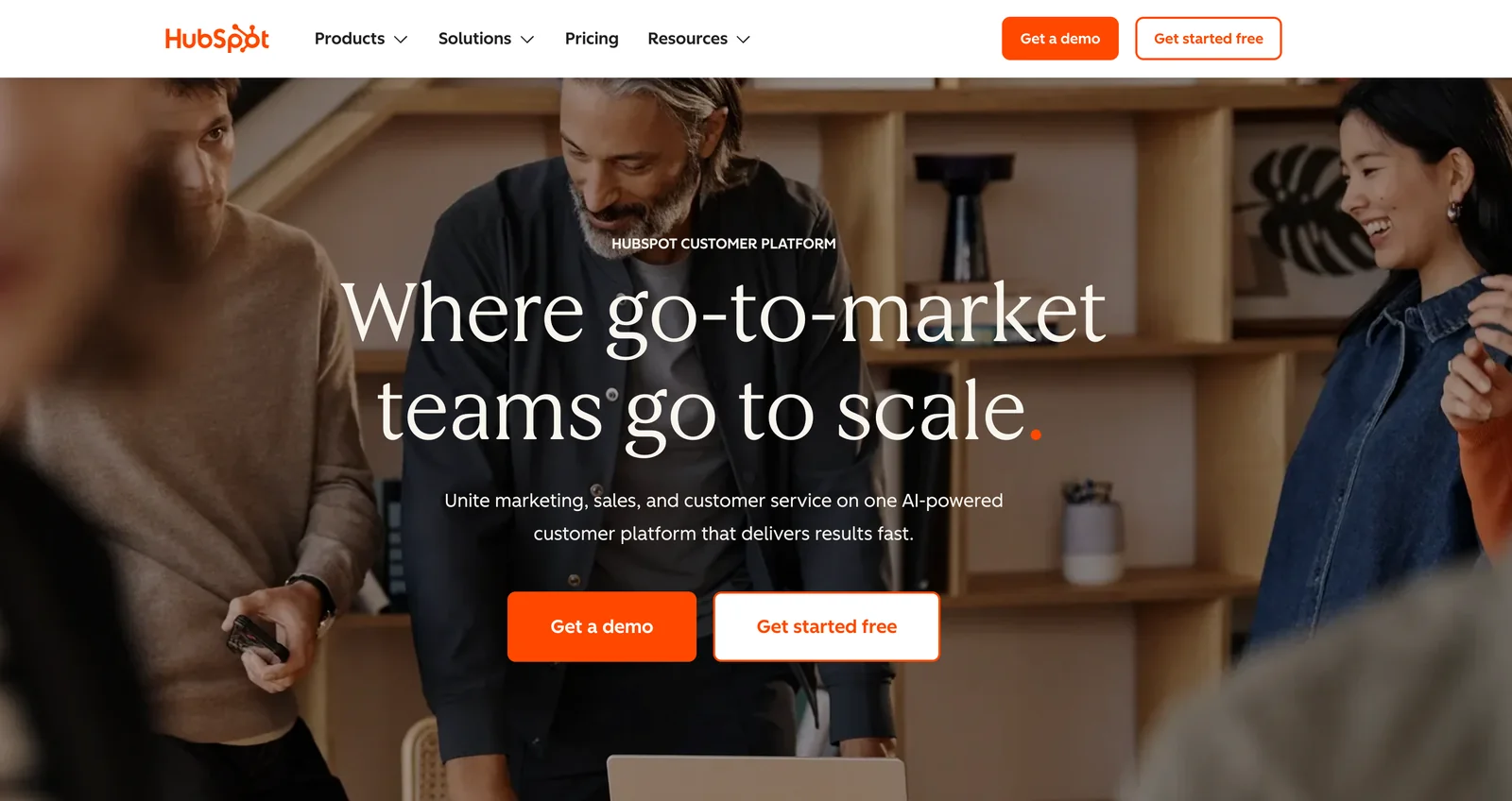
AIOfficial MCPCustomer platform delivering marketing, sales, service, CMS and CRM tools to help businesses attract, engage, and retain customers.
HubSpot
Customer platform delivering marketing, sales, service, CMS and CRM tools to help businesses attract, engage, and retain customers.
About HubSpot
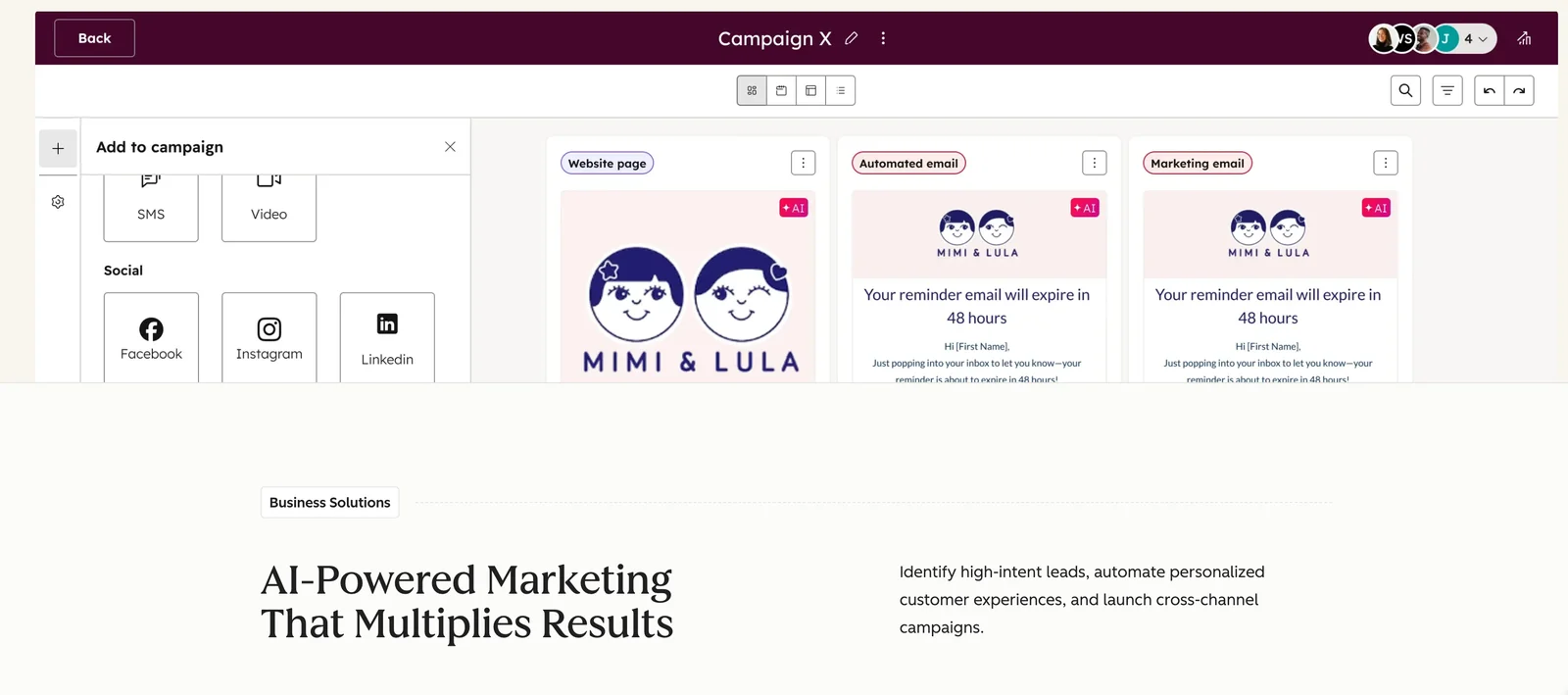
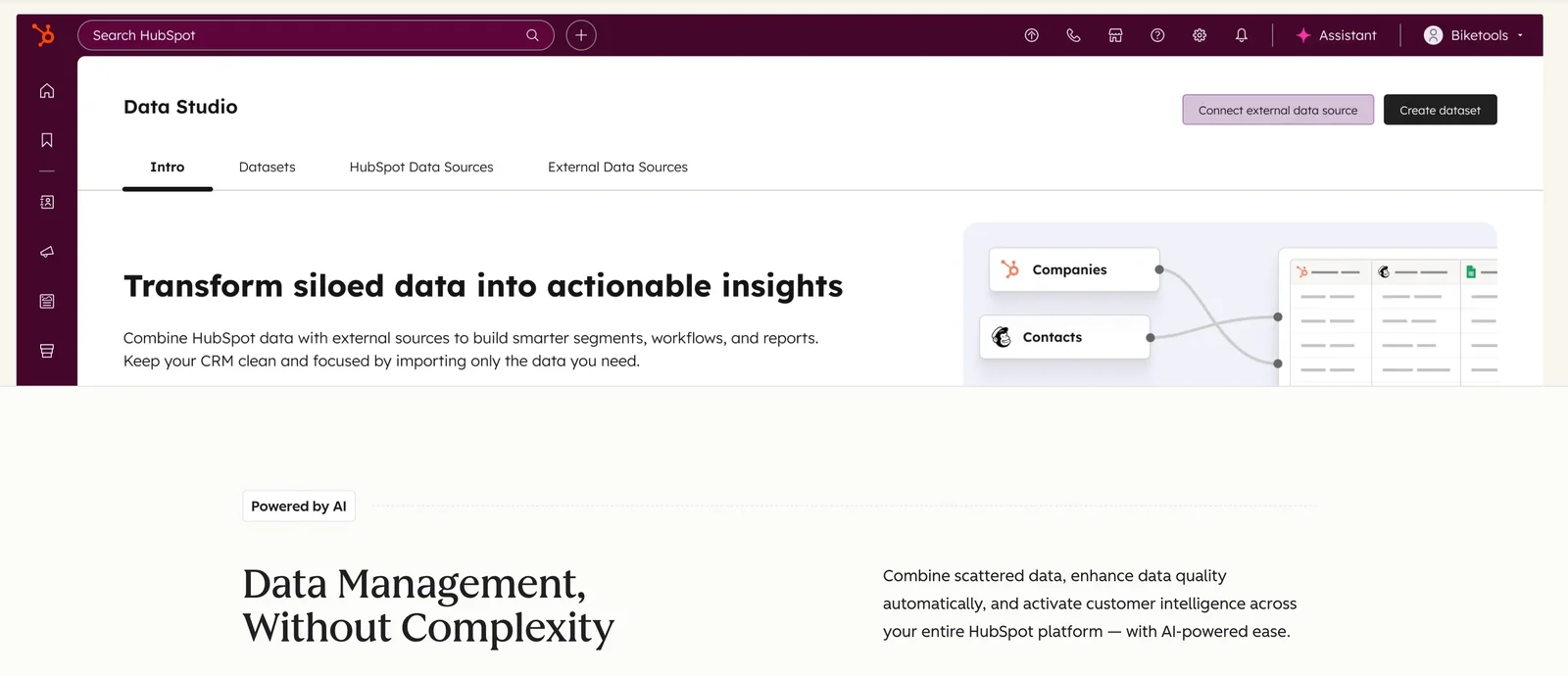
HubSpot is a unified customer platform that combines CRM, marketing, sales, service, and content management capabilities to help businesses grow. It centralizes contact, company, deal and ticket data, offers automation and workflow builders, and provides reporting dashboards and attribution tools to measure performance. HubSpot exposes REST APIs, client libraries, and a developer portal to integrate external systems, build private apps, and extend functionality via the App Marketplace. Its value comes from bundling core customer-facing software with integrations and developer tools, enabling teams to automate processes and maintain a single source of customer truth.
Screenshots
Key Features
Use Cases
MCP Server
https://developers.hubspot.com/mcphttps://mcp.hubspot.com💡 MCP (Model Context Protocol) enables AI assistants to securely interact with local and remote resources.



Frequently asked questions about HubSpot
What is HubSpot's pricing structure and do they offer a free version?
HubSpot features a freemium pricing structure, offering a free tier that includes essential CRM functionalities and basic tools. Paid plans commence at around $15 per user per month for the Starter tier, with additional costs for the Professional and Enterprise tiers depending on the chosen features and user count.
Key Points
- Freemium Model: HubSpot provides a free version with core CRM features.
- Starter Tier Pricing: Paid plans begin at approximately $15/user/month.
- Advanced Tiers: Professional and Enterprise tiers offer more features and higher costs.
Detailed Explanation
HubSpot’s pricing structure is designed to cater to businesses of all sizes. The free version includes essential tools like contact management, email marketing, and basic reporting capabilities, making it suitable for startups and small businesses. As your business grows, you can upgrade to the Starter tier for around $15 per user per month, which adds more advanced features such as marketing automation and additional reporting capabilities.
The Professional tier is ideal for medium-sized businesses and starts at approximately $800 per month for five users, offering enhanced features like A/B testing, advanced analytics, and more comprehensive support. The Enterprise tier is tailored for larger organizations, with pricing that varies based on the specific needs, user count, and additional integrations.
Example Use Case
For instance, a small business may start with the free version to manage customer relationships effectively. As they grow and require more sophisticated tools, they can transition to the Starter plan to utilize marketing automation and enhanced analytics, ultimately scaling to the Professional or Enterprise levels as their needs evolve.
Best Practices / Tips
- Evaluate Your Needs: Start with the free tier to assess your requirements before committing to a paid plan.
- Monitor Usage: Keep track of user counts and feature usage to determine when an upgrade is necessary.
- Leverage Discounts: Check for seasonal promotions or annual payment discounts to save on subscription costs.
Additional Resources
What features does HubSpot provide for customer relationship management?
HubSpot's CRM offers a suite of powerful features, including centralized contact management, marketing automation, sales productivity tools, a customer service hub, and content management system (CMS) tools. These features enable businesses to effectively engage with and retain customers, streamlining their operations and enhancing customer experiences.
Key Points
- Centralized Contact Management: Organize and track customer interactions.
- Marketing Automation: Automate marketing campaigns and lead nurturing.
- Sales Productivity Tools: Enhance sales efficiency and pipeline management.
Detailed Explanation
HubSpot's CRM is designed to support businesses in managing their customer relationships seamlessly. Here’s a closer look at its key features:
-
Centralized Contact Management: HubSpot CRM provides a user-friendly interface to manage all customer data in one place. Users can easily segment contacts based on various criteria, like behavior and demographics, enabling personalized communication.
-
Marketing Automation: This feature allows businesses to automate email campaigns, social media posts, and lead nurturing processes. For instance, users can set up workflows that send targeted emails to leads based on their interactions with previous content, significantly improving engagement rates.
-
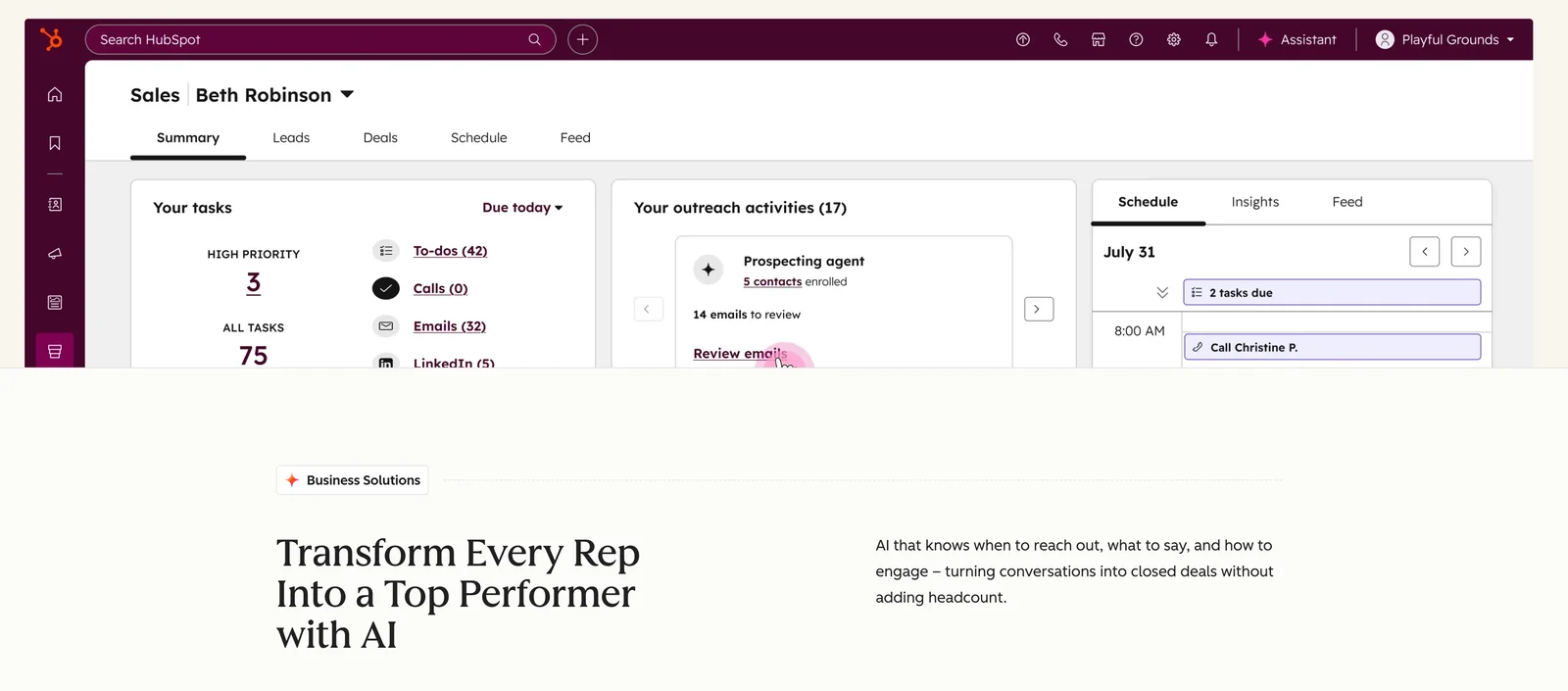
Sales Productivity Tools: HubSpot offers tools like pipeline management, email tracking, and meeting scheduling, all designed to improve sales team efficiency. Sales representatives can track their interactions with leads and gain insights into the best times to reach out, which can lead to higher conversion rates.
-
Customer Service Hub: This feature includes ticketing systems, knowledge bases, and customer feedback tools. It enables businesses to provide superior support by managing customer inquiries efficiently and ensuring timely responses.
-
Content Management System (CMS): HubSpot's CMS tools allow users to create and manage website content easily. This includes landing pages, blog posts, and SEO optimization features, helping businesses to attract and convert leads through their online presence.
Best Practices / Tips
- Segment Your Audience: Utilize HubSpot’s contact properties to create detailed segments for targeted marketing efforts.
- Leverage Automation Wisely: While automation saves time, ensure that your messages remain personalized to maintain customer engagement.
- Regularly Monitor Analytics: Use HubSpot’s analytics tools to track the performance of your campaigns and make data-driven decisions for improvement.
Additional Resources
- HubSpot CRM Overview
- HubSpot Marketing Automation Features
- HubSpot Sales Tools Guide
- Customer Service Hub Insights
By integrating these features, HubSpot's CRM empowers businesses to enhance customer interactions and drive growth effectively.
How do I get started with using HubSpot for my business?
To get started with HubSpot for your business, sign up for a free account on their website. After registration, you'll gain access to a suite of tools for marketing, sales, and customer service, along with tutorials and a comprehensive knowledge base to help you effectively navigate the platform.
Key Points
- Create a free HubSpot account for initial access.
- Explore various tools tailored for marketing, sales, and customer service.
- Utilize HubSpot's tutorials and knowledge base for guidance.
Detailed Explanation
HubSpot is an all-in-one platform designed to streamline your business operations across marketing, sales, and customer service. Here's how to get started:
-
Sign Up: Visit HubSpot's website and click on "Get started free" to create your account. You can choose from various tiers, including free and paid options, based on your business needs.
-
Familiarize with Tools: Once registered, explore HubSpot's dashboard. The platform offers essential tools like:
- Marketing Hub: Automate your email marketing, manage social media, and create landing pages.
- Sales Hub: Track leads, manage your pipeline, and schedule meetings effectively.
- Service Hub: Support customer inquiries and manage tickets seamlessly.
-
Utilize Tutorials and Support: HubSpot provides extensive resources to help you navigate the platform. Access their knowledge base for articles, or watch tutorials on their YouTube channel to learn how to maximize each tool's potential.
Best Practices / Tips
- Set Clear Goals: Define specific marketing, sales, and service goals before diving in. This helps you choose the right tools and functionalities to focus on.
- Leverage Templates: Use HubSpot’s pre-built templates for emails, landing pages, and reports to save time and ensure consistency.
- Integrate Other Tools: If you use other software (like CRM systems or email marketing tools), check HubSpot's integrations to streamline processes and data flow.
Common pitfalls to avoid include neglecting to utilize the knowledge base and underestimating the value of HubSpot Academy’s free courses. These resources are vital for mastering the platform and achieving your business objectives.
Additional Resources
- HubSpot Academy for free courses and certifications.
- HubSpot Knowledge Base for troubleshooting and best practices.
- HubSpot Community Forum to connect with other users and ask questions.
Does HubSpot provide API support for integrations?
Yes, HubSpot provides comprehensive API support for integrations. Their robust API enables users to connect with various systems using REST APIs, SDKs, and official libraries, facilitating the creation of custom applications and automation of workflows while effectively managing CRM data.
Key Points
- Robust API Options: HubSpot offers REST APIs, SDKs, and libraries.
- Seamless Integrations: Easily connect with other systems and applications.
- Automation Capabilities: Streamline workflows and enhance CRM data management.
Detailed Explanation
HubSpot's API is designed to cater to a wide range of integration needs. With RESTful APIs, developers can interact with HubSpot’s CRM data, including contacts, deals, companies, and tickets. The API supports JSON format, making it easy to integrate with web services and applications.
Key Features:
- Authentication: Use OAuth 2.0 or API keys to securely access HubSpot's data.
- Endpoints: HubSpot's API offers numerous endpoints, allowing you to retrieve or modify data. For example, you can use endpoints to create a new contact, update deal information, or pull marketing analytics.
- SDKs and Libraries: HubSpot provides official SDKs in multiple programming languages, including Java, Python, and Ruby, which simplify the integration process.
Use Cases:
- CRM Customization: Businesses can build custom dashboards that pull data directly from HubSpot, allowing for tailored reporting and analytics.
- Lead Management: Automate the process of capturing leads from web forms and integrating them directly into the HubSpot CRM.
- Marketing Automation: Connect HubSpot with email marketing tools to automate campaign management and track performance.
Best Practices / Tips
- Read the Documentation: Familiarize yourself with the HubSpot API documentation to understand capabilities and limitations.
- Test in Sandbox: Use the HubSpot developer sandbox to test your integrations before deploying them to your live environment.
- Rate Limits: Be aware of API rate limits (typically 40 requests per second) to avoid disruptions.
- Error Handling: Implement robust error handling in your applications to manage API response errors effectively.
Additional Resources
- HubSpot API Documentation
- HubSpot Community Forum
- HubSpot API GitHub Repository for SDKs and libraries.
How does HubSpot compare to other CRM tools like Salesforce?
HubSpot is a user-friendly CRM with a freemium model, making it suitable for small to medium-sized businesses. In contrast, Salesforce provides extensive customization and scalability, better suited for larger enterprises, but comes with a higher price tag and complexity.
Key Points
- User-Friendliness: HubSpot's intuitive interface is easy for beginners.
- Customization: Salesforce offers deep customization and advanced features.
- Pricing Structure: HubSpot has a freemium model; Salesforce is generally more expensive.
Detailed Explanation
When comparing HubSpot and Salesforce, it's essential to consider your business's specific needs.
User Experience
HubSpot's design focuses on ease of use, allowing users to quickly navigate its features. This makes it ideal for small businesses that may not have dedicated IT resources. For instance, HubSpot’s drag-and-drop interface enables users to create workflows effortlessly.
Customization and Scalability
Salesforce shines in its ability to be tailored to fit complex business processes. It offers extensive options for customization, allowing large enterprises to adapt the CRM to their unique workflows. For example, Salesforce can seamlessly integrate with various third-party applications and provides robust reporting tools that can be customized to track specific metrics.
Pricing and Accessibility
HubSpot operates on a freemium model, providing essential features at no cost, which is attractive for startups. Paid plans start at approximately $45/month, making it budget-friendly for small businesses. Conversely, Salesforce begins at around $25/month for its basic plan but can escalate to hundreds per month depending on additional features and user licenses.
Best Practices / Tips
- Evaluate Your Needs: Consider your business size and growth plans. If you're a startup or small business, HubSpot may be more suitable.
- Trial Periods: Both platforms offer free trials. Use these trials to explore features and usability.
- Integration Capabilities: Assess how well each CRM integrates with your existing tools, such as email marketing or accounting software.
Additional Resources
Explore more AI Mcps tools
Browse all Mcps tools →Browse by use case: Code Generation · Automation & Productivity
Compare HubSpot: vs ai-memory · vs CrawlForge MCP · vs Popcraft · vs Pomerado