
Hello Aria
AIUniversal productivity platform that centralizes tasks, calendar, reminders, notes and integrations accessible from WhatsApp, Slack, web, and email.
Hello Aria
Universal productivity platform that centralizes tasks, calendar, reminders, notes and integrations accessible from WhatsApp, Slack, web, and email.
About Hello Aria
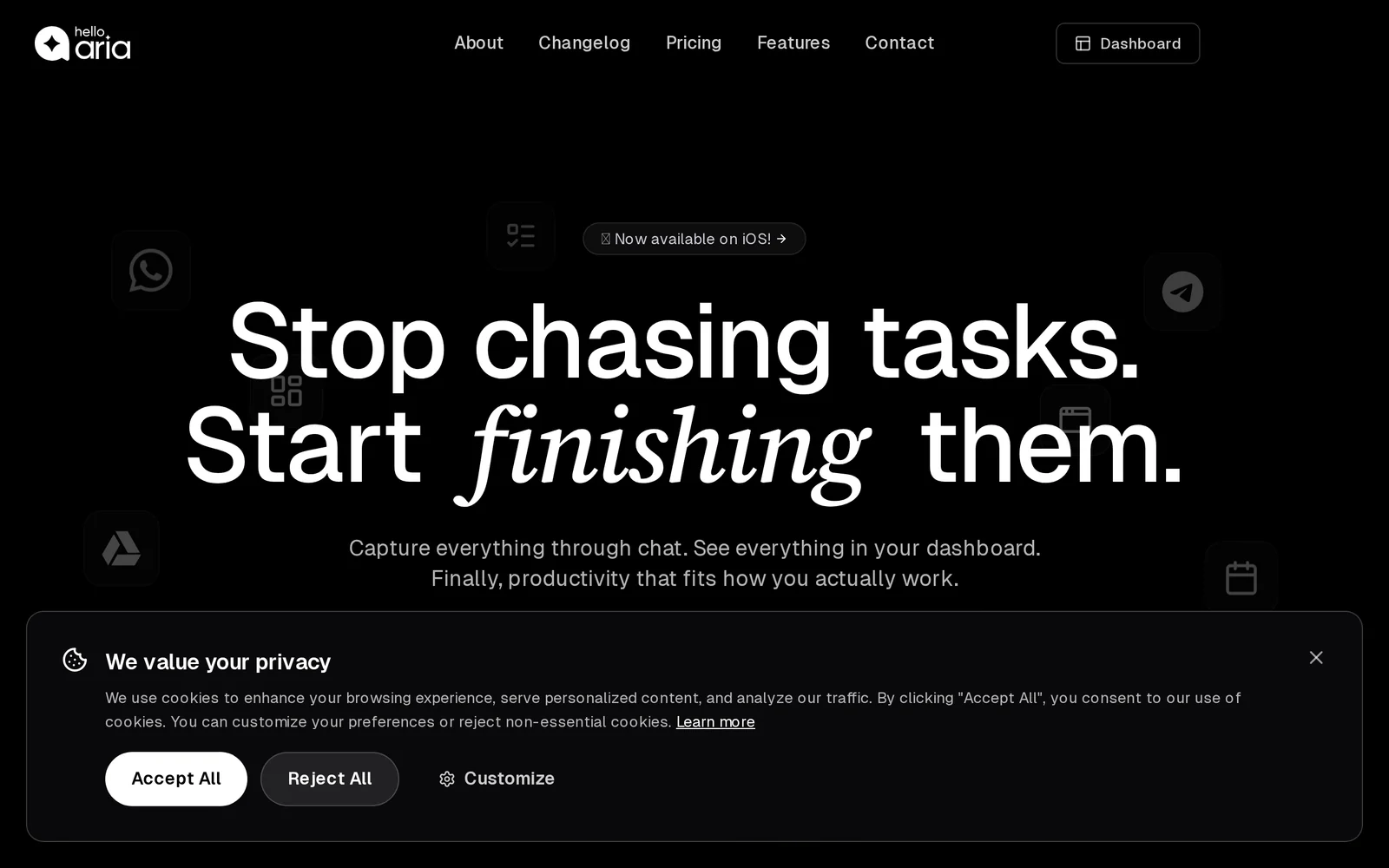
Hello Aria is a unified productivity platform that centralizes task management, calendars, reminders, and notes across messaging and collaboration channels. Users can interact with their work from WhatsApp, Slack, web, and email while Hello Aria syncs with Google and Microsoft tools to keep schedules and tasks consistent. The platform provides a unified dashboard and uses AI-powered simplification to surface priorities, reduce friction in workflows, and automate routine task handling. Hello Aria aims to let users access and act on work from the communication surfaces they already use, improving responsiveness and reducing app switching.
Screenshots
Key Features
Use Cases


Frequently asked questions about Hello Aria
What is Hello Aria?
Hello Aria is a universal productivity platform that centralizes tasks, calendars, reminders, notes, and integrations. Accessible via WhatsApp, Slack, web, and email, it streamlines workflows and enhances collaboration for individuals and teams, making it easier to manage daily activities efficiently.
Key Points
- All-in-One Productivity Tool: Combines multiple functions in one platform.
- Cross-Platform Accessibility: Works seamlessly across various messaging and email platforms.
- Enhances Collaboration: Facilitates teamwork and communication among users.
Detailed Explanation
Hello Aria is designed to empower users by integrating various productivity features into a single interface. It allows you to:
- Manage Tasks: Create, assign, and track tasks easily, ensuring nothing falls through the cracks.
- Organize Calendars: Sync your calendar to keep track of appointments and deadlines, reducing scheduling conflicts.
- Set Reminders: Automate reminders for important tasks or events, helping you stay on top of your responsibilities.
- Take Notes: Capture ideas or meeting notes directly within the platform for quick access later.
Use Cases
- For Teams: Teams can collaborate on projects, share updates via Slack or WhatsApp, and manage tasks collectively.
- For Individuals: Users can personalize their workflow by integrating their personal and professional tasks in one place.
By utilizing Hello Aria, users can achieve higher productivity levels through its intuitive interface and powerful integrations, which enhance daily routines and project management.
Best Practices / Tips
- Leverage Integrations: Connect Hello Aria with tools like Google Calendar and Trello for a seamless experience.
- Set Up Notifications: Customize notifications to stay informed without being overwhelmed.
- Regularly Review Tasks: Spend a few minutes daily to prioritize and update your task list, ensuring you focus on what matters most.
Common Pitfalls to Avoid
- Overcomplicating the system by integrating too many tools; keep it streamlined.
- Ignoring reminders and notifications, which can lead to missed deadlines.
Additional Resources
How does Hello Aria work?
Hello Aria operates by integrating advanced AI technologies to streamline daily workflows for users. It automates tasks, enhances productivity, and provides intelligent insights, making it easier for individuals and teams to manage their responsibilities efficiently.
Key Points
- AI Integration: Combines various AI technologies for seamless workflow automation.
- User-Friendly Interface: Designed for ease of use, catering to both beginners and advanced users.
- Versatile Applications: Suitable for a wide range of tasks, from scheduling to data analysis.
Detailed Explanation
Hello Aria leverages multiple AI capabilities, including natural language processing (NLP), machine learning (ML), and data analytics, to optimize everyday tasks. For instance, it can assist users in scheduling meetings by analyzing calendar availability and suggesting optimal times based on participants' preferences.
Use Cases
- Task Automation: Users can set up reminders, automate routine emails, and manage to-do lists effortlessly.
- Data Insights: By analyzing large datasets, Hello Aria can provide actionable insights, helping businesses make informed decisions.
- Personal Assistants: It can function as a virtual assistant, streamlining daily activities and improving time management.
Best Practices / Tips
- Explore Features: Take time to explore Hello Aria's diverse functionality to maximize its benefits.
- Customize Settings: Tailor the tool's settings to fit your specific workflow needs, enhancing productivity.
- Regular Updates: Keep the software updated to benefit from the latest features and improvements.
Additional Resources
By implementing these strategies and utilizing Hello Aria's capabilities effectively, users can significantly enhance their productivity and streamline their daily tasks, making it a valuable addition to any workspace.
What are the main features of Hello Aria?
Hello Aria offers a range of advanced features, including natural language processing, predictive analytics, and personalized user experiences. These core AI capabilities empower users to automate tasks, enhance decision-making, and improve overall efficiency in various applications.
Key Points
- Natural Language Processing (NLP): Understands and interprets user queries.
- Predictive Analytics: Analyzes data to forecast trends and outcomes.
- Personalized User Experiences: Tailors interactions based on user behavior.
Detailed Explanation
Hello Aria leverages cutting-edge AI technologies to deliver powerful functionalities.
Natural Language Processing (NLP)
NLP enables Hello Aria to comprehend and process human language, allowing users to interact with the system through conversational queries. For instance, businesses can use NLP to streamline customer support by automatically understanding and responding to customer inquiries, significantly reducing response times and improving satisfaction.
Predictive Analytics
This feature analyzes historical data to predict future trends and behaviors. For example, a marketing team can use Hello Aria’s predictive analytics to identify potential customer segments, enabling them to tailor their campaigns more effectively, resulting in higher conversion rates.
Personalized User Experiences
Hello Aria enhances user engagement by personalizing interactions based on individual preferences and behavior patterns. This can lead to more relevant recommendations and improved customer loyalty. For instance, e-commerce platforms can utilize this feature to suggest products that align with a user's previous purchases or browsing history.
Best Practices / Tips
- Utilize NLP for Customer Support: Implement Hello Aria’s NLP capabilities to create chatbots for 24/7 support, reducing the workload on human agents.
- Incorporate Predictive Models: Regularly update your predictive models with fresh data to enhance accuracy and reliability in forecasting.
- Leverage Personalization Wisely: Use user data responsibly to create personalized experiences that respect privacy while enhancing user satisfaction.
Additional Resources
Who is Hello Aria for?
Hello Aria is designed for individuals and teams seeking to enhance their daily operations through AI-driven workflows. It is particularly beneficial for professionals in marketing, project management, and customer service, as well as anyone looking to streamline tasks and improve productivity with AI tools.
Key Points
- Target Audience: Professionals and teams in various fields.
- Use Cases: Enhancing productivity in marketing, project management, and customer service.
- Accessibility: Suitable for both tech-savvy users and beginners.
Detailed Explanation
Hello Aria serves a diverse audience, making it a versatile tool for anyone interested in integrating AI into their daily workflows.
-
Professionals: Marketing teams can utilize Hello Aria for data analysis and campaign optimization. For example, it can automate social media posts and analyze engagement metrics, allowing marketers to focus on strategy rather than repetitive tasks.
-
Project Managers: Hello Aria can help project managers streamline task assignments and track progress. It can generate reports and provide insights into team performance, facilitating better communication and collaboration among team members.
-
Customer Service Representatives: This tool is invaluable for customer service teams, enabling them to manage inquiries more efficiently. Hello Aria can assist in responding to FAQs using AI chatbots, reducing response times and improving customer satisfaction.
-
Individuals: Anyone looking to boost personal productivity can benefit. For instance, students can use Hello Aria to organize study schedules or automate research tasks, freeing up time for more critical learning activities.
Best Practices / Tips
- Integrate Seamlessly: Ensure Hello Aria integrates well with your existing tools and workflows for maximum efficiency.
- Start Small: Begin by automating simple tasks and gradually scale up as you become more comfortable with the tool.
- Regular Training: Keep abreast of new features and updates to maximize the benefits of Hello Aria.
- Monitor Performance: Regularly analyze the effectiveness of automated workflows to identify areas for improvement.
Additional Resources
How much does Hello Aria cost?
Hello Aria offers a free tier for users to explore its basic features, while advanced functionalities are available through paid plans. The pricing for these plans varies, providing flexibility depending on user needs and the size of the organization.
Key Points
- Free Tier: Available for basic use without any cost.
- Paid Plans: Offer advanced features for businesses.
- Flexible Pricing: Tailored to different organizational needs.
Detailed Explanation
Hello Aria provides an accessible entry point with its free tier, allowing users to familiarize themselves with the platform's core functionalities. This tier is ideal for individuals or small teams seeking basic AI-driven insights and assistance.
For users requiring more robust capabilities, Hello Aria offers several paid plans. These plans include additional features such as enhanced analytics, priority support, and integrations with other software tools. Pricing can vary based on the level of service, number of users, and specific features selected. For example, small businesses might choose a basic paid plan to access advanced features at a lower cost, while larger organizations may opt for premium plans to accommodate more users and complex needs.
Pricing specifics can change, so it’s best to check Hello Aria's official website for the most up-to-date information regarding their plans.
Best Practices / Tips
- Evaluate Needs: Before selecting a plan, assess your specific requirements to choose the most cost-effective option.
- Utilize Free Tier: Take advantage of the free tier to fully understand the features before committing to a paid plan.
- Monitor Updates: Stay informed about promotions or updates that could impact pricing or available features.
Additional Resources
How do I get started with Hello Aria?
To get started with Hello Aria, simply visit helloaria.io to sign up. After creating your account, you can explore its features, including AI-driven insights and personalization tools designed to enhance your experience.
Key Points
- User-Friendly Signup: The signup process is quick and straightforward.
- Feature Exploration: Discover various tools and functionalities.
- Community Support: Engage with the Hello Aria community for tips and assistance.
Detailed Explanation
To begin your journey with Hello Aria, follow these steps:
-
Visit the Website: Go to helloaria.io. The homepage provides an overview of the platform's capabilities.
-
Create an Account: Click on the 'Sign Up' button. Fill out the registration form with your email and create a password. You may also have the option to sign up using social media accounts for convenience.
-
Explore Features: After logging in, take a tour of the platform. Key features include:
- AI-Driven Insights: Utilize Hello Aria's AI tools to gain actionable insights and recommendations tailored to your preferences.
- Customization Options: Personalize your dashboard to fit your specific needs, including choosing widgets and data displays.
-
Community Engagement: Join the Hello Aria community forums or social media groups. Here, you can connect with other users, share experiences, and receive tips on maximizing the platform’s potential.
Best Practices / Tips
- Complete Your Profile: Ensure your user profile is fully filled out to receive the best personalized recommendations.
- Utilize Tutorials: Take advantage of tutorials available on the website to understand how to navigate the platform effectively.
- Regular Updates: Keep an eye on updates and new features released by Hello Aria to make the most of your experience.
Additional Resources
- Hello Aria Official Documentation: Access detailed guides and FAQs.
- Community Forum: Engage with other users and ask questions.
- Hello Aria Blog: Read articles on best practices and the latest AI trends.
Explore more AI Ai Services tools
Browse all Ai Services tools →Browse by use case: Automation & Productivity
Compare Hello Aria: vs BAND for Developers · vs NitroStack · vs GBrain · vs MentionBird