

Grammarly
AIWriting assistant that provides real-time grammar, clarity, tone, and text generation guidance across apps and websites.
Grammarly
Writing assistant that provides real-time grammar, clarity, tone, and text generation guidance across apps and websites.
About Grammarly
Grammarly is a writing assistant that uses machine learning and natural language processing to identify grammar, spelling, punctuation, clarity, tone, and style issues in real time across browsers, desktop apps, and integrations. It offers personalized suggestions, customizable writing goals, and text generation/rewrites to help users produce clearer, more effective writing. Premium tiers add advanced checks such as vocabulary enhancement, formality and tone adjustments, and plagiarism detection, while business features include style guides and team management tools. Grammarly's value lies in continuous, contextual feedback integrated into the user's existing writing workflows.
Screenshots
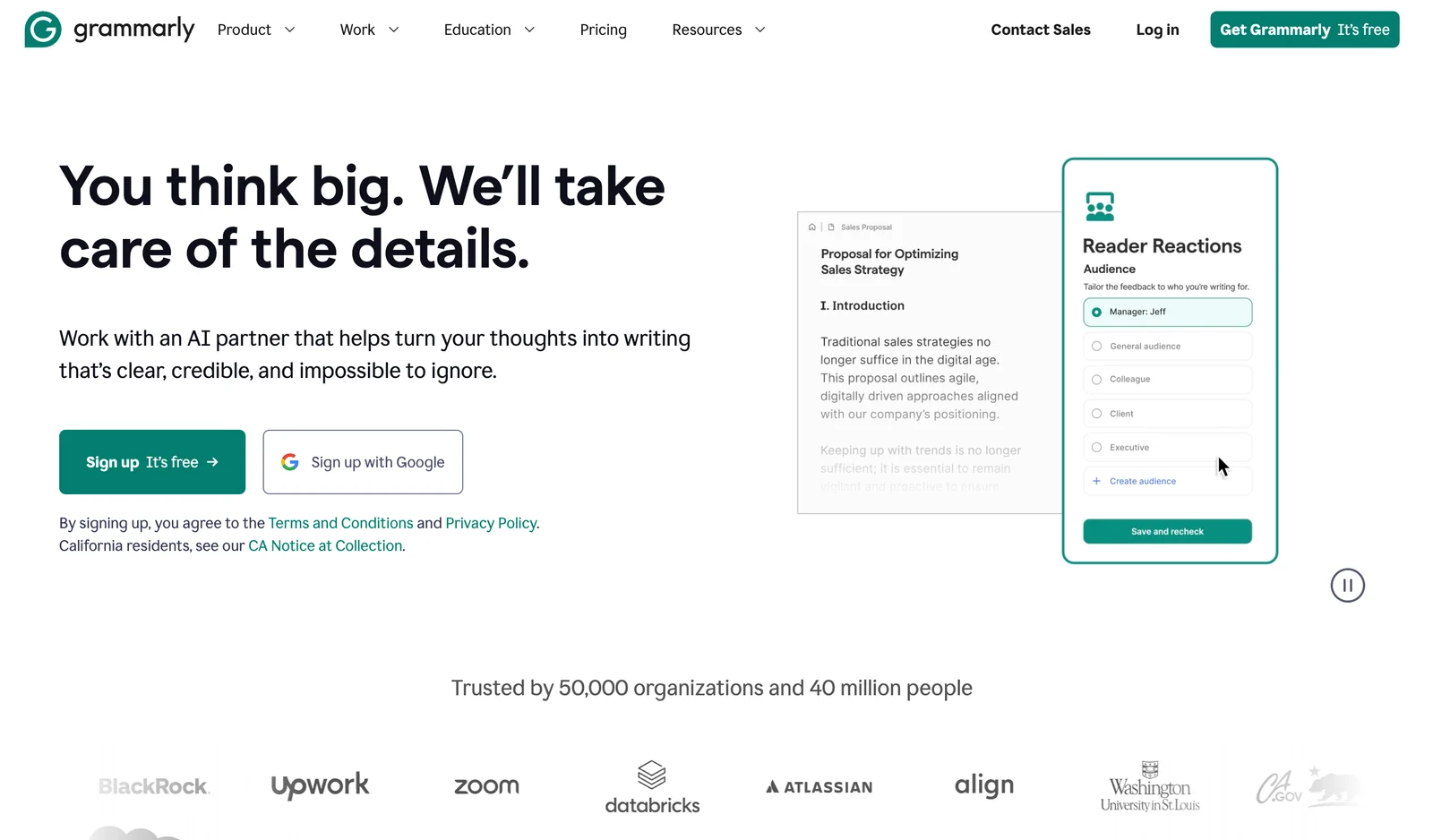
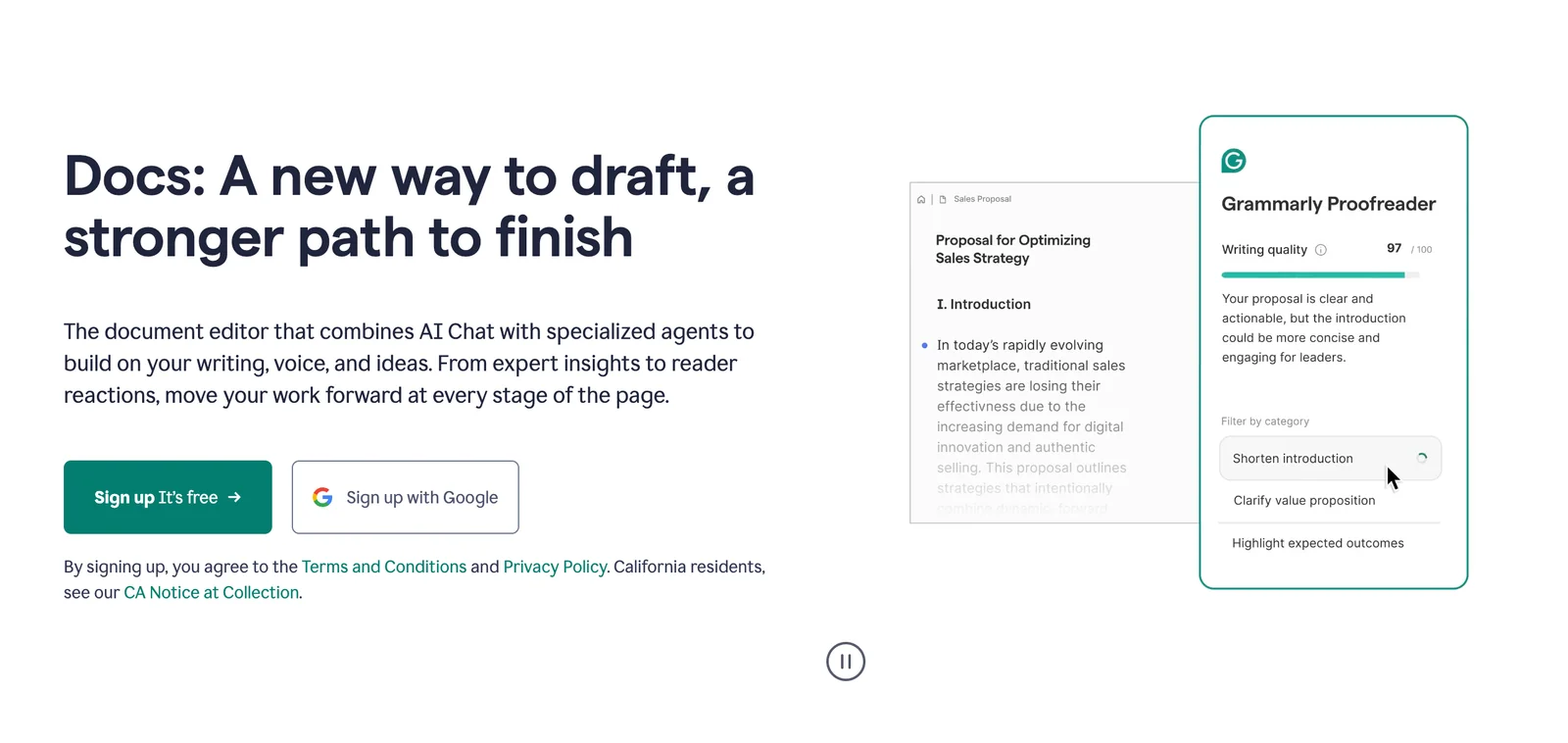
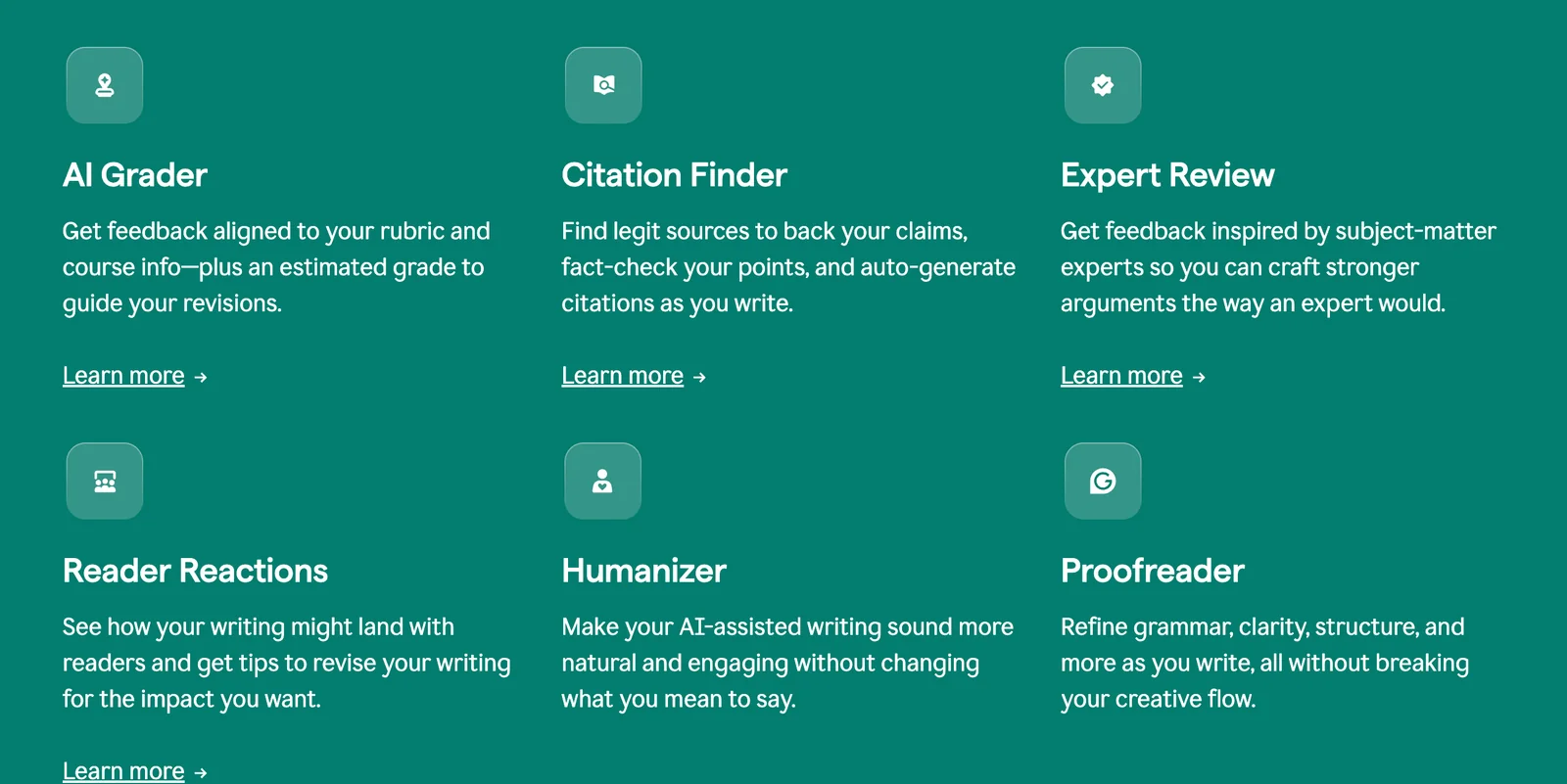
Key Features
Use Cases



Frequently asked questions about Grammarly
What are the pricing options for Grammarly?
Grammarly offers a freemium model with a free tier for basic features, while premium plans start at $12/month for individuals and $15/user/month for teams. These premium options provide advanced functionalities like grammar checks, style suggestions, and plagiarism detection.
Key Points
- Freemium Model: Basic features available for free.
- Premium Plans: Starting at $12/month for individuals.
- Team Plans: $15/user/month, ideal for collaborative environments.
Detailed Explanation
Grammarly provides a range of pricing options tailored to individual users and teams. The free tier includes essential features like basic grammar and spelling checks, making it a suitable choice for casual users.
Premium Plans
- Individual Plan: Priced at $12/month (billed annually), this plan offers advanced grammar checks, style enhancements, vocabulary suggestions, and a plagiarism checker. It’s perfect for students, professionals, and anyone who writes regularly.
- Business Plan: At $15/user/month, this option caters to teams and organizations. It includes all premium features plus additional administrative tools for team management, centralized billing, and priority support.
Use Cases
- Students: Benefit from the premium plan for essays and research papers to ensure high-quality writing.
- Professionals: Utilize Grammarly in emails and reports to maintain professionalism and clarity.
- Content Teams: Teams can collaborate using the business plan features for consistent messaging and brand voice.
Best Practices / Tips
- Utilize the Free Tier: Start with the free version to explore basic capabilities before upgrading.
- Annual Billing: Opt for annual billing to save money on the monthly rate.
- Trial Period: Take advantage of any free trials offered for the premium plans to assess their value before committing.
Additional Resources
- Grammarly Pricing Page for detailed insights on plans.
- Grammarly Support for FAQs and assistance on using the tool effectively.
- Blog on Writing Tips for improving your writing skills.
How do I use Grammarly for writing assistance?
To use Grammarly for writing assistance, sign up for an account, then install the browser extension or desktop app. Start writing, and Grammarly will offer real-time suggestions for grammar, style, and tone, helping you enhance your writing quality instantly.
Key Points
- Account Setup: Create a Grammarly account to access features.
- Installation: Install the browser extension or desktop app for seamless integration.
- Real-Time Feedback: Receive instant suggestions while you write, improving your grammar and style.
Detailed Explanation
-
Account Setup:
- Visit the Grammarly website and click on “Sign Up.” You can create an account using your email, Google, or Facebook account. The free version offers basic features, while the premium plan unlocks advanced grammar checks and style enhancements.
-
Installation:
- Once logged in, download the Grammarly browser extension for Chrome, Firefox, or Safari from the respective web store. Alternatively, you can download the desktop app for Windows or Mac, which allows for more extensive editing capabilities beyond browser limitations.
-
Writing with Grammarly:
- Open any text editor or online platform (like Google Docs, Microsoft Word, or even your email). As you type, Grammarly will underline errors in real-time. Hovering over these underlines will show suggestions to correct or improve the text.
-
Features:
- Grammar and Punctuation Checks: Identify and correct common grammatical errors.
- Style Suggestions: Improve clarity and readability by following stylistic recommendations.
- Tone Detector: Analyze the tone of your writing to ensure it aligns with your intended message.
Best Practices / Tips
- Review Suggestions: Always review Grammarly's suggestions before applying changes, as its algorithms may not capture context perfectly.
- Set Goals: Use the app's goal-setting feature to tailor suggestions according to your audience, intent, and style.
- Explore Premium Features: If you are serious about writing, consider upgrading to Grammarly Premium for more in-depth insights, plagiarism detection, and vocabulary enhancement tools.
Additional Resources
- Grammarly Help Center for tutorials and troubleshooting.
- Grammarly Blog for writing tips and best practices.
- Grammarly Premium Pricing for information on subscription options.
What features does Grammarly offer for writers?
Grammarly offers a comprehensive suite of features for writers, including real-time grammar and spelling checks, style and tone suggestions, vocabulary enhancements, and robust plagiarism detection. These tools are particularly advanced in the Premium and Business plans, making Grammarly an essential writing assistant for professionals and students alike.
Key Points
- Real-Time Grammar and Spelling Checks: Instant feedback on writing errors.
- Style and Tone Suggestions: Helps maintain appropriate voice and clarity.
- Plagiarism Detection: Ensures originality in written content.
Detailed Explanation
Grammarly is designed to enhance your writing through a variety of intelligent features:
1. Real-Time Grammar and Spelling Checks
Grammarly instantly identifies and corrects grammatical errors and typos as you write. This feature is particularly useful for writers who want to ensure their content is polished and professional. For instance, if you mistakenly write "their" instead of "there," Grammarly will highlight the error and suggest the correct form.
2. Style and Tone Suggestions
The tool analyzes your writing style and tone, providing suggestions to align your text with your intended message. For example, if you're writing a formal email, Grammarly can recommend more appropriate language and phrasing, ensuring that your communication is clear and effective.
3. Vocabulary Enhancements
Grammarly suggests synonyms and alternative phrasing to enrich your vocabulary. This is particularly beneficial for creative writers or professionals seeking to elevate their language. For instance, if you frequently use the word "good," Grammarly may suggest alternatives like "excellent" or "superior."
4. Plagiarism Detection
Available in the Premium and Business plans, Grammarly's plagiarism detection tool scans your text against billions of web pages to ensure originality. This feature is crucial for academic writers and content creators who must verify the uniqueness of their work.
Best Practices / Tips
- Utilize the Browser Extension: Install the Grammarly browser extension for seamless integration while writing emails or online documents.
- Set Your Goals: Tailor Grammarly’s suggestions by setting specific writing goals based on audience, style, and intent.
- Review Suggestions Carefully: Always read through Grammarly’s recommendations, as automated suggestions may not always align with your unique voice.
Additional Resources
Is there an API for integrating Grammarly into other applications?
Currently, Grammarly does not offer a public API for integration into other applications. However, it provides useful browser extensions and integrations with Microsoft Office, allowing users to access its writing assistance features seamlessly across various platforms.
Key Points
- Grammarly lacks a public API for third-party integrations.
- It offers browser extensions for Chrome, Firefox, and Safari.
- Integrations are available for Microsoft Office applications like Word and Outlook.
Detailed Explanation
While Grammarly does not have a public API that developers can use to integrate its features into external applications, it does provide several user-friendly options. The most notable are its browser extensions, which are available for Chrome, Firefox, and Safari. These extensions enable real-time grammar and spell-checking while users write on web-based platforms.
In addition to browser extensions, Grammarly integrates directly with Microsoft Office applications, including Word and Outlook. This integration allows users to enhance their writing with Grammarly's suggestions without needing to switch between applications. To set up the Microsoft Office integration, users must install the Grammarly add-in from the Microsoft Store, enabling seamless access to writing assistance directly within their documents and emails.
Best Practices / Tips
- Utilize Browser Extensions: Ensure that you install the Grammarly extension for your preferred browser to enhance your writing experience across various websites.
- Explore Microsoft Integrations: If you frequently use Word or Outlook, take advantage of Grammarly’s add-in to get real-time feedback on your writing.
- Stay Updated: Keep an eye on Grammarly’s official announcements or blog for any potential API releases or new features that may enhance integration options in the future.
Additional Resources
How does Grammarly compare to other writing tools like ProWritingAid?
Grammarly offers superior real-time grammar checking and a user-friendly interface, making it ideal for quick edits, while ProWritingAid provides comprehensive in-depth reports, perfect for detailed analysis. Choose Grammarly for ease of use and ProWritingAid for extensive writing insights based on your needs.
Key Points
- Real-time Grammar Checking: Grammarly provides instant feedback as you write.
- In-Depth Reports: ProWritingAid offers detailed suggestions and analyses.
- User Interface: Grammarly is known for its intuitive design, while ProWritingAid has a steeper learning curve.
Detailed Explanation
Grammarly is widely recognized for its real-time grammar checking capabilities, making it a top choice for students, professionals, and casual writers alike. Its intuitive interface allows users to receive instant feedback on grammar, punctuation, and style, which enhances writing efficiency. For instance, if you write an email or a report, Grammarly highlights errors as you type, enabling immediate corrections.
On the other hand, ProWritingAid shines in delivering comprehensive reports that analyze your writing style, sentence structure, and readability. This tool is particularly beneficial for authors and content creators who want to refine their writing over time. For example, ProWritingAid can help identify repetitive phrases and suggest alternatives, enhancing the overall quality of your work.
Both tools offer integrations with popular platforms like Microsoft Word and Google Docs, but their core functionalities differ. Grammarly focuses on real-time corrections and suggestions, while ProWritingAid dives deeper into the mechanics of writing.
Best Practices / Tips
- Choose Based on Needs: If you require quick edits, go for Grammarly. If you want in-depth analysis, select ProWritingAid.
- Utilize Free Trials: Both tools offer free trials; use them to assess which fits your writing style best.
- Combine Tools: Many writers find value in using both tools—Grammarly for instant checks and ProWritingAid for thorough reviews.
Additional Resources
Explore more AI Ai Agents tools
Browse all Ai Agents tools →Compare Grammarly: vs Sai · vs Mycel · vs Proto-Mind · vs Ami