

Google Ads MCP Server
AIHosted and open-source Model Context Protocol server to manage Google Ads from MCP clients (e.g., Claude) without Google Cloud or terminal setup.
Google Ads MCP Server
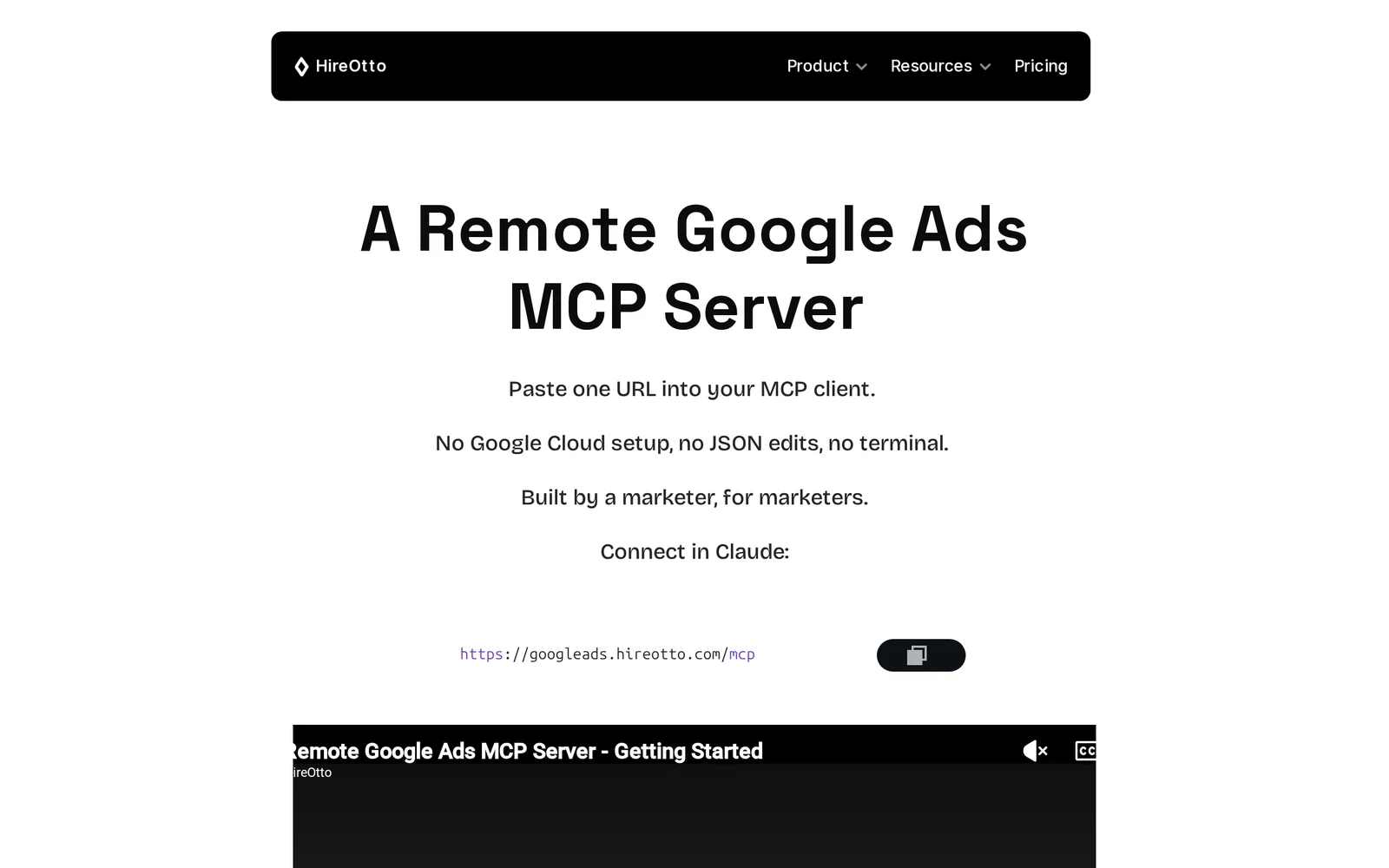
Hosted and open-source Model Context Protocol server to manage Google Ads from MCP clients (e.g., Claude) without Google Cloud or terminal setup.
About Google Ads MCP Server
Google Ads MCP Server is a Model Context Protocol (MCP) implementation that exposes Google Ads management and reporting tools to MCP clients such as Claude Desktop. It can be self-hosted (Node.js/TypeScript implementations exist) or used as a hosted remote MCP server; configuration is driven via environment variables (.env) and standard Google Ads API/OAuth2 credentials. The server implements campaign management, budgeting, analytics, and reporting tools accessible via a unified POST /api/mcp endpoint or MCP streamable JSON-RPC, and includes automatic rate-limit handling, retries, and export capabilities (CSV/JSON). Its value is enabling marketers and developer workflows to control Google Ads programmatically from agent/MCP clients without direct Google Cloud or manual JSON editing.
Screenshots
Key Features
Use Cases



Frequently asked questions about Google Ads MCP Server
What is Google Ads MCP Server?
Google Ads MCP Server is an open-source Model Context Protocol server designed to manage Google Ads campaigns directly from MCP clients, such as Claude, without needing Google Cloud or terminal setup. This allows for seamless integration and control over advertising processes in a more user-friendly environment.
Key Points
- Open-Source Framework: The server is built on an open-source model, promoting customization and flexibility.
- Client Management: It enables effective management of Google Ads through various MCP clients.
- No Cloud Dependency: Users can operate without relying on Google Cloud infrastructure or complex terminal setups.
Detailed Explanation
The Google Ads MCP Server provides a robust solution for advertisers seeking more control over their advertising campaigns. By utilizing the Model Context Protocol, it facilitates real-time communication between clients and the server, ensuring smooth operations.
How It Works
- Setup: Users can host the server on their local machines or preferred hosting environments without the need for Google Cloud. This increases accessibility and reduces costs.
- Client Integration: Compatible with multiple MCP clients, the server allows users to manage their Google Ads accounts efficiently. For instance, users can integrate with AI tools like Claude to automate tasks such as ad creation and performance analysis.
- Functionality: The server supports various functionalities, including campaign monitoring, budget management, and performance tracking, enabling users to make data-driven decisions.
Use Cases
- Small Businesses: Ideal for small businesses that want to manage their advertising without the complexity of advanced cloud services.
- Developers: Developers can customize the server to fit specific advertising needs, enhancing campaign performance.
- AI Integration: Marketers can leverage AI tools to analyze data and optimize ad strategies effectively.
Best Practices / Tips
- Regular Updates: Keep the server updated with the latest features and security patches to ensure optimal performance.
- Test Environment: Use a staging environment to test configurations before deploying changes to live campaigns.
- Monitor Performance: Regularly check campaign metrics to identify areas for improvement and adjust strategies accordingly.
Additional Resources
Utilizing the Google Ads MCP Server can streamline your advertising efforts while providing the flexibility to tailor your approach to your specific business needs.
How does Google Ads MCP Server work?
Google Ads MCP Server operates by integrating advanced AI capabilities to streamline users’ day-to-day advertising workflows. It enhances campaign management, optimizes ad targeting, and improves overall performance by leveraging machine learning algorithms to analyze data and automate decision-making processes.
Key Points
- AI Integration: Utilizes machine learning for smarter ad management.
- Automated Decision-Making: Streamlines workflow by automating repetitive tasks.
- Performance Optimization: Continuously analyzes data to improve ad effectiveness.
Detailed Explanation
The Google Ads MCP (Multi-Channel Performance) Server is designed to enhance the efficiency of advertising campaigns through intelligent automation and data analysis. Here’s how it works:
-
AI-Powered Insights: The MCP server collects and processes vast amounts of data from various advertising channels. It uses AI to identify patterns and trends, providing insights that help advertisers make informed decisions.
-
Automated Workflows: By automating routine tasks such as bid adjustments, ad placements, and audience targeting, the MCP server allows marketers to focus on strategic planning rather than operational details. For instance, it can automatically increase bids on high-performing ads while reducing budgets for underperforming ones.
-
Real-Time Optimization: The server continuously monitors campaign performance and adjusts strategies in real time. This capability ensures that ad spend is optimized, maximizing return on investment (ROI). For example, if a particular ad is gaining traction, the MCP will allocate more budget to it without manual intervention.
-
Cross-Channel Management: Advertisers can manage multiple channels (like search, display, and social media) from a single interface, which simplifies campaign management and enhances overall effectiveness. This multi-channel approach ensures consistent messaging and branding across platforms.
Best Practices / Tips
- Utilize Advanced Targeting Options: Take advantage of audience segmentation and remarketing features to reach potential customers more effectively.
- Regularly Review Performance Reports: Keep track of key metrics such as click-through rates (CTR) and conversion rates to make adjustments as needed.
- Set Clear Goals: Define specific objectives for each campaign to help the MCP server optimize performance based on your business targets.
- Avoid Over-Reliance on Automation: While automation is beneficial, it's essential to periodically review strategies and make manual adjustments based on changing market conditions.
Additional Resources
What are the main features of Google Ads MCP Server?
The main features of Google Ads MCP Server include advanced AI capabilities, real-time bidding optimization, and comprehensive analytics tools. These features enhance campaign performance by automating ad placement, improving targeting accuracy, and providing actionable insights into user behavior and ad effectiveness.
Key Points
- Core AI Capabilities: Leverages machine learning for smarter ad placements.
- Real-Time Bidding Optimization: Adjusts bids dynamically based on performance.
- Comprehensive Analytics Tools: Offers detailed reporting for informed decision-making.
Detailed Explanation
Google Ads MCP Server is designed to enhance advertising efficiency through powerful features that leverage artificial intelligence. One of the standout capabilities is its Core AI Features, which use machine learning algorithms to analyze vast amounts of data. This allows advertisers to optimize ad placements automatically, ensuring that ads are shown to the most relevant audiences.
Another significant feature is Real-Time Bidding Optimization. This function adjusts bids on-the-fly based on current performance metrics, allowing advertisers to maximize their ROI. For instance, if certain keywords show immediate engagement, the system can increase bids for those keywords while lowering them for less effective ones.
The Comprehensive Analytics Tools provided by Google Ads MCP Server offer in-depth insights into campaign performance. Advertisers can access real-time reports on user interactions, conversion rates, and engagement levels. This data empowers businesses to make data-driven decisions, adapting their strategies based on what works best.
Best Practices / Tips
- Utilize A/B Testing: Regularly experiment with different ad formats and targeting options to identify the most effective combinations.
- Monitor Bidding Strategies: Continuously track the performance of automated bidding strategies and adjust based on results.
- Leverage Audience Insights: Use analytics to understand your audience better, tailoring campaigns to their preferences and behaviors.
Additional Resources
Who is Google Ads MCP Server for?
Google Ads MCP Server is designed for advertisers, marketers, and businesses seeking to enhance their daily AI workflows. It caters to individuals looking for automated solutions to optimize ad campaigns, manage budgets, and analyze performance metrics effectively.
Key Points
- Target Audience: Advertisers and marketers.
- Key Features: Automation, performance analysis, budget management.
- Use Cases: Campaign optimization and real-time analytics.
Detailed Explanation
Google Ads MCP Server is particularly beneficial for professionals in digital marketing who aim to streamline their advertising efforts. It automates routine tasks such as keyword bidding, ad scheduling, and performance tracking, allowing users to focus on strategic decisions rather than mundane operations.
For example, if a small business owner runs multiple campaigns, the MCP Server can analyze the performance data across these campaigns in real-time, enabling quick adjustments to bids or budgets. This not only saves time but also maximizes ROI by ensuring that funds are allocated to high-performing ads.
Additionally, the server offers advanced machine learning capabilities to predict future ad performance based on historical data. This feature is crucial for businesses looking to stay competitive in the rapidly evolving digital landscape.
Best Practices / Tips
- Utilize Automation: Take advantage of automated bidding strategies to save time and enhance ad performance.
- Monitor Regularly: Regularly check performance metrics to ensure your campaigns are on track and adjust as needed.
- A/B Testing: Conduct A/B tests on different ad creatives and keywords to determine what resonates best with your audience.
- Leverage Insights: Use the analytics provided by the MCP Server to gain insights into customer behavior and preferences.
Additional Resources
How much does Google Ads MCP Server cost?
Google Ads MCP Server provides a free tier for users to get started, along with paid plans that unlock advanced features. Pricing for these plans can vary based on the specific functionalities and usage levels required by the business.
Key Points
- Google Ads MCP Server features a robust free tier.
- Paid plans unlock advanced functionalities.
- Pricing varies based on usage and features selected.
Detailed Explanation
Google Ads MCP Server is designed to help businesses optimize their advertising campaigns efficiently. The free tier allows users to access basic functionalities, making it an excellent option for small businesses or those new to Google Ads.
Paid plans are available for users who require more sophisticated tools and analytics. These plans typically include features like enhanced targeting options, advanced analytics, and support for larger ad spend. As of October 2023, the pricing for these paid plans often starts around $100 per month, but this can fluctuate based on the features chosen and the scale of usage.
For example, a small business may use the free tier to manage basic ad campaigns, while a larger enterprise might opt for a premium plan to leverage advanced features like automated bidding strategies and cross-device tracking.
Best Practices / Tips
- Evaluate Your Needs: Before committing to a paid plan, assess your advertising objectives and select a plan that fits your business needs.
- Start with Free Tier: Utilize the free tier to understand the platform before investing in paid features.
- Monitor ROI: Regularly analyze your campaign performance to ensure that the investment in a paid plan leads to satisfactory returns.
Additional Resources
How do I get started with Google Ads MCP Server?
To get started with Google Ads MCP Server, visit HireOtto's Google Ads MCP page to sign up and explore its features. This platform allows you to manage your advertising campaigns efficiently, leveraging advanced tools for optimal results.
Key Points
- Easy Sign-Up: Register quickly on the platform.
- Comprehensive Features: Access a range of tools for managing ad campaigns.
- User-Friendly Interface: Navigate the system effortlessly for better campaign management.
Detailed Explanation
Google Ads MCP (Multi-Channel Partner) Server streamlines the process of managing multiple advertising campaigns across different channels. To begin:
- Visit the Sign-Up Page: Go to HireOtto's Google Ads MCP page.
- Create an Account: Fill in your details to create a new account. Ensure you have your business information ready.
- Explore Features: Once logged in, familiarize yourself with the dashboard which includes features like campaign management, audience targeting, and performance analytics.
Use Cases:
- Small Businesses: Leverage Google Ads MCP for budget-friendly advertising solutions.
- Agencies: Manage multiple client accounts under one roof efficiently.
- E-commerce: Optimize product ads and track conversion rates effortlessly.
Best Practices / Tips
- Utilize Analytics: Regularly check performance metrics to optimize your ad spend.
- Test Different Ad Formats: Experiment with text, image, and video ads to see what resonates best with your audience.
- Set Clear Goals: Define your objectives (e.g., brand awareness, lead generation) to tailor your campaigns effectively.
Common Pitfalls:
- Ignoring Budget Limits: Always set a budget to avoid overspending.
- Neglecting A/B Testing: Failing to test different ad variations can limit your campaign's effectiveness.
Additional Resources
- Google Ads Help Center for detailed guides and troubleshooting.
- Google Ads MCC Overview to understand the advantages of using a manager account.
- HireOtto Blog for tips on maximizing your advertising ROI.
Explore more AI Mcps tools
Browse all Mcps tools →Browse by use case: Automation & Productivity
Compare Google Ads MCP Server: vs ai-memory · vs CrawlForge MCP · vs Popcraft · vs Pomerado