

Framer
AIOfficial MCPNo-code website builder for designers offering full design freedom, powerful CMS, built-in SEO and real-time collaboration.
Framer
No-code website builder for designers offering full design freedom, powerful CMS, built-in SEO and real-time collaboration.
About Framer
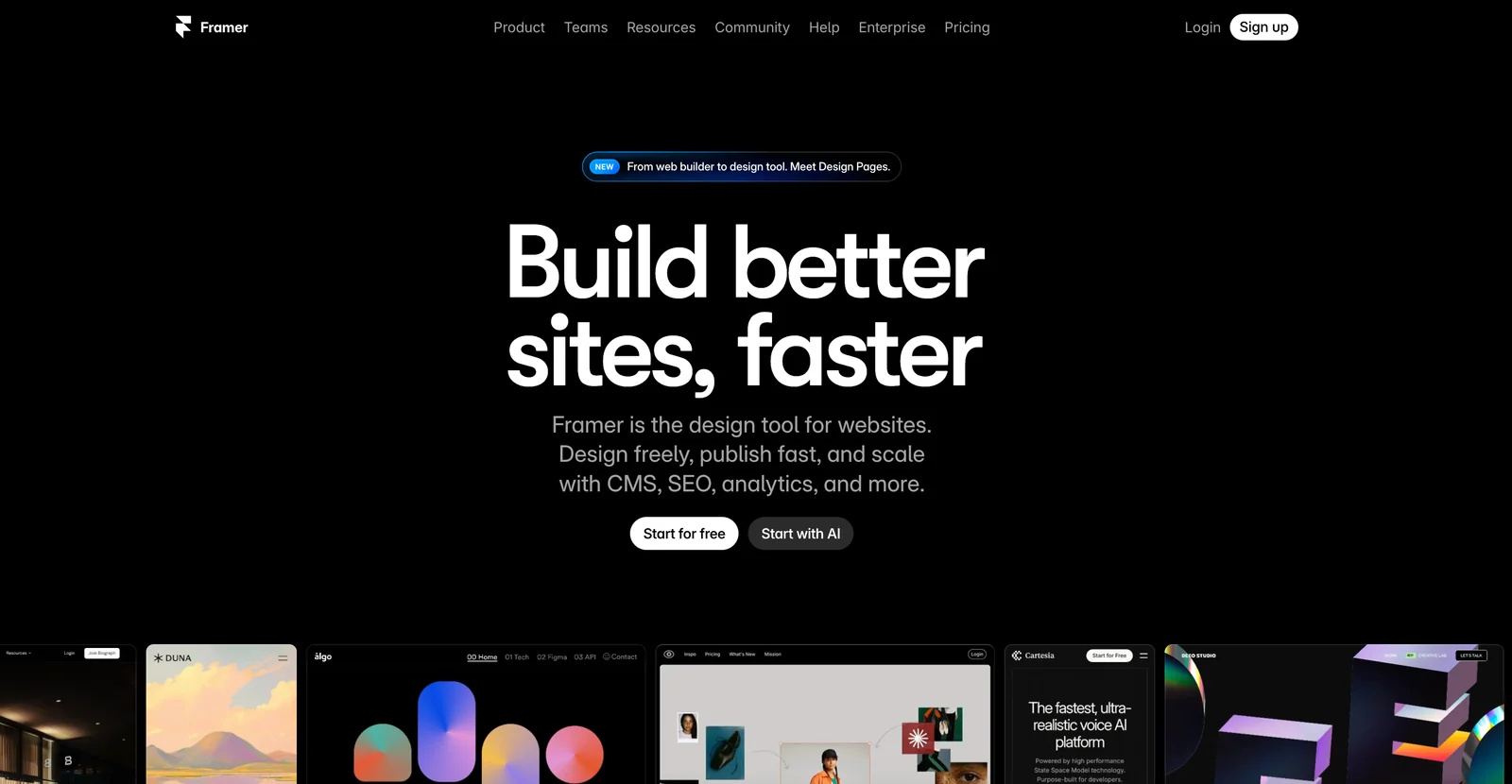
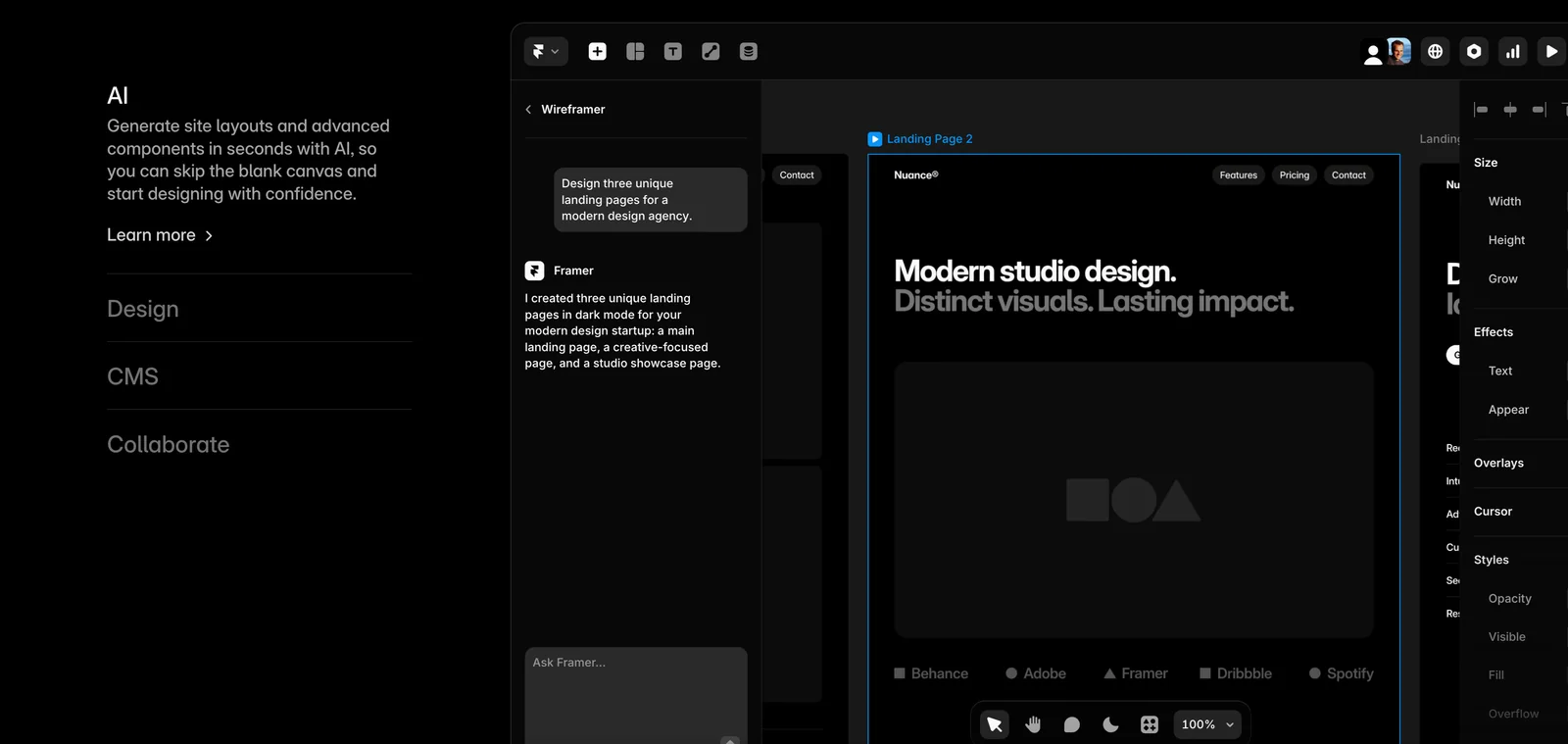
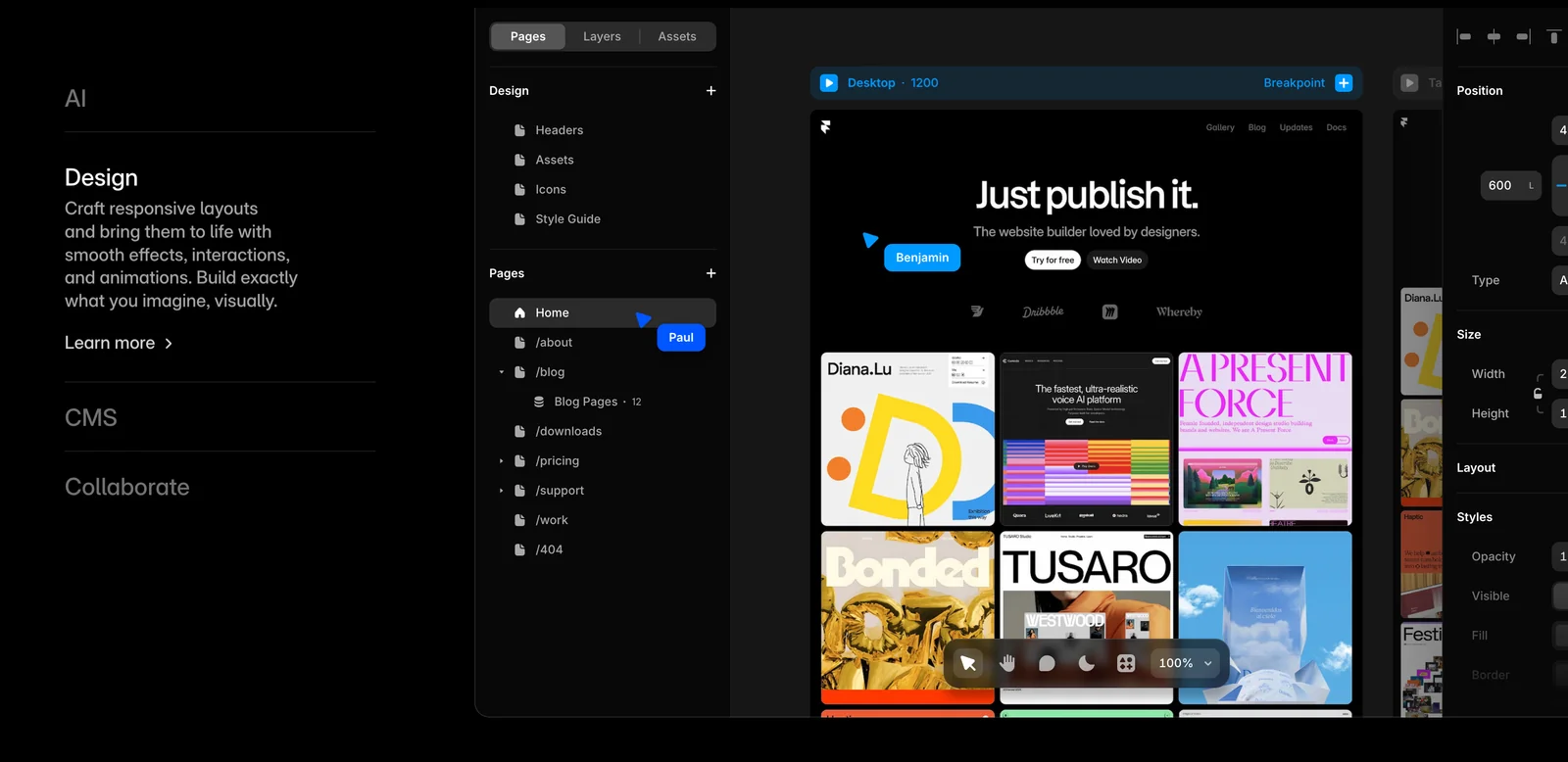
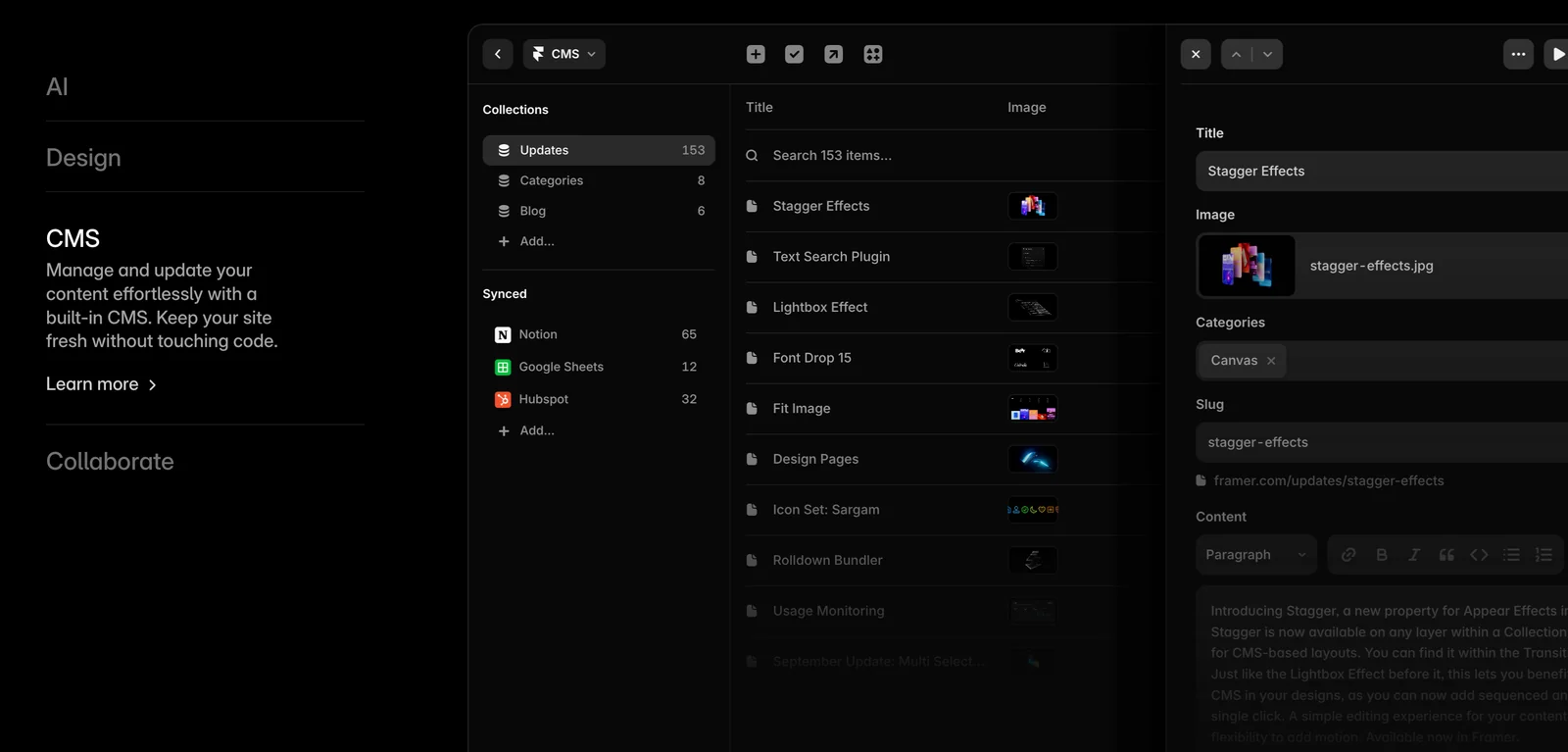
Framer is a no-code web builder that enables designers and teams to design, build, and publish professional, custom websites at any scale. It combines a visual design surface with powerful site-building capabilities — including a CMS, built-in SEO tools, performance-oriented hosting, and real-time collaboration — so teams can move from concept to live site without handoff overhead. Framer emphasizes design freedom and interactive, high-performance sites while integrating collaboration and content management to support production workflows.
Screenshots
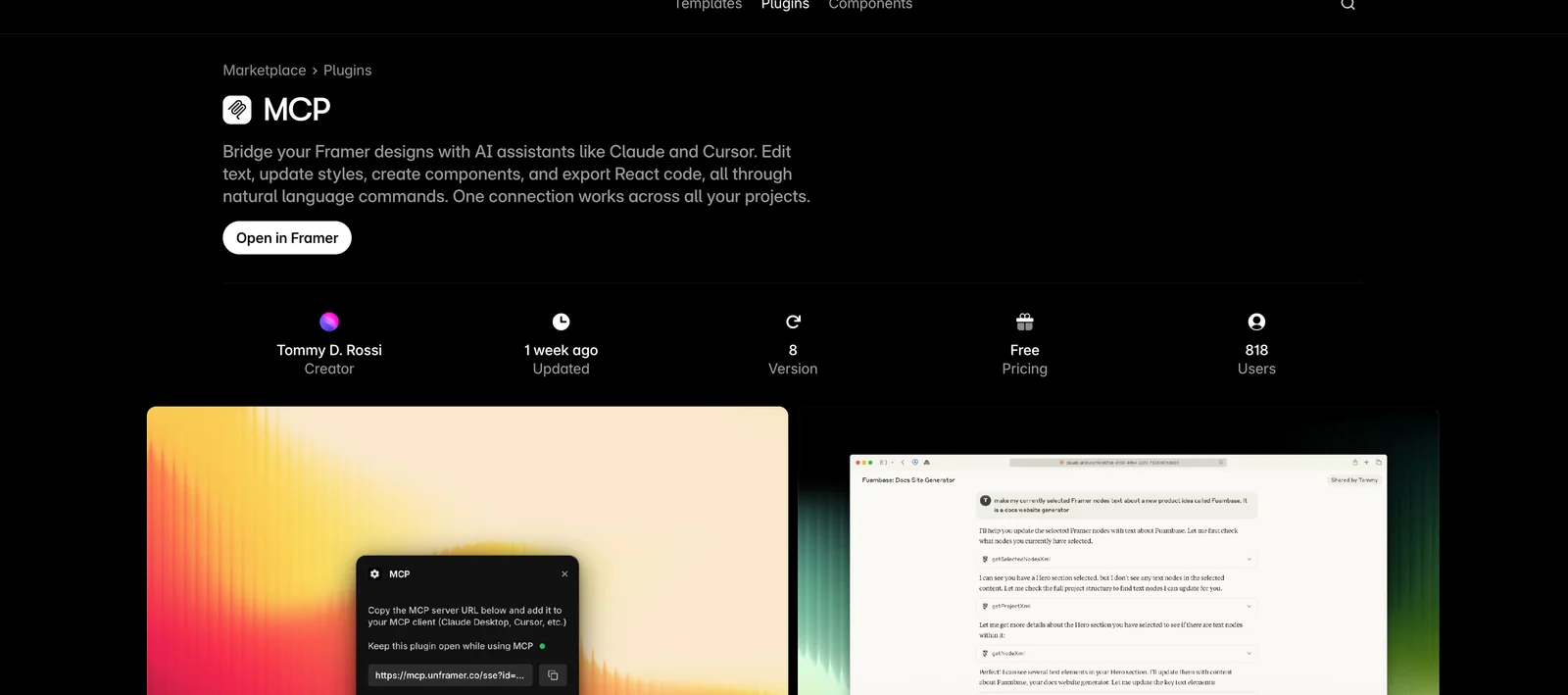
Key Features
Use Cases
MCP Server
https://www.framer.com/marketplace/plugins/mcp/💡 MCP (Model Context Protocol) enables AI assistants to securely interact with local and remote resources.



Frequently asked questions about Framer
What are the pricing options for Framer?
Framer offers a flexible pricing structure that includes a freemium model with several tiers: Free ($0), Mini ($10/month), Basic ($20/month), Pro ($20/month), and custom pricing for Business and Enterprise plans. Each tier unlocks different features and user limits, catering to a variety of project needs.
Key Points
- Freemium Model: Offers various tiers to suit different users.
- Affordable Plans: Starting at $0 and up to $20/month for premium features.
- Custom Solutions: Tailored pricing for larger teams or enterprises.
Detailed Explanation
Framer provides a range of pricing options designed to accommodate both individuals and teams. Here's a breakdown of each tier:
-
Free Tier: Ideal for beginners and hobbyists, the Free plan allows users to create basic projects with limited features. Users can explore Framer's interface but may encounter restrictions on project exports and collaboration features.
-
Mini Plan ($10/month): This plan is perfect for freelancers or small teams. It includes enhanced features such as additional project exports, access to premium templates, and basic support.
-
Basic Plan ($20/month): Aimed at growing teams, the Basic plan offers more robust functionalities like advanced design tools, increased project capacity, and priority customer support.
-
Pro Plan ($20/month): This tier is targeted at professional designers and developers. It includes all Basic features, plus advanced collaboration tools, integration options, and unlimited projects.
-
Business/Enterprise Plan: For larger organizations, Framer provides a customizable pricing model tailored to specific needs, including advanced security features, dedicated support, and custom integrations.
By selecting the appropriate plan based on project demands, teams can optimize their workflow and enhance productivity.
Best Practices / Tips
- Evaluate Needs: Before selecting a plan, assess your project requirements and team size to choose the most appropriate tier.
- Trial Period: Utilize the Free plan to explore features before committing to a paid tier. This helps in making an informed decision.
- Monitor Usage: Keep track of project limits and feature usage to ensure you’re not exceeding the limits of your chosen plan.
Additional Resources
How do I start using Framer to build a website?
To start using Framer for building a website, visit the official Framer website and sign up for a free account. Once registered, you can access the intuitive no-code site builder, which enables you to design your website effortlessly using powerful drag-and-drop tools.
Key Points
- User-friendly interface with drag-and-drop functionality
- Extensive template and component library
- Responsive design capabilities for mobile optimization
Detailed Explanation
Framer is an innovative platform that simplifies website creation, especially for those without coding experience. To begin, follow these steps:
-
Sign Up: Go to the Framer official website and create a free account. You may need to verify your email address.
-
Explore the Dashboard: After logging in, familiarize yourself with the dashboard. Here, you’ll find options to create a new project, access templates, and view tutorials.
-
Choose a Template: Framer offers a variety of professionally designed templates tailored for different industries. Select a template that aligns with your vision, or start from scratch for complete customization.
-
Use Drag-and-Drop Tools: The drag-and-drop interface allows you to easily add elements like text, images, and buttons to your site. Simply select an element from the sidebar and drop it onto your canvas.
-
Customize Your Design: Edit text, images, and styles to match your branding. Framer supports responsive design, ensuring your website looks great on both desktop and mobile devices.
-
Preview and Publish: Regularly preview your site to see changes in real-time. Once satisfied, click the publish button to make your website live, accessible through a unique URL.
Best Practices / Tips
- Utilize Templates: Leverage Framer’s templates to save time and ensure a professional look. Customize them to fit your brand identity.
- Focus on Responsiveness: Always check your site on multiple devices to ensure it is fully responsive and user-friendly.
- Incorporate SEO Best Practices: Optimize your website's content and meta tags for search engines. Use keywords relevant to your niche to improve visibility.
- Stay Updated: Keep an eye on Framer's updates and new features to continually enhance your website's functionality.
Additional Resources
- Framer Documentation - Comprehensive guides and tutorials
- Framer Community - Join discussions and get support from other users
- YouTube Tutorials - Video guides for visual learners
What are the main features of Framer?
Framer is a powerful design tool featuring a no-code visual builder, integrated CMS for dynamic content management, real-time collaboration, SEO optimization tools, and extensive animation support. These features empower designers to create interactive, responsive websites effortlessly without requiring any coding skills.
Key Points
- No-Code Visual Builder: Simplifies website creation.
- Integrated CMS: Manages dynamic content effectively.
- Real-Time Collaboration: Enhances teamwork and productivity.
Detailed Explanation
Framer's no-code visual builder allows users to design websites using drag-and-drop elements, making it accessible for those without programming knowledge. You can easily customize layouts, add images, and implement design elements with intuitive controls.
The integrated CMS feature provides a seamless way to manage dynamic content, such as blogs or product listings. Users can create, edit, and organize content directly within Framer, allowing for quick updates and changes without needing additional platforms.
Real-time collaboration enables multiple team members to work on the same project simultaneously. This feature is particularly valuable for design teams, as it fosters immediate feedback and faster project completion.
Additionally, Framer includes built-in SEO tools that help optimize your website for search engines. Users can manage meta tags, alt text, and URL structures directly in the platform, ensuring better visibility online.
Lastly, Framer's support for animations allows designers to add dynamic elements that enhance user experience. You can create smooth transitions, interactive components, and engaging visual effects to captivate your audience.
Best Practices / Tips
- Utilize Templates: Start with pre-designed templates to save time and get inspired.
- Optimize for SEO: Regularly update your meta tags and content to improve search rankings.
- Test Responsiveness: Always preview your designs on multiple devices to ensure they look great everywhere.
- Collaborate Effectively: Use comments and feedback tools to communicate clearly with your team.
Additional Resources
How does Framer compare to other website builders?
Framer differentiates itself from other website builders like Wix and Squarespace through its no-code interface, real-time collaboration features, and integrated CMS. This makes it particularly suitable for designers seeking advanced design flexibility and seamless teamwork in website creation.
Key Points
- No-Code Interface: Easy for non-developers to create custom websites.
- Real-Time Collaboration: Multiple users can work together simultaneously.
- Integrated CMS: Streamlines content management directly within the platform.
Detailed Explanation
Framer’s no-code approach empowers users to design websites visually without any coding knowledge. This is particularly beneficial for designers and agencies who want to bring their creative visions to life quickly. Unlike Wix, which offers pre-designed templates, Framer allows for a more personalized design process where every element can be customized.
Real-Time Collaboration
One of Framer's standout features is its real-time collaboration, which permits teams to work on projects simultaneously. This is especially useful for remote teams or design agencies. For example, if a designer is adjusting a layout, a developer can simultaneously integrate functionality, enhancing workflow efficiency. This feature is more advanced than what platforms like Squarespace currently offer, where collaboration is often limited to sequential editing.
Integrated CMS
Framer includes an integrated Content Management System (CMS), allowing users to manage content dynamically. This is a significant advantage over traditional website builders. For instance, bloggers and businesses can update their content easily without needing to touch the design. The CMS supports custom data types, which can be tailored to various projects, from portfolios to e-commerce sites.
Best Practices / Tips
- Leverage Templates: Start with Framer’s templates for a quicker setup, then customize to fit your brand.
- Utilize Real-Time Collaboration: Encourage team members to use the collaboration feature for feedback and brainstorming.
- Optimize for Mobile: Always preview your design on different devices to ensure responsiveness, as mobile traffic is increasingly significant.
- Explore Integrations: Take advantage of Framer's integrations with tools like Figma and Zapier to streamline your workflow.
Additional Resources
By understanding these features and best practices, you can effectively utilize Framer to create beautiful, functional websites that stand out in a crowded digital landscape.
Does Framer support API integrations?
Yes, Framer supports various API integrations, enabling users to enhance functionality with custom JavaScript and CSS. This capability allows for the creation of advanced interactions and seamless integration with third-party services, making Framer a versatile tool for web design and development.
Key Points
- Extensive API Support: Framer allows integration with numerous APIs.
- Custom Code Flexibility: Users can add JavaScript and CSS for tailored solutions.
- Enhanced User Interactions: Create dynamic experiences through advanced functionalities.
Detailed Explanation
Framer's API integration capabilities empower designers and developers to create more interactive and responsive web applications. By utilizing custom JavaScript and CSS, users can achieve tailored solutions for their specific needs.
Examples of API Integrations:
- Social Media APIs: Integrate platforms like Twitter or Instagram to display live feeds or user-generated content.
- Payment Gateways: Connect with services like Stripe or PayPal for e-commerce functionalities.
- Analytics Tools: Incorporate Google Analytics or Mixpanel for tracking user behavior and optimizing performance.
Step-by-Step Guidance:
- Identifying the API: Determine which third-party service you want to integrate.
- Accessing Documentation: Review the API documentation for guidelines on authentication and usage.
- Implementing Code: Use Framer’s code editor to add your custom JavaScript. For example, an AJAX call to fetch data from an external source can be implemented here.
- Styling with CSS: Enhance the visual presentation of the integrated features using custom CSS.
Best Practices / Tips
- Understand API Limits: Each API has usage limits and rate restrictions, so familiarize yourself with these rules to avoid service interruptions.
- Test Thoroughly: Always test your integration in various browsers and devices to ensure compatibility and performance.
- Keep Code Organized: Comment your code and maintain a structured format to simplify future updates or troubleshooting.
- Monitor Performance: Use tools like Google Analytics to track how the API integration impacts user engagement and site performance.
Additional Resources
By leveraging Framer’s API integrations effectively, you can create powerful, interactive web experiences that engage users and enhance functionality.
Explore more AI Mcps tools
Browse all Mcps tools →Browse by use case: Automation & Productivity
Compare Framer: vs ai-memory · vs CrawlForge MCP · vs Popcraft · vs Pomerado