

Elastic
AIOfficial MCPA scalable search and analytics platform (Elastic Stack) for search, observability, security, and Search AI use cases.
Elastic
A scalable search and analytics platform (Elastic Stack) for search, observability, security, and Search AI use cases.
About Elastic
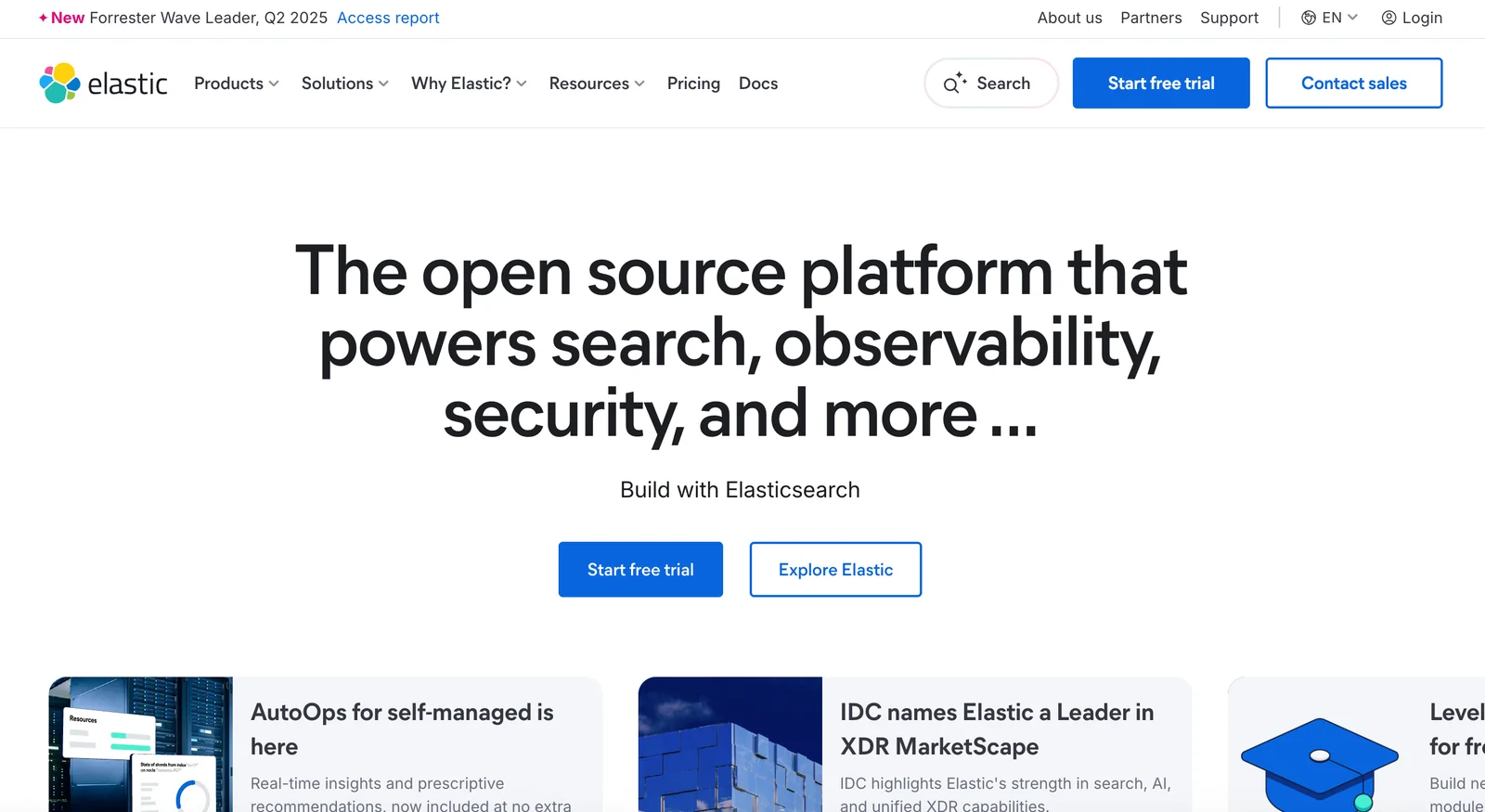
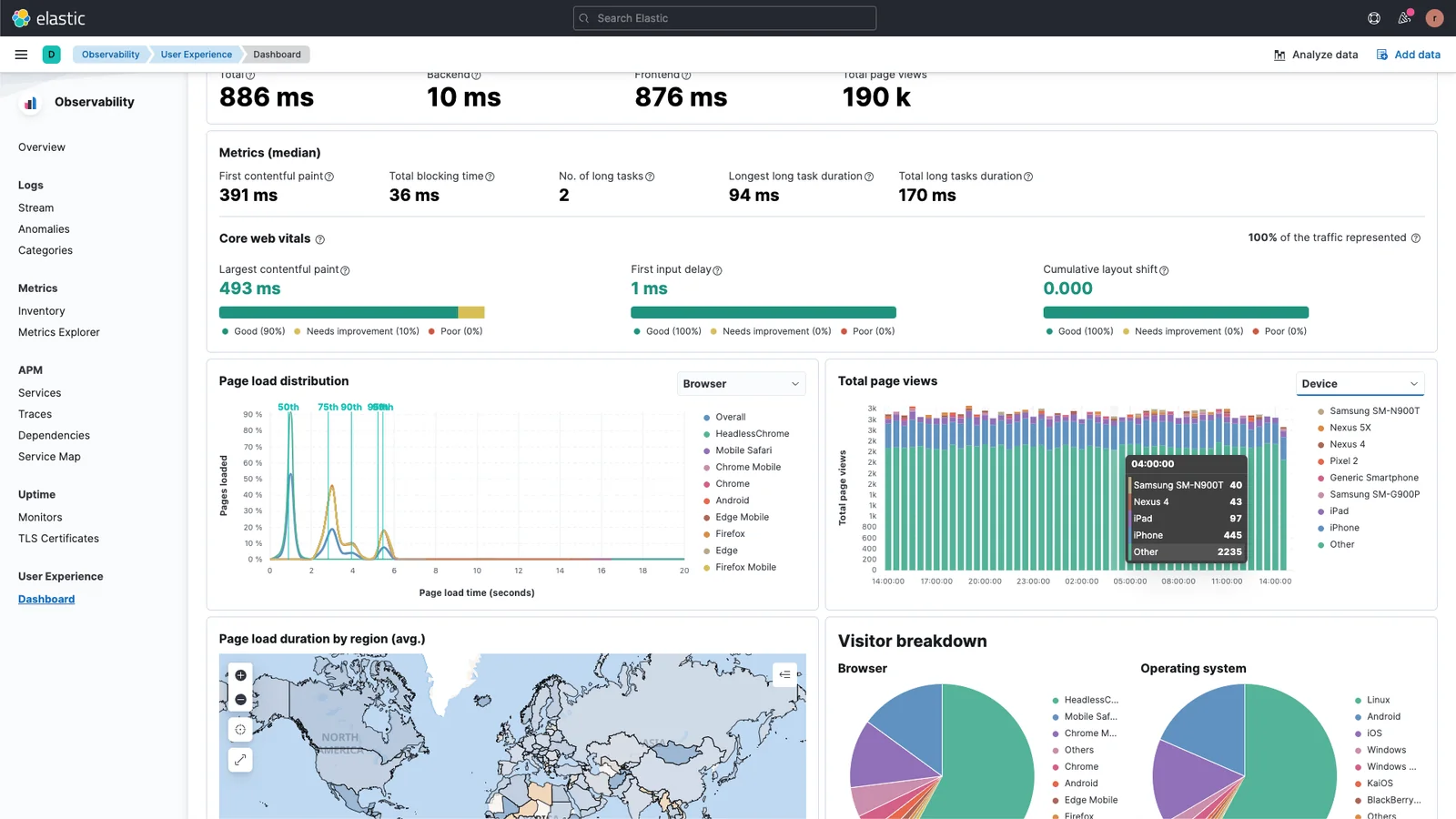
Elastic delivers the Elastic Search AI Platform — a distributed search and analytics stack built around Elasticsearch, Kibana, Beats, and Elastic Agent. It ingests logs, metrics, traces, documents, and embeddings, providing full-text search, vector and hybrid search, real-time analytics, visualization, alerting, and security capabilities. Elastic can be run self-managed or as a managed Elastic Cloud service, and includes integrations and SDKs for many languages plus tooling for Retrieval-Augmented Generation, semantic search, and generative Search AI workflows. Its value lies in combining high-performance, scalable search with observability and security features in a single platform, enabling fast time-to-insight across enterprise data.
Screenshots
Key Features
Use Cases
MCP Server
https://www.elastic.co/docs/solutions/search/mcphttps://github.com/elastic/mcp-server-elasticsearch?tab=readme-ov-file#elasticsearch-mcp-server💡 MCP (Model Context Protocol) enables AI assistants to securely interact with local and remote resources.



Frequently asked questions about Elastic
What is the pricing structure for Elastic and are there free options available?
Elastic offers a freemium pricing model, including a free tier that provides access to open-source core components and basic features. Paid plans begin at $95 per month for Elastic Cloud Standard, with various pricing tiers available depending on usage and support requirements.
Key Points
- Freemium Model: Elastic provides a free tier with essential features.
- Paid Plans: Starting at $95/month for Elastic Cloud Standard.
- Tiered Pricing: Different pricing tiers based on usage and support levels.
Detailed Explanation
Elastic's pricing structure is designed to cater to a wide range of users, from individuals and small businesses to large enterprises. The free tier allows users to explore core features without any financial commitment. This includes access to open-source components, which can be beneficial for developers and teams wanting to test Elastic's capabilities.
Paid Plans Overview
- Elastic Cloud Standard: Starting at $95/month, this plan provides additional features and support, making it suitable for businesses looking to scale.
- Elastic Cloud Professional: Priced higher, this tier includes advanced features such as machine learning and enhanced security options.
- Enterprise Level Plans: Custom pricing is available for large organizations needing significant resources and premium support.
Use Cases
- Startups: Utilize the free tier to prototype applications and test Elastic’s capabilities.
- Medium to Large Enterprises: Leverage the paid plans to access advanced analytics and secured environments, enhancing data visibility and operational efficiency.
Best Practices / Tips
- Evaluate Needs: Before selecting a plan, assess your team's requirements and expected usage to choose the most cost-effective option.
- Monitor Usage: Regularly monitor your resource usage to avoid unexpected costs, especially if you are on a pay-as-you-go model.
- Take Advantage of Free Resources: Use the free tier to familiarize yourself with Elastic’s features and capabilities before committing to a paid plan.
Additional Resources
How can I get started with Elastic and what resources are available?
To get started with Elastic, visit the official Elastic website, where you'll find comprehensive documentation, tutorials, and resources for installing, setting up, and using Elastic Stack components like Elasticsearch and Kibana. These resources are essential for building your data search and analytics capabilities.
Key Points
- Official Documentation: The primary resource for learning about Elastic products.
- Tutorials and Guides: Step-by-step instructions for installation and configuration.
- Community Support: Forums and discussions for troubleshooting and best practices.
Detailed Explanation
Elastic offers a robust ecosystem known as the Elastic Stack, which includes Elasticsearch (for powerful search and analytics), Kibana (for data visualization), Logstash (for data processing), and Beats (for lightweight data shipping).
-
Installation: Begin by downloading the Elastic Stack from the official website. Follow the installation guides provided in the documentation for your specific operating system.
-
Setup: After installation, use the setup instructions to configure Elasticsearch and Kibana. You can run these components locally or deploy them in the cloud. For example, if you are using Docker, Elastic provides Docker images to simplify the process.
-
Usage: Explore tutorials that cover basic operations, such as indexing documents in Elasticsearch or creating visualizations in Kibana. These tutorials often include sample datasets to help you practice.
-
Use Cases: Consider how you will use Elastic Stack. Common use cases include log management, application performance monitoring, and business analytics, which can help you leverage data effectively.
Best Practices / Tips
- Start Small: Begin with a small dataset to familiarize yourself with the Elastic Stack components before scaling up.
- Utilize Online Courses: Platforms like Coursera or Udemy offer courses on Elastic Stack for structured learning.
- Engage with the Community: Join forums and discussion groups to share knowledge and troubleshoot issues. The Elastic community is active and supportive.
Additional Resources
What are the key features of Elastic that differentiate it from other search platforms?
Elastic differentiates itself from other search platforms through its distributed search engine, advanced vector and hybrid search capabilities, and a unified data ingestion framework. These features significantly enhance search performance and enable sophisticated analytics, making it a powerful choice for diverse applications.
Key Points
- Distributed Search Engine: Scales effortlessly to manage large datasets.
- Vector and Hybrid Search: Offers advanced search algorithms for better accuracy.
- Unified Data Ingestion Framework: Simplifies data management and integration.
Detailed Explanation
Elastic's distributed search engine is designed to handle massive volumes of data across multiple nodes, ensuring high availability and fault tolerance. This architecture allows organizations to scale their search capabilities as their data grows, making it ideal for enterprises that require robust performance under heavy loads.
The vector and hybrid search capabilities of Elastic empower users to conduct semantic searches. By leveraging machine learning, Elastic can understand the context and intent behind search queries, delivering more relevant results. For instance, in an e-commerce setting, it can recommend products based on user preferences and past behavior, enhancing user experience and increasing conversion rates.
Additionally, Elastic's unified data ingestion framework simplifies the process of bringing data into the search platform. Users can effortlessly ingest data from various sources, such as databases, logs, and applications, ensuring that all relevant information is indexed and searchable. This feature is crucial for organizations looking to consolidate their data for better insights and analytics, making it easier to analyze trends and make data-driven decisions.
Best Practices / Tips
- Utilize the Distributed Architecture: Plan your deployment to maximize the benefits of Elastic's distributed nature. Distribute your data evenly across nodes for optimal performance.
- Leverage Advanced Search Features: Experiment with vector search settings to tailor results to your specific use cases, especially in applications requiring natural language processing.
- Monitor Data Ingestion: Regularly check your data ingestion processes to ensure that all relevant data is captured. Use Elastic's monitoring tools to identify bottlenecks or issues.
Additional Resources
How does Elastic integrate with other tools and what are its technical requirements?
Elastic integrates seamlessly with various tools through SDKs and APIs, enabling efficient data handling and analysis. It requires a compatible environment, with system specifications varying based on deployment options, such as on-premises or cloud-based solutions.
Key Points
- Integration Options: Supports multiple SDKs and APIs.
- Deployment Flexibility: Available for on-premises and cloud installations.
- System Requirements: Specifications differ based on the chosen deployment method.
Detailed Explanation
Elastic offers robust integration capabilities with a wide range of applications, enhancing functionality across different platforms. For example, developers can use Elastic's RESTful APIs to connect with applications written in various programming languages, such as Python, Java, and Node.js.
Integration Examples
- Logstash: A powerful data processing pipeline that ingests data from multiple sources simultaneously. It can be integrated with Elastic for real-time data analytics.
- Kibana: Provides visualization capabilities for data stored in Elasticsearch. It allows users to create dashboards and visual reports, making data easier to interpret.
- Beats: Lightweight data shippers for sending data to Elastic Stack. They can be integrated for monitoring and logging purposes.
Technical Requirements
The technical requirements for Elastic differ based on the deployment method:
- On-Premises: Requires a minimum of 8GB RAM and 2 CPUs for basic installations. Disk space needs vary, typically starting from 10GB.
- Cloud Deployment: Elastic Cloud services simplify scaling and management. Pricing starts at around $16/month for basic packages, depending on data needs and storage requirements.
Best Practices / Tips
- API Usage: Familiarize yourself with the Elastic API documentation to leverage all integration capabilities effectively.
- Environment Setup: Ensure your server meets the recommended specifications for optimal performance and scalability.
- Testing Integrations: Conduct thorough testing after integration to identify and resolve any issues before going live.
Additional Resources
What are the advantages and disadvantages of using Elastic compared to other search solutions?
Elastic offers significant advantages such as scalability, advanced search capabilities, and a vibrant community for support. However, it may require more setup time and technical expertise compared to simpler search solutions, which can pose a challenge for users seeking quick deployment.
Key Points
- Scalability: Elastic can handle vast amounts of data efficiently.
- Advanced Search Features: Offers complex querying and analytics.
- Community Support: A strong user base provides extensive resources and plugins.
Detailed Explanation
Elastic, primarily powered by Elasticsearch, is designed for high scalability, enabling organizations to manage large datasets across distributed systems seamlessly. This makes it an excellent choice for businesses experiencing rapid growth or those that require real-time data retrieval. For example, a large e-commerce site can efficiently index and search through millions of products, ensuring users find what they need quickly.
The advanced search capabilities of Elastic include full-text search, faceted search, and complex filtering. This is particularly beneficial for applications requiring nuanced queries, such as a news aggregator needing to filter articles by various topics and keywords. Additionally, Elastic supports machine learning features, allowing users to implement predictive analytics for data trends.
However, the downside is that Elastic's setup can be complex. Organizations may find that they need skilled developers or data engineers to configure and optimize their Elastic stack. This initial investment in time and expertise can deter smaller teams or those with limited technical resources.
Best Practices / Tips
- Plan Your Architecture: Before deployment, design a robust architecture tailored to your data needs.
- Utilize Official Documentation: Leverage Elastic’s extensive documentation to guide your setup and optimization efforts.
- Consider Managed Services: If technical expertise is limited, consider Elastic Cloud, which offers managed services for easier deployment.
- Monitor Performance: Regularly monitor query performance and indexing times to ensure optimal operation.
Additional Resources
Explore more AI Mcps tools
Browse all Mcps tools →Compare Elastic: vs ai-memory · vs CrawlForge MCP · vs Popcraft · vs Pomerado