

Daloopa
AIOfficial MCPA financial-modeling copilot and fundamental-data provider that populates Excel and LLM workflows with structured public-company financials and KPIs.
Daloopa
A financial-modeling copilot and fundamental-data provider that populates Excel and LLM workflows with structured public-company financials and KPIs.
About Daloopa
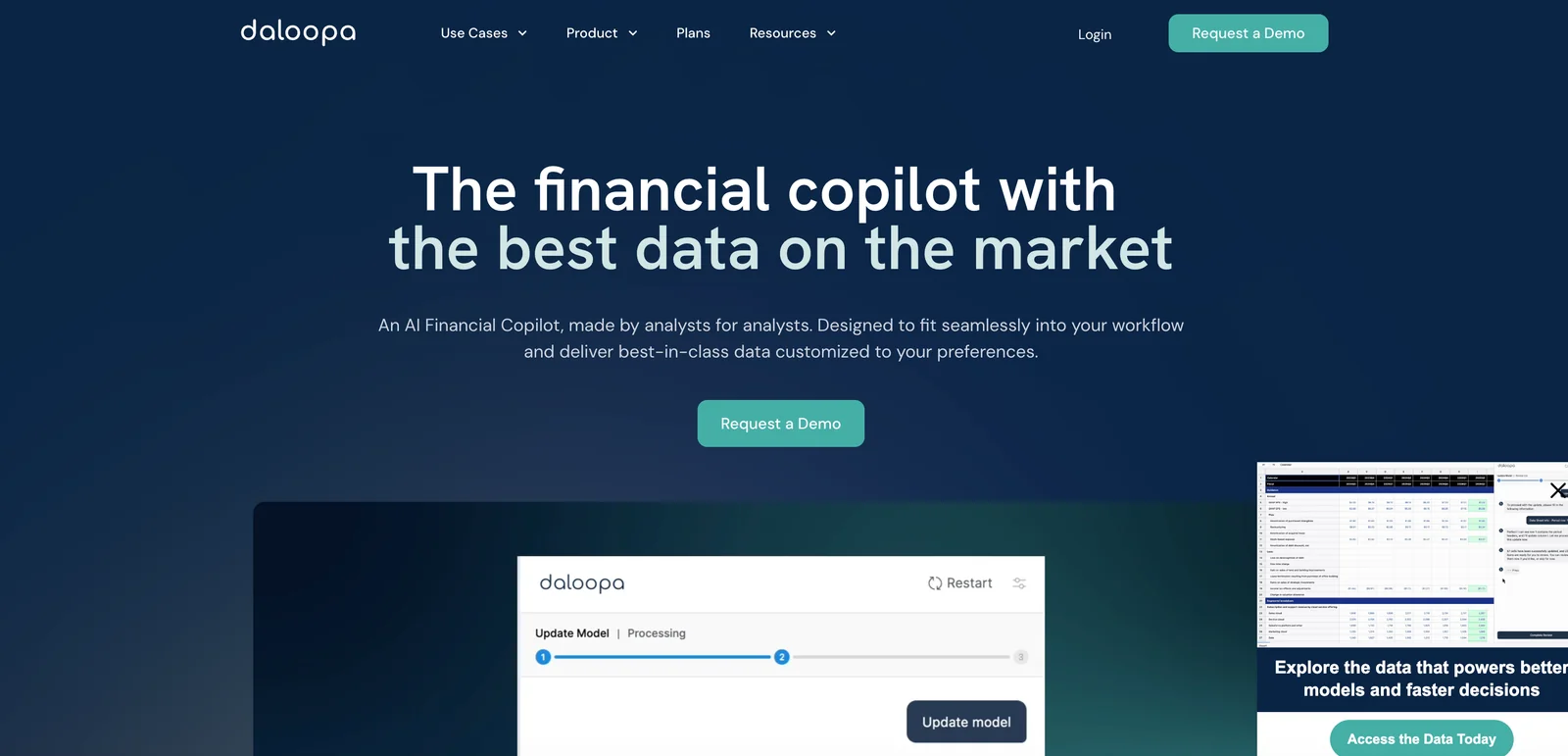
Daloopa delivers structured fundamental financial data and an AI copilot that automates financial-model population, updates, and time-series KPI extraction for investment research and modeling workflows. It ingests SEC filings, investor presentations, and other documents to extract statements and operational metrics, provides programmatic access via APIs and embeddable widgets, and integrates with LLM environments (via MCP/connectors) and Excel to keep models current and auditable. Its value lies in reducing manual data entry, ensuring source-linked traceability, and enabling faster, repeatable financial analysis across thousands of public companies.
Screenshots
Key Features
Use Cases
MCP Server
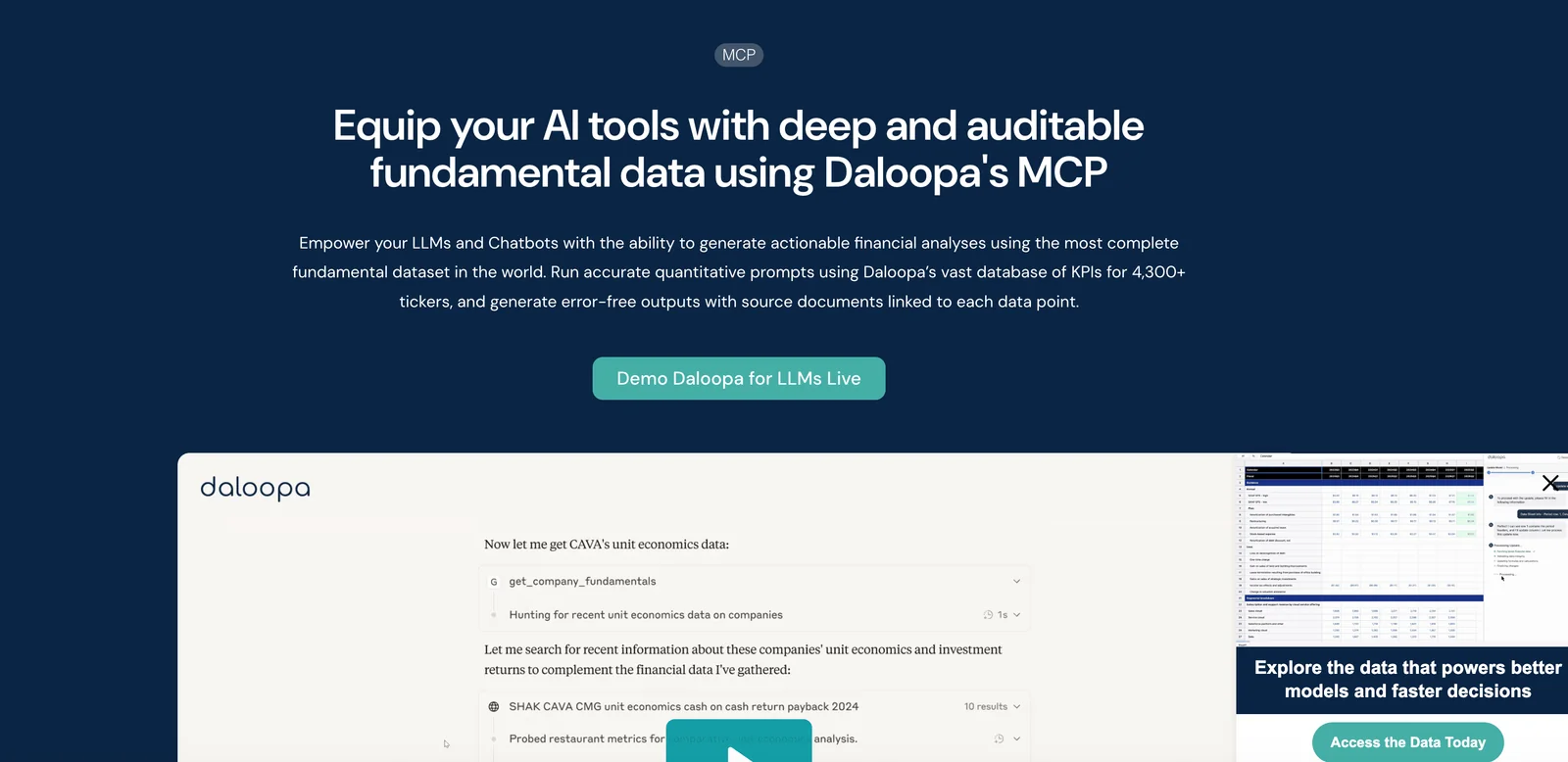
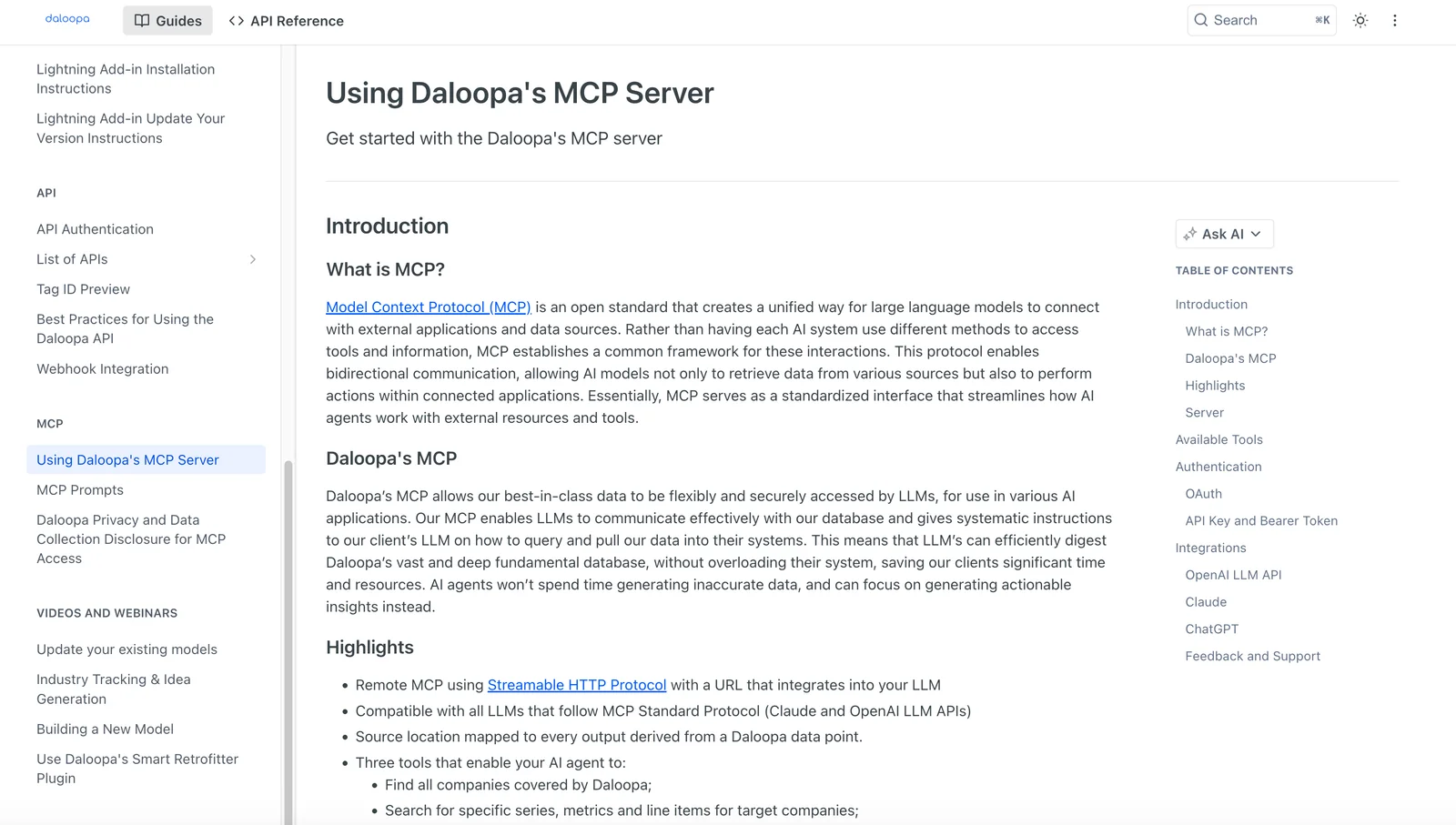
https://daloopa.com/products/mcp💡 MCP (Model Context Protocol) enables AI assistants to securely interact with local and remote resources.



Frequently asked questions about Daloopa
What are the pricing options for Daloopa?
Daloopa offers several pricing options: a free plan with limited access, Standard and Plus plans, and custom Enterprise plans. Pricing for Standard and Plus plans is available upon request by contacting their sales team, providing flexibility based on user needs and business scale.
Key Points
- Free Plan: Limited access for trial users.
- Standard and Plus Plans: Pricing available on request, tailored to business needs.
- Enterprise Plan: Customizable for larger organizations.
Detailed Explanation
Daloopa’s pricing structure is designed to cater to a wide range of users, from individuals to large enterprises.
-
Free Plan: This option allows users to explore Daloopa’s core features with limited access, making it ideal for those who want to test the software before committing financially. This plan can be beneficial for freelancers or small businesses assessing their data processing needs.
-
Standard and Plus Plans: These tiers provide more extensive features and resources. Potential users must reach out to Daloopa’s sales team to obtain pricing details. This allows for a personalized approach, ensuring that businesses can tailor their subscriptions according to their specific data processing volumes and requirements.
-
Enterprise Plans: Designed for large organizations or those with unique needs, the Enterprise plan offers customizable solutions. This might include dedicated support, advanced features, and scalable options which can adjust as the business grows.
Best Practices / Tips
-
Evaluate Your Needs: Before choosing a plan, identify your data processing requirements. If you are a small business, starting with the free plan can help you gauge your needs.
-
Contact Sales for Custom Quotes: Since Standard and Plus plans require contacting sales, prepare a list of your requirements to discuss with the sales team. This will help you get a tailored solution that fits your budget.
-
Consider Long-Term Growth: If you anticipate needing more extensive features in the future, investing in the Plus or Enterprise plans might save you costs and time down the line.
-
Take Advantage of Demos: If available, request a demo to better understand how the plans can serve your specific use cases, especially for the Enterprise option.
Additional Resources
- Daloopa Pricing Page - Official pricing information.
- Daloopa Features Overview - Detailed features of each plan.
- Daloopa Contact - Get in touch with the sales team for personalized assistance.
How can I start using Daloopa for financial modeling?
To start using Daloopa for financial modeling, visit their official website and sign up for the free plan. Familiarize yourself with the core features, and download sample models to effectively begin your financial modeling journey with ease and efficiency.
Key Points
- Sign up for a free Daloopa plan on the official website.
- Explore core features designed for financial modeling.
- Download sample models to enhance your skills.
Detailed Explanation
Daloopa is a powerful AI-driven tool designed to simplify the financial modeling process. To get started, follow these steps:
-
Sign Up: Go to the Daloopa website and create an account. The free plan offers essential features that allow you to test the platform's capabilities.
-
Explore Features: After signing up, take time to explore the core features. Daloopa provides a user-friendly interface, enabling you to create detailed financial models effortlessly. Key features include:
- Automated Data Extraction: Pull financial data directly from documents.
- Templates: Use pre-built templates to streamline model creation.
- Collaboration Tools: Work with team members seamlessly in real-time.
-
Download Sample Models: Daloopa offers a library of sample financial models. Download these templates to observe best practices in modeling and adapt them to your specific needs. This hands-on approach helps you understand the tool’s functionalities and accelerates your learning curve.
-
Practice and Iterate: Utilize the tools and features to create your financial models. The more you practice, the better you will understand how to leverage Daloopa's capabilities for accurate financial forecasting and analysis.
Best Practices / Tips
- Utilize Tutorials: Take advantage of any tutorials or webinars offered by Daloopa to enhance your understanding.
- Start Simple: Begin with basic models before tackling complex financial scenarios.
- Maintain Accuracy: Regularly check the data pulled by Daloopa to ensure accuracy, especially when making crucial financial decisions.
- Engage with Community: Join user forums or community groups to share insights, ask questions, and learn from experienced users.
Additional Resources
What are the main features of Daloopa?
Daloopa offers key features such as automatic extraction of financial data, seamless Excel model integration, support for large language model (LLM) queries, and document-to-spreadsheet automation, all designed to enhance financial analysis efficiency and accuracy for users across various sectors.
Key Points
- Automatic Data Extraction: Streamlines financial reporting.
- Excel Model Integration: Enhances existing workflows.
- LLM Query Support: Facilitates advanced data inquiries.
Detailed Explanation
Daloopa simplifies the financial analysis process by automating several key tasks.
-
Automatic Data Extraction: Daloopa uses advanced algorithms to automatically extract relevant financial data from various documents, including PDFs, financial statements, and reports. This feature drastically reduces the time analysts spend on manual data entry, allowing them to focus more on analysis and decision-making.
-
Excel Model Integration: Users can easily integrate Daloopa with their existing Excel models. This integration allows for a seamless flow of data between Daloopa and Excel, enabling analysts to leverage Daloopa's data extraction capabilities while maintaining their preferred tools. This feature is particularly beneficial for financial analysts who rely heavily on Excel for modeling and forecasting.
-
LLM Query Support: Daloopa supports queries powered by large language models, enabling users to ask complex questions and receive detailed insights. This feature enhances the analytical capabilities of users, allowing them to derive meaningful conclusions from vast datasets without needing deep technical expertise.
-
Document-to-Spreadsheet Automation: Daloopa automates the conversion of documents into structured spreadsheets. This feature ensures that all financial data is organized and easily accessible, promoting accuracy and efficiency in financial reporting.
Best Practices / Tips
- Utilize Templates: Leverage Daloopa's templates for consistent data extraction across different documents, which can save time and improve accuracy.
- Regularly Update Models: Keep your Excel models updated with the latest data extracted by Daloopa to ensure that analyses are based on the most current information.
- Experiment with LLM Queries: Take advantage of the LLM capabilities to explore various querying techniques, which can uncover insights that might be overlooked through traditional analysis.
Additional Resources
How does Daloopa integrate with APIs and other tools?
Daloopa integrates with APIs and other tools through its HTTP API and Model Context Protocol (MCP), enabling users to efficiently query structured financial data and interact seamlessly with various platforms, including large language models (LLMs) for enhanced data processing and insights.
Key Points
- HTTP API: Facilitates direct access to Daloopa's functionalities.
- Model Context Protocol (MCP): Ensures compatibility with LLMs and other analytical tools.
- Structured Financial Data: Allows for comprehensive data queries and analysis.
Detailed Explanation
Daloopa's integration capabilities are primarily driven by its robust HTTP API, which allows developers to make requests to access and manipulate financial data. This API supports various endpoints that enable users to retrieve structured data, making it easier to integrate financial insights into applications, dashboards, or analytical tools.
Model Context Protocol (MCP)
The Model Context Protocol (MCP) enhances the integration with large language models (LLMs). This protocol provides a structured way to interact with LLMs, allowing for better context management and data retrieval. For example, users can leverage LLMs to generate insights or reports based on the structured data fetched via the API, streamlining workflows and improving efficiency.
Use Cases
- Financial Analysis: Analysts can use Daloopa's API to pull real-time financial data for analysis, making it easier to track market trends.
- Automated Reporting: By integrating with tools like Python or R, users can automate financial reporting processes, saving time and reducing manual errors.
- Custom Applications: Development teams can build custom applications that utilize Daloopa's data, enhancing their software with financial intelligence.
Best Practices / Tips
- API Documentation: Always refer to the official API documentation for the latest updates and best practices.
- Rate Limiting: Be mindful of rate limits when querying data to avoid service disruptions.
- Error Handling: Implement robust error handling in your applications to manage unexpected API responses effectively.
Additional Resources
How does Daloopa compare to other financial modeling tools?
Daloopa differentiates itself from other financial modeling tools through its automated model refreshes, comprehensive coverage of public companies, and seamless Excel integration. These features make it a preferred choice for finance professionals seeking efficiency and accuracy compared to traditional methods.
Key Points
- Automated Model Refreshes: Daloopa continuously updates financial models in real-time.
- Extensive Coverage: Offers detailed data for a wide range of public companies.
- Seamless Excel Integration: Easily integrates with existing Excel workflows for enhanced productivity.
Detailed Explanation
Daloopa is revolutionizing financial modeling with automation and data accuracy. Unlike traditional tools that require manual updates, Daloopa's automated model refreshes ensure that users always work with the most current data. This feature is particularly beneficial for analysts who need to respond quickly to market changes.
Comprehensive Coverage
Daloopa provides access to a vast database of public companies, allowing users to pull in financial data, historical performance, and forecasts with ease. This extensive coverage is crucial for portfolio managers and analysts looking to conduct in-depth analyses across multiple sectors.
Excel Integration
The tool’s seamless integration with Excel means that users can leverage their existing skills and workflows without having to learn new software. This integration allows for easy data manipulation and report generation, making it a practical choice for finance teams.
Best Practices / Tips
- Leverage Automation: Make the most of Daloopa's automated refresh feature to save time and reduce errors in your financial models.
- Utilize Data Visualization: Use Excel's charting features to present Daloopa's data visually, enhancing reports and presentations.
- Stay Updated: Regularly explore Daloopa’s new features and enhancements to maximize the tool's potential.
Additional Resources
By integrating Daloopa into your financial modeling processes, you can increase efficiency, accuracy, and the overall quality of your analyses.
Explore more AI Mcps tools
Browse all Mcps tools →Browse by use case: Automation & Productivity
Compare Daloopa: vs ai-memory · vs CrawlForge MCP · vs Popcraft · vs Pomerado