

Comet
AIEnd-to-end model evaluation platform for AI developers, offering LLM evaluation, experiment tracking, and production monitoring.
Comet
End-to-end model evaluation platform for AI developers, offering LLM evaluation, experiment tracking, and production monitoring.
About Comet
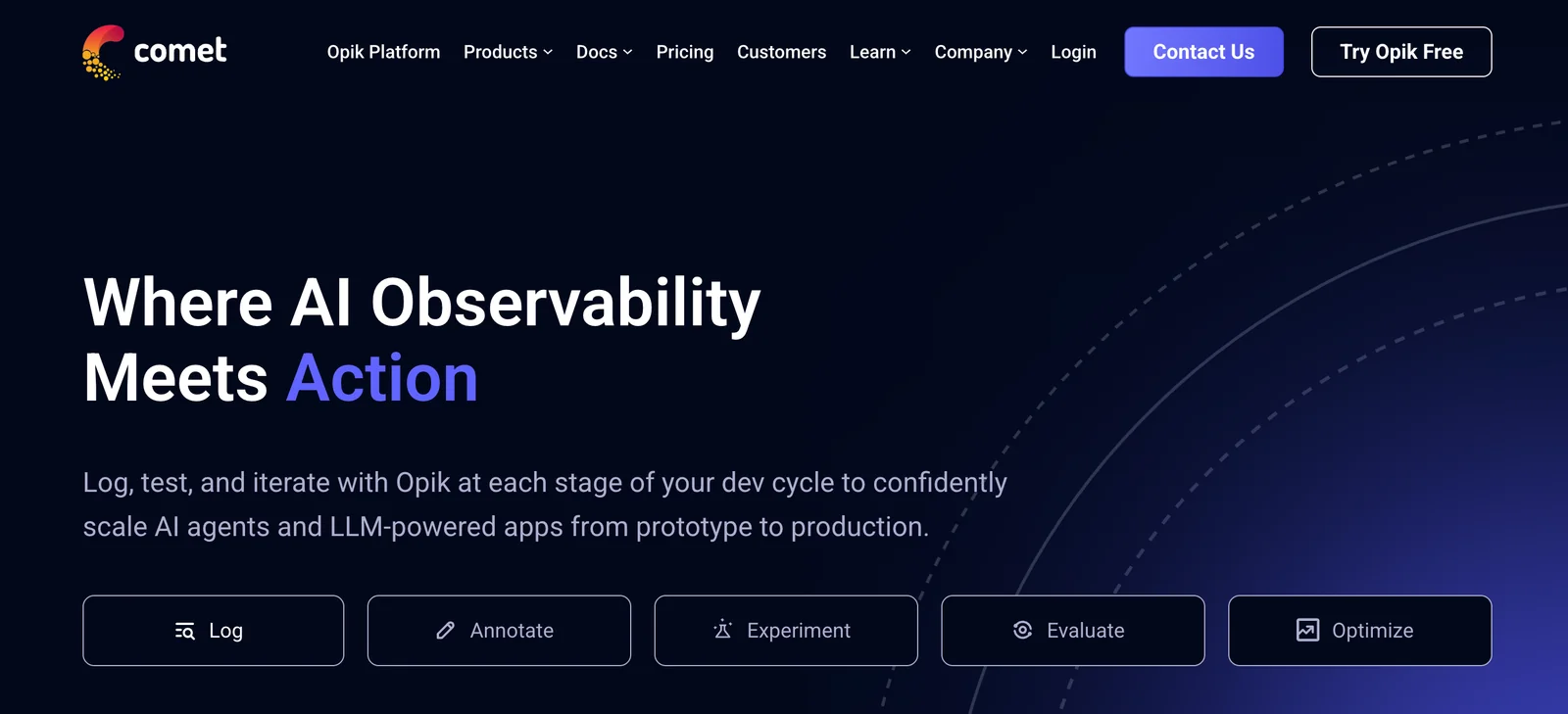
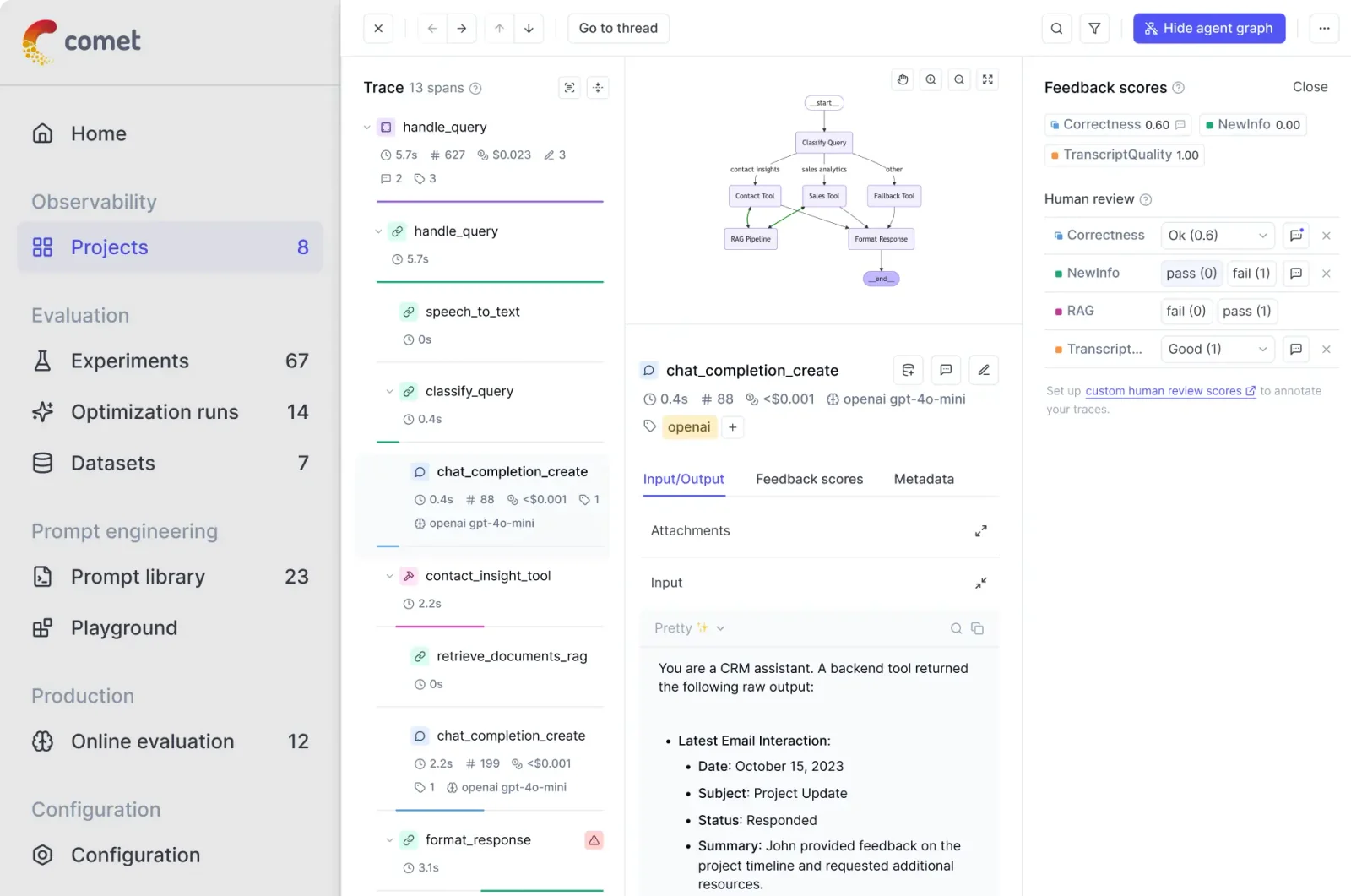
Comet is a developer platform that enables teams to evaluate, track, and monitor machine learning models throughout the ML lifecycle. It provides best-in-class evaluation tooling for large language models (LLMs), experiment tracking to capture runs, hyperparameters, metrics and artifacts, and production monitoring to detect regressions and performance drift. Comet centralizes model evaluation results and observability data so engineers and researchers can compare experiments, reproduce results, and maintain model quality in production.
Screenshots
Key Features
Use Cases



Frequently asked questions about Comet
What are the pricing options for Comet?
Comet offers a freemium pricing model. Users can join the free tier through a waitlist invitation or opt for the Perplexity Max subscription at $200 per month, which provides immediate access and additional premium features.
Key Points
- Freemium Model: Access a free tier with waitlist invitation.
- Perplexity Max Subscription: Immediate access for $200/month.
- Premium Features: Enhanced capabilities available with a paid plan.
Detailed Explanation
Comet provides flexible pricing options to accommodate different user needs. The freemium model allows users to access basic functionalities without any cost, although they must join a waitlist for an invitation. This is an excellent option for those who want to explore Comet's core features before committing financially.
For users seeking immediate access, the Perplexity Max subscription is available for $200 per month. This plan unlocks a host of premium features that enhance the overall user experience, including advanced analytics, priority support, and exclusive tools tailored for more intensive needs.
Use Cases
- Startups and Individuals: If you are a startup or an individual exploring AI tools, the freemium option allows you to test Comet without upfront costs.
- Businesses: Companies requiring robust features for data analysis will benefit from the Perplexity Max subscription, facilitating expedited workflows and enhanced performance.
Best Practices / Tips
- Evaluate Your Needs: Before selecting a plan, consider what features you will use most. If you're just starting out, the free tier may suffice.
- Monitor Usage: Keep track of how frequently you utilize Comet's features to determine if upgrading to Perplexity Max is worthwhile.
- Stay Updated: Regularly check Comet’s website for any changes or promotions in their pricing structure.
Additional Resources
- Comet Official Pricing Page
- Comet User Guide
- Comet Community Forum for user experiences and tips.
How do I get started with Comet?
To get started with Comet, you can either join the waitlist for the free tier or subscribe to Perplexity Max for immediate access. After gaining access, you can explore Comet's features for model evaluation and begin optimizing your machine learning workflows effectively.
Key Points
- Join the waitlist for the free tier.
- Subscribe to Perplexity Max for instant access.
- Explore features focused on model evaluation.
Detailed Explanation
Comet is an advanced tool designed for machine learning practitioners, offering comprehensive solutions for model evaluation, tracking experiments, and visualizing metrics. To begin your journey with Comet, follow these steps:
-
Join the Waitlist: If you're interested in the free tier, visit the Comet website and sign up for the waitlist. This option is ideal for those who want to explore the platform without any financial commitment.
-
Subscribe to Perplexity Max: For users who need immediate access, subscribing to Perplexity Max provides instant entry to all features. Pricing details are available on the Comet website, and this plan typically includes additional premium functionalities that enhance your experience.
-
Explore Features: Once you have access, take time to familiarize yourself with Comet’s user interface. Key features include:
- Experiment Tracking: Keep track of your machine learning experiments, compare model performances, and visualize results.
- Metrics Visualization: Use interactive plots and dashboards to analyze model performance metrics over time.
- Collaboration Tools: Share your findings with team members and stakeholders seamlessly.
By understanding these features, you can leverage Comet to optimize your machine learning projects effectively.
Best Practices / Tips
- Start Small: If you're new to Comet, begin with basic functionalities before exploring advanced features.
- Utilize Documentation: Refer to Comet’s official documentation for detailed guidance on specific features and functionalities.
- Stay Updated: Follow Comet’s blog or newsletter for updates on new features and best practices in model evaluation.
- Avoid Overcomplication: Focus on key metrics that matter to your project to maintain clarity and avoid overwhelming data.
Additional Resources
By following these steps and tips, you can efficiently harness the power of Comet to enhance your machine learning workflows.
What are the key features of Comet?
Comet offers key features such as end-to-end model evaluation, large language model (LLM) evaluation, experiment tracking, production monitoring, and comparative visualizations. These tools are designed to enhance model performance, streamline collaboration, and provide insights throughout the machine learning lifecycle.
Key Points
- End-to-End Model Evaluation: Comprehensive assessment of models from training to deployment.
- Experiment Tracking: Systematic logging of experiments for reproducibility and comparison.
- Comparative Visualizations: Clear graphical representations of model performance metrics.
Detailed Explanation
Comet provides a robust suite of features aimed at optimizing machine learning workflows.
1. End-to-End Model Evaluation
Comet facilitates an end-to-end evaluation process, allowing teams to assess models at every stage. This includes pre-training assessments, validation during training, and performance evaluations post-deployment. By leveraging metrics such as accuracy, precision, and recall, users can make informed decisions about model adjustments.
2. Large Language Model (LLM) Evaluation
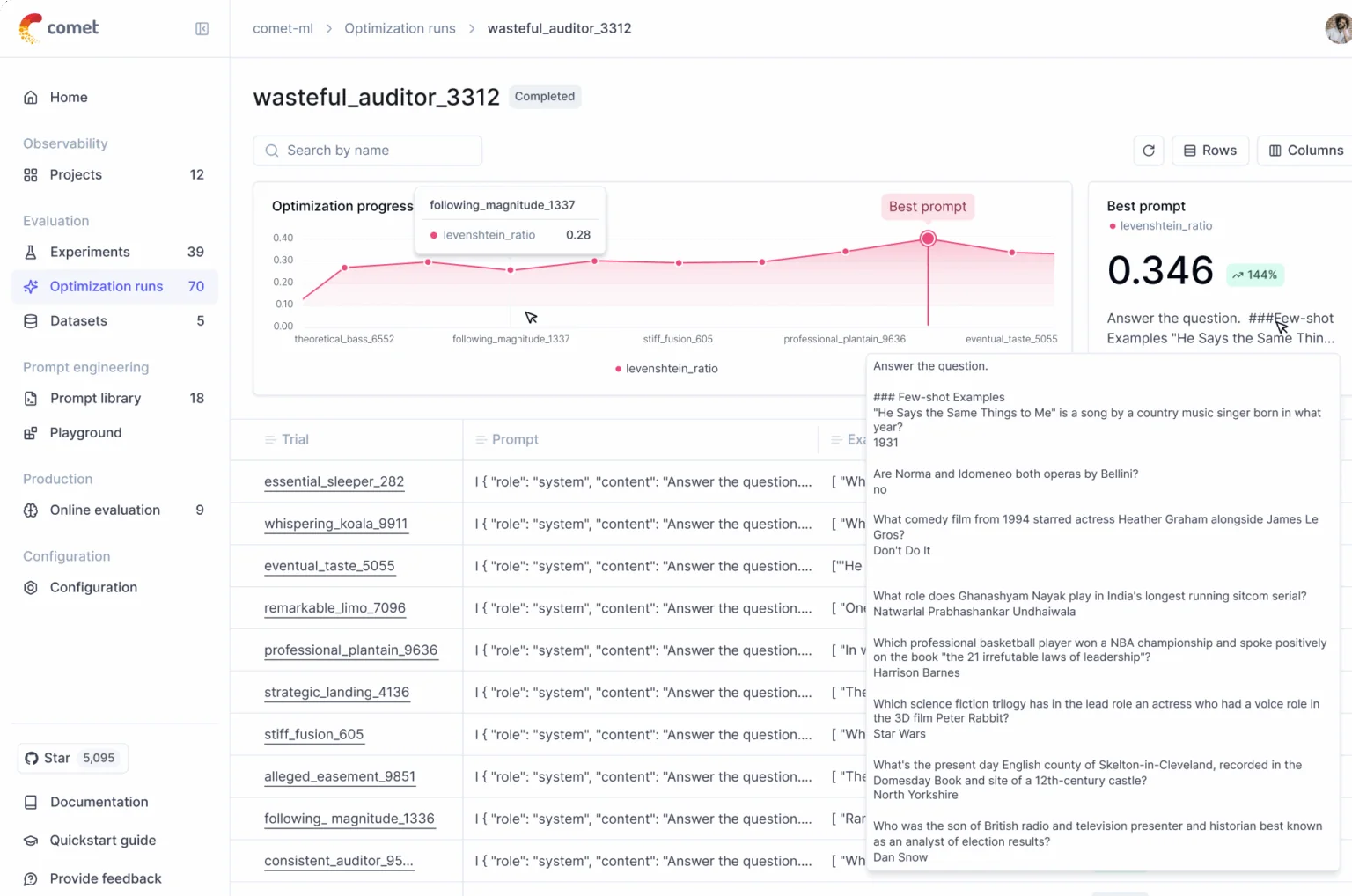
With the rise of large language models, Comet offers specialized tools for evaluating these complex architectures. Users can analyze the performance of LLMs using specific benchmarks, enabling teams to fine-tune hyperparameters and improve natural language understanding capabilities.
3. Experiment Tracking
Experiment tracking is crucial for reproducibility in machine learning. Comet allows users to log every detail of their experiments, including configurations, datasets, and results. This feature helps teams collaborate more effectively and retrace their steps when examining model improvements.
4. Production Monitoring
Once models are deployed, ongoing monitoring is essential. Comet provides tools to track model performance in real-time, ensuring they meet expected standards. Anomalies can be detected early, allowing for quick interventions to maintain model reliability.
5. Comparative Visualizations
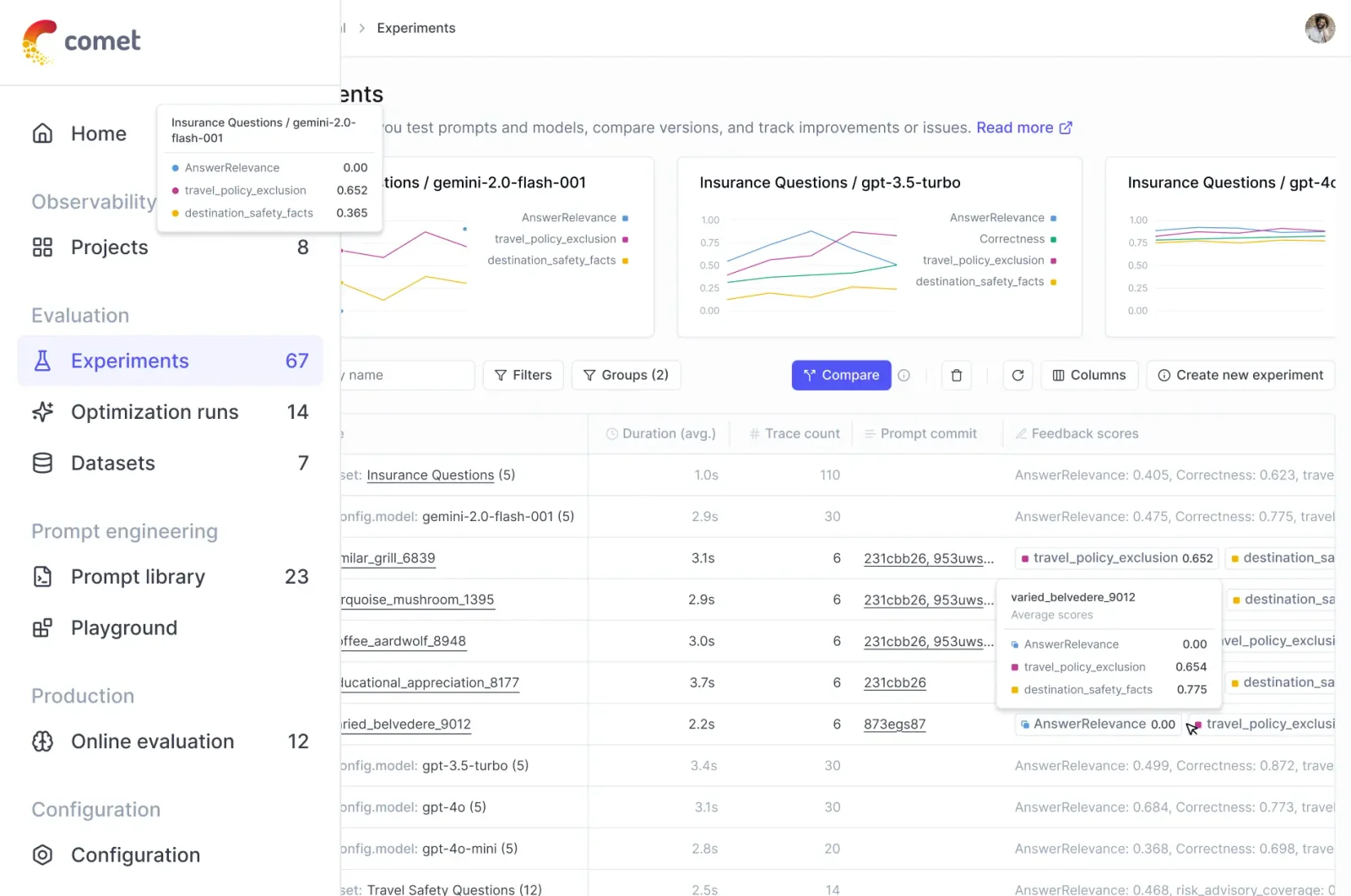
Visual representations of data and results can significantly enhance understanding. Comet offers comparative visualizations that allow users to juxtapose different models or experiment outcomes easily. This aids in identifying trends and making data-driven decisions.
Best Practices / Tips
- Regularly Update Models: Continuous evaluation and retraining of models can improve performance and adaptability.
- Leverage Visualizations: Use comparative visualizations to communicate findings effectively to stakeholders.
- Document Everything: Maintain thorough documentation of experiments for better reproducibility and team collaboration.
Additional Resources
How does Comet compare to other AI evaluation tools?
Comet distinguishes itself from other AI evaluation tools with its robust LLM evaluation suite and advanced production monitoring capabilities. These features enable systematic benchmarking and reproducible experimentation, making Comet a superior choice for data scientists and developers seeking reliable insights into their AI models.
Key Points
- Comprehensive LLM Evaluation: Comet offers a complete suite for evaluating large language models (LLMs).
- Production Monitoring: Its features allow for real-time monitoring of AI models in production.
- Reproducible Experimentation: Comet emphasizes reproducibility, which is crucial for validating AI results.
Detailed Explanation
Comet's LLM evaluation suite provides tools for assessing model performance across various metrics, such as accuracy, precision, and recall. This allows users to make informed decisions based on reliable data. For instance, when comparing models, Comet enables users to visualize performance trends and identify strengths and weaknesses effectively.
Moreover, Comet's production monitoring features allow users to track model performance in real-time. This is essential for organizations deploying AI models in dynamic environments where continuous improvement is vital. For example, if a model's accuracy drops, teams can quickly investigate and address the issue, ensuring optimal performance.
In contrast to competitors like Weights & Biases and MLflow, Comet focuses heavily on usability and collaboration. The platform's user-friendly interface and integration capabilities with popular frameworks like TensorFlow and PyTorch streamline the experimentation process, making it accessible for both beginners and seasoned professionals.
Best Practices / Tips
- Leverage Visualizations: Use Comet’s visualization tools to track model performance over time, facilitating better decision-making.
- Set Up Alerts: Implement alerts for production monitoring to quickly respond to performance fluctuations.
- Document Experimentation: Keep thorough documentation of experiments within Comet to enhance reproducibility and knowledge sharing among team members.
Additional Resources
Does Comet offer an API for integration?
Yes, Comet offers a robust API that facilitates seamless integration with various tools and platforms, enhancing data flow and enabling efficient model evaluation. For in-depth guidance, visit the official Comet website to access comprehensive API documentation.
Key Points
- Seamless Integration: Connect Comet with other software tools easily.
- Enhanced Data Flow: Streamline your data processing and management.
- Robust Documentation: Access detailed API guides on the official site.
Detailed Explanation
Comet’s API is designed to empower developers and data scientists by allowing them to integrate their workflows with the Comet platform. This integration helps automate tasks such as model tracking, experiment logging, and performance evaluation.
Use Cases:
- Data Pipeline Automation: Use the API to automate the flow of data from your data sources directly into Comet, eliminating manual uploads and potential errors.
- Custom Dashboards: Integrate Comet with business intelligence tools to create custom dashboards that visualize model performance metrics in real-time.
- Experiment Management: Automate the logging of experiments, ensuring every run is tracked and easily accessible for analysis.
Example Steps to Use the API:
- API Key Generation: Start by generating an API key from your Comet dashboard to authenticate your requests.
- Setup: Use libraries like
requestsin Python to send HTTP requests to the Comet API. - Data Integration: Implement API endpoints to push model parameters, metrics, and artifacts directly into your Comet project.
Best Practices / Tips
- Read the Documentation: Familiarize yourself with the API documentation to fully understand the available endpoints and their functionalities.
- Rate Limits: Be aware of API rate limits to avoid service disruption.
- Error Handling: Implement robust error handling in your integrations to manage unexpected issues gracefully.
Additional Resources
- Comet API Documentation
- Getting Started with Comet
- Comet GitHub Repository for SDK and example integrations.
Explore more AI Ai Models tools
Browse all Ai Models tools →Compare Comet: vs Milliseconds.ai · vs SWE-2 · vs Desert Ant Labs · vs Hy4 preview